Expert Law Firm & Attorney Appointment Booking Website Template
Counsel is a single-column elder law landing page built to convert adult children and spouses in crisis into booked consultations. It opens with three powerful statistics, answers the exact questions families are already asking, and closes with a minimal three-field scheduling form. The page feels authoritative and calm, like sitting across from an attorney who already knows your situation.
by Rocket studio
Quick summary
Counsel is a focused elder law landing page template designed for attorneys who guide families through Medicaid planning, asset protection, guardianship, and estate decisions. It leads with hard-hitting statistics, teaches before it asks, and earns the consultation booking through plain-language answers and quiet authority. The entire page flows in a single column from crisis recognition to scheduled call.
Who this template is for
This template is built for elder law attorneys and estate planning attorney practices that serve families in crisis. It speaks directly to the adult child managing a parent's finances from across the country and the retired spouse terrified about nursing home costs consuming a lifetime of savings.
- Elder law firm owners who want a landing page that answers questions before asking for anything in return
- Estate planning attorney practices ready to replace a generic firm website with a focused, conversion-driven page
- Lawyers who serve adult children, spouses, and family members navigating sudden health crises
What problem this template solves
Most attorney websites bury the answers families desperately need behind generic practice area pages and dense legal language. Visitors arrive during some of the most stressful moments of their lives and leave without making contact. This template fixes that by putting the right information in the right order.
- Families searching for elder law guidance during a crisis find broad terms and confusing legal jargon instead of plain answers
- Generic law firm websites fail to acknowledge the emotional weight of guardianship, Medicaid eligibility decisions, and nursing home placement
- Lengthy intake forms and vague calls to action push potential clients away before they ever schedule a call
What you get with this template
You get a complete, single-column landing page structured around the exact questions families ask when a diagnosis changes everything overnight. Every section earns attention before requesting it. The page is built to focus visitors on one outcome: booking a family strategy session.
- A typographic hero section with three scroll-triggered statistics that create immediate recognition and urgency
- Interleaved educational sections that explain Medicaid planning, guardianship, asset protection, and related practice areas in plain language
- A three-field booking form that keeps form submissions simple and reduces friction at the point of decision
Feature list
A paragraph of context: each feature in this template is grounded directly in the prompt brief. Nothing here is speculative. These are the built components and design decisions that make Counsel work for elder law attorneys and the families they serve.
Typographic Statistics Hero
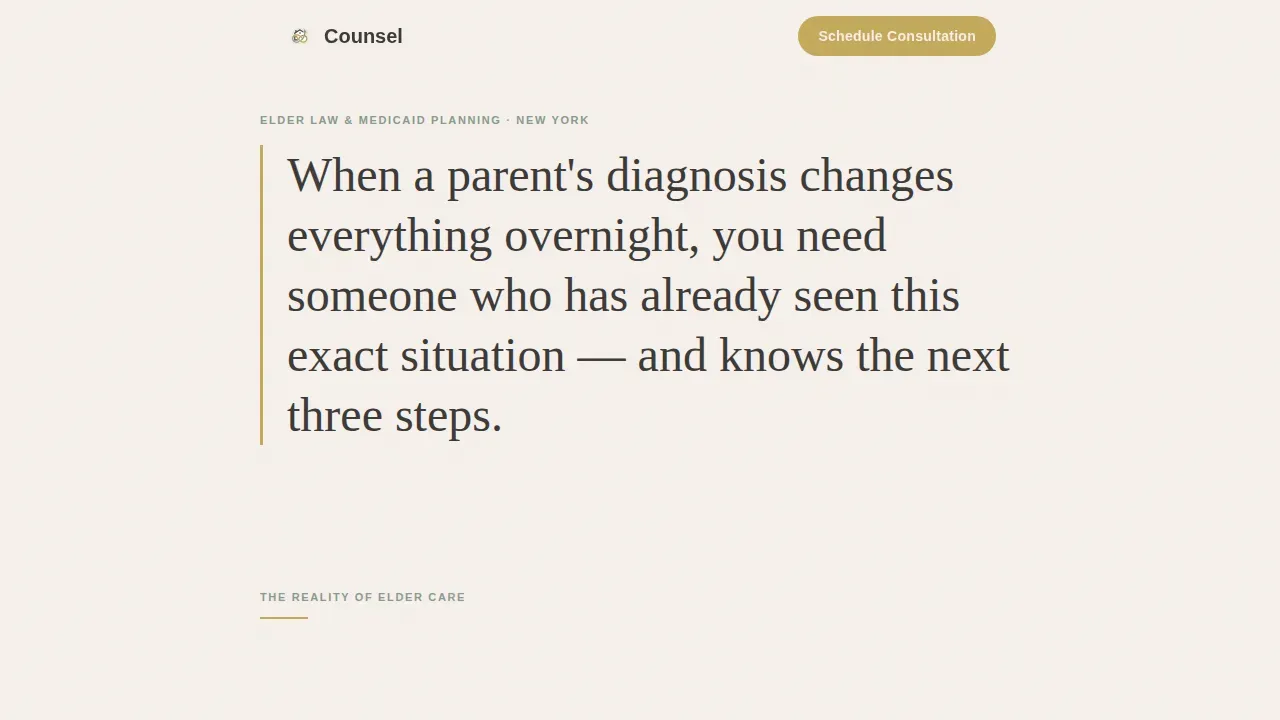
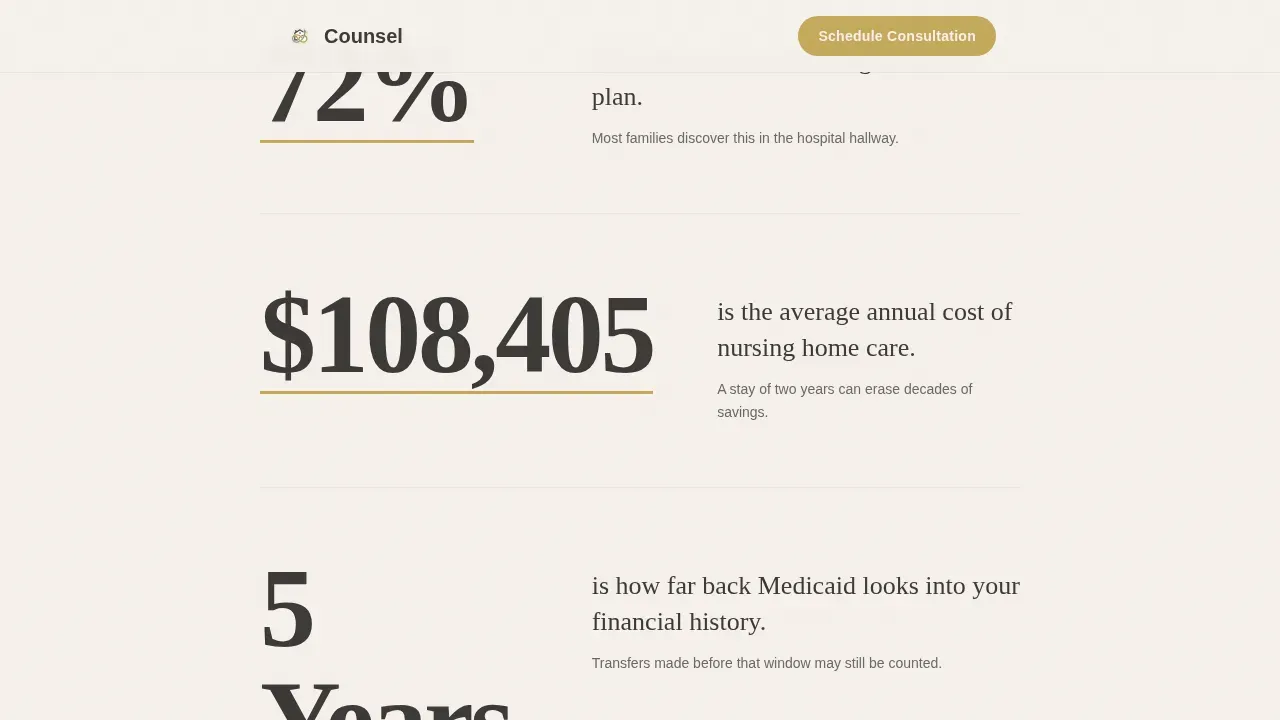
Three large typographic figures open the page with facts that stop a visitor mid-scroll. The numbers are set in warm graphite against parchment white, with quiet gold underlines that draw the eye without using a single stock photo. Scroll-triggered count-up animation reveals each figure with a dignified pace that matches the gravity of the subject.
Interleaved Call-to-Action Bands
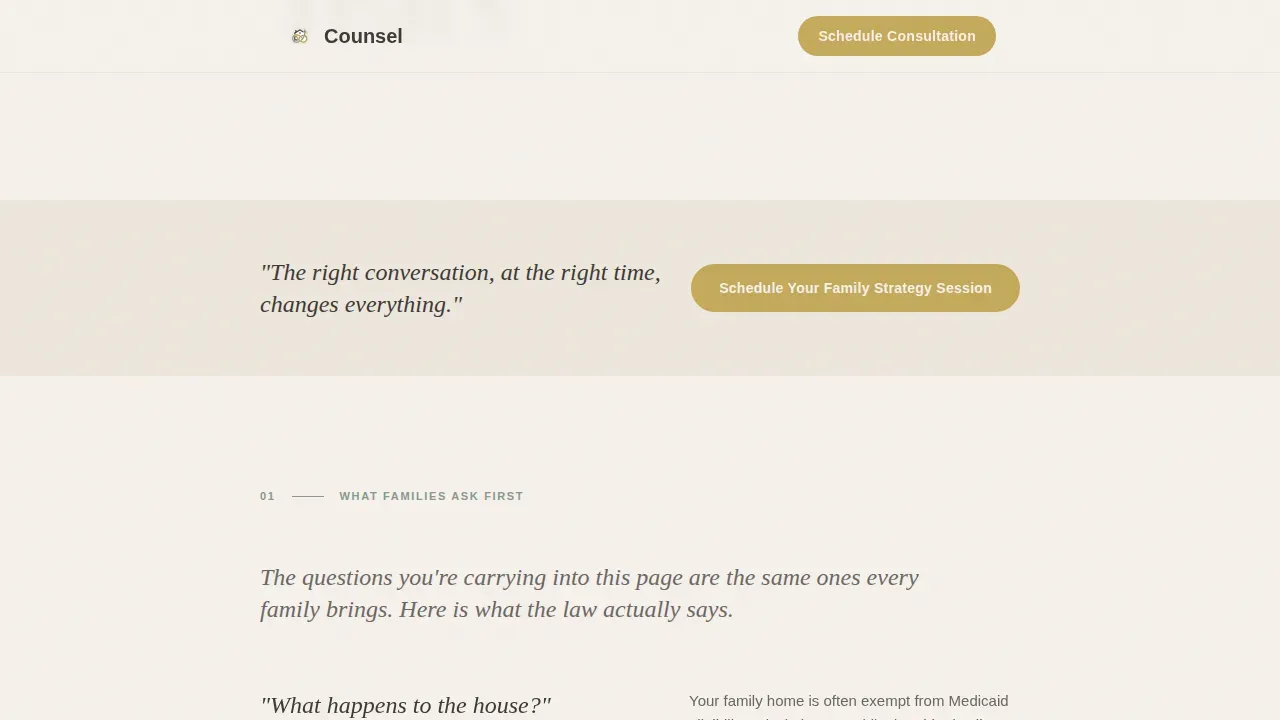
A gold-accented "Schedule Your Family Strategy Session" band appears first beneath the hero stats, then repeats after every two educational sections. This rhythm keeps the primary action visible without overwhelming the educational content that earns the click. The page maintains one offer, one message, and one clear call to action throughout.
Plain-Language Educational Sections
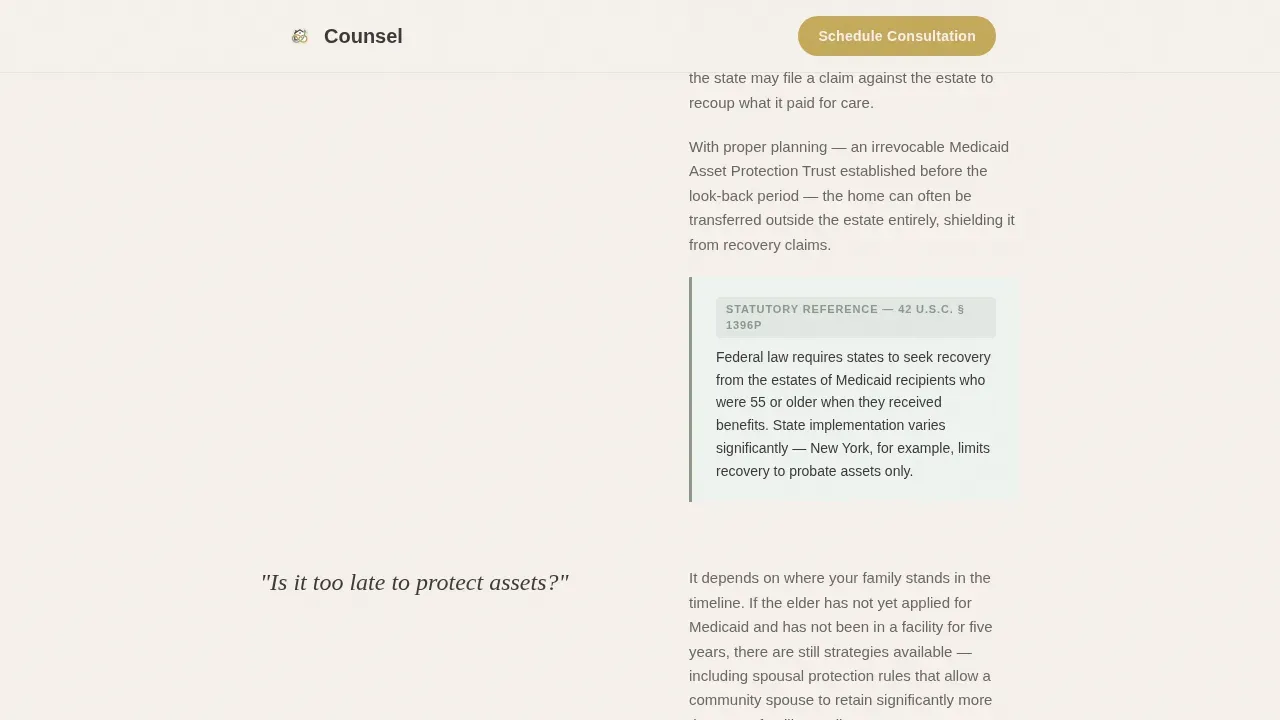
Two distinct educational blocks answer the questions families are already researching: "What happens to the house?", "Is it too late to protect assets?", "Who makes medical decisions?", and "What is Medicaid look-back?" Each section uses plain, empathetic language and sage-colored sidebar callouts for statutory citations. This approach helps lawyers build credibility before a visitor ever contacts the firm.
Authority Wall Section
A dedicated logo wall band sits between the two educational blocks. It displays bar association badges, Super Lawyers recognition, National Academy of Elder Law Attorneys membership, and local press logos quietly, the way diplomas appear on an oak-paneled wall. Social proof is presented without boasting, which helps build trust with prospective clients who research attorneys before they call.
Minimal Three-Field Booking Form
The final call-to-action section contains a booking form with exactly three sequential fields: relationship to the elder, primary concern, and preferred callback window. Minimizing form fields is intentional. Research consistently shows that shorter forms produce more form submissions and turn more visitors into qualified consultations.
Sage Sidebar Statutory Callouts
Key legal references throughout the educational sections are highlighted in muted sage pull-quote borders. These callouts explain complex legal terms in context without requiring visitors to navigate to other pages. They signal genuine expertise and reinforce the attorney's authority in elder law without legal jargon.
Page sections overview
| Section | Purpose |
|---|---|
| Hero Statistics Band | Opens with three typographic facts to create immediate recognition |
| First call to action Band | Places booking action above the fold after the hero |
| Educational Block One | Answers "What happens to the house?" and "Is it too late?" |
| Second call to action Band | Repeats the scheduling prompt after two educational sections |
| Authority Logo Wall | Displays bar, NAELA, press, and Super Lawyers credentials |
| Educational Block Two | Covers medical decision-making and Medicaid look-back |
| Final call to action and Form | Closes with the three-field family strategy session form |
| Footer | Horizontal flow pattern with firm contact information |
Design & branding system
The visual identity follows an Educational Guide theme rooted in the Cloud Canvas color system. The palette evokes a well-worn legal reference book: unhurried, trustworthy, and lit by a desk lamp rather than a studio flash. No stock photo is used anywhere on the page. The numbers and words carry the full visual weight.
- Colors: soft parchment white (#F5F0EB) for backgrounds, warm graphite (#3D3A38) for body text, muted sage (#8A9A8E) for sidebar callouts, and quiet gold (#C4A95B) reserved for buttons, pull-quote borders, and key statute references
- Typography: Fraunces serif display for headings and large numerals, DM Sans for body copy, creating a pairing that feels educated and accessible without being stiff
- Animation: low-to-medium dignified reveals and scroll-triggered count-up on the hero statistics; no flash, no distraction
Mobile & speed optimization
The son sitting in a hospital hallway searching for guidance is on his phone. This template is built mobile-first, which means the single-column layout, large typographic figures, and three-field booking form all render cleanly on small screens without requiring pinching or horizontal scrolling.
- The click to call button and primary call-to-action are visible early in the mobile scroll, so a visitor in a stressful situation can contact the firm without effort
- The page uses server components for static content and minimal JavaScript, keeping the experience fast loading even on a stressed hospital Wi-Fi connection
- All text is set at readable sizes with high-contrast color pairings so the page remains accessible to older visitors and family members reading under difficult conditions
How this template helps you convert
A lawyer landing page that simply lists services rarely converts at the rate a practice needs to sustain itself. This template is built around the psychology of a family in crisis: they need answers before they trust, and they trust before they act.
- The benefit-driven headline and statistics hero captures visitors arriving from high intent searches and immediately validates that the attorney understands their exact situation, creating the emotional connection that drives them deeper into the page
- Educational sections with plain-language answers and statutory callouts build credibility section by section, so by the time a visitor reaches the booking form, they feel they are already in the room with the attorney
- The minimal three-field form reduces friction at the critical decision moment, turning more qualified leads into booked family strategy sessions without a time consuming intake questionnaire
Other information about this template
This template is designed as a standalone lawyer landing page, not a full multi-page website. It focuses all attention on one goal: generating a scheduled consultation. It does not link out to other pages or dilute attention with navigation menus.
- The Counsel trusted elder law family strategy landing page template is built specifically for the legal industry, where trust signals and empathetic copy outperform aggressive sales language
- The page structure supports future expansion: attorneys can connect it to a broader law firm's website or keep it as a dedicated paid-search destination for practice area pages targeting specific elder law searches
- Google Business Profile optimization, citations across legal directories, and consistent NAP (name, address, phone number) information in the footer all contribute to map pack visibility for local searches; this template's footer pattern accommodates that data cleanly
- The page intentionally avoids broad terms in favor of specific, empathy-driven language that matches the long tail keywords families use during crisis searches, including phrases around Medicaid planning, nursing home costs, and guardianship
- Attorneys can use the page to generate leads from multiple channels: paid search ads, referral links, email signups driven by downloadable guides, and social media bio links all land cleanly on this single-focus page
- The authority wall section is designed to build credibility with prospective clients who research lawyers on Google before ever making contact; positive testimonials and case studies can be incorporated in the educational sections to further reinforce social proof
- The keyword selection and page architecture reflect the dual audience of elder law: seniors planning proactively and adult children searching urgently, each arriving with different vocabulary and different emotional states
- The unique selling proposition of the template is clarity before commitment: the page answers questions and earns trust before asking a visitor to fill out a form or make a call, which consistently produces more qualified consultations than pages that lead with a firm's credentials
- The general data protection regulation (GDPR) and related privacy considerations should be addressed in the footer or form disclaimer by the attorney or their web team when deploying the page
Theme
Educational Guide
Creative direction
Logo Wall Authority
Color system
Cloud Canvas
Style
Single Column Flow
Direction
Booking/Scheduling
Page Sections
Typographic Statistics Hero with Count-up Animation
Interleaved Scheduling Call-to-action Bands
Plain-language Elder Law Educational Sections
Quiet Authority Logo Wall
Minimal Three-field Booking Form
Related questions
Can I use this template without any coding experience?
Does the booking form connect to a calendar or scheduling tool?
Can I add client testimonials or case studies to the educational sections?
Is this template suitable for a solo elder law attorney or only for larger firms?
Can this landing page be connected to a broader law firm's website?



