Senior Care Consulting Landing Page Template
Advocate is a split-screen landing page template built for senior care management consultancies. It combines editorial authority, team-led trust building, and a direct booking flow into one cohesive page. The Corporate Precision design, monochrome steel palette, and structured layout communicate professionalism to adult children navigating one of the most stressful decisions of their lives.
by Rocket studio
Quick summary
Advocate is a single-page landing page template for senior care consulting professionals. It opens with press credibility, builds trust through specialist team profiles, and drives visitors toward a family consultation booking. The layout speaks directly to adult children managing an eldercare crisis and guides them toward action with clarity and warmth.
Who this template is for
This template is built for professionals who guide families through complex eldercare decisions. It works best for consultancies that offer a combination of clinical, legal, financial, and logistical expertise.
- Senior care management consultancies serving adult children and families
- Independent eldercare advisors who want to position themselves as credible specialists
- Human resources benefits teams or employers offering eldercare navigation programs
What problem this template solves
Families facing a parent's care transition often feel overwhelmed and underinformed. They need a professional resource that signals authority fast and makes it easy to take the next step.
- Visitors arrive stressed and skeptical, needing immediate proof of credibility before they read further
- A generic professional services page fails to address the emotional and practical stakes of eldercare decisions
- Scattered calls to action leave hesitant visitors with no clear path forward when they are not yet ready to book
What you get with this template
This template delivers a complete, structured landing page designed specifically for a senior care consulting offer. Every section has a defined purpose and a clear role in the conversion flow.
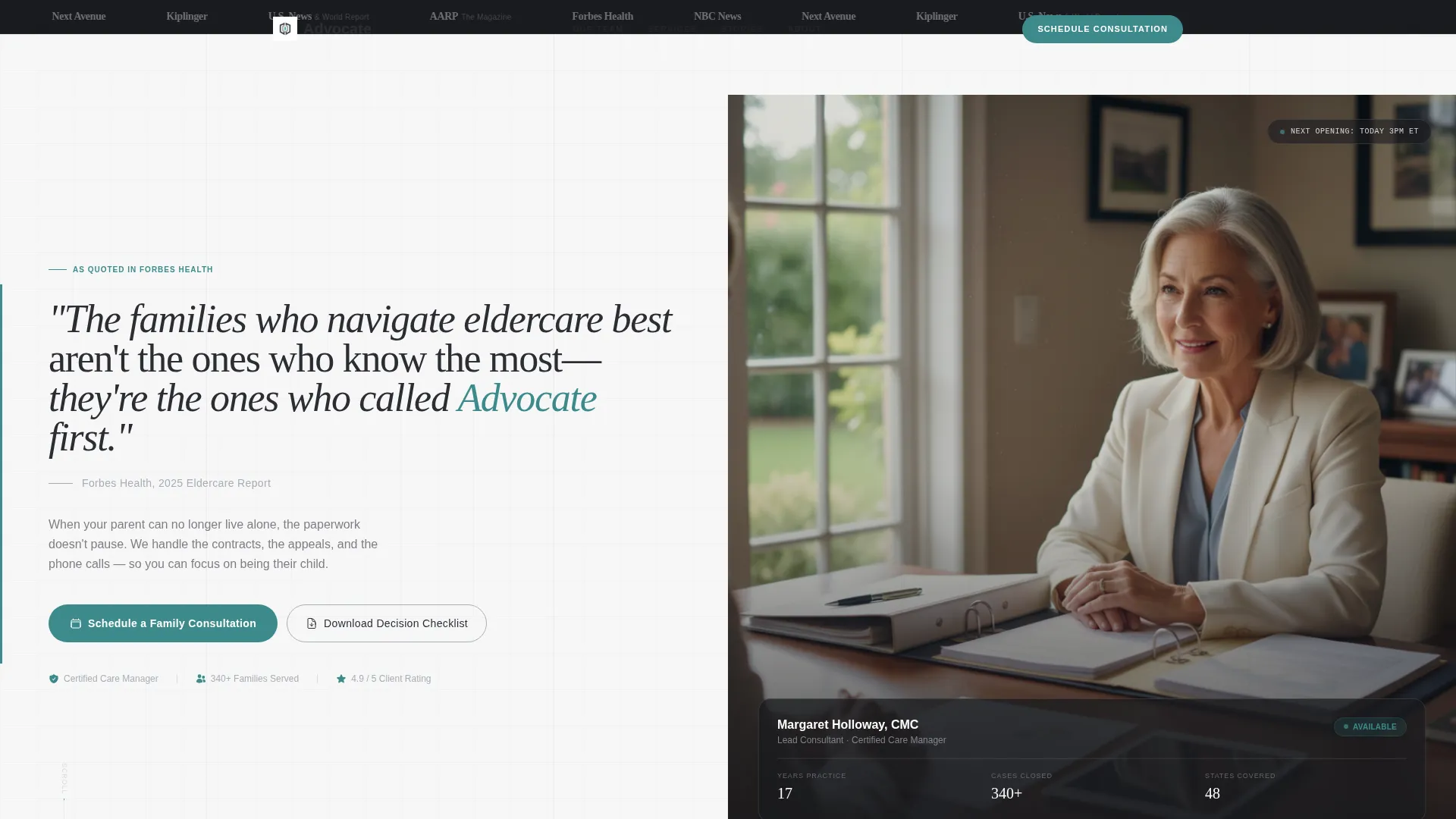
- A press mentions bar, split-screen header, and editorial quote block that establish authority from the first scroll
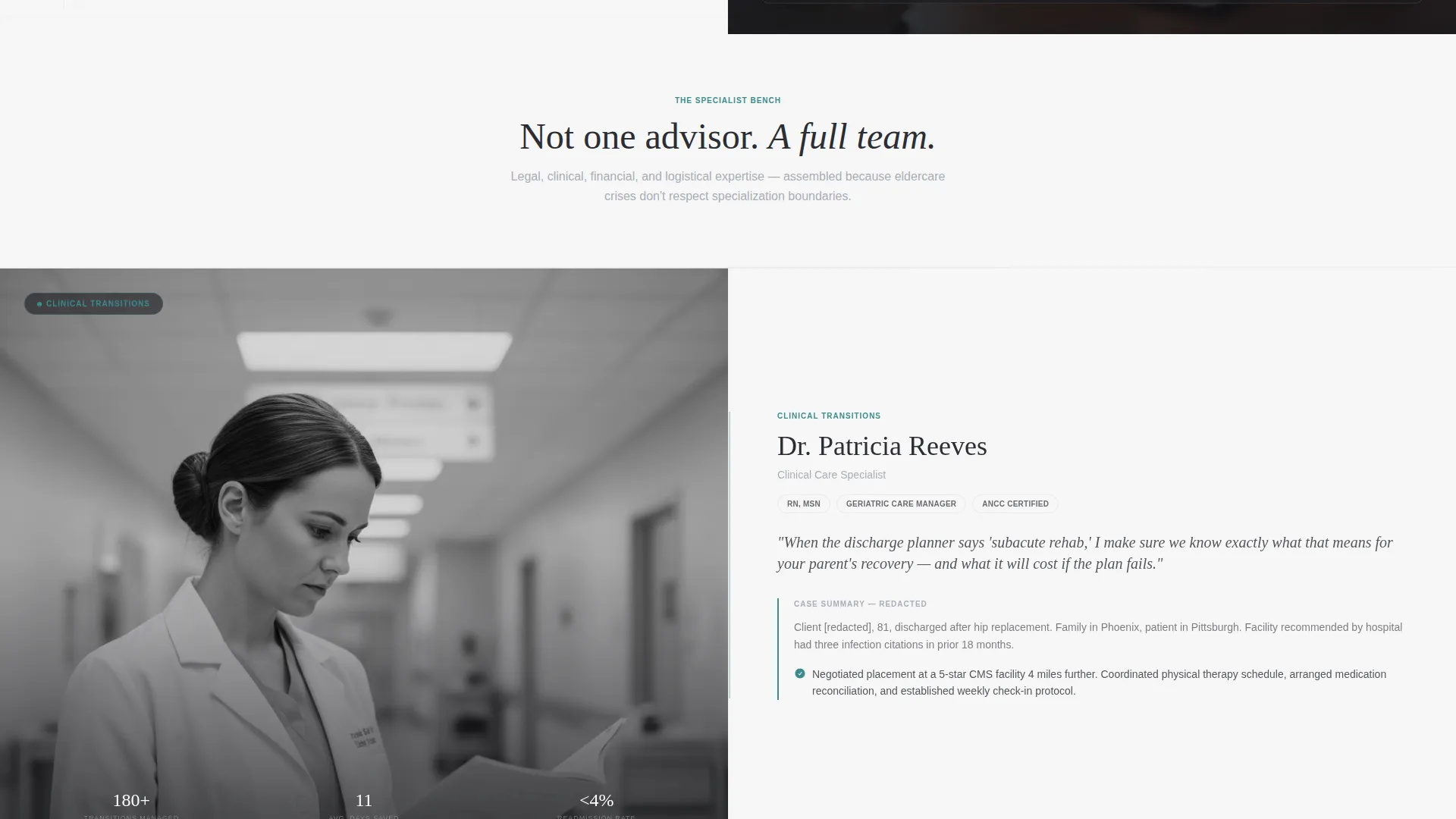
- Team profile sections pairing environmental portraits with credential stacks, case summaries, and personal philosophy statements
- A primary booking flow with an embedded calendar widget and a secondary lead capture path for a downloadable family decision checklist
Feature list
This template includes a focused set of components that work together to build trust and drive consultation bookings.
Press Mentions Header Bar
A horizontal strip of publication logos sits above the main header. It signals third-party credibility before the visitor reads a single line of body copy, referencing outlets where the founder has been quoted.
Split-Screen Editorial Header
The header divides into two equal panels. The left panel displays a pulled editorial quote in large serif type. The right panel holds a composed professional portrait with natural window light, communicating authority without relying on stock imagery.
Team Profile Scroll Sections
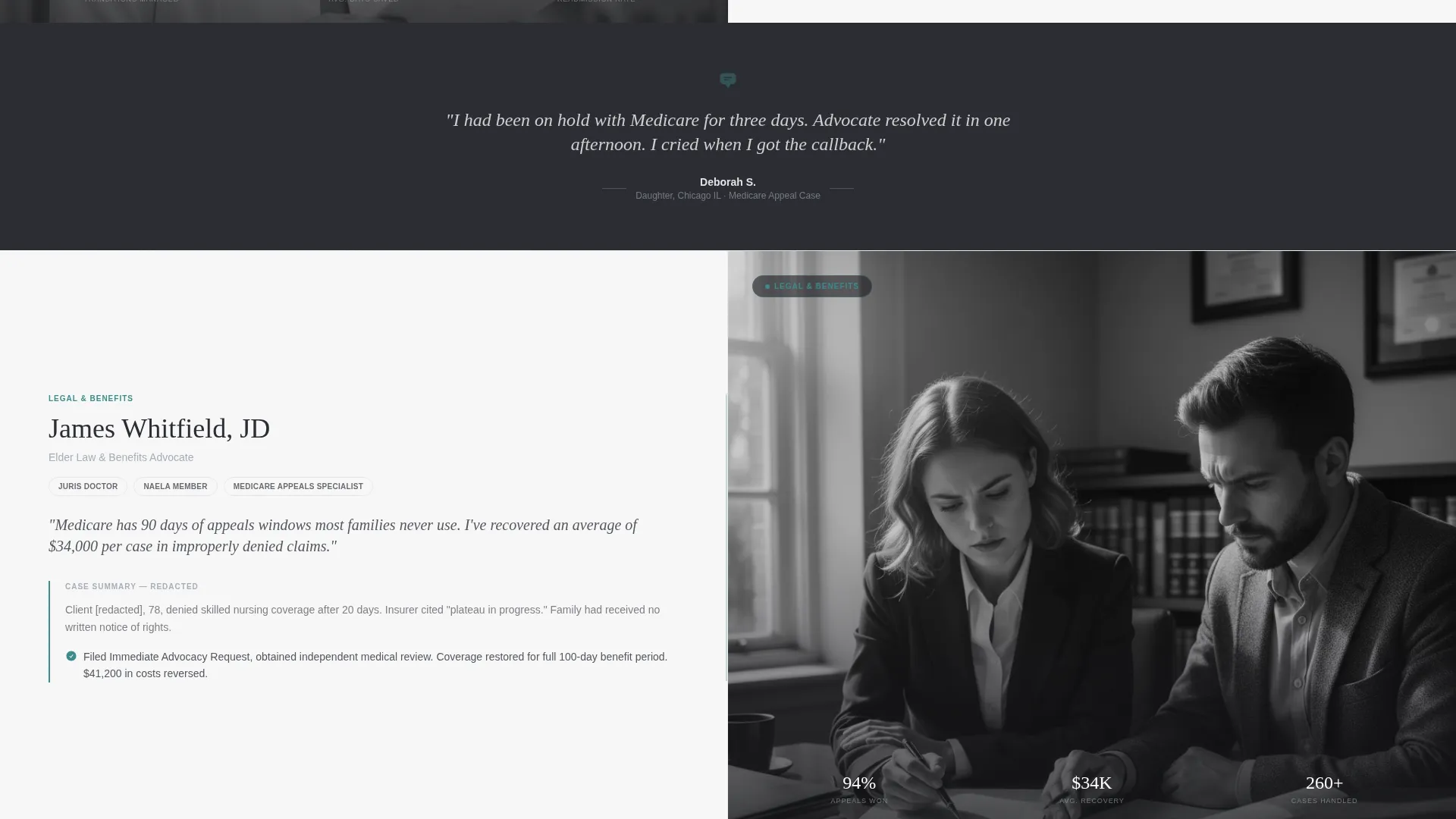
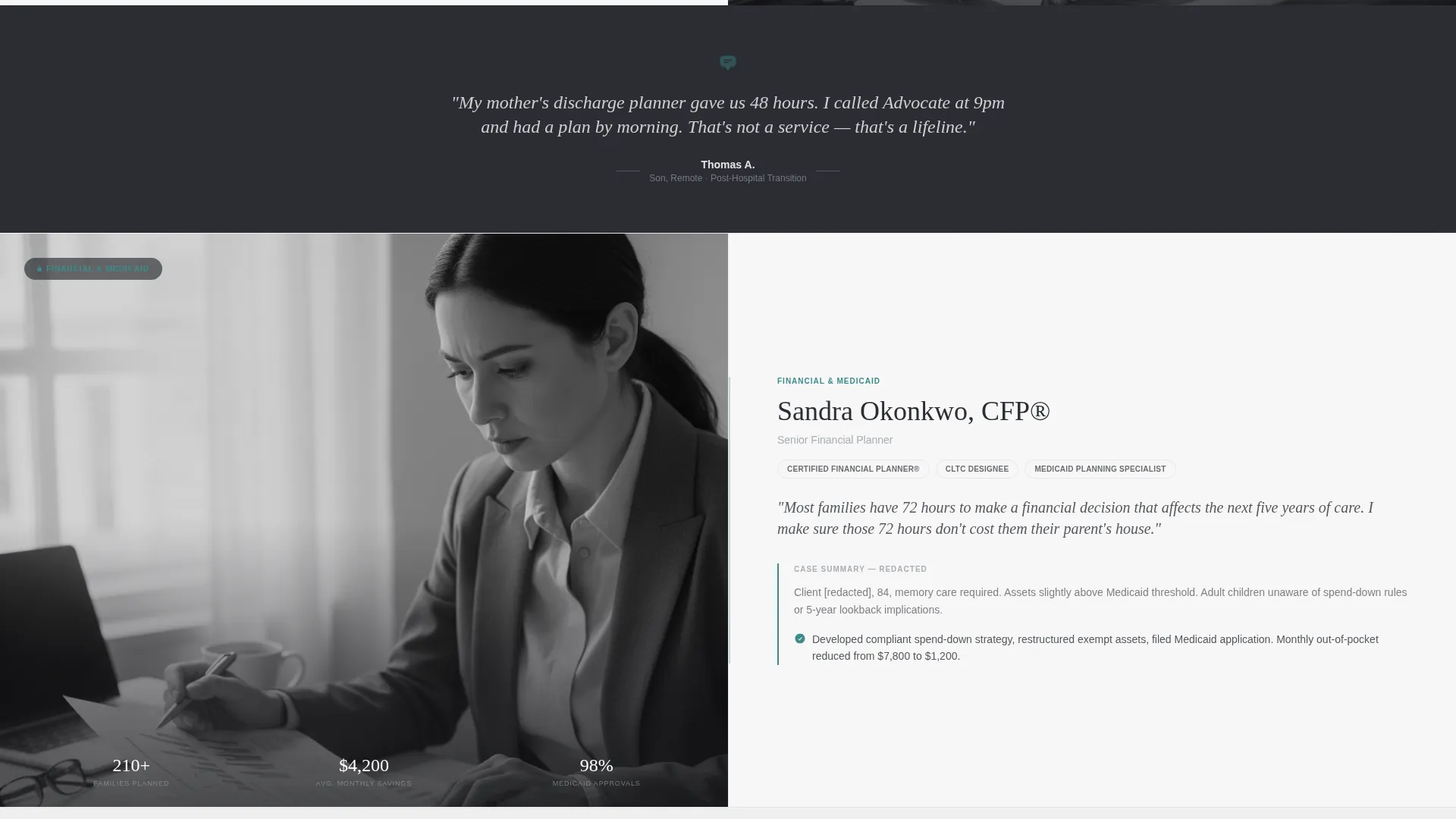
Each team member occupies a dedicated split-screen section. The left panel shows a black-and-white environmental portrait. The right panel carries their credential stack, a one-sentence personal philosophy, and a redacted client case summary.
Testimonial Divider Strips
Thin italic testimonial strips appear between team sections. They are set against the charcoal background and create a visual rhythm of proof that reinforces trust as the visitor scrolls.
Embedded Consultation Booking Widget
The primary call to action opens an embedded calendar. Visitors select a consultation type, choose a date and time, and answer a single open text question about their parent's current situation, lowering the formality barrier at the point of commitment.
Secondary Lead Capture Path
A "Download Our Family Decision Checklist" option gives hesitant visitors a lower-stakes entry point. It collects name and email and supports a nurture path toward scheduling a full consultation.
Page sections overview
| Section | Purpose |
|---|---|
| Press Mentions Bar | Establish publication credibility above the fold |
| Split-Screen Header | Pair editorial quote with consultant portrait |
| Primary call to action Block | Drive immediate consultation booking |
| Team Profile Section | Introduce specialists with credentials and case proof |
| Testimonial Divider Strip | Surface client proof between team sections |
| Secondary Profile Sections | Build specialist bench depth through scroll |
| Additional Testimonial Strips | Reinforce proof rhythm across the page |
| Checklist Download Block | Capture leads not yet ready to book |
| Persistent Mobile Bar | Keep booking call to action accessible on smaller screens |
Design & branding system
The visual identity follows a Corporate Precision theme with a Monochrome Steel color system. The palette communicates organization and authority without warmth that would feel out of place for a professional consultancy.
- Structural charcoal (#2B2D33), brushed aluminum (#A8ADB5), and clean white linen (#F7F7F8) form the base of every section
- A single deliberate teal accent (#3D8B8B) is reserved exclusively for interactive elements and calls to action
- Typography uses large editorial serif type for pull quotes and headlines, reinforcing a legal and editorial authority feel
Mobile & speed optimization
The template is structured to support a smooth mobile experience, especially for visitors accessing the page during urgent, on-the-go moments like a late-night facility search or a hospital discharge conversation.
- A persistent bottom bar on mobile keeps the "Schedule a Family Consultation" button visible at all times without interrupting the scroll
- The split-screen layout adapts to a stacked single-column flow on smaller screens, keeping portraits and credential panels readable
- Team and testimonial sections are designed for sequential scrolling, which suits mobile reading patterns naturally
How this template helps you convert
Every layout decision in this template is oriented toward reducing hesitation and moving visitors toward booking a consultation.
- The press mentions bar and editorial header create immediate credibility, so visitors stay on the page long enough to trust the offer.
- The team scroll builds confidence through accumulation, showing a bench of specialists rather than a single advisor, which raises perceived value before the booking ask.
- The dual conversion paths, one for booking and one for the checklist download, meet visitors at different stages of readiness and reduce the number of people who leave without any commitment.
Other information about this template
This template is a strong fit for senior care consulting professionals who need a landing page that reflects the seriousness and complexity of their work. It is especially well-suited for practitioners positioning their services around eldercare placement, Medicare appeals, or care transition planning.
- The consultation booking widget includes fields for consultation type, covering new placement, care transition, Medicare dispute, and employer programs
- The "What's happening with your parent right now?" open text field is intentionally personal, signaling that the consultant understands urgency before the first meeting
- The template supports an employer-facing use case as well, making it relevant for human resources benefits managers who offer eldercare navigation as part of a workplace support program
- The redacted case summary format inside team sections protects client privacy while still communicating real-world experience
Theme
Corporate Precision
Creative direction
Stats-First Impact
Color system
Monochrome Steel
Style
Sidebar Companion
Direction
Lead Generation
Page Sections
Press Mentions Credibility Bar
Split-screen Editorial Header
Team Specialist Profile Sections
Testimonial Divider Strips
Embedded Consultation Booking Widget
Secondary Checklist Lead Capture
Related questions
Who is this landing page template designed for?
Can I use this template if I am a solo consultant rather than a team?
What does the consultation booking widget include?
What is the secondary lead capture path for?
How does the design communicate authority without feeling cold?



