Elite Penthouse Appraiser Landing Page Template
Appraise is a dark-immersive landing page template built for penthouse and luxury apartment appraisers. It opens with a cinematic panoramic header and an instant valuation calculator, then guides visitors through zigzag case studies and methodology sections before delivering a seamless three-step booking flow designed to convert high-stakes clients into confirmed appointments.
by Rocket studio
Quick summary
Appraise is a single-page template crafted for elite residential valuation practices. It leads with a panoramic blue-hour penthouse header and an embedded preliminary valuation calculator. Zigzag content sections alternate between case studies and methodology detail. The page closes with a persistent booking bar and a confidential call fallback, built to earn the appointment before asking for it.
Who this template is for
This template is built for appraisers and valuation professionals who operate at the top of the residential market. If your clients include estate attorneys, private wealth principals, or luxury developers, this page speaks their language before they read a single word.
- Penthouse and high-floor luxury apartment appraisers
- Valuation practices serving estate settlements, pre-sale pricing, and tax appeals
- Developers pricing crown-jewel units before a building is fully delivered
What problem this template solves
Most appraisal websites bury their expertise behind contact forms and generic credentials. Sophisticated clients at this price point expect to see evidence of competence immediately, not after a phone screen.
- Visitors get a preliminary valuation estimate before they commit to any contact
- Zigzag methodology sections demonstrate depth that justifies a premium fee
- A frictionless three-step booking flow removes the hesitation around scheduling
What you get with this template
The template delivers a complete single-page layout structured to move a skeptical, high-net-worth visitor from curiosity to confirmed booking. Every section has a specific conversion role and a clearly defined visual weight.
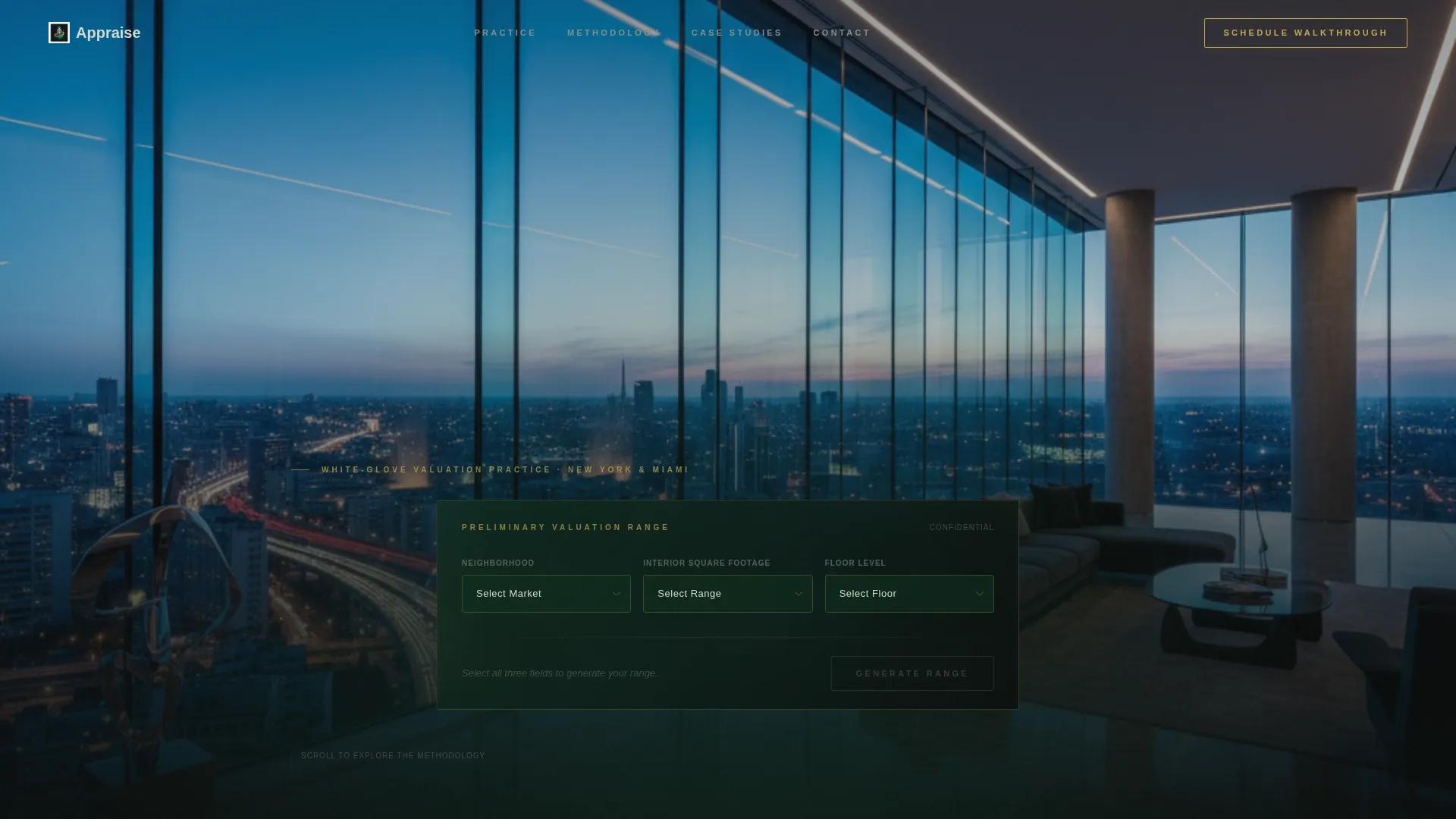
- A panoramic cinematic header with an embedded three-dropdown valuation calculator
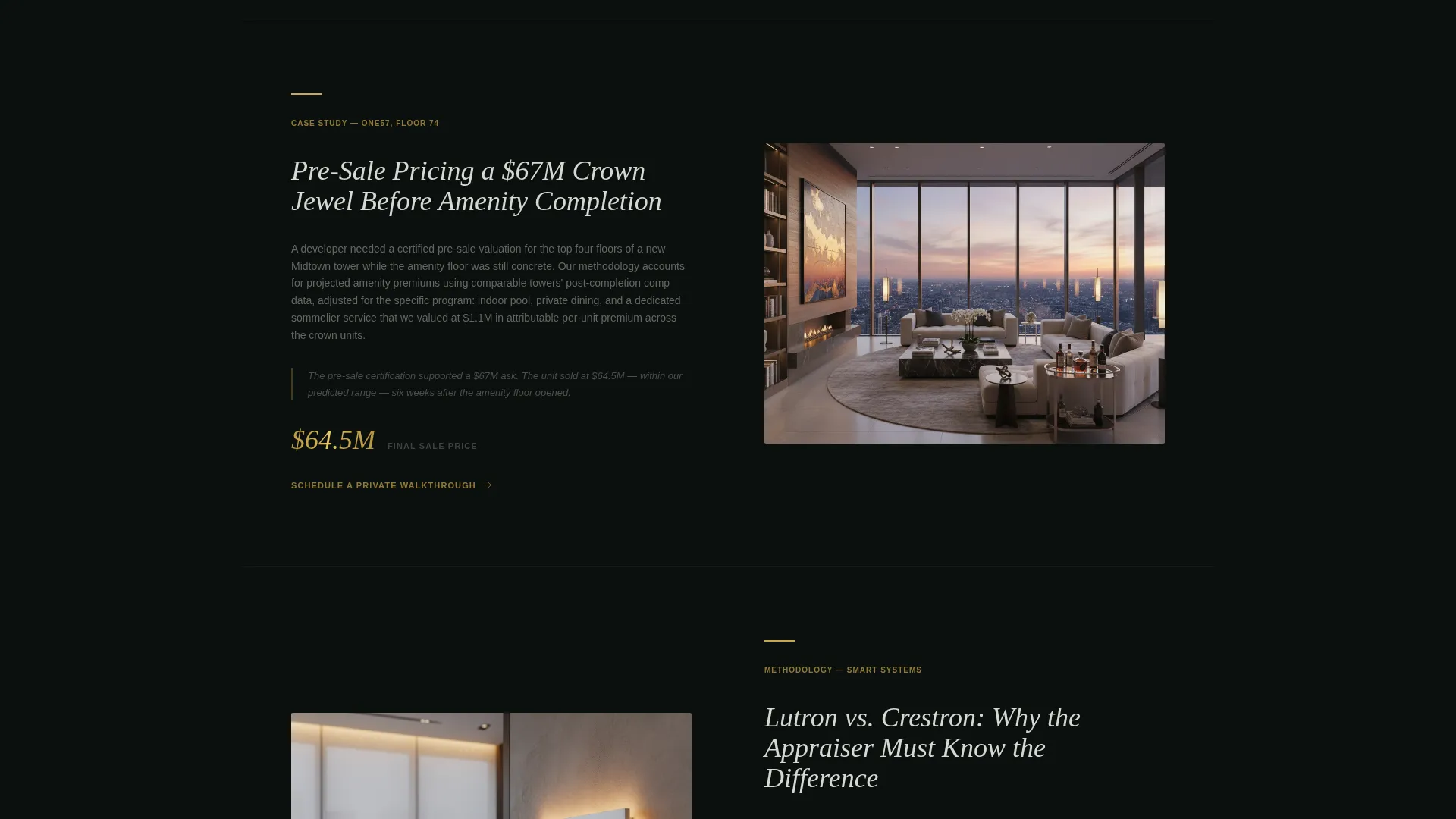
- Alternating zigzag sections for case studies and methodology breakdowns
- A persistent bottom booking bar and a secondary confidential call text link
Feature list
This template is built around six purposeful components, each grounded in how luxury appraisal clients actually decide to retain a professional.
Panoramic Header with Embedded Calculator
The header uses a cinematic ultra-wide interior shot of a penthouse at blue hour. A three-field valuation calculator sits centered in the lower viewport third, with dropdowns for neighborhood, square footage range, and floor level. A gold-outlined button returns an instant preliminary range in large platinum numerals against an emerald-black background.
Zigzag Case Study Sections
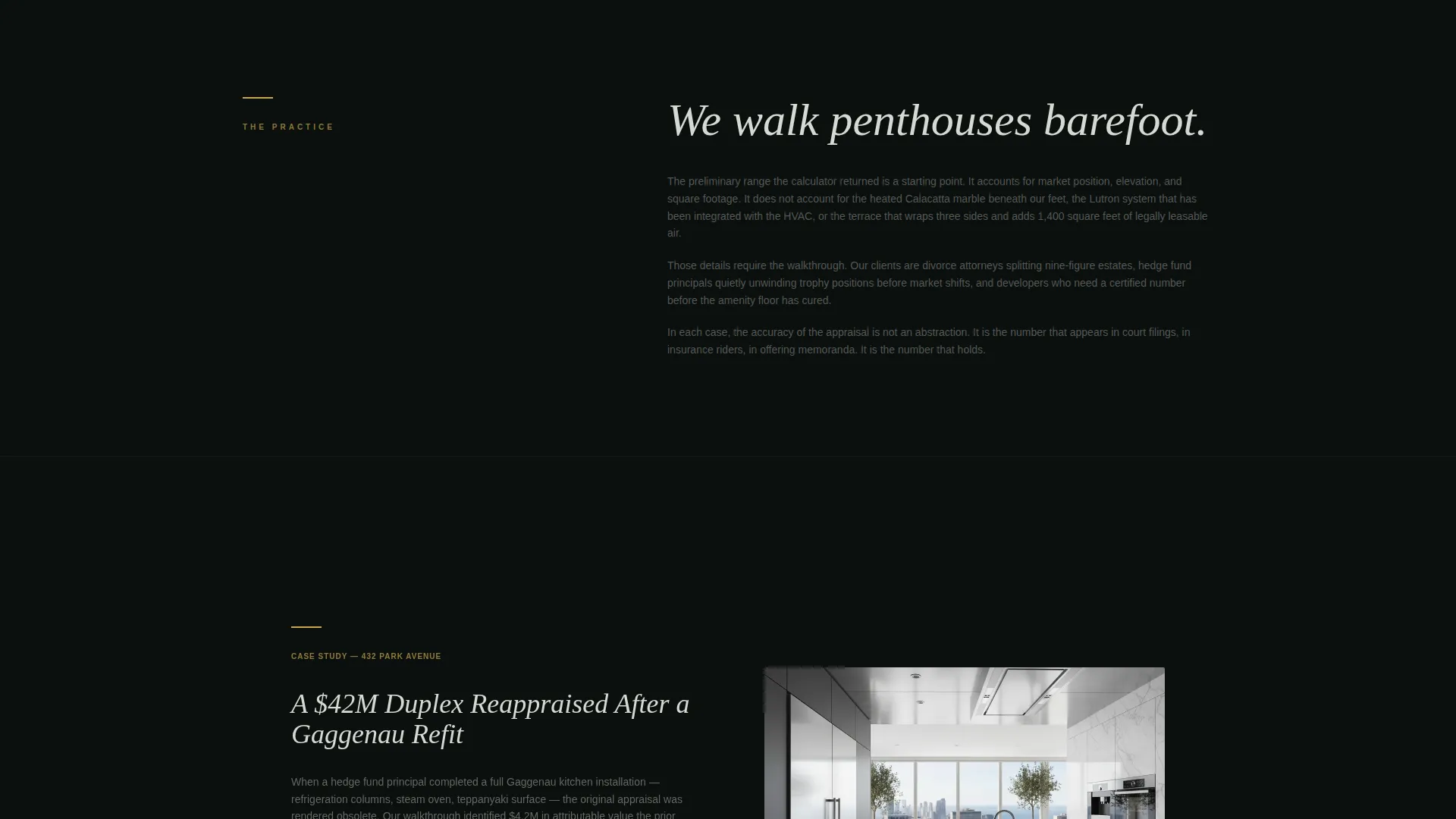
Left-aligned panels present real-world appraisal scenarios, such as a 42-million-dollar duplex penthouse reappraised after a full kitchen refit. These panels build credibility through specificity, showing the visitor that the practice has handled situations at their scale before.
Methodology Breakdown Panels
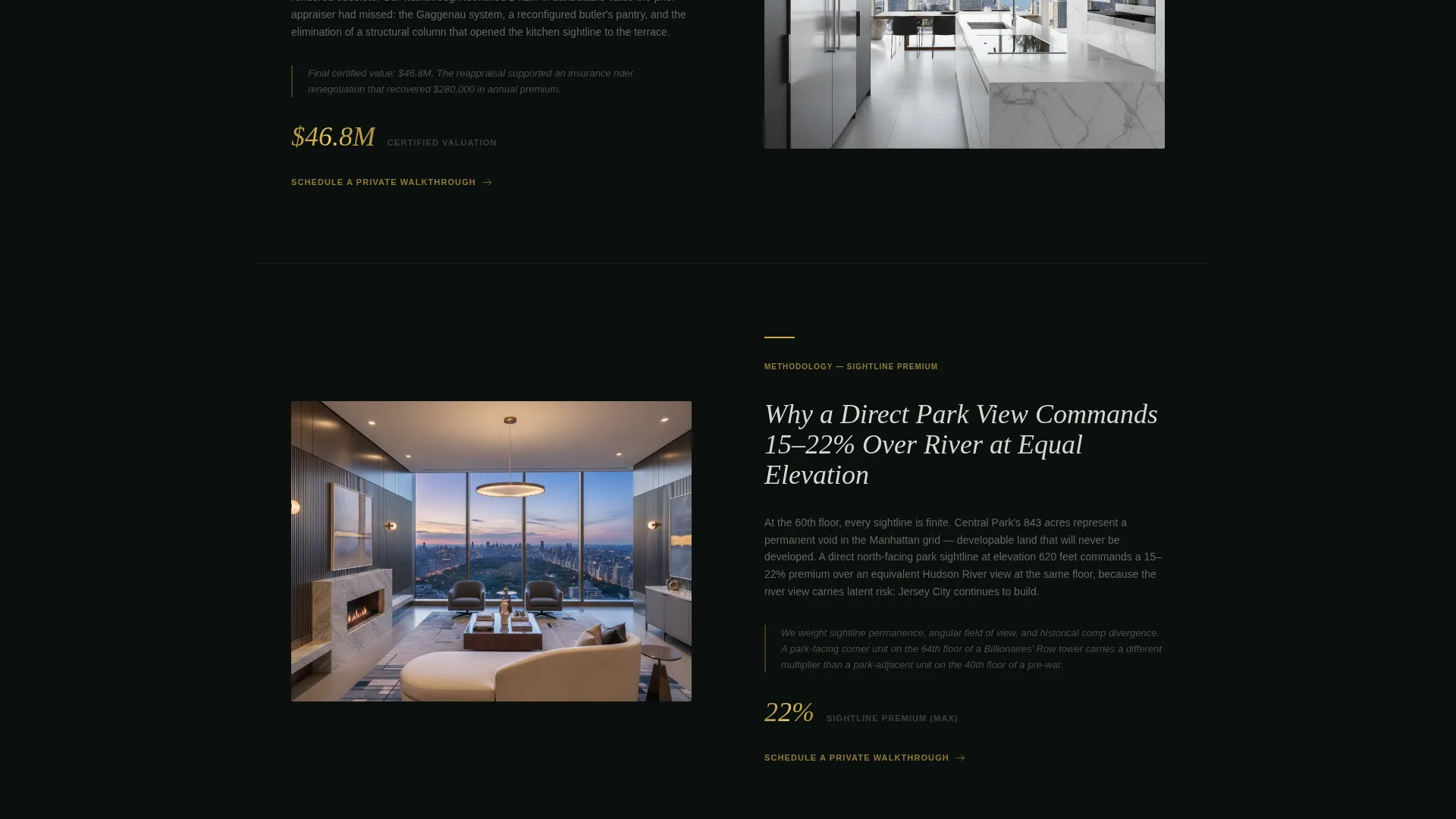
Right-aligned sections explain the reasoning behind valuation decisions. They cover how private terrace square footage is weighted against interior space, and why a direct park sightline commands a 15 to 22 percent premium over a river view at the same elevation.
Three-Step Booking Flow
Clicking the primary call to action opens a minimal scheduling sequence. Step one collects the property address with auto-complete. Step two asks for the appraisal purpose. Step three presents a calendar showing available dates in two-week windows.
Persistent Bottom Booking Bar
After the second zigzag section, a fixed bottom bar keeps the primary call to action visible at all times. The bar uses the gold-on-emerald color treatment and reads "Schedule a Private Walkthrough" throughout the scroll.
Confidential Call Fallback
A secondary conversion path sits as a plain text link beneath the booking form. It reads "Request a Confidential Call" and serves clients who are unwilling to enter a property address into a web form.
Page sections overview
| Section | Purpose |
|---|---|
| Panoramic Header | Cinematic first impression with embedded valuation calculator |
| Calculator Result Display | Shows instant preliminary range in platinum numerals |
| First Zigzag Case Study | Left-aligned real appraisal scenario to anchor credibility |
| First Methodology Panel | Right-aligned explanation of valuation weighting logic |
| Second Zigzag Case Study | Deepens complexity and signals premium expertise |
| Second Methodology Panel | Covers sightline premiums and finish-level differentiation |
| Persistent Booking Bar | Fixed call to action bar appearing after second zigzag section |
| Three-Step Booking Flow | Address, purpose, and calendar scheduling sequence |
| Confidential Call Link | Secondary path for privacy-conscious clients |
Design & branding system
The visual identity follows a Dark Immersive theme built on a Dark Emerald color system. The palette is composed of four precisely assigned values that work together like the interior of a velvet jewelry case.
- Background tones use abyssal black (#0B0F0E) and deep emerald shadow (#0F2E1F) to create depth without distraction
- Body and heading text renders in brushed platinum (#D6D9D2), giving legibility without brightness that would break the mood
- Liquid gold (#C9A84C) is reserved exclusively for interactive elements, call-to-action borders, and displayed valuation figures
Mobile & speed optimization
The layout is designed to scale from wide desktop viewports down to mobile screens without losing the immersive atmosphere. The panoramic header adjusts its crop and the calculator stacks its dropdowns vertically on smaller screens.
- The zigzag sections reflow to single-column stacks on mobile, preserving readability
- The persistent booking bar remains fixed at the bottom of the screen on all device sizes
- Gold interactive elements maintain their visual weight at every breakpoint
How this template helps you convert
The conversion architecture follows a deliberate sequence: demonstrate value first, layer credibility second, and then make booking feel like the natural next step rather than a sales moment.
- The calculator delivers an instant preliminary estimate, creating a psychological anchor that makes the visitor invested in refining the number through a real walkthrough
- Each zigzag section deepens the perceived gap between a surface estimate and a true professional appraisal, building the case for the appointment organically
- The persistent booking bar and confidential call fallback keep both primary and secondary conversion paths accessible at every scroll depth
Other information about this template
This template suits practices that require discretion as much as expertise. The page architecture reflects the reality that high-value appraisal clients often arrive through referral and arrive skeptical.
- The appraisal purpose selector includes estate settlement, pre-sale pricing, insurance, and tax appeal to cover the full range of high-stakes client needs
- The two-week calendar window in the booking flow signals a practice with controlled availability, reinforcing premium positioning
- The template is built as a single landing page, making it straightforward to deploy as a standalone URL or embed within a broader firm website
Theme
Dark Immersive
Creative direction
Calculator/Tool First
Color system
Dark Emerald
Style
Zigzag/Alternating
Direction
Booking/Scheduling
Page Sections
Panoramic Header with Valuation Calculator
Zigzag Case Study and Methodology Layout
Three-step Appointment Booking Flow
Persistent Bottom Booking Bar
Confidential Call Fallback Path
Dark Emerald Visual Identity System
Related questions
Who is the Appraise template designed for?
What does the valuation calculator do in this template?
Can I use this template if my practice covers multiple appraisal purposes?
How does the secondary conversion path work?
Is this a multi-page template or a single landing page?



