Welder FAQ Website Template
Arc is an editorial landing page template built for welder rights and occupational health resource hubs. It combines a bold authority header, expert-anchored FAQ sections, and two conversion paths into one focused layout. The design uses clinical white, steel gray, and weld-spark amber to make dense legal and medical content feel approachable, scannable, and trustworthy to working welders and their families.
by Rocket studio
Quick summary
Arc is a single-page editorial template designed for welder occupational health and rights resource hubs. It guides visitors from awareness to action through expert-led FAQ blocks, full-width stat callouts, and a two-path conversion system. The layout balances dense, magazine-style information with deliberate breathing room so the page feels like a consultation, not a brochure.
Who this template is for
This template is built for legal professionals, occupational health specialists, and advocacy groups who serve the welding community. It speaks directly to working tradespeople and their families who are searching for plain-English answers about toxic exposure, employer obligations, and workplace rights.
- MIG and TIG welders in fabrication shops or pipeline work who need clarity on respirator rights and exposure limits
- Attorneys and occupational health practices offering case reviews or consultations to welders
- Advocacy organizations publishing authoritative safety guides for skilled trades audiences
What problem this template solves
Most online resources about welding hazards are written for compliance officers, not for welders. The worker who has experienced tremors, memory issues, or respiratory problems after years on the job cannot easily find plain, credible, actionable information. This template closes that gap.
- Workers and their families struggle to find trustworthy answers about fume exposure, manganese risks, and OSHA protections in readable language
- Legal and health professionals lack a structured page format that builds trust before presenting a case review offer
- Generic templates fail to reflect the specific daily reality of welding trades, making visitors bounce before reaching the call to action
What you get with this template
You get a complete single-page layout structured to earn trust section by section. Every design decision, from the color palette to the expert attribution blocks, is built to serve a reader who is skeptical and time-short.
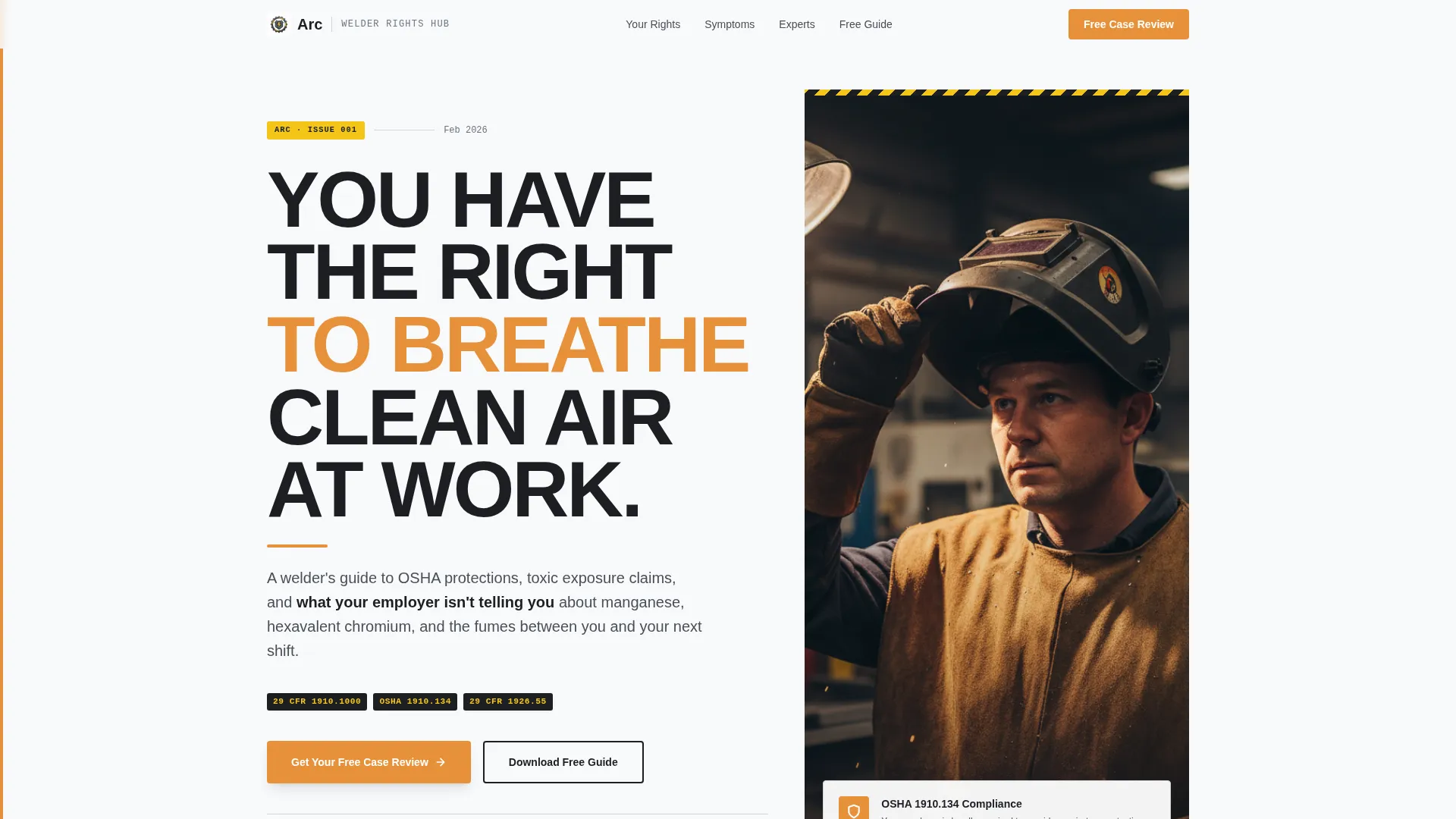
- A bold authority header with a Giant Headline Left layout, a secondary credibility line in steel gray, and a vertical welder photograph
- Expert-anchored FAQ columns where named attorneys or occupational health specialists deliver direct-address pull quotes
- Full-width amber stat dividers, a sticky lead generation bar, a multi-step modal form, and a gated PDF download path
Feature list
Giant Headline Authority Header
The header opens with a massive, stacked sans-serif headline set against an arctic white field. A secondary line in steel gray delivers the page's premise concisely. The right side holds a vertical photograph of a real welder on break, face lit by shop light, which grounds the page in lived experience immediately.
Expert-Anchored FAQ Columns
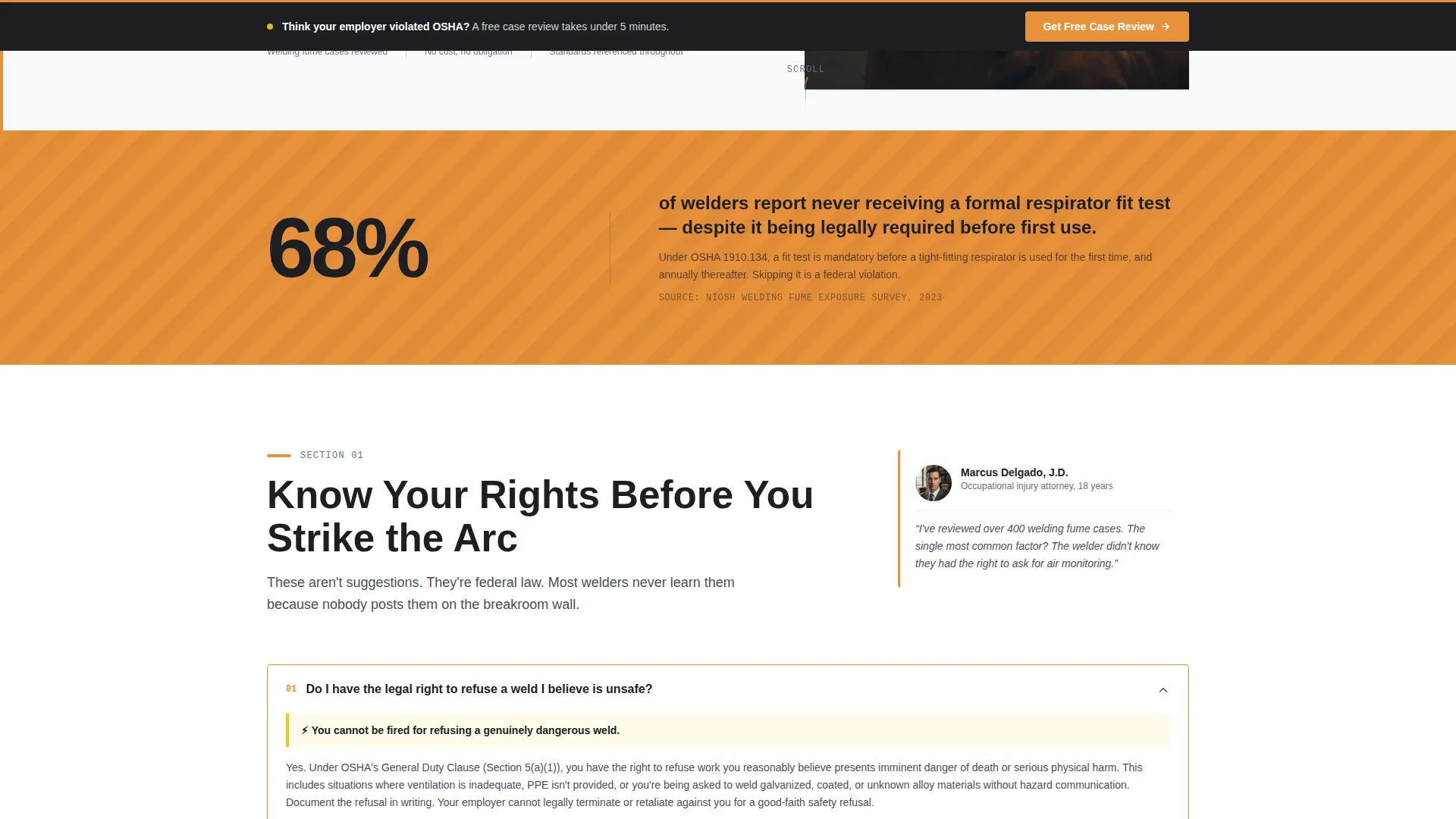
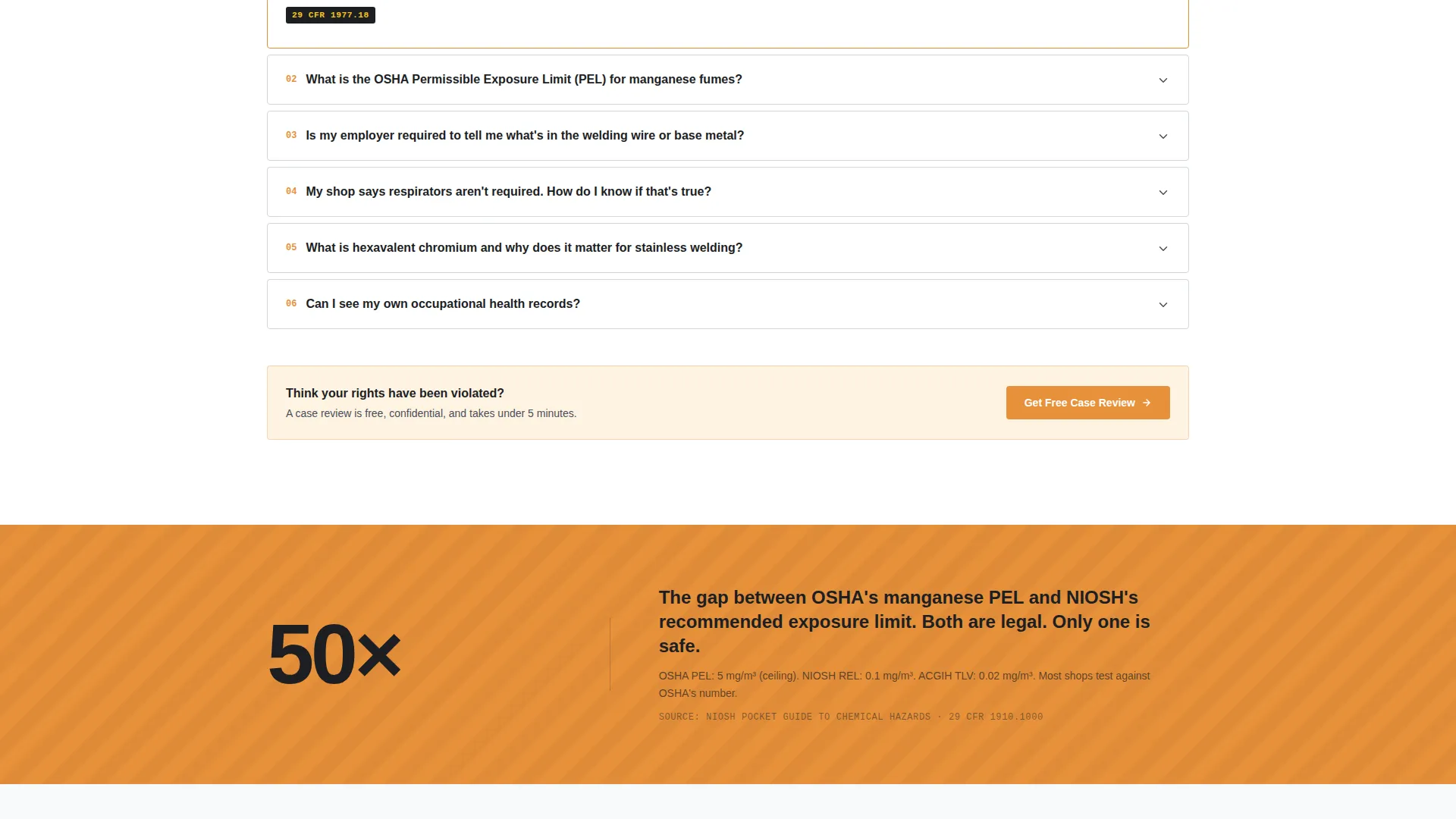
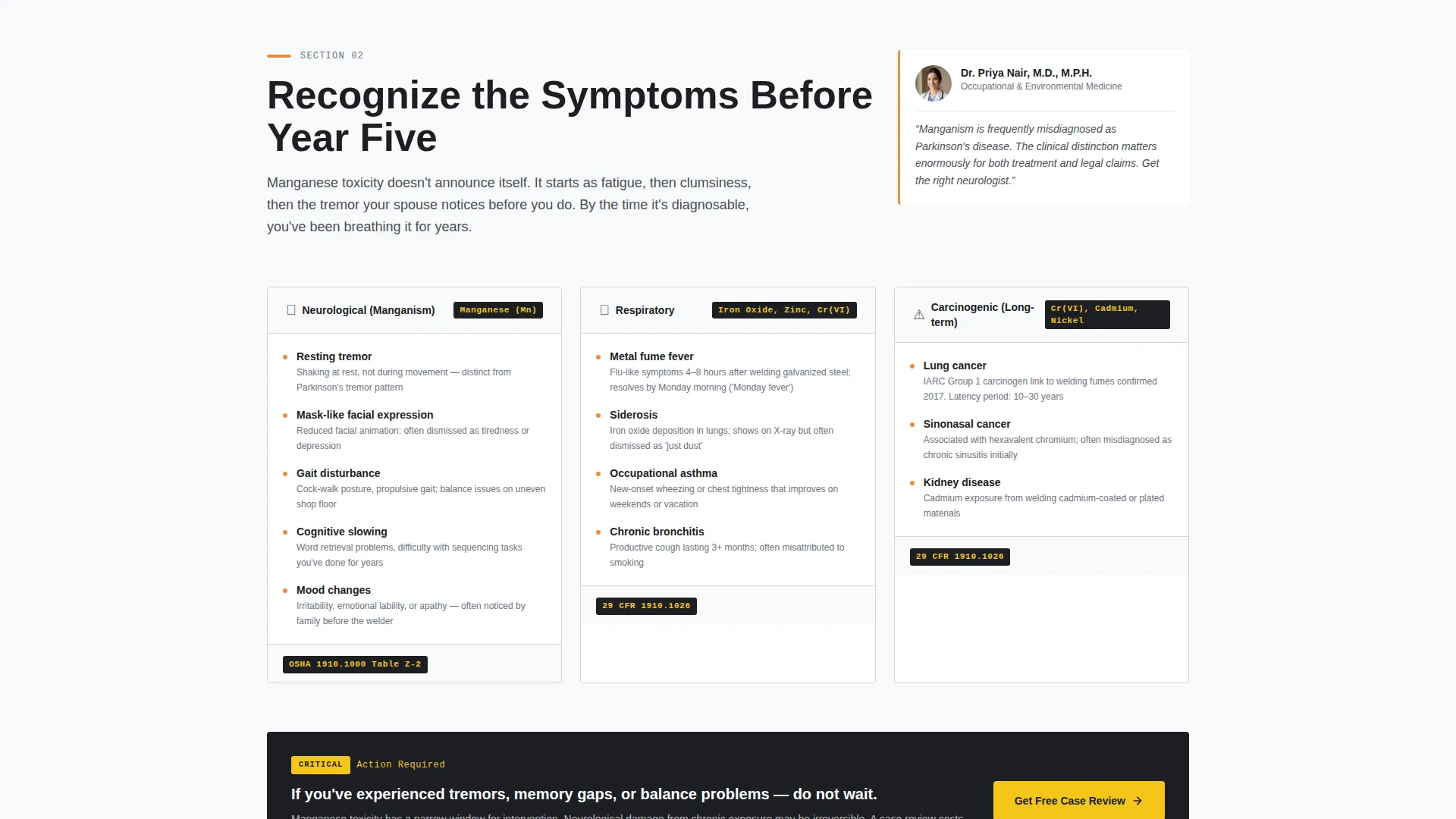
Each FAQ block is introduced by a named attorney or occupational health specialist with a one-sentence credential. A direct-address pull quote from that expert precedes the FAQ content. This structure makes the scroll feel like a guided consultation rather than a static resource page.
Full-Width Amber Stat Dividers
Between FAQ column sections, full-width amber dividers carry single-stat callouts such as "68% of welders report never receiving a formal respirator fit test." These dividers create breathing room, reinforce urgency, and keep the reader moving down the page.
Multi-Step Lead Generation Modal
The primary conversion path opens a modal form triggered by the "Get Your Free Case Review" call to action. The form asks three qualifying questions in sequence before requesting contact details. Questions cover welding type via dropdown, years of experience via slider, and symptom history via a yes/no toggle.
Sticky Bottom Conversion Bar
A persistent sticky bar at the bottom of the viewport repeats the primary call to action throughout the scroll. It ensures the offer stays accessible without interrupting the reading experience. The call to action is also repeated inline after every third FAQ section.
Gated PDF Download Path
A secondary conversion path offers "The Welder's Rights Pocket Guide" as a downloadable resource. Visitors access it by submitting an email address. This path captures leads from readers who are researching rather than ready to book a consultation.
Page sections overview
| Section | Purpose |
|---|---|
| Authority Header | Establish credibility and state the page's core promise immediately |
| Expert Introduction Block | Introduce the legal and medical team behind the resource |
| FAQ Column: Know Your Rights | Cover OSHA protections, exposure limits, and employer obligations |
| Amber Stat Divider | Break content rhythm and surface a high-impact industry statistic |
| FAQ Column: Recognize the Symptoms | Detail manganese fume exposure signs and respiratory health indicators |
| Amber Stat Divider | Reinforce urgency with a second single-stat callout |
| FAQ Column: Take Action Now | Guide readers on documentation, claims, and next steps |
| Inline Case Review call to action | Repeat the primary lead generation offer mid-page |
| PDF Download Gate | Offer the secondary resource in exchange for an email address |
| Sticky Bottom Bar | Keep the primary call to action visible throughout the entire scroll |
Design & branding system
The Arc template uses an Arctic White color system built specifically for dense legal and medical content. The palette is clinical enough to signal authority while remaining warm enough to feel human. Amber accents recall the arc itself and draw the eye to the most critical information on the page.
- Clinical white (#F8F9FA) dominates backgrounds to maximize readability of long-form FAQ and legal content
- Cold-rolled steel (#4A4E57) carries body text, sidebar rules, and secondary typographic elements for a structured, professional feel
- Weld-spark amber (#E8913A) highlights key statutes, deadlines, and action items, while caution-tape yellow (#F5C518) marks interactive elements and warning badges
Mobile & speed optimization
The template layout is structured to remain readable and functional on smaller screens without sacrificing the magazine-style density that gives it authority. Column-based FAQ sections reflow cleanly, and the sticky conversion bar is designed to work within mobile viewport constraints.
- Multi-column FAQ layouts collapse to single-column stacks on narrow screens, keeping content in a logical reading order
- The sticky bottom conversion bar and modal form are sized and spaced for touch interaction on mobile devices
How this template helps you convert
Arc is built around one insight: a visitor who feels understood will trust the offer. Every layout decision supports that chain of trust, from the first headline to the final form field.
- The expert attribution system builds credibility section by section, so by the time the call to action appears, the visitor already believes the team on the other end of the phone understands what a six-G test position is
- Two distinct conversion paths serve both ready and researching visitors, capturing the lead whether they want a case review now or prefer to take a PDF guide home first
- The sticky bar and inline call to action repetition after every third FAQ section ensure the offer is never more than a scroll away, reducing friction at every decision point
Other information about this template
Arc is designed as a single-page editorial landing page, not a multi-page website. All content lives in one scrollable flow, which keeps the visitor's journey linear and the conversion funnel contained. The template is suitable for use on platforms that support custom HTML and CSS landing pages.
- The template style follows a Sidebar Companion approach, with expert credential sidebars anchoring each major FAQ column
- The creative direction is FAQ-Driven, meaning the primary content format is a structured question-and-answer layout attributed to named professionals
- The header concept draws from a Press Mentions approach, lending the page the visual authority of a published editorial feature
- The theme is Service Utility, meaning every design element serves the practical goal of informing and converting a specific trades audience
- The landing page direction supports both booking and scheduling flows, making it adaptable for firms that use calendar-based intake in addition to callback request forms
Theme
Service Utility
Creative direction
FAQ-Driven
Color system
Arctic White
Style
Sidebar Companion
Direction
Booking/Scheduling
Page Sections
Giant Headline Authority Header
Expert-anchored FAQ Columns
Full-width Amber Stat Dividers
Multi-step Lead Generation Modal
Sticky Conversion Bar
Gated PDF Download Path
Related questions
What type of business is this template best suited for?
Can I customize the expert profiles and pull quotes?
How does the two-path conversion system work?
Is the sticky bottom conversion bar always visible?
Does the template include the downloadable PDF guide content?



