Speech Therapist FAQ Website Template
Articulate is a credentialed speech therapist landing page template built around a zigzag FAQ and resource layout. It pairs real client questions with warm, expert answers and downloadable resources. The design follows an Executive Suite style with a Cloud Canvas palette, a commanding centered headline, and a lead-capture kit offer that earns the click through demonstrated value first.
by Rocket studio
Quick summary
Articulate is a single-page speech therapist landing page template that leads with a giant centered headline and moves through a zigzag FAQ layout. Each section answers a real client question, pairs it with a downloadable resource, and builds trust before presenting a gated lead capture offer. The design is refined, unhurried, and credential-forward.
Who this template is for
This template is designed for practicing speech-language pathologists and speech therapy clinics who want a polished online presence that communicates expertise before asking for anything in return. It works especially well for solo practitioners and small practices serving a mixed caseload.
- Speech therapists serving parents, adult clients, and stroke recovery patients
- Credentialed practitioners who want to attract leads without a hard-sell approach
- Clinicians ready to offer downloadable resources as a trust-building entry point
What problem this template solves
Most speech therapy websites either look too clinical or too generic. Visitors land on the page already anxious, often carrying a school evaluation letter or a boardroom embarrassment. They need to feel understood before they book anything. This template solves the trust gap by leading with questions the visitor is already asking and answering them generously before presenting any call to action.
- Removes the cold, medical feel that pushes potential clients away
- Replaces vague service descriptions with specific, question-led sections
- Positions the therapist as a knowledgeable guide before asking for contact details
What you get with this template
The template delivers a fully structured single-page layout built for a speech therapy FAQ and resource destination. Every section is purposefully ordered to move a hesitant visitor toward confident action, from the first scroll to the final form submission.
- A centered giant headline section, alternating zigzag FAQ blocks, and a gated lead capture form
- Downloadable resource prompts including articulation milestone PDFs, home exercise printables, and insurance navigation checklists
- A persistent secondary call-to-action button in the navigation and a primary download offer gated behind a first-name and email field
Feature list
This section covers the core functional and design elements built into the Articulate template.
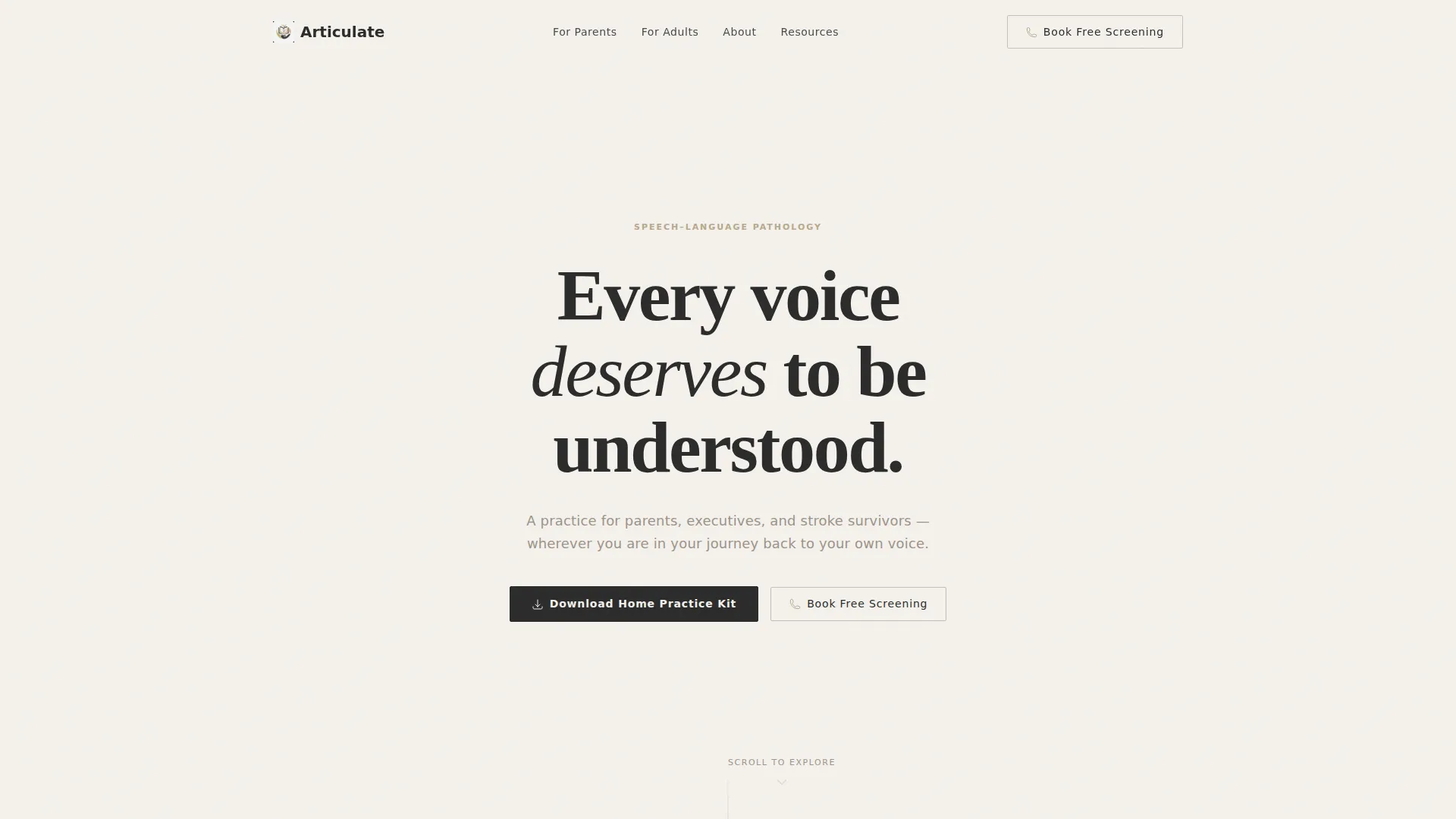
Giant Centered Headline Header
The header opens with a stark charcoal headline on a cloud white background. The type is tracked wide, weighted heavy, and surrounded by generous whitespace. A single line of warm greige subtext sits beneath it, followed by a soft downward-scroll cue. No image, no animation. The restraint communicates authority immediately.
Zigzag FAQ Section Layout
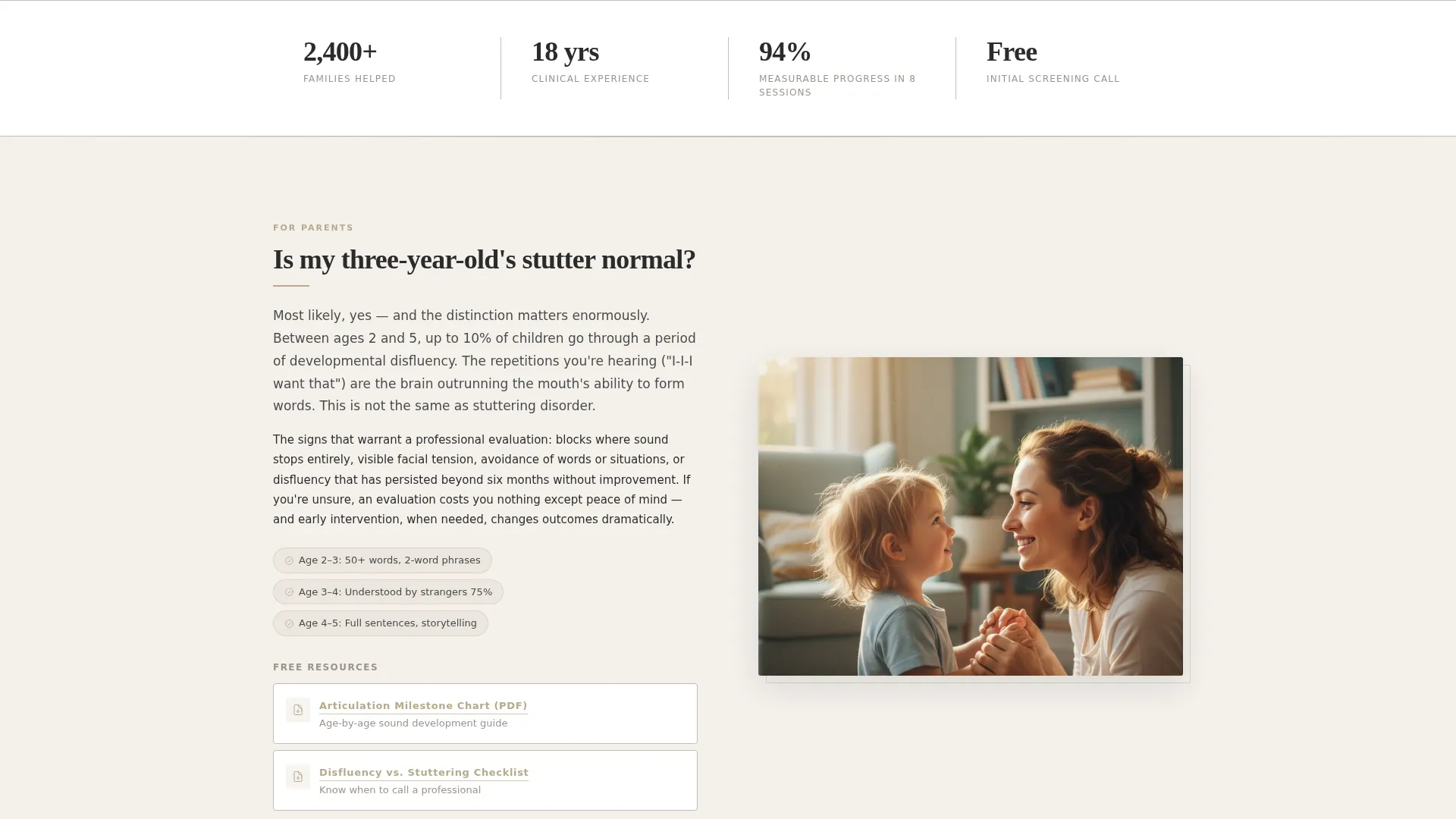
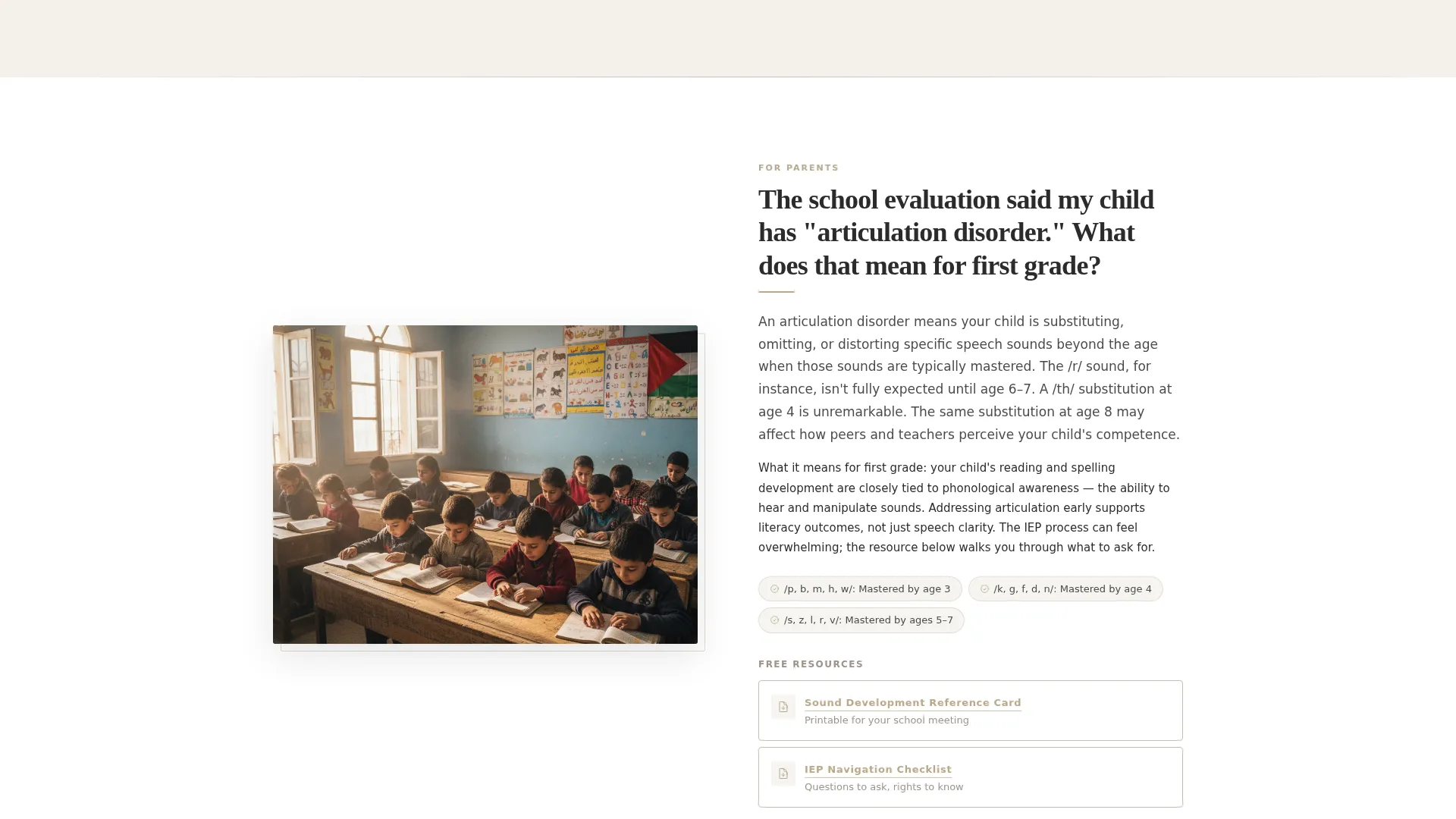
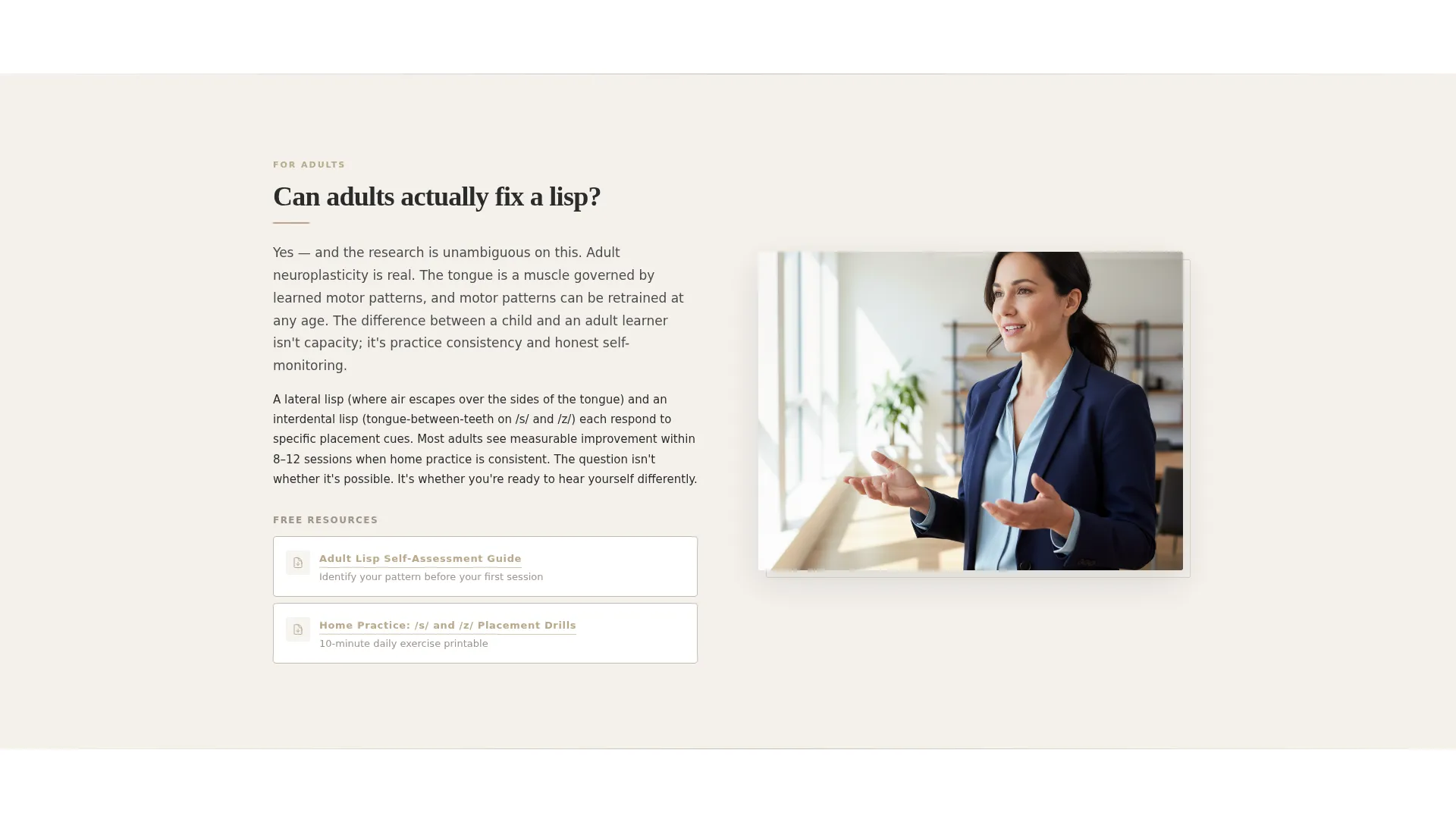
FAQ sections alternate left and right across the page, each opening with a real question that mirrors what parents and clients search online. Answers are written in concise, warm paragraphs rather than clinical walls of text. The alternating layout creates visual rhythm and keeps the reader moving through the content naturally.
Downloadable Resource Pairings
Each FAQ section is paired with a downloadable resource prompt, such as articulation milestone guides, home practice printables, and insurance navigation checklists. These resources reinforce the therapist's expertise and give visitors a reason to stay engaged with every scroll.
Gated Lead Capture Form
After the third FAQ section, a primary call-to-action invites visitors to download a Home Practice Kit. Access is gated behind a first-name and email field. The placement is intentional: enough value has already been demonstrated that the exchange feels fair and earned.
Persistent Navigation Call to Action
A secondary "Book a Free Screening Call" button lives in the navigation bar throughout the entire page experience. It remains visible but understated, giving ready visitors a direct path without interrupting the trust-building flow for those still reading.
Executive Suite Visual System
The Cloud Canvas color palette, muted gold accent details, and walnut-and-linen typographic tone create a credential-forward environment that feels nothing like a clinical intake form. Every design decision reinforces the sense that the person behind this page trained rigorously and serves clients with precision.
Page sections overview
| Section | Purpose |
|---|---|
| Centered Headline Header | Opens with authority and sets the page's calm, expert tone |
| Navigation Bar | Holds the persistent "Book a Free Screening Call" button |
| FAQ Block One | Answers a parent-focused question, alternating left layout |
| Resource Pairing One | Pairs the first FAQ with a downloadable articulation milestone guide |
| FAQ Block Two | Addresses an adult client question, alternating right layout |
| Resource Pairing Two | Pairs the second FAQ with a home exercise printable |
| FAQ Block Three | Covers a stroke recovery or reassurance question, alternating left |
| Resource Pairing Three | Pairs the third FAQ with an insurance navigation checklist |
| Lead Capture Form | Gates the Home Practice Kit behind first name and email |
| Secondary call to action Footer | Reinforces the free screening call offer as a closing path |
Design & branding system
The Articulate template uses a Cloud Canvas color system built around four deliberate tones. The palette evokes a credentialed, executive-level environment rather than anything clinical or generic. Every color plays a specific role in the hierarchy.
- Soft cumulus white (#F4F1EC) as the primary page background, warm greige (#C5BDB3) for subtext and secondary elements, and deep charcoal suiting (#2B2B2B) for headline type
- Muted gold (#B8A88A) reserved exclusively for links, icons, and hover states to keep the accent from competing with the content
- Wide-tracked, heavy-weighted typography paired with generous whitespace throughout every section
Mobile & speed optimization
The template is structured with a clean single-page layout that translates well to smaller screens. The zigzag sections stack naturally on mobile without losing their visual rhythm or readability.
- Alternating left-right FAQ blocks reflow to a stacked vertical format on narrow viewports
- The persistent navigation call-to-action button remains accessible at all screen sizes
- The lead capture form is kept minimal by design, requiring only a first name and email field
How this template helps you convert
The Articulate template is built on a lead generation philosophy that earns attention before asking for anything. Conversion is a by-product of genuine usefulness.
- The zigzag FAQ structure answers real, search-driven questions first, building enough credibility that the gated Home Practice Kit offer feels like a natural next step rather than a demand.
- The two-path conversion model, a downloadable kit and a free screening call, serves visitors at different stages of readiness without forcing either choice prematurely.
Other information about this template
The Articulate template sits at the intersection of the Professional Services category and the Speech Therapist Online Presence subcategory. It is built for a Lead Generation landing page direction with a Corporate Precision theme and a Transparent Process creative direction. The Sidebar Companion template style and the Testimonial Card header concept from the intersection context informed the overall structure, though the final design centers on the Giant Headline Centered header as described in the brief. This template is well suited for speech-language pathologists who want a resource-rich page that reflects a high standard of clinical training and genuine client care.
- Built for the Speech Therapist Booking Page niche with a Lead Generation conversion goal
- Corporate Precision theme and Cloud Canvas color system inform every spacing and type decision
- Transparent Process creative direction means each section openly demonstrates expertise before requesting contact details
Theme
Corporate Precision
Creative direction
Transparent Process
Color system
Cloud Canvas
Style
Sidebar Companion
Direction
Lead Generation
Page Sections
Giant Centered Headline Header
Zigzag FAQ Section Layout
Downloadable Resource Pairings
Gated Lead Capture Form
Persistent Navigation Call to Action
Executive Suite Visual System
Related questions
Can I customize the FAQ questions in this template?
How does the lead capture form work in this template?
Is this template suitable for a multi-therapist practice?
Can I add more FAQ sections beyond the three included?
What do the downloadable resource placeholders include?



