Ultimate Buffet Dining Landing Page Template
Feast is a gallery and detail landing page template built for all-you-can-eat buffet restaurants. It combines an illustrated mascot hero, scroll-driven origin story, overhead food photography gallery, and multiple conversion paths. Birthday groups, office teams, and traveling families can reserve a table, buy gift passes, or check walk-in wait times, all from one warm, visually abundant page.
by Rocket studio
Quick summary
Feast is a single-page buffet restaurant template designed to turn visual appetite into real bookings. It leads with a hand-illustrated mascot, walks visitors through a story-driven cuisine gallery, and closes with a multi-path reservation flow. The result is a restaurant landing page that feels as generous as the buffet itself.
Who this template is for
This template fits any buffet or all-you-can-eat restaurant that needs to convert browsers into guests. It is especially useful for operators who serve large, mixed-intention groups.
- Birthday party organizers and group coordinators booking a table for ten or more
- Office managers planning a team lunch and gift-givers buying dining passes for celebrations
- Traveling families and walk-in diners who want to check today's station lineup before they arrive
What problem this template solves
Most buffet restaurant pages bury their best asset: sheer variety. Visitors leave before they feel the abundance. This template fixes that by leading with mouth-watering visuals and descriptive text that highlight every station.
- Guests cannot tell what cuisines or dishes are available, so they choose somewhere else
- No clear pricing or reservation path means customers drop off before committing to a table
- Generic pages fail to highlight seasonal dishes or live stations that differentiate the buffet
What you get with this template
You get a fully structured, visually rich landing page ready to represent your restaurant. Every section is built to showcase abundance and drive action.
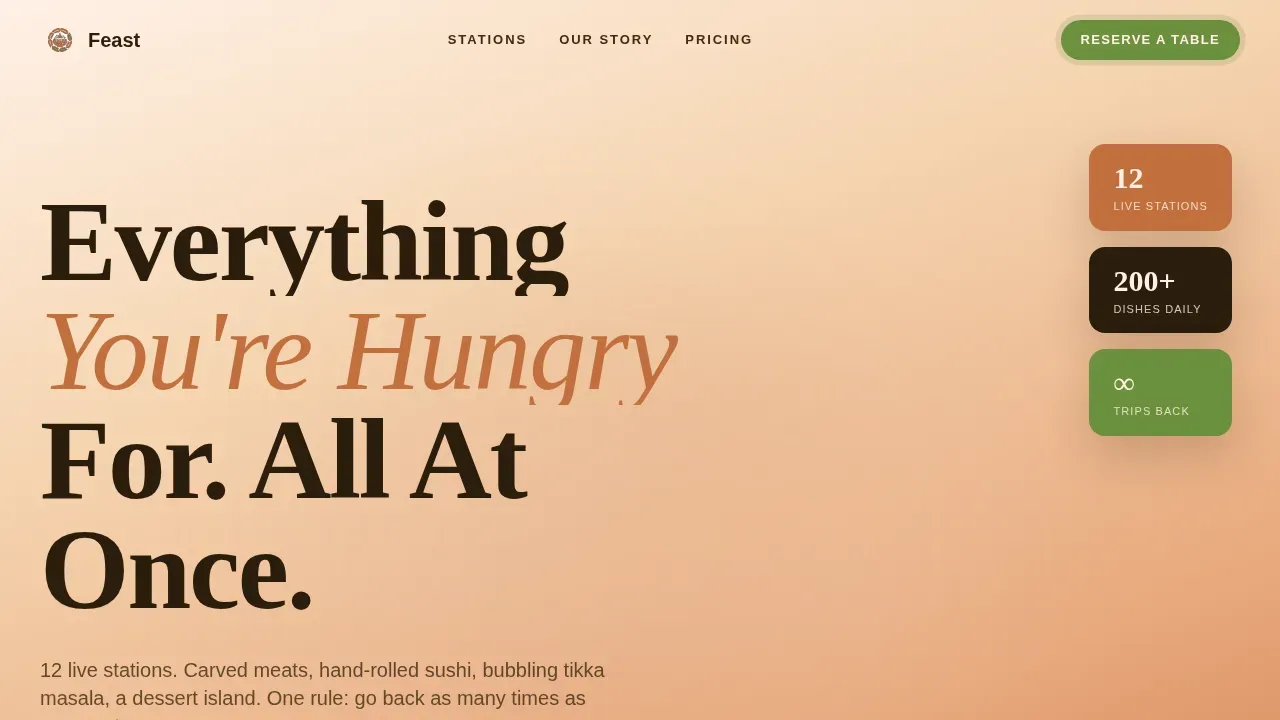
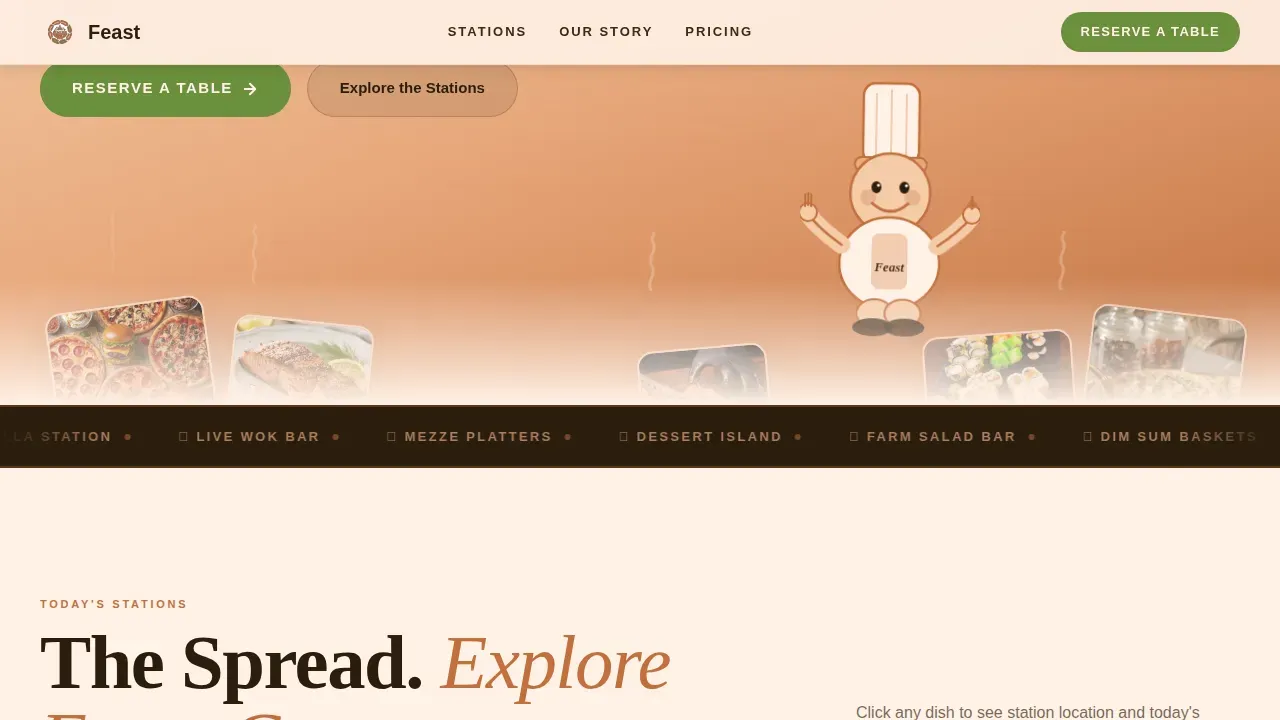
- An animated hero with an illustrated mascot, sunset gradient background, and steam SVG keyframes
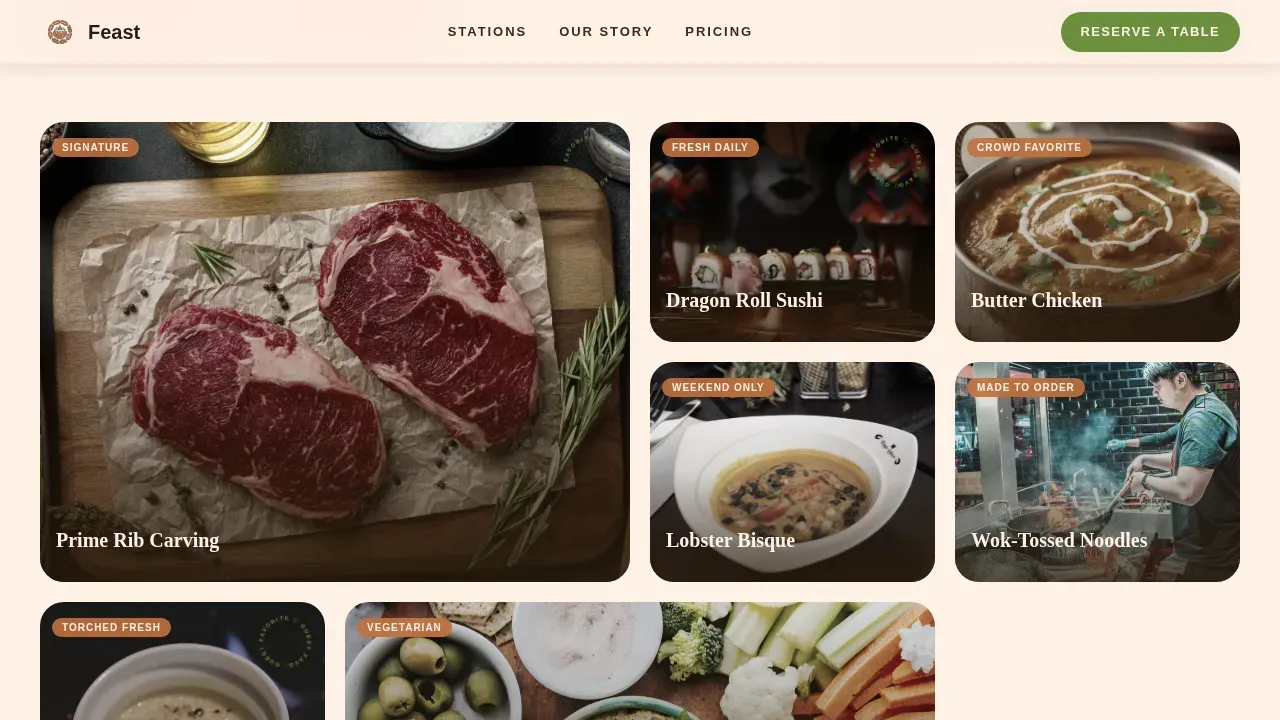
- A scrollable cuisine gallery with spotlight hover, dish detail panels, and rotating guest-favorite badges
- A reservation form with a party-size slider, date picker, occasion tags, a gift pass purchase path, and a sticky mobile bar showing today's live station lineup
Feature list
A paragraph introducing the feature list: each component below is directly drawn from the template brief and designed to serve a specific conversion or storytelling goal.
Illustrated Mascot Hero
A round, joyful chef character stands atop a mountain of illustrated food against a warm sunset gradient. Animated steam curls rise from the food pile using SVG keyframes. The headline fades in beside the mascot to open the buffet story immediately.
Scroll-Driven Origin Story
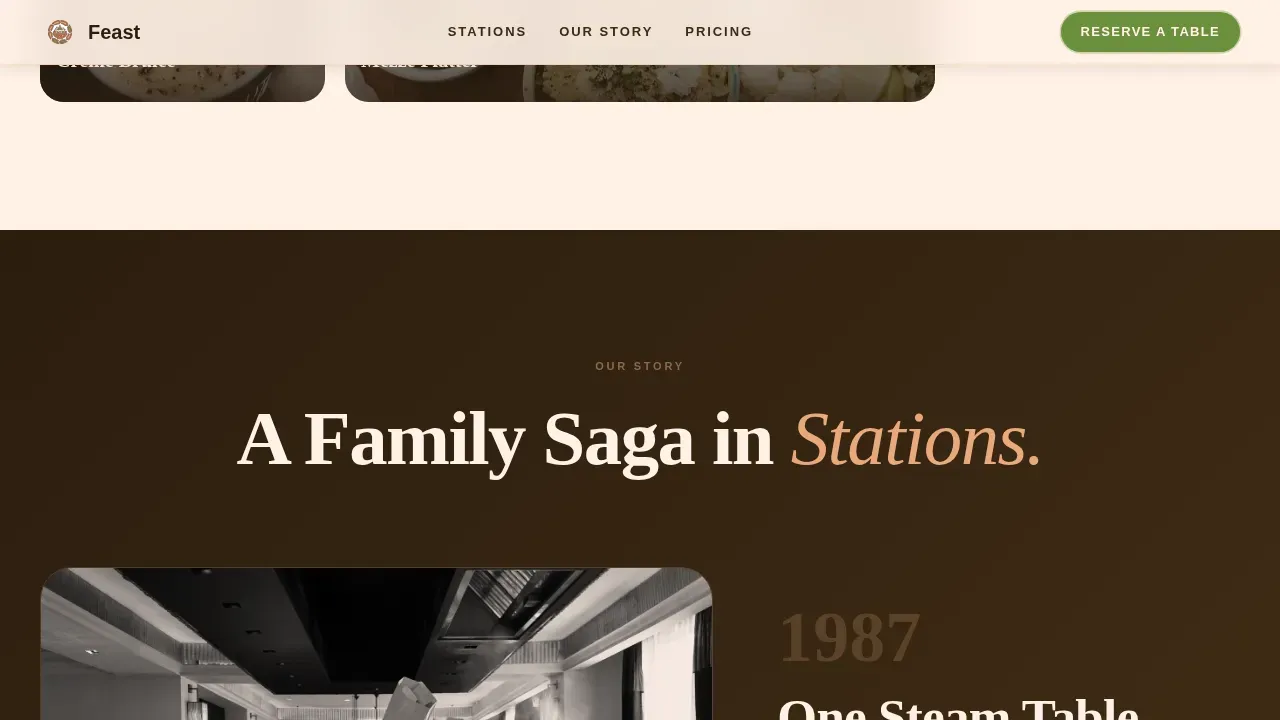
Sepia-toned chapters reveal the restaurant's founding narrative one station at a time. Each scroll step introduces a new buffet station, from the carving table to the dessert island, building trust and appetite together.
Cuisine Gallery with Detail Panels
Overhead food photography sits in a grid with a spotlight hover effect. Clicking any image opens a detail panel showing the dish name, station location, and a guest-favorite badge. Enticing descriptions of dishes appeal directly to customers' appetites.
Multi-Path Conversion Flow
The reservation section includes a party-size slider, date picker, and occasion tags. A secondary path lets visitors buy gift passes with quantity selection and digital delivery. High-contrast call-to-action buttons appear at multiple scroll points to enjoy the buffet with minimal friction.
Pricing and Station Cards
Station lineup cards display all-you-can-eat rates clearly. Pricing tiers with saguaro green callouts highlight adult, child, and senior options. Clearly stating the price and any special promotions encourages potential customers to commit.
Sticky Mobile Walk-In Bar
A bottom bar fixed to mobile screens shows today's live station lineup and a "Walk In, See Wait Time" button. This keeps walk-in customers informed and reduces uncertainty before they arrive at the restaurant.
Page sections overview
| Section | Purpose |
|---|---|
| Hero with Mascot | Open with illustrated character and animated buffet spread |
| Cuisine Gallery Grid | Showcase overhead food photography with detail panels |
| Origin Story Chapters | Build trust through scroll-driven restaurant founding narrative |
| Pricing Station Cards | Display buffet tiers and highlight all-you-can-eat rates |
| Reservation Call to Action | Convert visitors via table booking and gift pass paths |
| Footer Flow | Close with location, hours, and contact information |
Design & branding system
The template uses an Organic Flow visual style inspired by a desert night market at golden hour. Warm, fired-earth tones create an atmosphere of abundance and comfort across every section.
- Terracotta (#C2703E) and sun-baked clay (#E8A87C) set the warm background palette, while mesquite charcoal (#2B1D0E) grounds typography
- Saguaro green (#6B8F3C) is reserved for buttons and price callouts, making every call to action stand out with strong contrast
- Fraunces serif handles display headings and the mascot apron lettering; DM Sans handles body text and form labels for easy reading
Mobile & speed optimization
The template is built mobile-first, recognizing that many guests search for a restaurant on their phones while deciding where to eat right now.
- The sticky bottom bar keeps the live station lineup and walk-in button visible at all times on smaller screens
- Server Components handle static sections for fast initial loads; Client Components manage the interactive gallery and reservation form separately
- All animation layers, including scroll scrub, intersection observer stagger, and the marquee, are scoped to avoid blocking the primary content render
How this template helps you convert
This template earns the click before visitors even reach the reservation form. By the time guests scroll to the booking section, they have already experienced the buffet visually and emotionally.
- High-quality food photography and animated sections highlight freshness and variety, creating an emotional response that persuades guests to reserve a table
- Multiple call-to-action paths, primary reservation, gift pass purchase, and walk-in intent, ensure every type of visitor finds a clear next step and can enjoy the experience they came for
- Testimonial slots and guest-favorite badges display social proof throughout the page, lending credibility that sways new customers toward booking
Other information about this template
This template is fully customizable so you can adapt colors, copy, and imagery to match your specific restaurant without starting from scratch.
- You can download the template and replace placeholder photography with your own buffet spread images to highlight your actual dishes and seasonal offerings
- All commercial use rights are included with your purchase, so you can deploy the page for client projects or your own store without additional licensing fees
- The template structure supports adding amenities callouts such as kid-friendly options, free parking notes, or a first-visit promotion to attract families and new customers
- When looking at comparable buffet landing page options in the market, this template stands apart through its illustrated character system, multi-conversion flow, and the depth of its origin story section
Theme
Organic Flow
Creative direction
Origin Story
Color system
Sunset Mesa
Style
Gallery + Detail
Direction
Marketplace/Multi
Page Sections
Illustrated Mascot Hero with Animation
Scroll-driven Origin Story Sections
Cuisine Gallery with Spotlight Detail Panels
Multi-path Reservation and Gift Pass Flow
Pricing Station Cards with Callout Accents
Sticky Mobile Walk-in Bar
Related questions
Can I customize the buffet pricing tiers and station names?
Does the template include the reservation form and gift pass flow?
How does the mobile sticky bar work?
Can I use this template for a client's restaurant project?
How do I highlight seasonal dishes or limited-time offers?