Maritime Port Security Landing Page Template
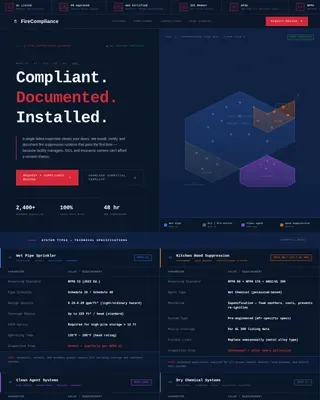
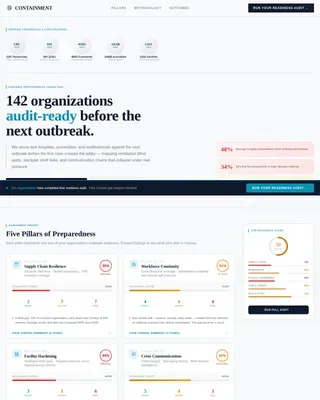
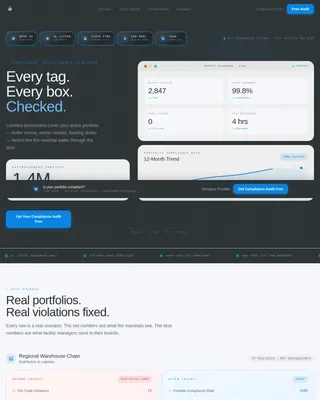
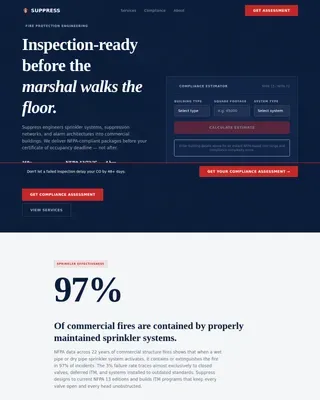
Beacon is a maritime and port security landing page template built for organizations that protect harbors, container terminals, and offshore installations. It leads with institutional proof, delivers a stats-first comparison layout, and guides high-value decision-makers toward a low-friction assessment request. The design feels like a live operations room, precise, authoritative, and built for trust.
by Rocket studio
Quick summary
Beacon is a single-page maritime security template designed for port authorities, logistics operators, and coastal defense agencies. It opens with institutional credibility, escalates through data-driven zigzag sections, and anchors at a structured comparison table that makes the case before the contact form even appears. Every layout decision is built for senior buyers who read fast and decide slow.
Who this template is for
This template is for organizations that provide or procure security services for maritime infrastructure. The intended audience includes senior decision-makers with real operational stakes.
- Port authority directors reviewing annual security audits and vendor assessments
- Logistics vice presidents whose vessel operations stall during threat escalations
- Government maritime agencies responsible for protecting coastline infrastructure
What problem this template solves
Maritime security providers struggle to communicate complex threat-response capabilities to skeptical, time-pressed buyers. A generic landing page cannot carry the weight of that conversation.
- Buyers arrive with institutional doubts and need evidence before they engage
- Legacy security comparisons are buried in PDFs instead of presented up front
- Assessment request forms often feel like marketing traps rather than professional entry points
What you get with this template
You get a complete, structured landing page that functions like a controlled operations briefing. Every section is designed to earn trust before asking for anything.
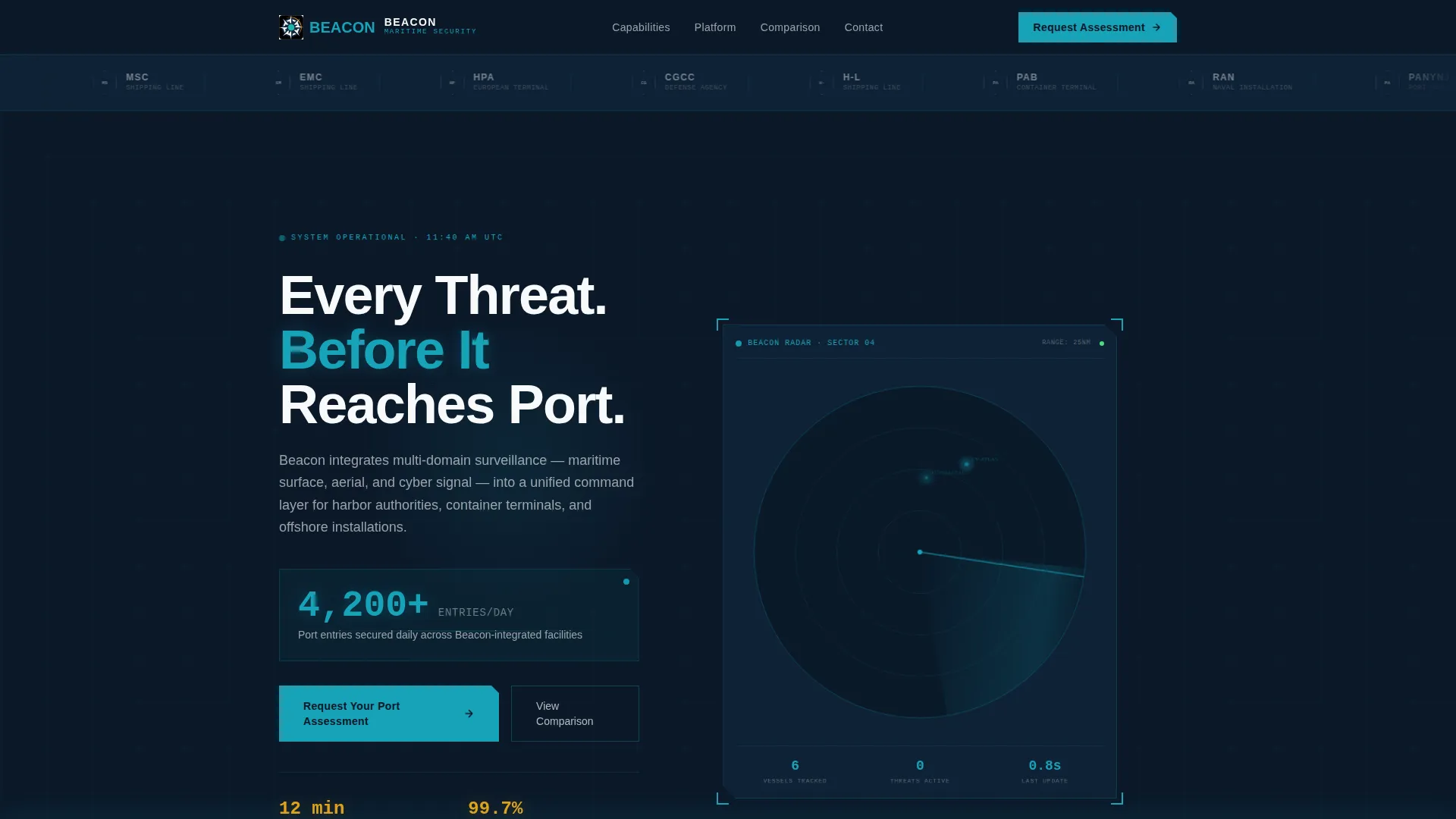
- A logo bar ribbon displaying port authority crests, defense seals, and shipping line marks in monochrome
- A zigzag alternating section layout where each block leads with a bold comparative metric
- A twelve-metric comparison table contrasting legacy port security against integrated security outcomes
- A three-field assessment request form collecting facility type, vessel traffic volume, and work email
- A sticky bottom bar that keeps the primary call to action visible throughout the scroll
Feature list
This section describes the core built-in capabilities that come with the Beacon template.
Stats-First Zigzag Sections
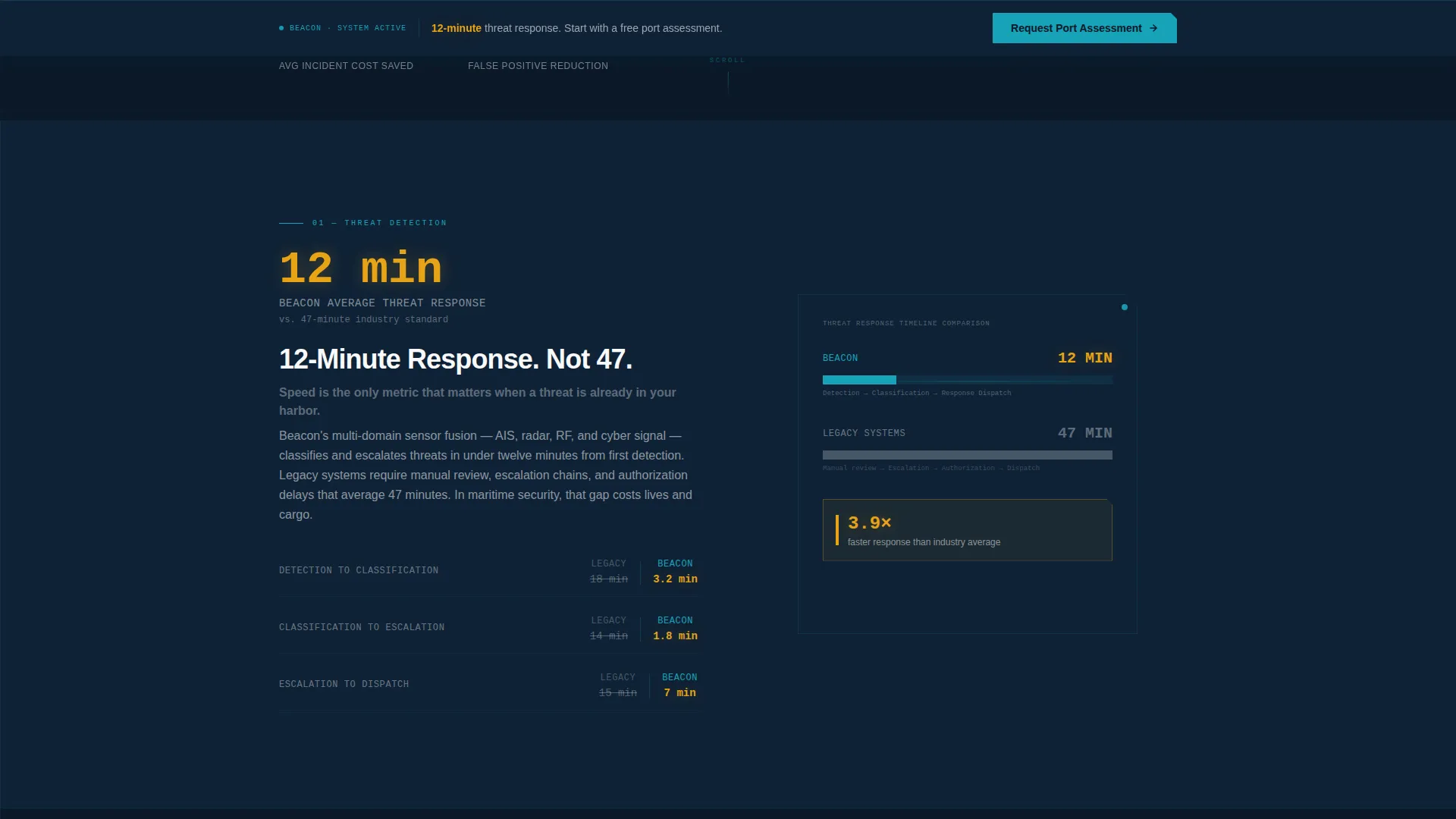
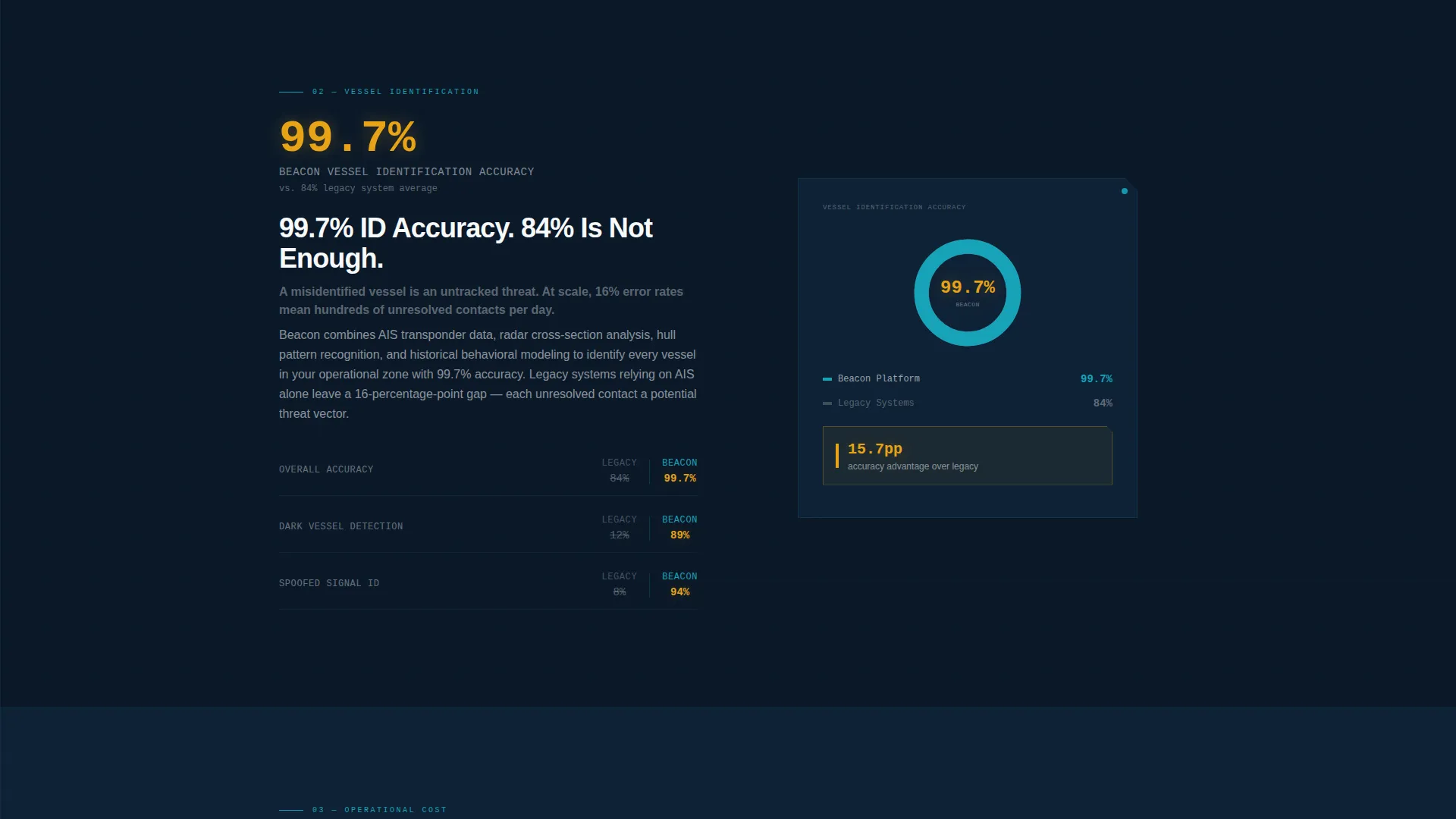
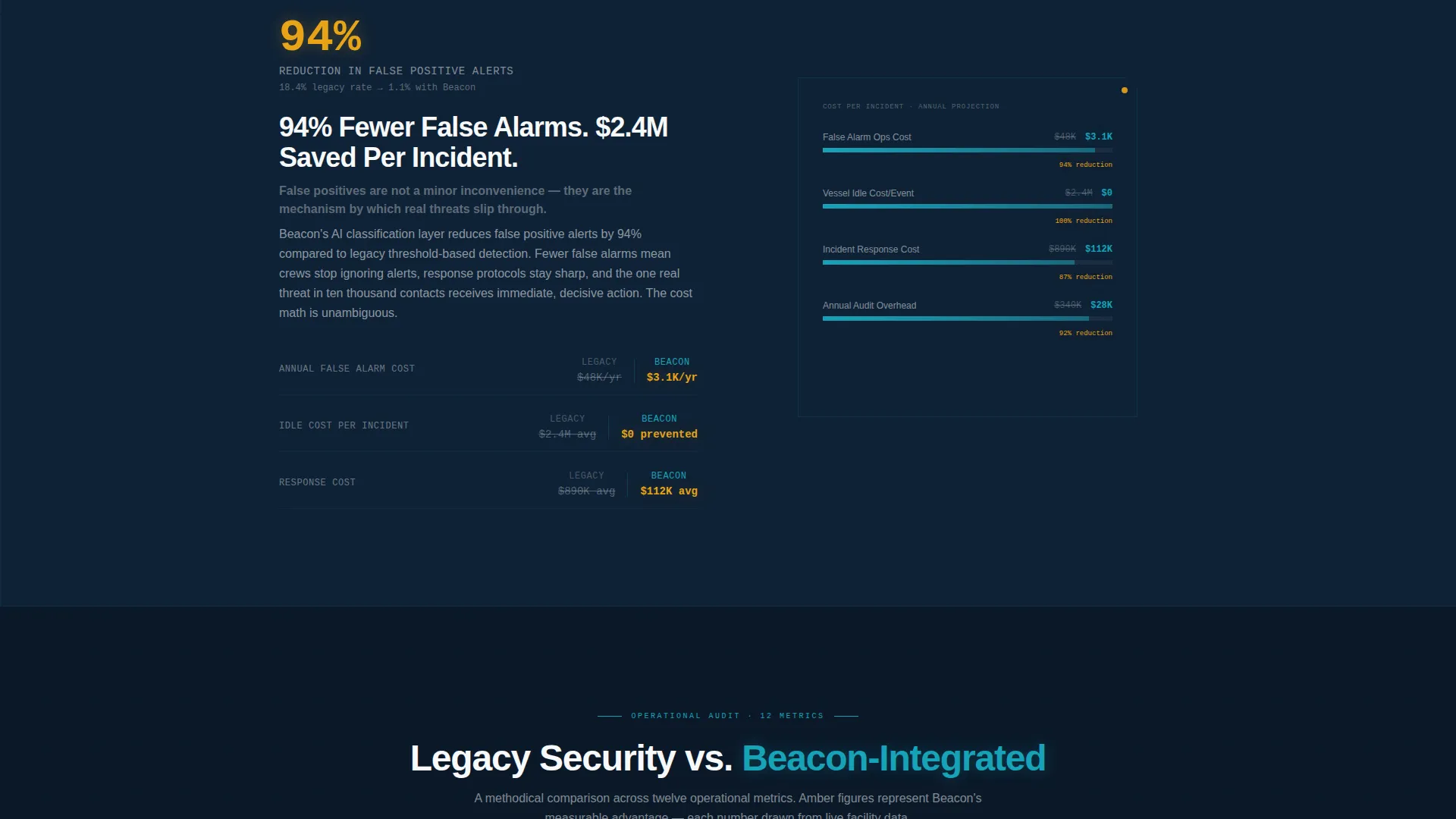
Each alternating content block leads with a bold comparative metric on one side and the supporting explanation on the other. Metrics escalate from detection speed to false-positive reduction to cost-per-incident savings. The layout reads like a peer-reviewed audit, not a product brochure.
Twelve-Metric Comparison Table
A persistent two-column table anchors the mid-page, comparing legacy port security against integrated security across twelve operational metrics. Every winning figure is highlighted in threat-alert amber so the performance gap is immediately visible without any explanation needed.
Header Logo Bar
A horizontal ribbon at the top of the page displays port authority crests, defense ministry seals, and global shipping line logos. All marks render in monochrome signal white against deep navy, communicating institutional endorsement before a single word is read.
Sonar-Stat Hero Block
A single oversized statistic opens the page below the logo bar, rendered in teal numerals with a one-line descriptor beneath it. The design delivers immediate scale and credibility in under three seconds of reading time.
Sticky Call-to-Action Bar
The primary call to action, "Request Your Port Assessment," is fixed to the bottom of the viewport throughout the page. It remains accessible during scroll so motivated buyers can act at any moment without hunting for a form.
Low-Friction Assessment Form
The contact form collects exactly three inputs: facility type, current annual vessel traffic volume, and work email. Facility type options include container terminal, bulk port, offshore platform, and naval installation. The minimal field count respects the billing rate of the professionals filling it out.
Page sections overview
| Section | Purpose |
|---|---|
| Logo Bar Ribbon | Establish institutional credibility with recognized authority marks |
| Sonar Stat Hero | Open with a single oversized proof statistic |
| Zigzag Block One | Compare threat response speed against industry standard |
| Zigzag Block Two | Compare vessel identification accuracy against legacy systems |
| Zigzag Block Three | Present false-positive reduction and cost-per-incident savings |
| Comparison Table | Contrast legacy versus integrated security across twelve metrics |
| Assessment Request Form | Capture facility type, vessel traffic, and work email |
| Sticky call to action Bar | Keep primary call to action visible at all scroll positions |
Design & branding system
The visual identity follows a Navy Authority color system built around function over decoration. Every color on screen has a defined operational role, and none is used purely for aesthetics.
- Deep watch-floor navy (#0B1929) as the primary background, creating the feel of a naval bridge at night
- Sonar-pulse teal (#17A2B8) for primary numerals, headings, and interactive elements
- Signal white (#F8F9FA) for body text and logo mark rendering to ensure clean contrast
- Threat-alert amber (#E8A317) reserved exclusively for callout statistics and competitive differentiators in the comparison table
Mobile & speed optimization
The template is structured with a clean layout hierarchy that translates consistently across screen sizes. Zigzag sections and the comparison table are the two most complex layout elements, and both are built to remain readable on smaller viewports.
- Alternating zigzag blocks reflow into single-column stacks on mobile without losing their metric-first emphasis
- The comparison table is scroll-friendly on narrow screens so all twelve metrics remain accessible
- The sticky call-to-action bar remains fixed at the bottom of the viewport on both desktop and mobile
How this template helps you convert
The Beacon template is structured as a progressive evidence-building experience. Each section removes a layer of buyer skepticism before the form appears.
- The logo bar and sonar stat hero establish credibility and scale in the first viewport, reducing early exit from skeptical institutional buyers.
- The zigzag comparison sections build an evidence wall metric by metric, so by the time the reader reaches the table, the case is already made.
- The three-field form and persistent sticky bar lower the cost of acting, making it easy for a port authority director or logistics executive to request an assessment without feeling sold to.
Other information about this template
This template is built for the commercial security service sector, specifically for providers operating in maritime and port security environments. It suits both product-led security firms and consultancies that serve government or enterprise clients.
- The template style follows a single-column flow with alternating zigzag blocks, keeping the reading experience linear and controlled
- The creative direction draws from a Transparent Process approach, where methodology and performance data are shown openly rather than held back for sales calls
- The header concept uses a Logo Bar as the first credibility signal, which is a recognized pattern in enterprise and institutional security marketing
- The category alignment is Safety and Emergency, specifically within the Security Guard and Protection subcategory, making this template directly relevant to commercial security service providers
Theme
Corporate Precision
Creative direction
Transparent Process
Color system
Monochrome Steel
Style
Single Column Flow
Direction
Click-Through
Page Sections
Stats-first Zigzag Layout
Twelve-metric Comparison Table
Institutional Logo Bar Header
Sonar-stat Hero Block
Sticky Assessment Call to Action Bar
Low-friction Three-field Form
Related questions
Who is the Beacon template designed for?
Can I replace the placeholder statistics with my own performance data?
How does the twelve-metric comparison table work?
Can this template work for an offshore platform security provider?
Is the assessment form ready to use out of the box?