Oncology Medicine Education Website Template
Beacon is a zigzag landing page template built for oncology research centers. It guides newly diagnosed patients, referring physicians, and caregivers through a step-by-step educational journey, from first visit to trial matching, before presenting a consultation scheduling form. The Alpine Fresh color system and transparent process layout make complex clinical information feel clear and approachable.
by Rocket studio
Quick summary
Beacon is a single-page landing page template designed for oncology research centers offering clinical trials, genomic profiling, and immunotherapy protocols. It uses a zigzag alternating layout to walk visitors through every stage of the patient journey, earning trust before asking for a consultation booking. The design feels calm, authoritative, and warm.
Who this template is for
This template was built for healthcare organizations that need to communicate complex oncology services to a non-clinical audience. It works equally well for the patient in the waiting room and the physician reviewing referral options.
- Newly diagnosed cancer patients who need clarity, not more complexity
- Referring physicians looking for trial pathways beyond standard-of-care options
- Caregivers researching late at night for a next step that feels concrete
What problem this template solves
Clinical trial pages typically present dense eligibility tables and medical jargon. Patients and caregivers leave without booking because nothing on the page answered their real questions in plain language. Beacon is built to fix that gap.
- Visitors arrive confused and leave without acting because no clear path is shown
- Complex processes like genomic profiling and Phase I study enrollment feel inaccessible
- Scheduling a consultation feels like a leap of faith when the center has not yet built trust
What you get with this template
Beacon delivers a fully structured landing page with every section pre-built and sequenced for patient trust and consultation conversion. No guesswork about what content to include or in what order.
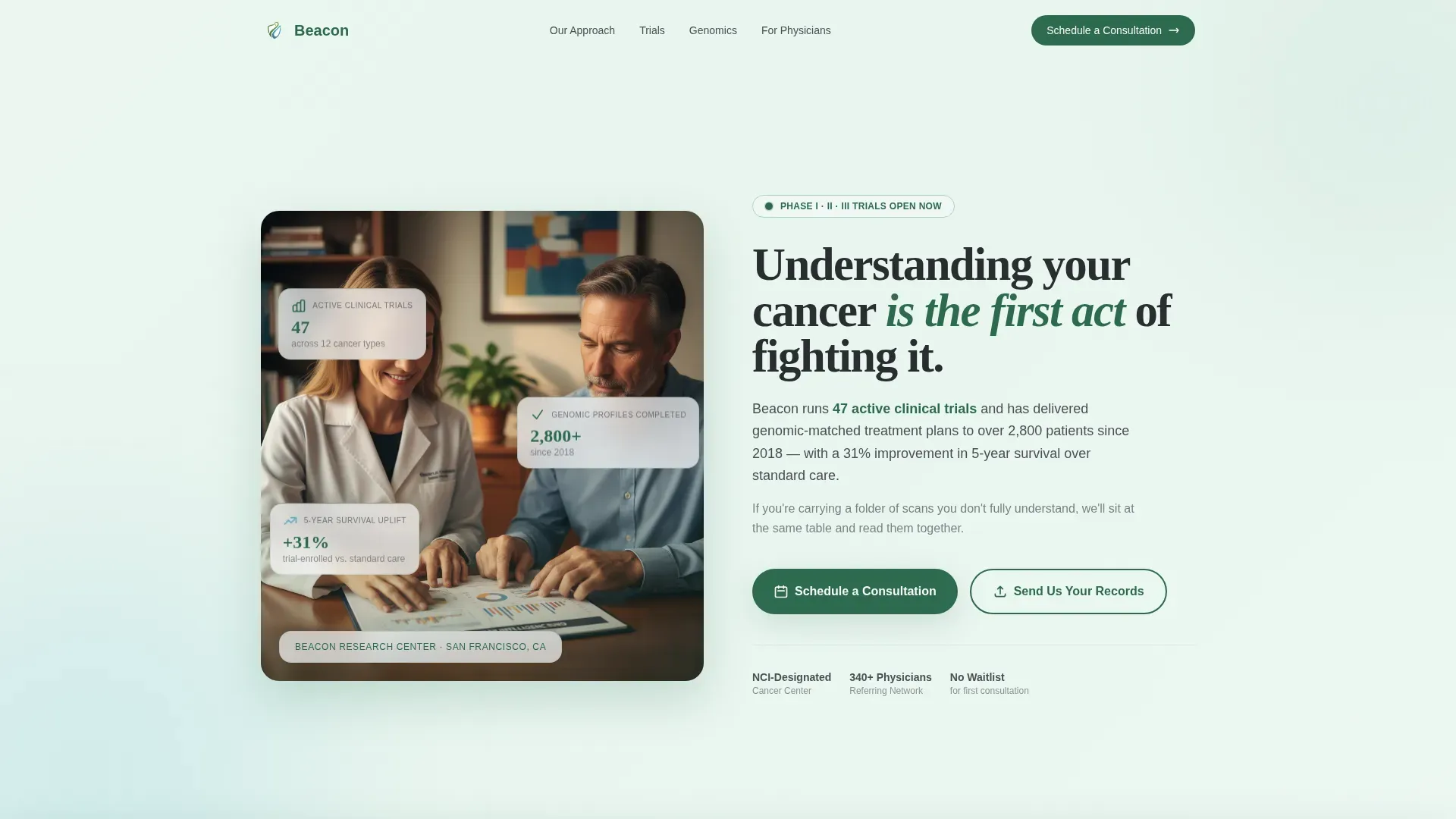
- A half-page photo and text hero section with headline, subline, and floating stat cards
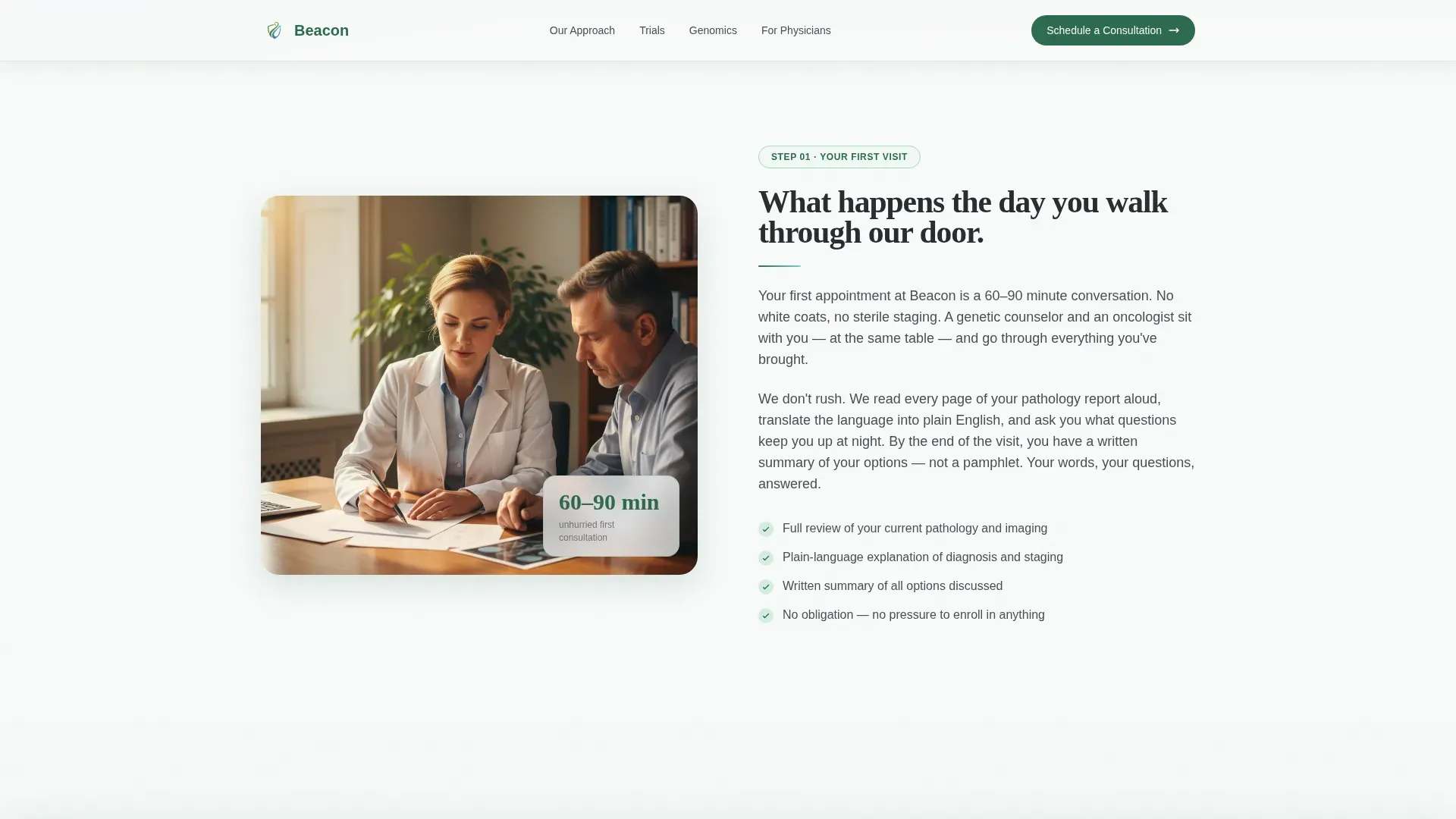
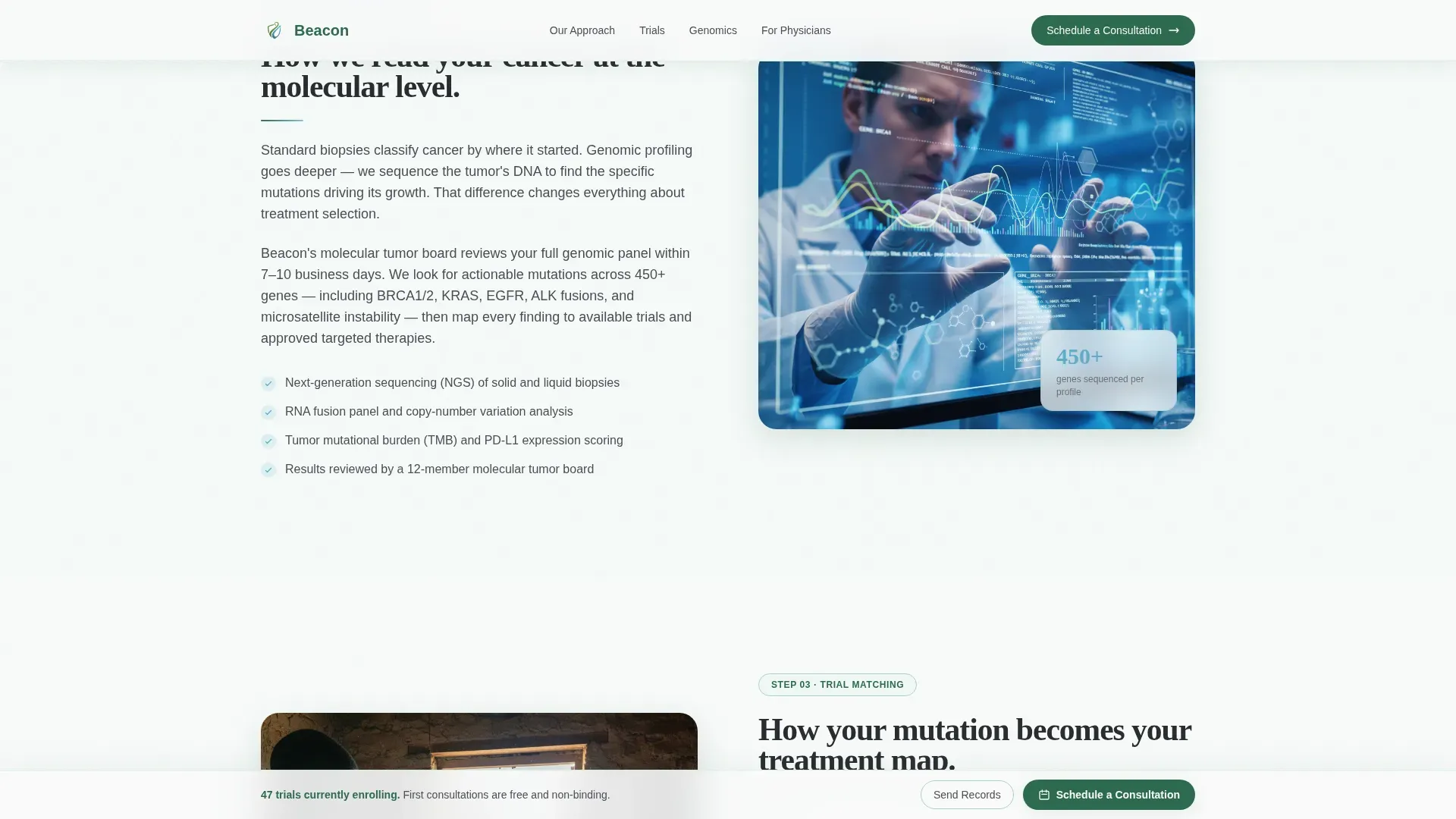
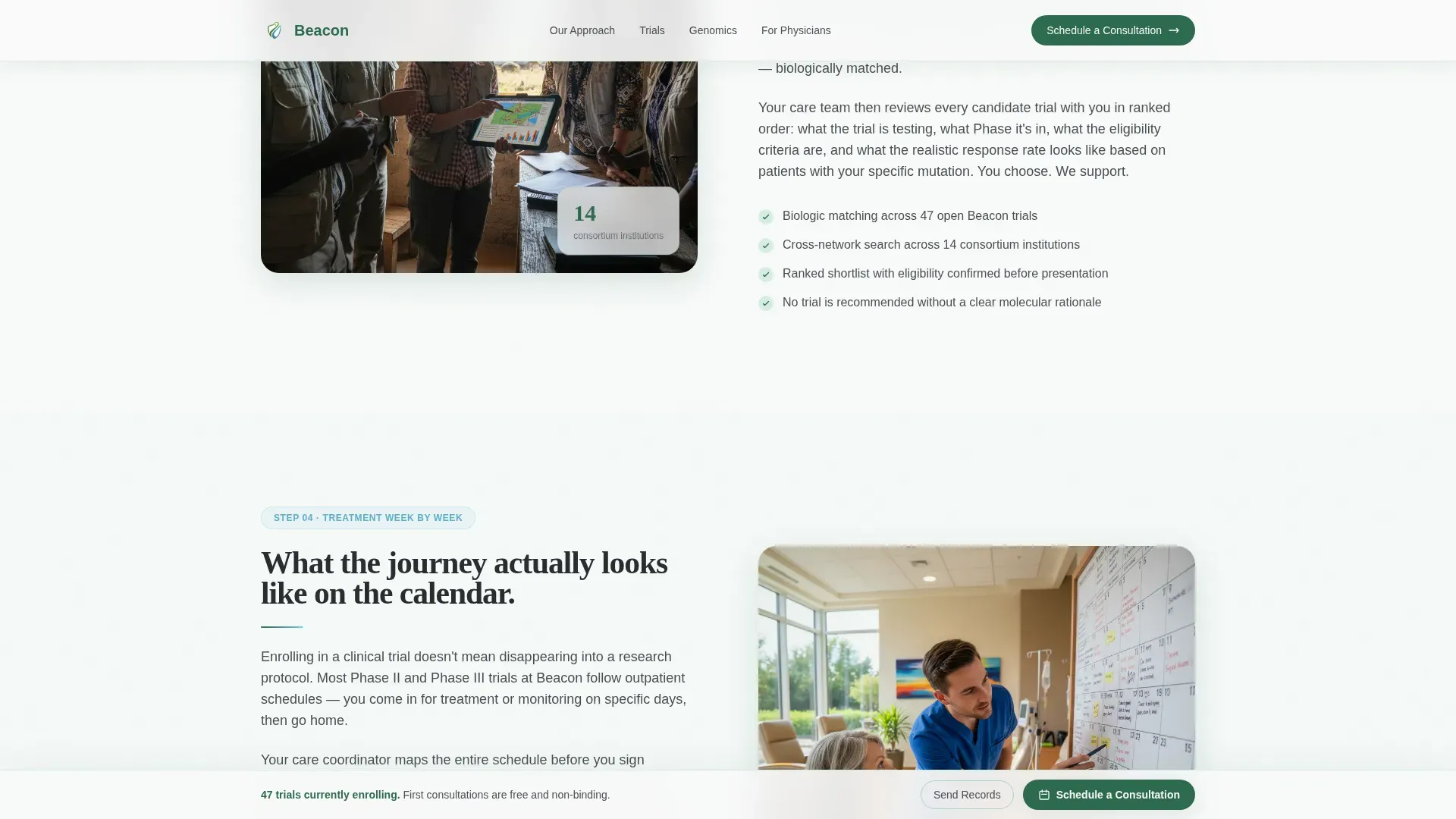
- Four zigzag alternating content sections covering first visit, tumor profiling, trial matching, and the treatment journey
- A consultation scheduling form with diagnosis dropdowns, treatment status selector, preferred contact field, and a calendar date picker
- A secondary records upload path so patients can send pathology reports directly
- A persistent sticky call-to-action bar that appears after the second section
Feature list
This template ships with a focused set of components that serve one purpose: move a cautious visitor toward a scheduled consultation.
Half-Page Hero with Floating Stat Cards
The hero pairs a warm, natural clinic photograph on the left with a serif headline and subline on the right over a snow-field white background. Floating stat cards display active trial count, patient milestone data, and referring physician network size to build credibility immediately.
Zigzag Alternating Section Layout
Four content sections alternate left-right between a process illustration or annotated photograph and a plain-language explanation. Each section answers the next question a patient would naturally ask, keeping the scroll feeling guided rather than overwhelming.
Consultation Scheduling Form
The primary conversion component includes a diagnosis type dropdown (solid tumor, hematologic, or unknown/pending), a current treatment status selector (newly diagnosed, in treatment, or post-relapse), a preferred contact method field, and a calendar date picker for appointment scheduling.
Pathology Records Upload Path
A secondary conversion route labeled "Send Us Your Records" lets patients upload pathology reports directly from the page. This path reduces friction for visitors who are not yet ready to schedule but want to take a concrete step.
Persistent Sticky Call-to-Action Bar
After the second section, a sticky bottom bar carrying the "Schedule a Consultation" call to action stays visible as the visitor scrolls. This keeps the primary action reachable without interrupting the educational flow above it.
Scroll-Reveal and Hover Micro-Interactions
The template includes scroll-reveal stagger animations and hover micro-interactions at medium intensity. Floating cards animate on entry, and interactive elements respond to hover to signal clickability without distraction.
Page sections overview
| Section | Purpose |
|---|---|
| Hero Header | Introduce the center, display credibility stats, and present the primary call to action |
| First Visit | Explain what happens during the initial consultation in plain language |
| Tumor Profiling | Describe the genomic profiling process with an annotated illustration |
| Trial Matching | Show how trials are matched to individual patients based on their profile |
| Treatment Journey | Walk through what week-by-week treatment participation looks like |
| Scheduling Form | Capture consultation bookings with a structured, low-friction intake form |
| Footer | Provide single-row linear navigation, contact, and trust anchors |
Design & branding system
The visual identity follows an Educational Guide theme built on the Alpine Fresh color palette. Every color choice reinforces trust, calm, and clinical clarity without feeling cold or institutional.
- Evergreen (#2D6A4F) anchors section headers and trust elements; snow-field white (#F8FAF9) fills open backgrounds; granite gray (#4A4E54) keeps body text readable and authoritative
- Glacier blue (#7EC8E3) marks all interactive elements and progress indicators so visitors always know where to act
- Typography pairs Fraunces serif headings with DM Sans body and interface text for a balance of warmth and precision
Mobile & speed optimization
The template is built desktop-first but delivers full mobile responsiveness, which matters because caregivers frequently research late at night on a phone. The technical architecture separates static and interactive concerns.
- Static sections use server components to reduce load on initial render; the consultation form and sticky bar run as client components
- Zigzag columns reflow to a single vertical stack on smaller screens, keeping the educational sequence intact
- Scroll-reveal animations are calibrated at medium intensity to maintain smooth performance without heavy resource use
How this template helps you convert
Beacon earns the consultation booking by removing uncertainty at every step before the form appears. The layout is sequenced as a confidence-building journey, not a sales funnel.
- The hero section answers "Is this center credible?" immediately with stat cards showing active trials and patient milestones, so visitors do not leave before reading further.
- The four zigzag sections answer the real questions patients ask in order, so by the time the scheduling form appears, the visitor already understands the process and scheduling feels like the obvious next step.
- The dual conversion paths (consultation booking and records upload) let each visitor act at their own readiness level, capturing both the patient who is ready to commit and the one who needs one more week to decide.
Other information about this template
Beacon is built for a United States healthcare audience. Date formatting follows MM/DD/YYYY convention and all currency references use USD. The page is localized for domestic patient acquisition contexts.
- The footer follows a Pattern 1 linear single-row layout, keeping navigation clean and uncluttered
- The template title "Beacon" reflects the design metaphor throughout: a marked trail with cairns, a clear view ahead, and a path that widens with each step
- The color palette and typography system are fully customizable to match an existing center brand identity
- Social proof components (active trial count, patient milestone stat, referring physician network) are placeholder-ready and can be updated with real center data
Theme
Educational Guide
Creative direction
Transparent Process
Color system
Alpine Fresh
Style
Zigzag/Alternating
Direction
Booking/Scheduling
Page Sections
Half-page Hero with Stat Cards
Zigzag Alternating Content Sections
Consultation Scheduling Form
Pathology Records Upload Path
Persistent Sticky Call-to-action Bar
Scroll-reveal and Micro-interaction Animations
Related questions
Who is this landing page template designed for?
Can referring physicians use this page to explore trial options?
What does the consultation scheduling form include?
Is the zigzag layout mobile-friendly?
Can I update the stat cards with my center's real data?



