Port & Harbor Professional Website Template
Berth is a split-screen landing page template built for inland waterway port operators. It leads with oversized tonnage stats, a trust-mark logo bar, and a Warm Stone color palette that evokes sun-bleached concrete and oiled dock hardware. Two conversion paths capture both ready-to-quote shippers and prospects still in the planning phase.
by Rocket studio
Quick summary
Berth is a high-impact, single-page landing page template designed for inland waterway port terminals. It opens with a horizontal logo bar of industry trust marks, then unfolds a stats-first visual rhythm across a 50/50 split-screen layout. Every scroll reveals a bold operational number before a single paragraph of copy appears. Two clear lead-capture paths close the page.
Who this template is for
This template is built for port operators, terminal managers, and logistics teams who need to attract high-volume industrial shippers. It speaks directly to buyers who move bulk commodities and need a professional digital presence that matches the scale of their facility.
- Grain elevator operators scheduling harvest-season barge strings
- Chemical shippers routing hazmat freight off the interstate
- Construction firms needing large volumes of aggregate staged dockside on a tight timeline
What problem this template solves
Most port and terminal websites bury their most persuasive information deep inside text-heavy pages. Industrial buyers arrive with specific questions: draft depth, laydown acreage, rail-car spots, and annual tonnage capacity. They need answers in seconds, not paragraphs.
- Visitors leave before they find the numbers that matter most to them
- There is no clear entry point for prospects at different stages of the buying decision
- A generic site layout fails to communicate the physical scale and operational credibility of the terminal
What you get with this template
You get a complete, ready-to-customize single-page layout that puts hard operational data front and center. The template structure is pre-built so you can drop in your own statistics, photography, and commodity details without rebuilding from scratch.
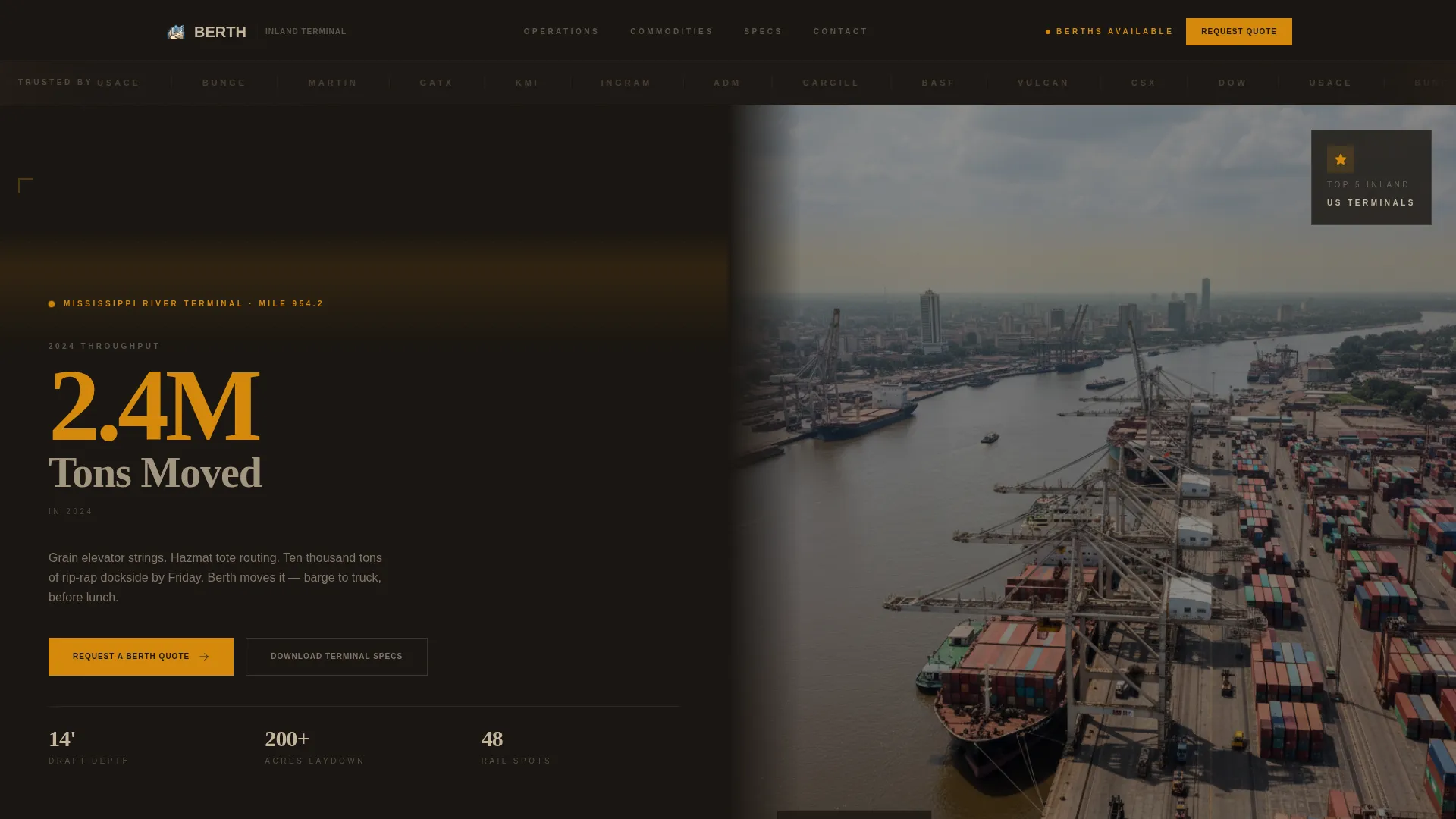
- A full split-screen hero with an oversized stat and a dockside photograph in a 50/50 layout
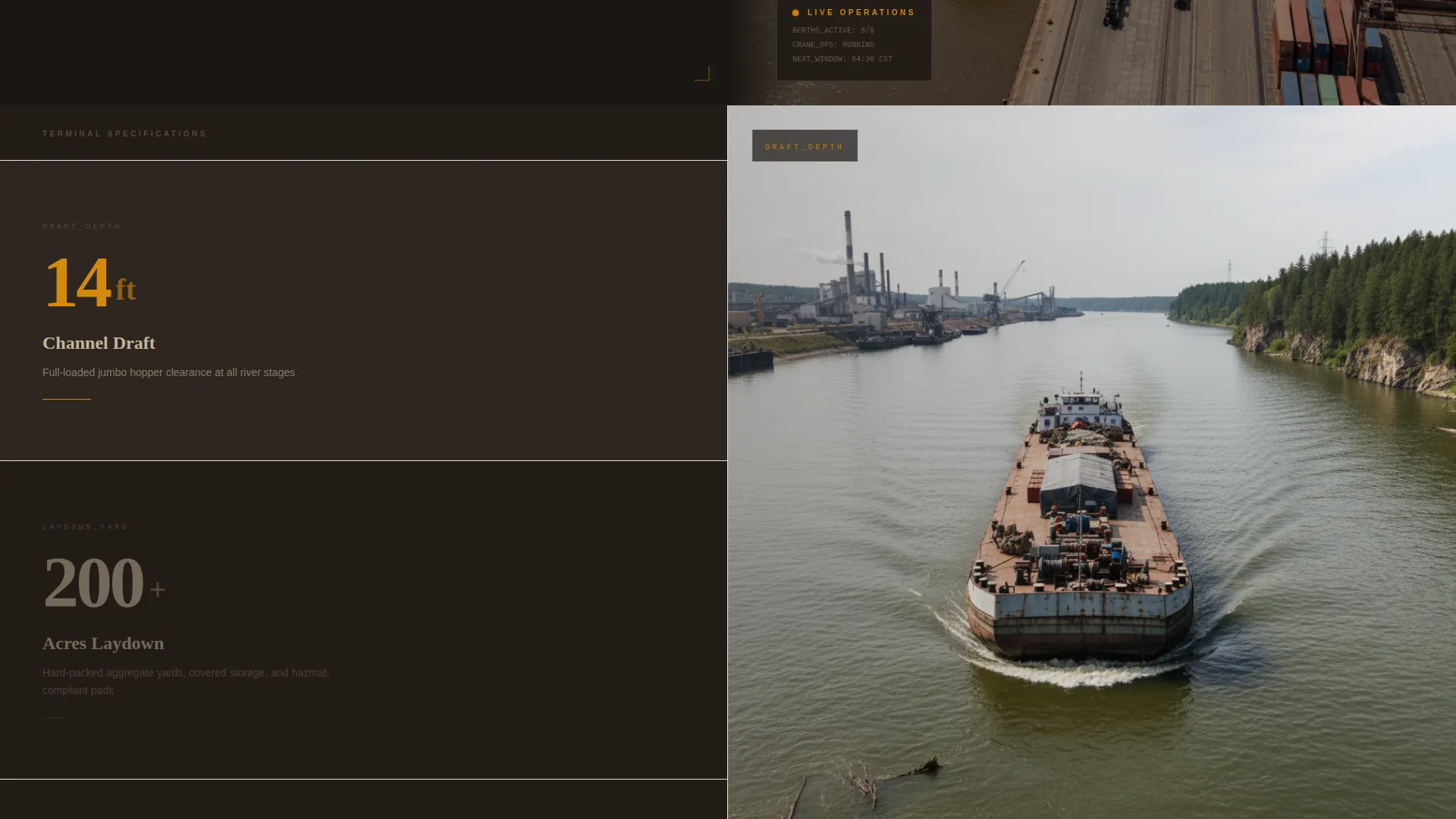
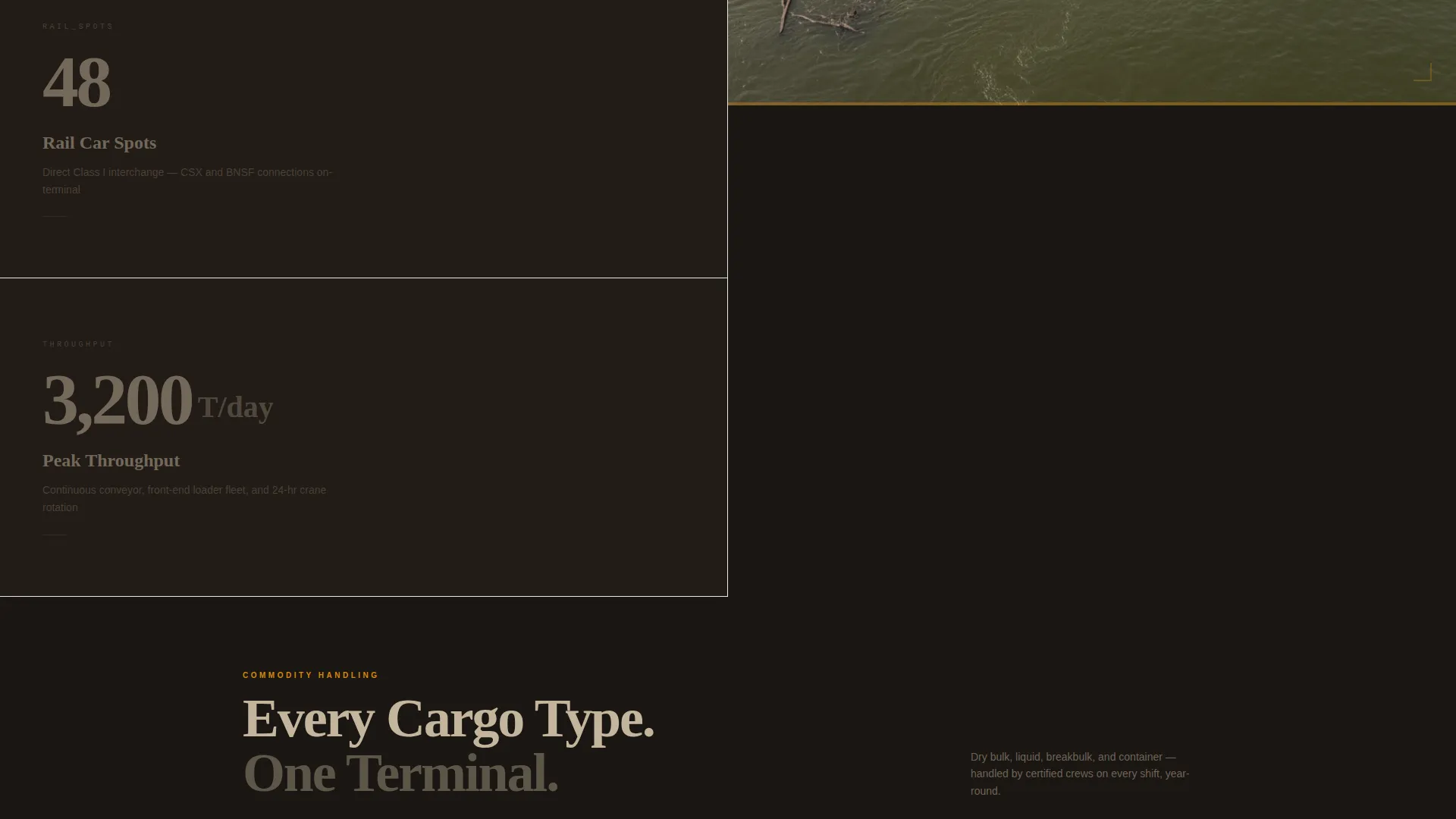
- A cascading stats section that pairs bold amber figures with corresponding operational imagery
- Two distinct lead-capture paths: a commodity-specific quote request form and a gated terminal-specs download
Feature list
This template was designed around one core idea: let the numbers sell, then let the form open the conversation. Every feature below serves that intent.
Stats-First Split Screen Layout
The viewport divides 50/50 on every scroll. The left panel holds a single large stat in bold slab-serif type rendered in safety-cone amber. The right panel swaps to a matching operational photograph. Tonnage capacity, laydown acreage, draft depth, and rail-car spots each get their own dedicated moment before any service copy appears.
Horizontal Trust-Mark Logo Bar
The header opens with a full-width band of shipper, carrier, and commodity-association logos. Each logo is slightly desaturated so the bar reads as credibility rather than advertising. This establishes industry recognition before the visitor reaches any claims the port makes about itself.
Lead Generation Quote Form
The primary call to action reads "Request a Berth Quote" and anchors in the right panel after the stats cascade ends. The form collects commodity type via dropdown (dry bulk, liquid bulk, breakbulk, container), estimated annual tonnage via a range slider, preferred mode connection via checkboxes (barge, rail, truck), and a company-name field last.
Gated Terminal Specs Download
A secondary conversion path, labeled "Download Terminal Specs," captures an email address in exchange for a terminal specifications document. This path serves prospects still in the planning phase who are not yet ready to request a quote but want detailed facility data.
Warm Stone Branding System
The full color palette is built into the template. River-bluff limestone, weathered dock timber, deep channel water, and safety-cone amber are pre-applied across backgrounds, typography, and interactive elements. calls to action and data callouts use amber exclusively, keeping visual hierarchy consistent throughout.
Commodity-Specific Service Sections
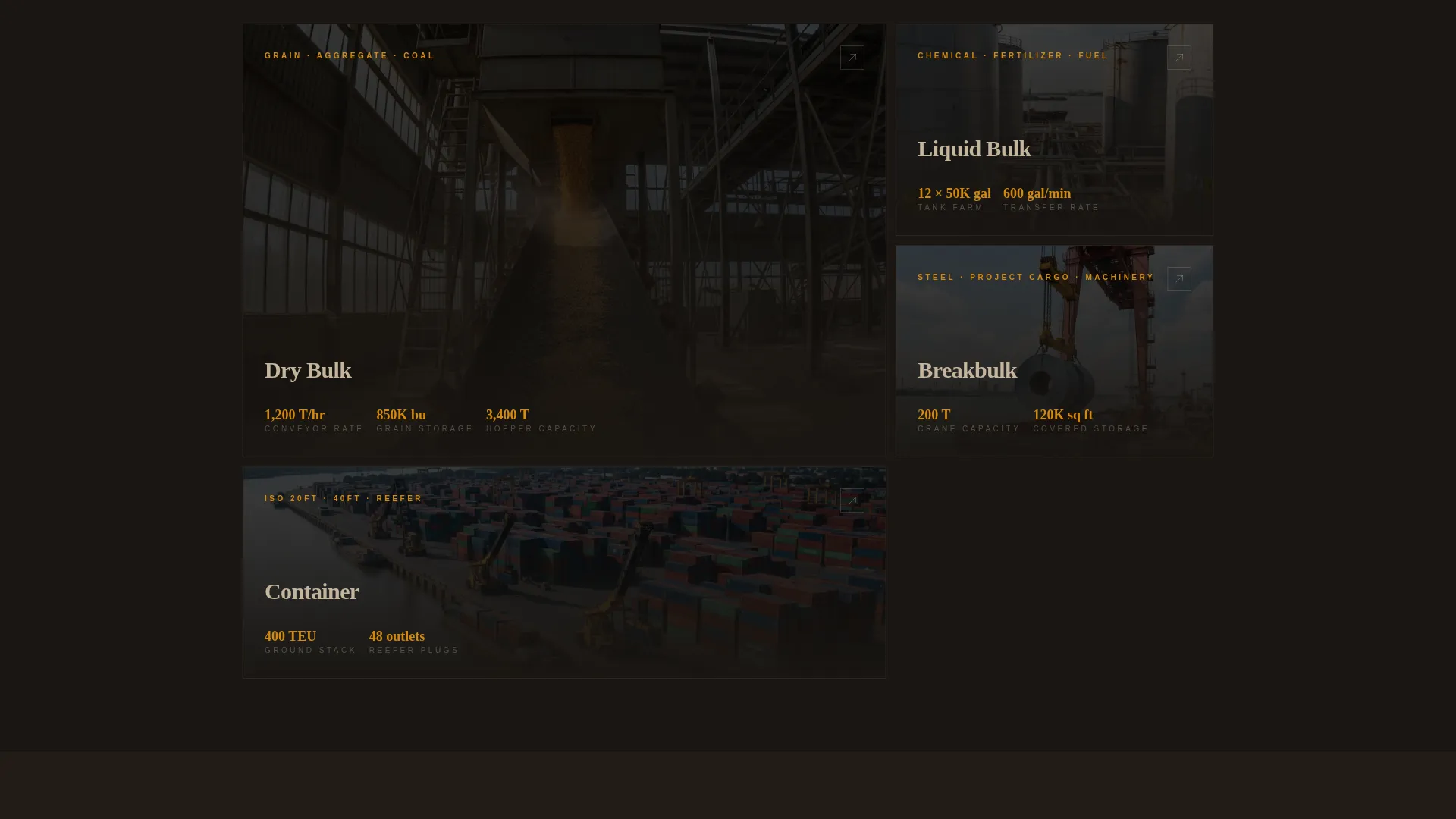
After the stats cascade, the template transitions into service description blocks organized by commodity type. Dry bulk, liquid bulk, breakbulk, and container handling each have a dedicated area. Rate-request logic and commodity-specific handling details follow naturally after the numbers establish scale.
Page sections overview
| Section | Purpose |
|---|---|
| Trust-Mark Logo Bar | Establishes industry credibility with desaturated partner logos |
| Split-Screen Hero | Pairs the flagship tonnage stat with a golden-hour dockside photo |
| Tonnage Capacity Stat | Highlights annual volume moved with a bold amber figure |
| Laydown Yard Stat | Communicates acreage of available staging space |
| Draft Depth Stat | States navigable depth for barge and vessel planning |
| Rail-Car Spots Stat | Shows intermodal capacity alongside operational imagery |
| Commodity Service Blocks | Describes handling details for each freight category |
| Quote Request Form | Captures commodity type, tonnage range, mode, and company |
| Terminal Specs Download | Gates a PDF spec sheet behind an email capture field |
Design & branding system
The visual identity follows a Service Utility theme grounded in a Warm Stone color system. Every color in the palette is drawn from the physical materials of a working riverfront: bleached concrete, oiled timber, deep water, and amber warning lights.
- River-bluff limestone (#C4B59D) and weathered dock timber (#5C4A3A) form the primary background and text tones
- Deep channel water (#2C3E50) anchors dark panels and section dividers
- Safety-cone amber (#D4890C) is reserved exclusively for calls to action, stat figures, and data callouts to maintain a clear visual hierarchy
Mobile & speed optimization
The template layout is structured to translate the 50/50 desktop experience into a clean single-column stack on smaller screens. Stats remain oversized and legible. Forms remain functional and easy to complete on a mobile device.
- The split-screen sections reflow into full-width stacked panels on narrow viewports
- Stat typography scales down while retaining the bold slab-serif impact intended in the design brief
How this template helps you convert
The template is built around a specific conversion logic: establish operational credibility with data first, then present two paths for buyers at different stages of intent.
- The stats cascade does the persuasion work before any call to action appears, so by the time a visitor reaches the quote form they have already seen draft depth, acreage, tonnage capacity, and rail connections stated plainly.
- Two distinct conversion paths serve two distinct buyer stages: the quote form captures high-intent shippers ready to negotiate, while the terminal specs download captures early-stage planners who need data before they commit to a conversation.
Other information about this template
This template is part of the Marine and Maritime category, filed under the Port and Harbor subcategory, with a niche focus on inland waterway port operations. It was built to serve the specific commercial context of river-based bulk freight terminals.
- The template style is Split Screen (50/50), matching common high-impact landing page patterns used in industrial and logistics verticals
- The creative direction is Stats-First Impact, meaning data precedes copy at every scroll level
- The header concept is a Logo Bar, a pattern widely used in freight and logistics to signal partner-network depth
- The landing page direction is Lead Generation, structured around two distinct capture paths rather than a single call to action
- The theme is Service Utility, meaning form follows function throughout and decorative elements are kept minimal
Theme
Service Utility
Creative direction
Stats-First Impact
Color system
Warm Stone
Style
Split Screen (50/50)
Direction
Lead Generation
Page Sections
Stats-first Split Screen Layout
Horizontal Trust-mark Logo Bar
Commodity Quote Request Form
Gated Terminal Specs Download
Warm Stone Color System
Commodity-specific Service Blocks
Related questions
Who is this landing page template designed for?
What are the two conversion paths built into this template?
Can I customize the stat figures and photographs?
What commodity types does the quote form support?
What colors and fonts are pre-set in this template?