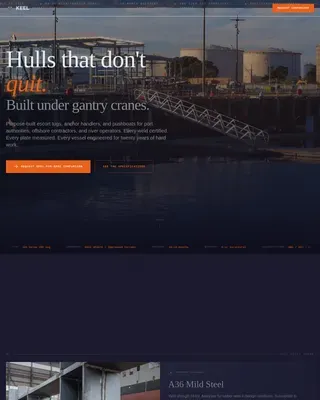
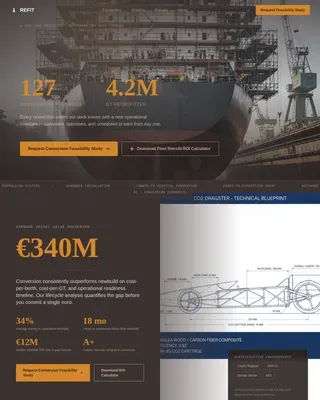
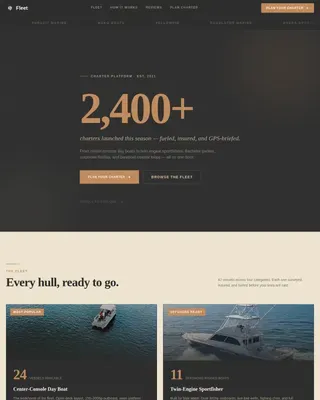
Commercial Shipyard Landing Page Template
Berth is a split-screen landing page template built for commercial shipyards. It pairs a panoramic dry-dock header with a scroll-driven build-sequence layout, guiding fleet managers, procurement officers, and naval architects through each construction phase. A gated PDF download and an ungated specifications library work together to convert technical visitors at every stage of their decision.
by Rocket studio
Quick summary
Berth is a single-page template designed for commercial shipyards that need to earn trust with technically demanding clients. The 50/50 split-screen layout pairs phase photographs with real project data, giving visitors a transparent view of the build process from steel cutting to delivery. The primary conversion path is a gated 28-page Build Process Guide download.
Who this template is for
This template is built for shipbuilding operations that compete on precision, schedule discipline, and verifiable quality. It speaks directly to professionals who evaluate yards on documented capability, not sales claims.
- Fleet managers at regional shipping lines replacing aging tonnage
- Procurement officers at offshore energy firms commissioning service vessels
- Naval architects at design bureaus who need a build partner with proven hull tolerances
What problem this template solves
Most shipyard web pages rely on aspirational language with little supporting evidence. Technical buyers do not respond to vague promises. They need to see methodology, metrics, and real project data before they engage.
- Visitors leave without converting because there is no structured disclosure of the build process
- No clear download or resource path exists for professionals who want to read before they talk
- The yard's operating discipline stays invisible, so trust never builds
What you get with this template
You get a complete single-page layout that walks visitors through the shipyard's phased build sequence in a structured, visually grounded format. Every major component is designed and ready to customize.
- A full-width panoramic header with a drone-perspective dry-dock photograph and headline typography
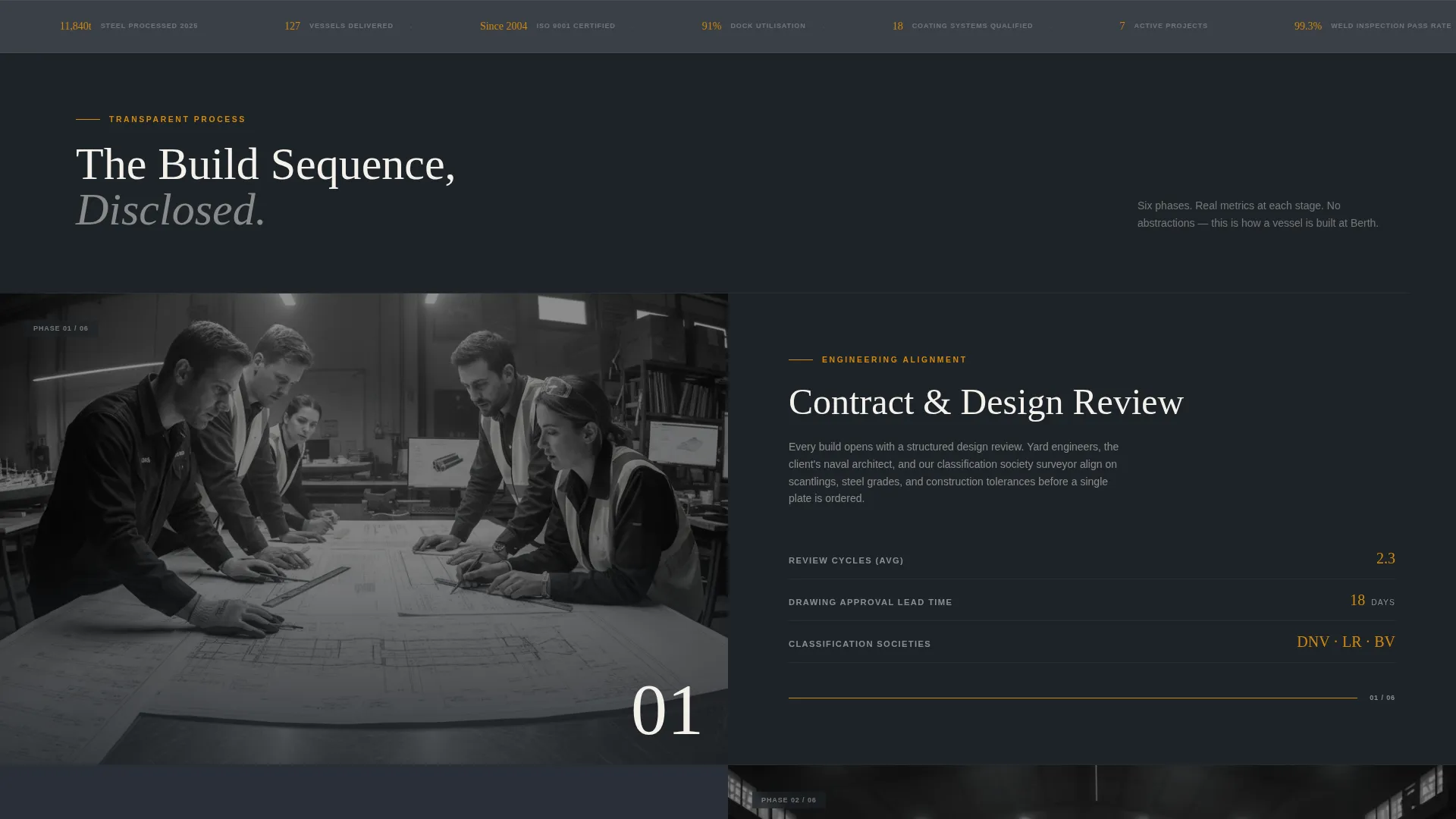
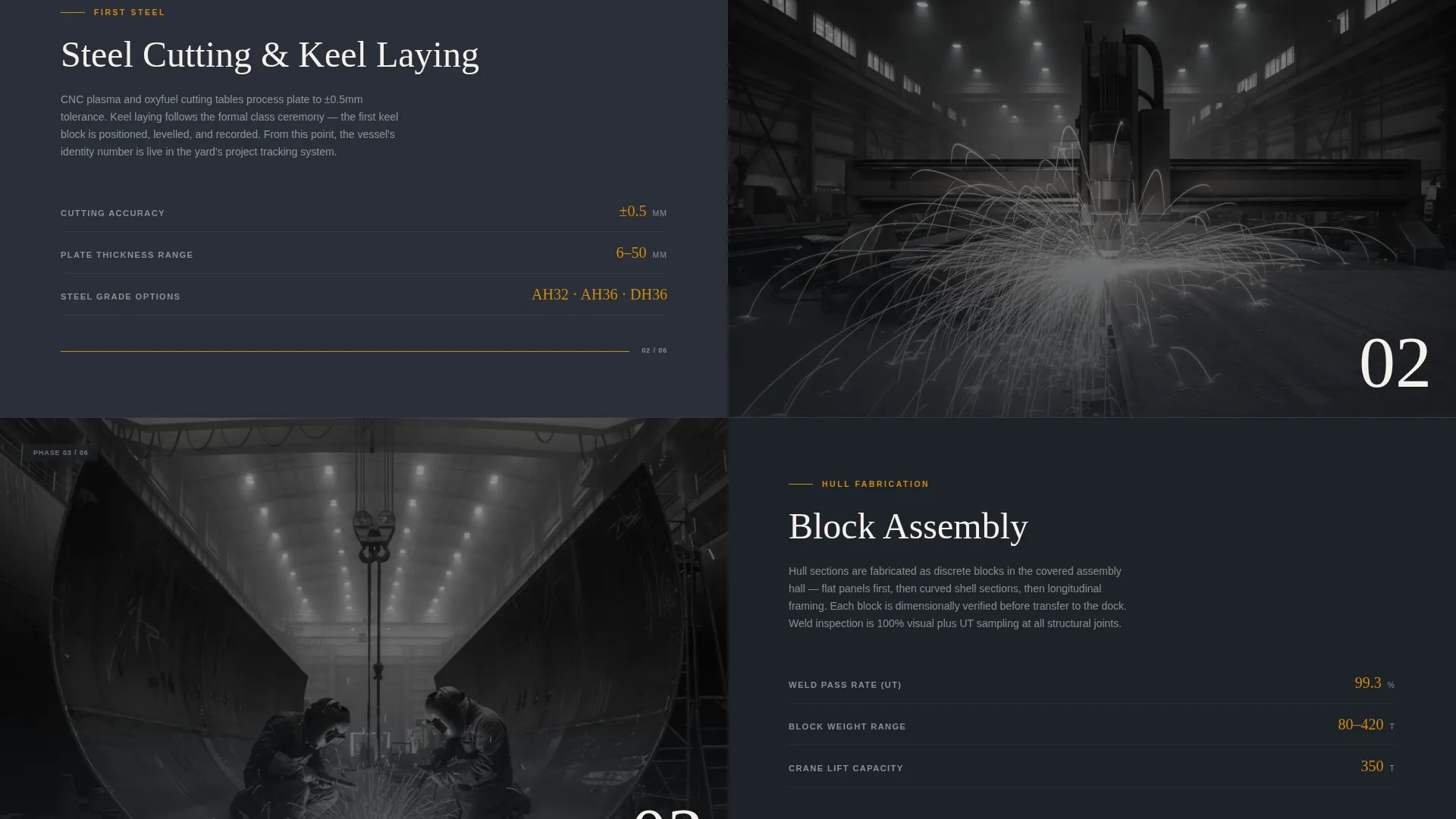
- A scroll-driven split-screen section for each build phase, pairing imagery with project data
- A four-field gated form for the Build Process Guide PDF and a separate ungated specifications library section
Feature list
A short paragraph introduces the feature set below, which is drawn directly from the template brief.
Panoramic Aerial Header
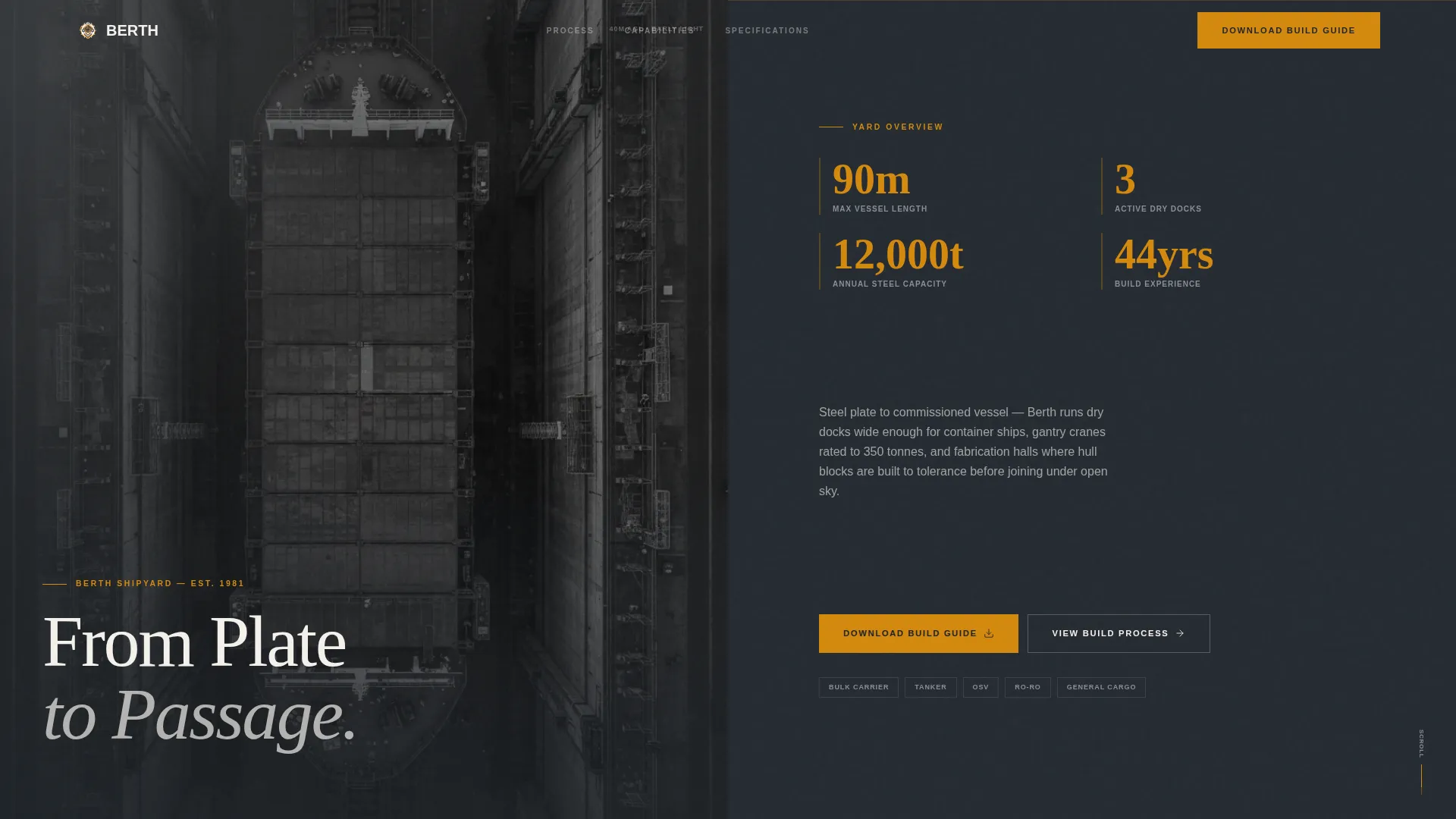
The header stretches edge to edge with a drone-shot vessel photograph taken at 40 meters altitude. Early morning light rakes across the hull from starboard, and tiny scaffold figures give immediate scale. A single condensed headline, "From Plate to Passage," sits low-left in white.
Split-Screen Build Sequence
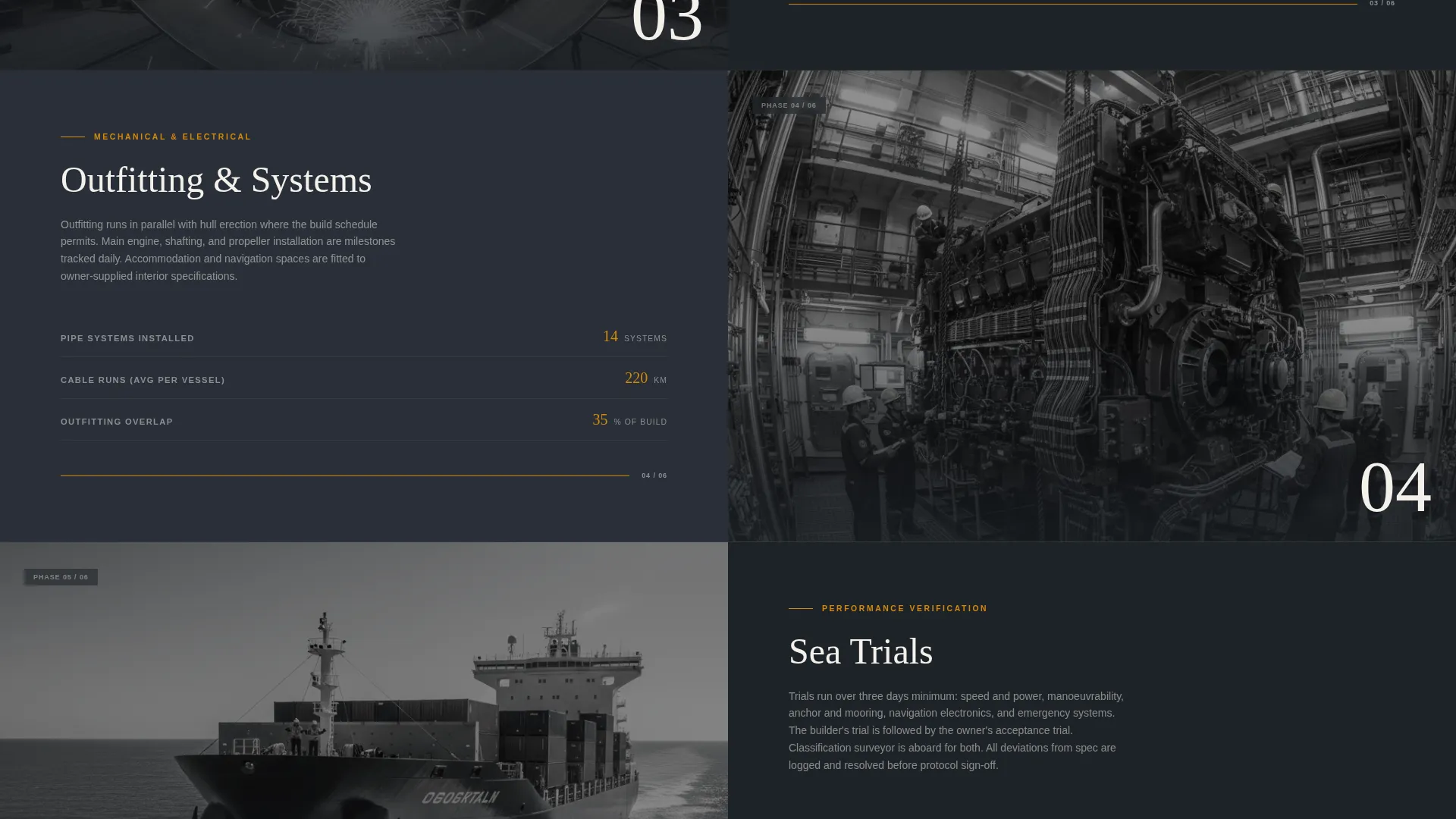
Each build phase occupies a full 50/50 section, with a phase photograph on one side and detailed project data on the other. Phases covered include contract and design review, steel cutting and keel laying, block assembly, outfitting, sea trials, and delivery. Real metrics such as tonnage processed, weld inspection pass rates, and days on dock versus plan appear in the data panels.
Gated Build Process Guide Form
A focused four-field form captures name, company, vessel type interest, and email. No phone number is requested, which reduces friction for technical professionals. The download unlocks a 28-page PDF covering the yard's phased methodology, quality benchmarks, and sample project timelines.
Ungated Specifications Library
A secondary section offers open-access resources including general arrangement samples, steel grade references, and coating system datasheets. Visitors who are not ready to convert still leave with useful materials and a clear reason to return.
Corporate Precision Color System
The Charcoal and Amber palette applies deep plate-steel charcoal as the dominant background tone, with welding-spark amber reserved for interactive elements, progress indicators, and key data points. Specification-sheet white carries body content and technical data panels, while crane-boom graphite separates sections.
Page sections overview
| Section | Purpose |
|---|---|
| Panoramic Aerial Header | Sets scale and introduces the yard's confidence through a full-width drone photograph and headline |
| Contract and Design Review | Opens the build sequence with project scoping data and phase metrics |
| Steel Cutting and Keel Laying | Displays early fabrication imagery alongside tonnage and schedule data |
| Block Assembly Phase | Shows hull section joining with weld inspection pass rates and progress indicators |
| Outfitting Phase | Covers mechanical and systems installation with corresponding project metrics |
| Sea Trials and Delivery | Closes the build sequence with final performance data and delivery benchmarks |
| Build Process Guide Form | Gated four-field download form for the 28-page methodology PDF |
| Specifications Library | Ungated resource section with arrangement samples and technical datasheets |
Design & branding system
The visual identity follows a Corporate Precision theme that feels like opening a heavy engineering project binder. Every color decision has a functional role, and the palette keeps the page readable under demanding technical scrutiny.
- Deep plate-steel charcoal (#1E2328) dominates backgrounds and anchors typography weight throughout
- Welding-spark amber (#D4890E) fires only on interactive elements, progress indicators, and key data points to read like a spark against dark metal
- Specification-sheet white (#F4F1EC) breathes in content panels and data sections, while crane-boom graphite (#3A3F47) separates layout zones like bulkhead walls
Mobile & speed optimization
The template is structured with a clean, lightweight layout that translates well to narrower viewports. The 50/50 split-screen sections are designed to restack gracefully so data panels remain readable on smaller screens.
- Split-screen columns restack vertically on mobile so phase photographs and data panels stay legible
- The four-field download form stays compact and finger-friendly on touch devices
- Lean section structure keeps the page organized without unnecessary visual complexity
How this template helps you convert
The Transparent Process creative direction treats disclosure itself as the conversion strategy. Visitors move through the build sequence and accumulate evidence before reaching any call to action.
- The scroll-driven build sequence presents real metrics at each phase, so technical buyers build confidence through evidence rather than persuasion, making the download form feel like a natural next step rather than a sales barrier.
- The gated Build Process Guide captures qualified leads with minimal friction, while the open specifications library gives non-ready visitors immediate value and a reason to return when their procurement timeline advances.
Other information about this template
This section covers additional context relevant to how the template fits the commercial shipbuilding market and how it can be adapted for related use cases.
- The template is categorized under Marine and Maritime, specifically Shipbuilding and Repair, making it a strong fit for yards serving bulk carrier, tanker, and offshore support vessel clients
- The Content and Resource landing page direction means the page is structured around earned trust through documentation rather than direct sales pressure
- The split-screen style and Transparent Process direction work equally well for shipyard operators wanting to showcase refit and repair capability alongside new builds
Theme
Corporate Precision
Creative direction
Transparent Process
Color system
Charcoal & Amber
Style
Split Screen (50/50)
Direction
Content/Resource
Page Sections
Panoramic Aerial Header Section
Scroll-driven Split-screen Layout
Gated Build Process Guide Form
Ungated Specifications Library
Corporate Precision Color System
Related questions
Who is this template built for?
What does the gated form collect from visitors?
Can the build phase sections be customized for different vessel types?
What is included in the ungated specifications library?
Does the template support a secondary conversion path?