Horse Trainer Booking Landing Page Template
Bridle is a sidebar companion landing page template built for professional horse trainers. It leads with four credential metrics, walks owners through a transparent FAQ-driven content flow, and closes with a gated intake packet download. The design pairs deep plum, warm parchment, and muted gold to project quiet authority and earn trust before asking for commitment.
by Rocket studio
Quick summary
Bridle is a single-page sidebar companion template designed for professional horse trainers offering sixty-day colt-starting and tune-up programs. The layout opens with a bold stats dashboard, guides visitors through a scrollable FAQ sidebar, and converts them through a gated intake packet download and a secondary barn visit scheduling path.
Who this template is for
This template is built for working horse trainers who need a professional online presence that earns trust before asking for a booking. It speaks directly to the specific concerns of owners hauling young or problem horses to a professional facility.
- Amateur owners bringing green-broke prospects from hobby farms to a sixty-day starting program
- Competitive reiners seeking tune-up training before a futurity season and needing confidence in the trainer's process
- Trail riders whose horses have developed dangerous barn-sour habits and need a structured rehabilitation approach
What problem this template solves
Most horse trainer pages either undersell the trainer's credentials or bury the hard questions that owners actually have before committing. Owners hesitate because they cannot find clear answers about liability, visitation, contracts, and what happens if progress stalls.
- Owners leave generic pages without booking because trust was never established through transparency
- Legal and contractual details are often hidden or absent, leaving owners uncertain about their horse's safety and their own obligations
- There is no clear pathway from "interested" to "ready to haul in," so potential clients fall off before taking action
What you get with this template
Bridle delivers a fully structured sidebar companion landing page with every visual and content component specified and ready to customize. The layout is purposeful from the first scroll to the final form submission.
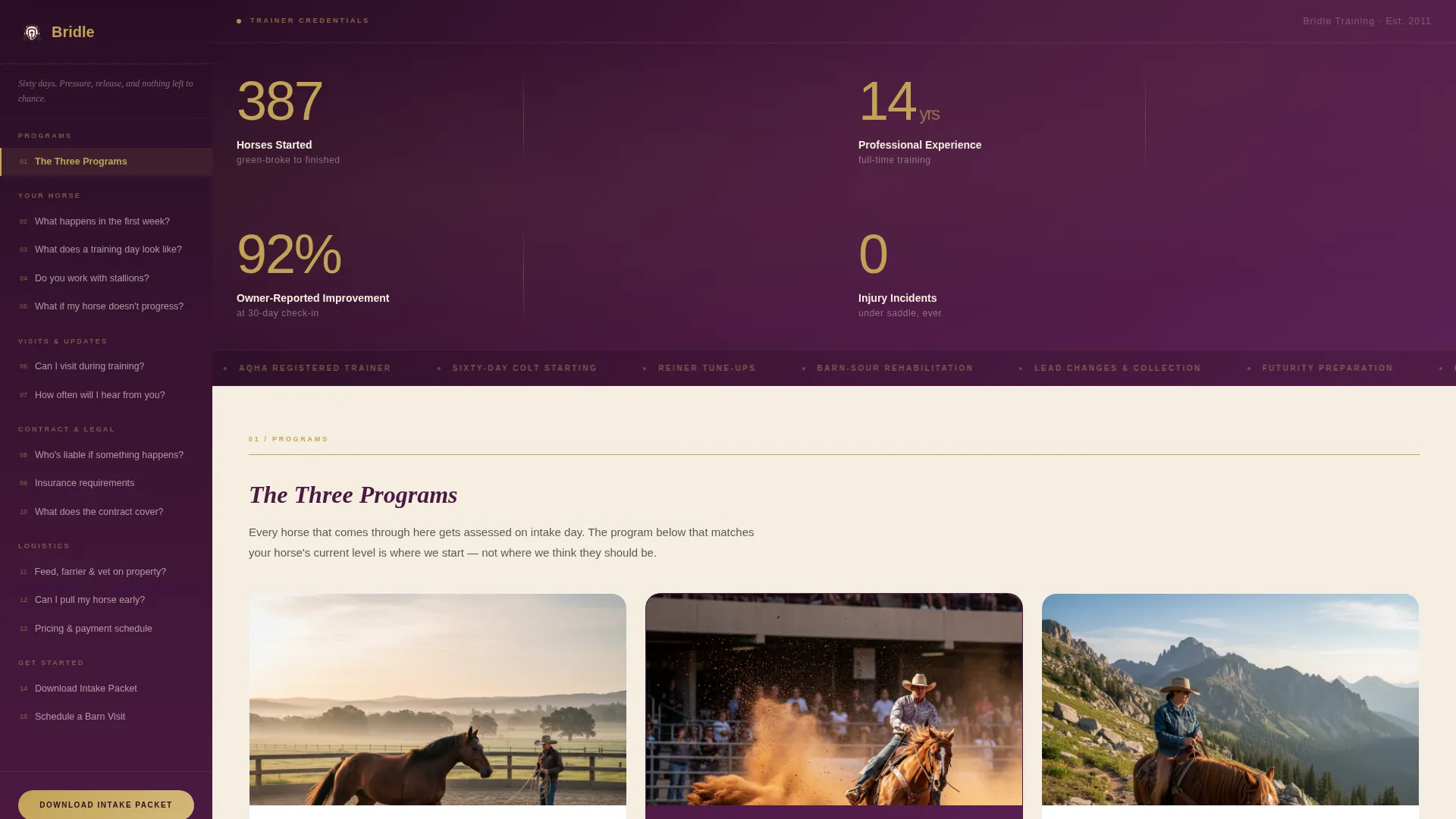
- A horizontal stats dashboard header displaying four credential metrics in large gold type against a deep plum background
- A persistent, scrollable sidebar table of contents linking every owner question to a detailed, plainspoken answer in the main content field
- A gated "Download the Owner Intake Packet" form collecting name, email, and horse age and breed, plus a secondary "Schedule a Barn Visit" calendar embed path
Feature list
This template's components are grounded in the brief and designed to move an uncertain owner toward confident action.
Credential Stats Dashboard
The header opens with four key figures: 387 horses started, 14 years professional, 92% owner-reported improvement at 30 days, and zero injury incidents under saddle. Numbers are set in large, light gold type with parchment-white descriptor labels beneath each. No hero image competes with the credentials.
FAQ-Driven Sidebar Navigation
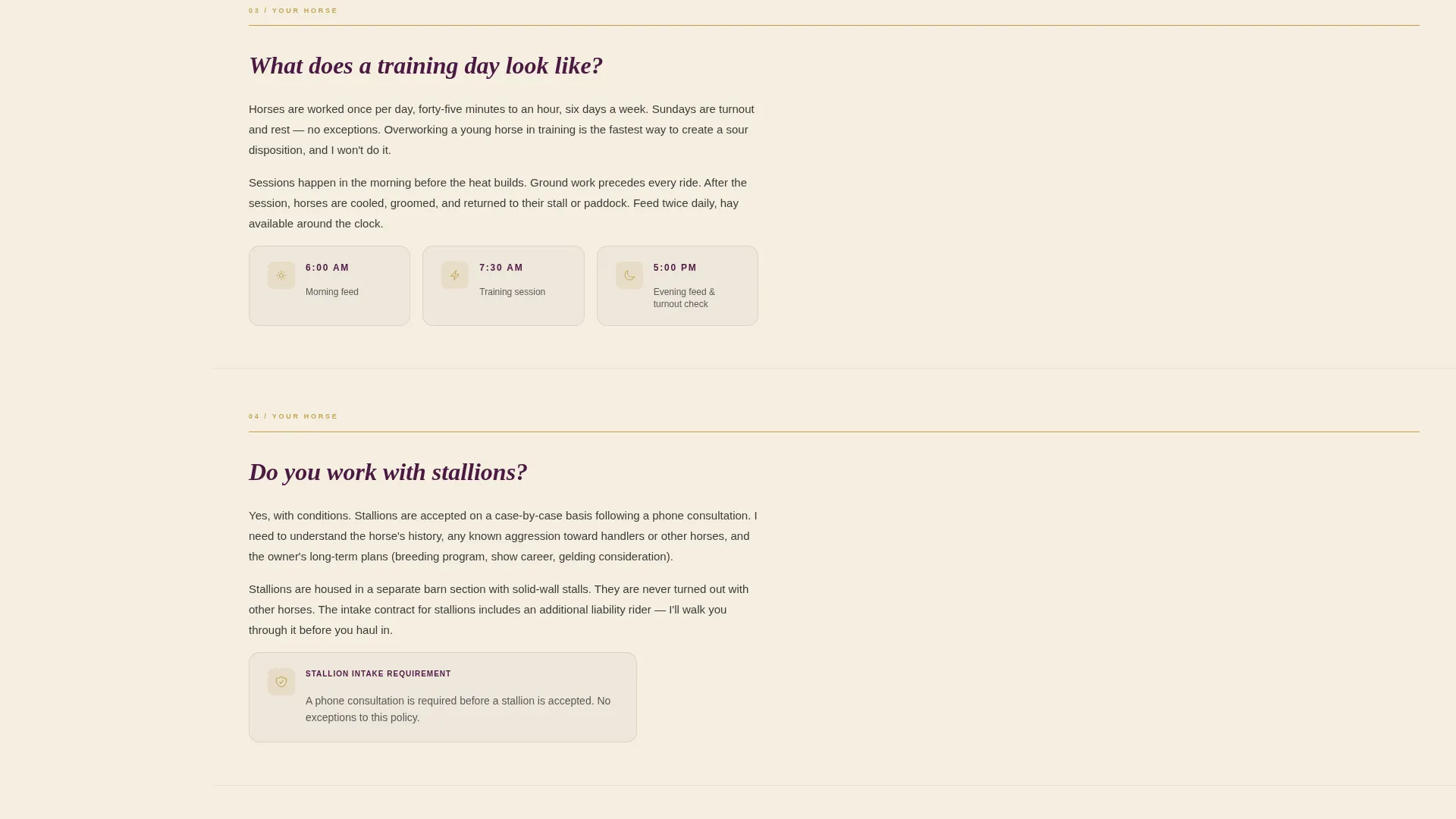
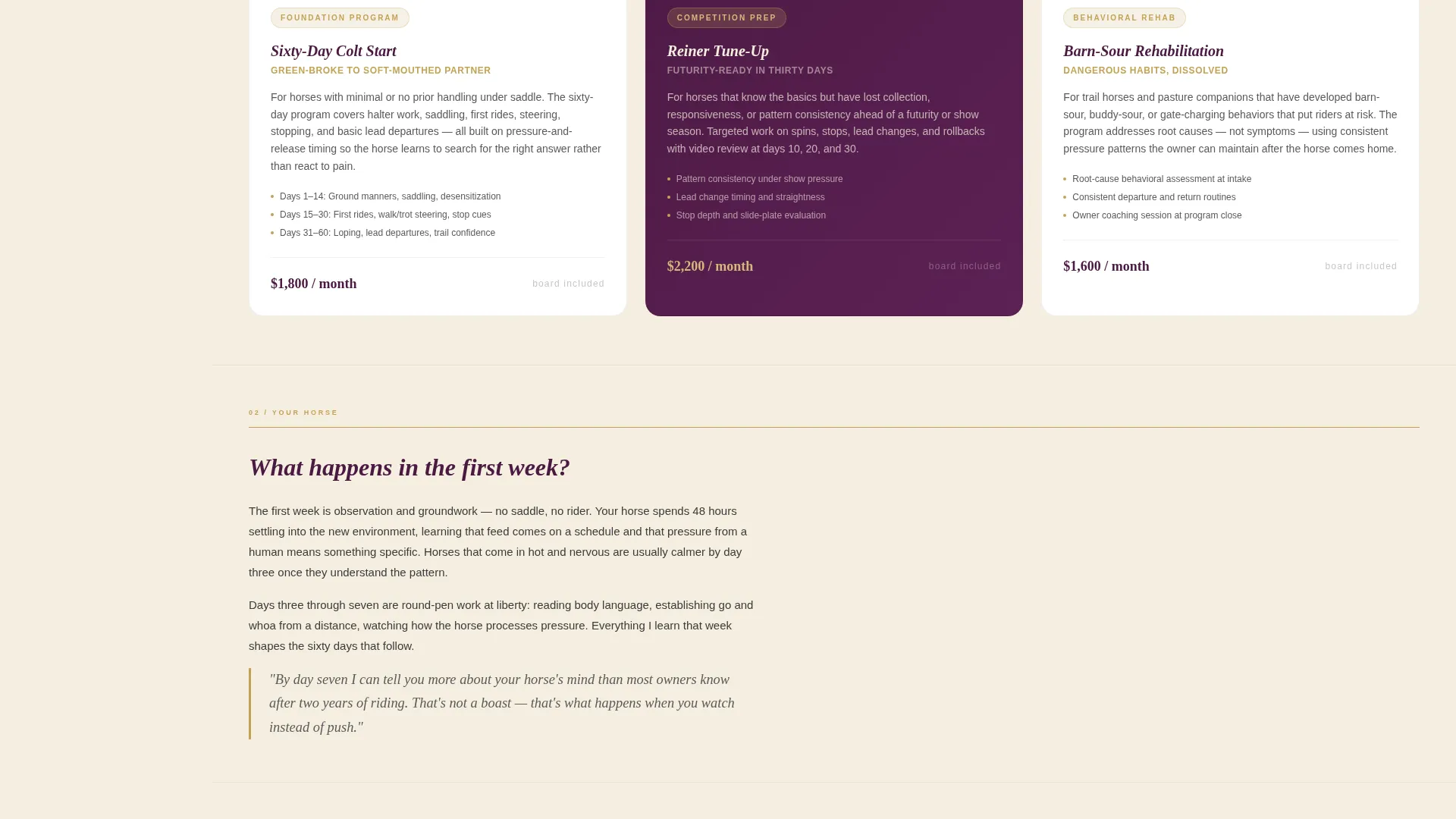
A persistent sidebar holds a scrollable table of contents listing every question an owner asks before committing. Each entry links directly to a detailed answer in the main content field. The scroll pattern builds trust question by question, dissolving hesitation before the owner reaches the form.
Gated Intake Packet Download
The primary call to action is a download form gated behind a name, email, and horse age and breed field. The packet gives owners the exact paperwork and preparation checklist they need before hauling in. This positions the download as a valuable first step rather than a cold lead capture.
Legal Shield Content Flow
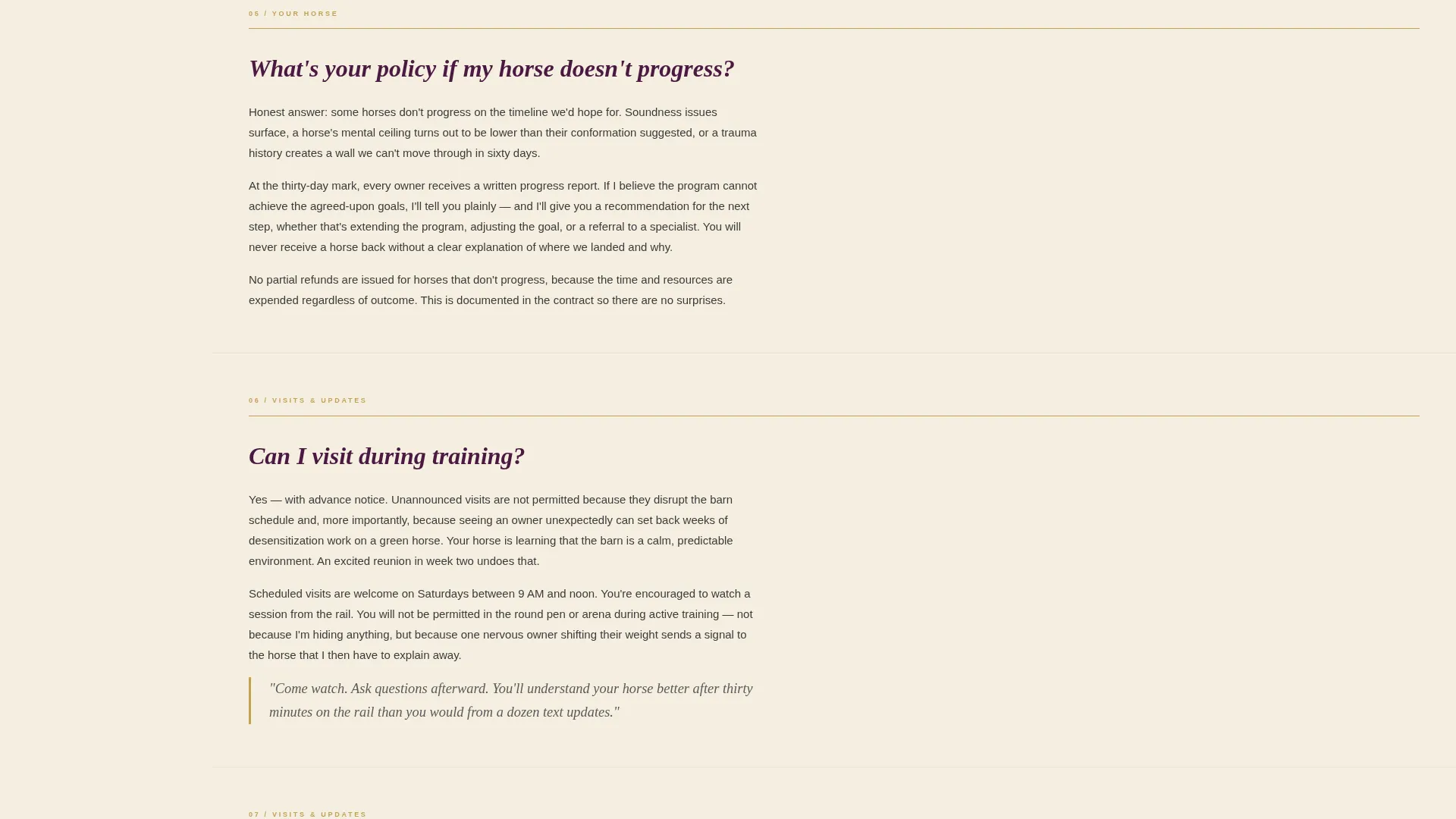
Liability explanations, contract expectations, and insurance details surface naturally inside the FAQ answer flow rather than in a buried footer. The Legal Shield theme ensures owners encounter these details during the trust-building read, not after they have already committed.
Secondary Barn Visit Scheduling Path
A "Schedule a Barn Visit" link connects to a calendar embed for owners who want to see the facility before sending their horse. This secondary conversion path supports owners who are close to deciding but need one more point of reassurance.
Plum Executive Visual System
The color system uses deep plum anchoring the sidebar and section headers, warm parchment across the main content field, brushed charcoal for body text, and muted gold for links, icons, and hover states. The palette communicates the seriousness of a livestock investment dressed in quiet refinement.
Page sections overview
| Section | Purpose |
|---|---|
| Stats metrics header | Opens with four credential figures to establish trainer authority immediately |
| Sidebar table of contents | Persistent FAQ navigation linking each owner question to its detailed answer |
| FAQ main content | Detailed plainspoken answers covering process, visitation, contracts, and liability |
| Intake packet form | Gated download form collecting name, email, and horse details |
| Barn visit scheduling | Secondary calendar embed path for owners who want an on-site visit before committing |
Design & branding system
The visual identity follows a Plum Executive color system that feels like a leather-bound studbook on a mahogany desk. Every color choice carries a specific role, keeping the layout readable and authoritative without feeling corporate or cold.
- Deep plum (#4A1942) anchors the sidebar and all section headers, while warm parchment (#F5EFE0) fills the main content field for easy reading
- Brushed charcoal (#3B3B3B) handles all body text for legibility, and muted gold (#C2A355) is reserved for links, icons, and interactive hover states
Mobile & speed optimization
The sidebar companion layout is structured to remain functional and readable across screen sizes. The persistent sidebar adapts to the main content flow on smaller displays without losing navigation utility.
- The scrollable table of contents is designed to stay accessible as the page length grows with FAQ content
- The clean, content-first structure avoids heavy image assets in the header, keeping the stats dashboard lightweight and fast to render
How this template helps you convert
Bridle is built around a deliberate trust sequence. Every structural decision moves an uncertain owner one step closer to filling out the intake form.
- The stats dashboard arrives before any sales message, so the trainer's track record is the first thing an owner reads, establishing credibility without a single promotional sentence.
- The FAQ sidebar answers every hard question including liability, contracts, and visitation before the owner reaches the form, so by the time they see the download prompt they already feel informed and ready.
Other information about this template
Bridle is well suited for trainers operating in specialized equine niches where trust and transparency are the primary conversion drivers. The template's structure can support additional service pages or program detail sections if the trainer's offering expands.
- The template style is a Sidebar Companion, meaning the sidebar navigation and main content field work together as a unified reading experience rather than as separate pages
- The theme follows a Legal Shield structure, meaning legal and contractual context is woven into the FAQ content naturally rather than isolated in fine print
- The creative direction is FAQ-Driven, making it especially effective for service providers whose prospects have many specific questions before committing to a high-trust, high-investment engagement
Theme
Legal Shield
Creative direction
FAQ-Driven
Color system
Plum Executive
Style
Sidebar Companion
Direction
Content/Resource
Page Sections
Credential Stats Dashboard
Faq-driven Sidebar Navigation
Gated Intake Packet Download
Legal Shield Content Integration
Secondary Barn Visit Path
Plum Executive Color System
Related questions
Can I customize the four credential metrics in the stats header?
Do I need to write the FAQ content from scratch?
Is the intake packet download form connected to an email delivery system?
Can I adapt this template for training programs other than sixty-day colt starting?
What does the barn visit scheduling section include?



