Kids Room Mural Painting Landing Page Template
Brushwork is a gallery and booking landing page built for kids room mural painters. It opens with a full-screen time-lapse video showing an empty room transform into a finished mural, then walks visitors through an architectural-style gallery of completed projects. A structured booking form collects room dimensions, child's age, theme preference, and a preferred walkthrough date.
by Rocket studio
Quick summary
Brushwork is a single-page template designed for children's room mural services. It combines an immersive video header with an architectural gallery layout and a purpose-built booking form. The blueprint visual theme frames each mural project with precision and craft, helping parents and designers quickly understand the service and schedule a consultation.
Who this template is for
This template is built for creative service businesses that paint custom murals in children's rooms. It speaks directly to the people hiring them and the professionals who recommend them.
- Parents preparing a nursery, upgrading a toddler room, or planning a full bedroom transformation
- Families wanting a themed kids room with custom painted characters, scenes, or environments
- Interior designers sourcing experienced mural artists for luxury children's suites
What problem this template solves
Most mural painters have beautiful work but no structured way to present it online. A standard portfolio page does not build the trust or context needed to get parents to book a consultation.
- Visitors cannot easily understand project scale, effort, or process from flat photo grids alone
- Parents need to see completed rooms in detail before they feel confident enough to schedule a walkthrough
- There is no clear path from gallery browsing to booking a site visit or remote quote
What you get with this template
You get a complete, ready-to-customize landing page that handles the full visitor journey from first impression to booking request. Every section is intentional and sequenced to build confidence.
- A full-screen time-lapse video header that shows a room being painted from blank walls to finished mural in twelve seconds
- An architectural gallery with multi-angle room views and project detail panels showing square footage, hours on-site, custom characters, and paint types
- A booking form with labeled dimension fields, child's age, theme dropdown, walkthrough date picker, and a room photo upload option
Feature list
This template ships with purpose-built components that reflect both the visual identity and the booking goal of the service.
Full-Screen Time-Lapse Video Header
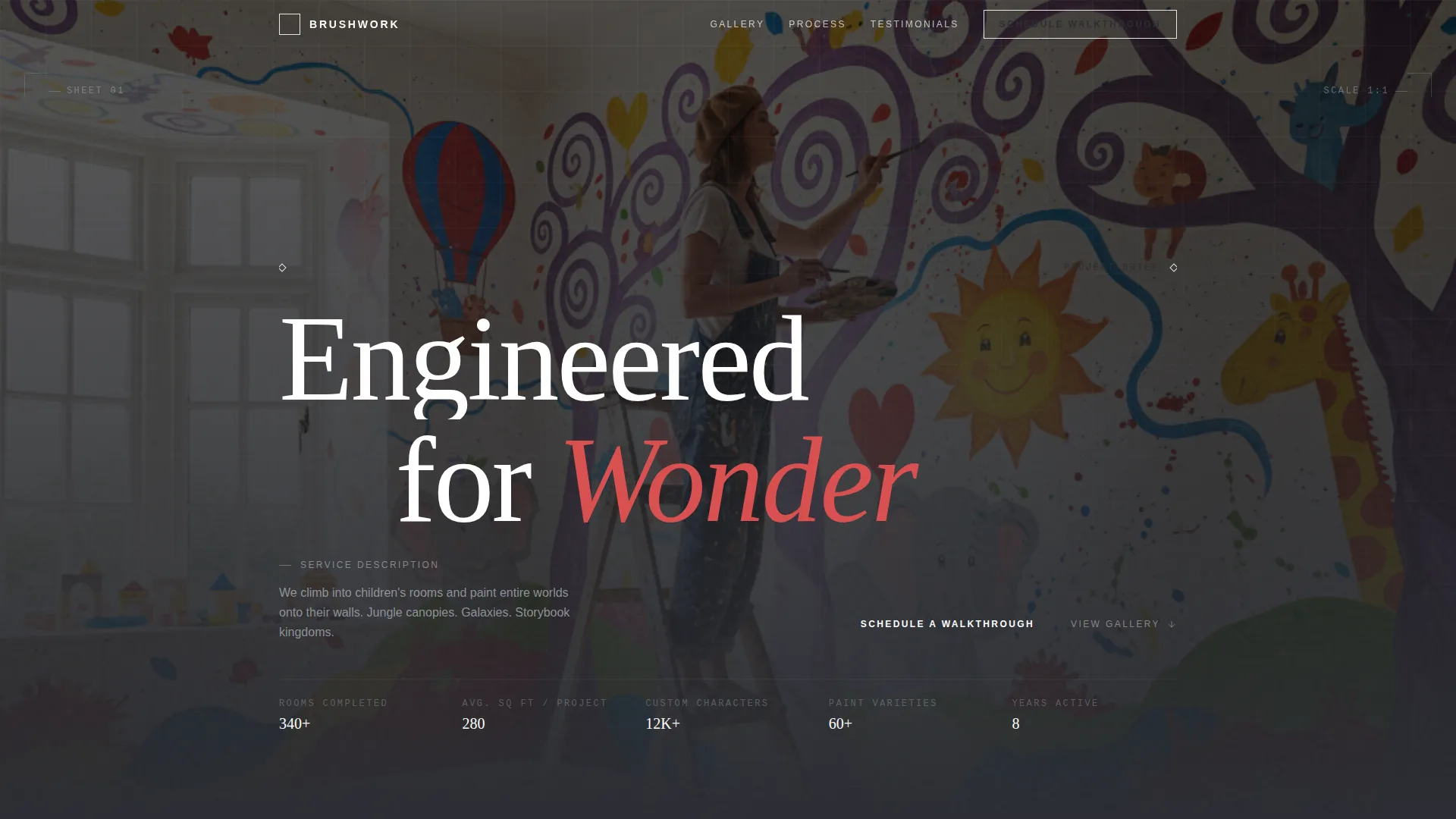
The header plays a twelve-second silent time-lapse of a room being painted from blank white walls to a finished underwater mural. The camera stays locked in the corner throughout. A thin uppercase headline, "Engineered for Wonder," renders over the finished frame.
Architectural Gallery with Multi-Angle Views
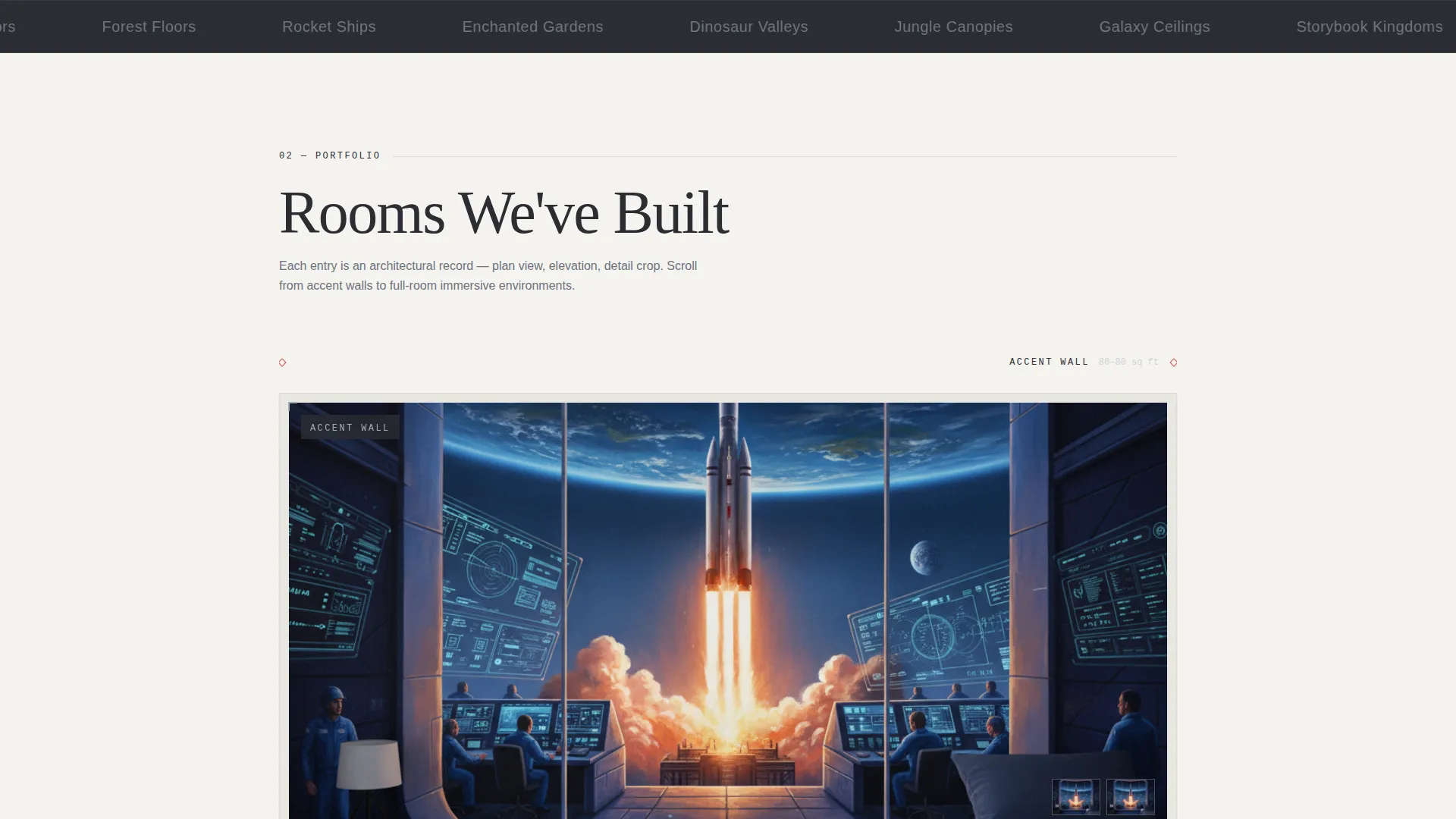
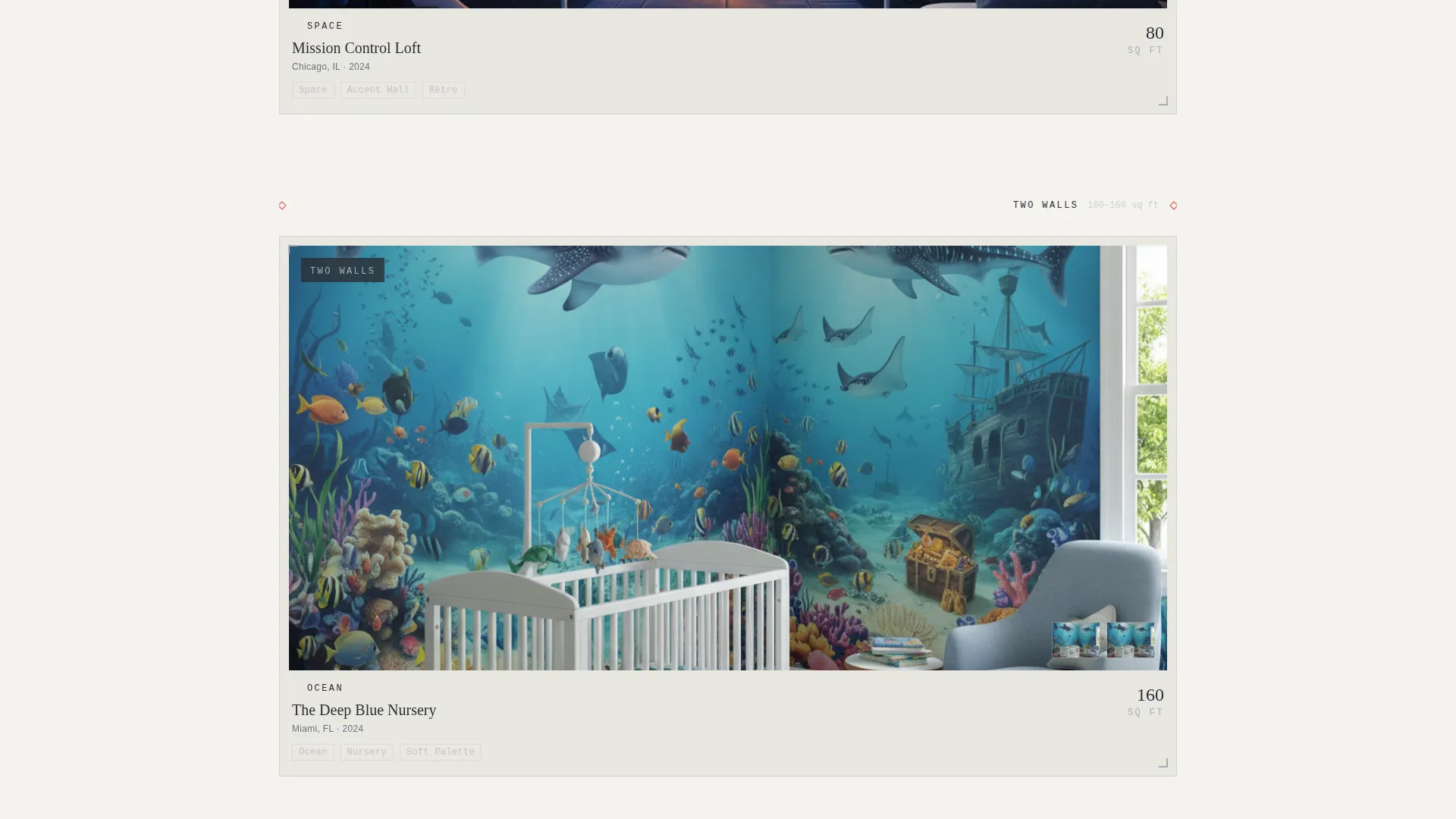
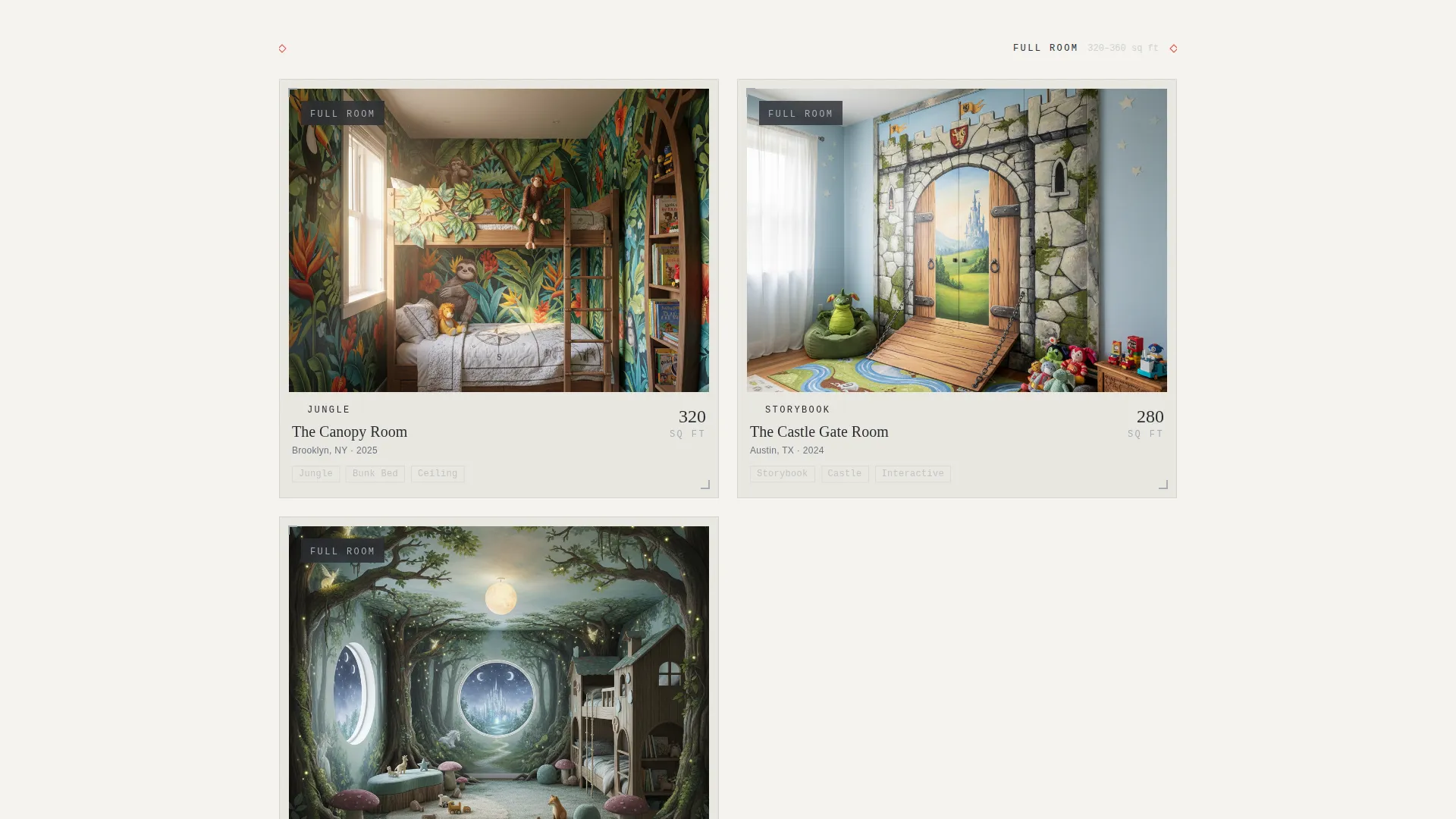
Gallery tiles present each completed room from multiple angles: plan view, elevation, and detail crop. This mirrors architectural documentation rather than a standard photo carousel. Projects are sequenced from accent walls up to full-room immersive environments, building scale with each scroll section.
Blueprint-Style Project Detail Panels
Clicking any gallery tile opens a detail panel with the room's specifications. These include square footage painted, hours spent on-site, number of custom characters, and paint types used. The information is displayed in blueprint annotation style, reinforcing the engineering theme.
Structured Booking and Scheduling Form
The primary call to action, "Schedule a Walkthrough," pins to the page after the first gallery row. The form uses labeled input fields for room length, width, and ceiling height. It also collects the child's age, a theme preference from a dropdown, and a preferred walkthrough date.
Remote Quote via Room Photo Upload
A secondary path on the booking form allows visitors to upload photos of their child's room for a remote quote. This widens the service's reach beyond local walk-in consultations and reduces friction for families who want an estimate before committing to a site visit.
Dimension-Line Section Dividers
Each gallery row is introduced with a thin red dimension line stretching across the full viewport width. This detail reinforces the blueprint aesthetic and visually signals a new project scale tier to the visitor as they scroll.
Page sections overview
| Section | Purpose |
|---|---|
| Video Header | Transforms blank room to mural in 12 seconds, introduces headline |
| First Gallery Row | Shows accent wall projects with multi-angle architectural tiles |
| Sticky Booking call to action | Pins "Schedule a Walkthrough" button after first gallery row |
| Mid Gallery Row | Presents full-wall and partial-room murals at increasing scale |
| Project Detail Panel | Displays room specs, hours, characters, and paint in blueprint style |
| Final Gallery Row | Showcases full-room immersive environments as largest projects |
| Booking and Scheduling Form | Collects dimensions, age, theme, date, and optional room photos |
Design & branding system
The visual identity follows an Engineering Blueprint theme using a Monochrome Steel color system. The palette is precise and clinical in its base tones, then unexpectedly warm when finished mural photography fills the grid.
- Drafting-table charcoal (#2B2D33) and vellum white (#F4F3EF) anchor backgrounds and typography
- Technical-line silver (#A8ADB5) outlines gallery cards as thin keylines, like elevation drawings on drafting paper
- Annotation red (#D94F4F) activates on hover states, callouts, call-to-action buttons, and dimension line dividers
Mobile & speed optimization
The layout is structured so that architectural detail and gallery clarity hold up well on smaller screens. The section-by-section scroll flow adapts naturally to touch navigation.
- Gallery tiles stack vertically on mobile, preserving the multi-angle view structure without cropping key details
- The booking form fields are clearly labeled and spaced for comfortable input on touch devices
- The video header is designed to fall back gracefully on devices where autoplay is restricted
How this template helps you convert
The template earns the booking by building trust incrementally across every scroll section. By the time a parent reaches the form, they have already imagined the transformation in their own child's room.
- The time-lapse video header creates an immediate emotional response by showing the full transformation process in twelve seconds, establishing credibility before a single word is read.
- The architectural gallery builds confidence with specificity: exact square footage, hours on-site, and character counts make the service feel professional and accountable, not just artistic.
- The pinned call-to-action button and structured form remove every barrier between interest and booking, with the remote photo upload option giving hesitant visitors a low-commitment first step.
Other information about this template
Brushwork is built specifically for the kids room renovation niche, where visual trust and booking convenience carry equal weight. A few additional notes for teams evaluating this template:
- The theme preference dropdown includes Nature, Space, Storybook, Abstract, and a "Surprise Us" option, giving parents flexibility without overwhelming the form
- The dimension input fields (length, width, ceiling height) mirror the blueprint motif and give the business useful project data from the very first contact
- This template suits both solo mural artists expanding their online presence and larger crews handling multiple rooms per week
- The gallery-first layout is especially effective for kids room painting services where the finished work is the primary sales tool
Theme
Engineering Blueprint
Creative direction
Spatial & Architectural
Color system
Monochrome Steel
Style
Gallery + Detail
Direction
Booking/Scheduling
Page Sections
Full-screen Time-lapse Video Header
Architectural Multi-angle Gallery
Blueprint-style Project Detail Panels
Structured Walkthrough Booking Form
Remote Room Photo Upload
Dimension-line Section Dividers
Related questions
Can I customize the theme preference options in the booking form?
Does the gallery support video as well as photos?
How does the remote quoting option work in the booking form?
Is this template suitable for a solo muralist or only for larger painting crews?
Can I reorder the gallery sections to show my largest projects first?



