Storm Shelter & Safe Room Installer Landing Page Template
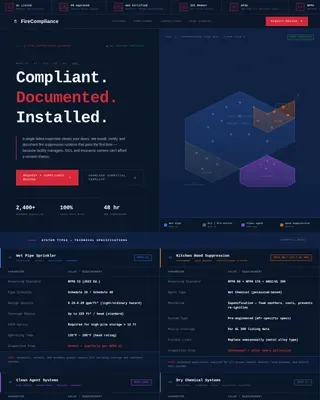
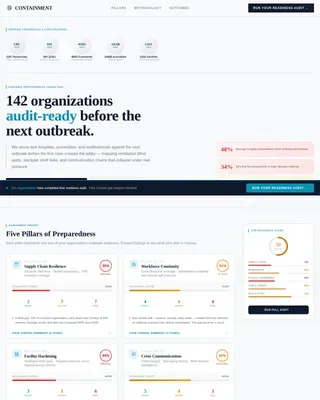
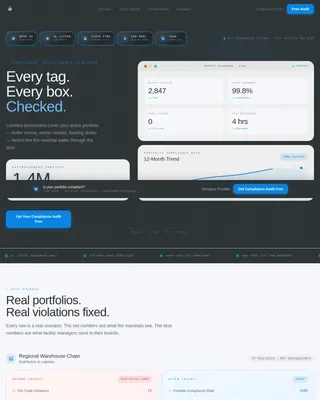
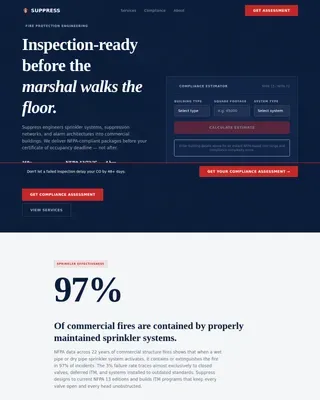
Bunker is a single-column landing page template built for storm shelter and safe room installers. It guides homeowners through a five-step educational sequence covering shelter engineering, installation placement, wind-load data, installation timelines, and cost. Two conversion paths capture leads at precisely the right moment: a guide download and a free site assessment booking form.
by Rocket studio
Quick summary
Bunker is a single-column landing page template for certified storm shelter and safe room installers. It follows a step-by-step educational flow that builds homeowner confidence before asking for anything in return. Two conversion paths, a downloadable guide and a free site assessment form, capture leads at the exact moments visitors are ready to act.
Who this template is for
This template is built for businesses that install engineered safe rooms and below-grade storm shelters. It speaks directly to the concerns of homeowners who have already heard the sirens and to the professionals who advise them.
- Residential safe room and storm shelter installers serving tornado-prone regions
- General contractors specifying FEMA P-361 compliant shelters in new construction builds
- Insurance adjusters and home improvement consultants recommending hardened room upgrades after a claim
What problem this template solves
Homeowners researching storm shelters face a knowledge gap. They understand the danger but struggle to evaluate engineering standards, installation logistics, and real costs. A generic service page does not close that gap, and an emotional fear-based pitch often backfires with informed buyers.
- Visitors leave without converting because they still have unanswered technical questions
- Service pages that skip credentials lose trust with buyers who compare certification standards
- Long sales cycles stall because homeowners are unsure how to qualify their own property or budget
What you get with this template
This template delivers a fully structured, single-column landing page layout with every section pre-built and sequenced for maximum clarity. You get a content-first design that earns trust through engineering data before presenting any call to action.
- A five-step scroll experience covering shelter specs, placement options, wind-load data, installation timeline, and cost
- Two conversion paths: a lead-capture form for a downloadable homeowner guide and an embedded calendar for free site assessments
- A certification badge header, step-by-step illustrated sections, a cost and insurance comparison table, and a premium reduction calculator block
Feature list
A paragraph introducing the features: Each component in this template was designed around one principle: every element must earn its place. Below are the core capabilities built into the layout.
Certification Badge Header
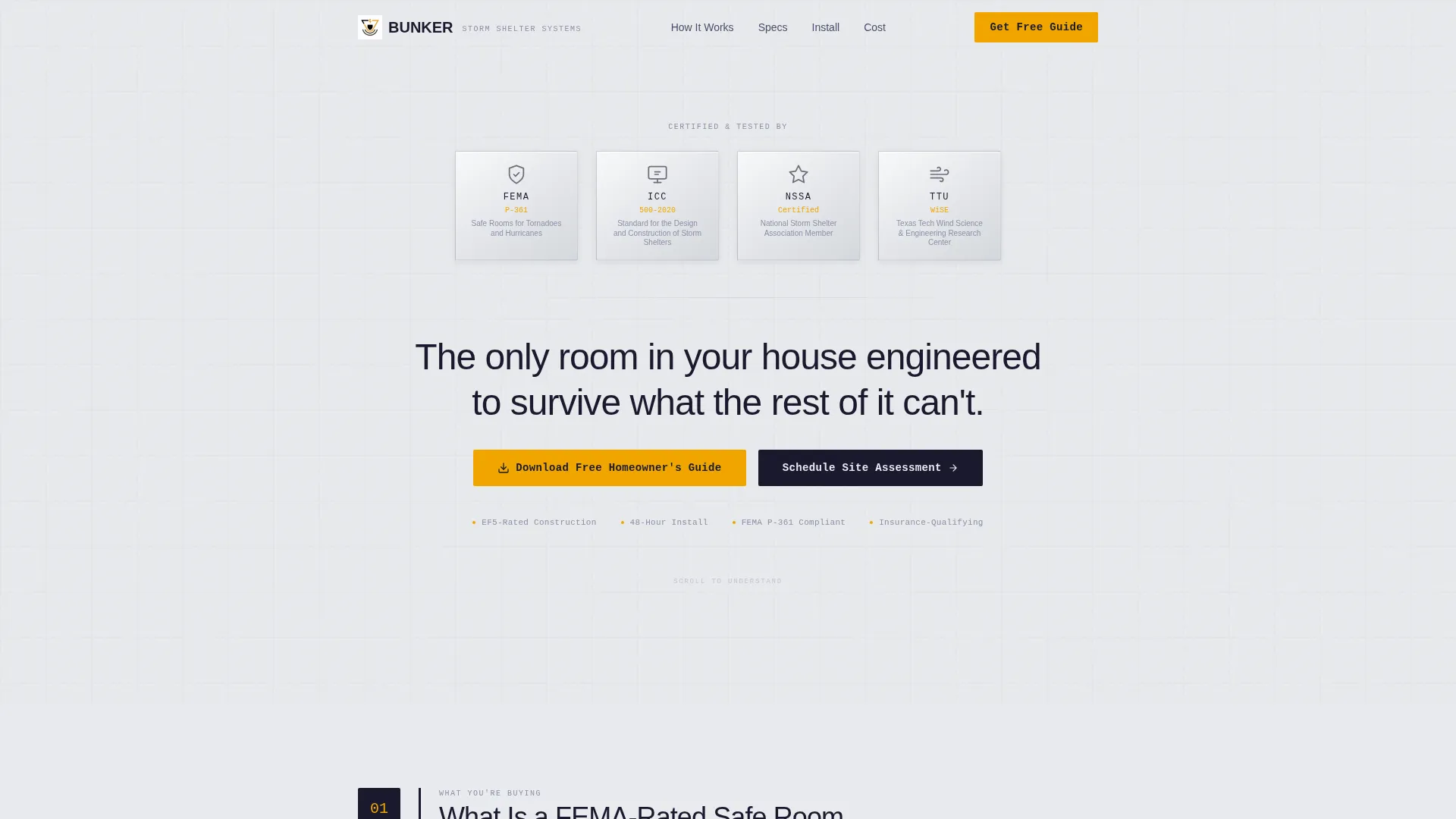
The page opens with a horizontal row of certification seals displayed across a clean white field. Each badge is rendered in carbon tones with a subtle metallic bevel, instantly establishing engineering credibility before a single word is read.
Five-Step Educational Scroll
The page walks visitors through a numbered sequence that mirrors the order a homeowner actually asks questions. Each step reveals one layer of complexity, from shelter construction and placement to wind-load data, installation timeline, and final cost breakdown.
Dual Conversion Path Layout
Two distinct calls to action are positioned at precisely calculated scroll depths. The primary path captures leads with a guide download form after Step 3. The secondary path books site assessments with a calendar picker after Step 5.
Zip-Code-First Lead Capture Form
The guide download form collects first name, email address, and zip code, with zip code placed first. This immediately qualifies whether the visitor is in a tornado-prone county and supports personalizing the delivered guide with local wind zone data.
Cost and Insurance Comparison Table
Step 5 includes a structured cost range table paired with a premium reduction calculator block. This gives visitors a clear financial picture and frames the shelter as a practical investment rather than an optional upgrade.
Medical Clarity Visual System
The layout uses a Carbon Fiber color palette: structural black, reinforced graphite, clinical white, and emergency amber. Amber appears only on calls to action and certification badges, the way a warning light does, reserved entirely for moments that require action.
Page sections overview
| Section | Purpose |
|---|---|
| Certification Badge Header | Establish credentials and engineering authority at first glance |
| Hero Statement | Deliver a single line of absolute clarity below the badge row |
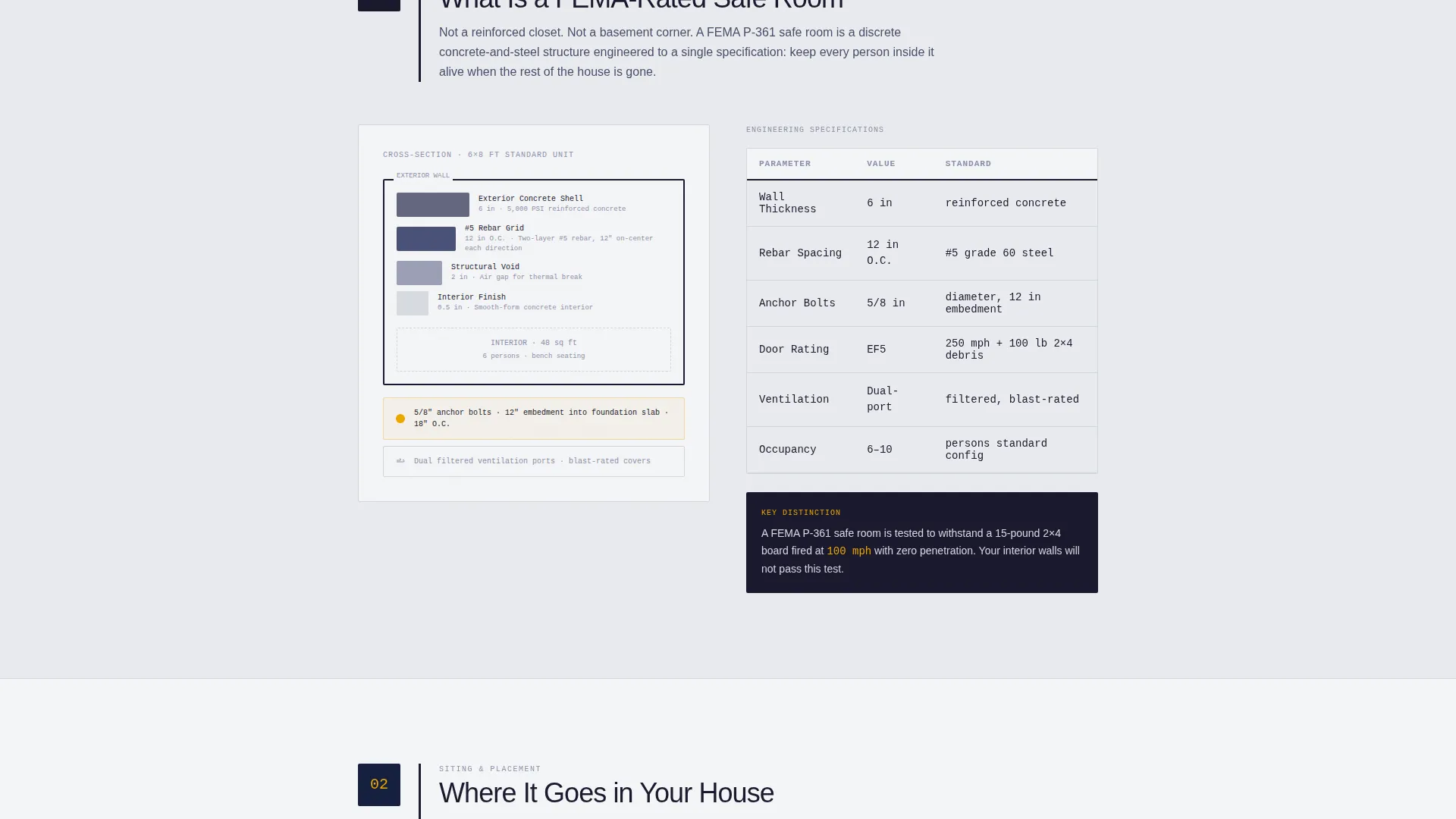
| Step 1: Safe Room Basics | Define what a FEMA-rated safe room is with a cutaway diagram |
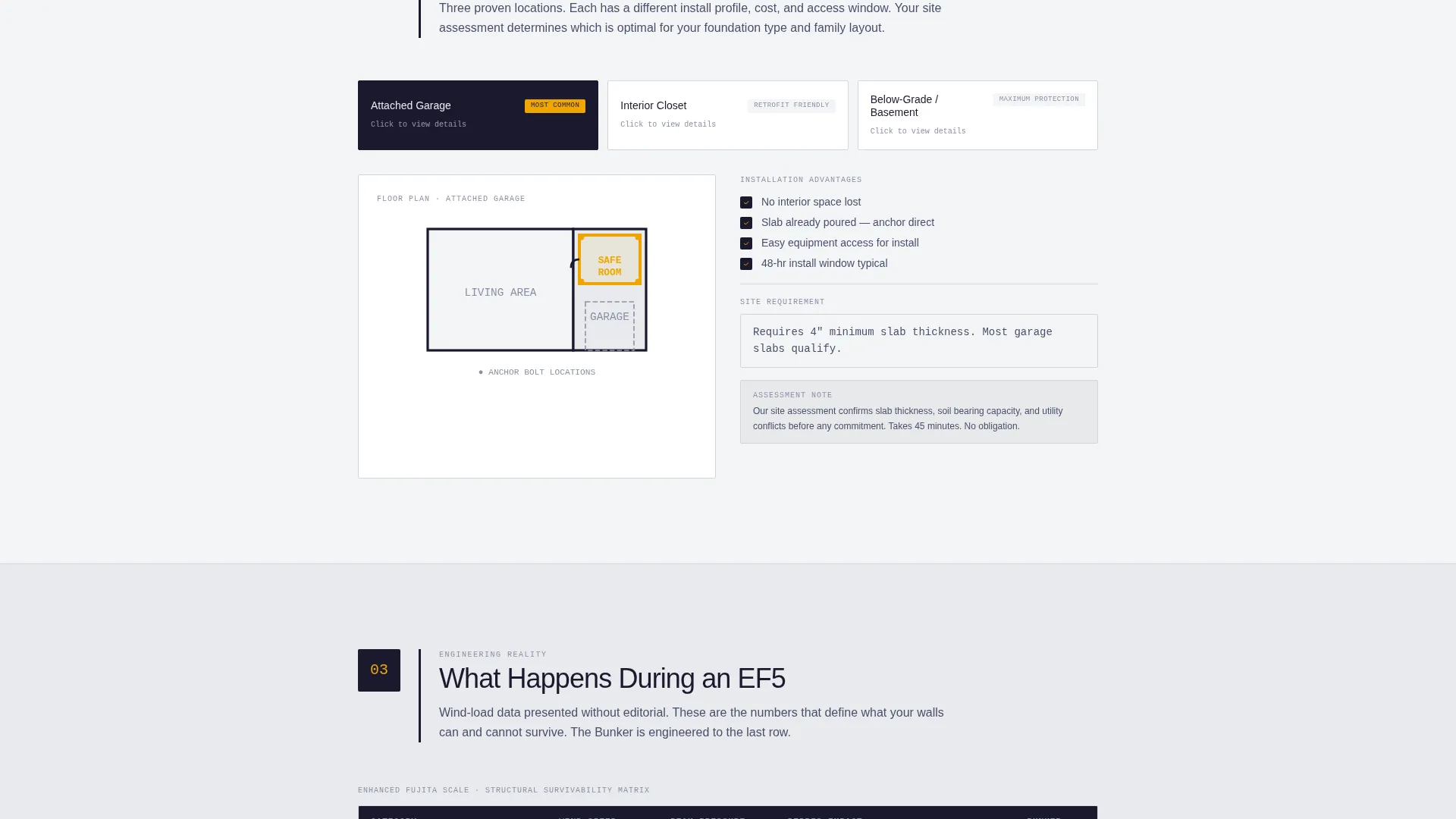
| Step 2: Placement Options | Show garage, closet, and below-grade floor plan options |
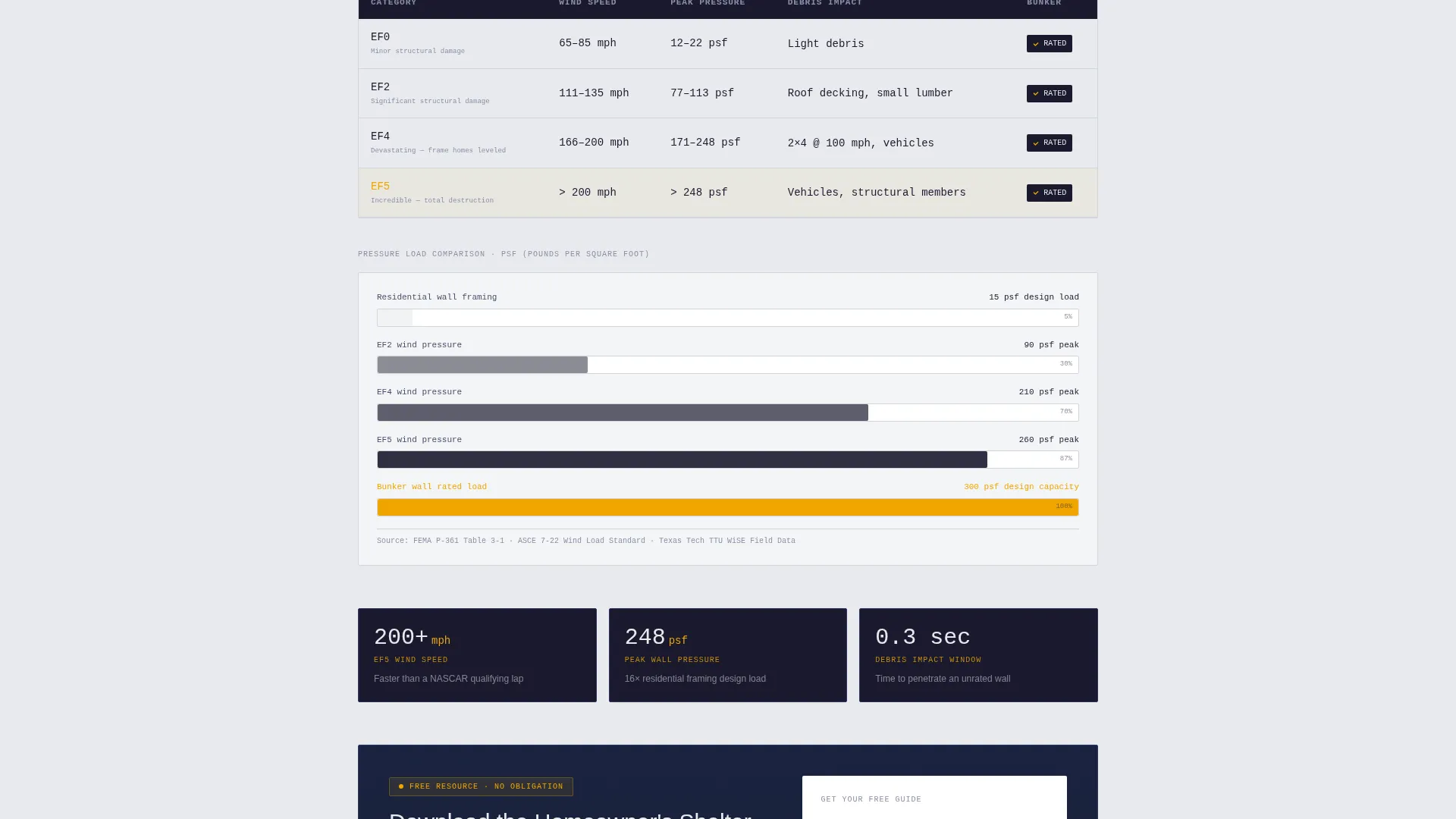
| Step 3: EF5 Wind Data | Present pressure, duration, and debris impact ratings as a data chart |
| Primary call to action Block | Capture leads with the downloadable homeowner guide form |
| Step 4: Installation Timeline | Walk through the 48-hour permit, pour, set, and inspect sequence |
| Step 5: Cost and Insurance | Display cost ranges and a premium reduction calculator |
| Secondary call to action Block | Book free site assessments with an embedded calendar picker |
Design & branding system
The visual identity follows a Medical Clarity theme built on a Carbon Fiber color system. The palette feels like the inside of a ballistic testing lab: antiseptic light on dark composite surfaces, every element stripped to function.
- Colors: structural black (#1A1A2E), reinforced graphite (#16213E), clinical white (#E8EAED), and emergency amber (#F0A500) reserved exclusively for calls to action and certification badges
- Typography: a single headline at 48px medium weight anchors the hero; body text stays clean and legible against white reading surfaces
- Graphite frames each section like a steel channel, amber appears sparingly, and white dominates every reading surface
Mobile & speed optimization
The single-column layout is inherently well-suited for mobile viewing. Every section stacks cleanly without horizontal overflow or layout breakage on smaller screens.
- Vertical scroll flow means no complex grid rearrangement is needed for tablet or phone viewports
- The step-by-step numbered format keeps content digestible in short reading sessions on mobile devices
How this template helps you convert
This template is built to move visitors from curiosity to commitment by making them smarter at each scroll step. By the time a call to action appears, the visitor has already made an informed decision in their own mind.
- The primary call to action appears after Step 3, at the exact moment visitors have absorbed enough engineering data to feel the gap between what they know and what the guide contains, making the download feel useful rather than promotional.
- The secondary call to action follows Step 5, when visitors have reviewed cost ranges and insurance savings, and the calendar booking feels like a natural next step rather than a sales push.
Other information about this template
This template is designed specifically for the storm shelter and safe room installation market in the United States. It is particularly well-suited to businesses operating in high-risk tornado corridors where homeowners are already motivated by recent weather events or insurer recommendations.
- The template references FEMA P-361 compliance standards, International Code Council 500 (ICC 500) specifications, and National Storm Shelter Association (NSSA) certification criteria as visual credibility anchors in the badge header
- The Texas Tech Wind Science Center seal is included in the badge row as an additional independent engineering authority reference
- The zip-code qualification logic embedded in the lead capture form supports regional lead filtering without requiring any manual sorting at the point of collection
- This template is suitable for use by installers targeting homeowners in Moore, Oklahoma; Joplin, Missouri; Tuscaloosa, Alabama; and other communities with documented tornado exposure histories
Theme
Service Utility
Creative direction
Case Study Narrative
Color system
Charcoal & Amber
Style
Card Grid (Modular)
Direction
Partnership/B2B
Page Sections
Certification Badge Header Row
Five-step Educational Scroll Flow
Dual Conversion Path Design
Zip-code-first Lead Capture Form
Cost and Insurance Comparison Table
Medical Clarity Color System
Related questions
What type of business is this landing page template designed for?
What are the two conversion paths included in this template?
Why does the lead form collect zip code before name or email?
Can this template support multiple shelter placement types in one flow?
What certification standards does the badge header reference?