Ghostwriter Reviews & Testimonials Landing Page
Byline is a single-page ghostwriter landing page built around hard client outcomes. It leads with a bold editorial headline, a stats bar, and a structured comparison table before moving into long-form pull quotes. The design uses a monochrome editorial palette that commands credibility, and a fixed bottom bar keeps the partnership inquiry form always within reach.
by Rocket studio
Quick summary
Byline is a one-page ghostwriter landing page designed for serious B2B credibility. It opens with a viewport-filling headline and three verified stats, then walks prospects through a comparison table of real project outcomes before shifting into editorial pull quotes. The result is a page that earns trust through evidence and converts through clarity.
Who this template is for
This template is built for experienced ghostwriters whose work speaks louder than their byline. It fits professionals who serve high-stakes clients and need a page that matches the weight of the work.
- Literary agents vetting a collaborator for a client's next book deal
- Publishing houses that need a reliable ghost for a tight manuscript deadline
- C-suite executives who require a 60,000-word manuscript that sounds exactly like them
What problem this template solves
Most ghostwriter portfolio pages rely on vague claims and generic praise. They fail to show the scope of completed work in a way that serious buyers find credible. Byline solves this by leading with structured, verifiable outcomes before a single testimonial appears.
- Prospects leave without evidence because credentials are buried below long bios
- Decision-makers in publishing and corporate settings need data before they trust a collaborator
- A weak visual impression signals that the ghostwriter cannot match the quality they promise
What you get with this template
Byline delivers a complete single-page layout built around the Stats-First Impact creative direction. Every section is ordered to build confidence progressively, from headline to form.
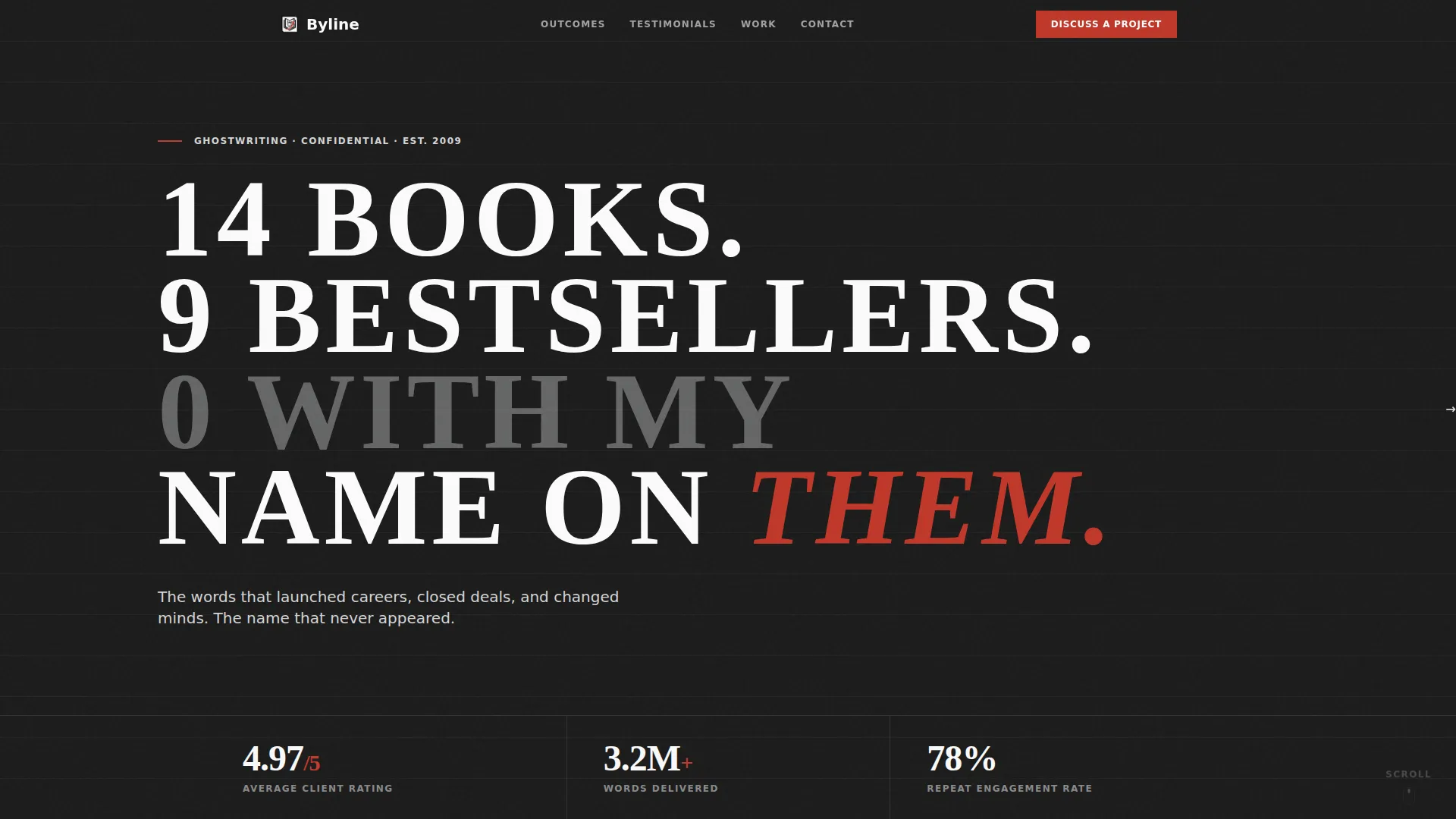
- A viewport-filling editorial headline followed by a three-number stats bar
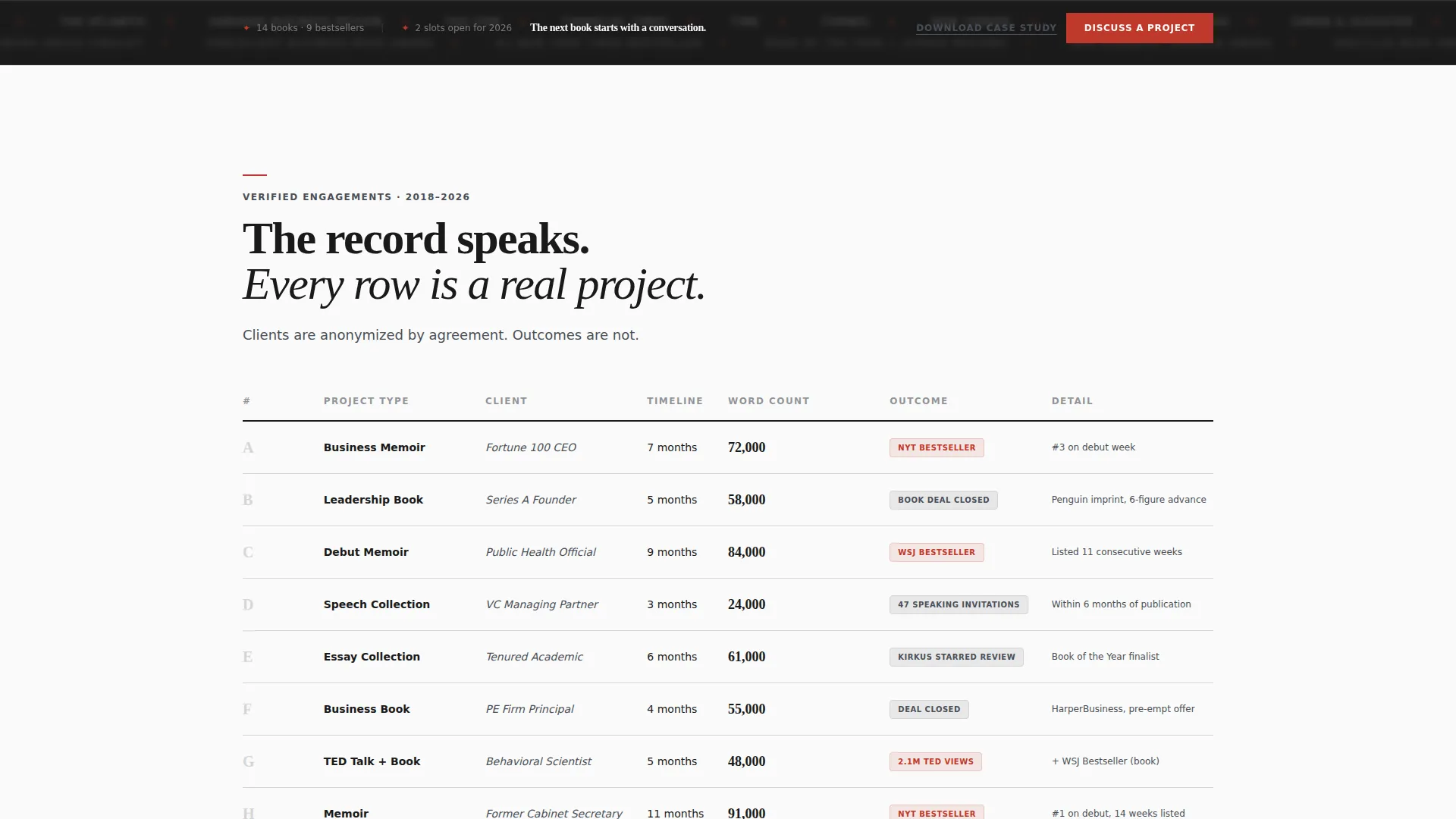
- A structured comparison table of anonymized project engagements with outcomes
- Long-form editorial pull quotes alternating with numeric proof sections
- A fixed bottom inquiry bar with a sequential three-field intake form
- A secondary "Download the Case Study PDF" path for prospects not yet ready to commit
Feature list
This section covers the core functional and design capabilities built into the Byline template.
Giant Headline Entry Block
The header fills the viewport edge to edge with oversized editorial serif type set in bone white against deep editorial black. Below it, a single stat line fades in showing three key numbers: average client rating, total words delivered, and repeat engagement rate. No decoration. Just data.
Structured Outcome Comparison Table
The first content section is a formatted comparison table. Columns cover project type, timeline, and outcome. Each row represents a real engagement, anonymized just enough to protect client identity while keeping the proof intact.
Editorial Pull Quote Sections
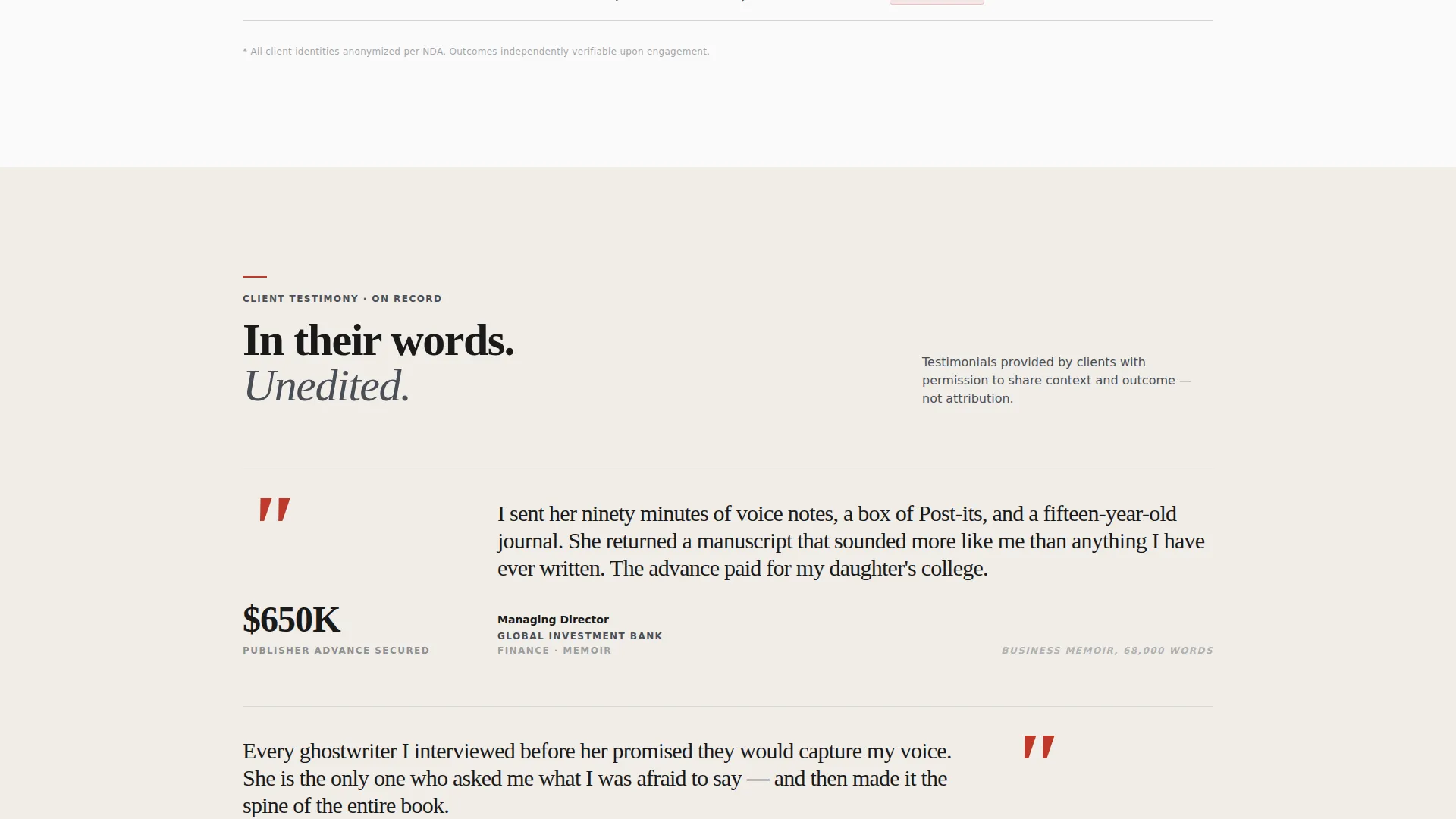
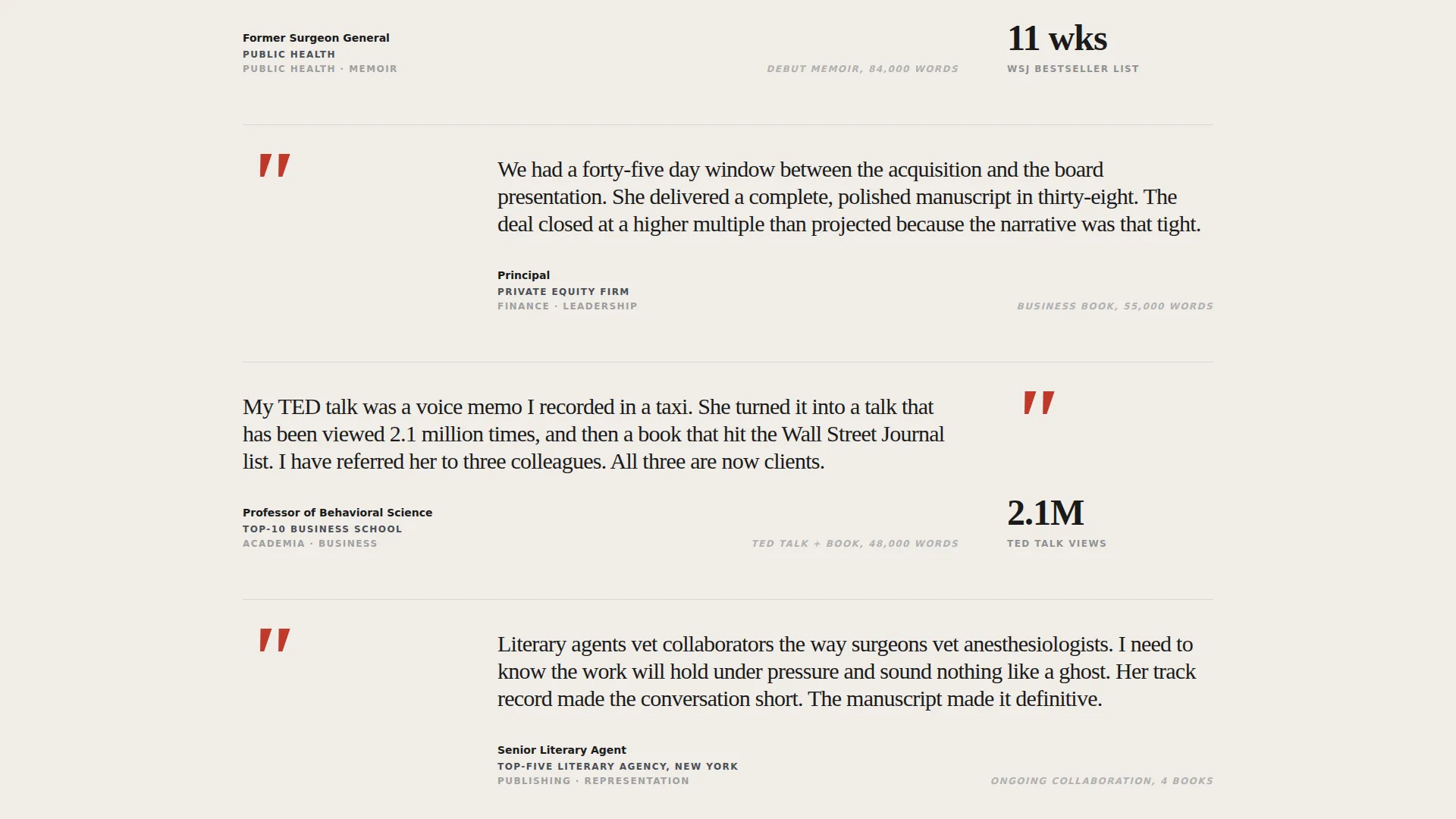
After the data lands, the page shifts into long-form testimonials styled like magazine features. Oversized quotation marks appear in red-pen scarlet. Client title and industry appear in small caps below each quote. The testimonials themselves are set in elegant serif type.
Fixed Bottom Conversion Bar
A slim fixed bar appears at the bottom of the page after the first scroll. It anchors the primary call to action, "Discuss a Project," keeping the inquiry path visible at all times without disrupting the reading experience.
Sequential Three-Field Intake Form
The inquiry form requests information in a deliberate order: project type via a dropdown, estimated word count or scope, and a work email. This sequence filters for serious prospects and reduces friction for qualified buyers.
Secondary PDF Download Path
A secondary conversion path offers a downloadable case study for prospects who are not yet ready to commit. It captures a work email while delivering additional proof, keeping warm leads inside the funnel.
Page sections overview
| Section | Purpose |
|---|---|
| Viewport Headline Block | Establish authority with a bold, oversized editorial headline and stats bar |
| Outcome Comparison Table | Present anonymized project data across type, timeline, and outcome |
| Pull Quote Features | Deliver human voice testimonials in editorial magazine format |
| Fixed Inquiry Bar | Keep the primary call to action visible after the first scroll |
| Intake Form | Collect project type, scope, and work email from qualified prospects |
| PDF Download Path | Capture warm leads with a secondary case study download offer |
Design & branding system
The Byline template uses a Monochrome Steel color system that feels like a freshly printed editorial publication. Every color decision reinforces credibility and restraint, making the content itself the visual focus.
- Deep editorial black (#1A1A1A), brushed gunmetal (#4A4F57), cool newsprint gray (#D4D5D6), and bright paper white (#FAFAFA) form the base palette
- Red-pen scarlet (#C0392B) appears exclusively on pull-quote marks and hover states, never as a general accent
- Typography is oversized editorial serif with wide tracking on the headline, and elegant serif body text throughout
Mobile & speed optimization
The layout is designed to retain its editorial authority at any screen size. The fixed bottom bar and sequential form remain functional and unobtrusive on smaller viewports.
- The giant headline scales responsively so it retains visual impact without overflowing on mobile screens
- The comparison table is structured to reflow cleanly on narrower viewports for easy vertical scanning
- The fixed bottom inquiry bar stays slim and unobtrusive so it never covers critical content on small screens
How this template helps you convert
Byline is built around a specific conversion logic: present irrefutable evidence first, then make the inquiry form feel like the obvious next step.
- The page opens with a stats bar of three verified numbers, establishing credibility before a single word of copy asks for trust.
- The comparison table gives decision-makers the structured proof they need to justify bringing a collaborator to a colleague or client.
- The fixed "Discuss a Project" bar and the secondary PDF download path offer two distinct entry points, capturing both ready buyers and warm prospects at different stages of consideration.
Other information about this template
Byline fits within the broader category of professional services online presence, specifically designed for the ghostwriter reviews and testimonials page niche. A few additional details worth noting:
- The template style is a Comparison Table layout, which distinguishes it from standard portfolio or bio-led pages
- The Editorial Magazine theme and Monochrome Steel palette are deliberate choices that signal print-world authority to literary and publishing audiences
- The Partnership/B2B landing page direction means the page is built for high-consideration buyers, not impulse conversions
- The header concept, Giant Headline Centered, is a direct editorial reference that positions the ghostwriter as a peer to the publications their clients appear in
- This is a single-page layout; all content flows in a vertical editorial sequence with no navigation menu to distract from the conversion path
Theme
Editorial Magazine
Creative direction
Stats-First Impact
Color system
Monochrome Steel
Style
Comparison Table
Direction
Partnership/B2B
Page Sections
Giant Headline with Stats Bar
Outcome Comparison Table
Editorial Pull Quote Sections
Fixed Bottom Inquiry Bar
Sequential Intake Form
Secondary PDF Download Path
Related questions
Who is the Byline template designed for?
Can I customize the comparison table with my own project data?
What is the purpose of the secondary PDF download path?
Does the fixed bottom inquiry bar stay visible on mobile?
Is this template suitable for ghostwriters who work across multiple content formats?



