Canopy - Precision Treeservice Landing Page Template
Canopy is a single-page landing page template built for Austin tree service companies targeting commercial clients. It uses a zigzag case-study layout, a Corporate Precision visual theme, and a Cloud Canvas color system to position your crew as the go-to partner for property managers, HOA boards, and general contractors who need reliable, large-scale tree work done fast.
by Rocket studio
Quick summary
Canopy is a precision-built landing page template for Austin tree service businesses that work with commercial clients. The layout follows a case study narrative structure, walking prospects through real jobs in escalating complexity. Every design choice, the typography, the color palette, the call to action placement, signals operational credibility before a visitor reads a single word of copy.
Who this template is for
This template is designed for tree service companies that operate at a commercial scale and want to attract repeat business accounts rather than one-off residential calls.
- Commercial property managers who carry liability on overgrown or hazardous lots
- HOA boards fielding complaints about dead limbs, damaged fencing, or storm risk
- General contractors who need site clearing completed before a scheduled concrete pour
What problem this template solves
Most tree service websites look like lawn care flyers. They list services, show a phone number, and hope for calls. That approach loses the property manager who needs a vendor they can put on a contract, and it loses the general contractor who needs a crew on-site by Thursday.
- Visitors cannot quickly self-identify as the right client type, so they leave
- There is no proof of scale or operational capability, so prospects hesitate to commit
- There is no structured path for leads who are building a vendor shortlist but are not ready to call
What you get with this template
Canopy gives you a fully structured single-page layout that handles the entire B2B sales conversation from first impression to form submission. Every section has a defined job, and the design does not get in the way of the message.
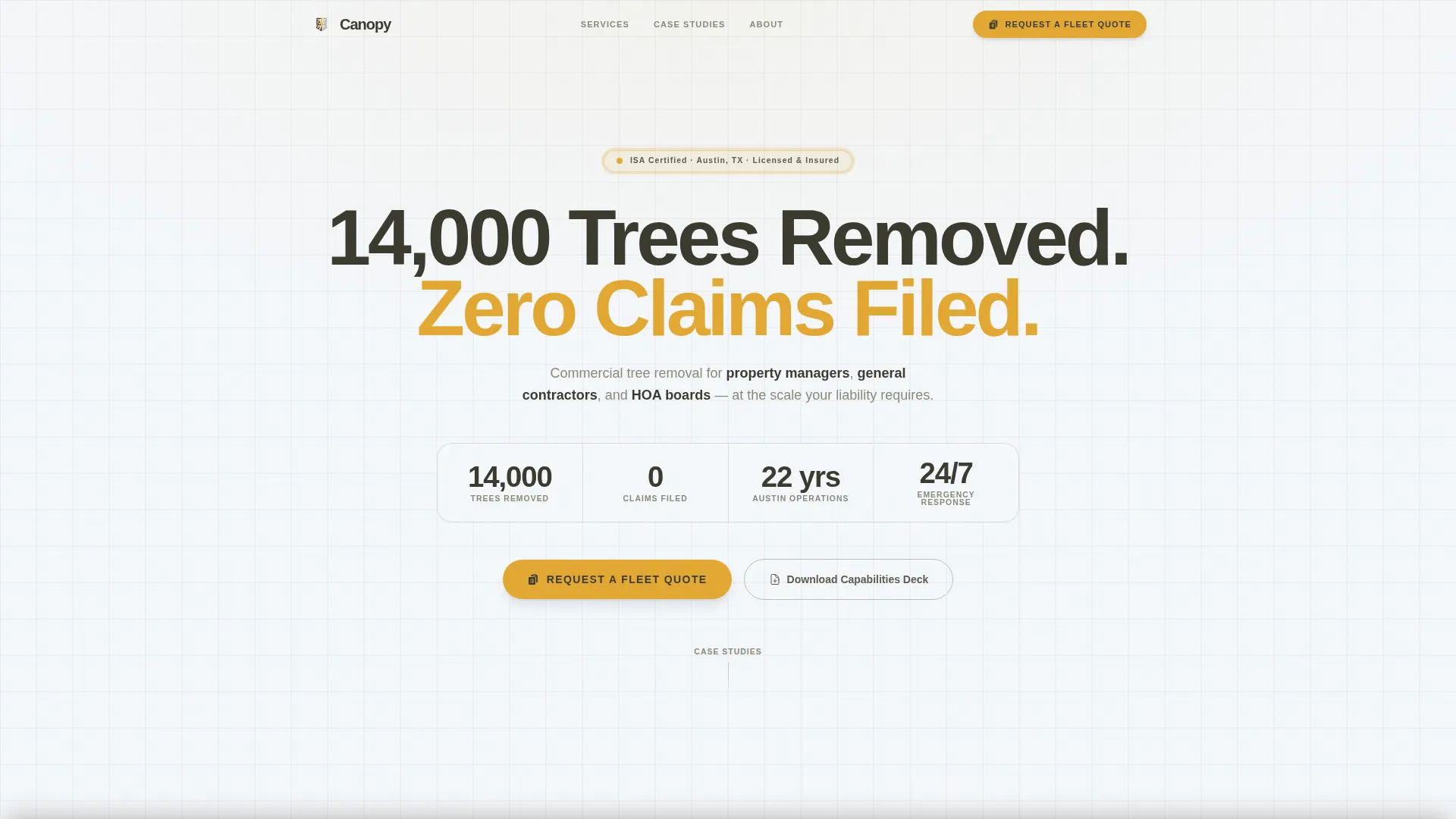
- A giant centered headline section that states proof and filters the right visitor in seconds
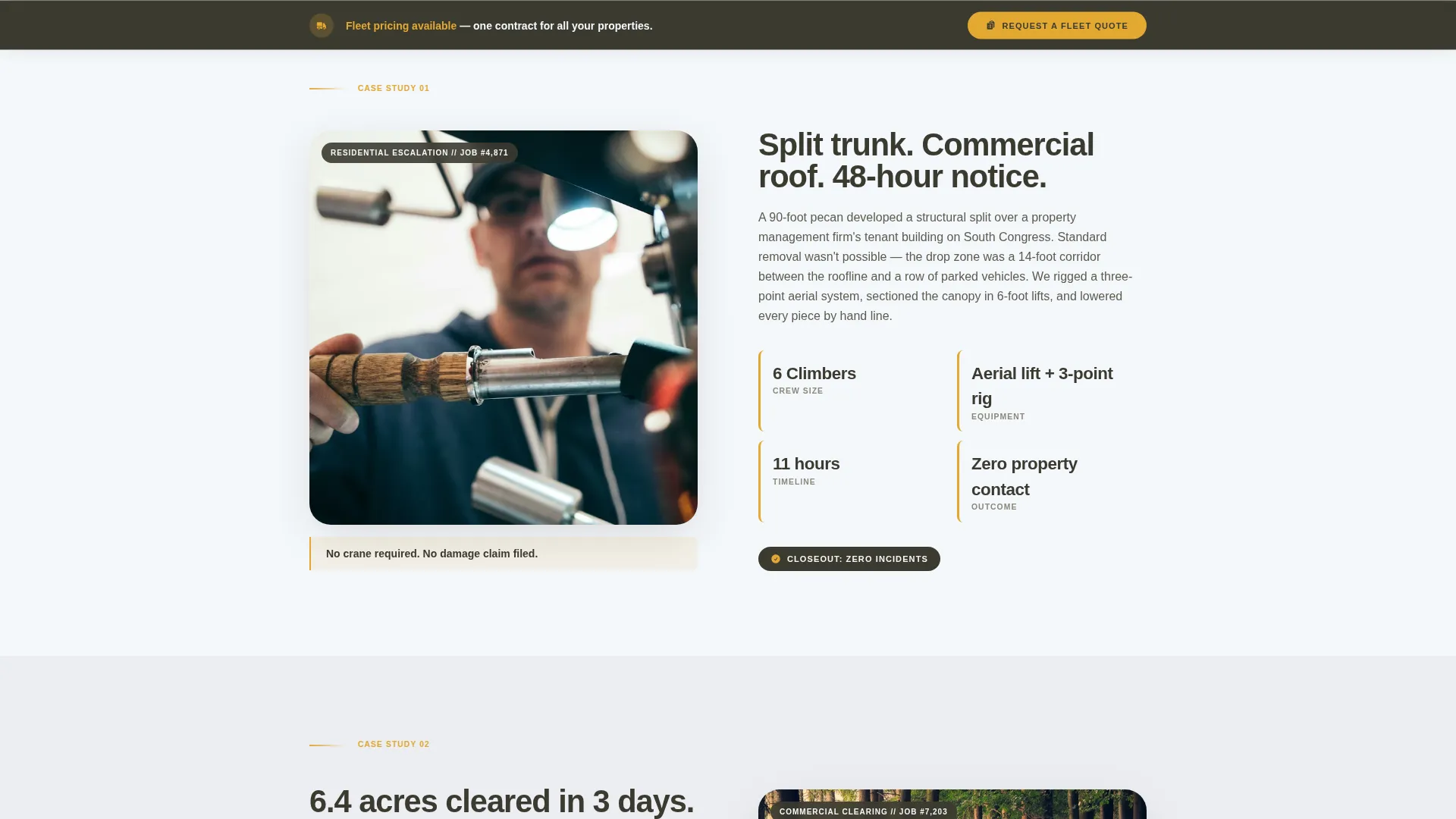
- A zigzag alternating case study layout with three jobs that escalate in scope and complexity
- A dual-path conversion system with a primary quote request form and a secondary PDF lead capture gate
Feature list
This template includes every structural and design element described below. No external tools or third-party integrations are required to use the layout as built.
Giant Proof Headline Header
The header opens on a clean white field with a single massive centered headline. The example copy reads "14,000 Trees Removed. Zero Claims Filed." set in a tight, heavy sans-serif. A single supporting line below names property managers, general contractors, and HOA boards so visitors self-select within the first two seconds. No hero image competes with the message.
Zigzag Case Study Sections
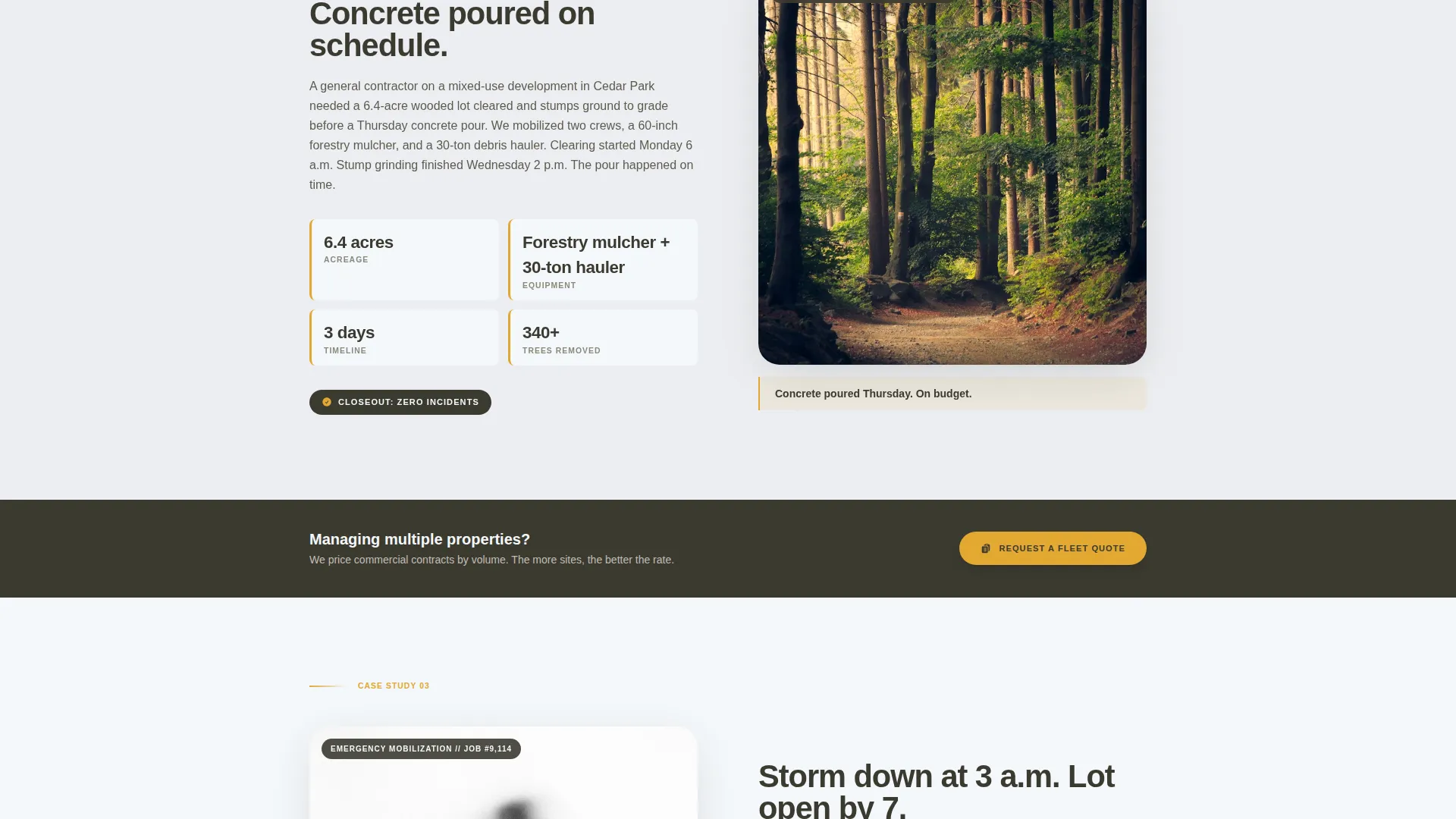
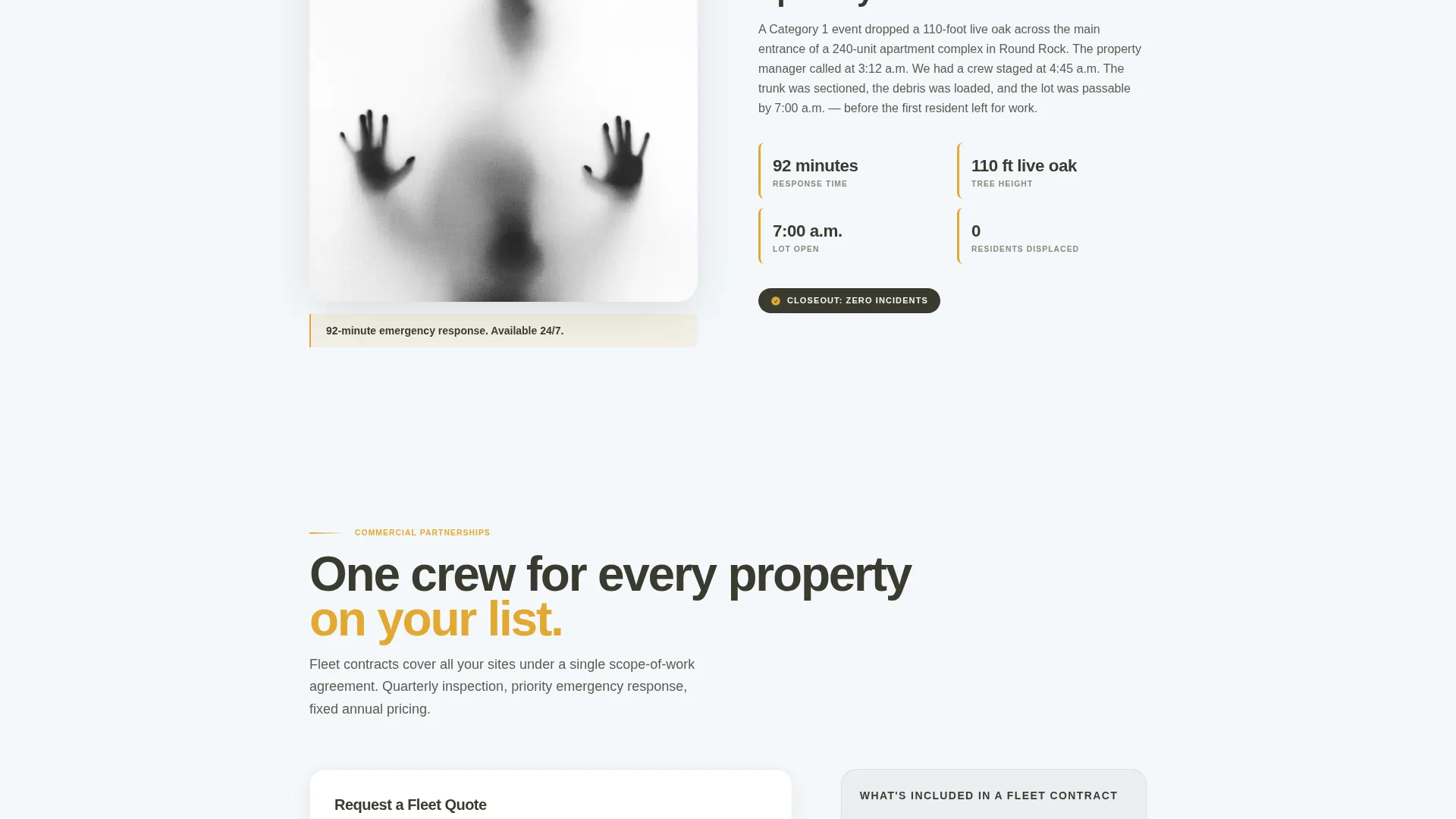
Three alternating left-right sections each tell one complete job story. The left column holds a tight photo of the hazard. The right column presents scope of work, crew size, equipment used, timeline, and outcome in flat, factual language. Jobs escalate from a single residential removal to a multi-acre commercial clearing to an emergency storm-response mobilization.
Sticky Fleet Quote call to action
The primary call to action reads "Request a Fleet Quote" and appears after the second case study section. It then pins to the bottom of the viewport as the visitor continues scrolling. The form collects company name, number of properties managed, service frequency, and a free-text scope notes field.
PDF Lead Capture Gate
A secondary conversion path offers a downloadable commercial capabilities deck. The download is gated behind a business email field. This captures prospects who are actively building a vendor shortlist but are not yet ready to submit a full quote request.
Cloud Canvas Color System
The palette uses four defined values: open sky white (#F4F7FA), live oak bark (#3B3A30), limestone ledge gray (#C2BDB6), and crane-boom yellow (#E2A832). Yellow is reserved exclusively for calls to action, tonnage figures, and contract badges. The result is a restrained, professional look that signals precision rather than promotion.
Corporate Precision Typography
All headings use a tight, heavy sans-serif that reads like an engineering specification. Body copy in the case study sections adopts the flat, factual tone of a project closeout report. The combination keeps the page readable and authoritative without feeling academic or cold.
Page sections overview
| Section | Purpose |
|---|---|
| Giant Headline Header | States proof, filters visitor type immediately |
| Client Type Subline | Names three audiences for fast self-selection |
| Case Study One | Single residential removal, establishes baseline credibility |
| Case Study Two | Multi-acre commercial clearing, demonstrates operational scale |
| Fleet Quote Form | Primary B2B conversion form, sticky on scroll |
| Case Study Three | Emergency storm-response job, proves mobilization capability |
| PDF Capabilities Gate | Secondary lead capture for vendor-shortlist prospects |
Design & branding system
The Cloud Canvas color system was built around the feeling of a freshly printed site survey laid on the hood of a white fleet truck. Every color choice has a defined role and nothing is decorative without purpose.
- Crane-boom yellow (#E2A832) appears only on calls to action, key figures, and contract badges to preserve its visual weight
- Live oak bark (#3B3A30) anchors headings and body text, while limestone ledge gray (#C2BDB6) handles dividers and secondary labels
- The heavy sans-serif typeface carries the Corporate Precision theme across all headlines, keeping the page feeling like a spec document rather than a service brochure
Mobile & speed optimization
The zigzag layout stacks cleanly on smaller screens. Case study columns reorder so the photo appears above the project details on mobile, keeping the narrative logic intact without requiring horizontal scrolling.
- The sticky call to action bar at the bottom of the viewport remains accessible on mobile without blocking content
- The PDF gate form is a single field on mobile, reducing friction for prospects browsing from a job site
How this template helps you convert
Canopy is built around a B2B partnership conversion strategy. Every structural decision is designed to reduce hesitation and guide commercial prospects toward a commitment.
- The escalating case study sequence builds trust progressively, so by the time a visitor reaches the quote form, they have already seen proof that this crew can handle their specific scale of work.
- The dual-path conversion system captures two types of buyers: decision-makers ready to request a quote now, and evaluators who need to take something back to a committee before committing.
Other information about this template
Canopy is purpose-built for the Austin tree service market but the layout and content structure can support any regional tree care business pursuing commercial accounts. The template is well-suited for companies that want to move away from general consumer traffic and position themselves as a preferred vendor for professional property stakeholders.
- The case study narrative format works especially well for niches like emergency tree removal, stump grinding services, and lot clearing for construction
- The template is categorized under Professional Services and Austin Local Services, making it a strong fit for local service businesses with a defined commercial client base
- The Corporate Precision theme and Cloud Canvas palette are already configured, so no design decisions are required before publishing
Theme
Corporate Precision
Creative direction
Case Study Narrative
Color system
Cloud Canvas
Style
Zigzag/Alternating
Direction
Partnership/B2B
Page Sections
Giant Proof Headline Header
Zigzag Case Study Layout
Sticky Fleet Quote Form
PDF Capabilities Lead Gate
Cloud Canvas Color System
Corporate Precision Typography
Related questions
Can I replace the case study content with my own job photos and project details?
Does the sticky quote form stay visible as visitors scroll through the case studies?
What fields does the quote request form include?
How does the PDF lead capture section work?
Is this template suitable for a tree service company outside of Austin?



