Landscape Designer Portfolio Landing Page Template
Canopy is a landscape designer portfolio landing page built around a gallery-walk experience. An asymmetric photo grid mosaic, layered project reveals, and a restrained Ink & Paper palette turn each completed space into a curated exhibit. The lead-capture form and process guide download give visitors two natural ways to take the next step.
by Rocket studio
Quick summary
Canopy is an overlap-and-layer portfolio landing page for landscape designers. It presents completed gardens, terraces, and courtyards as a curated photography exhibition. A matte white palette, layered project reveals, and a quiet bottom-corner call to action guide visitors from admiration to inquiry without rushing the moment.
Who this template is for
Canopy is built for design professionals who sell through vision. The template works best when the work itself is the most persuasive thing on the page.
- Landscape designers who handle residential estates, rooftop gardens, and commercial courtyards
- Boutique developers and architects who need a portfolio partner capable of communicating design intent to clients
- Independent studios wanting a polished, gallery-quality online presence without custom development
What problem this template solves
Most portfolio pages treat projects as thumbnails in a grid. They load fast but land flat, and a flat presentation cannot carry the weight of a ten-thousand-square-foot estate commission. Canopy solves the trust gap between beautiful work and a visitor who has not yet committed.
- Prospects scroll past portfolios that feel like image dumps rather than considered narratives
- No clear lead pathway means interested visitors leave without a contact point
- Generic contact forms feel out of place on a design-led page and reduce submission rates
What you get with this template
Canopy delivers a fully structured, single-page portfolio flow from opening impression through to lead capture. Every section has a defined role in the visitor journey.
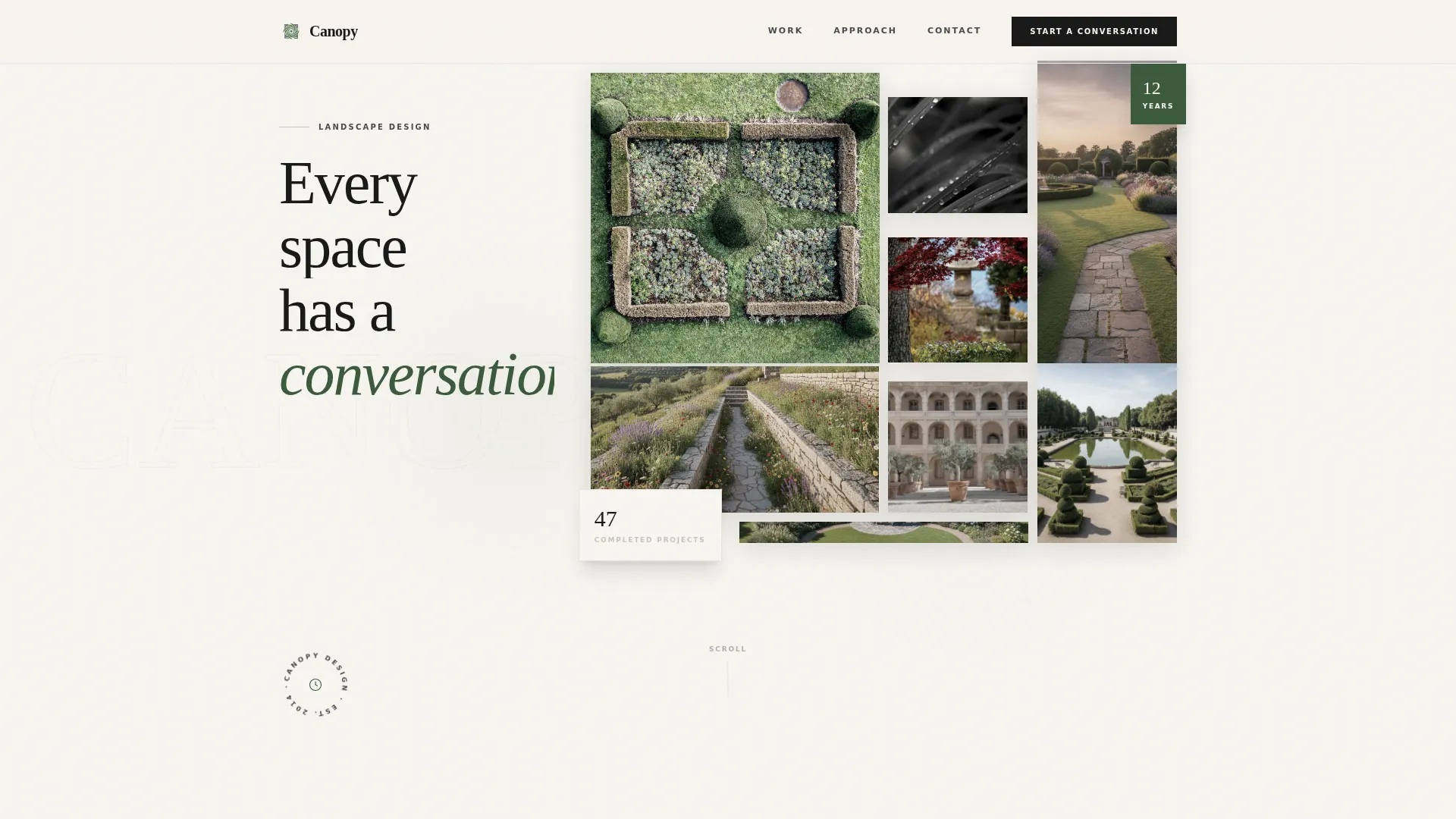
- A nine-image asymmetric photo grid mosaic header with scroll-driven z-depth shifts and one looping video frame
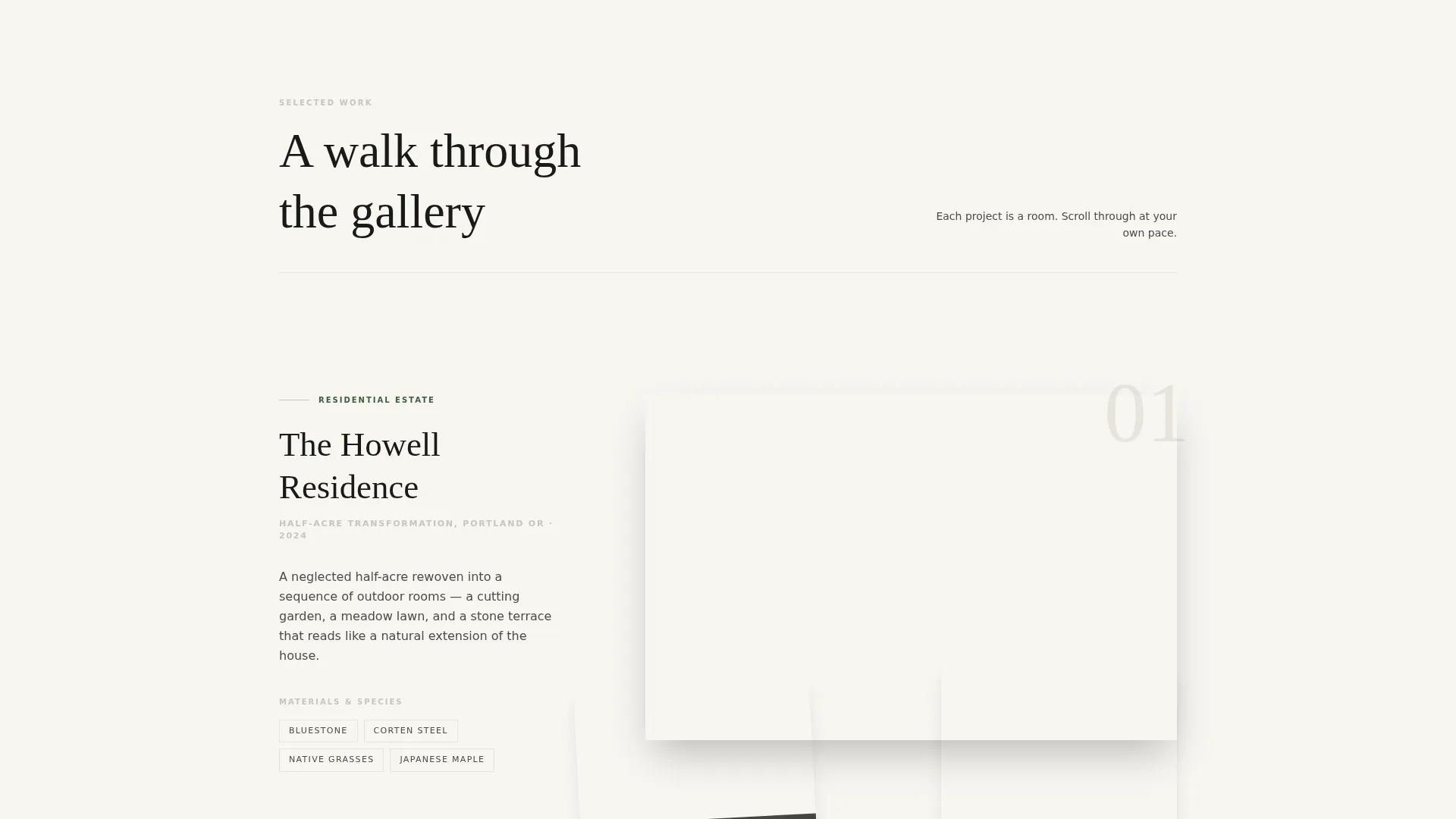
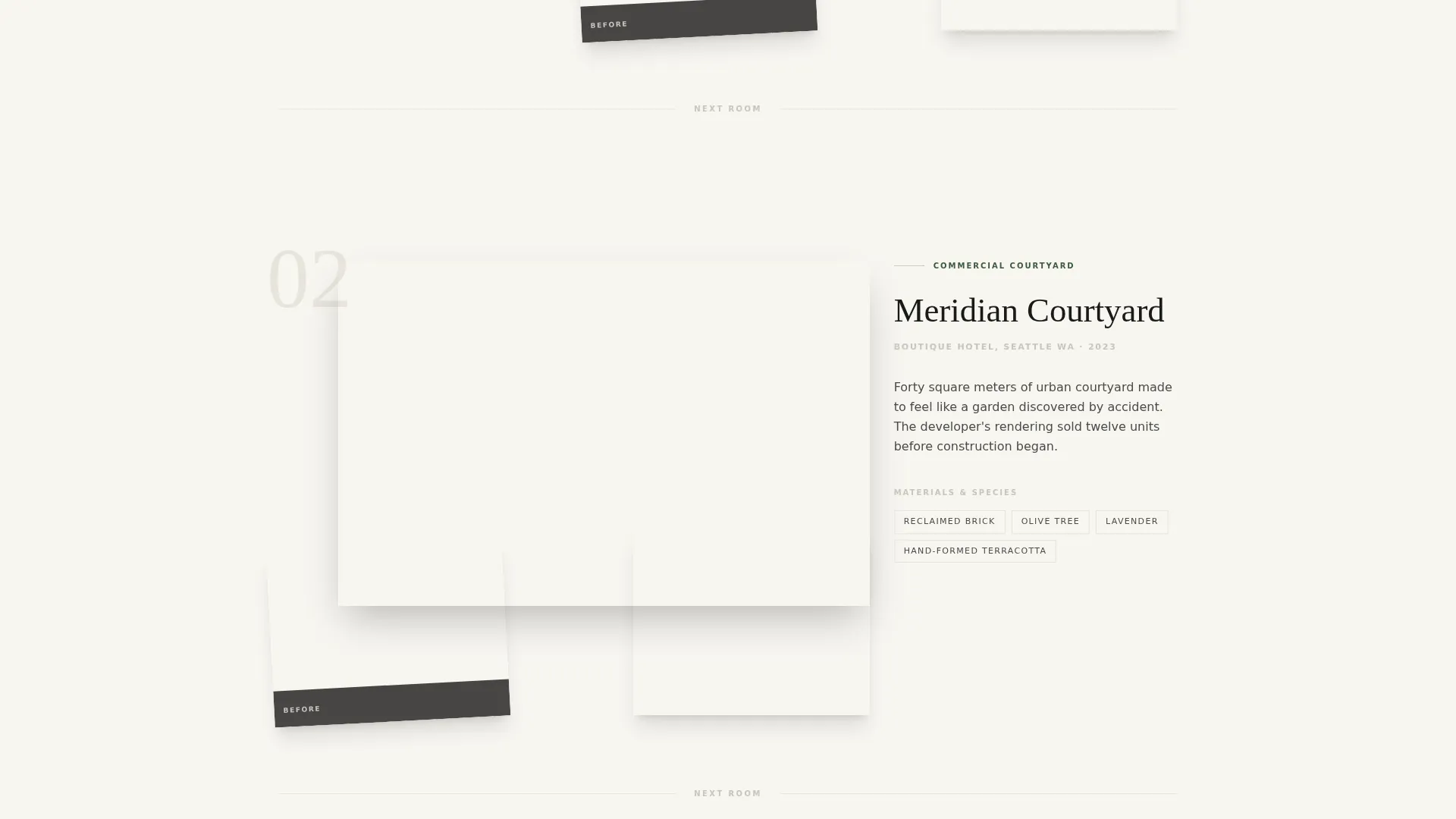
- A Gallery Walk scroll experience where each project section reveals a wide shot, material palette, and before photograph in layered sequence
- A dual conversion pathway: a primary inquiry form and a secondary process guide email capture
Feature list
The following features are built into the Canopy template as described in the design brief.
Asymmetric Photo Grid Mosaic Header
Nine landscape photographs of varying aspect ratios are arranged in a layered, overlapping grid. Images sit at different z-depths and shift subtly as the visitor scrolls. One frame in the grid plays a silent three-second looping video of wind moving through a meadow planting.
Gallery Walk Project Rooms
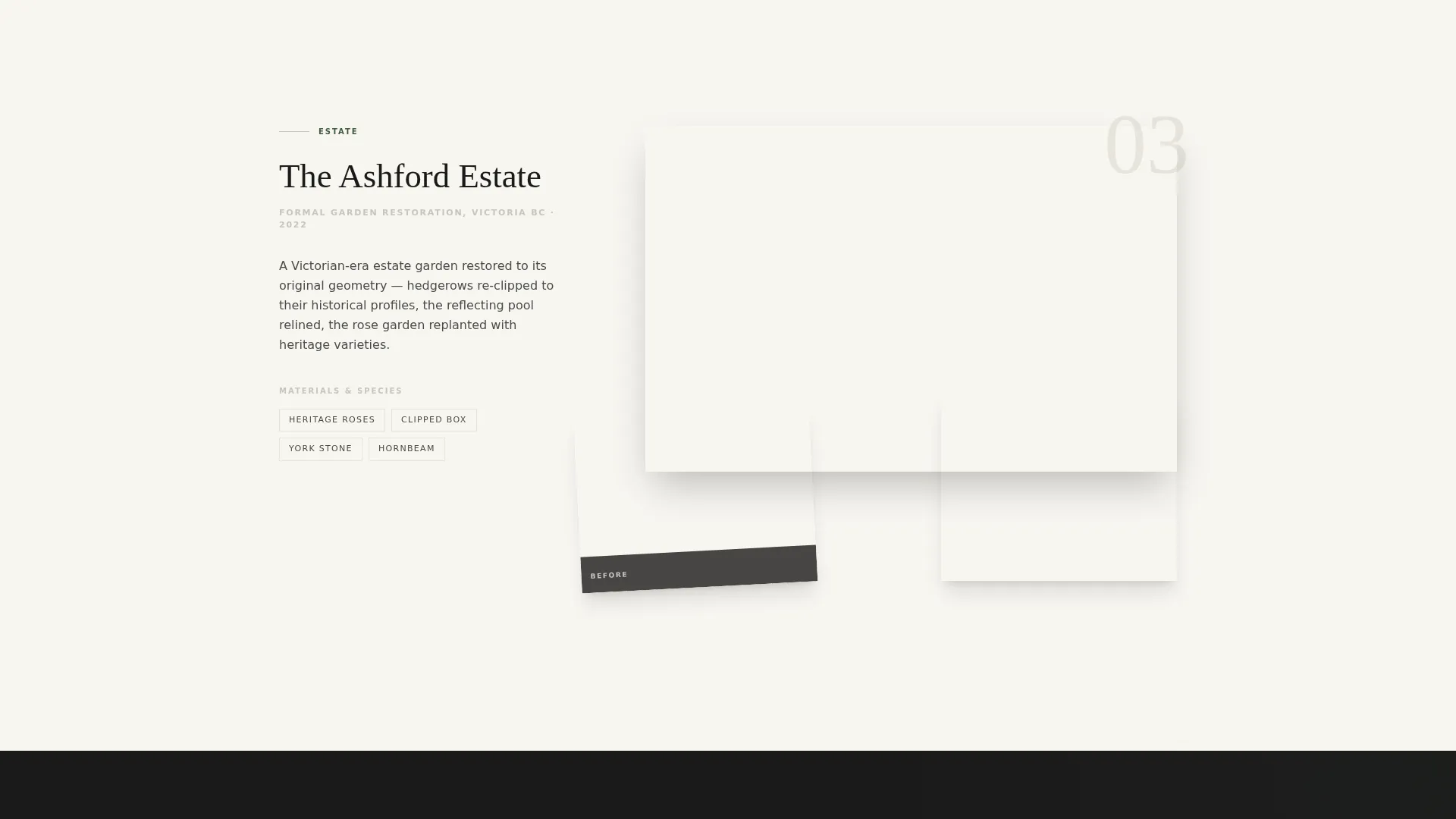
Each project is structured as a navigable "room." The project title appears first in thin serif type, then the hero image pushes forward, and detail shots tuck beneath at angles. A before photograph peeks out from under the finished image, revealing process and transformation without breaking the visual rhythm.
Layered Overlap Scroll Mechanic
Sections slide over one another like mounted prints being placed on a wall. The pacing slows deliberately between projects using generous white space. This forces a natural pause that mirrors the attention a gallery visitor gives a single framed photograph.
Dual Lead Capture System
The primary call to action reads "Start a Conversation About Your Space." It appears first as a quiet fixed element in the bottom corner, then expands into a full form after the third project. The form collects property type, a short space description, and an optional photo upload.
Process Guide Secondary Capture
A secondary conversion path labeled "Download the Process Guide" collects an email address from visitors who are interested but not yet ready to submit an inquiry. This gives the designer a nurture touchpoint without pressuring the visitor at the wrong moment.
Ink & Paper Color System
The palette uses matte exhibition white, darkroom black, graphite pencil gray, and a single pressed fern green accent. The accent color appears only on hover states and active selections, keeping the visual focus on the photography at all times.
Page sections overview
| Section | Purpose |
|---|---|
| Photo Grid Header | Opens with layered landscape imagery and a looping video frame |
| Project Room One | Introduces the first completed space with title, hero, and detail shots |
| Project Room Two | Deepens the narrative with material palette and before photograph |
| Project Room Three | Completes the trust sequence before the primary call to action appears |
| Primary Inquiry Form | Captures property type, space description, and optional photo upload |
| Process Guide Capture | Collects email from visitors not yet ready for a full inquiry |
Design & branding system
The visual identity follows a Lens & Frame theme built on the Ink & Paper color system. Typography is set in thin serif type for project titles, keeping the aesthetic aligned with a high-end editorial publication rather than a service-business website.
- Four-color palette: matte exhibition white (#F7F5F0), darkroom black (#1A1A1A), graphite pencil gray (#4A4A4A), and pressed fern green (#3D5A3E) reserved for hover and active states
- Overlap and layered layout style where images sit at varying z-depths and slide over each other on scroll
- Generous white space between project rooms creates deliberate pacing and visual breathing room
Mobile & speed optimization
The template is designed so the layered scroll experience and overlapping image grid translate clearly on smaller screens. The restrained color palette and sparse interface reduce visual noise on mobile viewports.
- The fixed bottom-corner call to action remains accessible without obstructing the project photography on any screen size
- The optional photo upload in the inquiry form is touch-friendly and straightforward to use on a mobile device
- White space pacing between project rooms keeps the scroll experience intentional and unhurried on all devices
How this template helps you convert
Canopy earns trust through the quality of the portfolio before it ever asks for anything. The conversion architecture is sequenced to match how a real design client makes a decision.
- The gallery walk builds credibility across three full project rooms, giving visitors enough visual proof to imagine their own space before the primary form appears
- The fixed bottom-corner call to action stays visible without interrupting the experience, so a visitor can act the moment they feel ready rather than hunting for a contact link
- The secondary process guide download captures email addresses from earlier-stage prospects, creating a second path to follow-up that does not require an immediate commitment
Other information about this template
Canopy is a single landing page template available on the platform. It is built for landscape design professionals at any stage of their studio growth.
- The template style is classified as Overlap and Layered, meaning the visual mechanic of stacking and sliding elements is central to the design identity
- The creative direction is a Gallery Walk, a scroll structure where each project occupies its own visual space like a room in a curated exhibition
- The header concept is a Photo Grid Mosaic, specifically a nine-image asymmetric arrangement with mixed aspect ratios and one embedded video loop
- Property type options in the inquiry form cover residential, commercial, rooftop, and estate spaces
- The template sits in the Portfolio and Agency category under the Landscape Designer Portfolio subcategory
Theme
Lens & Frame
Creative direction
Gallery Walk
Color system
Ink & Paper
Style
Overlap/Layered
Direction
Lead Generation
Page Sections
Asymmetric Photo Grid Mosaic Header
Gallery Walk Project Rooms
Layered Overlap Scroll Mechanic
Dual Lead Capture Pathways
Property-specific Inquiry Form
Ink & Paper Visual Identity
Related questions
Can I use this template without video content?
Does the inquiry form support photo uploads from potential clients?
How many projects does the Gallery Walk template showcase?
Is this template suitable for commercial and rooftop projects, not just residential gardens?
What is the secondary conversion path and how does it work?



