Kids Horseback Riding Online Class Landing Page
Canter is a scroll-reveal landing page template built for kids horseback riding online classes. It opens with a cursor-reactive illustrated horse and a personalized five-question quiz that profiles each child's age, learning style, and schedule. The result card recommends a matched class package and opens directly into a booking modal, turning curiosity into a confirmed first lesson.
by Rocket studio
Quick summary
Canter is a single-page template designed for online riding schools serving children ages five to fourteen. The page leads with an animated horse illustration and a progressive quiz that feels like play. Each answer builds a rider profile, and the result card flows straight into a booking modal pre-filled with the recommended class.
Who this template is for
This template is built for educators and small business owners who teach kids horseback riding online. It works especially well when the decision to book is child-led and parent-confirmed.
- Online riding instructors offering live or recorded sessions for children ages five to fourteen
- Homeschool co-ops looking for a structured equestrian elective with a polished enrollment flow
- Rural or suburban riding schools that want to extend their reach beyond the barn
What problem this template solves
Most online class pages ask families to browse, compare, and decide on their own. That process feels cold to a child and overwhelming to a busy parent. Canter removes the guesswork with a quiz-first structure that delivers a personalized recommendation before the visitor ever reaches a signup form.
- Children disengage quickly on pages that feel like forms or catalogs
- Parents struggle to match the right class tier to their child's experience and schedule
- Generic booking flows lose momentum between interest and confirmation
What you get with this template
You get a fully structured landing page that moves from first impression to confirmed booking in a single scroll. Every section is purpose-built and sequenced for the kids online learning context.
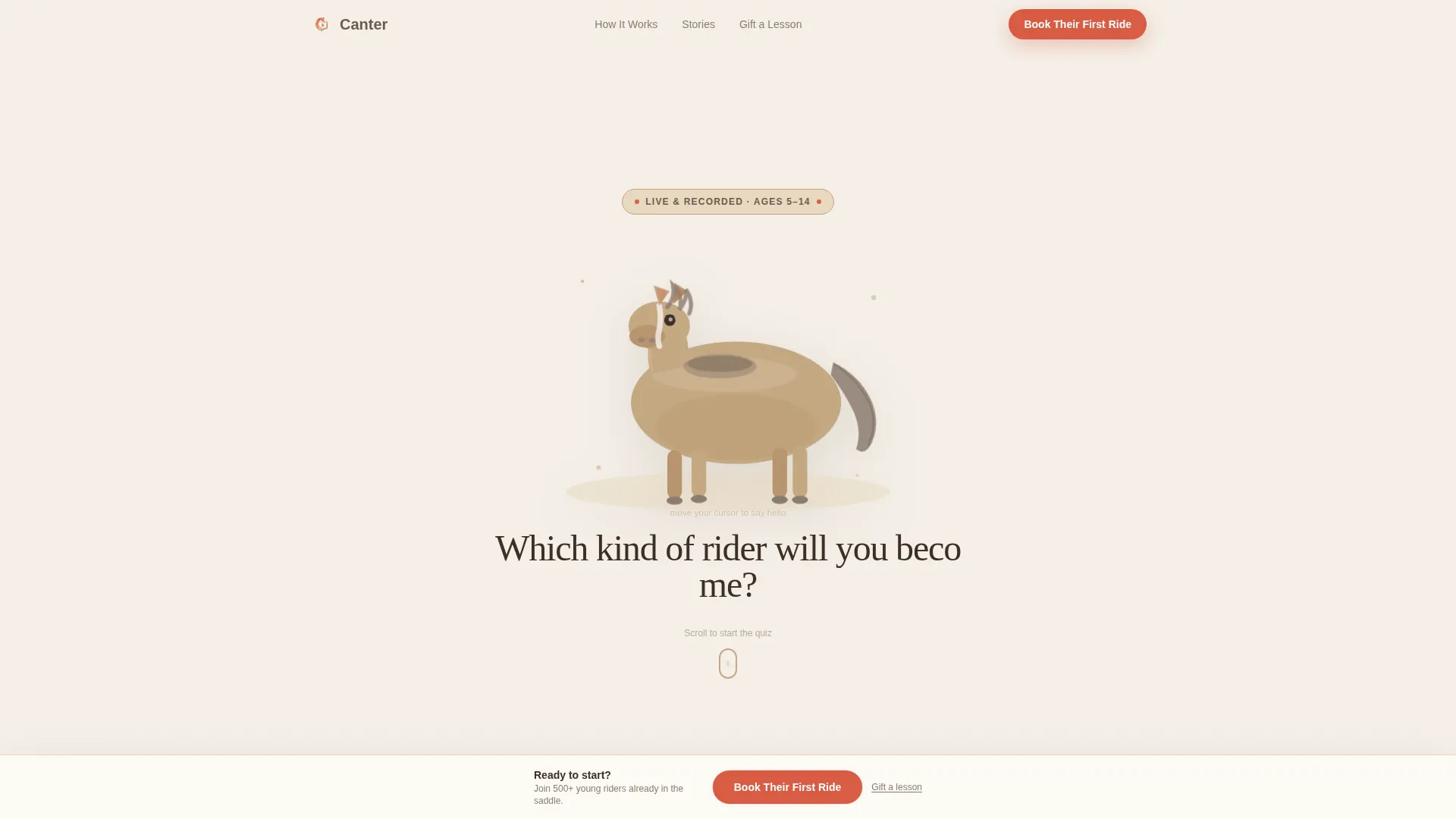
- An animated hero section with a cursor-reactive illustrated horse and a letter-by-letter headline reveal
- A five-question progressive quiz that collects age, breed preference, riding style, schedule, and experience level
- A personalized result card showing a matched class package, instructor portrait, sample lesson clip, and open booking slots
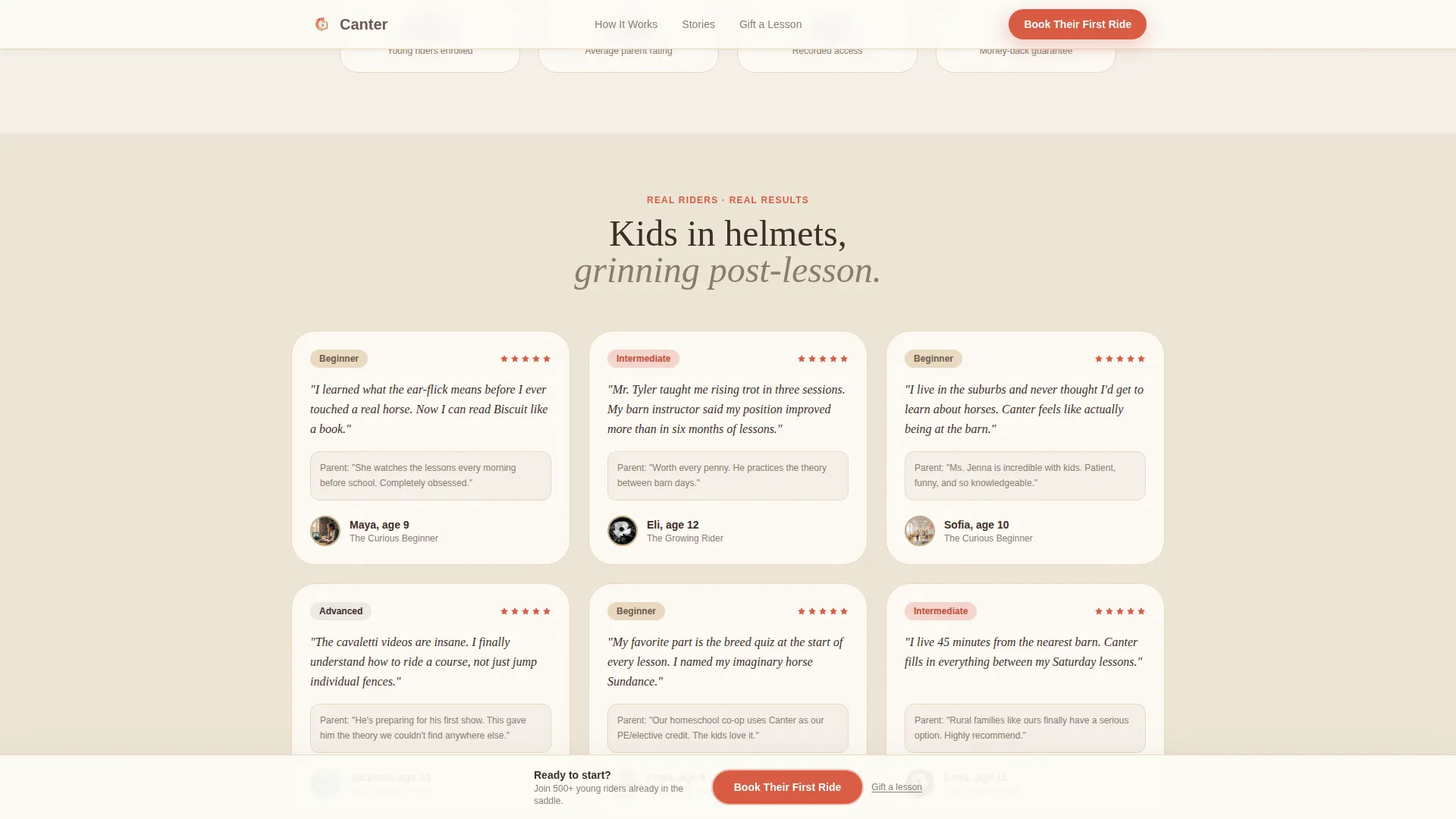
- A testimonial section with rider-type-filtered video cards and helmet-photo social proof
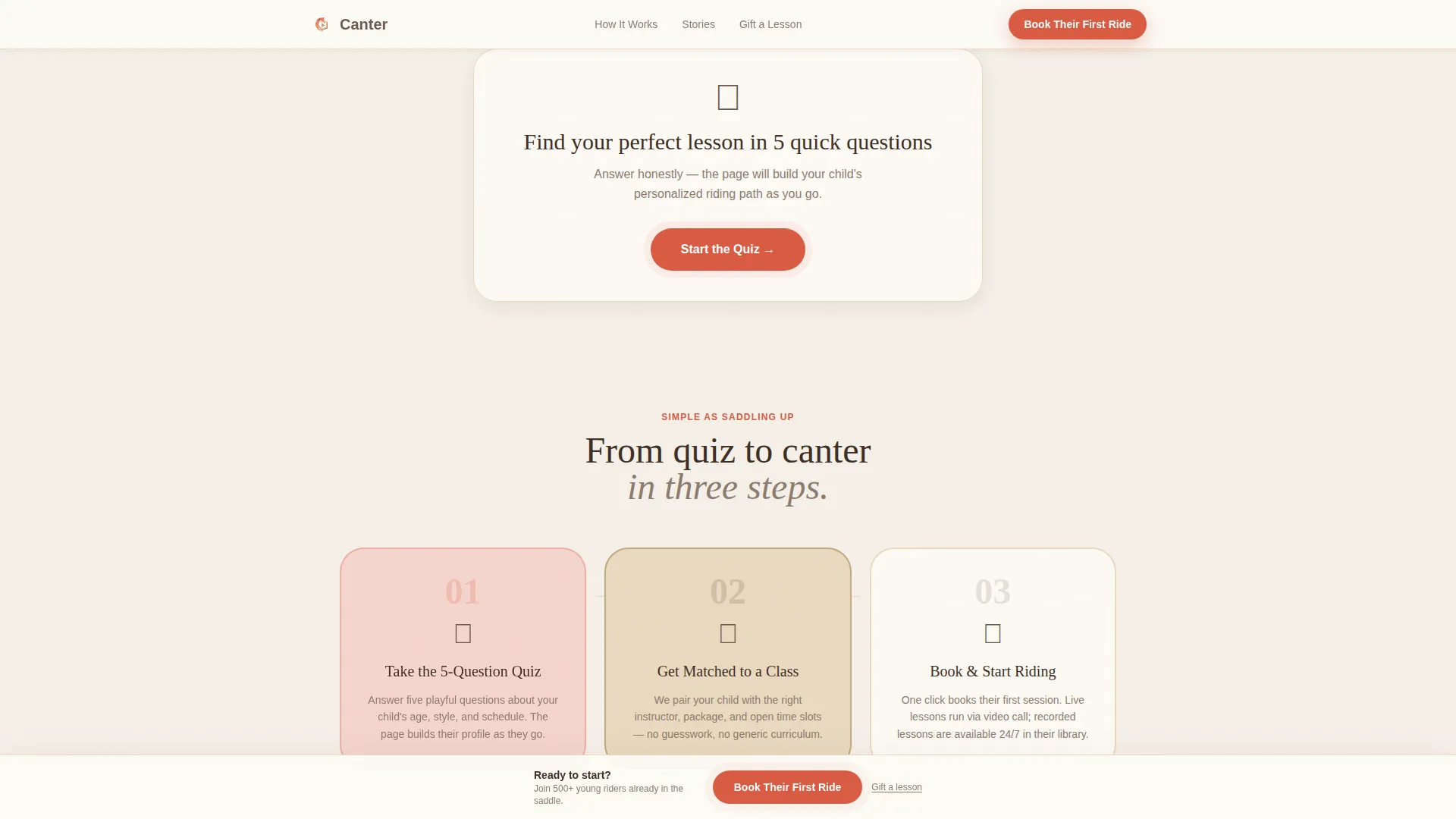
- A three-step "How It Works" section with illustrated icons and a sticky booking bar that persists after testimonials
Feature list
This template is built around interactivity and personalization. Each feature below reflects a deliberate design and functional decision from the source brief.
Cursor-Reactive Horse Animation
The header features an illustrated SVG horse whose ears swivel and tail flicks in response to cursor movement or finger drag on mobile. This interactive preview makes the very first second feel like play rather than a sales page.
Progressive Quiz Flow
Five questions reveal one at a time as the visitor answers. The quiz uses illustrated barn-door number selectors for age and horse-breed imagery for style questions. By the final question, the page has quietly built a full rider profile covering experience, learning style, and schedule preference.
Personalized Result Card
After the quiz, a result card unfolds to show the recommended class package, a matched instructor portrait, a sample lesson clip, and available booking slots. The card makes the child feel already enrolled before any form is filled out.
Pre-Filled Booking Modal
Clicking "Book Their First Ride" opens a lightweight scheduling modal. Fields for child name, age, and class tier are pre-populated from quiz answers. Parents only need to add their name, email, and preferred day of week.
Rider-Type Testimonial Section
Short video-style testimonial cards are organized by rider type. Each card shows a helmet photo, a star rating, and a rider-type label that matches the quiz result the visitor just received, reinforcing trust at exactly the right moment.
Sticky Booking Bar
A persistent bottom bar appears after the visitor scrolls past testimonials. It carries the primary call to action and keeps the booking path visible without interrupting the reading flow.
Page sections overview
| Section | Purpose |
|---|---|
| Hero with Animation | Introduces the horse illustration, letter-by-letter headline, and quiz entry button |
| Progressive Quiz Flow | Collects five personalized answers to build a child's rider profile |
| Personalized Result Card | Displays matched class, instructor, sample clip, and open booking slots |
| Rider Testimonials | Shows video-style social proof filtered by matched rider type |
| How It Works | Explains the Quiz, Match, and Ride steps using illustrated icons |
| Footer | Provides horizontal navigation and supplementary links |
Design & branding system
The visual style draws from a warm watercolor sketchbook aesthetic. Every color and type choice is intentional, reinforcing the safe, unhurried feeling of a real stable.
- Color palette: soft oat cream (#F5F0E8) for backgrounds, weathered fence-post brown (#6B5B4E) for body text and dividers, muted saddle tan (#C4A882) for cards and hover states, and poppy red (#D95B43) reserved strictly for calls to action and quiz highlights
- Typography: Fraunces serif for headlines to carry warmth and character, DM Sans for body text to keep reading effortless
- Visual tone: hand-touched illustration style, scroll-triggered reveals, and warm watercolor textures that feel personal rather than corporate
Mobile & speed optimization
This template is built mobile-first because children browse on tablets and phones while parents confirm on the same devices. The quiz and booking flows are designed to work smoothly on small screens.
- The cursor-reactive horse animation switches to finger-drag interaction on touch devices
- Quiz selectors and booking modal inputs are sized and spaced for easy thumb navigation
- Server components handle static sections while client components manage the quiz state, booking modal, and scroll animations to keep the interactive experience fluid
How this template helps you convert
Every structural decision in Canter is aimed at reducing the distance between a child's curiosity and a parent's confirmed booking.
- The quiz creates personal investment before any commercial message appears, so the visitor arrives at the result card already emotionally engaged with the recommended class.
- The result card pre-populates the booking modal, removing friction at the moment of highest intent and making the signup feel like a natural next step rather than a task.
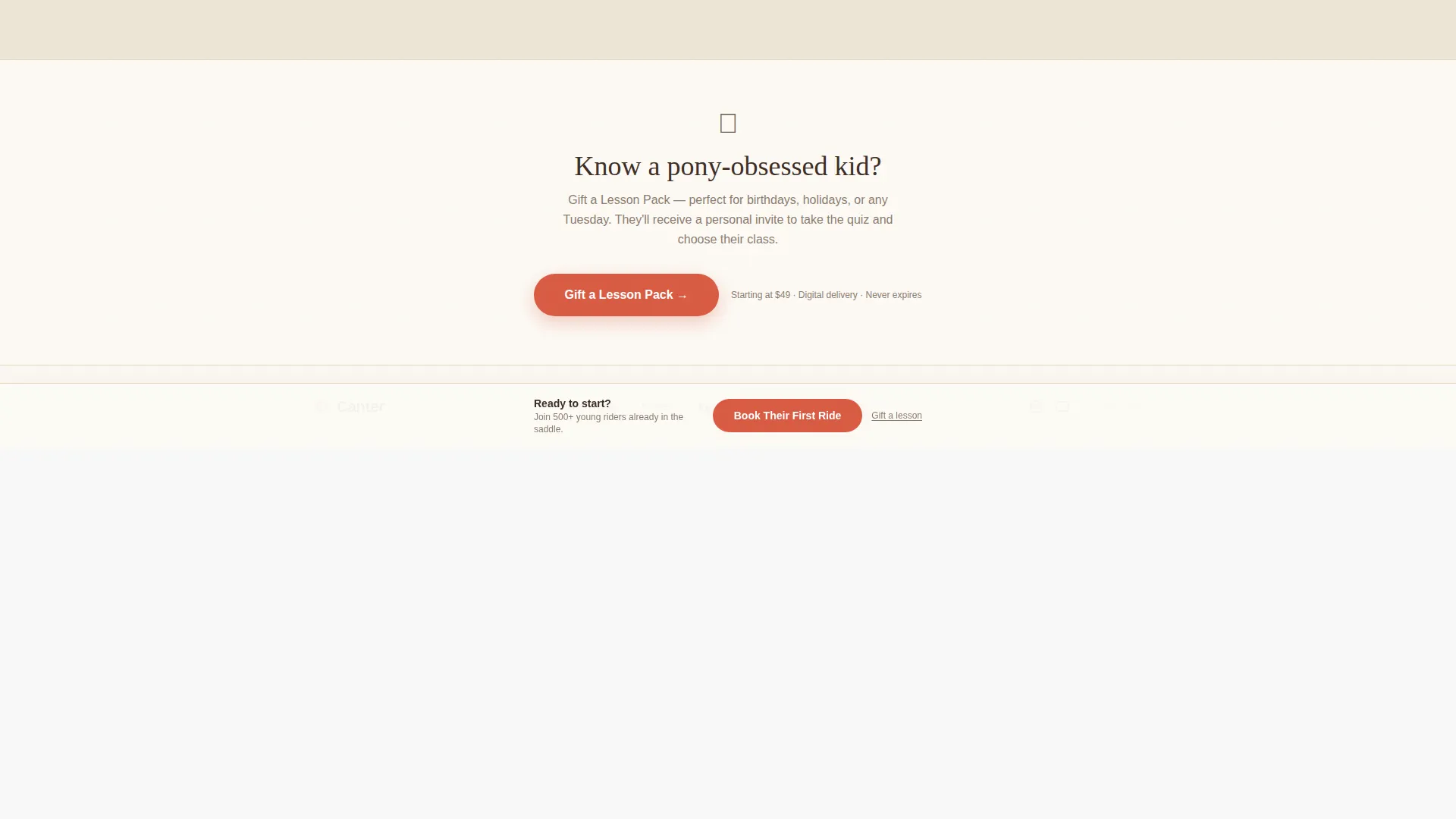
- The sticky booking bar and the secondary "Gift a Lesson Pack" text link keep two conversion paths visible throughout the scroll without competing for attention.
Other information about this template
Canter is part of a themed template collection built around the Community Hearth visual style and the Cloud Canvas color system. The Quiz and Personalize creative direction is the structural backbone of the experience, making it distinct from standard catalog-style class pages.
- Template style: Scroll Reveal (Progressive), meaning each section and quiz step appears as the visitor engages rather than loading all at once
- Header concept: Interactive Preview, a cursor-reactive animation that sets the tone before a single word is read
- Landing page direction: Booking and Scheduling, with the primary call to action reading "Book Their First Ride" and a secondary gift-lesson path for family members
- Localization: English (United States), pricing in USD, and dates formatted as MM/DD/YYYY
- The footer follows a horizontal flow pattern suitable for a compact single-page layout
Theme
Community Hearth
Creative direction
Quiz & Personalize
Color system
Cloud Canvas
Style
Scroll Reveal (Progressive)
Direction
Booking/Scheduling
Page Sections
Cursor-reactive Horse Illustration
Five-question Progressive Quiz
Personalized Rider Result Card
Pre-filled Booking Modal
Rider-type Testimonial Cards
Sticky Bottom Booking Bar
Related questions
Who is this landing page template designed for?
Can I edit the quiz questions to match my own class offerings?
Does this template include the booking modal and scheduling form?
What interactive animations are included in this template?
Is there a gift option built into the booking flow?



