Illustration & Art Portfolio Portfolio Website Template
Stylus is a full-width immersive digital illustration landing page built for artists who create concept art, character design, and editorial illustration. It features a Before/After slider hero, hover-to-peel process layers, an interactive brush explorer, an expanding portfolio gallery, and a gated Process Deck download, all wrapped in a dark Tech Glass aesthetic designed to showcase your art portfolio with real impact.
by Rocket studio
Quick summary
Stylus is a single-page portfolio landing page template built for digital artists who need to showcase illustration work and capture leads. A full-viewport Before/After slider opens the page, interactive process layers teach technique mid-scroll, and a free forty-page Process Deck PDF closes the loop on conversion. The design runs on a Void and Violet color system with high-animation GSAP interactions.
Who this template is for
This template is tailored for illustration professionals who need a portfolio website that earns trust before it asks for anything. It suits artists working in high-stakes, deadline-driven creative markets. A polished digital artist portfolio landing page template like this one is designed for showcasing illustration, concept art, and commissions to the right people.
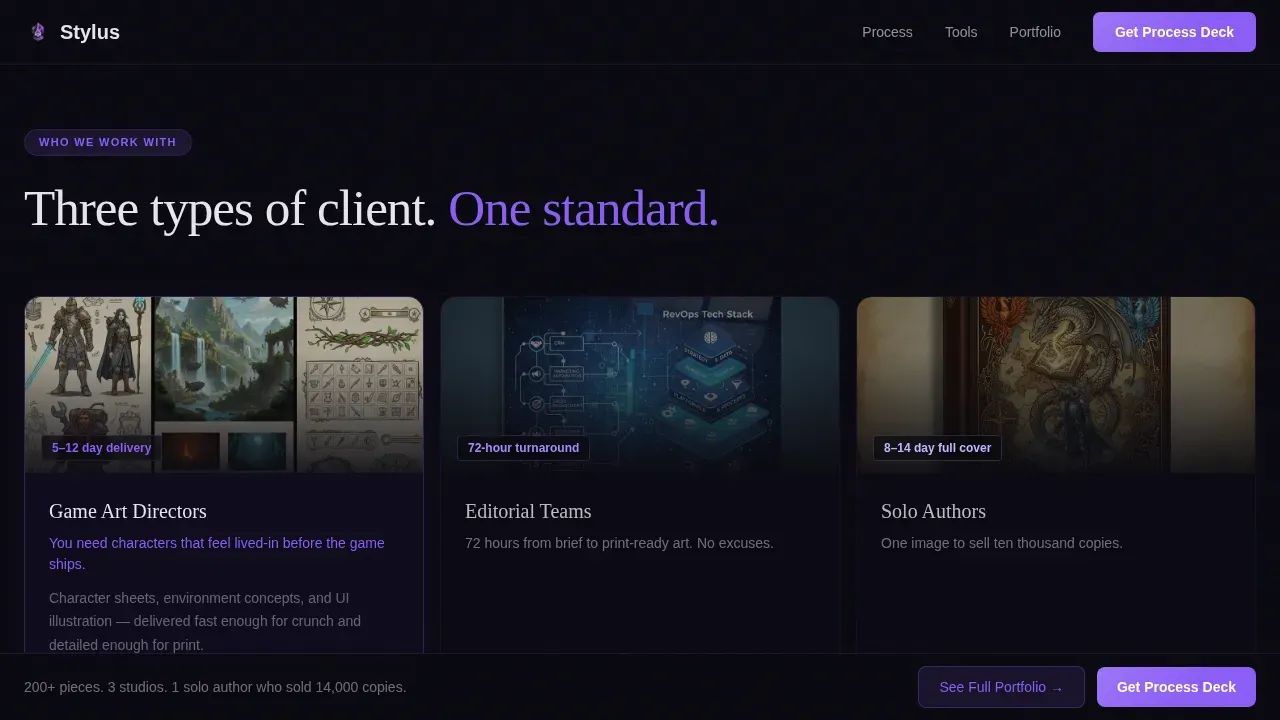
- Indie game art directors searching for character designers who can deliver fast
- Editorial teams at tech publications commissioning cover art on tight schedules
- Solo fantasy authors who need a single hero image capable of driving book sales
What problem this template solves
Most art portfolio pages put the work on screen and leave the viewer guessing. There is no story, no process, no reason to stay. A digital art portfolio that only displays images without context rarely converts a browser into a client. This template solves that by making the creative process visible and engaging at every scroll point, so visitors understand the depth of skill before they ever reach a form.
- Artists lose potential clients because a static gallery gives no sense of working method or range
- Visitors bounce when a page has no clear next step or reason to leave an email address
- Generic website layouts do not reflect the unique style and technical expertise of illustration work
What you get with this template
You get a complete single-page layout built from scratch for digital artists who want to showcase their best work and draw in serious clients. Every section is designed to demonstrate skill and guide the viewer naturally toward one primary action. A good portfolio structure keeps the viewer interested, and this page does exactly that.
- A full-viewport Before/After slider hero that reveals raw sketch versus finished render on drag
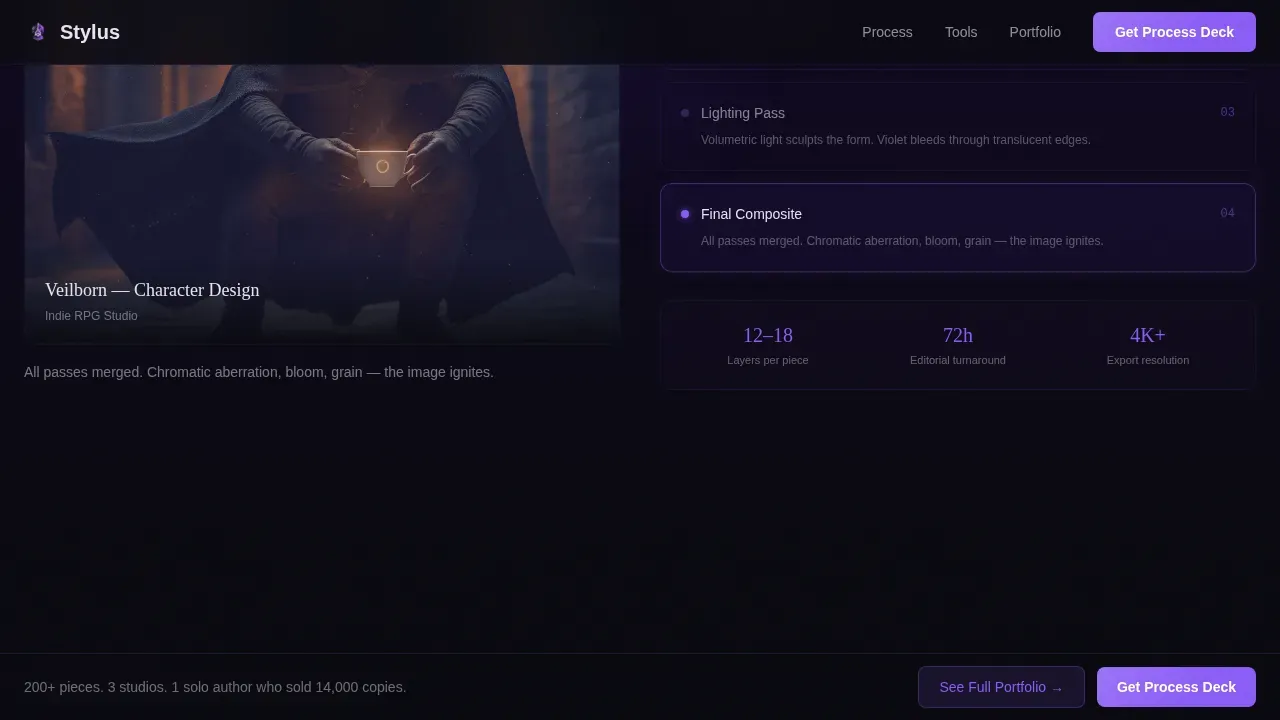
- Hover-to-peel process layer panels showing flat color, ambient occlusion, lighting, and final composite passes
- An interactive Brush Explorer where visitors click brush icons to see live stroke previews on a mini canvas
- An expanding portfolio gallery with dark-glass overlays and full-bleed case study views
- A gated Process Deck section with an email field and a single dropdown to capture qualified leads
Feature list
This template packs several interactive and visual capabilities that work together to present artwork in a visually appealing and professionally structured way.
Before/After Slider Hero
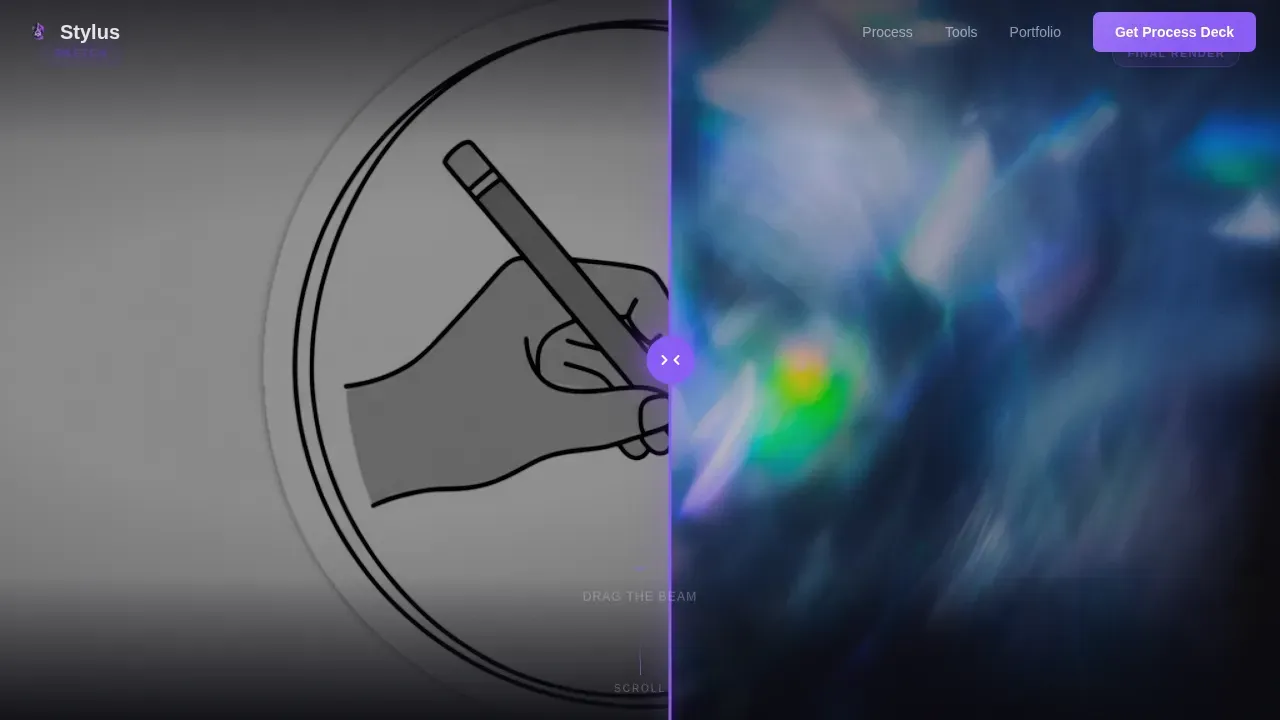
The hero section spans the full viewport width and lets visitors drag between a pencil-gray gesture sketch and a fully rendered illustration with volumetric lighting and violet refraction. A glowing electric violet drag handle pulses to invite interaction. The tagline "From nothing. To this." appears in frost white only after the visitor moves the slider, rewarding curiosity.
Hover-to-Peel Process Layers
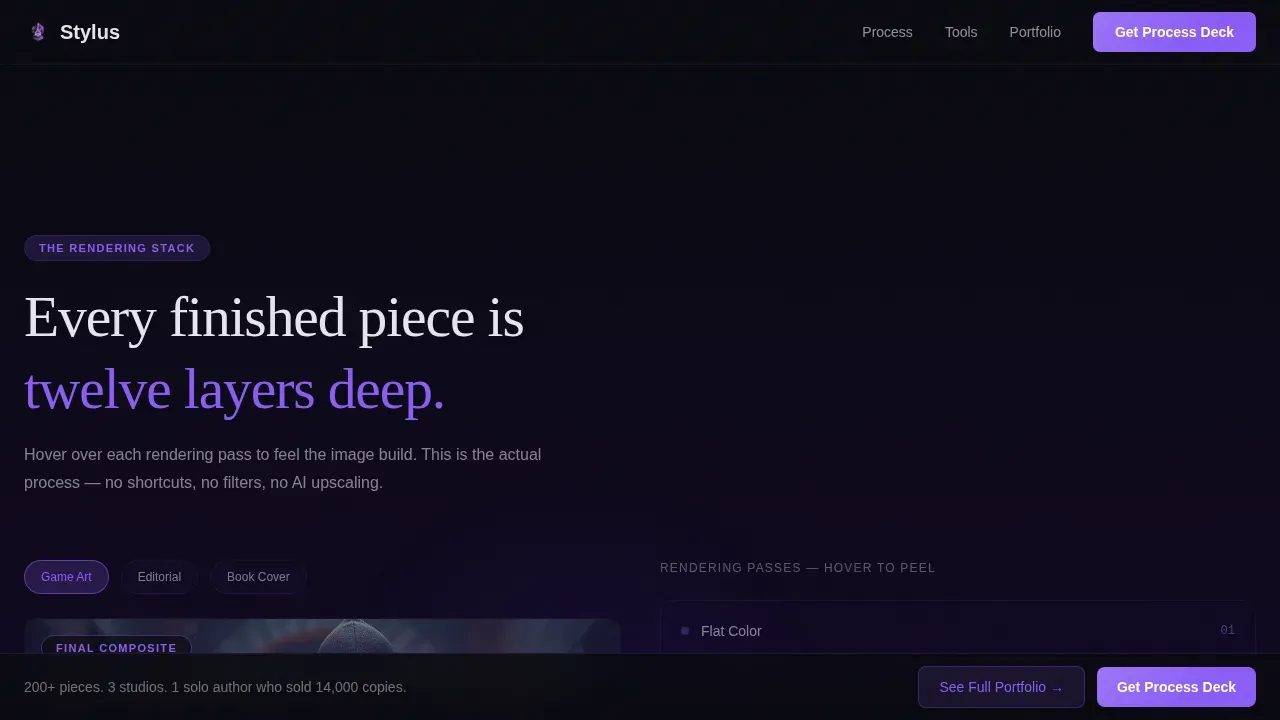
Past the hero, each portfolio piece sits inside a layered panel. Hovering peels back rendering passes in sequence, flat color, ambient occlusion, lighting, final composite, so visitors learn real illustration technique as they scroll. This section gives context and depth to every piece and helps explain your design decisions without a single word of self-promotion.
Interactive Brush Explorer
A dedicated section lets visitors click individual brush icons to see the exact stroke each one produces on a live mini canvas. This is a bold, memorable way to demonstrate technical range and let your tools tell part of the story. It works well for concept art specialists who want to showcase medium-specific abilities.
Expanding Portfolio Gallery
The portfolio grid displays thumbnails in a clean layout. Clicking any thumbnail expands it into a full-bleed case study view with dark-glass overlays. This approach balances variety and focus, and the gallery can hold ten to fifteen of your strongest, most recent pieces without filling the page with visual noise.
Process Deck Lead Capture
The primary conversion section offers a free forty-page PDF breakdown of a single illustration from sketch to final delivery. Visitors enter their email and select from a dropdown, "Hiring an illustrator," "Learning technique," or "Just admiring", so you can follow up with relevant ideas. The page earns this email by delivering real value first.
Persistent Portfolio Bar
A fixed bottom bar floats across every section of the page and links directly to an ungated gallery view. This secondary path keeps the full portfolio accessible to visitors who are not yet ready to share their email, reducing friction and keeping the site useful at every stage of the visit.
Page sections overview
| Section | Purpose |
|---|---|
| Hero Slider | Drag to reveal sketch versus finished render; tagline appears post-interaction |
| Process Layers | Hover to peel rendering passes and learn the illustration workflow |
| Brush Explorer | Click brush icons for live stroke previews on an interactive canvas |
| Portfolio Grid | Expanding thumbnails open full-bleed case studies with dark-glass overlays |
| Process Deck call to action | Email gate with dropdown captures qualified leads via free PDF offer |
| Footer Bar | Linear single-row footer with persistent "See Full Portfolio" link |
Design & branding system
The template uses a Tech Glass visual identity built on the Void and Violet color system. The overall look feels like a powered-down OLED panel watching violet light bleed back to life. Typography pairs Fraunces, a serif display font, with DM Sans for body text, creating a contrast that feels authoritative yet approachable. The color system and font choices are cohesive and complement illustration work without competing with it.
- Abyssal black (#09090F) as the dominant canvas, deep ultraviolet (#2D1B69) pooling in section backgrounds, electric violet (#8B5CF6) on interactive edges and hover states, frost white (#E8E4F0) for floating type
- GSAP-powered animations include scroll reveals, hover peel layers, slider drag, canvas strokes, and portfolio expansion transitions
- GPU-accelerated transforms and Intersection Observer triggers keep animation tied to real scroll events
Mobile & speed optimization
The template is desktop-first by design, reflecting the reality that an illustration portfolio requires screen real estate to display at full impact. A mobile fallback is included so the portfolio website remains functional and readable on smaller screens. Responsive structure ensures that art directors who view the site on a smartphone still get a clear sense of the work.
- GPU-accelerated CSS transforms and Intersection Observer-based reveals reduce unnecessary render work during scroll
- The Before/After slider and portfolio grid adapt to narrower viewports while maintaining layout integrity
- Images in the gallery are structured for high-quality display so linework and texture detail remain clear on retina screens
How this template helps you convert
A great portfolio layout guides the viewer through your work without making them think. This page is built around a single primary action and one supporting path, so visitors never feel lost or undecided in the middle of the page.
- The Before/After slider creates an immediate emotional hook, and the progressive process sections build credibility with every scroll, so by the time visitors reach the Process Deck form, they have already received real value and the download feels like a natural next step rather than a transaction.
- The persistent bottom bar keeps the "See Full Portfolio" link visible at all times, giving non-ready visitors a low-commitment option that keeps them on the site and builds familiarity with the work.
Other information about this template
This template fits within the Portfolio and Agency category, specifically the Illustration and Art Portfolio subcategory, and is built for the digital illustration niche. It is a strong starting point for any designer or illustrator building their own website from scratch or refreshing an existing portfolio design. The layout you pick can guide visitors, highlight standout projects, and show your creative process with ease, and this one is built with that goal as its foundation.
- A digital art portfolio presented through this template can showcase concept art, character work, editorial illustration, and commissions within a single page
- The template can be customized to reflect personal style and branding, making it suitable as a graphic design portfolio for artists working across games, publishing, and editorial media
- Artists can use it alongside a separate photography or video reel page, since the structure is tailored to static illustration rather than motion work
- The Stylus immersive digital illustration portfolio landing page template is built for digital artists who want a web presence that teaches, engages, and converts in equal measure
Theme
Tech Glass
Creative direction
Interactive Explorer
Color system
Void & Violet
Style
Full-Width Immersive
Direction
Content/Resource
Page Sections
Before/after Slider Hero
Hover-to-peel Process Layers
Interactive Brush Explorer
Expanding Portfolio Gallery
Process Deck Lead Capture
Persistent Portfolio Bottom Bar
Related questions
Can I use this template for concept art and games rather than editorial illustration?
Does the template include the Process Deck PDF content?
How many portfolio pieces should I display in the gallery section?
Is this template suitable as a graphic design portfolio for non-illustration work?
Can I add a video or time-lapse section to the page?



