Cart — Dependable Debris Removal Landing Page Template
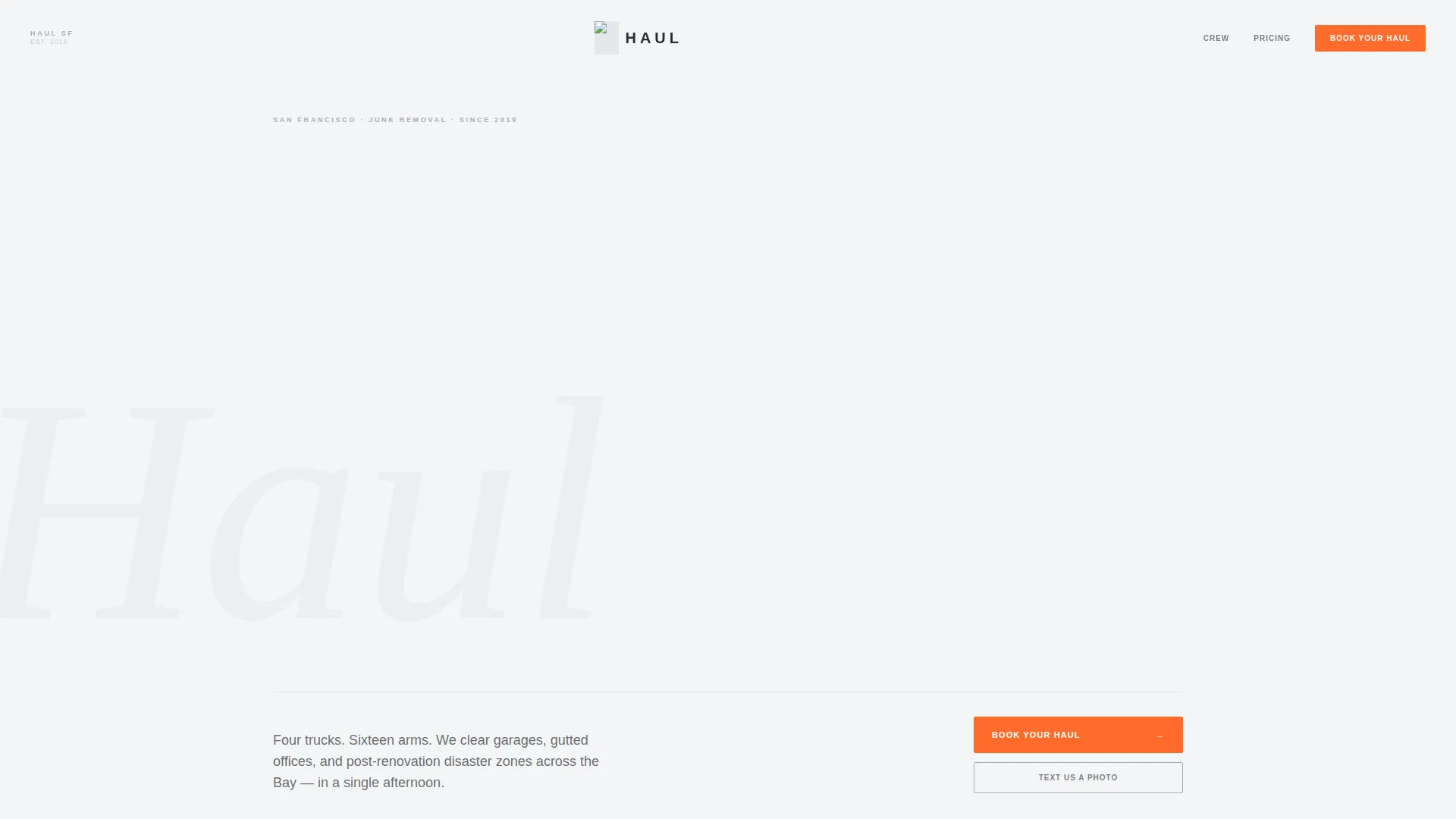
Haul is an editorial-style landing page template built for a San Francisco junk removal service. It combines photojournalistic crew photography, bold serif typography, and a monochrome steel palette to create a magazine-quality feel. The page guides visitors through a transparent booking flow covering zip code confirmation, load size selection, and next-available scheduling within 48 hours.
by Rocket studio
Quick summary
Haul is a single-page junk removal landing page template with an editorial magazine aesthetic. It features a manifesto header, documentary crew photography, timestamped job photo essays, typographic item category sections, and a transparent pricing display. The inline booking form and fixed bottom call-to-action button work together to move visitors toward scheduling without friction.
Who this template is for
This template is built for junk removal operators who want their page to feel credible and local, not generic. It suits crews with a real story to tell and a real team to show.
- Junk removal business owners serving a specific city or neighborhood
- Property managers and real estate professionals looking to link clients to a trusted hauling service
- Service operators who want a premium editorial look without hiring a design agency
What problem this template solves
Most junk removal pages look interchangeable. They rely on stock photography, vague pricing language, and a single contact form that leaves visitors guessing. Haul solves that trust gap directly.
- Visitors cannot tell who is actually showing up, so the template leads with named crew members and documentary photos
- Unclear load sizing creates booking hesitation, so the template uses visual load icons and exact price points
- Generic pages do not reflect the specific city being served, so the layout references real neighborhoods and real job types throughout
What you get with this template
You get a fully structured single-page layout designed for a local junk removal service. Every section has a clear editorial purpose and a defined visual role.
- A manifesto header with staggered bold serif typography and a full-bleed candid crew photograph
- A three-step inline booking form covering zip code, load size selection, and a 48-hour availability calendar
- A documentary photo essay section, typed item category listings, and transparent load-based pricing visuals
Feature list
This template covers every stage of the visitor journey, from first impression to confirmed booking. Each section earns its place with a practical function.
Manifesto Header with Full-Bleed Photography
The header opens with a bold serif quote filling the viewport in a staggered editorial layout. Below it, a single edge-to-edge black-and-white photograph shows the crew mid-lift on a real San Francisco staircase. The composition is photojournalistic, with no posed smiles and no stock imagery.
Three-Step Inline Booking Form
The booking flow is built directly into the page. Visitors enter a zip code to confirm service area, then tap visual icons to select load size, then choose from a calendar showing slots within the next 48 hours. The form never redirects the visitor away from the page.
Fixed Bottom Call-to-Action Bar
A "Book Your Haul" button in safety orange stays anchored to the bottom of the viewport as the visitor scrolls. This keeps the primary conversion action visible at every section of the page without interrupting the editorial reading experience.
Text-a-Photo Estimate Path
A secondary call-to-action invites visitors to text a photo of their junk to a real number for an instant estimate. This removes the friction of load-size guessing and gives hesitant visitors a low-commitment first step.
Documentary Crew Profiles
Every section features the actual crew in documentary-style photography, with names and neighborhoods displayed beneath each image. The page reads like a feature profile in a city magazine rather than a service directory listing.
Transparent Load-Based Pricing Display
Pricing is shown using truck-load visuals that illustrate quarter, half, and full loads with exact prices. Visitors can compare load sizes visually before they book, reducing price anxiety and support questions.
Page sections overview
| Section | Purpose |
|---|---|
| Manifesto Header | Opens with bold editorial quote and full-bleed crew photo |
| Crew Portrait Section | Introduces named team members with documentary photography |
| Job Photo Essay | Shows a single job from arrival to clean finish with timestamps |
| Item Category Listings | Bold typographic lists of furniture, appliances, debris, and e-waste |
| Load Pricing Display | Visualizes quarter, half, and full truck loads with exact prices |
| Customer Pull Quotes | Oversized magazine-style callouts from real client testimonials |
| Inline Booking Form | Three-step form for zip code, load size, and calendar scheduling |
| Fixed Booking Bar | Persistent bottom-of-viewport "Book Your Haul" call-to-action button |
Design & branding system
The visual identity follows a Service Utility theme built on a Monochrome Steel color system. The palette feels functional and honest, like equipment that has been used hard but maintained well.
- Four-color system: structural charcoal (#2B2D2F), worn truck-bed silver (#A8ADB3), fog-white (#F4F5F6), and safety orange (#FF6B2B) reserved exclusively for buttons and price callouts
- Backgrounds alternate between fog-white and charcoal sections to create editorial pacing, with silver used for dividers, captions, and secondary text
- Bold serif typography carries the manifesto header and pull quotes, while body sections stay clean and readable with generous white space throughout
Mobile & speed optimization
The layout is built as a single-column flow, which translates naturally to smaller screens without requiring a separate mobile design. The editorial rhythm holds at any viewport width.
- The fixed bottom booking bar remains functional and tappable on mobile, keeping the conversion path accessible while the visitor scrolls
- Visual load-size icons in the booking form are tap-friendly targets, reducing input errors on touch devices
- Alternating full-bleed and contained image blocks are structured to maintain editorial pacing on both desktop and phone screens
How this template helps you convert
Every design decision in this template points toward a confirmed booking. The editorial style builds trust quickly, and the booking mechanics remove the friction that causes visitors to leave without acting.
- The manifesto header and photojournalistic crew photography establish immediate credibility, replacing anonymous stock images with proof that a real team does real work in the specific city being served.
- The transparent load-based pricing section removes the most common booking hesitation by showing exact prices alongside visual load comparisons, so visitors arrive at the booking form already confident about what to select.
- The "Text Us a Photo" secondary path catches visitors who are unsure about load size and converts them into leads through a low-commitment action instead of losing them entirely.
Other information about this template
This template is categorized under Professional Services and San Francisco Local Services. It was designed with a single-column flow and a lead generation objective in mind.
- The template is suitable for any junk removal operator in a dense urban market where local credibility and crew visibility matter
- The editorial pacing, pull quote callouts, and documentary photography style make it equally useful for service businesses that want to communicate quality and care alongside speed
- The page structure can support customization of crew names, neighborhoods, item category lists, and pricing tiers to match the actual service offered


Theme
Legal Shield
Creative direction
Case Study Narrative
Color system
Slate & Sky
Style
Single Column Flow
Direction
Lead Generation
Page Sections
Manifesto Header with Full-bleed Photo
Three-step Inline Booking Form
Fixed Bottom Call-to-action Button
Text-a-photo Estimate Path
Transparent Load-based Pricing
Documentary Crew Profile Sections
Related questions
Can I update the crew photos and names to match my own team?
Does the three-step booking form work without third-party tools?
Can I change the service area references to my own city?
Can the safety orange accent color be updated to match my brand?
Is this template suitable for a junk removal business outside a large city?



