Healthcare Access Nonprofit Specialist Professional Website Template
Catalyst is a hero-dominant landing page template built for healthcare access community foundations. It guides uninsured families to free clinics, prescription assistance programs, and local screening events using a situation-based layout organized by real-life need. The warm, mural-inspired design feels like a trusted neighbor, not a government portal, earning trust before it ever asks for anything.
by Rocket studio
Quick summary
Catalyst is a single-page resource destination for neighborhood healthcare foundations. It opens with a full-screen video hero, then walks visitors through free and sliding-scale care options organized by life situation. The page gives away specific, actionable information first, clinic names, bus routes, hours, and what to bring, then invites visitors to download a personalized neighborhood health guide.
Who this template is for
This template is built for community organizations that help people find affordable healthcare. It is especially well suited for teams that serve residents who are already overwhelmed and need a guide, not a form.
- Healthcare access nonprofits and community foundations working with uninsured adults
- Community health workers and navigators who share printed or digital resource guides
- Social service organizations helping immigrant families, seniors on fixed incomes, or essential workers access free care
What problem this template solves
Most healthcare resource pages are organized by bureaucratic category. Real people searching at midnight do not think in those categories. They think in situations: "I need to see a doctor but I have no insurance." This template answers those questions directly.
- Visitors cannot find usable local information fast enough to take action
- The page feels cold or institutional, which breaks trust before the resource is even read
- Organizations collect no contact information because the page never earns enough trust to ask
What you get with this template
You get a fully structured, single-page layout designed to feel warm, specific, and local from the first scroll. Every section is built to reward attention with more useful information.
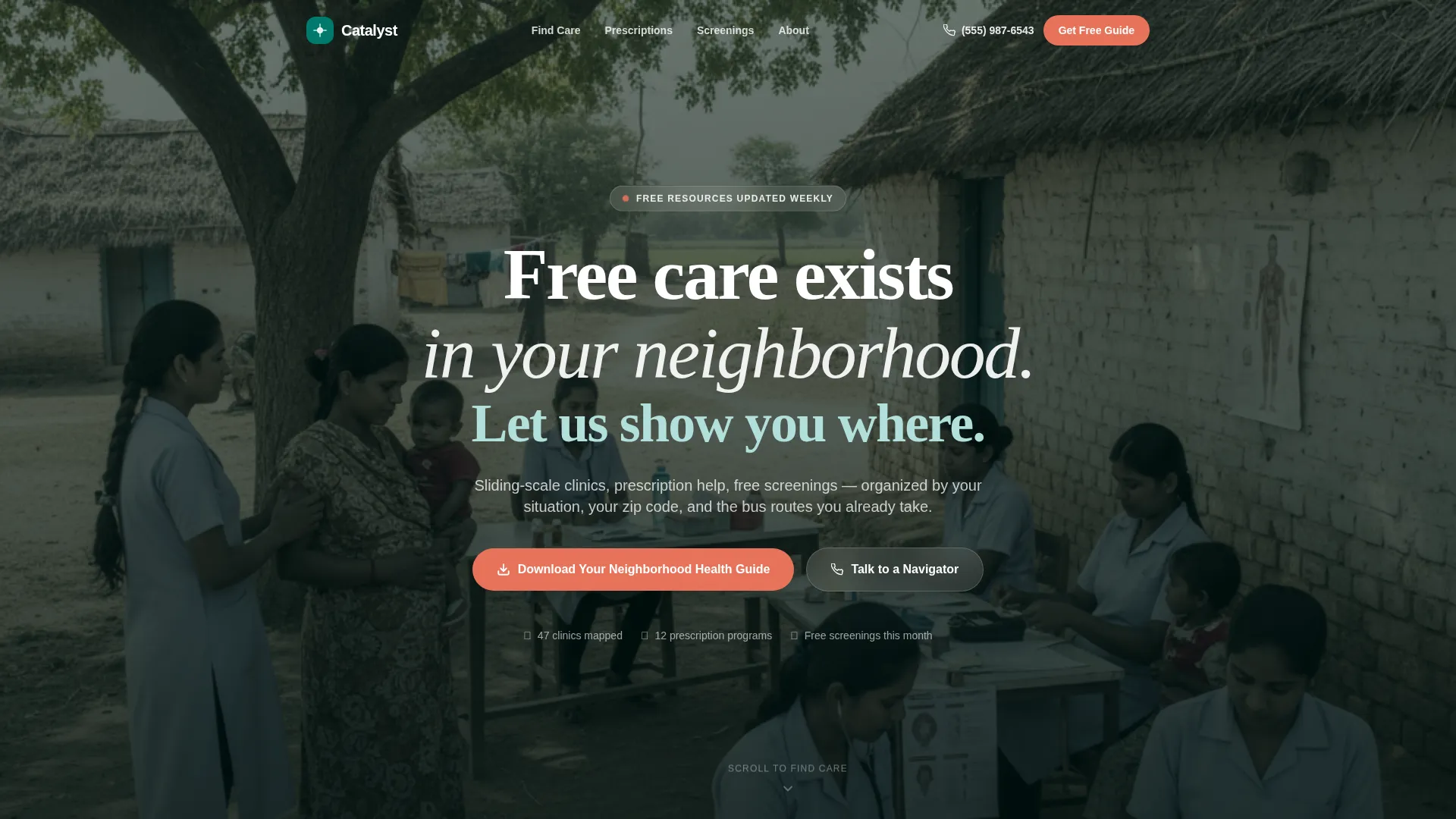
- A full-screen video hero section with a glass overlay headline and a primary download call to action
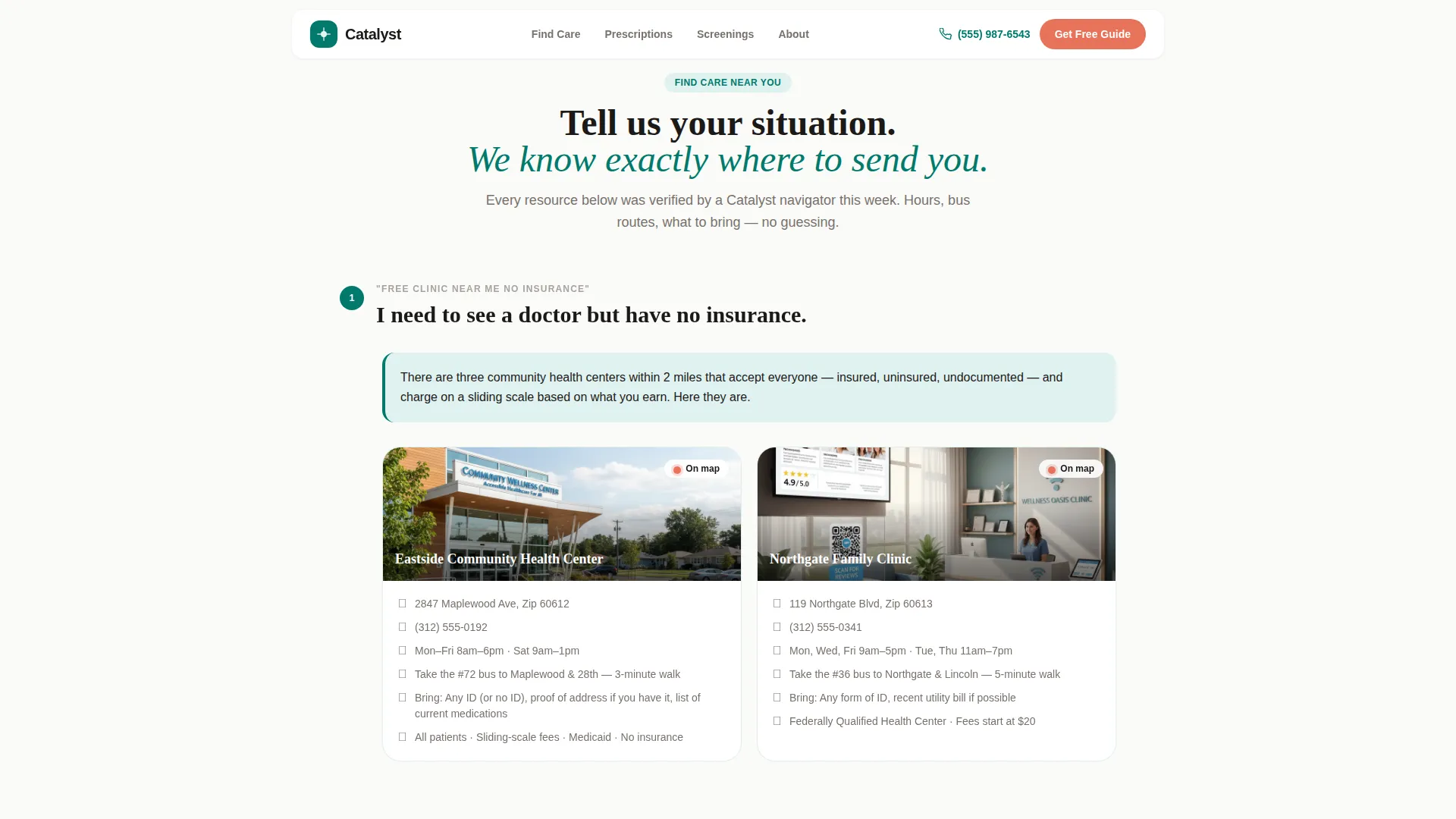
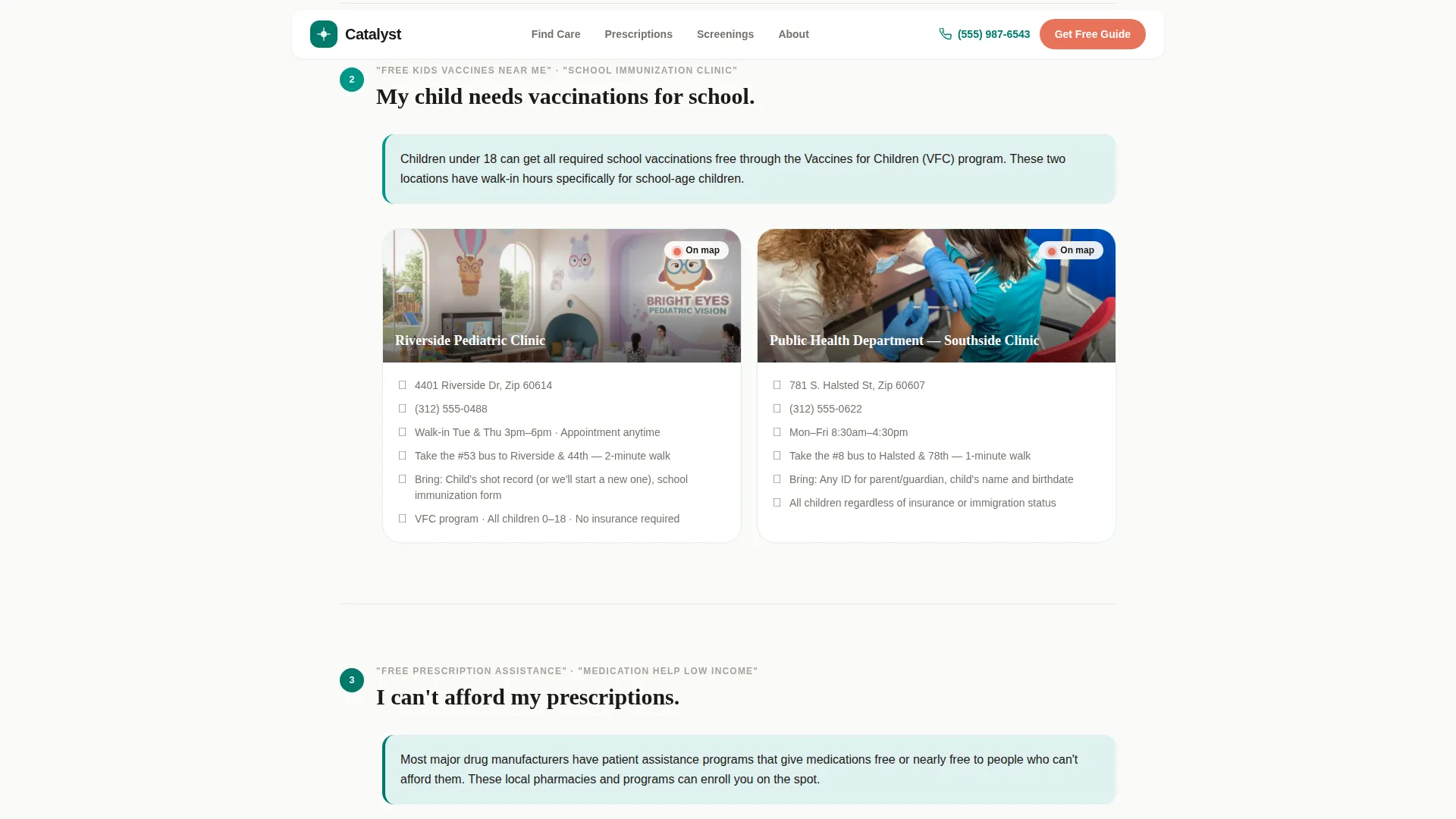
- Three life-situation resource sections with space for clinic names, addresses, bus routes, hours, and embedded map pins
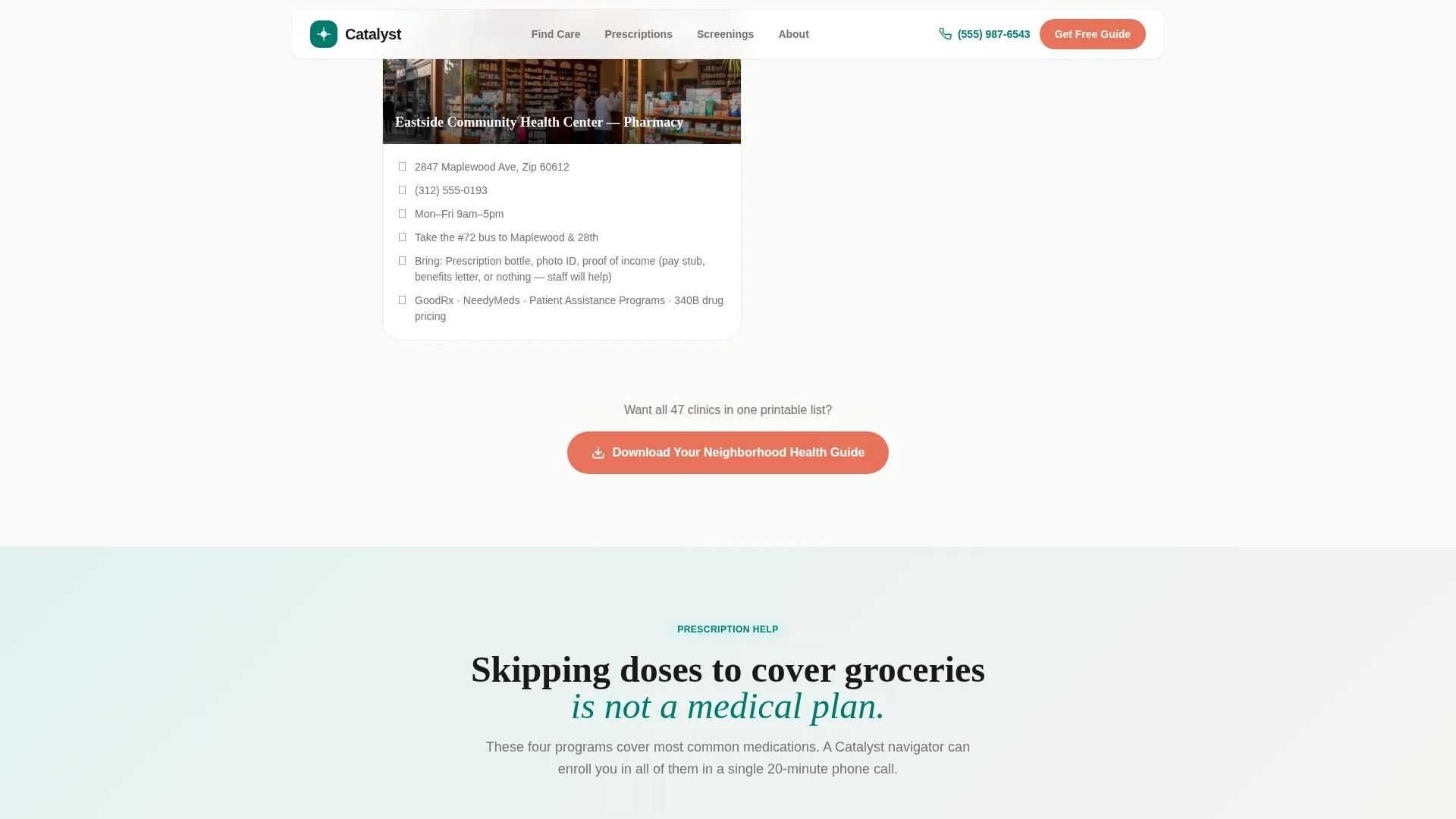
- A prescription assistance section, a free screenings section, and a zip-code-first download form with a click-to-call navigator option
Feature list
This template includes purpose-built layout sections and interaction patterns drawn directly from the source brief.
Full-Screen Video Hero with Glass Overlay
The hero fills the entire viewport with looping neighborhood video footage. A glass overlay carries the headline in large reassurance white type. The primary call-to-action button in action coral sits directly beneath the headline, making the download path visible within the first second of arrival.
Situation-Based Resource Sections
Three resource sections are organized around real-person questions rather than clinical categories. Each section opens with the exact question a visitor would search at midnight, then answers it with a specific clinic name, address, bus route, operating hours, and what to bring.
Embedded Map Pins per Resource
Small inline maps accompany each resource listing. Each map pin anchors the clinic or program to a physical neighborhood location, giving visitors a clear sense of distance and walkability without leaving the page.
Prescription Assistance and Free Screenings Blocks
Dedicated sections cover sliding-scale prescription programs and upcoming free screening events. The screenings section includes space for dates, locations, and event details so the page stays current and useful.
Zip-Code-First Download Form
The guide download form leads with zip code only. It then optionally asks for a first name and phone number for text updates. This low-friction approach reduces form abandonment and matches how visitors are already searching for local resources.
Click-to-Call Navigator Button
A secondary call-to-action connects visitors directly to a human navigator by phone. It appears alongside the download form as an alternative path for people who need a voice, not a document.
Page sections overview
| Section | Purpose |
|---|---|
| Full-Screen Hero | Opens the page with video, headline, and primary download call to action |
| Life-Situation Resources | Three scenario-based resource blocks with clinic details and map pins |
| Prescription Assistance | Sliding-scale program listings with enrollment details |
| Free Screenings | Upcoming community health events with dates and locations |
| Download Guide Form | Zip code form plus click-to-call navigator option |
| Footer | Single-row linear footer with essential links |
Design & branding system
The visual identity follows an Educational Guide theme built around the Teal Catalyst color system. The palette references the painted murals and warm brick that neighborhoods already recognize, making the page feel grounded rather than clinical.
- Deep clinic teal (#00796B) as the primary brand color, warm gray (#A8A29E) for supporting text and borders, and reassurance white (#FAFAF8) as the page background
- Action coral (#E8735A) used exclusively for buttons and urgent callouts, keeping every interactive element visually distinct
- Plus Jakarta Sans for body text and interface elements, paired with Fraunces serif for headlines, creating an unhurried, educational tone
Mobile & speed optimization
This template is designed with mobile-first priorities because the target visitors are most often on phones, frequently in transit, and looking for immediate answers.
- Scroll-reveal animations and staggered content entry use CSS-driven behavior to keep the experience smooth on low-powered devices
- The zip code form, click-to-call button, and map pins are all sized and spaced for touch interaction on small screens
- Gentle parallax effects add visual depth without adding heavy JavaScript overhead
How this template helps you convert
The page is structured to give before it asks. Visitors receive specific, usable information in every section before they ever see a form. By the time the download prompt appears, it feels like a natural continuation rather than an interruption.
- The hero leads with a headline that names the visitor's real problem and immediately offers the guide, setting a helpful tone from the first second
- Each life-situation section delivers clinic-level specificity, building trust and demonstrating that the organization genuinely knows the neighborhood
- The download call to action repeats after every third resource section, and the form starts with only a zip code, making it the easiest possible next step for someone already engaged
Other information about this template
This template is part of the Community and Nonprofit category and is matched to the Healthcare Access Nonprofit subcategory within the Healthcare Access Community Foundation niche. It is localized for United States audiences in English, with a ZIP code-based personalization structure and phone number opt-in for text updates about new free clinics and screening events.
- Template style is Hero-Dominant at a 90/10 ratio, meaning the hero section carries the dominant visual weight while the resource content drives depth
- Social proof is supported through community testimonial blocks with space for real names and specific outcome descriptions
- Animation level is medium, using scroll reveals, stagger effects, and gentle parallax to keep the page lively without overwhelming visitors on slower connections
Theme
Educational Guide
Creative direction
Local & Neighborhood
Color system
Teal Catalyst
Style
Hero-Dominant (90/10)
Direction
Content/Resource
Page Sections
Full-screen Video Hero with Glass Overlay
Situation-based Resource Sections
Embedded Neighborhood Map Pins
Prescription Assistance and Screenings Blocks
Zip-code-first Download Form
Click-to-call Navigator Button
Related questions
Who is the ideal user for this template?
Can the resource sections be updated as clinic hours or events change?
What does the download form actually ask visitors for?
Is this template designed for mobile visitors?
Can this template serve a foundation focused on one specific city or ZIP code area?



