Chlorine - Crystalclear Poolcleaning Landing Page Template
Chlorine is a split-screen landing page template built for Cape Town pool cleaning services. It pairs a bold slate-and-sky visual identity with a scroll-driven FAQ structure that mirrors real pool owner concerns. Stats, compliance questions, and a streamlined three-field booking form work together to turn hesitant visitors into confirmed appointments.
by Rocket studio
Quick summary
Chlorine is a focused, single-page template designed for Cape Town pool cleaning businesses. It opens with trust-building metrics, guides visitors through real compliance and safety questions, and closes with a frictionless booking form. The split-screen layout keeps authority and action in constant balance across every scroll section.
Who this template is for
This template is built for service providers in the Cape Town pool cleaning market who need a page that works as hard as they do. It speaks directly to the concerns that drive bookings in this niche.
- Residential pool service companies targeting Constantia and Atlantic Seaboard homeowners
- Pool maintenance operators serving Airbnb and guest house hosts in areas like Camps Bay
- Body corporate service contractors managing shared pools in Sea Point or similar complexes
What problem this template solves
Pool owners in Cape Town often delay booking a service until a problem is visible and urgent. By then, green water, health code concerns, or a compliance letter from a body corporate have already created stress. This template addresses that delay head-on.
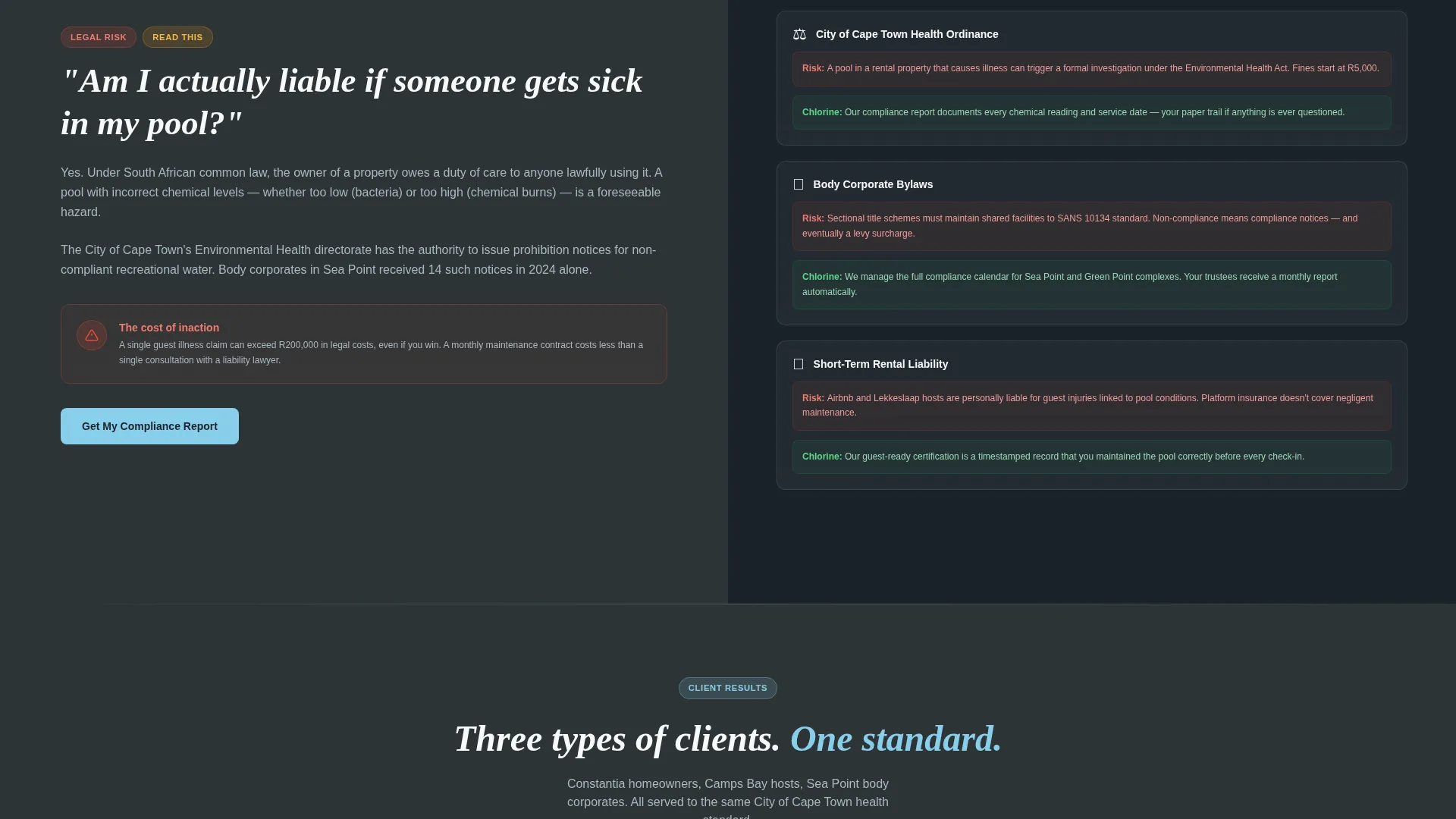
- It surfaces the real risks of neglect, including City of Cape Town health ordinances and guest liability, before the visitor can scroll past them
- It answers escalating practical and legal questions in a structured FAQ flow that feels like a conversation with an expert
- It removes booking friction by reducing the form to three fields and offering a softer "Check My Pool's Compliance" path for undecided visitors
What you get with this template
This is a complete, ready-to-adapt landing page layout with every section pre-built and purposefully ordered. The design decisions are already made, so you focus on your service details rather than structure.
- A stats header displaying three key proof metrics in animated sky blue counters against deep slate
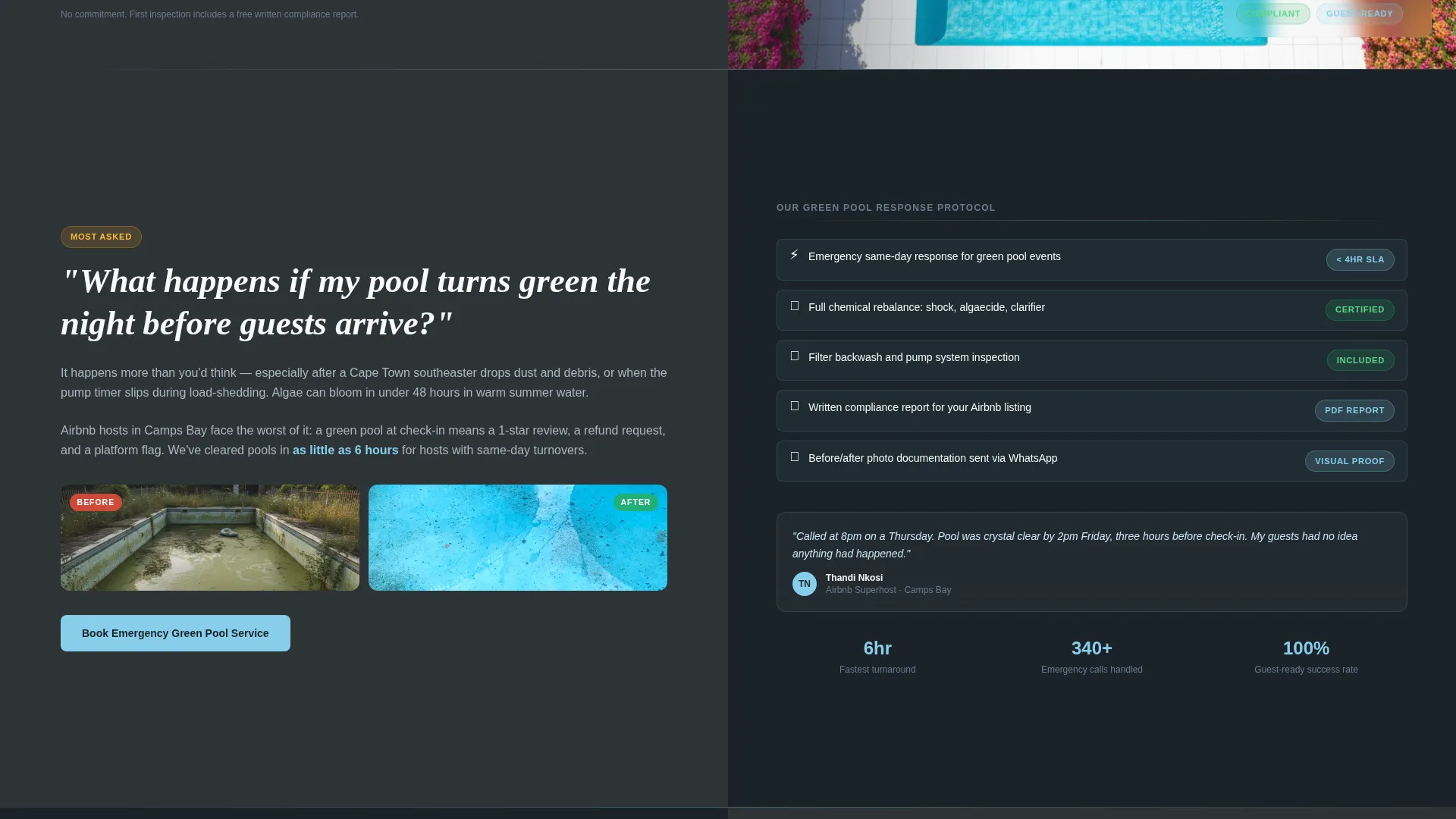
- A scroll-driven FAQ section structure with alternating left-right panels, compliance checklists, and before/after photo slots
- A three-field booking form (suburb dropdown, pool type selector, preferred date) embedded at regular intervals and pinned as a floating button on mobile
Feature list
This template is built around a specific set of design and structural decisions drawn directly from the brief.
Animated Stats Header
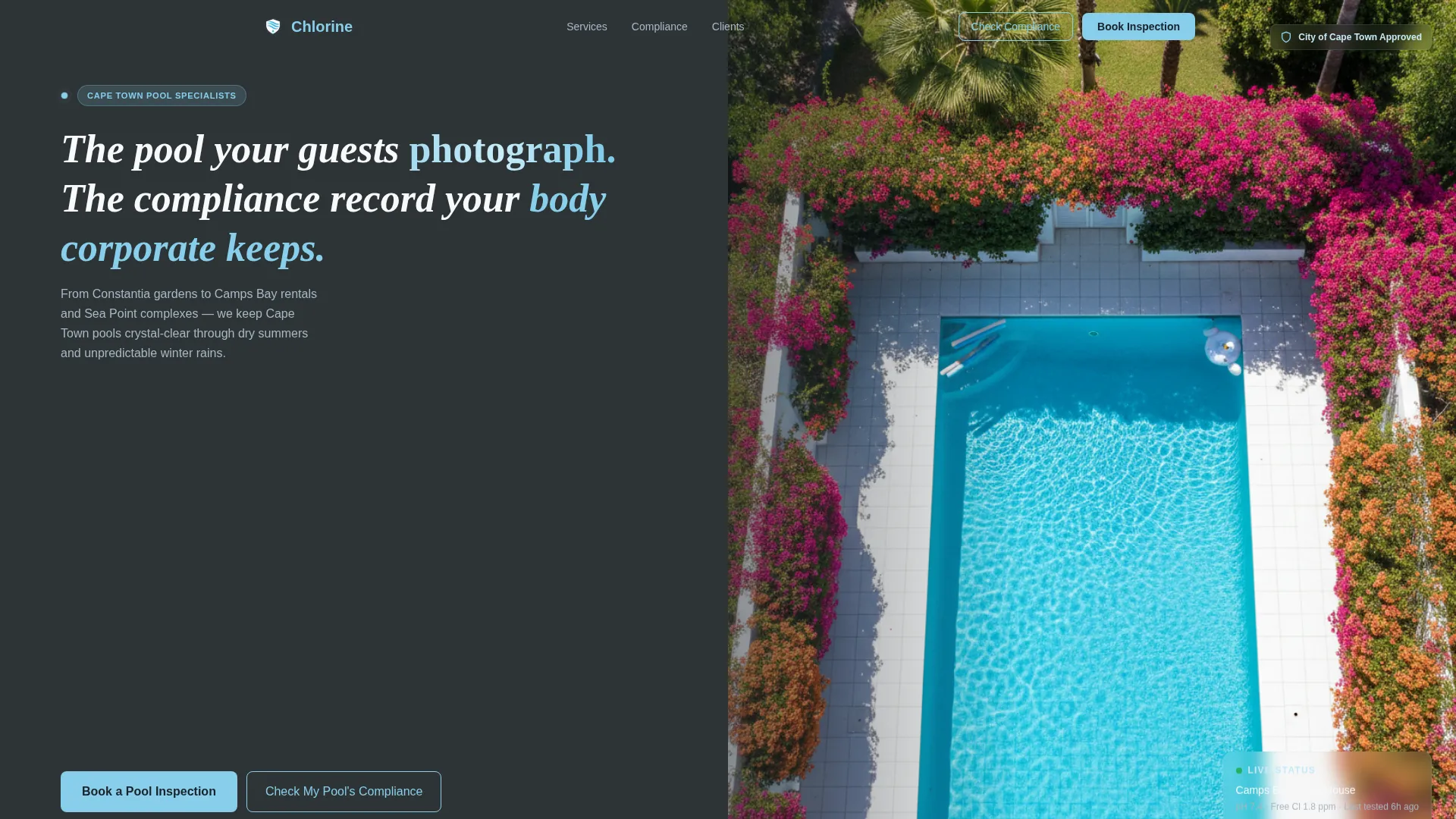
The header opens with three bold numbers stacked vertically on the left panel: "2,400+ Pools Serviced," "99.7% Health Compliance Rate," and "less than 24hr Response Time." Each figure uses a sky blue animated counter that ticks up on page load, establishing credibility before the visitor reads a single word of body copy.
FAQ-Driven Scroll Sections
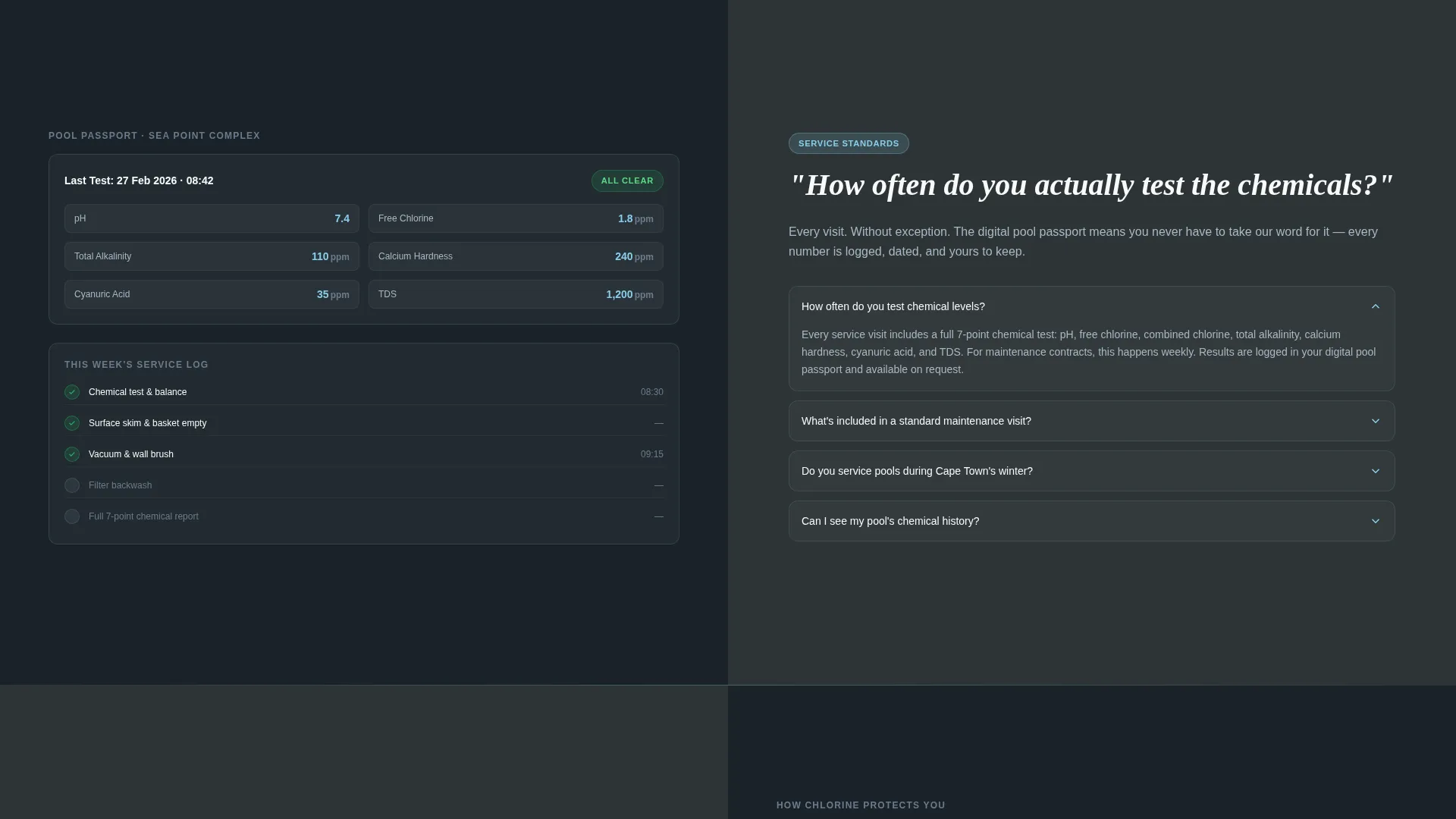
Every content section is framed as a question a real Cape Town pool owner would ask. Questions escalate from practical to legal, guiding the visitor through concerns about green water, chemical testing, and liability under body corporate bylaws. Each right panel resolves the question with short copy, a checklist, or a photo slot.
Split-Screen 50/50 Layout
The page divides every section into two equal vertical panels. The left panel anchors authority in deep slate charcoal with large serif question text. The right panel uses sky blue washes and imagery to deliver the answer, making the layout feel both credible and inviting at the same time.
Embedded and Floating Booking Form
The primary call to action, "Book a Pool Inspection," appears as a floating button on mobile and is embedded after every third FAQ section on desktop. The form contains exactly three fields to keep the commitment low and the completion rate high.
Compliance Self-Assessment Path
A secondary conversion route labelled "Check My Pool's Compliance" offers a lighter entry point for visitors who are not ready to book. A five-question self-assessment flows directly into a pre-filled booking form, reducing the gap between awareness and action.
Overhead Pool Photography Slot
The header right panel is designed to hold a still, overhead photograph of a pristine Cape Town residential pool. The composition relies on setting and result rather than people, keeping the focus on the quality of the water and the promise of the service.
Page sections overview
| Section | Purpose |
|---|---|
| Stats Metrics Header | Opens with three animated proof numbers and a hero pool image |
| Green Pool FAQ | Addresses urgent guest-arrival scenarios with a right-panel answer |
| Chemical Testing FAQ | Explains testing frequency with a short copy and checklist panel |
| Liability and Compliance FAQ | Surfaces legal risk from health ordinances and body corporate bylaws |
| Embedded Booking Form | Captures suburb, pool type, and date in a three-field inline form |
| Compliance Self-Assessment | Offers a five-question lighter path ending in a pre-filled form |
| Floating Mobile call to action | Pins the booking button persistently during mobile scroll |
Design & branding system
The Slate and Sky color system is the visual backbone of this template. Every color choice reinforces the dual promise of authority and clarity that pool compliance services need to communicate.
- Deep slate charcoal (#2D3436) dominates left panels and backgrounds to anchor a serious, professional tone
- Cape sky blue (#87CEEB) drives all buttons, interactive elements, and right-panel washes to make every action feel as open and inviting as clean water
- Table Mountain granite (#6B7B8D) handles secondary surfaces and supporting user interface elements, while compliance white (#F8F9FA) keeps form fields and text panels easy to read
Mobile & speed optimization
The template is structured to perform cleanly on the devices Cape Town pool owners actually use when they discover a problem, which is often a phone in hand while standing at the pool edge.
- The floating "Book a Pool Inspection" button remains pinned during mobile scroll so the primary action is never more than a tap away
- The three-field booking form is intentionally minimal, reducing input effort on small screens and lowering the barrier to completing a reservation
How this template helps you convert
The entire page is built around the principle that inaction feels riskier than making a call. Every structural decision pushes toward that conclusion.
- The opening stats panel establishes immediate proof, giving first-time visitors a reason to stay and read before a single service claim is made
- The FAQ scroll structure mirrors real concerns in real language, so visitors feel understood rather than sold to, which builds the trust needed to submit a form
- The dual conversion paths, one direct booking and one compliance check, meet visitors at different levels of readiness and guide both toward the same booking outcome
Other information about this template
This template sits within the Professional Services category, specifically aligned to the Cape Town Local Services subcategory and the Cape Town pool cleaning niche. It is designed as a single-page booking-focused layout, not a multi-page website.
- The Legal Shield theme is expressed through the compliance-forward FAQ questions, the regulatory language woven into the scroll sections, and the overall visual gravity of the slate color system
- The template style is Split Screen (50/50), meaning every scroll section presents a question on the left and a resolution on the right in equal visual weight
- The header concept is Stats/Metrics, a deliberate choice to front-load social proof and compliance credentials before any service description appears
- The creative direction is FAQ-Driven, which means the copy architecture is structured around real questions rather than traditional hero, feature, and testimonial blocks
- The landing-page direction is Booking and Scheduling, so every design decision from call to action placement to form length is calibrated to produce a confirmed appointment as the end result
Theme
Legal Shield
Creative direction
FAQ-Driven
Color system
Slate & Sky
Style
Split Screen (50/50)
Direction
Booking/Scheduling
Page Sections
Animated Stats Header with Proof Metrics
Faq-driven Scroll Architecture
Split-screen 50/50 Layout
Embedded and Floating Booking Call to Action
Compliance Self-assessment Path
Related questions
What type of business is this template built for?
Can I adapt the FAQ questions to match my own service?
How does the compliance self-assessment work within the template?
Does the template include pool photography?
Is the booking form connected to a live scheduling system?



