Kids Robotics Academy Landing Page Template
Circuit is a zigzag landing page template built for kids robotics academies serving ages 7 to 12. It guides parents through a four-stage journey, Discovery, Build, Code, and Launch, and closes with a five-question illustrated quiz that recommends the exact class for their child. The botanical color palette and isometric hero illustration make the page feel inviting, energetic, and trustworthy.
by Rocket studio
Quick summary
Circuit is a single-page landing page template designed for kids robotics academies and after-school enrichment programs. It uses a zigzag alternating layout to walk parents through four stages of a child's learning journey. The page ends with a personalized five-question quiz that matches each child to the right class. The result is a confident, clear booking path built for busy parents.
Who this template is for
This template is built for robotics educators and academy owners who want to turn curious families into enrolled students. It works equally well for birthday party venues, homeschool co-ops, and after-school program providers.
- Kids robotics academies and maker spaces serving ages 7 to 12
- After-school enrichment programs and weekend STEM clubs
- Birthday party venues offering robot-building experiences and homeschool co-ops needing structured module pages
What problem this template solves
Most robotics program pages overwhelm parents with a full course catalog and no guidance. Parents leave without booking because they cannot tell which class fits their specific child. This template solves that problem by building trust first, then using a quiz to do the matching work for them.
- Parents cannot quickly tell which class is right for their child's age and experience
- Generic program pages list every offering but give no personal recommendation
- Mobile users need a fast, tap-friendly path from curiosity to confirmed reservation
What you get with this template
You get a fully structured single-page layout with every section prebuilt and ready to customize. The design system, animation states, and quiz flow are all defined in the template so you spend time on content, not on construction.
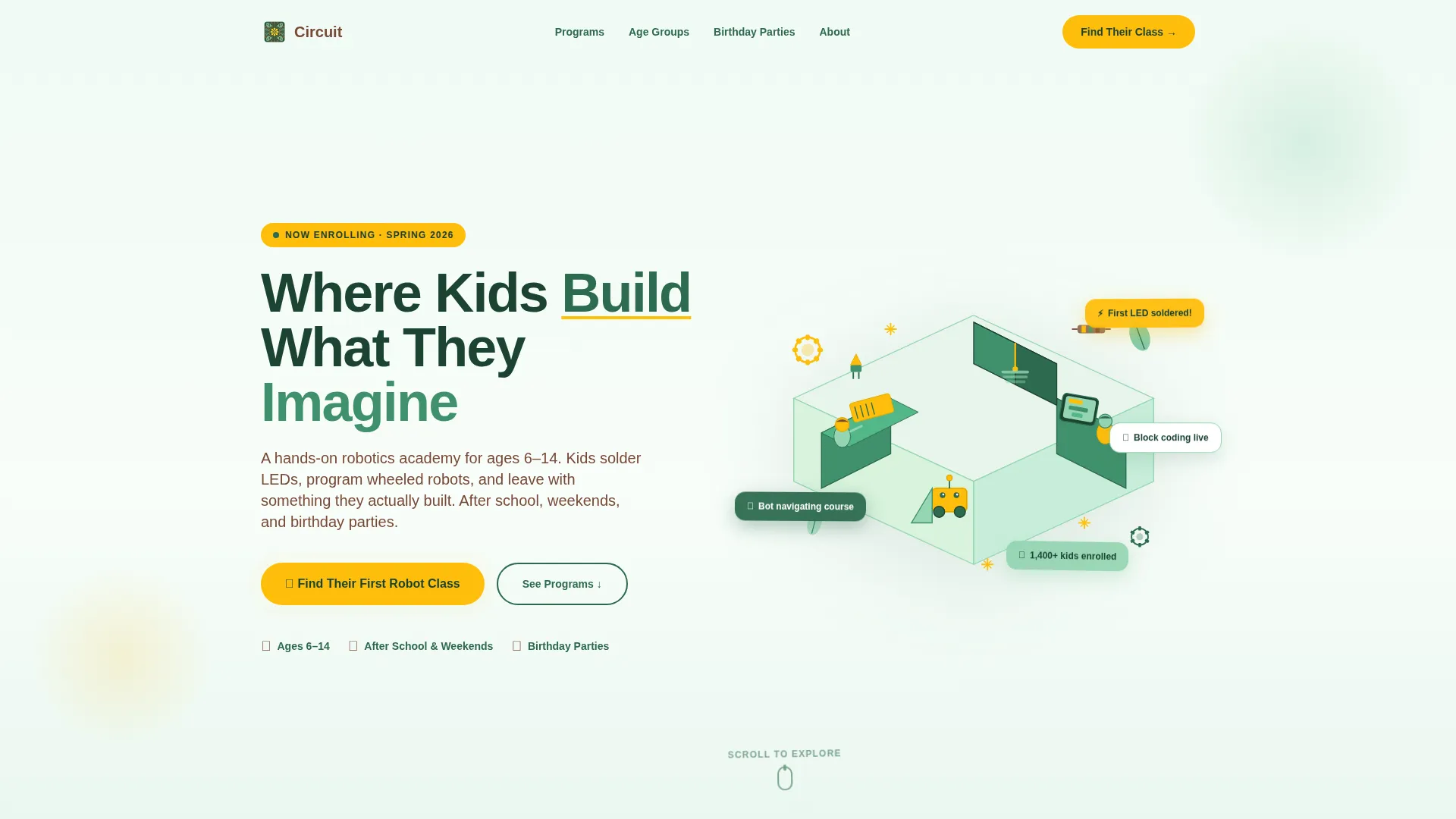
- An isometric hero section with a headline, floating badge elements, and a pulsing call-to-action button
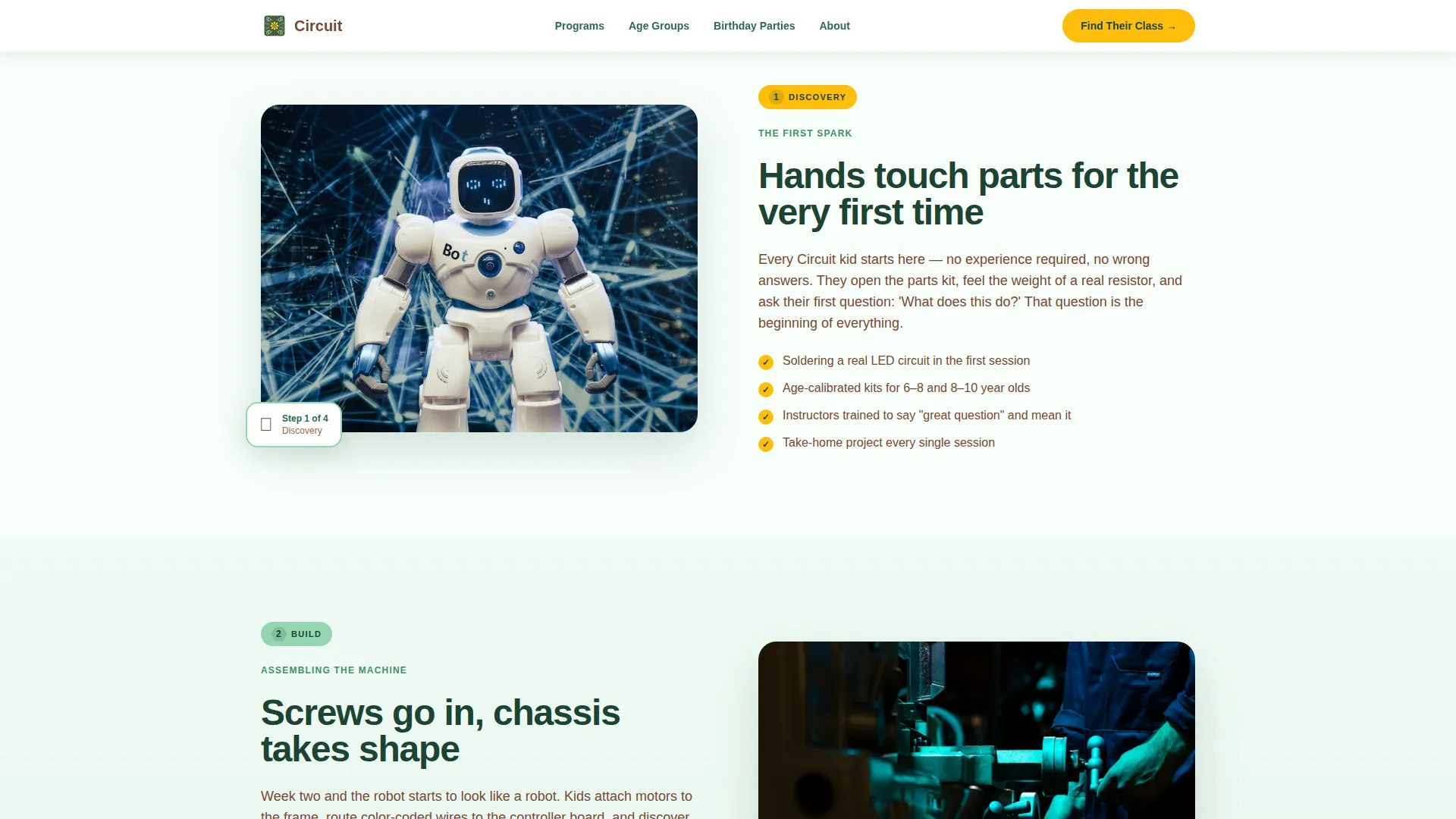
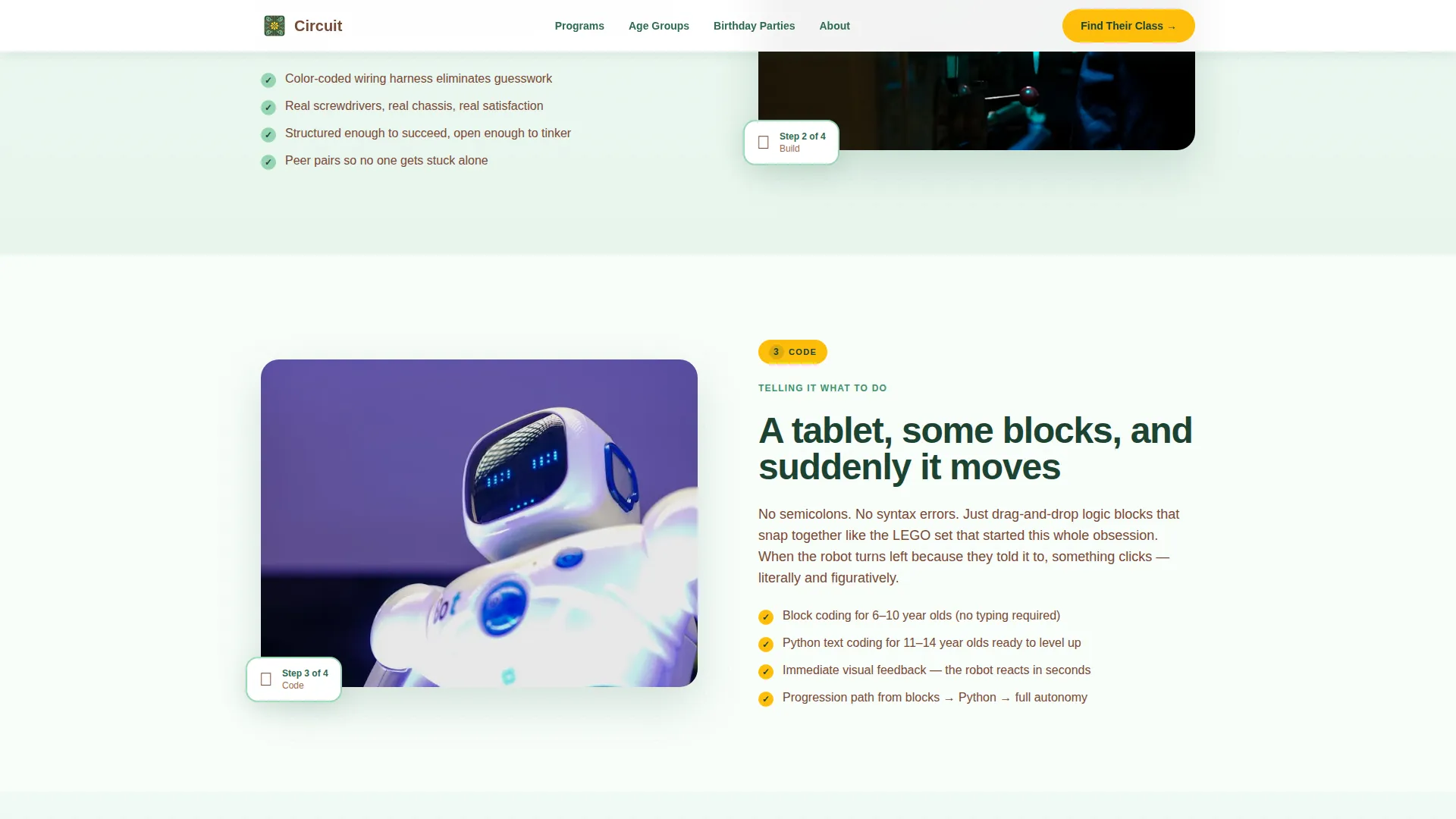
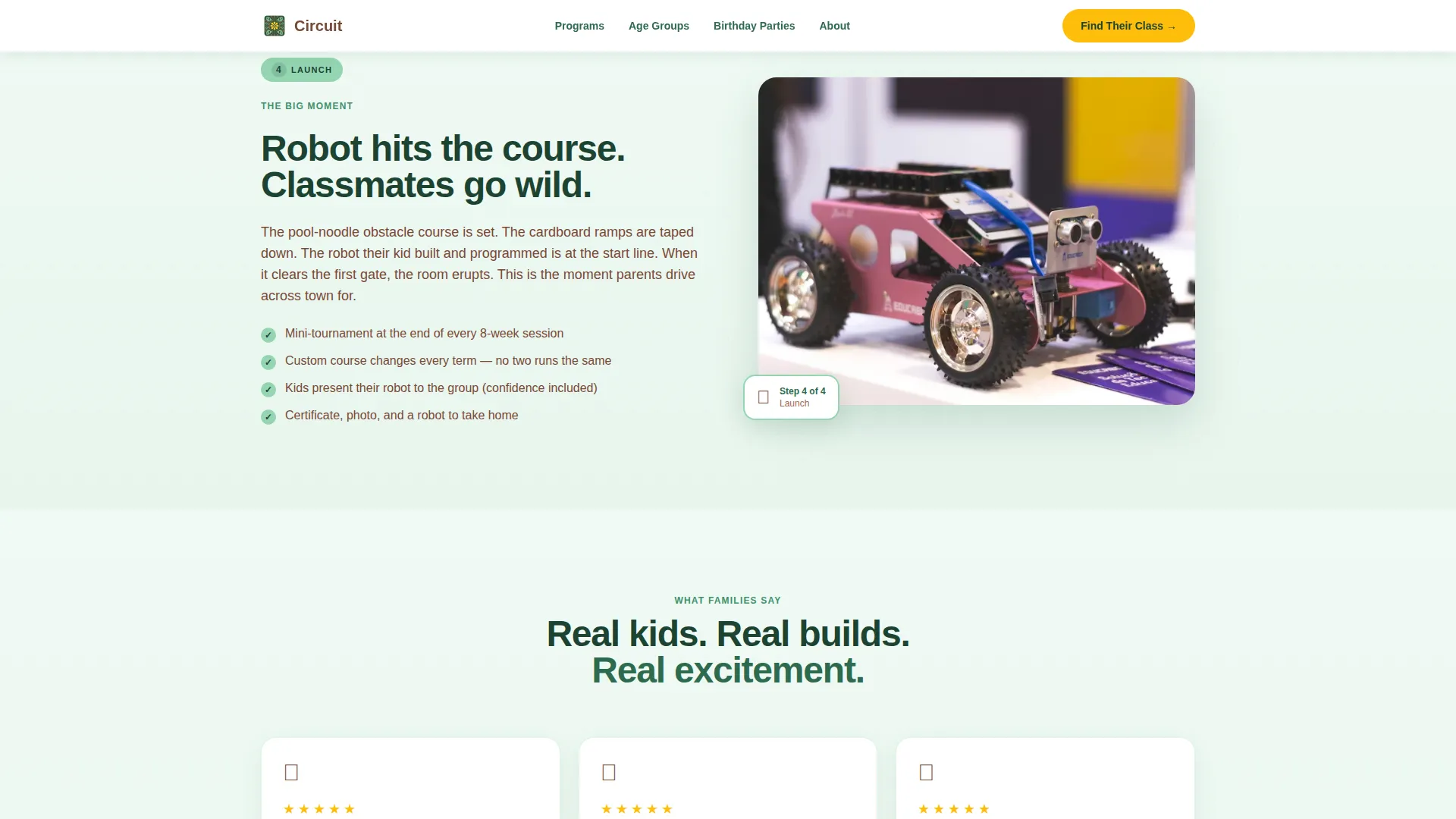
- Four zigzag content sections covering Discovery, Build, Code, and Launch stages
- A full-width five-question illustrated quiz leading to a personalized class recommendation and a reservation button
Feature list
This template ships with a coordinated set of interactive and visual components. Each one is purpose-built to move a parent from first impression to confirmed booking.
Isometric Hero Illustration
The header features a cutaway classroom rendered in clean geometric shapes at a 30-degree bird's-eye tilt. Tiny student figures wire breadboards, a small wheeled robot rolls off a ramp, and leaf motifs float in the negative space like friendly confetti. The scene creates instant emotional warmth and communicates the academy's hands-on spirit before a single word is read.
Zigzag Alternating Layout
Four content sections alternate image and text positions left to right, mimicking the feel of flipping through an instruction booklet. Each section represents one stage of a child's journey: Discovery, Build, Code, and Launch. Scroll-triggered entrance animations stagger each section into view as the parent reads down the page.
Five-Step Illustrated Quiz
The primary conversion tool is a full-width quiz with five illustrated questions. It covers the child's age via a slider with robot avatars, experience level, interest spark, preferred schedule, and learning style. Results deliver a single personalized class recommendation with available seats and a direct reservation button.
Social Proof Section
The Launch zigzag section incorporates parent testimonials with names and photos alongside enrollment numbers and session completion statistics. This gives undecided parents the peer validation they need to take the next step with confidence.
Botanical Color and Typography System
The template uses a four-color botanical palette with terrarium green for headlines and navigation, soft fern for alternating section backgrounds, warm potting-soil brown for body text, and pollination yellow for every button and hover state. Plus Jakarta Sans provides a rounded, friendly, and premium typographic feel throughout.
Mobile-First Responsive Structure
The layout is built with mobile-first priorities because parents most often visit and book during school pickup on their phones. Tap targets, quiz step transitions, and section stacking are all optimized for small screen interaction.
Page sections overview
| Section | Purpose |
|---|---|
| Hero Header | Introduce the academy with an isometric illustration and headline |
| Discovery Zigzag | Show what a first hands-on session looks and feels like |
| Build Zigzag | Demonstrate chassis assembly, color-coded wires, and what kids create |
| Code Zigzag | Explain the block-coding interface and skill progression path |
| Launch Zigzag | Present a robot completing a course with social proof and stats |
| Quiz Call to Action | Guide parents through five questions to a personalized class match |
| Footer | Provide navigation links in a linear single-row pattern |
Design & branding system
The visual identity blends playful geometry with botanical warmth. The design feels like a greenhouse workbench where circuit boards and succulents share the same space: alive, earthy, and unexpectedly techy.
- Color palette: terrarium green (#2D6A4F) for headlines, soft fern (#95D5B2) for section backgrounds, potting-soil brown (#774936) for body text and footer, and pollination yellow (#FFBE0B) for buttons, badges, and hover states
- Typography: Plus Jakarta Sans, a rounded sans-serif that reads as friendly and premium across all screen sizes
- White space is used generously to feel sunlit rather than sterile, reinforcing the open, exploratory tone of the brand
Mobile & speed optimization
The template is built with a mobile-first mindset because the primary audience books on phones during busy pickup moments. Every interactive element is designed to work cleanly on small touchscreens.
- Images are lazy-loaded so the page begins rendering quickly even on slower mobile connections
- Quiz state is managed in React with smooth step transitions that feel native on mobile
- Scroll-triggered animations use the Intersection Observer approach to fire only when elements enter the viewport, keeping the experience smooth
How this template helps you convert
The page is structured as a guided journey rather than a static brochure. Every design and content decision is aimed at reducing parent hesitation and removing friction from the booking path.
- The four-stage zigzag narrative builds emotional investment before any ask is made, so parents arrive at the quiz already engaged and ready to commit
- The five-question quiz replaces a confusing course catalog with a single, personalized recommendation, making the decision feel easy rather than overwhelming
- The "Reserve Their Spot" button appears only after the quiz delivers a result, so the call to action lands at peak motivation when the parent already knows exactly what they are signing up for
Other information about this template
This template is a strong fit for any kids robotics program that needs to stand out in a competitive enrichment market. It works as a primary marketing page or as a seasonal campaign page for summer camps and birthday party packages.
- The quiz flow is designed to handle three distinct audience types: after-school families, homeschool co-ops, and birthday party parents, all from one page
- The Step-by-Step Guide creative direction means the page tells a story with a beginning, middle, and end rather than simply listing program features
- Floating geometric badges and staggered reveal animations give the page the high-energy visual quality that resonates with parents shopping for enrichment experiences
Theme
Playful Geometric
Creative direction
Step-by-Step Guide
Color system
Botanical
Style
Zigzag/Alternating
Direction
Quiz/Assessment
Page Sections
Isometric Hero Classroom Illustration
Four-stage Zigzag Journey Layout
Five-step Personalized Class Quiz
Botanical Color Design System
Social Proof and Stats Integration
Mobile-first Interactive Layout
Related questions
Who is this template designed for?
What does the quiz section do?
Can I use this template for a summer camp program?
Does the template include social proof elements?
Is this template suitable for mobile users?



