Hospital & Health System Directory Website Template
Clarity is a comparison table landing page built for mental health treatment facilities that need to earn trust through evidence, not emotion. It presents clinical outcomes data in scroll-animated tables benchmarked against national medians, supports a gated outcomes report download, and speaks directly to referring physicians, HR directors, and families searching under pressure.
by Rocket studio
Quick summary
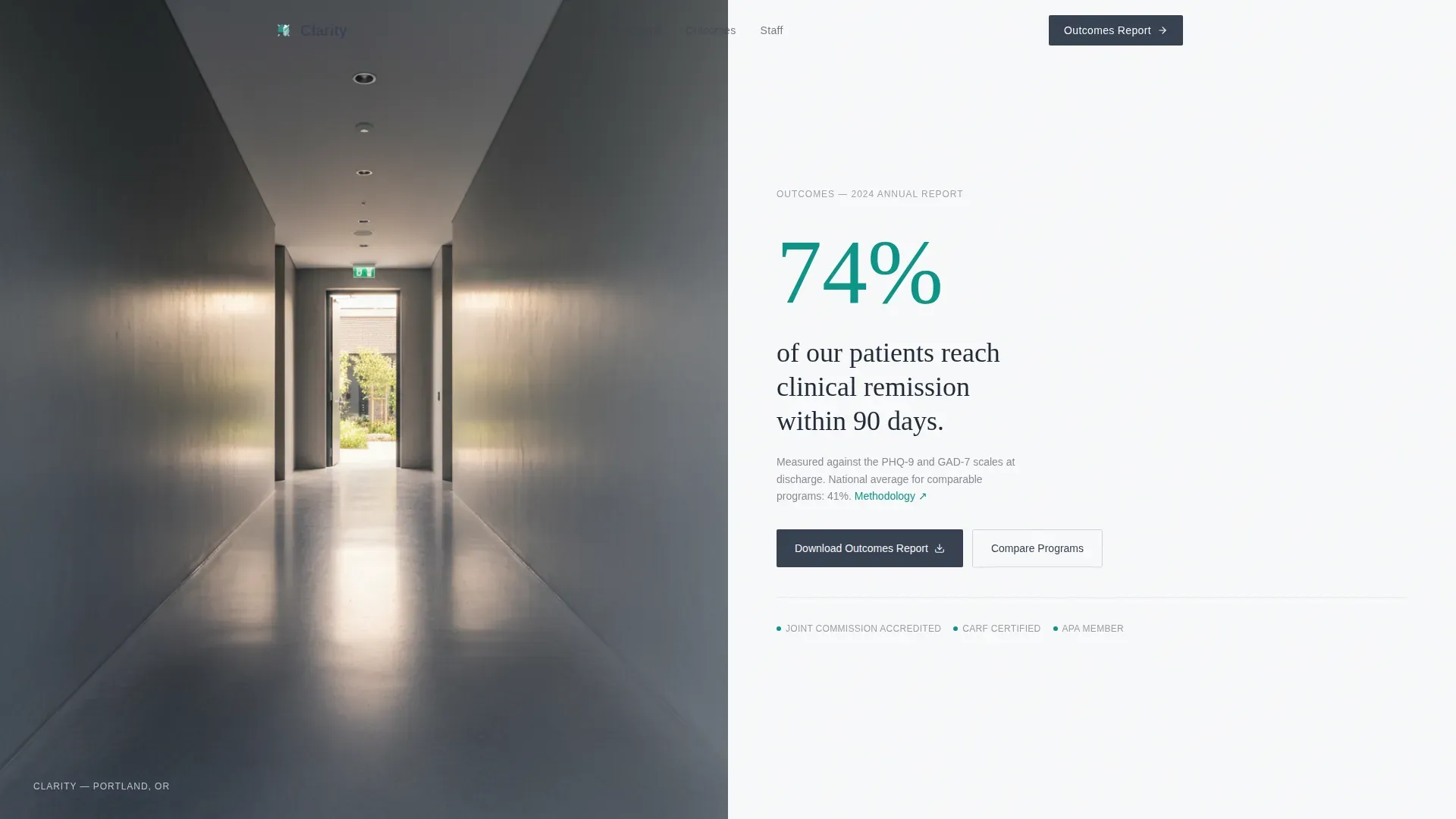
Clarity is a single-page, data-led template for a mental health treatment facility. It opens with a hallway photograph and a 74% clinical remission headline, then builds credibility section by section through comparison tables, benchmarked statistics, and staff ratio data. The page closes with a gated outcomes report download form designed to convert high-intent professional visitors into qualified leads.
Who this template is for
This template is built for mental health facilities that compete on measurable outcomes, not brand awareness. It suits teams that already have clinical data and want a structured, credible way to present it to a skeptical professional audience.
- Referring physicians and primary care providers evaluating a psychiatric referral partner
- Human resources directors and employee assistance professionals managing workplace mental health cases
- Parents or family members researching inpatient or outpatient programs after a crisis
What problem this template solves
Most mental health facility pages lead with soft language and stock photography. That approach fails the moment a physician, HR director, or parent needs a fast, credible answer. Clarity removes the emotional guesswork and replaces it with structured evidence.
- Visitors cannot quickly compare inpatient versus outpatient outcomes on a typical facility website
- There is no clean benchmark showing how a facility's length of stay or readmission rate compares to state or federal averages
- High-intent professional visitors often leave without a clear next step tied to their specific role
What you get with this template
The template delivers a complete, scroll-driven single-page layout centered on comparison tables and clinical data presentation. Every section is pre-structured for outcomes-first storytelling.
- A half-page hero with a clinical photograph on the left and a stat-led headline on the right
- Four data-focused content sections including program comparison, national benchmarks, staff ratios, and a gated report download
- Scroll-triggered teal data bar animations and staggered table row reveals built with Intersection Observer
Feature list
This template includes purpose-built components that support clinical authority and professional lead capture. Each feature connects directly to the persuasion logic of the page.
Half-Page Split Hero
The hero divides into two halves. The left side holds a high-resolution hallway photograph with no patients and no staged imagery. The right side leads with the 74% clinical remission statistic in large charcoal display type, followed by a single sentence of context and a subtle citation link.
Scroll-Animated Comparison Tables
Each data section uses a structured table with teal data bar visualizations that fill as the visitor scrolls. Rows reveal in a staggered sequence using Intersection Observer, making the data feel dynamic without being distracting.
Program Comparison Section
A dedicated table compares inpatient and outpatient program outcomes side by side. Each row isolates a specific clinical metric, letting physicians and HR professionals scan the difference quickly and confidently.
National Benchmark Section
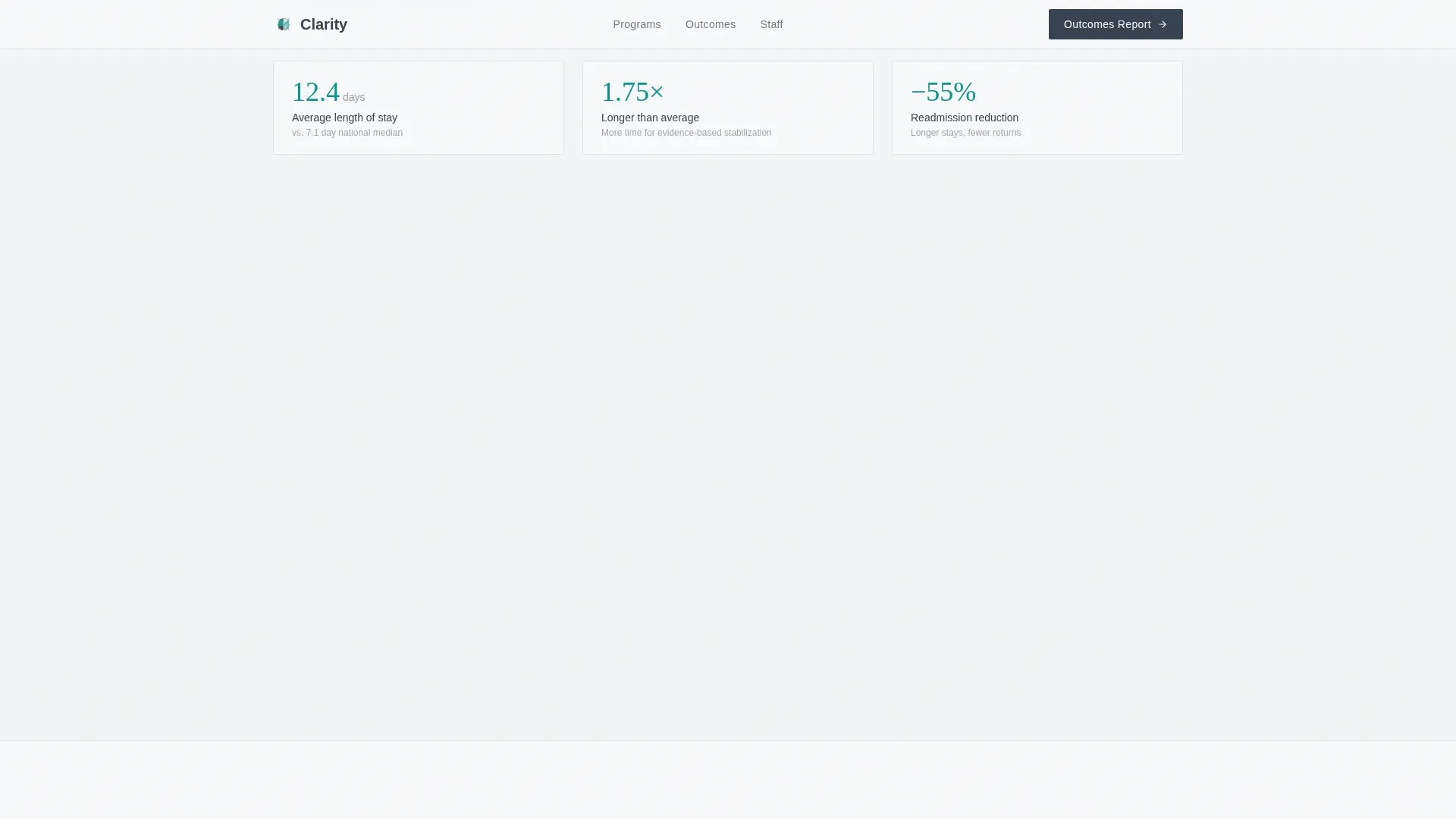
This section presents average length of stay and readmission rates alongside state and federal averages. The format mirrors a peer-reviewed study, building the facility's credibility through transparent external comparison.
Gated Outcomes Report Form
The primary call to action is a two-field form gating the full outcomes report. Visitors enter a professional email address and select their role from four options: family member, referring physician, employer or HR professional, or patient. The form sits after enough data has been shown to make the download feel genuinely valuable.
Staff and Accreditation Ratio Table
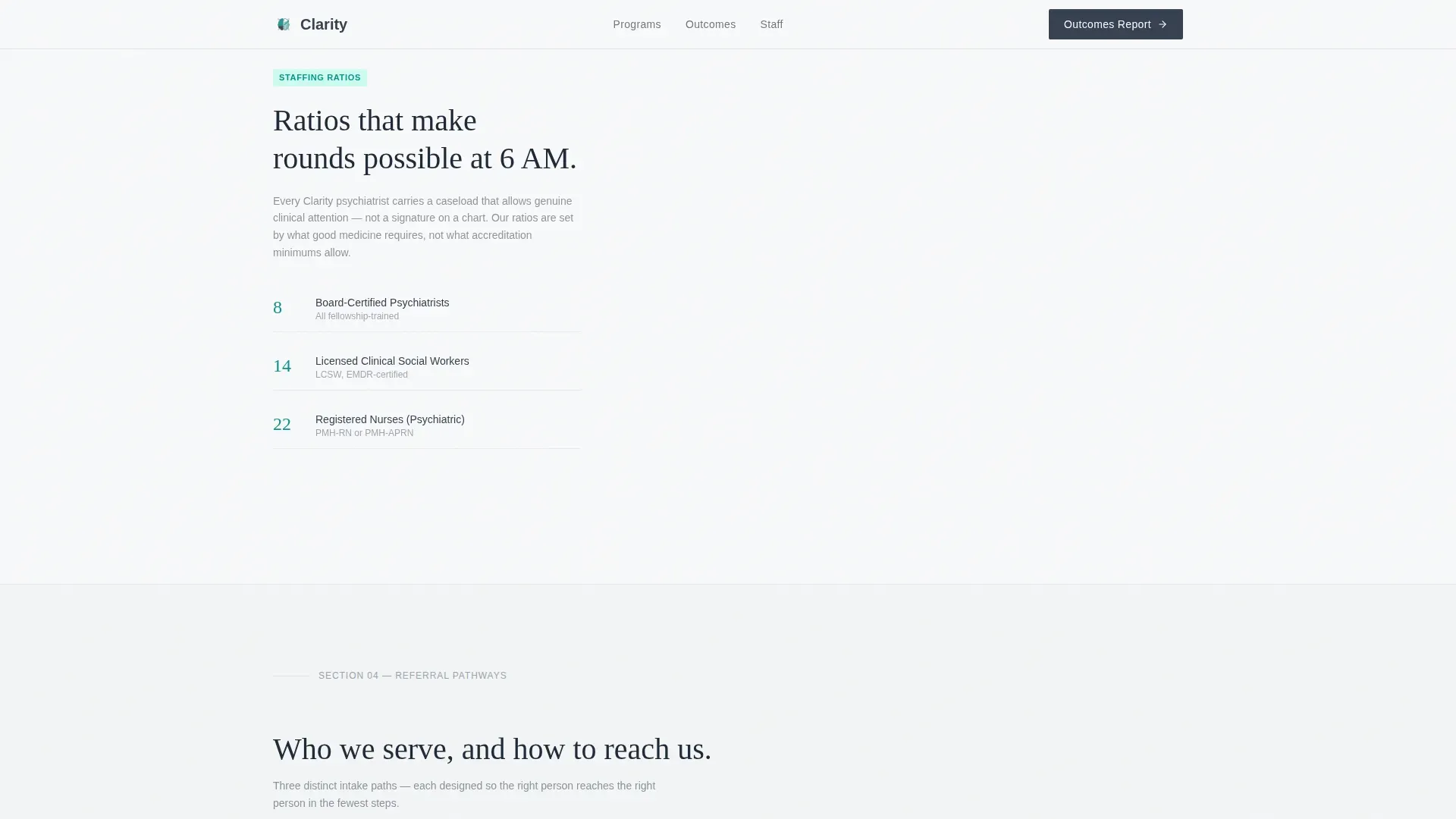
A standalone section presents staff-to-patient ratios benchmarked against accreditation minimums. Accreditation badges sit alongside the table to reinforce the facility's compliance and clinical standards.
Page sections overview
| Section | Purpose |
|---|---|
| Hero Split Layout | Opens with hallway photo and 74% remission stat headline |
| Program Comparison Table | Compares inpatient versus. outpatient clinical outcomes |
| National Benchmarks Table | Benchmarks length of stay and readmission rates |
| Staff Ratios Table | Shows staff-to-patient ratios versus. accreditation minimums |
| Outcomes Report Form | Gates full report behind email and role selector |
| Single-Row Footer | Closes page with a clean linear footer pattern |
Design & branding system
The visual identity follows a Corporate Precision theme built around an Arctic White color system. The palette is deliberately clinical and authoritative, removing warmth in favor of the quiet confidence of a well-run medical environment.
- Colors: clinical white (#F8F9FA) as the background, charcoal scrub gray (#374151) for body and headline type, instrument-grade silver (#D1D5DB) for borders and dividers, and measured teal (#0D9488) reserved for interactive elements and data bar highlights
- Typography: DM Sans is used for body text and interface elements; Fraunces, a serif display typeface, is used for the main headline and section statistics to create visual contrast between data and narrative
Mobile & speed optimization
The template is designed desktop-first to serve its primary audience of physicians and HR professionals working at workstations. Full mobile support is included so family members searching from a phone at midnight can still navigate the page without friction.
- Animated sections use client-side rendering for scroll-triggered interactions, while static content sections use server components to keep initial load fast
- Comparison tables are structured to reflow cleanly on smaller screens without losing the data bar visualizations
How this template helps you convert
The page is structured as a progressive evidence stack. Each section adds a new layer of clinical proof before asking anything of the visitor. By the time the form appears, the facility has already demonstrated competence.
- The hero leads with a specific outcome statistic rather than a tagline, immediately signaling that this facility measures and publishes its results
- Three sequential comparison table sections build a peer-reviewed-style case, making it difficult for a skeptical reader to dismiss the facility's clinical rigor before reaching the download offer
Other information about this template
This template is suited for mental health facilities operating in a healthcare environment where professional referrals and employer partnerships drive patient volume. The layout and content logic support both business-to-consumer and business-to-business positioning.
- The comparison toggle interaction lets visitors switch between program views without leaving the page
- The ungated secondary call to action, linking to a program overview in PDF format, provides a lower-commitment path for visitors not yet ready to share their email
- The role selector in the gated form enables the facility to segment leads by type on download, supporting more relevant follow-up outreach
- The page uses English language, United States date format, and United States dollar currency conventions throughout
Theme
Corporate Precision
Creative direction
Stats-First Impact
Color system
Arctic White
Style
Comparison Table
Direction
Content/Resource
Page Sections
Half-page Split Hero with Stat Headline
Scroll-triggered Teal Data Bars
Multi-section Comparison Tables
Gated Outcomes Report Download
Ungated Secondary Program Overview
Accreditation Badge Display
Related questions
Who is this template designed for?
Can I customize the statistics and table data?
What does the gated form collect?
Does this template work for outpatient-only facilities?
Is the secondary download link also gated?



