Industrial Warehouse Inspection Landing Page Template
Clearance is a gallery and detail landing page built for solo industrial warehouse inspectors. It combines a map-based header, a square-footage estimator tool, and a findings gallery into one authoritative, scroll-driven page. Facility managers, commercial real estate brokers, and logistics teams can instantly scope an inspection and book a walkthrough without a single phone call.
by Rocket studio
Quick summary
Clearance is a single-page template designed for the solo industrial warehouse inspector. It opens with a stylized map header, moves into a building-size estimator, then walks visitors through a gallery of real inspection findings. Every section is built to turn a skeptical facility manager or commercial broker into a confirmed booking.
Who this template is for
This template is built for independent professionals who inspect large-scale industrial properties and need a page that matches the weight of their expertise. It speaks directly to clients who manage serious risk, not homeowners shopping for cosmetic reports.
- Solo warehouse and industrial property inspectors
- Commercial real estate professionals marketing inspection services to buyers and brokers
- Inspection firms serving distribution centers, cold storage facilities, and manufacturing plants
What problem this template solves
Warehouse inspection is a high-stakes service that is often undersold by generic service pages. Clients inheriting a 200,000-square-foot building need to feel the urgency of what goes wrong when inspections are skipped. A flat service page does not do that. This template closes the credibility gap.
- Facility managers and brokers cannot visualize inspection depth from a plain text page
- Visitors leave without booking because no tool connects their property size to a real scope
- Generic layouts make specialized industrial expertise look like general contracting work
What you get with this template
This template delivers a complete, single-page layout structured around three conversion moments: the map that proves local coverage, the estimator that personalizes the scope, and the gallery that shows what a professional inspection actually surfaces.
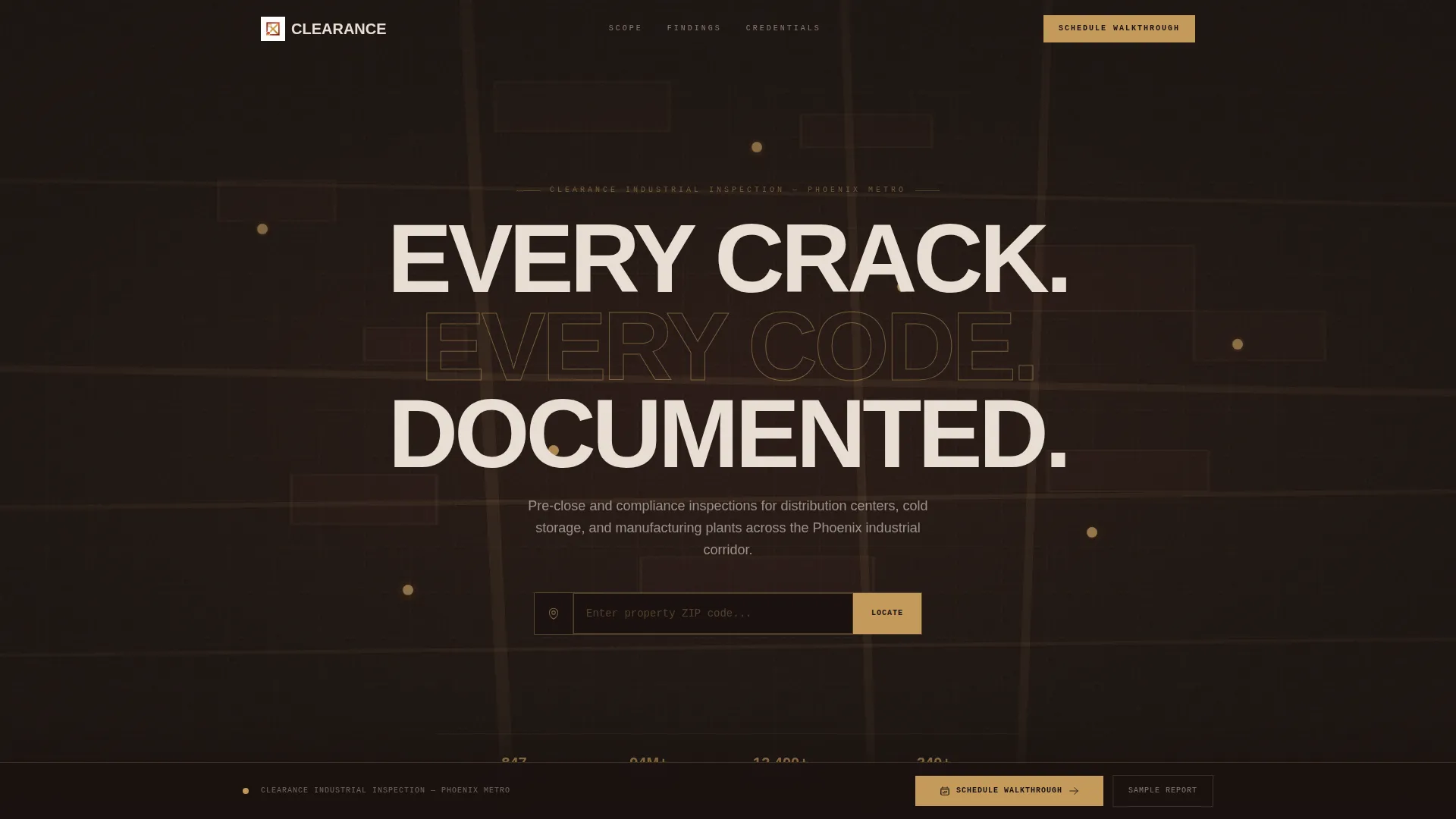
- A map-based header with a zip code input and pulsing inspection pins
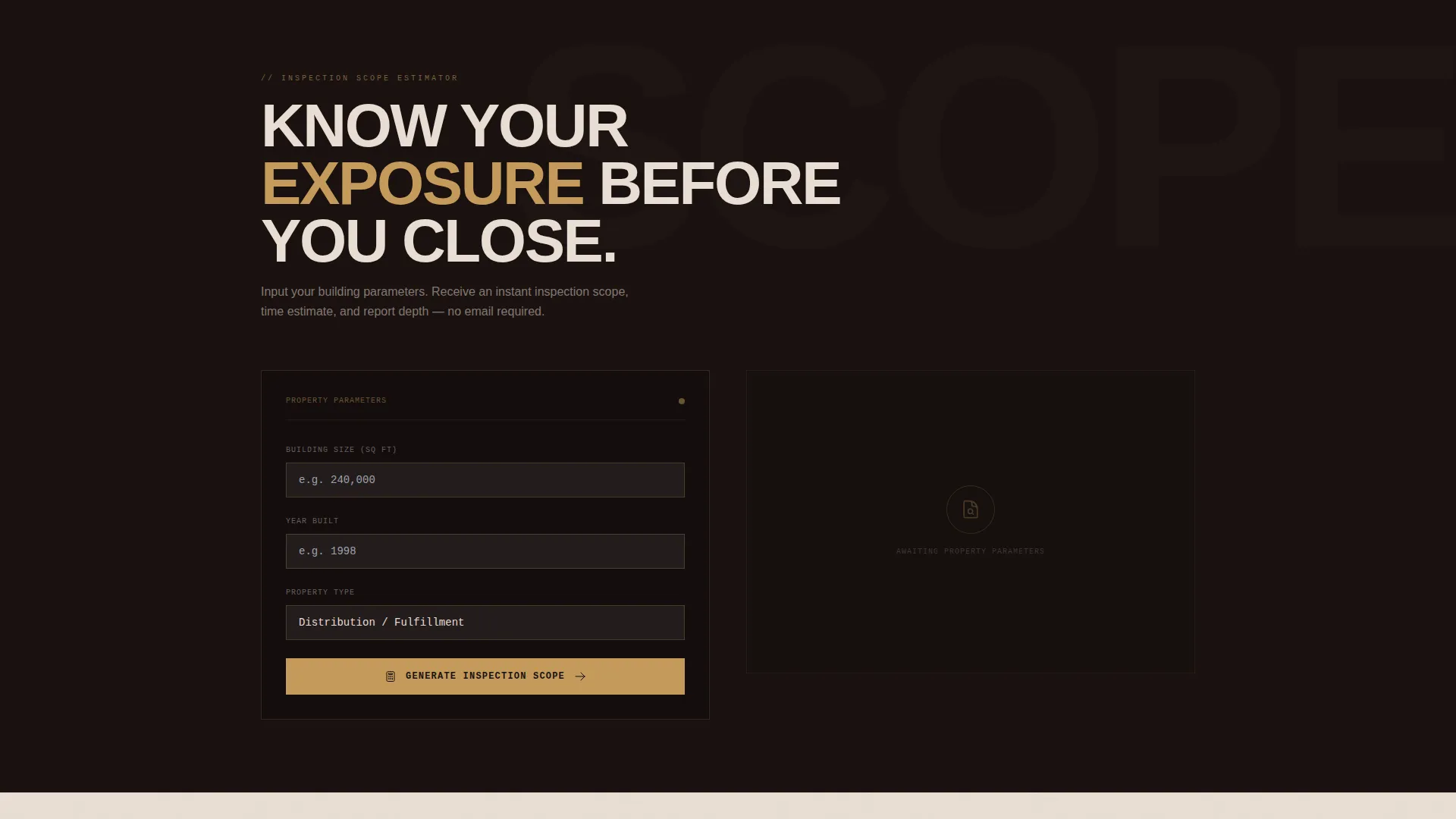
- A square-footage estimator with property type selection and instant scope output
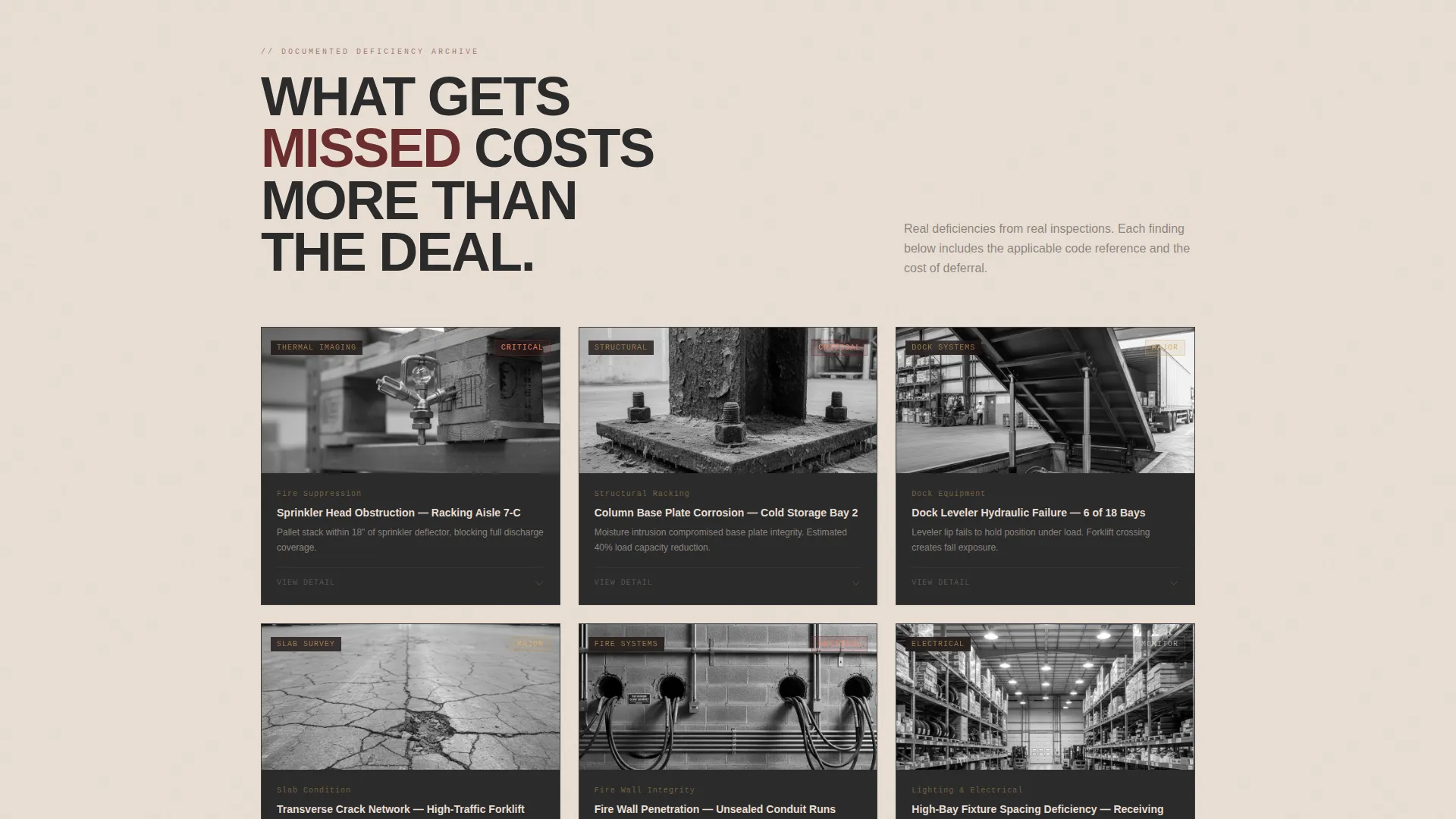
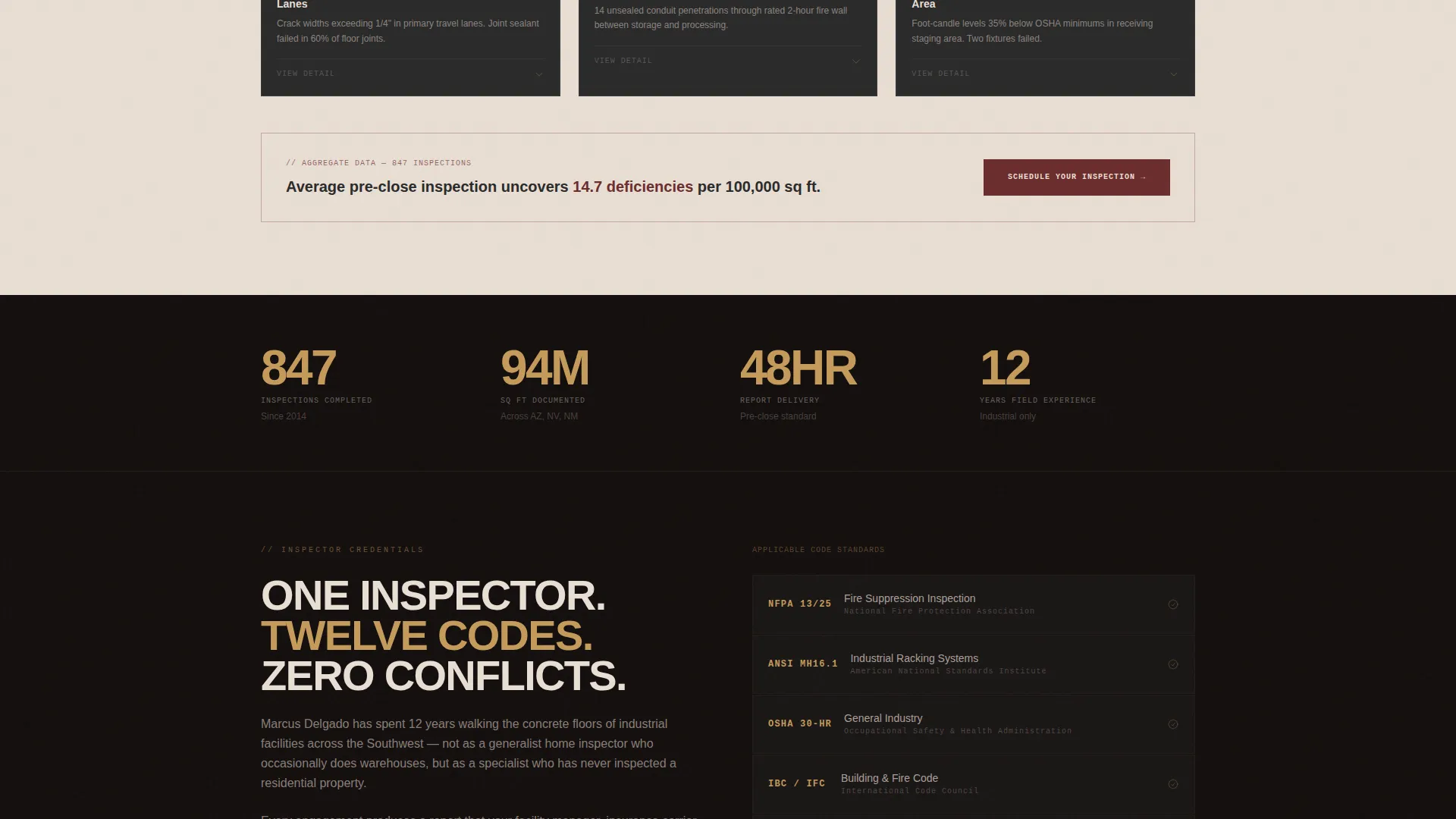
- A scrollable findings gallery with expandable detail cards, code references, and cost callouts
- A sticky bottom bar anchored to a "Schedule Your Walkthrough" booking form
- A secondary lead-capture path offering a downloadable sample inspection report
Feature list
This template is built around tools and evidence, not marketing copy. Each feature is designed to move a visitor from curious to committed.
Map-Based Header with Zip Code Tool
The header is a stylized satellite-style map of an industrial corridor. Gold-tone pins pulse on warehouses already inspected. Visitors type a property address or zip code and instantly see proximity to completed work, turning the header into a trust signal before the pitch begins.
Square-Footage Estimator
Immediately below the header, visitors input building size, year built, and property type from four options: distribution, manufacturing, cold chain, and flex space. The estimator returns an instant inspection scope and time estimate, making the service feel concrete and tailored before any conversation happens.
Inspection Findings Gallery
A scrollable gallery presents real inspection findings across categories: thermal imaging of moisture intrusion, close-up documentation of compromised fire walls, and annotated photos of racking load violations. Each thumbnail expands into a detail card that names the deficiency, cites the relevant code, and states the cost of inaction.
Sticky Booking Bar
After the visitor interacts with the estimator, a sticky bottom bar appears anchored to the primary call to action: "Schedule Your Walkthrough." The booking form collects property address first, pre-fills square footage from the estimator if used, offers a calendar picker for preferred inspection date, and includes a single urgency dropdown covering pre-close, annual compliance, and incident response scenarios.
Sample Report Download Path
Visitors not yet ready to book can request a redacted sample inspection report by entering their email address. This secondary path captures leads who need to see the documentation depth before committing, delivering a PDF that demonstrates the thoroughness of a real inspection file.
Sunset Mesa Visual System
The template applies a four-color palette built for industrial authority: deep iron oxide, sun-bleached concrete, burnished steel gold, and structural charcoal. The overall effect reads like warm late-afternoon light on corrugated metal, projecting expensive expertise rather than trade-service commodity work.
Page sections overview
| Section | Purpose |
|---|---|
| Map Header | Establish coverage and locality with a zip code tool |
| Zip Code Input | Let visitors connect their property to completed inspections |
| Scope Estimator | Personalize inspection scope by size, age, and type |
| Findings Gallery | Show real deficiencies with thumbnails and expandable cards |
| Detail Cards | Present code references and cost-of-inaction data per finding |
| Sticky Booking Bar | Anchor the primary call to action after estimator interaction |
| Booking Form | Collect address, square footage, date, and urgency level |
| Sample Report call to action | Capture email leads with a downloadable redacted PDF offer |
Design & branding system
The visual identity follows an Executive Suite theme using the Sunset Mesa color system. Every color choice is drawn from the industrial landscape it represents, making the page feel like a genuine command center for a high-stakes profession.
- Iron oxide (#6B2D2D), sun-bleached concrete (#E8DDD3), burnished steel gold (#C49A5C), and structural charcoal (#2B2B2B) form the full palette
- Map elements use muted charcoal and oxide tones with gold pulsing pins for spatial authority
- The full-width immersive layout keeps typography tight, imagery dominant, and calls to action persistent
Mobile & speed optimization
The template is structured for a clean, responsive experience across screen sizes. Industrial clients frequently access property information on-site from phones, so the layout prioritizes touch-friendly inputs and legible detail cards at smaller viewports.
- The estimator inputs, calendar picker, and booking form are sized for mobile interaction
- The sticky booking bar remains accessible and visible on all screen sizes without blocking content
- Gallery thumbnails scale cleanly and expand into readable detail cards on both tablet and phone displays
How this template helps you convert
Every design and layout decision in this template is oriented toward one outcome: turning a hesitant property stakeholder into a scheduled inspection. The page builds credibility through evidence, personalizes through a live tool, and removes friction from the booking step.
- The zip code map and pulsing inspection pins establish local expertise before a single word of copy is read, lowering visitor skepticism immediately.
- The estimator creates a personalized scope in seconds, making the visitor feel understood and giving them a concrete reason to continue toward the booking form.
- The findings gallery escalates urgency row by row, showing the real-world cost of skipping an inspection and positioning the booking call to action as the logical next step.
Other information about this template
This template was designed specifically for the industrial warehouse inspection niche, where the buyer is often a commercial real estate professional, a logistics operator, or a facility manager stepping into an unfamiliar property. The page structure reflects that audience's decision-making process: verify coverage, scope the job, review the evidence, then book.
- The template is suitable for inspectors serving distribution centers, cold storage facilities, and large-format manufacturing plants
- The urgency dropdown in the booking form covers the three most common engagement triggers: pre-close due diligence, annual compliance review, and incident response
- The secondary sample report path is designed to nurture longer sales cycles common in commercial real estate transactions
- The overall layout aligns with the intersection niche of industrial warehouse appraisal service, where documentation depth and professional authority directly influence whether a deal proceeds
Theme
Executive Suite
Creative direction
Before/After Reveal
Color system
Dark Emerald
Style
Full-Width Immersive
Direction
Booking/Scheduling
Page Sections
Map-based Header with Zip Code Input
Square-footage Scope Estimator
Inspection Findings Gallery with Detail Cards
Sticky Booking Bar and Scheduling Form
Sample Report Lead Capture
Sunset Mesa Executive Color System
Related questions
Can I customize the property types listed in the estimator dropdown?
Does the booking form automatically carry over the square footage from the estimator?
What does the sample report download path capture from visitors?
Is this template designed for a solo inspector or a multi-inspector firm?
What property types is this template best suited for?



