Agricultural Equipment Manufacturing Professional Website Template
The Hardface precision coating audit agricultural equipment landing page template is built for industrial powder-coating operations serving OEM manufacturers, aftermarket distributors, and dealer service teams. A zigzag checklist layout walks visitors through four documented finishing stages, each tied to ASTM or ISO pass/fail criteria. Amber calls to action drive form submissions for a Coating Spec Guide download and a Sample Panel request.
by Rocket studio
Quick summary
This template puts a working powder-coat facility on a single, evidence-first landing page. Four numbered inspection checkpoints walk visitors through surface prep, powder application, adhesion testing, and cure verification. Every checkpoint displays real spec data alongside the standard it meets. By the final section, the page has taught readers exactly what to demand from any coater, and positioned this operation as the one that already delivers it.
Who this template is for
This page is intended for industrial finishing operations that serve agriculture. It speaks directly to buyers who schedule large coating runs and need documented proof of quality before committing parts or budget.
- OEM production managers scheduling quarterly coating runs for combine headers, tillage discs, and planter shanks
- Aftermarket parts distributors who need batch consistency across thousands of cultivator sweeps
- Dealer service managers sending worn ground-engagement equipment back for re-coat before spring planting
What problem this template solves
Buyers in agriculture do not send parts to a coater on faith. They need documented evidence that the finish will survive ten thousand acres of black dirt and abrasive soil contact. Without a clean, structured proof of process, even a capable facility loses credibility before a single part is quoted.
- No clear way to show ASTM or ISO compliance data to skeptical OEM inspectors
- Disconnected follow up paths that let qualified leads navigate away without submitting a form
- Generic page layouts that fail to capture the precision and safety standards these buyers expect
What you get with this template
The template ships as a complete, single-page layout built around a quality auditor's route through the finishing floor. Every section is pre-structured and ready to fill with your operation's real data, photos, and spec tables.
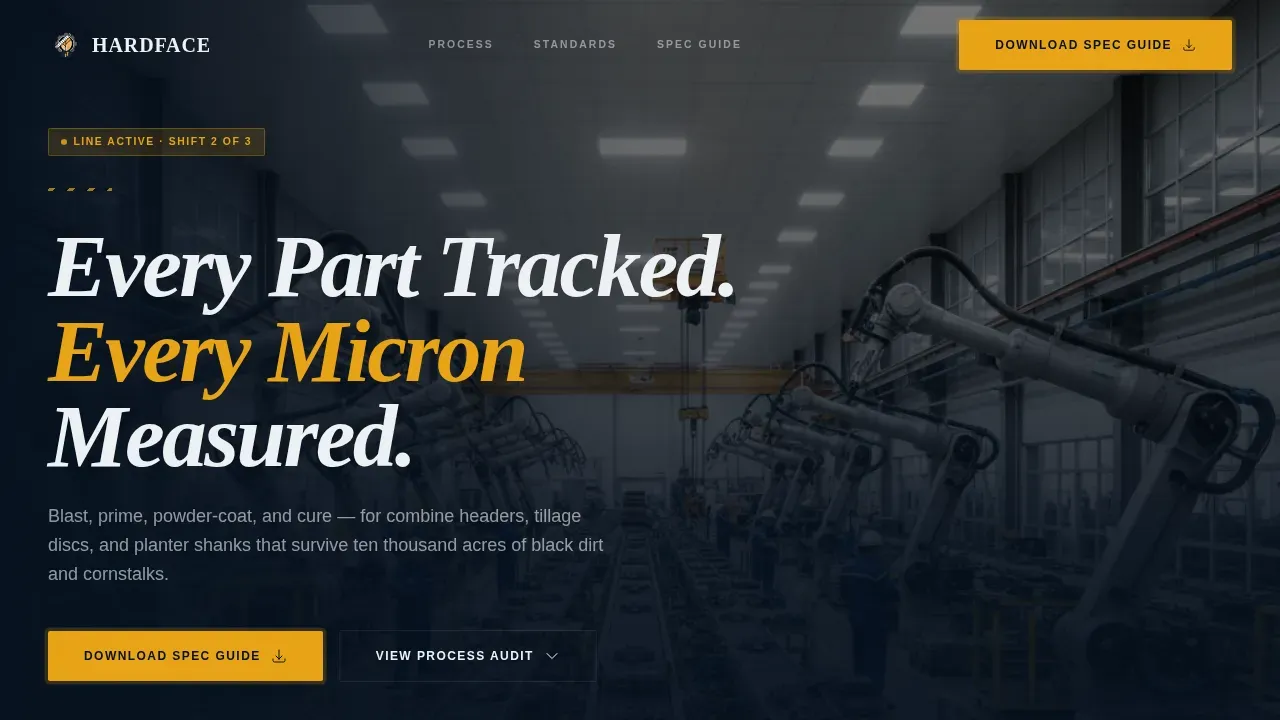
- A full-bleed hero section with a conveyorized coating line photograph and the headline "Every Part Tracked. Every Micron Measured."
- Four zigzag checkpoint sections, each pairing an operation image with spec data, pass/fail criteria, and a referenced standard
- A dual-path lead capture section with a Coating Spec Guide download form and a secondary Sample Panel request option
Feature list
This template includes the following built-in capabilities and design elements.
Four-Stage Audit Checklist Layout
Each of the four checkpoint sections represents one stage of the finishing process: blast profile measurement, coating thickness reading, adhesion cross-hatch testing, and cure verification. Inspectors and production teams can track exactly how each stage maps to standards such as ASTM D7091, ASTM D3359, and ASTM D2794. The zigzag layout alternates image and data panels left to right, keeping the page visually active as users scroll.
Evidence-First Spec Data Panels
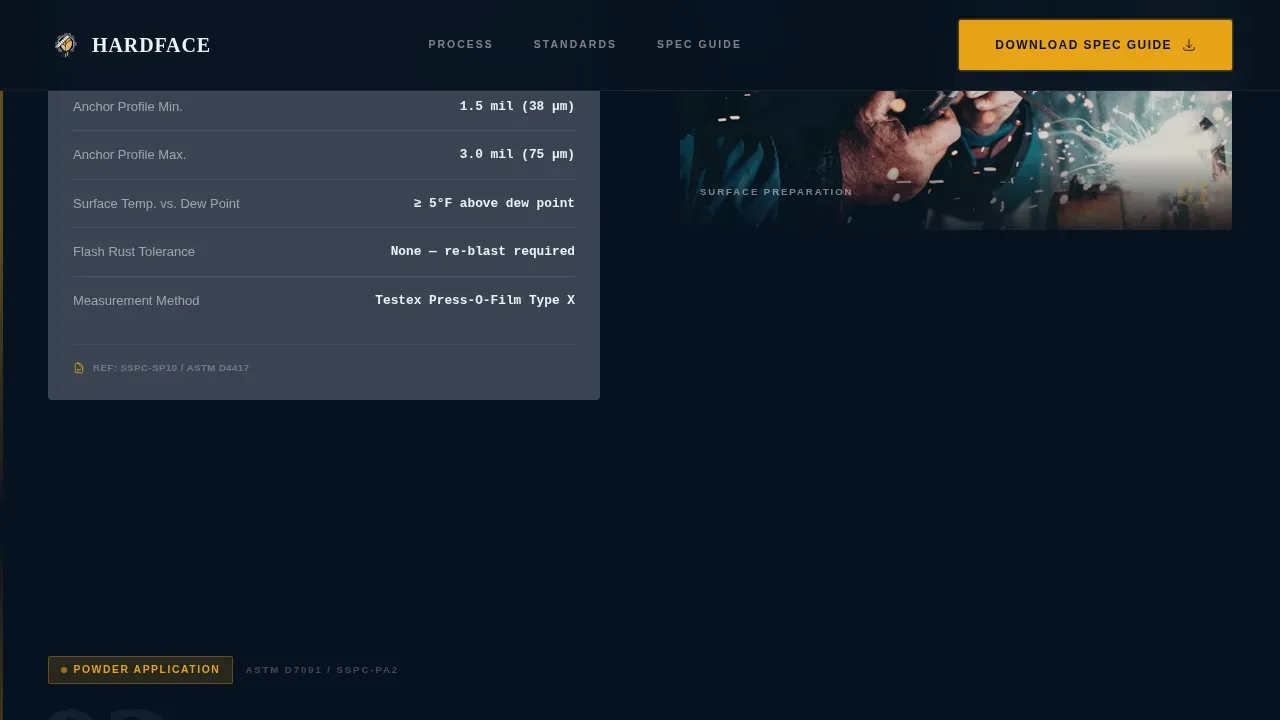
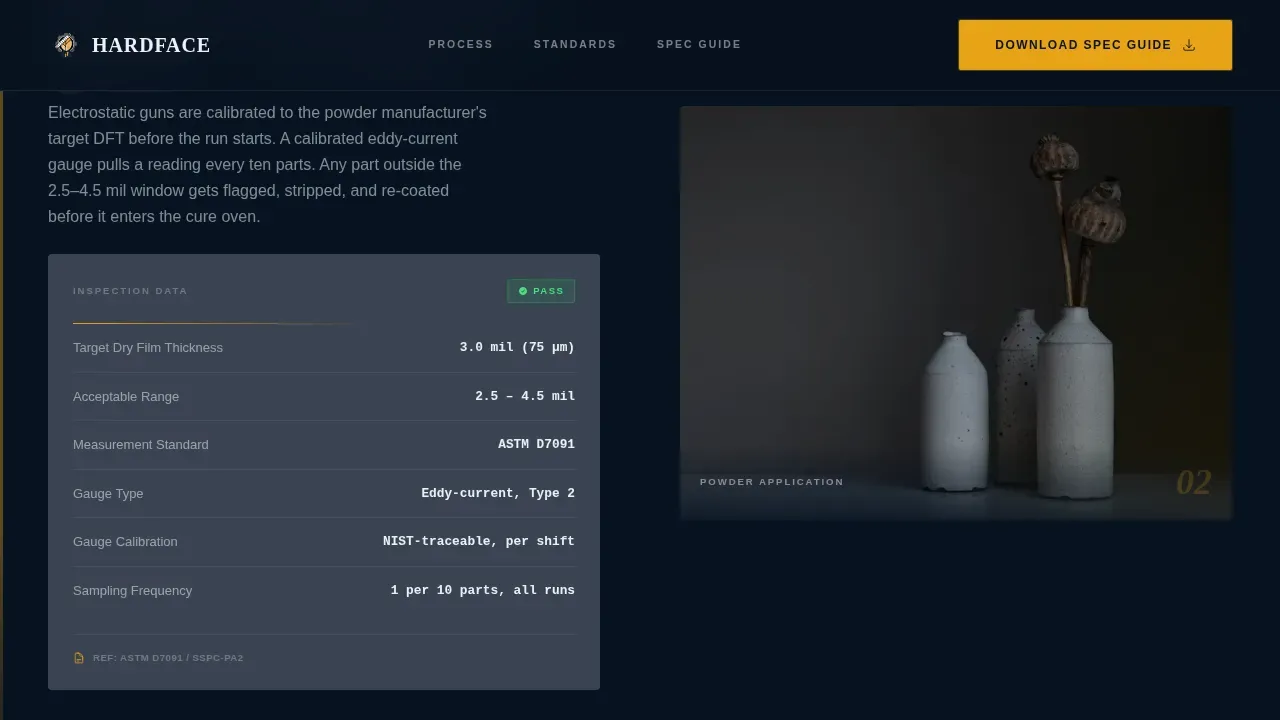
Every checkpoint section includes a dedicated data panel showing actual measurements, temperature readings, pass/fail criteria, and the relevant standard. This lets OEM production managers assess compliance at a glance without having to request separate documentation. The gunmetal card design keeps data clean and readable against the dark navy background.
Dual-Path Lead Capture Form
The primary call to action is a "Download the Coating Spec Guide" form. Essential fields include name, company name, and a dropdown asking "What are you coating?" with options for ground-engagement tools, structural fabrications, hydraulic components, and sheet-metal enclosures. A secondary path on the same page offers a "Request a Sample Panel" option for prospects who want to physically scratch-test a coated coupon before committing a production run.
GSAP Scroll-Reveal Animations
Checkpoint sections animate in with staggered entrances as users scroll. Counter animations bring stats and data figures to life on entry. The amber call-to-action buttons pulse to draw the eye at the right moment, reinforcing the Data Command visual identity without distracting from the checklist content.
Amber-Pulse Call-to-Action System
The caution-stripe amber (#E8A317) is reserved exclusively for calls to action, status badges, and data callouts. The "Download the Coating Spec Guide" button appears first after the third checkpoint and repeats at page bottom, giving users two clear action points without cluttering the checklist flow.
Page sections overview
| Section | Purpose |
|---|---|
| Hero full-bleed | Establishes the facility, the headline, and the page's audit-driven promise |
| Checkpoint 1: Surface Prep | Shows blast profile measurement versus SSPC-SP10 spec data |
| Checkpoint 2: Powder Application | Displays coating thickness readings against ASTM D7091 criteria |
| Checkpoint 3: Adhesion Testing | Presents cross-hatch test results versus ASTM D3359 plus first call to action |
| Checkpoint 4: Cure Verification | Documents MEK rub and impact resistance versus ASTM D2794 |
| Dual-path call to action | Hosts the Spec Guide form and Sample Panel request side by side |
| Linear footer | Single-row contact and navigation strip |
Design & branding system
The template follows a Data Command theme built on a Navy Authority color system. The palette reads like the HMI screen on a curing oven: information-dense, dark, and impossible to misread at a glance.
- Command-center navy (#0B1A2E) dominates backgrounds; gunmetal (#3A4452) frames content cards; inspection-lamp white (#EDF0F4) carries body text and spec tables
- Caution-stripe amber (#E8A317) fires only on calls to action, status badges, and data callouts, so the eye always knows where to go next
- Typography pairs DM Sans for body and user interface copy with Fraunces for display headlines, keeping the layout legible and industrial without feeling cold
Mobile & speed optimization
Although the page is designed desktop-first for OEM production managers on workstations, the layout includes a solid mobile fallback. Farmers, fleet managers, and field service teams frequently access pages from tablets or phones, so the template accounts for that reality.
- Zigzag columns stack vertically on smaller screens, keeping checkpoint data and photos readable without horizontal scrolling
- Server Components handle all static sections, with minimal Client Components reserved for the form accordion and interactive hover states on spec cards
- The single-page structure keeps load complexity low, supporting acceptable speed across devices and connection types
How this template helps you convert
The page earns trust before it asks for anything. Visitors are educated on what good coating looks like at every stage, so by the time the call to action appears, they already understand the value.
- The checklist teaches buyers the exact compliance criteria they should demand, positioning this facility as the operation that already meets every standard and runs consistent, documented batches.
- The dual-path form gives prospects a low-commitment entry point. They can download the Coating Spec Guide right away or request a physical Sample Panel if they need to run their own testing before a full production run.
Other information about this template
The Hardface precision coating audit agricultural equipment landing page template is designed to serve a specific niche in the agriculture and industrial finishing market. Several additional details are worth noting for buyers evaluating this template.
- The landing page design supports internal audits by making every stage of the coating process visible and documented, helping facilities prepare for third-party inspectors or safety compliance reviews
- Corrective actions are easier to communicate when each checkpoint section has its own dedicated space for spec data, comments, and pass/fail logs, giving quality teams a clear record to reference
- The form captures name, company, and coating type at form submission, giving the sales team the context they need for a productive follow up conversation
- Testimonials, ratings, and reviews blocks can be added to the page to share real case studies and social proof with potential customers, as case studies show hardfaced tools can last significantly longer than standard OEM parts
- The template supports drawings, photos, and media embeds within checkpoint card sections, allowing inspectors and manufacturers to log visual evidence alongside spec data
- Stats on component life, acreage durability, and batch consistency can be displayed using counter animations, giving the data callout blocks real stopping power as users scroll
- The audit process in this template mirrors the 3-step inspection, testing, and alloy recommendation workflow that welding and metallurgical specialists use in real facility assessments
- Component life gains of up to 300% compared to non-surfaced parts are a credible claim to share in the hero section or checkpoint stats, backed by the ASTM testing data the page already presents
- SMS follow up and email lead nurture paths can be connected post form submission to keep qualified prospects engaged after they leave the page
- An article or case study link can be included in the footer or below the call to action form to give users an additional resource before they sign off

Theme
Data Command
Creative direction
Checklist & Audit
Color system
Navy Authority
Style
Zigzag/Alternating
Direction
Content/Resource
Page Sections
Four-stage Audit Checklist Layout
Evidence-first Spec Data Panels
Dual-path Lead Capture Form
GSAP Scroll-reveal Animations
Amber-pulse Call-to-action System
Full-bleed Hero Section
Related questions
Who is this landing page template built for?
What lead capture fields does the form include?
Can the checklist sections be updated with my own spec data?
How does the template handle two different conversion paths?
Does the template include space for reviews or case studies?



