Real Estate Compliance Consultant Landing Page
Complianceshield is a single-column flow landing page built for real estate compliance consultants. It opens with a live regulatory penalty counter, moves visitors through tension-and-relief scroll sections, and closes with a qualified lead generation form. The Legal Shield visual theme and Ink and Paper color system signal authority and precision from the first scroll.
by Rocket studio
Quick summary
Complianceshield is a focused, single-column landing page for a real estate compliance consultancy. It leads with a live animated penalty counter, builds trust through anonymized case studies and a client logo wall, and converts visitors through a three-field lead qualification form. Every section is designed to make inaction feel costlier than reaching out.
Who this template is for
This template is built for compliance-focused professionals in the real estate industry who need to generate qualified leads online. It suits consultants whose clients are time-pressed and risk-averse, not casual browsers.
- Managing brokers preparing for state regulatory audits
- Commercial developers navigating beneficial ownership filing requirements
- Property management companies operating across multiple jurisdictions
What problem this template solves
Real estate compliance consultants often lose potential clients before a conversation even starts. A generic website fails to communicate urgency, specialized expertise, or the cost of doing nothing. This template solves that directly.
- It makes regulatory risk feel immediate and personal from the very first screen
- It structures proof of expertise before asking visitors to commit their contact details
- It qualifies leads at the form level so consultants spend time on the right conversations
What you get with this template
You get a fully structured single-column landing page designed specifically for a real estate compliance consultant. Every section serves a deliberate purpose in the visitor journey.
- An animated regulatory penalty counter in the header that creates immediate stakes
- A rhythm of tension, proof, and relief repeated across two scroll sequences before the final conversion block
- Two lead capture touchpoints: a primary qualification form and a gated PDF download for early-stage prospects
Feature list
This template packages several purpose-built components that work together to build authority and drive qualified leads.
Animated Regulatory Penalty Counter
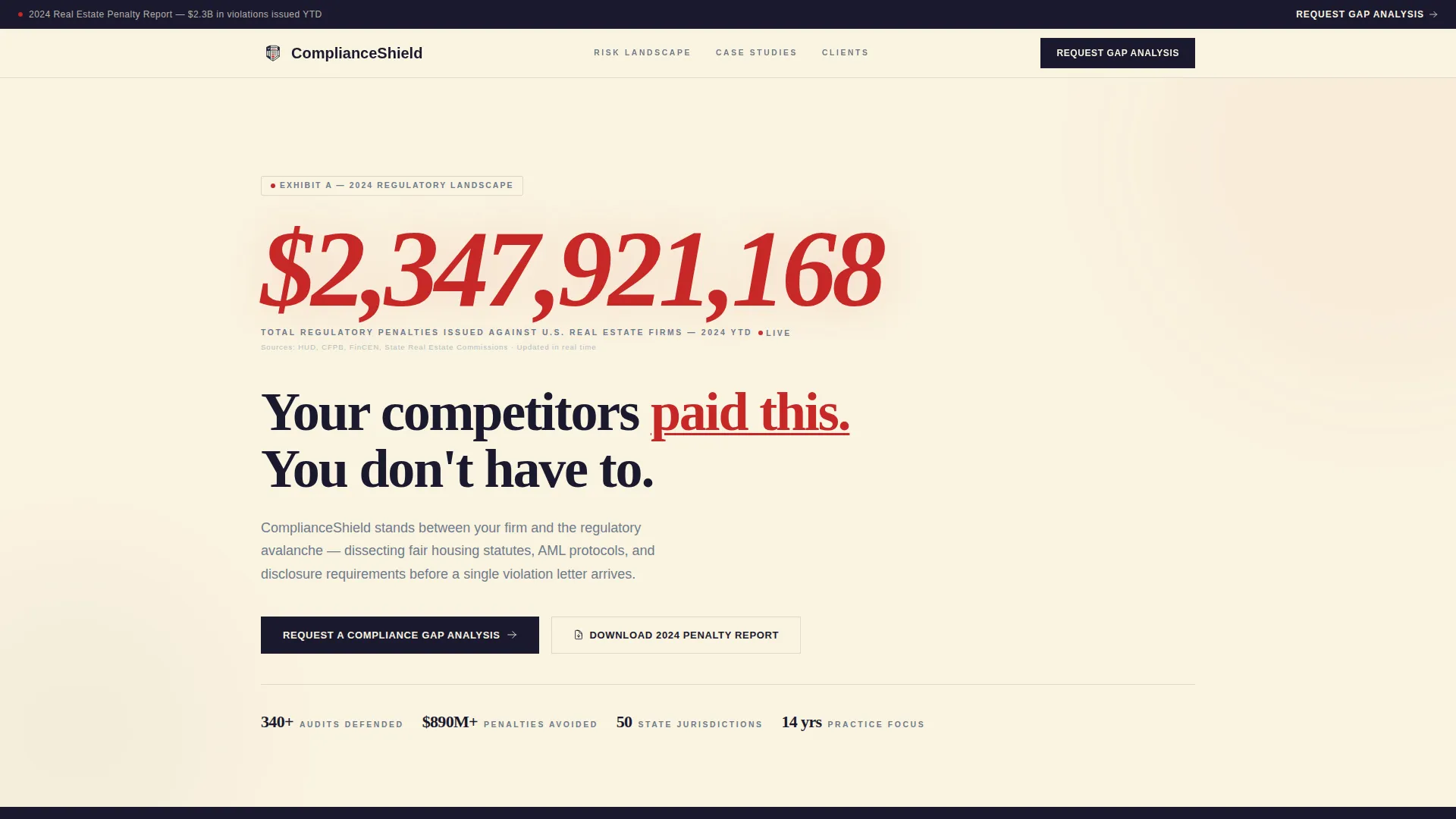
The header opens with a live counter showing total regulatory penalties issued against United States real estate firms in the current year. The number climbs past eight figures in real time, sourced and cited, making the risk landscape impossible to ignore before reading a single word of copy.
Anonymized Case Study Grid
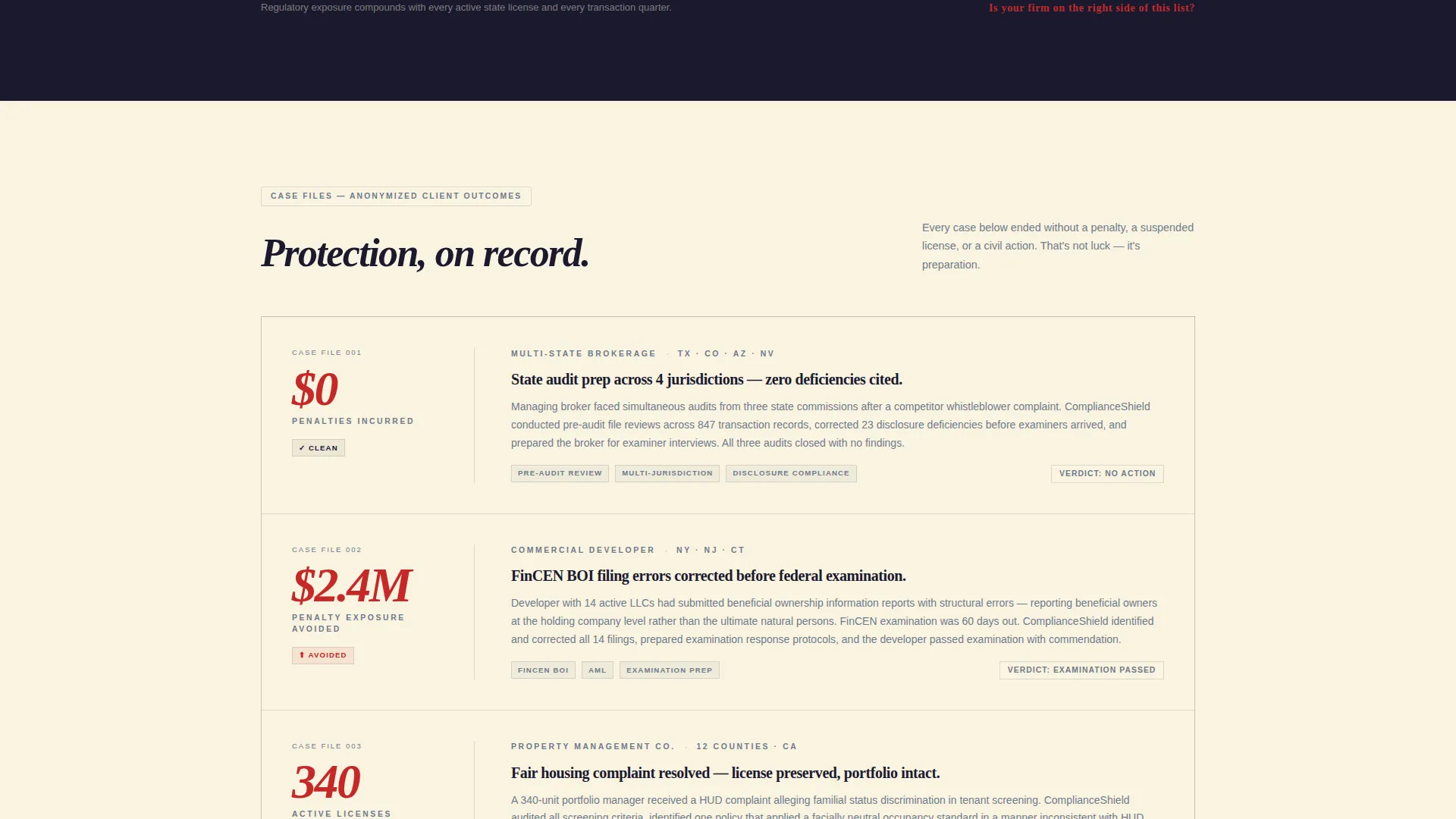
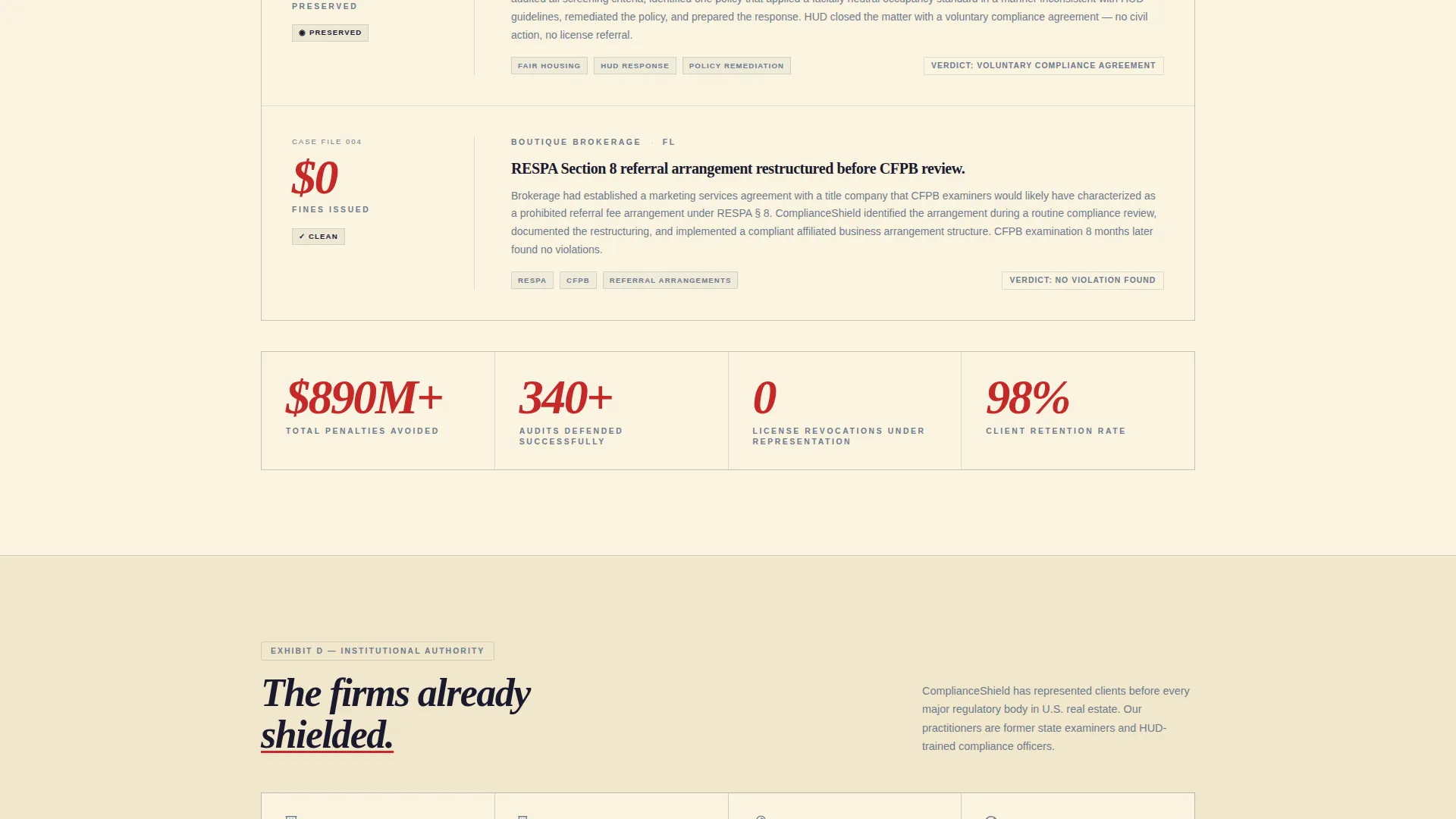
Before any logos appear, the page presents a grid of anonymized client outcomes. Each case study surfaces a concrete result: penalties avoided, audits passed, or licenses preserved. This builds credibility through evidence rather than assertion.
Client Logo and Regulatory Seal Wall
After the case study grid, a wall of client logos and regulatory body seals reinforces institutional trust. The visual rhythm escalates deliberately: risk landscape first, then proof of protection, then the logos of firms already covered.
Dual Lead Capture System
The primary call to action, "Request a Compliance Gap Analysis," appears twice: as a persistent top-bar button and as the anchor of the final section. A secondary path offers a downloadable PDF report gated behind an email field for prospects not yet ready to book a call.
Three-Field Qualification Form
The lead form collects firm type, number of active state licenses, and whether the firm has faced a regulatory inquiry in the past 24 months. These three fields qualify the lead while prompting the prospect to confront their own exposure.
Persistent Top-Bar Call to Action
A fixed top bar carries the primary call-to-action button throughout the entire scroll experience. Visitors can act at any moment without needing to scroll back to the top or hunt for a contact link.
Page sections overview
| Section | Purpose |
|---|---|
| Persistent Top Bar | Keeps primary call to action visible at all times |
| Animated Penalty Counter | Opens with live regulatory risk data to create immediate stakes |
| Hero Headline Block | Delivers stark, data-backed headline on brief-paper cream background |
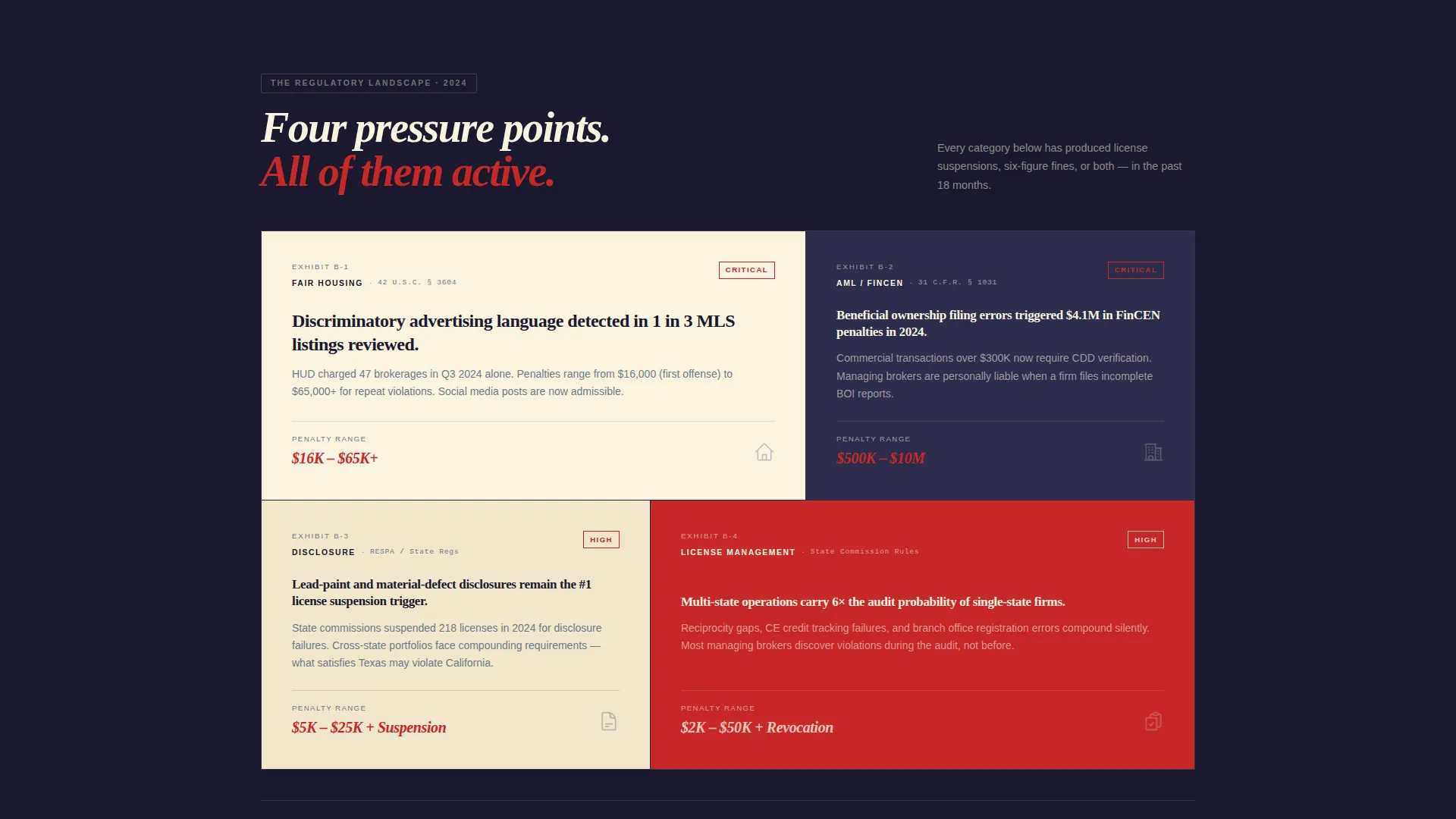
| Risk Landscape Section | Sets the regulatory context and frames the cost of inaction |
| Case Study Grid | Builds credibility through anonymized, outcome-focused client results |
| Logo and Seal Wall | Signals institutional trust through client logos and regulatory body seals |
| Second Risk and Relief Cycle | Repeats the tension-then-proof rhythm before the final conversion block |
| Primary Conversion Block | Anchors the qualification form with the main call to action |
| PDF Gated Download | Captures early-stage prospects with a low-commitment email gate |
Design & branding system
The visual identity follows a Legal Shield theme expressed through the Ink and Paper color system. Every design choice reinforces the authority of a regulatory opinion document, not a marketing brochure.
- Deep deposition black (#1A1A2E) for headlines and primary text, steel-clip gray (#6E7B8B) for secondary text and dividers, brief-paper cream (#FAF3E0) for backgrounds, and redline markup red (#C62828) for accents and alert elements
- No hero images or stock photography; the data counter and typographic hierarchy carry the visual weight entirely
- Typography and layout follow a case-file metaphor: labeled sections, numbered exhibits, and a structured hierarchy that communicates precision
Mobile & speed optimization
The single-column flow layout is inherently suited to smaller screens, where the sequential scroll experience works naturally. Each section is built to read cleanly without a horizontal layout shift.
- The animated counter, case study grid, and logo wall each stack vertically without visual clutter on mobile viewports
- The persistent top bar and the dual call-to-action placement ensure the form is always reachable regardless of how far a visitor has scrolled
How this template helps you convert
The entire page is structured as a persuasion sequence, not a static brochure. Each section moves the visitor one step closer to submitting the qualification form.
- The animated penalty counter creates immediate, specific anxiety about regulatory exposure before any copy asks for anything.
- The case study grid and logo wall provide layered social proof, so by the time the visitor reaches the form they already trust the consultancy.
- The three-field qualification form turns the act of filling it out into a self-audit, making prospects feel the urgency of their own situation as they complete it.
Other information about this template
This template is categorized under Professional Services and Real Estate Consulting. It is designed specifically for the real estate compliance consultant niche, where the sales cycle depends on trust-building before any conversation begins.
- The Legal Shield theme and Ink and Paper palette are consistent throughout, with no decorative elements that dilute the authoritative tone
- The downloadable PDF path, "2024 Real Estate Penalty Report," serves prospects who are research-stage buyers, keeping them in the funnel with a lower commitment entry point
- The template is delivered as a single-column flow page, making it straightforward to deploy, edit, and maintain without needing a multi-page site structure
Theme
Legal Shield
Creative direction
Logo Wall Authority
Color system
Ink & Paper
Style
Single Column Flow
Direction
Lead Generation
Page Sections
Animated Regulatory Penalty Counter
Anonymized Case Study Grid
Client Logo and Regulatory Seal Wall
Dual Lead Capture Touchpoints
Three-field Qualification Form
Related questions
Who is this landing page template designed for?
What does the lead qualification form collect?
Can this template capture leads from prospects not ready to book a call?
Is this template built as a single page or a multi-page site?
How does the animated penalty counter work in this template?



