School & University Construction Privacy Policy & Terms Website Template
Conduit is a single-column landing page template built for school and university electrical contractors. It leads with three bold credibility metrics, flows through layered case study narratives, and drives two clear conversion paths: a facility walkthrough request and a downloadable compliance checklist. The Sunset Mesa color system gives the page an honest, grounded visual identity that facility directors and capital project managers immediately trust.
by Rocket studio
Quick summary
Conduit is a lead generation landing page for campus electrical contractors. It opens with oversized performance stats, then scrolls through real project case studies spanning elementary schools to research universities. Two conversion paths capture both ready buyers and early-stage researchers. The design feels like a well-organized mechanical room: structured, credible, and built for people who manage deferred maintenance and bond-funded construction.
Who this template is for
This template is designed specifically for electrical contractors who work on K-12 campuses and university facilities. It speaks directly to the decision-makers those contractors need to reach.
- Facilities directors managing deferred maintenance backlogs and summer construction windows
- School business officials and university capital projects managers allocating bond measure dollars
- Electrical contractors seeking to win trust before the first site visit
What problem this template solves
Electrical contractors serving schools often struggle to communicate technical credibility to non-technical buyers. A generic service page does not answer the specific concerns facilities directors carry into every meeting.
- Buyers need proof of code compliance, inspection performance, and phased scheduling before they call
- Case studies scattered across a portfolio site lose the narrative thread that builds trust
- Generic contact forms fail to qualify leads by institution type or project scope
What you get with this template
You get a fully structured single-column landing page that guides a facilities professional from first impression to form submission without friction. Every section has a defined job.
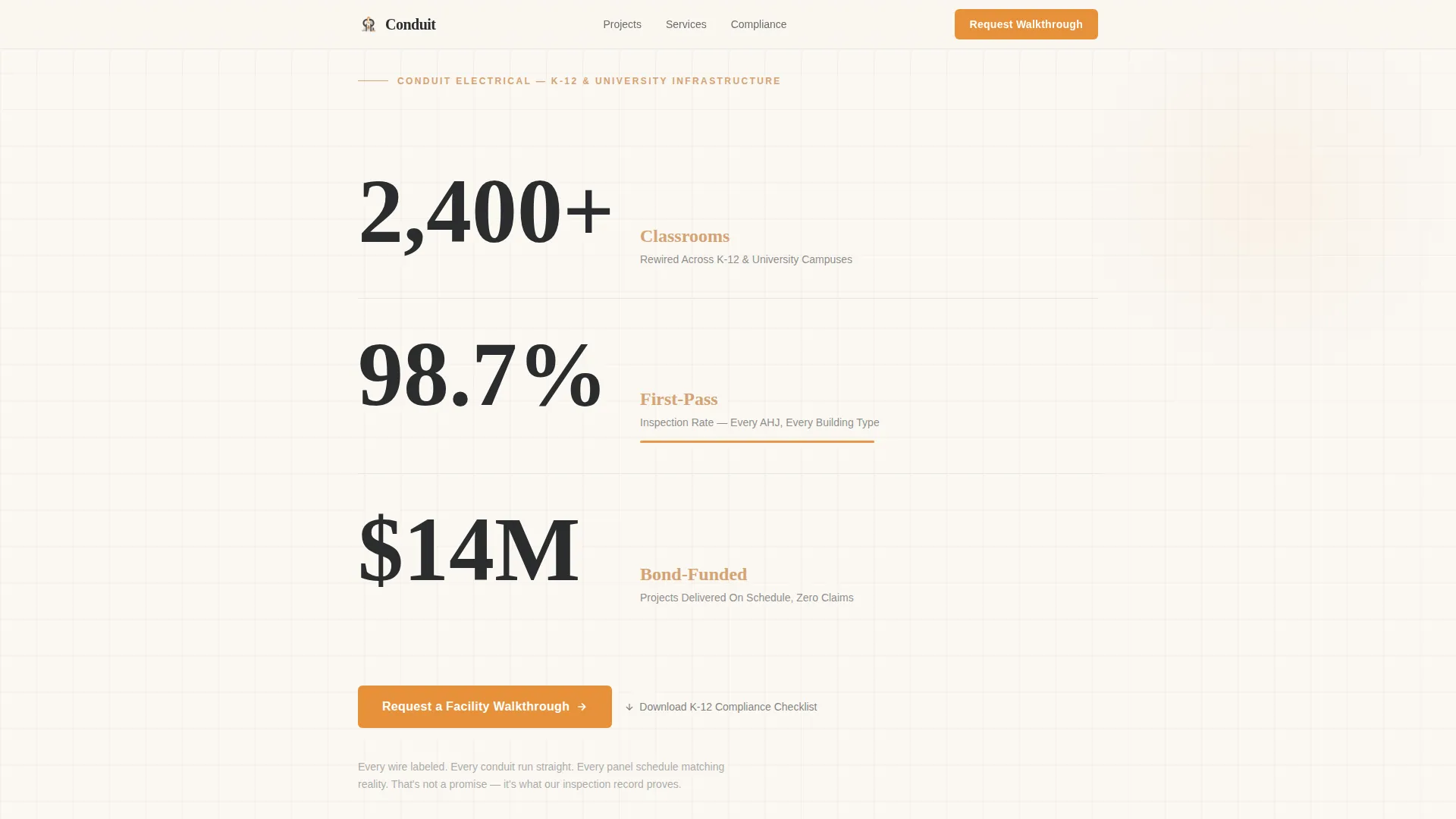
- A stats header with three performance figures that establish authority before any text is read
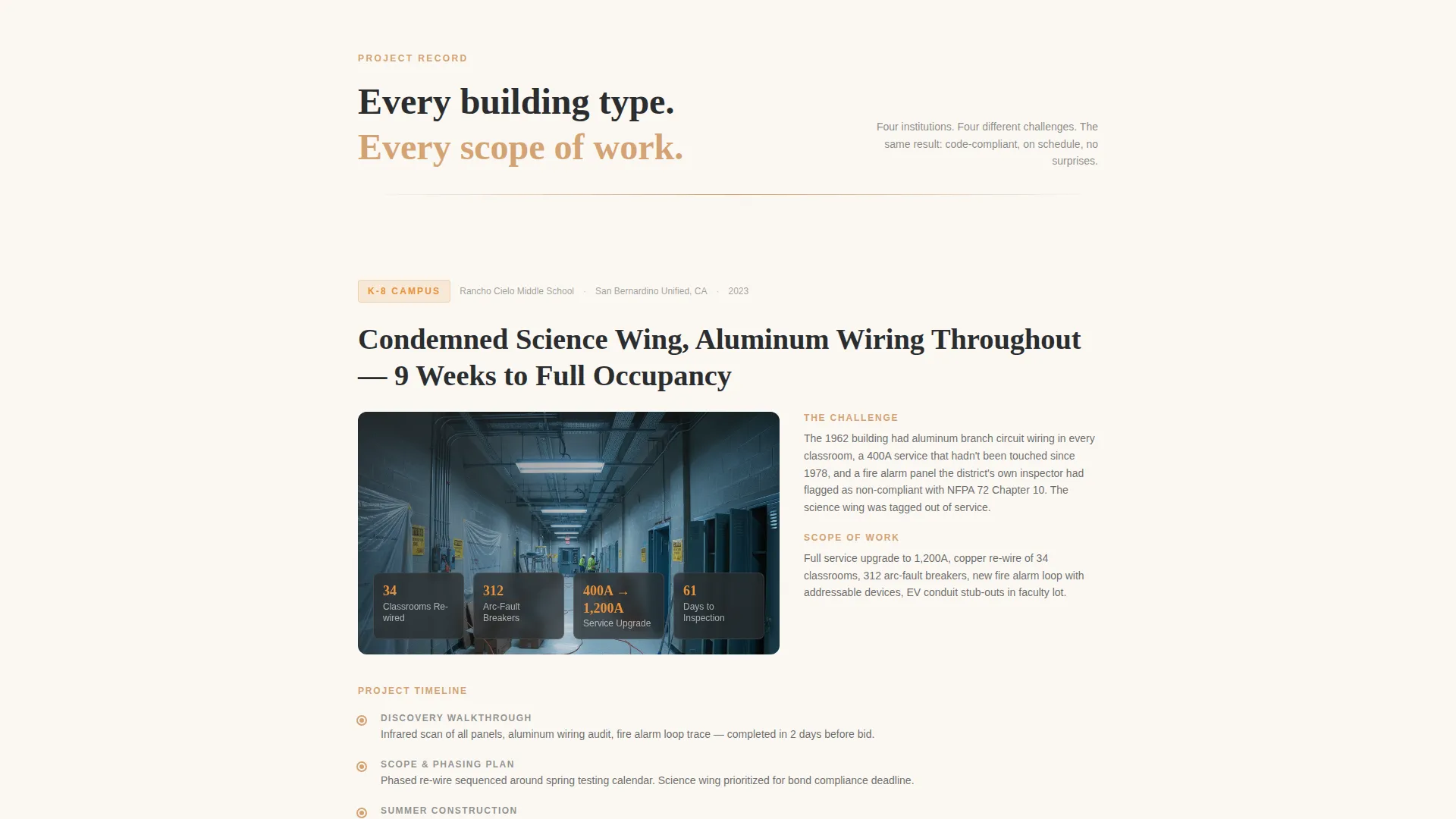
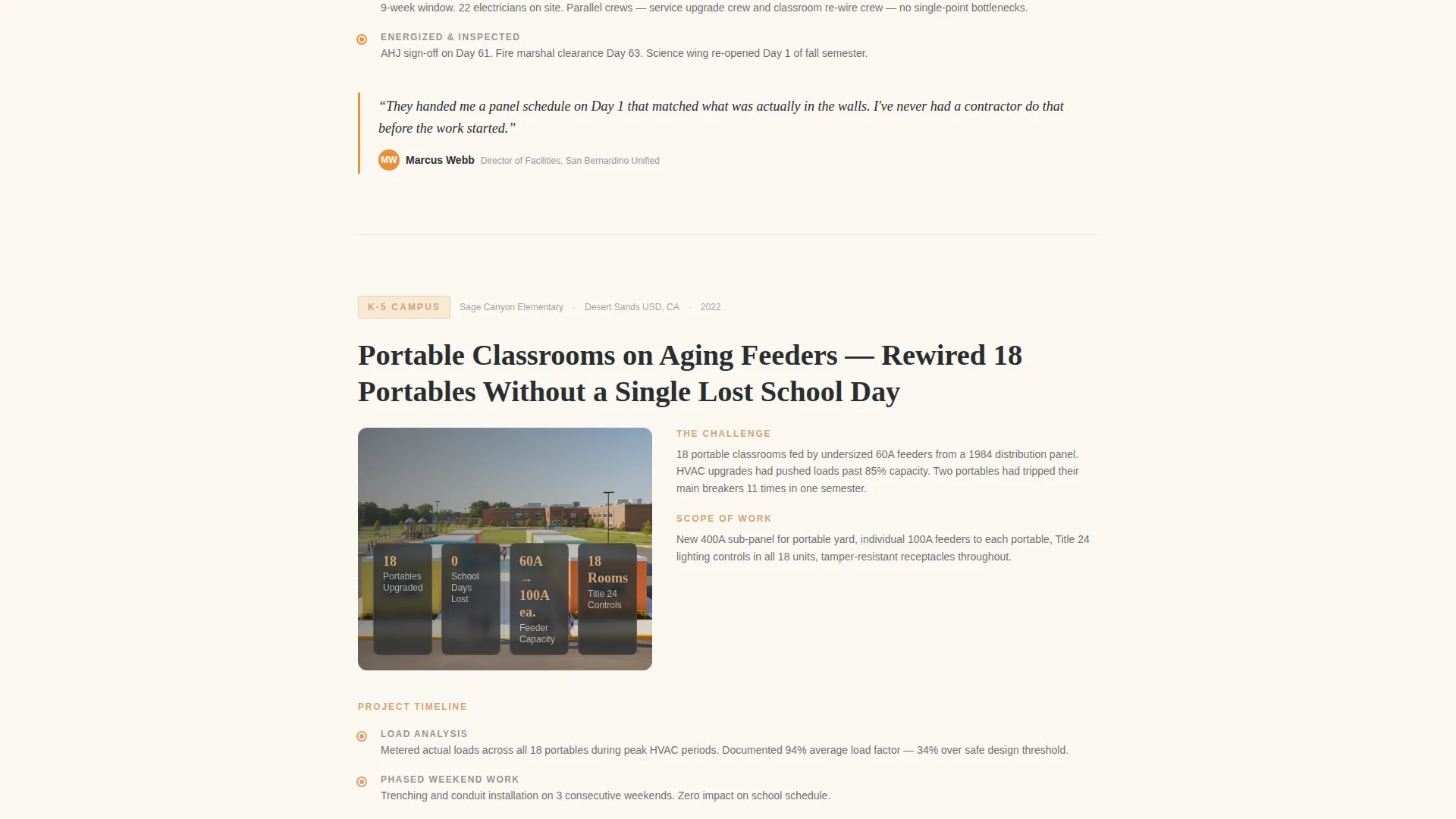
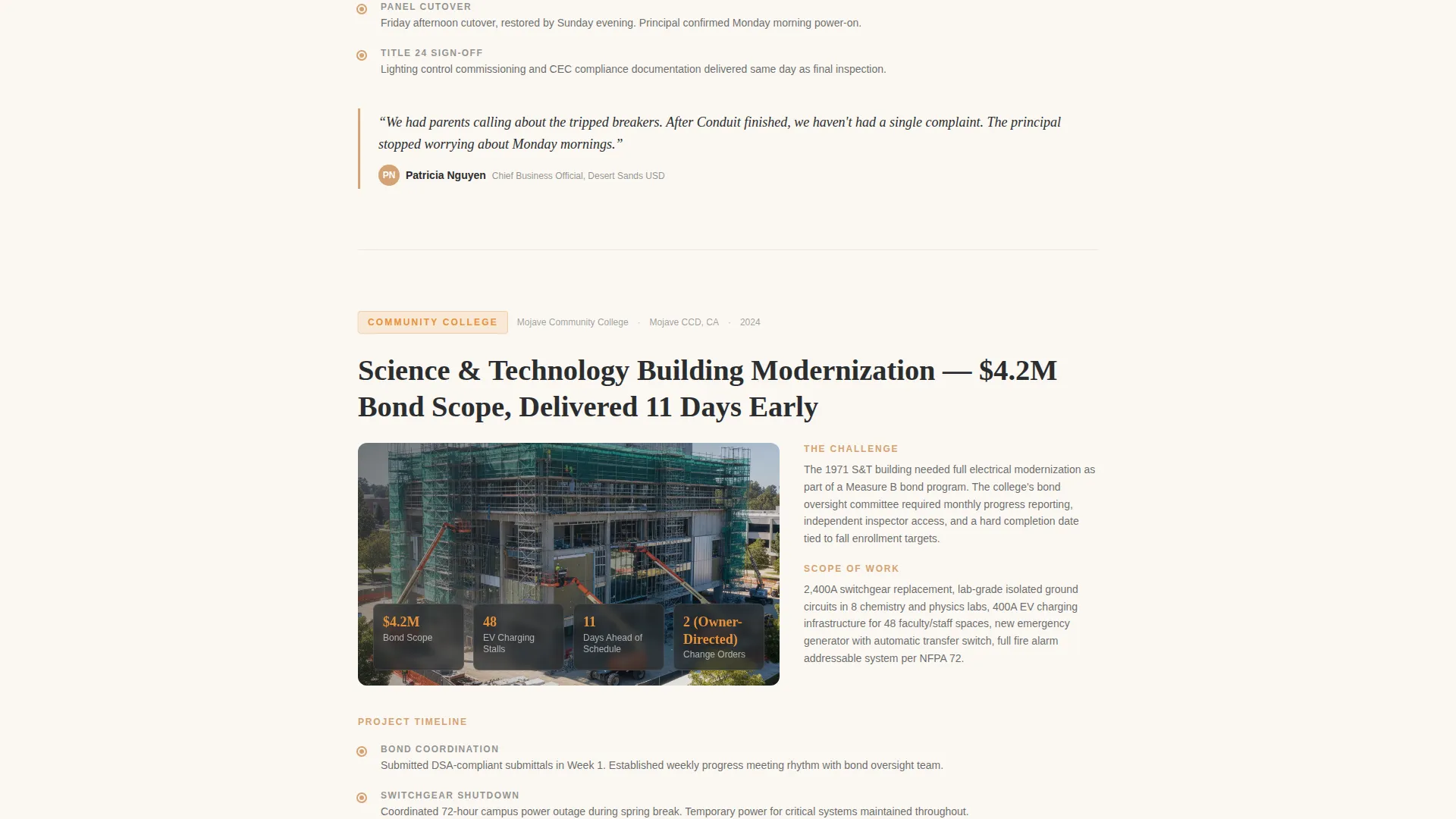
- A scrolling case study narrative section covering four institution types with progress photography and pull-quote callouts
- Two lead capture paths: a detailed walkthrough request form and an email-only compliance checklist download
Feature list
This template includes purpose-built components that match how campus facility buyers actually evaluate contractors.
Stats and Metrics Header
Three oversized figures open the page against a classroom white background. Each number uses a heavy condensed typeface in chalkboard charcoal, with a sandstone unit descriptor beneath it. An amber underline pulses beneath the inspection rate stat, drawing the eye to the most persuasive compliance figure first.
Scrolling Case Study Narrative
Each scroll segment advances a real project timeline through four distinct institution types: elementary school, high school, community college, and research university. Segments include progress photography placeholders, pull-quote callouts from facilities directors, and specific technical details such as panel amperage upgrades, arc-fault breaker counts, and fire alarm loop diagrams.
Dual Conversion Path Design
The primary call to action, "Request a Facility Walkthrough," appears immediately after the first case study and then anchors as a sticky bottom bar for the rest of the page. A secondary path, "Download Our K-12 Compliance Checklist," captures email-only leads who need a reason to return before committing to a conversation.
Qualified Lead Capture Form
The walkthrough request form collects institution name, role or title via dropdown, project type via dropdown, and a free-text field labeled "Describe your building or challenge." This structure pre-qualifies every submission before the contractor picks up the phone.
Amber call to action and Callout System
Emergency-circuit amber is reserved exclusively for buttons, stat figures, and compliance badges. This restraint makes every conversion touchpoint visually distinct without competing with the content around it.
Sunset Mesa Visual Identity
The four-color system pairs deep chalkboard charcoal for body text with warm sandstone for headers and project labels. Classroom white backgrounds keep sections breathable, and the overall palette reflects the honest, sun-baked look of a desert campus utility infrastructure.
Page sections overview
| Section | Purpose |
|---|---|
| Stats metrics header | Establish credibility with three bold performance figures |
| First case study | Elementary school panel rewire narrative with technical detail |
| Walkthrough request form | Primary lead capture after first case study |
| Second case study | High school modernization timeline with pull-quote callouts |
| Third case study | Community college phased construction narrative |
| Fourth case study | Research university microgrid project story |
| Compliance checklist call to action | Secondary email-only lead capture for early-stage buyers |
| Sticky bottom bar | Persistent walkthrough call to action anchored for remainder of scroll |
Design & branding system
The Sunset Mesa color system gives this template a distinctly grounded visual identity. It does not look like a generic contractor site because the palette draws from the physical environment of a campus at golden hour.
- Chalkboard charcoal (#2B2D2F) anchors body text and section dividers; sandstone (#D4A373) warms headers and project labels; classroom white (#FAF7F2) keeps backgrounds open
- Emergency-circuit amber (#E8913A) appears only on buttons, stat callouts, and compliance badges, so every conversion element stands out without visual noise
Mobile & speed optimization
The single-column flow makes this template inherently readable on any screen width. Stacked content sections reflow cleanly without requiring complex grid adjustments.
- Oversized type in the stats header scales naturally on smaller screens without losing the headline impact
- The sticky bottom bar converts well on mobile because it stays visible throughout the entire scroll without obscuring content
How this template helps you convert
Every structural decision in this template moves a facilities professional closer to a conversation. The layout is built around how this buyer actually evaluates a contractor.
- The stats header answers the first question any facilities director asks: "Have you done this before, at this scale, and did it pass inspection?" Three figures answer that before a single sentence is read.
- The case study narrative earns extended reading time by reflecting the visitor's own institution type, building the case that this contractor understands their specific constraints, from summer shutdown scheduling to code compliance deadlines.
Other information about this template
This template is a strong fit for contractors who compete on compliance credentials and institutional experience rather than price. A few additional details worth noting:
- The compliance checklist secondary conversion path references Title 24 and NFPA 72 (National Fire Protection Association standard 72) requirements, making it genuinely useful to facilities staff preparing for inspections
- The four case study institution types cover elementary school, high school, community college, and research university, giving the page broad reach across the K-12 and higher education market
- The template is designed as a single-page, single-column flow, making it straightforward to populate with real project photography, client quotes, and actual technical specifications
- Project scope signals embedded in the form dropdowns, covering maintenance and repair, modernization, new construction, and emergency service, help contractors prioritize inbound leads by complexity
Theme
Service Utility
Creative direction
Case Study Narrative
Color system
Sunset Mesa
Style
Single Column Flow
Direction
Lead Generation
Page Sections
Stats and Metrics Header
Scrolling Case Study Narrative
Dual Conversion Path Design
Qualified Lead Capture Form
Amber Call to Action and Callout System
Sunset Mesa Color System
Related questions
Who is this landing page template designed for?
Can I customize the case study content with my own projects?
What does the compliance checklist lead magnet include?
How do the two lead capture forms work together?
Is this template suitable for contractors serving both K-12 and university clients?



