Senior Social Media Training Landing Page Template
Connect is a warm, modular card-grid landing page built for senior social media training services. It opens with a bold guarantee headline, guides visitors through proof-first card rows, and closes every section with a clear booking call to action. Designed for adult family members, retirees, and senior center coordinators, the template makes signing up feel as simple as a first video call.
by Rocket studio
Quick summary
Connect is a single-page, card-grid landing page template for senior social media training services. It leads with a guarantee, builds trust through testimonial cards and illustrated guides, and drives bookings with a teal "Book a Free First Lesson" button. The warm Family First palette keeps every section approachable for older learners and the family members searching on their behalf.
Who this template is for
This template is designed for anyone offering technology coaching to older adults. The layout speaks directly to the people doing the searching, not just the people doing the learning.
- Adult children looking for a patient, structured tech course for a parent who just got a new device
- Retirees and seniors who want to join family group chats and video calls without feeling left behind
- Senior center coordinators booking group workshops and need a credible, easy-to-navigate sign-up page
What problem this template solves
Many older adults avoid asking for help with technology because every page they land on feels cold, cluttered, or built for someone half their age. This template removes that barrier by leading with warmth and a concrete promise before explaining a single method.
- Families searching for a trusted service have no clear way to evaluate quality before booking; this template answers that with upfront guarantee cards
- Seniors and their families often abandon sign-up forms that feel too technical or impersonal; the inline scheduling widget keeps the first step simple and specific
- Senior center coordinators need a page that communicates professionalism and patience at a glance; the card-grid layout delivers that in seconds
What you get with this template
The Connect template gives you a complete, ready-to-customize landing page built around a single goal: turning a hesitant visitor into a confirmed booking. Every section has a job, and every card row earns the next click.
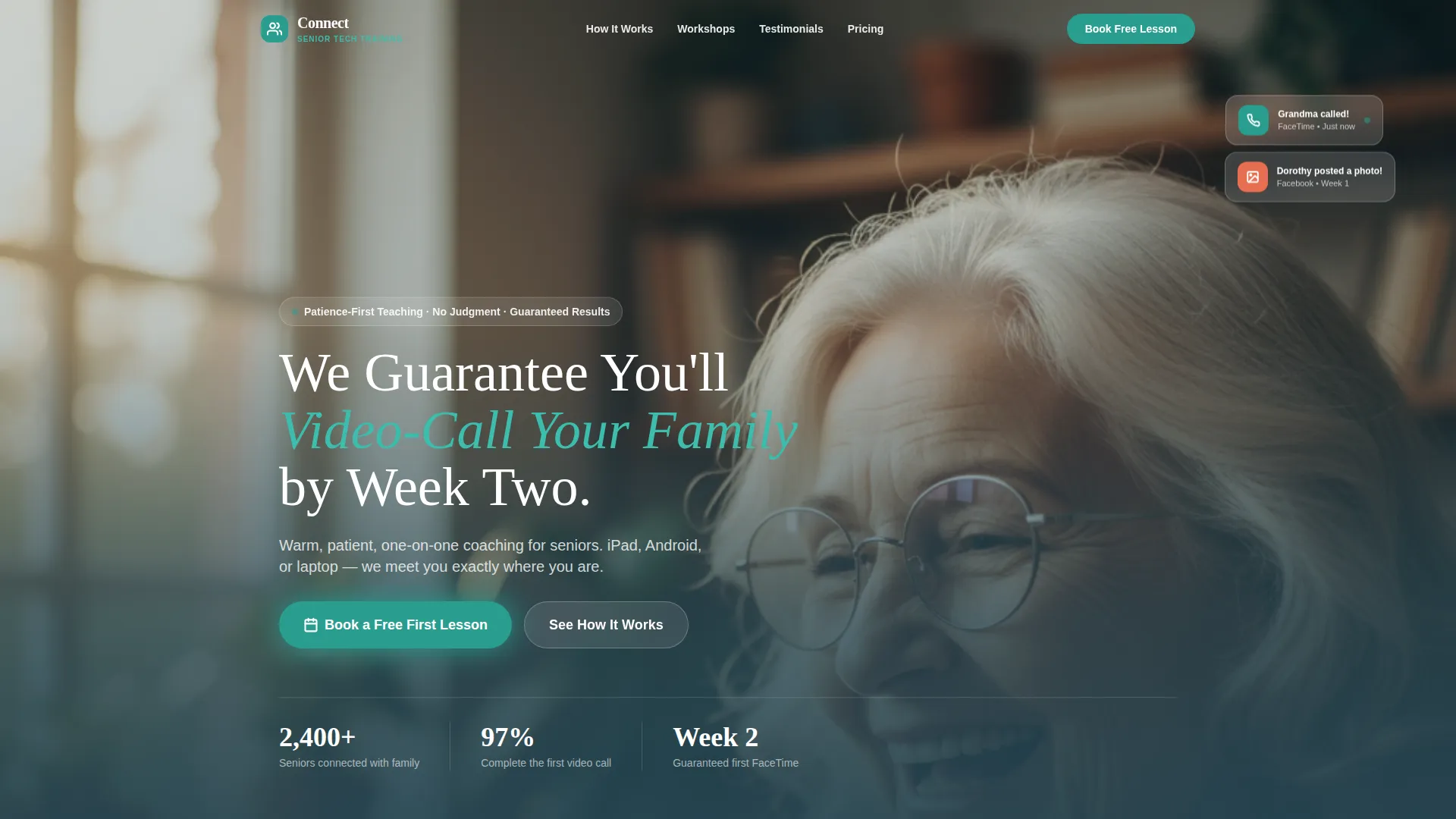
- A portrait-centered hero section with a warm headline, a softly lit senior photograph, and a primary booking call to action
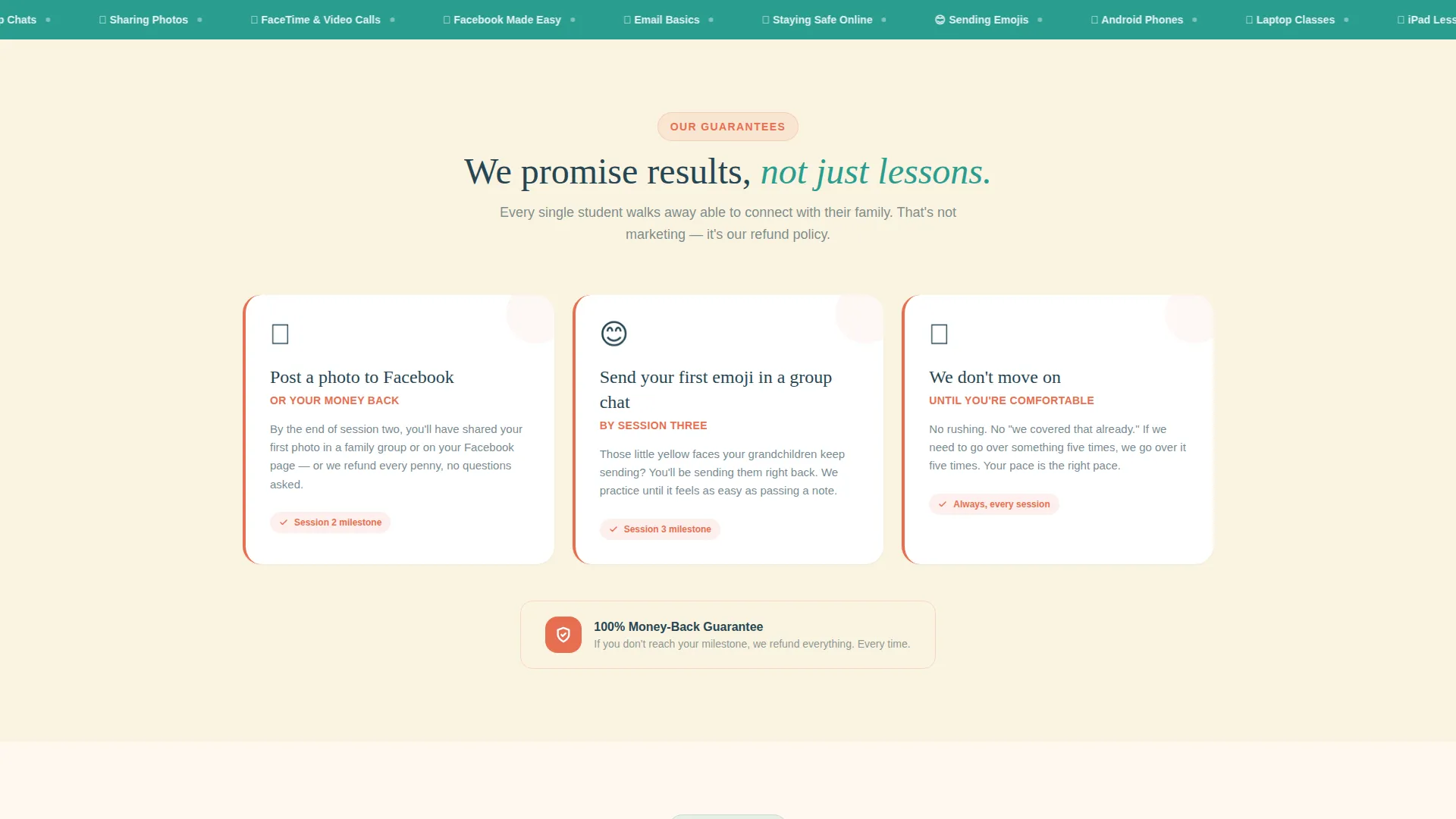
- Three modular guarantee cards with coral accent borders, followed by format cards, illustrated device guides, and real-style testimonial cards
- A floating mobile booking button, an inline scheduling widget, and a secondary gift-giving card with its own simpler form
Feature list
This template is built around a set of purposeful, prompt-backed design and layout decisions that work together to build trust and drive bookings.
Guarantee-Led Card Row
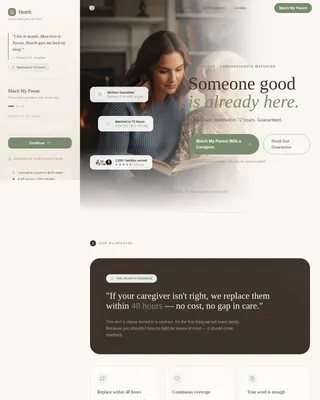
The first scrollable card row displays three bold promise statements, each on its own modular card with a rosy coral accent border. This section earns visitor trust before any explanation of method or pricing appears on the page.
Portrait-Centered Hero Section
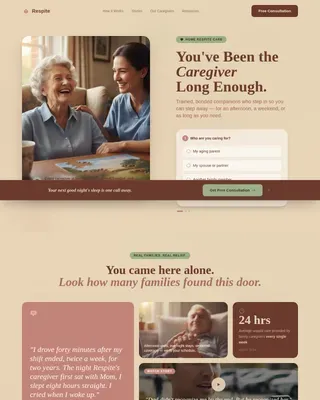
A full-frame, softly lit photograph of a senior mid-laugh anchors the top of the page. The headline fades in below the portrait, delivering the core guarantee in warm, readable type against the soft eggshell canvas.
Inline Scheduling Widget
The primary booking path opens a focused widget asking for the learner's first name, their device type (iPad, Android, or laptop), and their preferred day of the week. It keeps the first commitment small and friction low.
Gift This to a Parent Card
A coral-accented secondary card midway down the page offers a separate booking path for family members. It links to a simpler form with a gift message field and recipient email address, making it easy to give the service as a present.
Real-Style Testimonial Cards
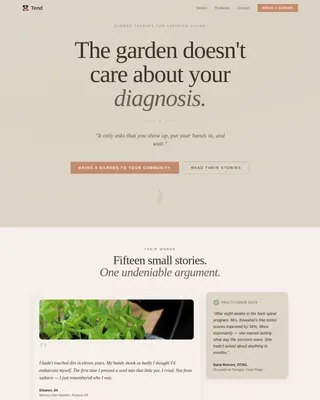
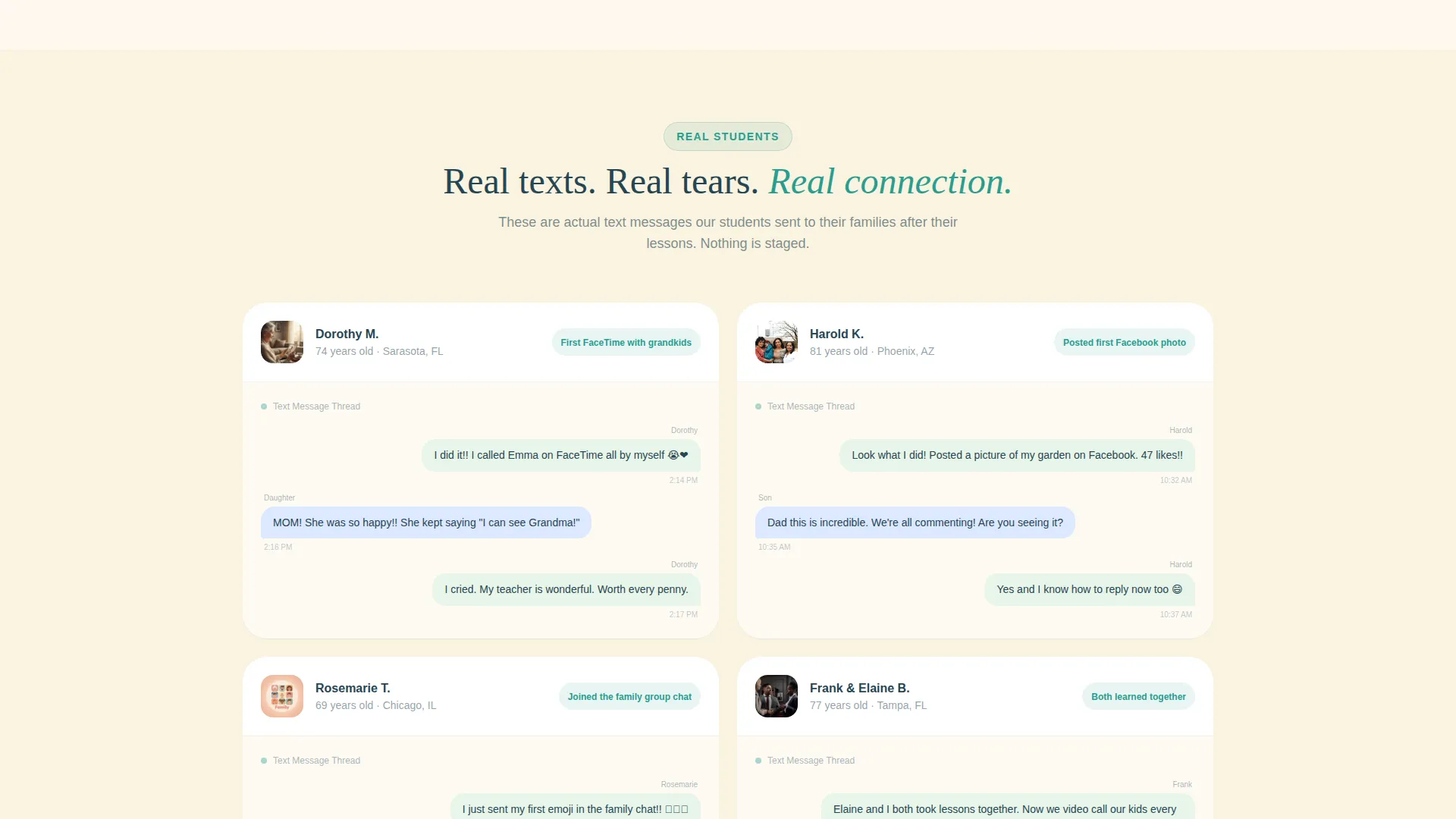
Instead of polished quote blocks, testimonial cards present informal text-message-style screenshots from seniors to their family members. The format feels personal and specific, which makes the social proof far more convincing.
Floating Mobile Booking Button
On mobile, the primary call to action stays pinned at the bottom of the screen throughout the scroll. The "Book a Free First Lesson" button in warm teal remains accessible at every point in the page journey.
Page sections overview
| Section | Purpose |
|---|---|
| Hero portrait header | Opens with a warm senior portrait and the guarantee headline to establish trust immediately |
| Guarantee card row | Three coral-bordered cards state concrete promises before any methodology is introduced |
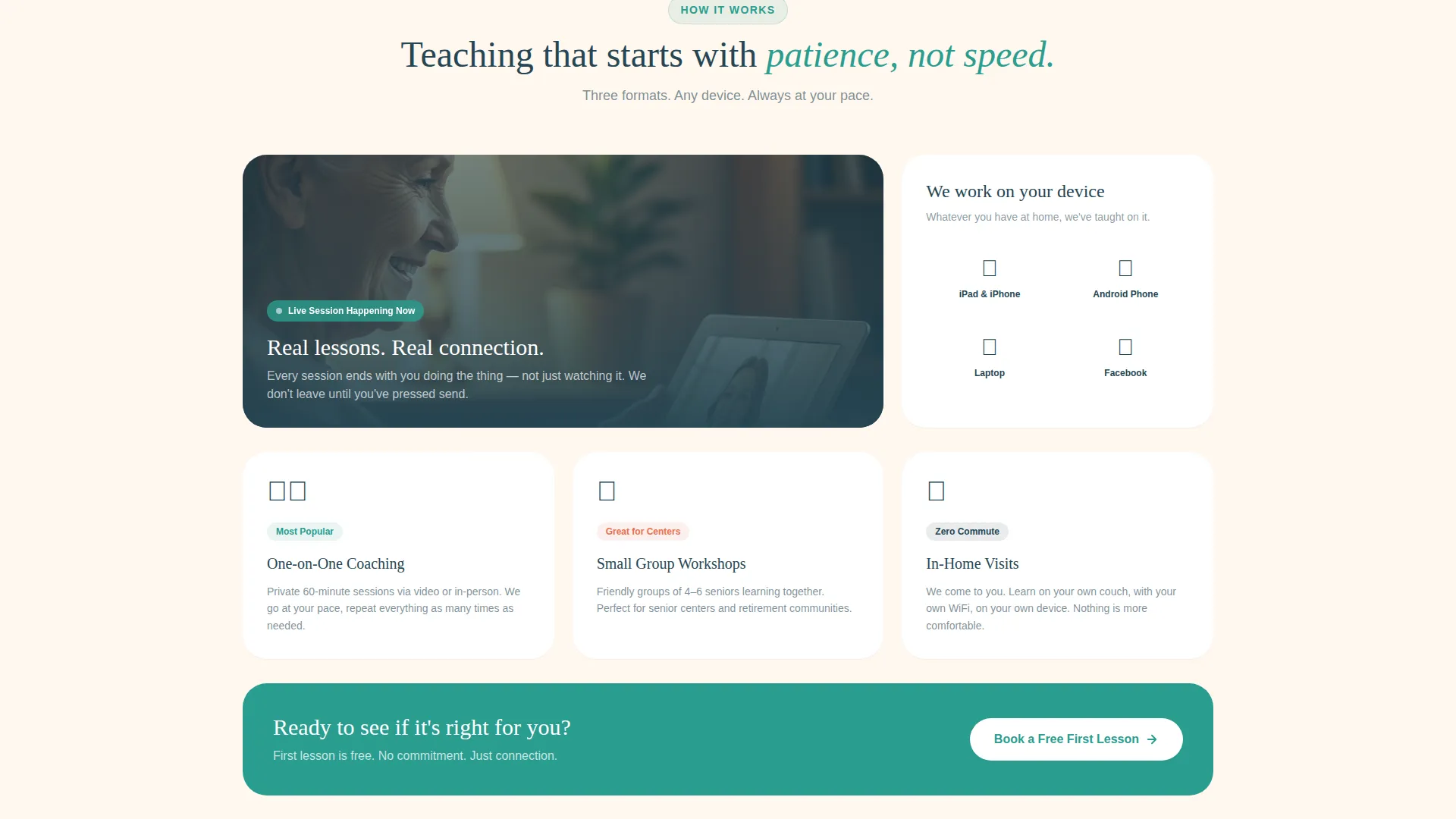
| Workshop format cards | Explain available learning formats so visitors can choose the right fit |
| Coaching approach cards | Highlight patience-first, one-on-one coaching and device-specific guidance |
| Illustrated device guides | Friendly visual cards covering iPad, Android, and laptop learning paths |
| Testimonial card row | Informal text-style screenshots from seniors provide relatable social proof |
| Gift a parent card | Coral-accented card with a separate gifting form for family members |
| Inline scheduling widget | Collects learner name, device type, and preferred day to complete the booking |
| Repeated call to action rows | Booking button reappears after every third card row throughout the scroll |
Design & branding system
The visual identity follows a Family First theme using the Teal Catalyst color system. Every color choice was made to feel warm, readable, and never intimidating to an older audience.
- Warm teal (#2A9D8F) is the primary action color used for buttons and interactive elements; soft eggshell (#FAF3E0) covers card backgrounds and the page canvas; deep charcoal (#264653) handles all body text for strong readability
- Rosy coral (#E76F51) is reserved for guarantee cards, urgent highlights, and the gift-a-parent card accent border to draw the eye without creating alarm
- The overall palette feels like a handwritten letter on cream stationery, approachable enough for a first-time tech learner and confident enough to promise real results
Mobile & speed optimization
The card-grid layout is built to translate cleanly from desktop to mobile, which matters because many family members will discover the service on a phone while searching during a family visit.
- The floating teal booking button stays pinned at the bottom of the mobile screen so the call to action is never more than a thumb-tap away
- Modular card rows reflow naturally on smaller screens, keeping guarantee statements, testimonial cards, and device guides readable without horizontal scrolling
- The portrait-centered hero and inline scheduling widget are sized and spaced for touch interaction, reducing the chance a visitor abandons the form mid-way
How this template helps you convert
The entire scroll is designed so that doubt dissolves one small, concrete proof at a time before the visitor ever reaches a form.
- The guarantee cards appear before any pricing or explanation, which means visitors arrive at the scheduling widget already trusting the service rather than still evaluating it
- The booking button repeats after every third card row and stays floating on mobile, so there is never a moment in the scroll where the next step is unclear
- The secondary gifting path captures family members who are not ready to book for themselves but are willing to buy the service as a gift, expanding the conversion surface without adding a new page
Other information about this template
Connect belongs to the Elderly Care and Senior Living category with a focus on Senior Support Services. It sits at a strong intersection between emotional creative direction and practical booking functionality.
- The template style is Card Grid (Modular), which allows sections to be rearranged or extended with additional card rows as the service offering grows
- The Guarantee-Led creative direction is intentional: the scroll sequence is built so that the promise appears first and the method is revealed only after trust is established
- The landing page direction is Booking and Scheduling, meaning every design decision from the floating button to the inline widget is oriented toward a confirmed first appointment
Theme
Family First
Creative direction
Guarantee-Led
Color system
Teal Catalyst
Style
Card Grid (Modular)
Direction
Booking/Scheduling
Page Sections
Guarantee-led Opening Card Row
Portrait-centered Hero Section
Inline Scheduling Widget
Gift This to a Parent Card
Real-style Testimonial Cards
Floating Mobile Booking Button
Related questions
Can I customize the guarantee statements on the cards?
Can family members book on behalf of a senior parent?
Is the scheduling widget connected to a live calendar?
Can I use this template for group workshops as well as one-on-one sessions?
How flexible is the card-grid layout if I want to add more content?