Marriage Counselor Specialist Booking Website Template
The Copay landing page helps couples understand marriage counseling costs before booking. It walks visitors through insurance panels, in-network versus out-of-network cost comparisons, sliding-scale fees, and superbill reimbursement in plain language. A calm, educational layout guides anxious partners from financial confusion to booking confidence, ending each section with a clear call to action.
by Rocket studio
Quick summary
Copay is a single-column, click-through landing page built for marriage counseling practices. It guides couples through insurance verification, copay math, sliding-scale options, and superbill reimbursement in one calm scroll. By the time visitors reach the booking button, they know their likely cost and their reimbursement path.
Who this template is for
This template is built for therapists and marriage counselors who want to remove cost anxiety before the first session. It speaks directly to couples researching insurance coverage late at night and partners who need concrete numbers before they can commit.
- Marriage counselors and couples therapy practices that accept insurance
- Therapists offering sliding-scale fees or out-of-network superbills
- Practices tired of answering the same billing questions on every intake call
What problem this template solves
Most therapy practice websites leave couples guessing about cost. That silence creates doubt, and doubt delays bookings. This template replaces that gap with a clear, step-by-step financial guide that feels like a trusted colleague walking you through the numbers.
- Couples do not know whether their insurance covers marriage counseling
- Out-of-network reimbursement math feels complicated and discouraging
- Visitors leave when they cannot find a clear answer to "what will this cost me?"
What you get with this template
You get a fully structured, single-column landing page that covers every billing question a couple is likely to ask. Each section is designed to build confidence progressively, so the booking button appears only after the visitor feels financially informed.
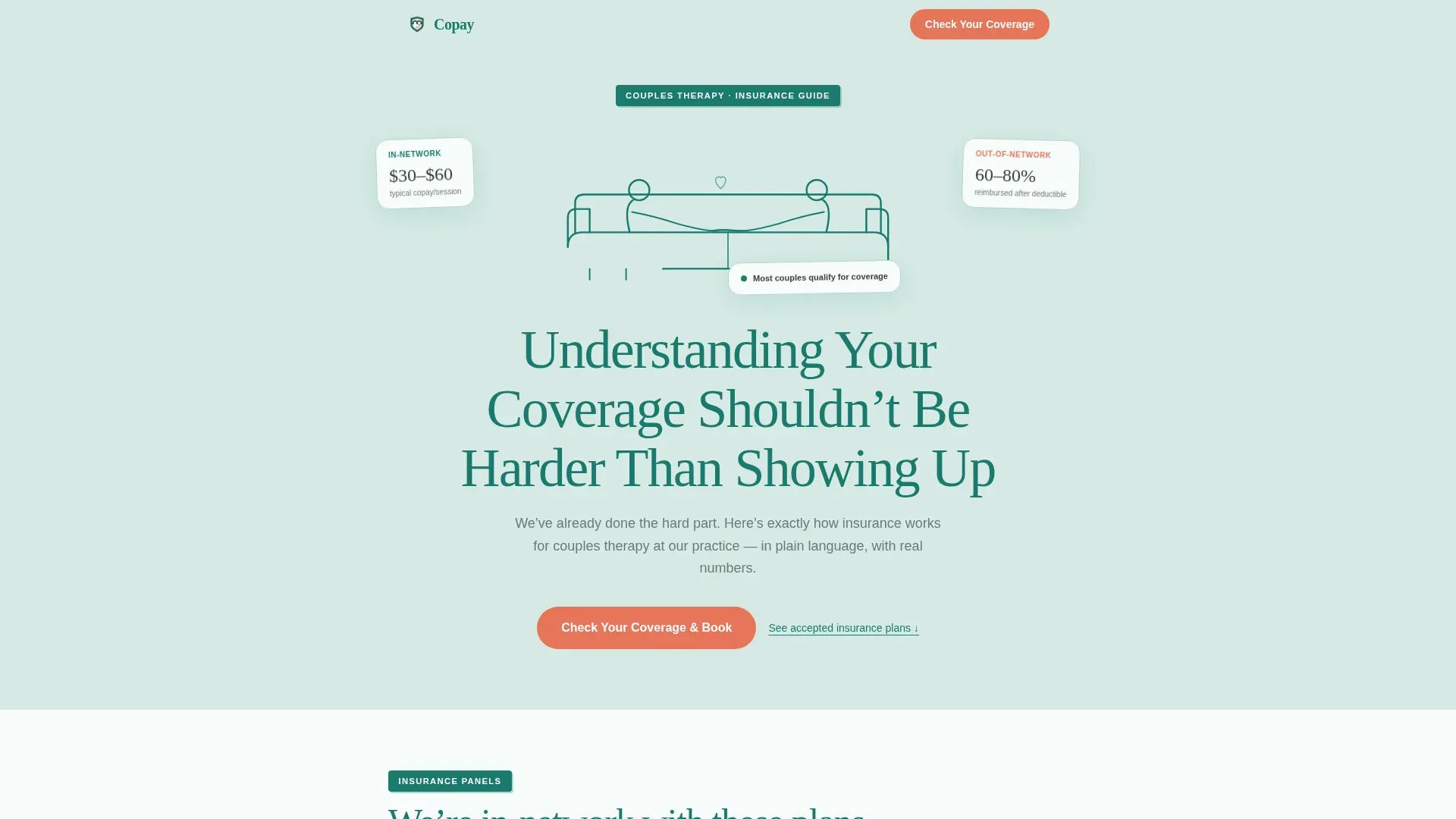
- A hero section with line-art illustration and a confidence-setting headline
- Insurance panel list, cost breakdown, superbill walkthrough, sliding-scale section, and FAQ accordion
- Two coral call-to-action placements and a secondary PDF download text link
Feature list
This template is organized around a focused set of components that each serve the visitor's financial clarity journey.
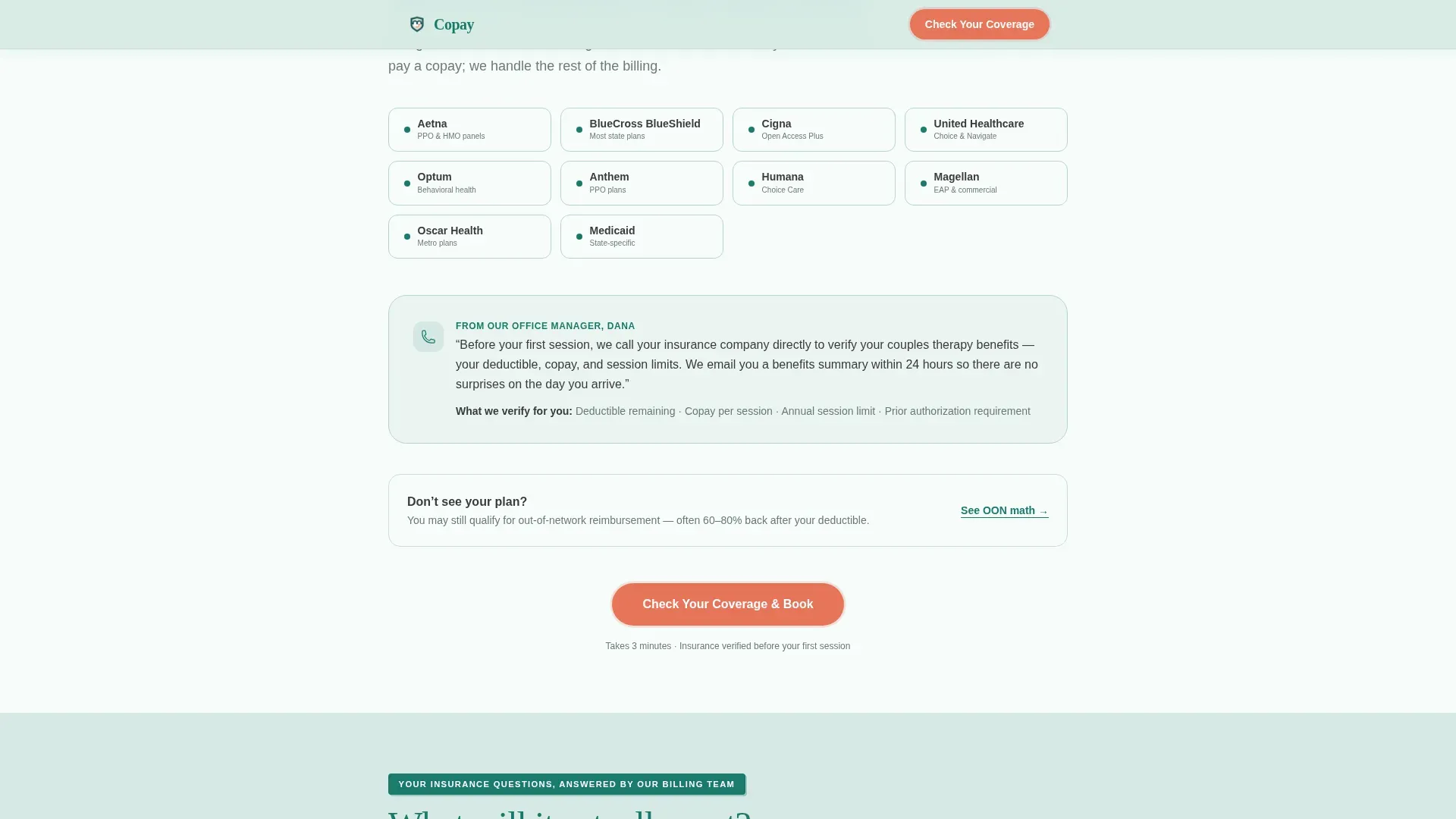
Insurance Panel Explainer
A dedicated section lists accepted insurance carriers and walks visitors through how to verify their own coverage. A short explainer from the billing team's perspective keeps the tone knowledgeable and approachable. The first coral "Check Your Coverage & Book" button appears here.
In-Network versus. Out-of-Network Cost Breakdown
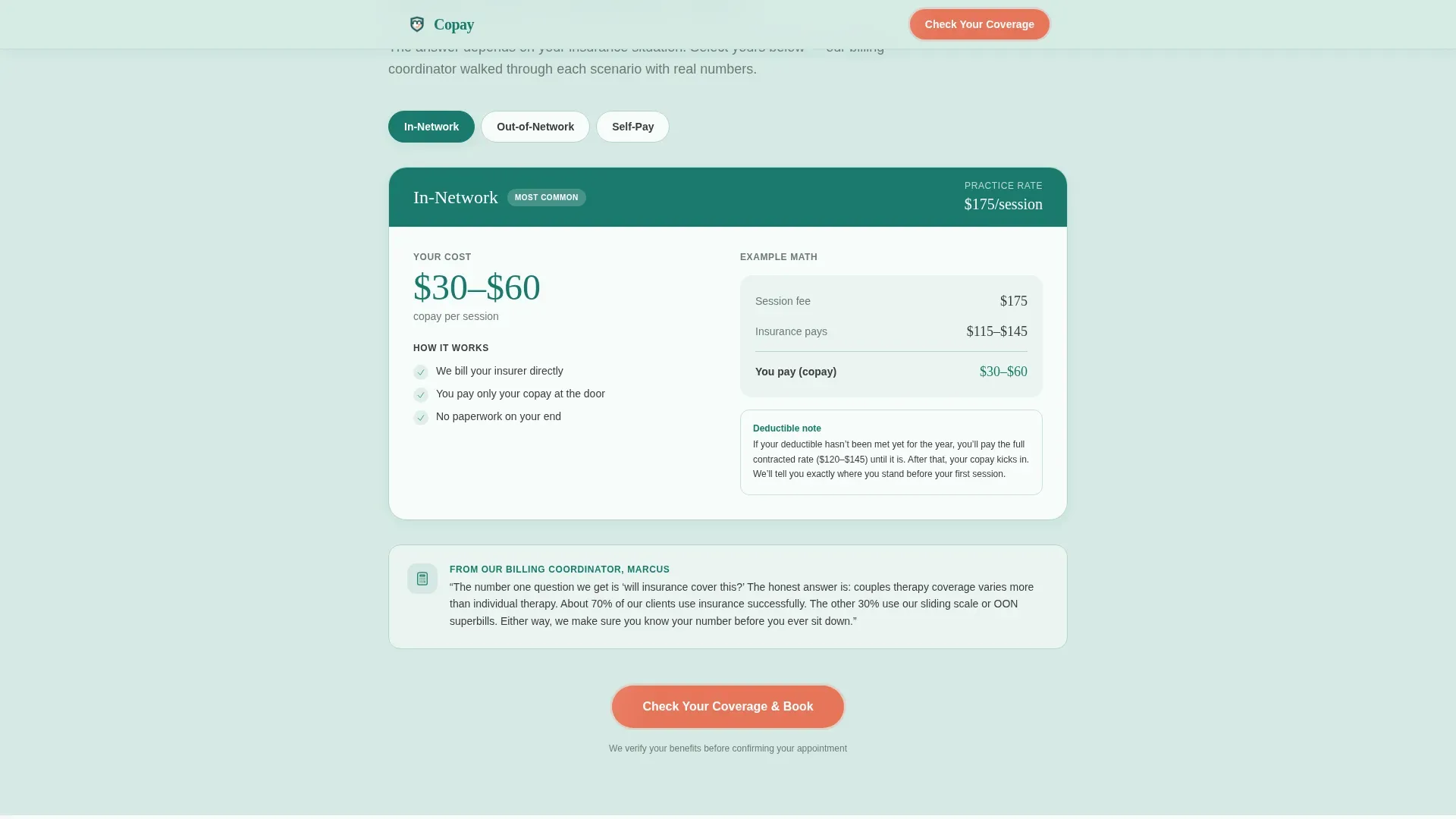
A tab-switching layout lets visitors compare in-network copay examples against out-of-network reimbursement math using real dollar figures. This section removes the guesswork from the most common billing question couples ask.
Annotated Superbill Walkthrough
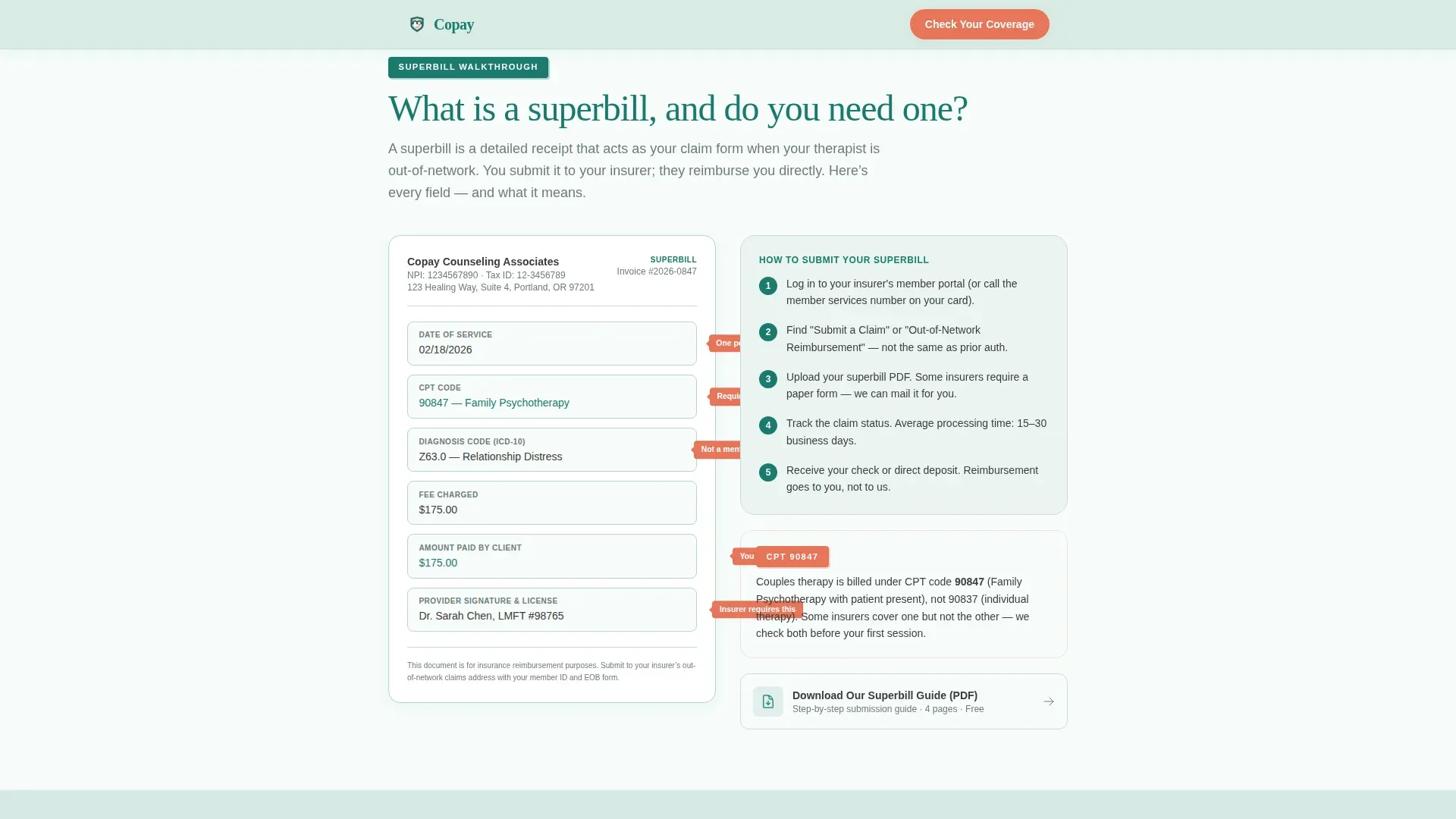
A diagram-style explainer shows what a superbill is, what each field means, and how to submit it to an insurer for reimbursement. A secondary text link, "Download Our Superbill Guide (PDF)," captures visitors who are not ready to book yet.
Sliding-Scale Fee Section
Specific fee ranges are displayed clearly so couples understand affordability options. This section signals that the practice has already thought about financial barriers before the visitor had to ask.
FAQ Accordion
An accordion-style section uses a specialist voice to answer the billing questions couples are most afraid to ask out loud. The final call-to-action button follows the last FAQ answer.
Scroll-Reveal Animated Layout
Sections enter with a scroll-triggered blur and vertical slide animation. Cards stagger on entry to guide the eye naturally down the page without distraction.
Page sections overview
| Section | Purpose |
|---|---|
| Hero with illustration | Set tone, headline, and floating insight cards |
| Insurance Panels list | Show accepted carriers and verification steps |
| Cost Breakdown tabs | Compare in-network and out-of-network costs |
| Superbill Walkthrough | Explain reimbursement with annotated diagram |
| Sliding Scale fees | Present affordability options with fee ranges |
| FAQ Accordion | Answer specialist-voiced billing questions |
| Footer | Horizontal flow navigation and practice links |
Design & branding system
The visual identity uses an Educational Guide theme that feels clinical enough to trust and warm enough to open. Every color in the palette serves a specific role, preventing visual noise and reinforcing hierarchy.
- Deep teal (#1A7A6D) anchors headers and structural elements; soft sage (#D6EAE4) washes the background; warm charcoal (#3B3B3B) handles all body text
- Catalyst coral (#E8755A) appears only on buttons and callout badges, making every call to action unmissable
- Fraunces serif handles headlines for warmth and authority; DM Sans handles body copy for clean readability
Mobile & speed optimization
The template is built mobile-first because the primary visitor is searching on a phone late at night. Every layout decision prioritizes the small-screen reading experience before scaling up to desktop.
- Single-column flow means no horizontal scrolling or collapsed grid confusion on mobile
- Server Components handle all static content to keep JavaScript minimal and load times lean
- Scroll-reveal animations use blur and translateY transitions sized for smooth mobile rendering
How this template helps you convert
The page earns the booking click by removing every financial reason to hesitate. Conversion is built into the structure, not bolted on at the end.
- The insurance panel section answers the first question couples actually ask, then places the coral "Check Your Coverage & Book" button directly below the answer while confidence is highest.
- The cost breakdown section uses real dollar examples through a tab interface so visitors can see their likely copay before they ever speak to anyone, and the second coral button appears immediately after.
- The superbill PDF link and FAQ accordion together capture visitors who are not yet ready to book, keeping them engaged with the practice rather than sending them to a competitor.
Other information about this template
This template is part of a Health and Medical category, specifically designed for marriage counselor insurance and billing pages. It fits naturally within a broader marriage counselor website as a standalone billing and insurance guide page.
- The page uses no photography or stock imagery; the header relies on a hand-drawn teal-on-sage SVG line-art illustration of two people on a couch
- The footer follows a Vercel Horizontal Flow pattern (Pattern 3) for clean practice navigation
- No form appears on this page; the call-to-action click routes to an external intake scheduler pre-loaded with an insurance verification step
- The template is localized for the United States, using USD currency and MM/DD/YYYY date formatting
Theme
Educational Guide
Creative direction
Expert Panel
Color system
Teal Catalyst
Style
Single Column Flow
Direction
Click-Through
Page Sections
Insurance Panel and Verification Explainer
Tabbed In-network Versus. Out-of-network Cost Breakdown
Annotated Superbill Walkthrough
Sliding-scale Fee Display
Specialist-voice FAQ Accordion
Scroll-reveal Animated Sections
Related questions
Can I update the insurance carriers listed on this page?
Does this template include the booking calendar or scheduler?
Can I use this template if my practice is fully out-of-network?
Is the superbill PDF document included in the template?
Does the page include any forms or data collection fields?



