Family & Domestic Law Specialist Booking Website Template
Counsel is a single-column lead generation landing page built for grandparent rights attorneys. It uses a centered giant headline, scroll-reveal expert panels, and a three-question case review form to guide emotionally distressed grandparents from first visit to booked consultation. The Executive Suite design radiates authority and warmth without relying on stock photography.
by Rocket studio
Quick summary
Counsel is a focused, single-column landing page for a grandparent rights law practice. It opens with a stark, oversized headline and scrolls through plain-language legal education before asking visitors to act. Every section builds trust first. By the time a grandparent reaches the form, they feel understood rather than sold to.
Who this template is for
This template was designed for family law attorneys who specialize in grandparent visitation and custody rights. It speaks directly to a distressed audience that is legally inexperienced but emotionally motivated.
- Grandparent rights attorneys seeking qualified case review leads
- Family law practices handling visitation petitions and custody interventions
- Solo practitioners or small firms serving grandparents across multiple states
What problem this template solves
Grandparents searching for legal help are often overwhelmed, skeptical, and unsure whether they have any standing at all. A generic law firm page does nothing to answer their first real question: "Do I even have rights?" This template solves that trust deficit before the form appears.
- Visitors arrive in distress and leave without calling because no page explains their legal position
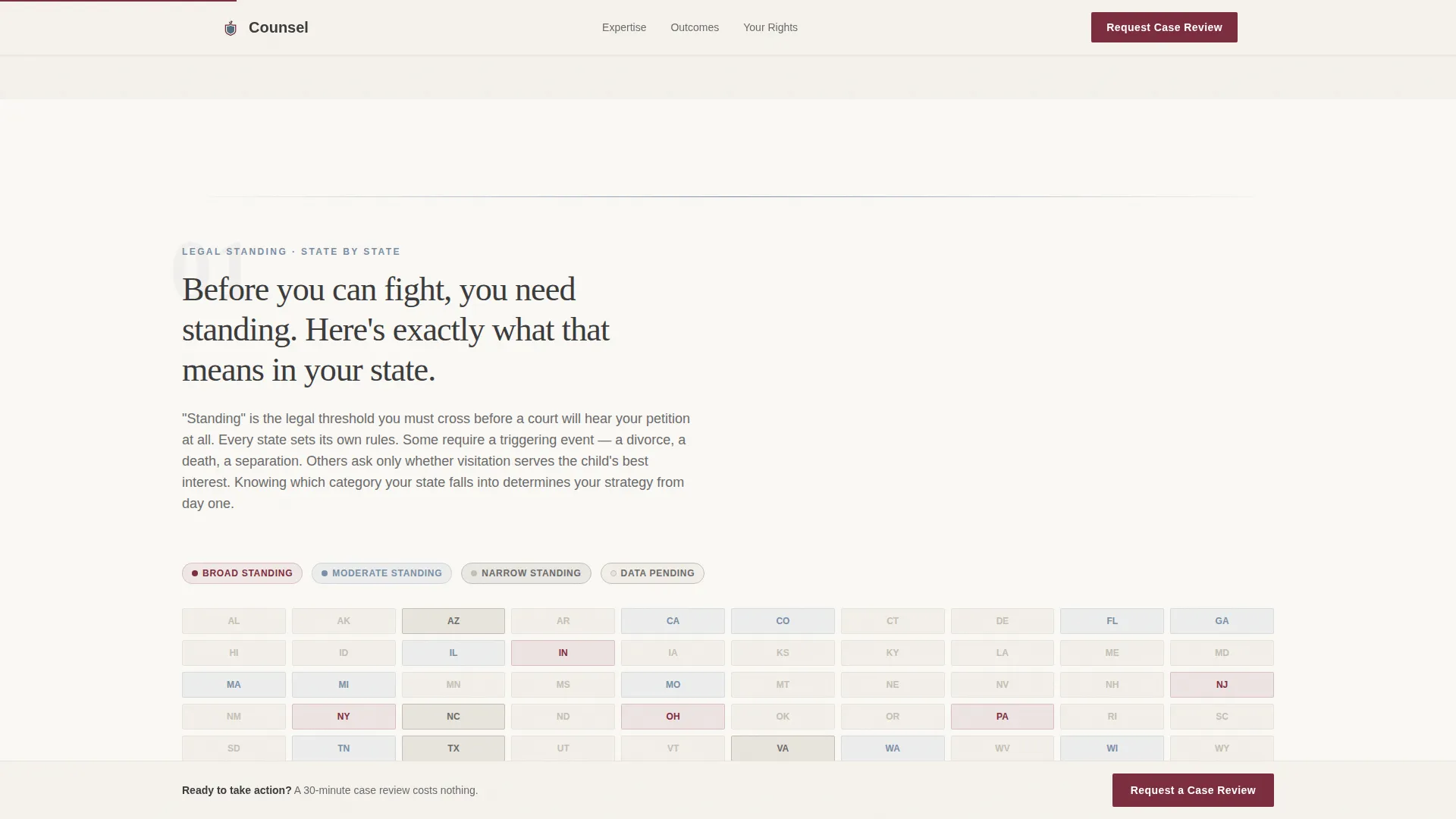
- State-by-state variation in grandparent rights law creates confusion that drives prospects away
- Generic attorney pages ask for contact details before earning the visitor's confidence
What you get with this template
The template delivers a complete, ready-to-customize single-column landing page with every section mapped to a specific job in the conversion journey. Content structure, design system, and interactive components are all included.
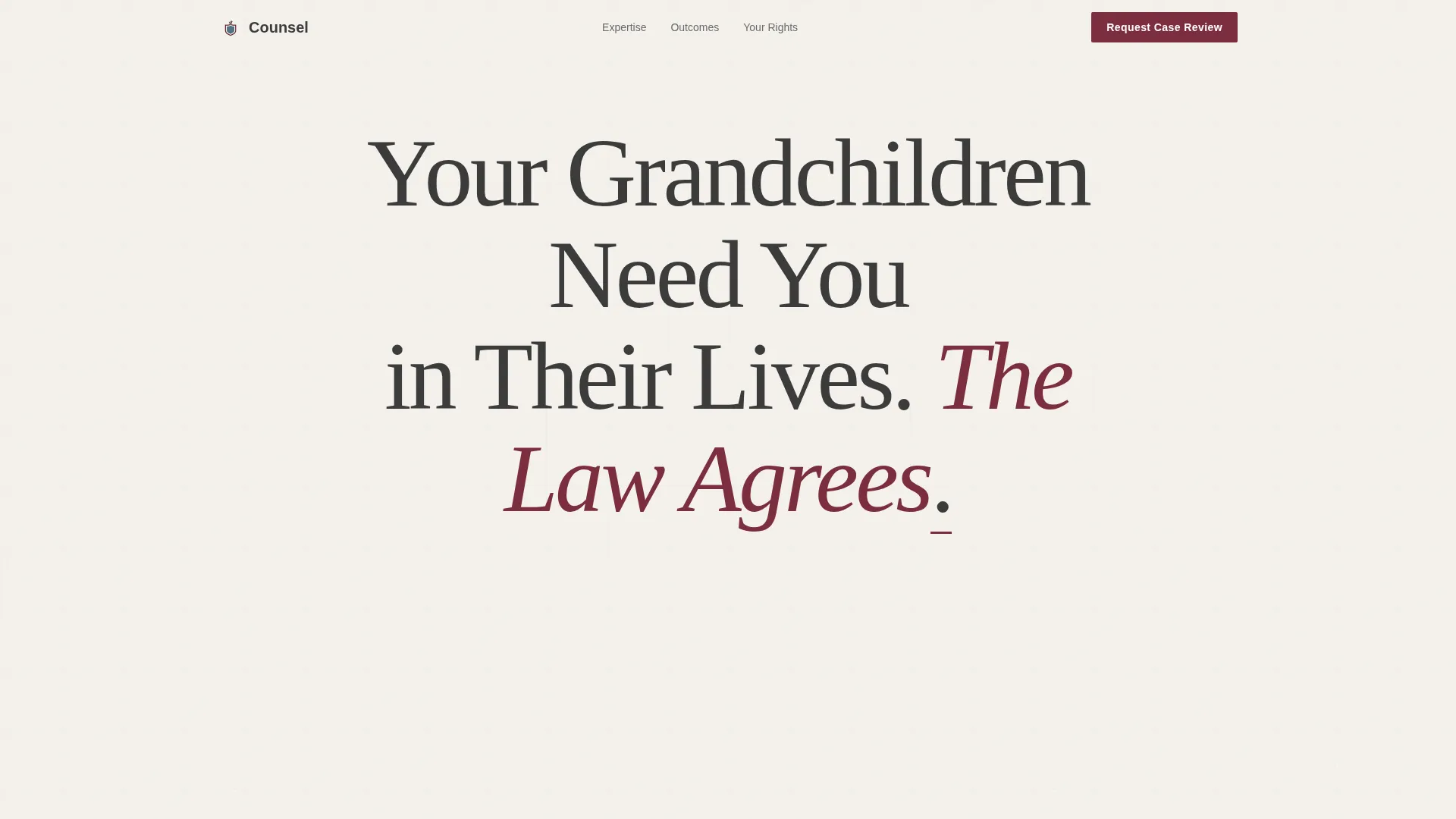
- A hero section with a giant centered headline, whitespace breathing room, and a single garnet call-to-action button
- Scroll-reveal expert panels covering standing requirements, judicial objections, and anonymized case outcomes
- A multi-step lead form with three questions plus a gated PDF download for secondary lead capture
Feature list
This section describes the core built-in capabilities of the Counsel landing page template.
Giant Centered Hero Headline
The hero opens with oversized display type centered in full whitespace. A single garnet underline beneath the closing period anchors the statement visually. There are no images or decorative elements. The absence of distraction is intentional and communicates authority immediately.
Scroll-Reveal Expert Panel Layout
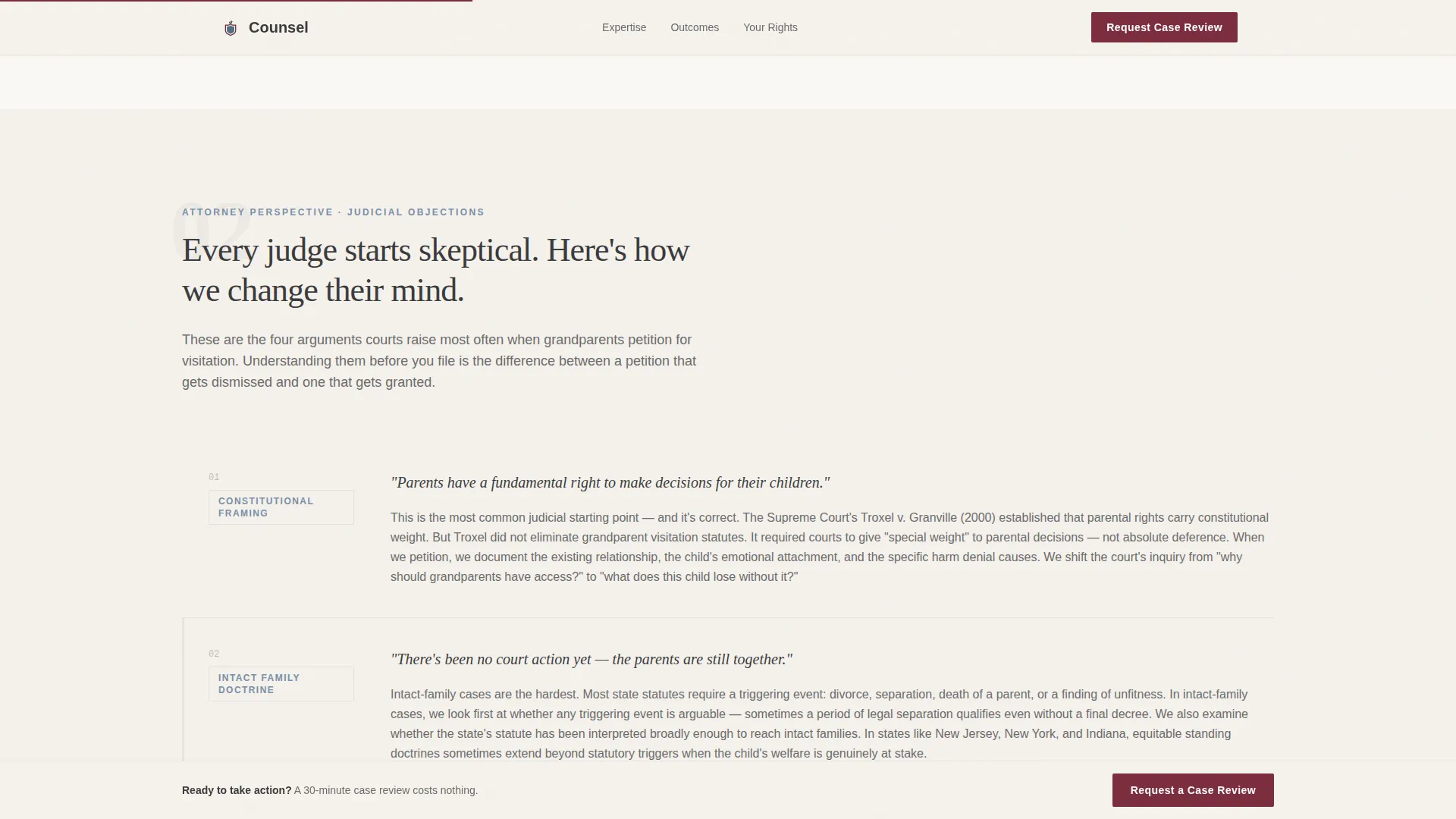
Each content section enters the viewport through a scroll-triggered reveal. The staggered animation sequence guides the reader through standing requirements, attorney perspective on judicial objections, and anonymized case outcome narratives. Visitors build genuine legal literacy as they scroll.
Multi-Step Case Review Form
The lead form asks three questions in sequence: the visitor's relationship to the child, the state where the child resides, and a brief description of what changed. The stepped format reduces friction and feels like the beginning of a real intake conversation rather than a data grab.
Gated PDF Download Module
A secondary lead capture path offers a downloadable resource titled "Grandparent Rights in Your State." It is gated behind an email field and a state selector. This captures prospects who are researching but not yet ready to request a full case review.
Sticky Call-to-Action Behavior
The primary "Request a Case Review" call to action appears first beneath the hero and again anchored at the bottom of the page after the final expert panel. The sticky placement ensures the action path is always visible without interrupting the educational scroll.
Anonymized Case Outcome Narratives
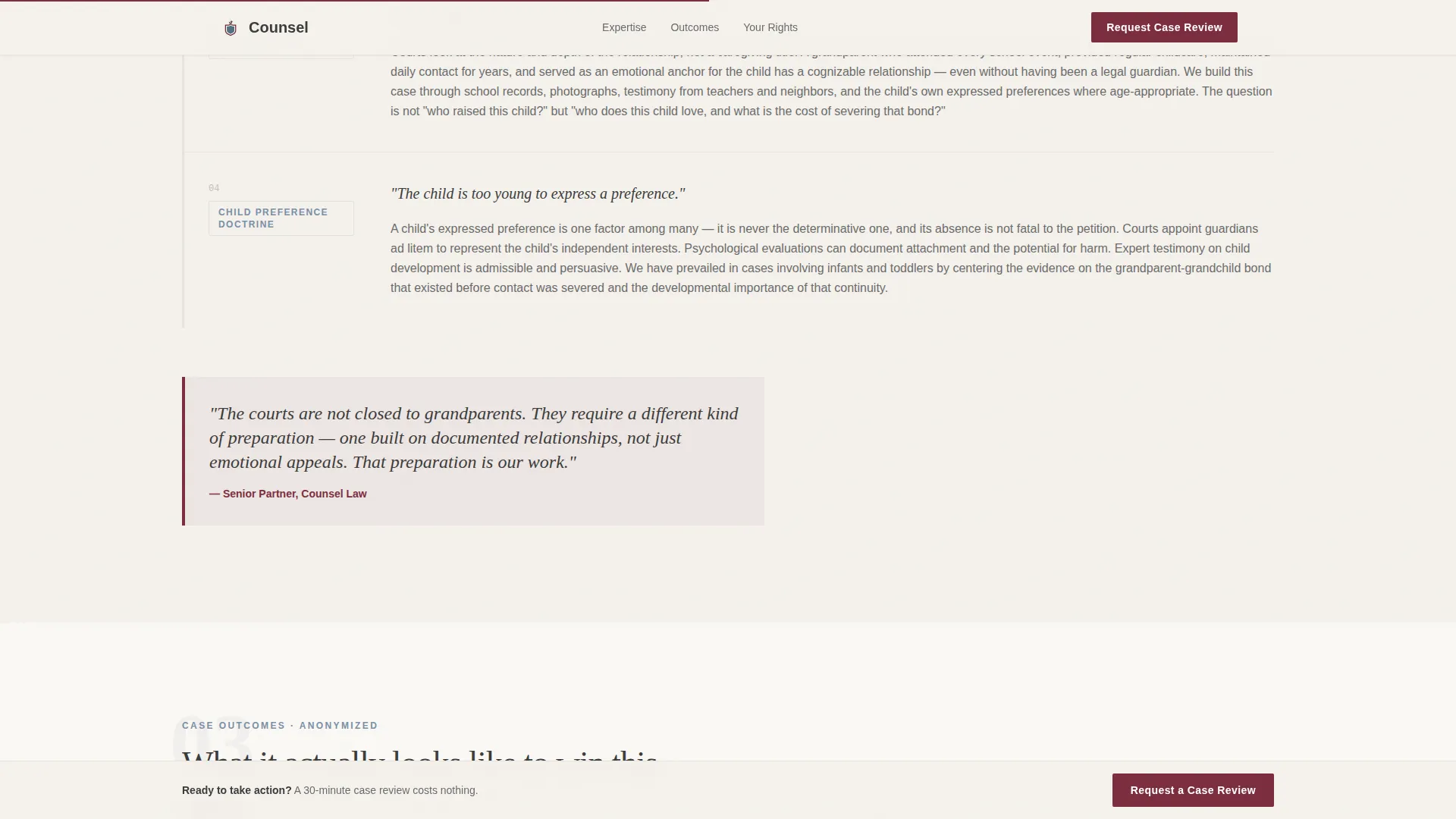
The case outcomes section presents brief narrative timelines with results rather than raw statistics. Each story is anonymized and formatted to show how real situations moved from crisis to resolution. This approach builds credibility through specificity rather than vague claims.
Page sections overview
| Section | Purpose |
|---|---|
| Hero Headline | Opens with authority, single call to action |
| Standing Requirements Panel | Educates on state-by-state legal standing |
| Attorney Expert Panel | Addresses common judicial objections |
| Case Outcome Narratives | Builds credibility through anonymized results |
| Case Review Form | Captures primary leads via three questions |
| PDF Download Gate | Captures secondary leads via email and state |
| Footer | Closes with horizontal firm information flow |
Design & branding system
The visual identity follows an Executive Suite theme using the Cloud Canvas color system. The palette communicates serious legal authority while remaining warm enough to feel approachable to an older, distressed audience.
- Pearl white (#F4F1EC) as the dominant background, charcoal (#3B3B3B) for body text, and muted slate blue (#7A8FA6) for section dividers and secondary elements
- Deep garnet (#7C2D3E) reserved exclusively for calls to action and legal callouts, making every action prompt visually unmistakable
- Fraunces display typeface for headlines and DM Sans for body copy, pairing editorial gravitas with clean readability
Mobile & speed optimization
The template is designed desktop-first to serve an older primary demographic, with full mobile support built in across all sections. Interactive components use a client-side rendering approach while static content panels are handled by server components.
- Scroll-reveal animations and parallax effects on the hero text are set to medium intensity, avoiding motion that feels overwhelming on smaller screens
- The multi-step form and PDF gate modal are built as client-side interactive components, keeping them responsive and functional across device sizes
How this template helps you convert
The Counsel template earns action by educating before asking. Every structural choice serves the conversion goal without appearing to sell.
- The giant headline immediately signals relevance, and the garnet call to action below it gives ready visitors a direct path without making them scroll past content they do not need.
- The expert panel sequence builds legal literacy section by section, so by the time the visitor reaches the form they understand what a case review means and why waiting costs them more than acting.
- The gated PDF creates a second conversion lane for visitors who are not ready to call, ensuring the page captures value from both high-intent and research-phase visitors.
Other information about this template
The Counsel template sits within the Legal and Compliance category under the Family and Domestic Law subcategory, purpose-built for the grandparent rights attorney niche. It is formatted for United States audiences using standard date format (MM/DD/YYYY) and currency (USD), with state-specific content fields throughout.
- The footer uses a horizontal flow layout, organizing firm information cleanly across a single row without visual clutter
- The template is localized for USA law practices and includes a state selector field in both the lead form and the PDF download gate
- Page animations are set to medium intensity, using scroll reveals and stagger effects to guide attention without overwhelming visitors who may be less familiar with animated interfaces
Theme
Executive Suite
Creative direction
Expert Panel
Color system
Cloud Canvas
Style
Single Column Flow
Direction
Lead Generation
Page Sections
Giant Centered Hero Headline
Scroll-reveal Expert Panel Layout
Multi-step Case Review Form
Gated PDF Download Module
Sticky Call-to-action Placement
Anonymized Case Outcome Narratives
Related questions
Can I customize the headline and legal content for my specific practice?
Does this template work for attorneys licensed in only one state?
What is the PDF download gate and how does it work?
How many calls to action are included on the page?
Is this template suitable for a solo practitioner as well as a larger firm?