Nonprofit Strategy Consultant Landing Page Template
Counsel is a single-column landing page template built for nonprofit strategy consultants. It uses editorial typography, a data-first narrative structure, and a precise Ink and Paper color system to guide executive directors, board chairs, and program directors toward booking a diagnostic call or downloading a gated lead resource.
by Rocket studio
Quick summary
Counsel is a high-authority single-column landing page template for nonprofit strategy consultants. It leads with oversized statistics, builds a diagnostic narrative through editorial prose, and closes with two clear conversion points: a scoped intake form and a gated downloadable PDF. The design feels like a strategy document, not a brochure.
Who this template is for
This template is built for consultants who work at the operational core of nonprofits. It speaks directly to advisors who restructure boards, rebuild fundraising pipelines, and convert long-range plans into actionable quarterly milestones.
- Nonprofit strategy and management consultants targeting executive leadership
- Independent advisors serving board chairs managing leadership transitions
- Consulting firms working with program directors asked to scale impact on flat budgets
What problem this template solves
Most professional services landing pages lead with credentials. Counsel leads with the problem. It is built for consultants whose prospective clients need to recognize their own situation before they will consider outside help.
- Board drift, donor fatigue, and program sprawl go unnamed and unquantified on typical pages
- Visitors leave without a clear signal that the consultant understands their specific operational challenge
- Standard contact forms do not qualify leads or communicate the consultant's strategic seriousness
What you get with this template
The template delivers a fully structured single-column landing page with a defined narrative arc. Every section is purposeful, and every element earns its position on the page.
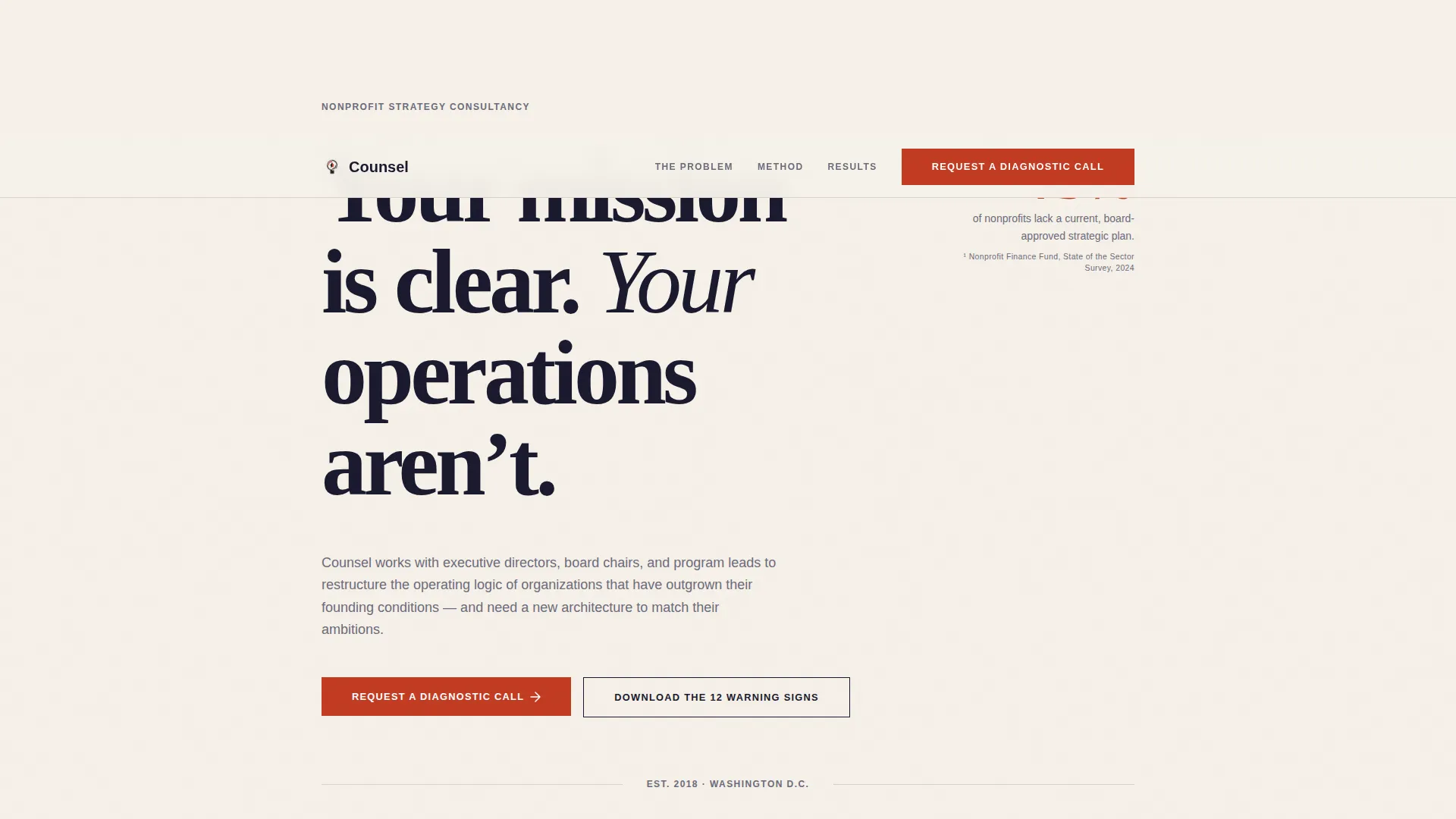
- A giant left-anchored headline section with a sourced red statistic callout and no imagery
- A mid-page lead generation form and a second closing call to action, both labeled "Request a Diagnostic Call"
- A secondary email-gated conversion path offering a downloadable PDF for visitors not yet ready for a call
Feature list
This template packages editorial design decisions and strategic copy structure into a ready-to-deploy layout. Each feature below reflects a deliberate choice from the source brief.
Stats-First Scroll Structure
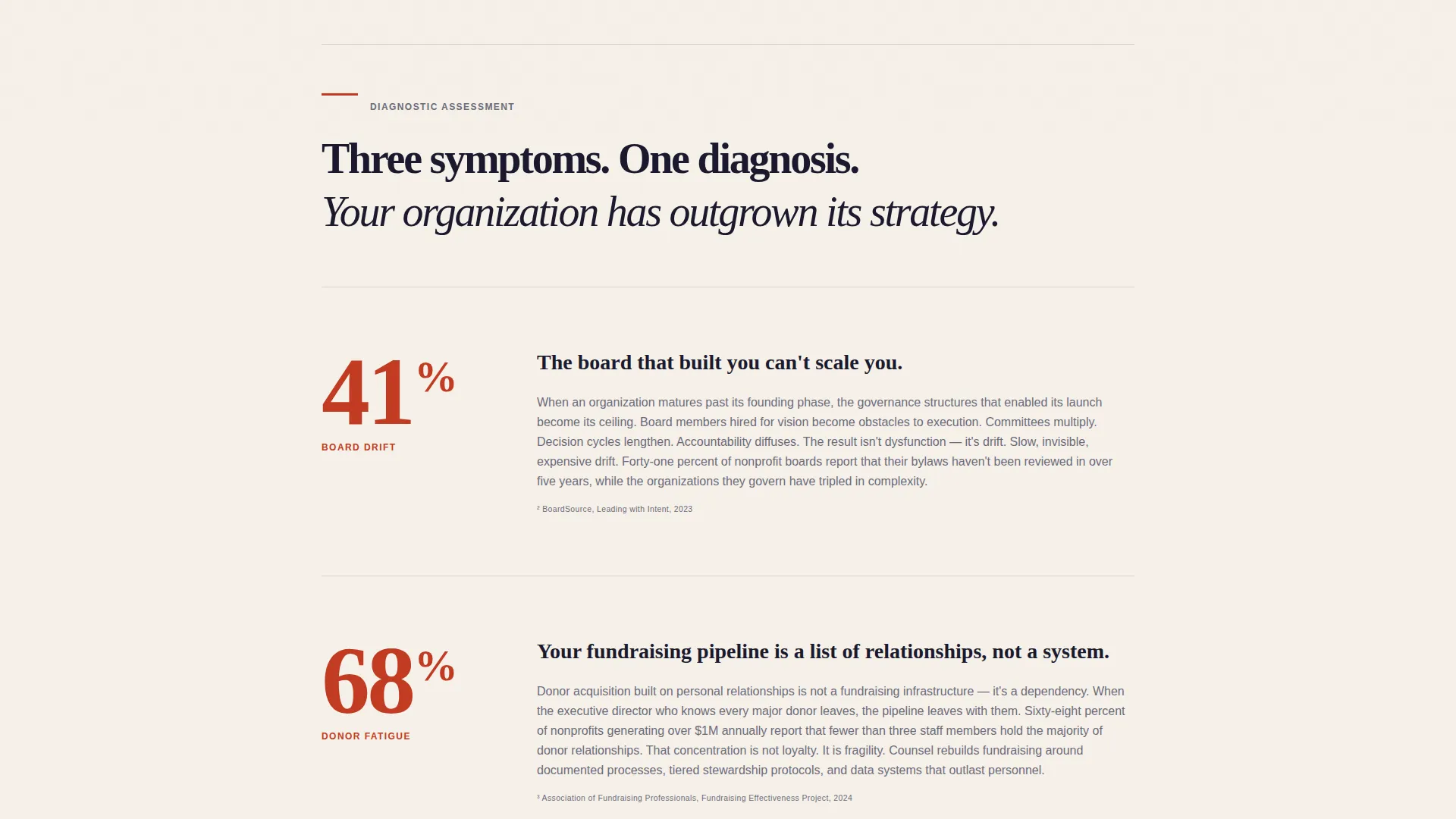
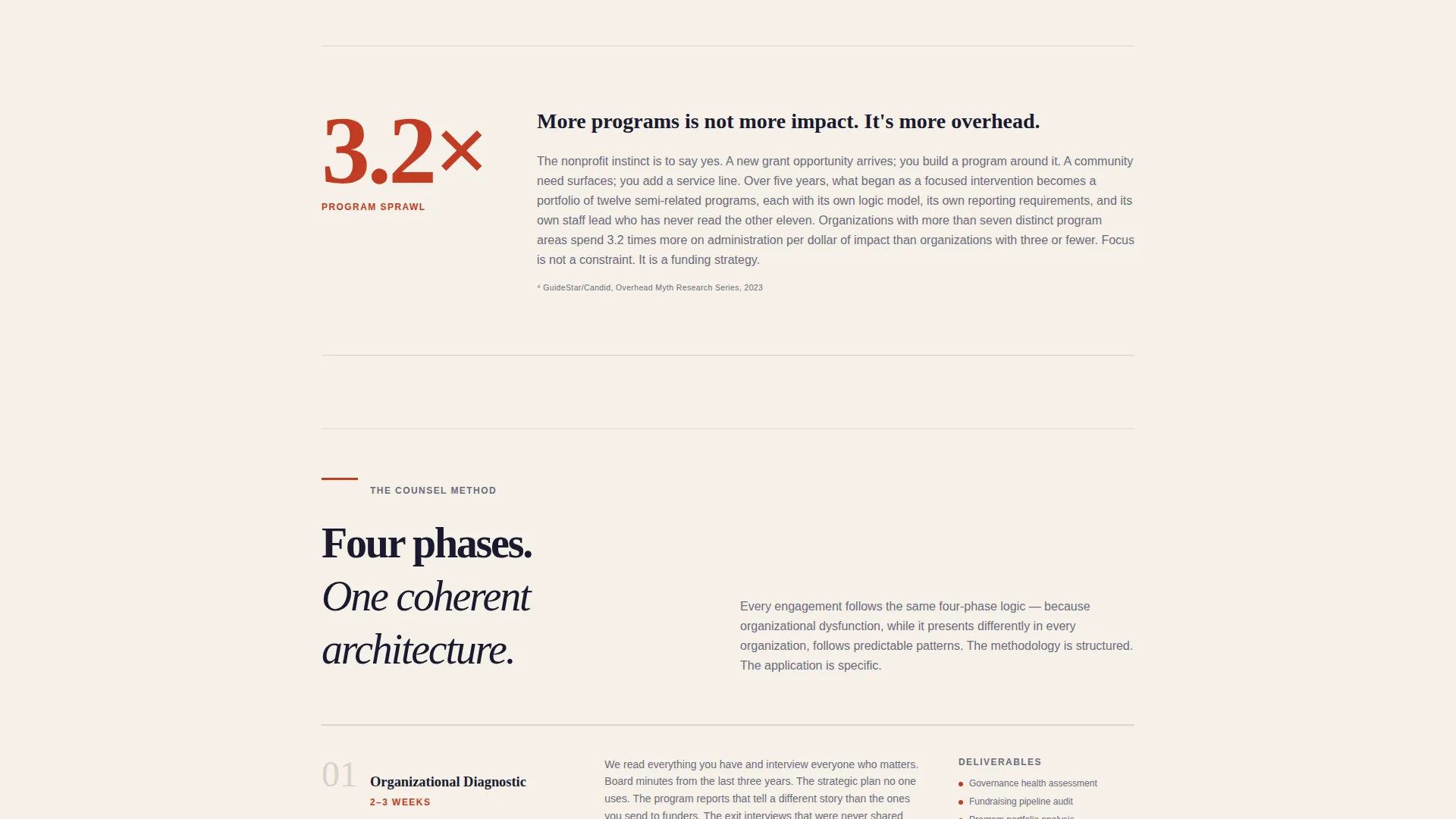
Each scroll position reveals an oversized red data point before its explanatory paragraph. The narrative moves from symptom to cost to resolution, mirroring the logic of a consulting engagement brief.
Giant Headline Left Layout
An enormous black serif headline anchors to the left margin against unbroken cream. A single sourced statistic floats right in decisive red, footnoted like a proper citation. No photography or illustration is used.
Dual Call-to-Action Placement
The primary call to action, "Request a Diagnostic Call," appears twice: once after the methodology section and once at the page close. This placement catches visitors at two different stages of decision readiness.
Scoped Intake Form
The mid-page form collects organization name, annual operating budget range via dropdown, primary challenge via multi-select, and preferred contact email. No phone field is included, respecting the deliberate pace of nonprofit decision-making.
Gated PDF Lead Magnet
A secondary conversion path offers a downloadable PDF titled "The 12 Warning Signs Your Nonprofit Has Outgrown Its Strategy," gated behind email only. It captures visitors who are diagnosing their organization but not yet ready to book a call.
Diagnostic Narrative Architecture
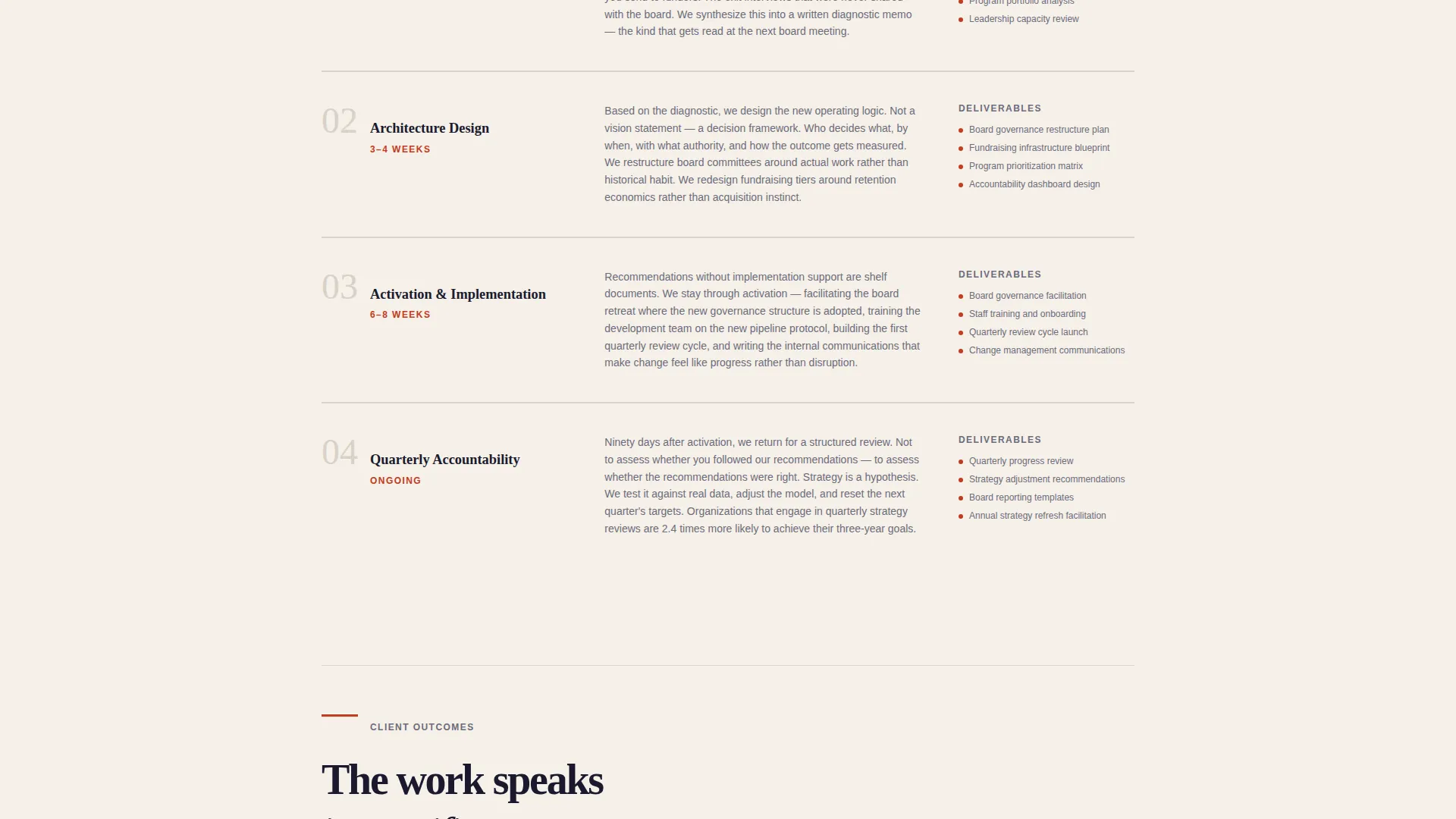
The page structure follows a four-part consulting logic: problem, evidence, framework, outcome. By the time a visitor reaches the call to action, the page has walked them through a self-assessment of their own organization.
Page sections overview
| Section | Purpose |
|---|---|
| Giant Headline Left | Establishes authority and surfaces the core organizational tension with a sourced statistic |
| Stats Callout Row | Quantifies the cost of inaction with oversized red data points and editorial context |
| Symptom Diagnostic Section | Names board drift, donor fatigue, and program sprawl to trigger recognition in the reader |
| Methodology Framework Section | Presents the consultant's structured approach as the resolution to the identified problems |
| Mid-Page call to action Form | Captures qualified leads with a scoped intake form after the methodology is established |
| PDF Lead Magnet | Offers a secondary download path gated by email for visitors not ready for a call |
| Closing call to action Section | Reinforces the primary conversion with a second "Request a Diagnostic Call" prompt |
Design & branding system
The visual identity follows a Corporate Precision theme with an Ink and Paper color system. Every palette choice references printed strategy documentation rather than digital decoration.
- Deep manuscript black (#1A1A2E) for primary type, warm archival cream (#F5F0E8) as the page ground, and marginal gray (#6B6B7B) for secondary text and dividers
- A single decisive red (#C23B22) reserved exclusively for data callouts and primary call-to-action elements
- Large serif typography functions as the visual anchor; whitespace is used deliberately to communicate the same discipline the consultant brings to client engagements
Mobile & speed optimization
The single-column flow layout translates cleanly to smaller screens without restructuring the reading sequence. The editorial hierarchy remains intact across device sizes.
- The left-anchored headline and floating statistic stack vertically on mobile without losing their visual contrast
- Form fields and dropdown selectors are sized for touch interaction without requiring zoom or horizontal scrolling
How this template helps you convert
The page is structured as a progressive case, not a product pitch. Each section moves the visitor closer to a decision by making them feel understood before making an ask.
- The stats-first scroll builds urgency by quantifying the cost of inaction before introducing any solution, so the consultant's methodology arrives as relief rather than a sales pitch.
- The dual call-to-action placement and the gated PDF create two conversion paths for two different visitor mindsets, capturing both decision-ready leaders and those still in the self-diagnosis phase.
Other information about this template
This template is designed for a single-page deployment as a dedicated lead generation landing page. It does not include a navigation menu, interior pages, or a blog section by default.
- The template style is Single Column Flow, keeping the reader on a controlled narrative path without sidebar distractions
- The page direction is explicitly Lead Generation, with every section designed to build toward one of the two conversion points
- The header concept uses a typographic-only treatment: no photography, no illustration, and no background video
- The color system is described in the brief as Ink and Paper, while the intersection context references a Monochrome Steel palette, both of which support the same authoritative, high-contrast visual register
- The template is well suited for consultants positioning themselves as strategic advisors to organizations at inflection points, including leadership transitions, post-merger restructuring, or growth-plateau situations
Theme
Editorial Magazine
Creative direction
Team & People
Color system
Monochrome Steel
Style
Single Column Flow
Direction
Lead Generation
Page Sections
Stats-first Scroll Narrative
Giant Left-anchored Headline
Dual Call-to-action Layout
Scoped Nonprofit Intake Form
Email-gated PDF Conversion Path
Diagnostic Narrative Page Architecture
Related questions
Can I edit the headline and statistics to match my own consulting practice?
Is the intake form connected to any specific tool out of the box?
Can I use this template if I focus on one nonprofit specialty, like board governance?
What makes the dual call-to-action placement useful for nonprofit audiences?
Can I replace the gated PDF with a different lead resource?



