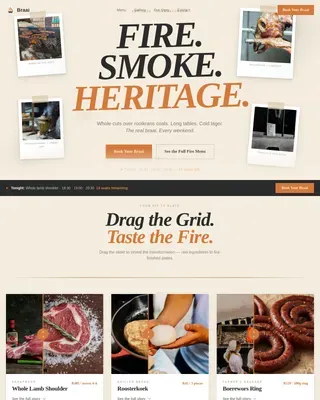
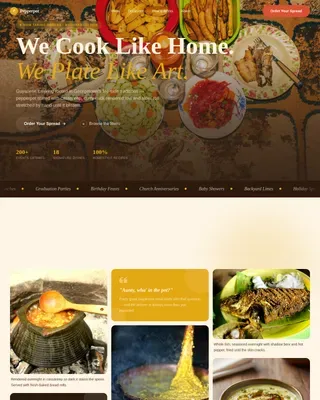
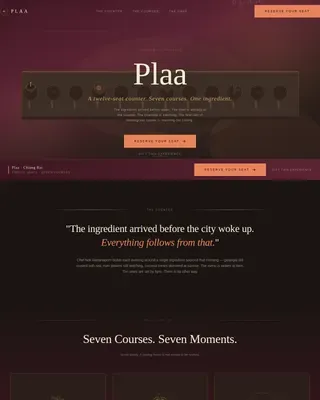
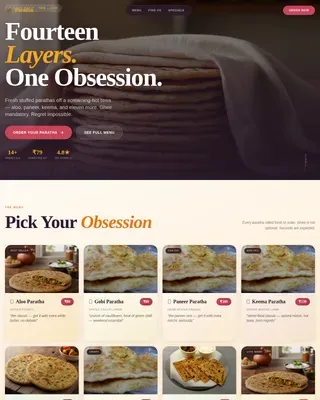
Brewery & Craft Beer Professional Website Template
Ferment is a hero-dominant landing page template built for home brewing supply stores. It pairs a Collage/Scrapbook hero with interactive Before/After Reveal drag sliders, guiding visitors from raw grain to finished glass. The design follows a Japanese Zen color system, and every section is built to move homebrewers and curious beginners straight to the shop catalog.
by Rocket studio
Quick summary
Ferment is a single-page, click-through landing page template for a home brewing supply store. It opens with a 90% viewport hero collage, flows through escalating ingredient-to-pour reveals, and closes with a Style Quiz that routes visitors to a curated product collection. The design is disciplined, warm, and built to brew ambition one scroll at a time.
Who this template is for
This template is a fine match for any home brewing retail brand that wants to inspire as much as it sells. It speaks directly to the person who has already tasted a friend's saison and is ready to try, and to the seasoned brewer chasing a tighter recipe. It rewards both.
- Extract brewers ready to graduate to all-grain setups and dial in malt, hops, yeast, and water from scratch
- Competition-minded homebrewers who note gravity readings, track alcohol content (ABV), and plan every brew day with intention
- Curious beginners who want to drink something they made themselves and need a gentle, confident nudge to sign up and shop
What problem this template solves
Most beer and homebrew store pages feel like a product file dump. They list keg fittings and grain bags without any sense of story or ambition. Visitors arrive, scan a flat grid, and leave without buying. Ferment solves that by building desire before the visitor ever sees a price.
- It replaces a static product grid with a flowing grain-to-glass story, so visitors feel the process before they shop
- It removes navigation clutter and keeps every link pointed toward a pre-filtered catalog, reducing decision fatigue
- It gives beginners a guided Style Quiz so no person feels lost, and gives experienced brewers visual proof that the store stocks serious ingredients
What you get with this template
You get a complete, ready-to-customize landing page built around one clear goal: move brewers from curiosity to cart. Every section is intentional. Nothing is filler. The template covers the full brew-day emotion, from the first scoop of pale malt to the final cold pour.
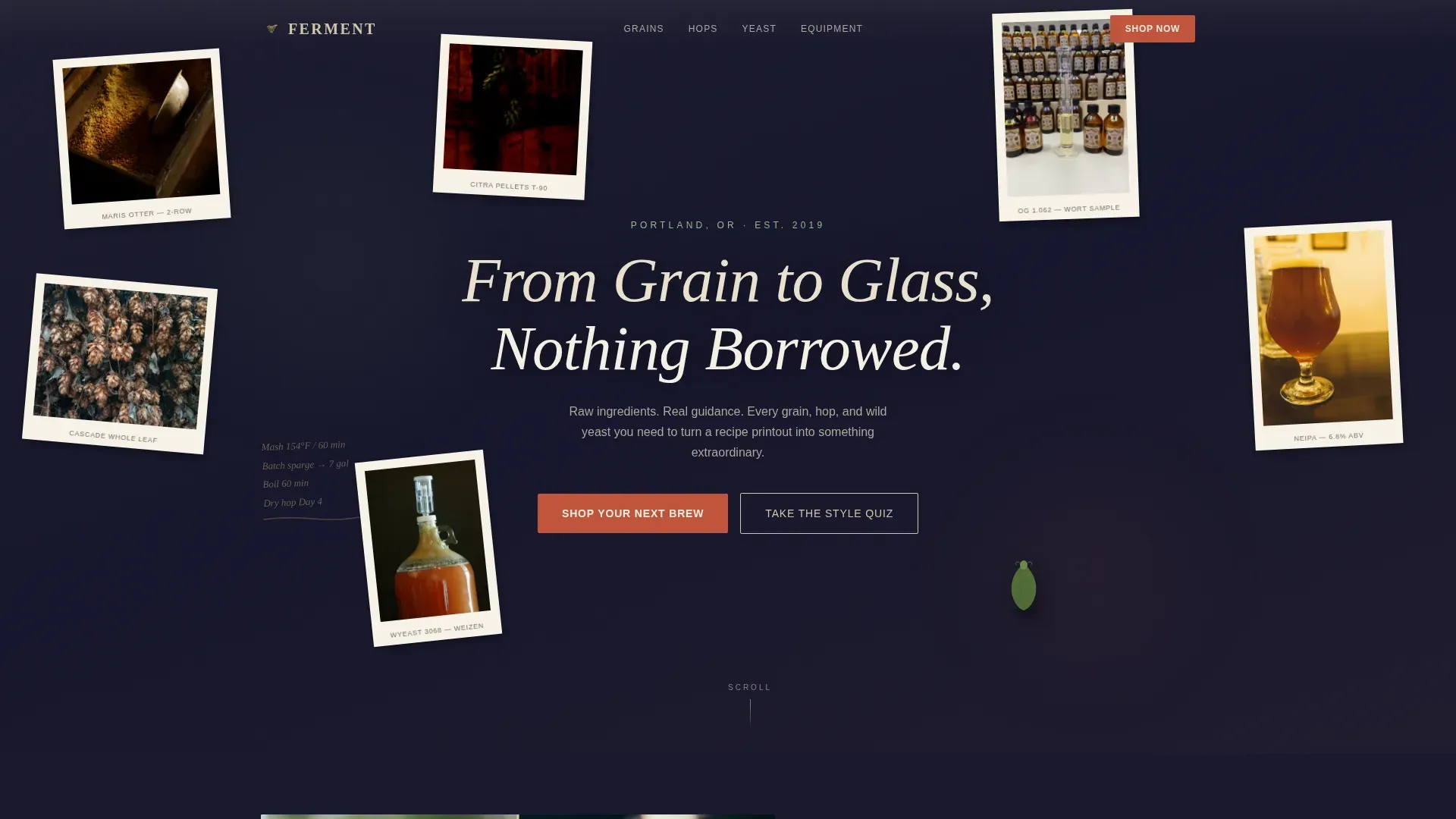
- A 90% viewport hero with a Collage/Scrapbook Polaroid composition, a serif headline fade-in, and a persistent "Shop Your Next Brew" call-to-action bar
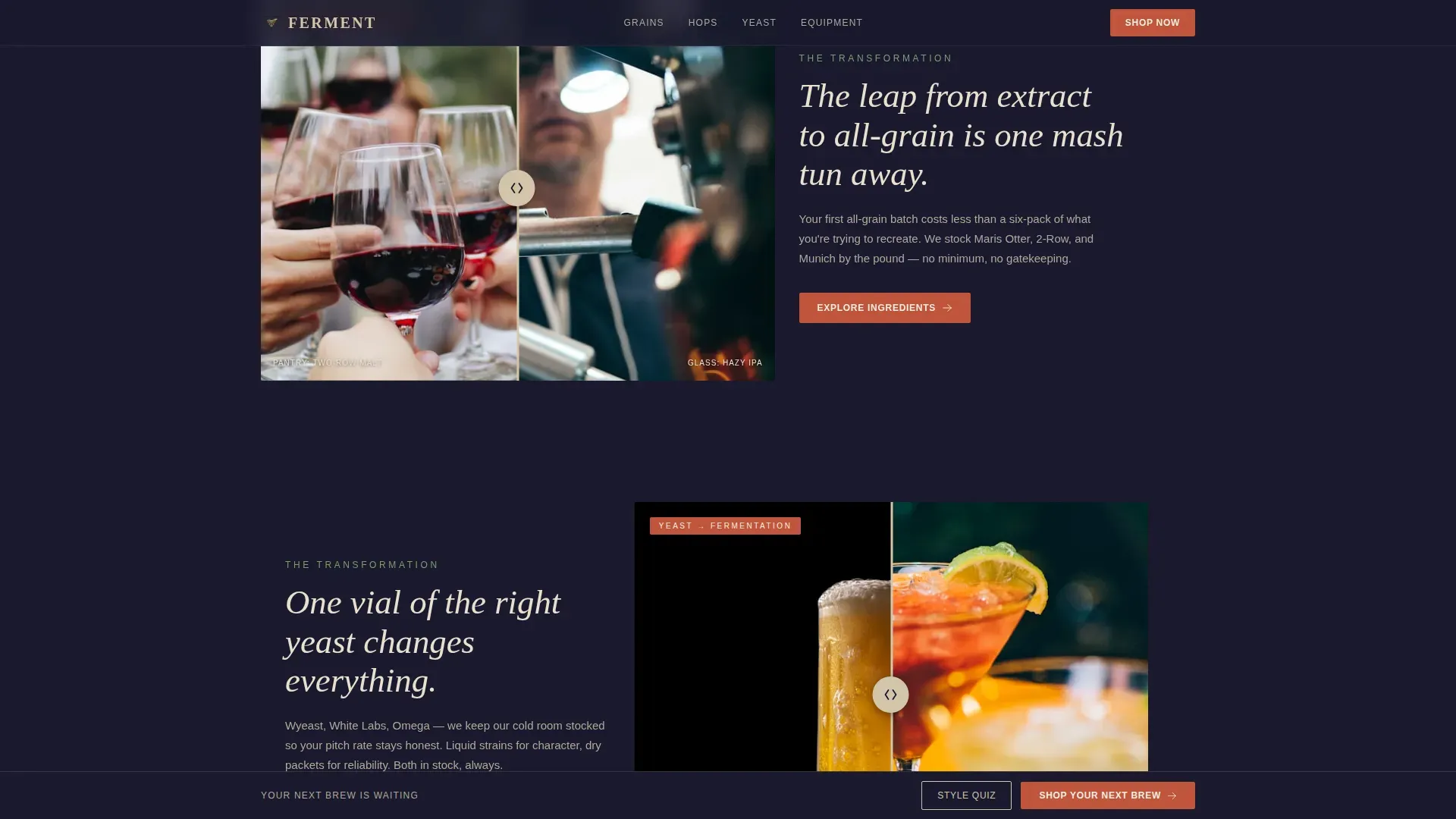
- Two interactive Before/After Reveal drag sliders pairing raw ingredients with finished beer pours, plus a full-width persimmon call to action break between them
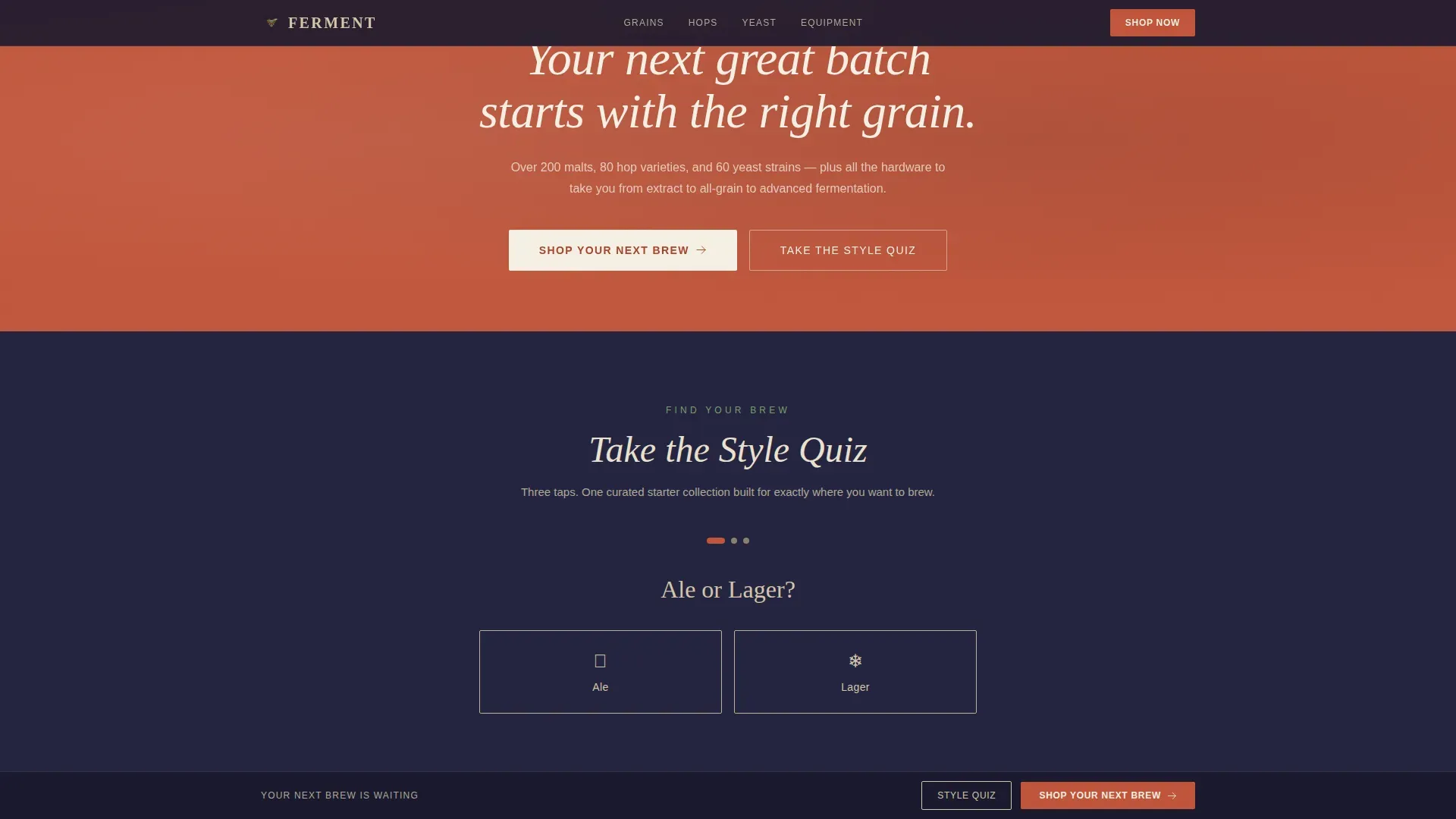
- A three-tap Style Quiz (ale or lager, hoppy or malty, adventurous or classic) that routes visitors to a curated starter collection
Feature list
This section covers the core capabilities built into the Ferment template, each grounded in what the brief describes.
90% Viewport Hero Collage
The hero fills nearly the entire screen with overlapping Polaroid-style photographs of raw brewing ingredients. A scoop of pale malt mid-pour, a torn-open packet of hops, and a hydrometer floating in wort are layered with hand-torn kraft paper edges and a scrawled recipe notation. A clean serif headline fades in over the composition, setting the brew-day mood before a single product is shown.
Interactive Before/After Drag Sliders
Two drag-reveal panels sit at the heart of the page. Each slider pairs the raw ingredient on the left with the finished beer pour on the right. The first reveal moves from a burlap sack of two-row grain to a hazy IPA catching afternoon light. The second moves from a liquid yeast vial to a jet-black stout. Visitors physically pull the curtain, making the grain-to-glass story feel personal and earned.
Escalating Reveal Sequence
The reveals are not random. They build deliberately. Simple extract kits give way to all-grain setups, then advanced fermentation vessels and water adjustment minerals. Each step whispers to the visitor that they are ready for more. By the final reveal, a brewer who arrived uncertain is now planning a serious brew day.
Persistent call to action Bar and Full-Width Break
After the hero, a bottom bar carrying "Shop Your Next Brew" stays visible as the visitor scrolls. Between the third and fourth reveals, a full-width persimmon lacquer section repeats the call to action at high contrast. Both touchpoints link directly to a pre-filtered catalog. No cart lives on this page; the template is purely click-through.
Three-Tap Style Quiz
A secondary conversion path offers a quick Style Quiz. Three binary choices (ale or lager, hoppy or malty, adventurous or classic) route the visitor to a curated starter collection matched to their taste profile. It lowers the barrier for beginners who do not yet know the difference between a pale ale, a hefeweizen, or a porter, and it rewards experienced homebrewers with a fast lane to the right ingredients.
Japanese Zen Color and Typography System
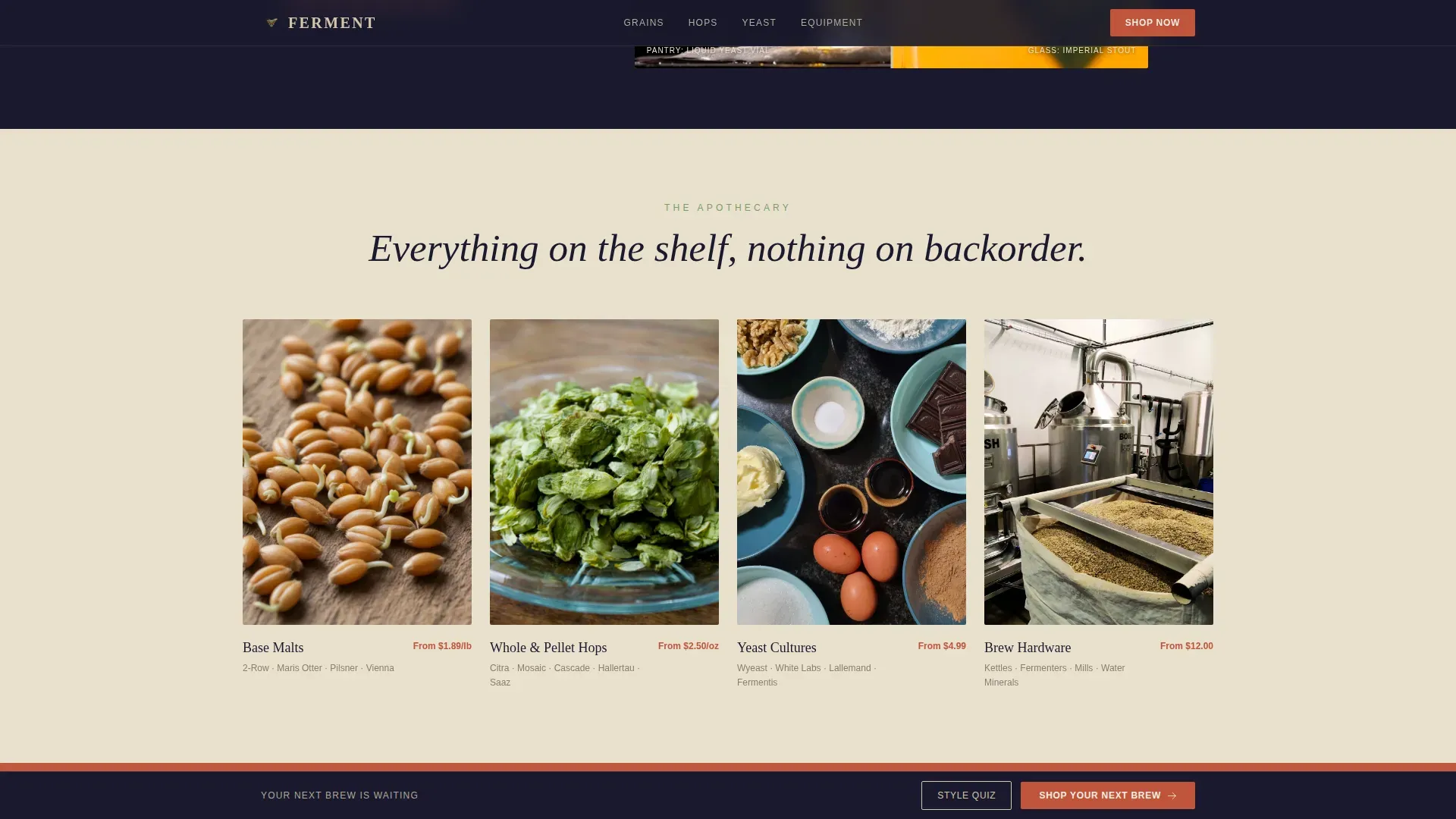
The palette combines sumi ink, unglazed ceramic warm, matcha foam green, and a single persimmon lacquer accent reserved for calls to action and price callouts. Fraunces handles serif headlines and DM Sans carries the body. Backgrounds alternate between ink and ceramic tones, and generous whitespace treats each product grouping like an object on a display shelf.
Page sections overview
| Section | Purpose |
|---|---|
| Hero Collage | Opens at 90% viewport; establishes craft identity and fades in the headline |
| Persistent call to action Bar | Anchors "Shop Your Next Brew" after the hero and follows the scroll |
| Before/After Reveal One | Drag slider from raw grain to hazy IPA; begins the ingredient-to-pour story |
| Before/After Reveal Two | Drag slider from yeast vial to jet-black stout; deepens brew ambition |
| Full-Width call to action Break | Persimmon section repeating the primary shop link between reveal sets |
| Style Quiz Section | Three-tap quiz routing visitors to a curated product collection |
| Minimal Footer | Pattern 4 Superhuman Extreme Minimal footer closing the page cleanly |
Design & branding system
Ferment uses a Haute Craft aesthetic filtered through Japanese Zen restraint. The result feels like a handmade chawan sitting on a rough-hewn oak bar: earthy, alive, and completely considered. Every color choice and type pairing reinforces the craft authority of the store without shouting.
- Four-color palette: sumi ink (#1A1A2E) and ceramic warm (#D4C5A9) for alternating backgrounds, matcha foam green (#7B9E6B) for supporting accents, and persimmon lacquer (#C1553B) reserved strictly for calls to action and price callouts
- Fraunces serif for headlines and DM Sans for body text, keeping the editorial feel grounded and readable at every scroll depth
- Generous whitespace and Polaroid-layer composition treat ingredient photography like objects on a tokonoma shelf, giving each grain, hop, and yeast vial the respect of a product in its own right
Mobile & speed optimization
The template is built desktop-first, with a mobile-responsive collage fallback that keeps the hero readable on smaller screens. Images below the fold load lazily, so the hero stays fast even when the full collage asset stack is heavy.
- The collage parallax layers, drag slider interaction, and scroll-linked fade-in stagger are all scoped to the hero and above-fold sections, keeping lower sections lighter to load
- The Style Quiz uses three simple taps with no form fields, making it equally smooth on mobile for visitors clicking through from social media
- The minimal footer and stripped navigation remove unnecessary page weight, keeping visitor focus on the brew story and the shop link
How this template helps you convert
The Ferment template converts by building desire before presenting a decision. Visitors do not arrive at a product grid cold. They arrive at a story. By the time the call to action appears, the visitor has already imagined the pour.
- The hero collage creates immediate emotional buy-in. A brewer sees cracked malt, smells the aroma in their memory, and feels at home before reading a single word of product copy.
- The escalating Before/After Reveals raise the visitor's ambition section by section. Each drag slider makes the transformation from raw ingredient to finished beer feel achievable and exciting, removing hesitation before the shop click.
- The Style Quiz provides a personalized path for every visitor type. A beginner gets a curated starter kit. A seasoned brewer gets a fast link to the ingredients they actually need. Both leave with a reason to brew.
Other information about this template
The Ferment template draws on a grain-to-glass philosophy that suits a wide range of homebrew store contexts. A few additional points are worth noting for anyone evaluating this template.
- Brewing schedules vary by style. Ales generally take about three weeks from brew day until they are ready to package, while lagers can take four to six weeks from brew day. The reveal sequence in this template is built to reflect that range of ambition, from quick ales to slow lagers.
- Homebrewers benefit from planning ahead. Smaller operations can use a spreadsheet or whiteboard to track what is in each fermentation vessel and plan around beer losses. The template's escalating structure mirrors this kind of deliberate planning mindset.
- The classic four ingredients for brewing beer are malt, hops, yeast, and water. Using a beer recipe calculator can help figure out alcohol content (ABV), bitterness level, and color before brew day. Starting with a beer style you already know can save time when building a new recipe from scratch.
- Cold crashing is a key technique for clarity. It helps yeast settle and produces a cleaner pour. Kegging after cold crashing allows for faster carbonation compared to bottling, which suits brewers who do not want to wait weeks for bottle-conditioned carbonation.
- The Beer Judge Certification Program (BJCP) style guidelines are a useful reference file for anyone designing beer recipes with specific flavor, aroma, and bitterness targets. The template's Style Quiz is inspired by this kind of structured style thinking.
- Express brewing techniques can produce great beer in just a few days when a healthy yeast starter is used and fermentation temp is managed carefully. Fermentation temperature affects the final flavor profile. Even a mild shift in degrees can change the character of a session IPA or a small beer completely.
- Dry hopping adds aroma without bitterness and is a technique the majority of modern homebrewers use to kick up hop-forward beer recipes. Roasted malts drive color and depth in darker styles like a porter or stout. Both techniques are part of the world this template visually represents.
- The template's click-through direction means no money changes hands on this page. Every call-to-action is a link to the store catalog. This keeps the page lean and the visitor focused on one clear next step: brew something.
- Hey, even a curious neighbor who tasted a friend's saison on a Sunday afternoon can find their way through this page. The quiz, the collage, and the reveals are all designed so that no prior knowledge is required to feel welcome, inspired, and ready to sign up and shop.
Theme
Haute Craft
Creative direction
Before/After Reveal
Color system
Japanese Zen
Style
Hero-Dominant (90/10)
Direction
Click-Through
Page Sections
90% Viewport Hero Collage with Fade-in Headline
Interactive Before/after Drag Reveal Sliders
Escalating Ingredient-to-pour Reveal Sequence
Persistent Call to Action Bar and Full-width Shop Break
Three-tap Style Quiz with Curated Routing
Japanese Zen Color and Typography System
Related questions
Is this template suitable for a beginner home brewing store?
Can I customize the ingredient photography and recipe copy?
Does the Before/After drag slider work on mobile devices?
How does the Style Quiz route visitors to products?
How long does a typical homebrew batch take from grain to glass?