School Age (5-10) Products & Booking Website Template
Crescendo is a scroll-reveal landing page template built for neighborhood music programs enrolling school-age children. It pairs an interactive animated piano keyboard header with instrument discovery animations, parent testimonials, a recital video section, and a three-field event registration form. The warm, picture-book visual style makes curious parents feel the joy before they ever fill in a name.
by Rocket studio
Quick summary
Crescendo is a single-page enrollment template designed for children's music programs. It guides parents from playful curiosity to confident sign-up through progressive scroll reveals, animated instrument sections, handwritten testimonials, and a focused event registration form. Every section teaches something real while hiding small interactive surprises that keep parents scrolling.
Who this template is for
This template is built for anyone running or promoting a music program for school-age children, roughly ages five to ten. It speaks directly to the parents and caregivers making the enrollment decision, not the children themselves.
- Music teachers and studio owners opening enrollment for a new semester
- Neighborhood program coordinators promoting an Open House event
- Grandparents or gift-givers researching meaningful enrichment options for a child
What problem this template solves
Most enrollment pages for children's programs feel either too clinical or too generic. They list facts but never make a parent feel anything. Crescendo fixes that gap.
- Parents scrolling at night need to feel the value quickly, not read a wall of text
- Programs lose sign-ups when parents can not picture their child having fun there
- A plain form page fails to build the trust that a first-time enrollment decision requires
What you get with this template
You get a complete, scroll-reveal landing page with five content sections, a persistent mobile call-to-action bar, and a secondary lead-capture path. Every major section is visually distinct and interactive.
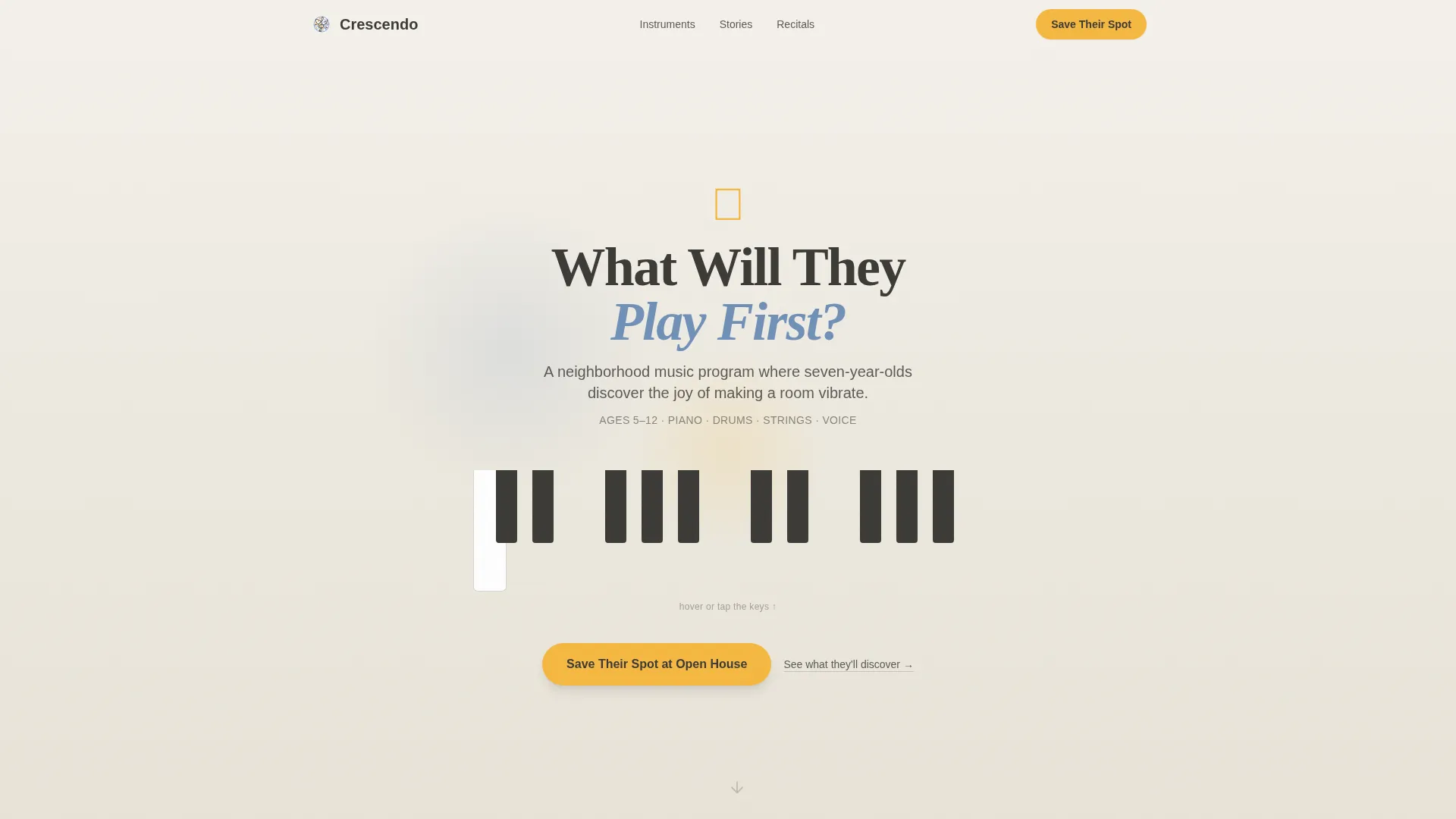
- An animated piano keyboard header where hovering or tapping keys triggers floating musical note illustrations
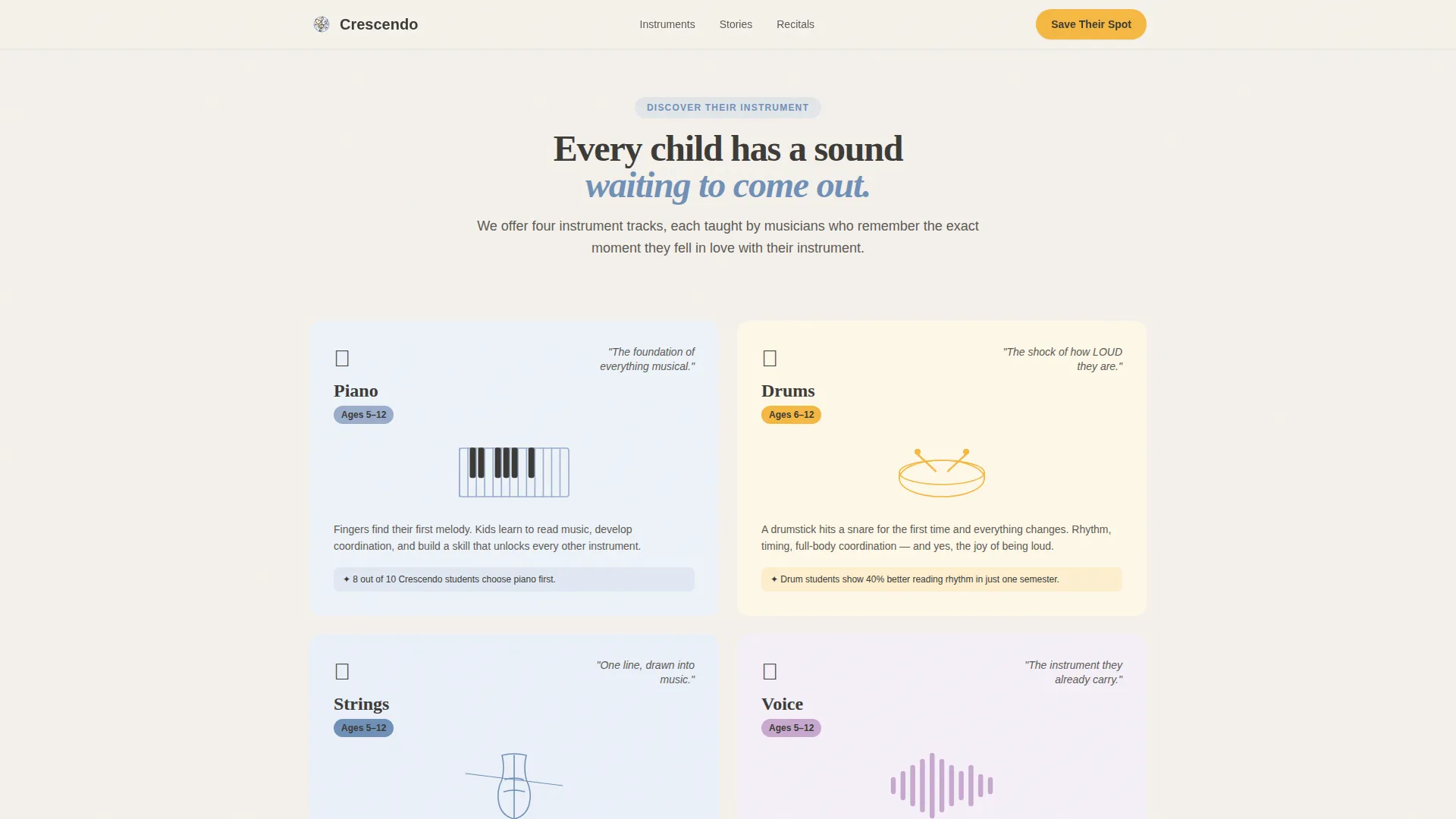
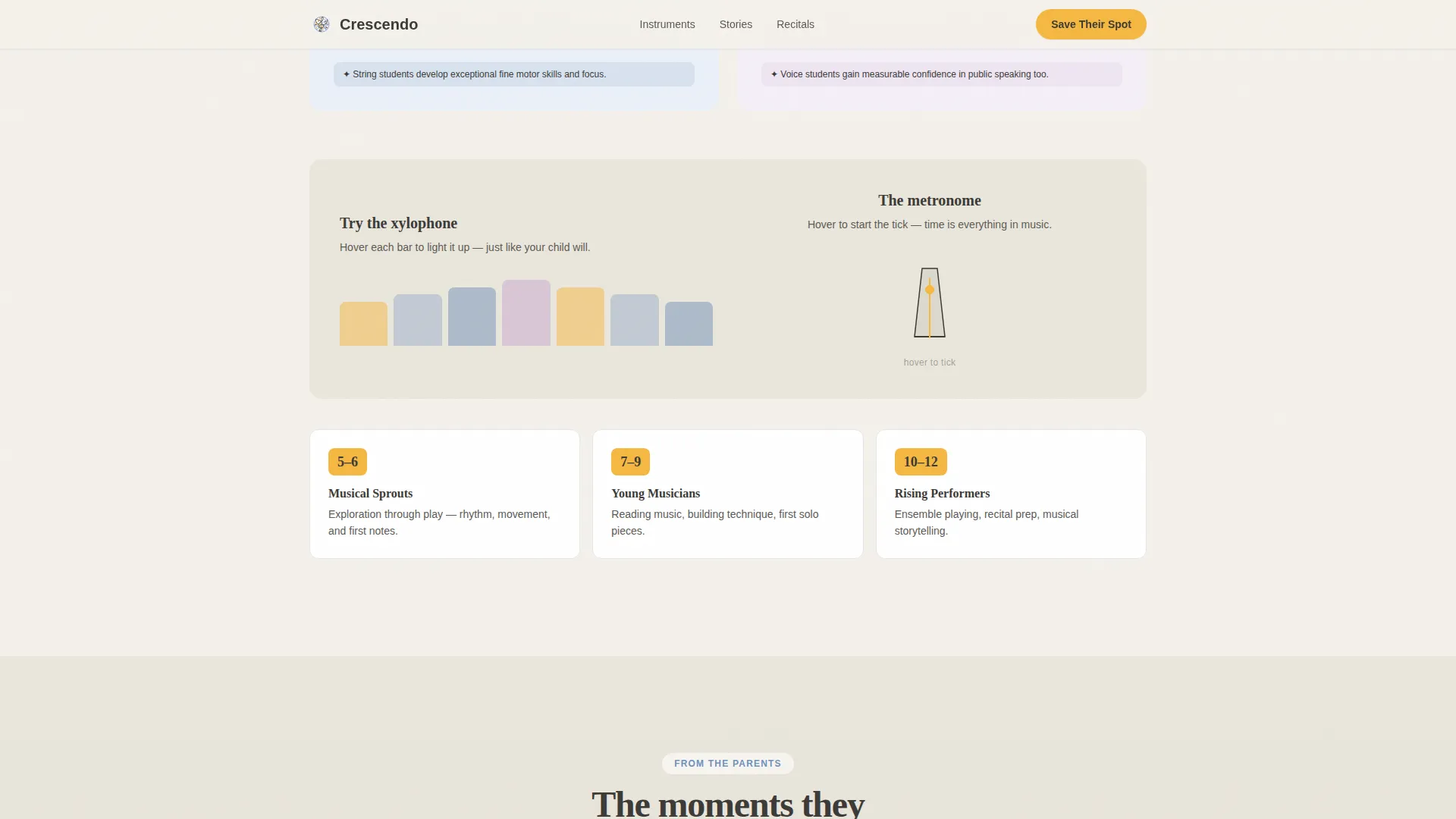
- Scroll-triggered instrument discovery sections with SVG drawing animations for cello, xylophone, and vocal waveform
- A three-field sequential registration form plus a secondary "Download the Parent Guide" call-to-action option
Feature list
This section highlights what makes Crescendo functionally and visually distinct from a standard enrollment page.
Interactive Piano Keyboard Header
The hero spans the full viewport width with an animated keyboard. Hovering or tapping individual keys triggers real instrument sounds and sends colorful marigold and periwinkle note illustrations floating upward. A child's handwritten-style headline fades in over the animation, and a bouncing arrow invites the first scroll.
Scroll-Triggered Instrument Animations
Each instrument section enters the screen with a unique reveal animation as the parent scrolls. A cello draws itself in a single animated SVG line. A xylophone's bars light up in sequence. A vocal waveform pulses. These animations are triggered by an Intersection Observer approach, keeping the experience smooth without heavy third-party libraries.
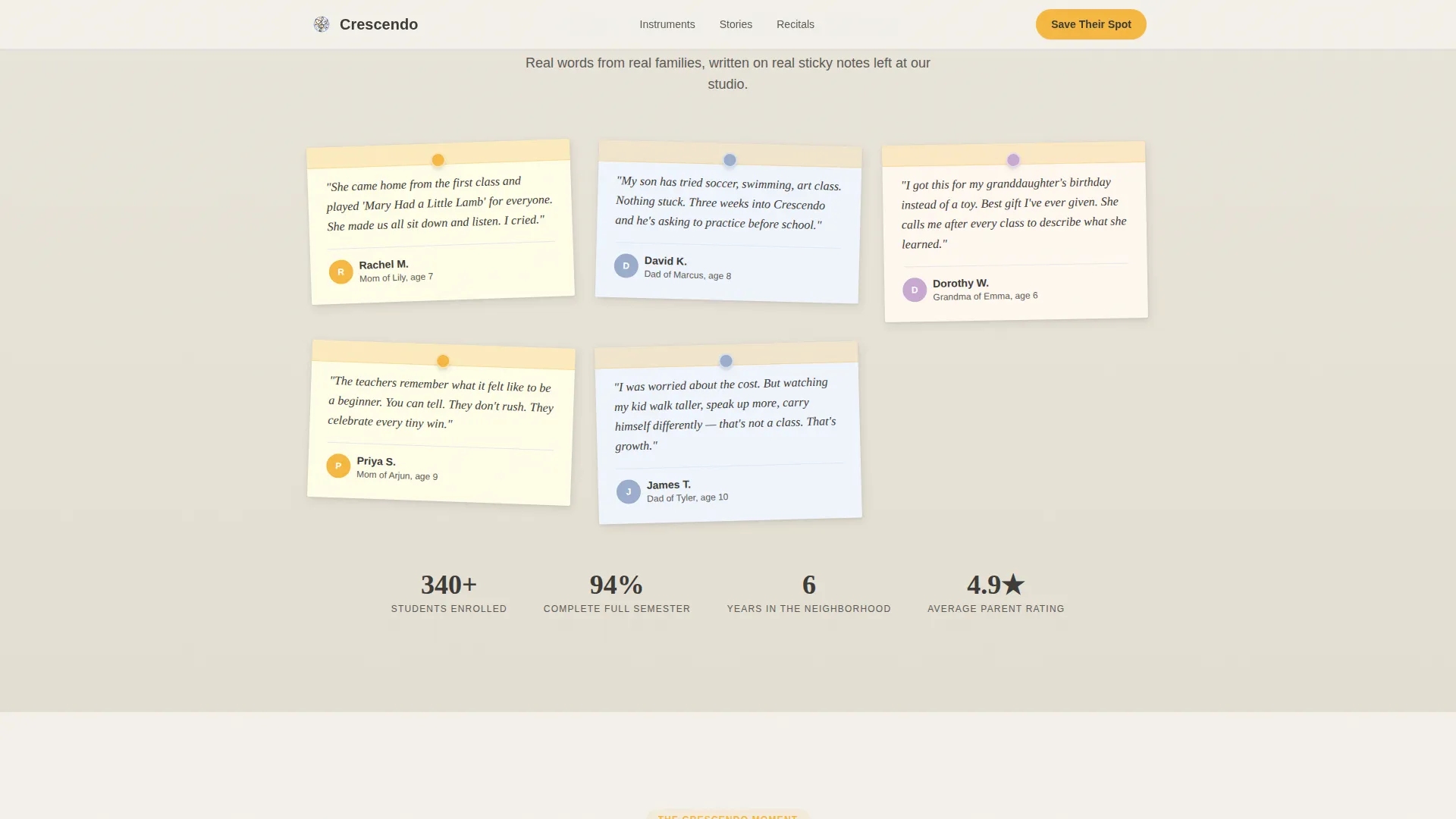
Handwritten Sticky Note Testimonials
Parent testimonials appear between instrument sections as handwritten sticky notes pinned at slight angles. The informal, tactile presentation reinforces trust without feeling polished or promotional. Each note is part of the scroll rhythm, appearing just as curiosity peaks.
Recital Video and Social Proof Section
A video embed of an actual student recital sits at the emotional peak of the page. Supporting achievement numbers appear alongside it, offering the social proof that pushes undecided parents toward action. This section is deliberately placed before the registration form.
Sequential Three-Field Registration Form
The form reveals its fields one at a time. First, the child's first name and age. Then, preferred instrument curiosity from a set of friendly options including piano, drums, strings, voice, and "not sure yet!" Finally, parent email and phone. The sequential reveal reduces visual overwhelm and keeps the experience feeling personal.
Persistent Mobile Bottom Bar
On mobile devices, a sticky bottom bar keeps the primary "Save Their Spot at Open House" call-to-action visible at all times. This supports the primary audience: parents browsing on phones during evening hours.
Page sections overview
| Section | Purpose |
|---|---|
| Hero keyboard | Engage parents immediately with interactive sound and animation |
| Instruments discovery | Reveal available instruments with animated, scroll-triggered drawing effects |
| Parent testimonials | Build trust through angled handwritten sticky note quotes |
| Recital video stats | Deliver social proof at the emotional high point of the page |
| Registration form | Capture Open House sign-ups and PDF lead contact details |
| Footer | Provide program contact and horizontal navigation links |
Design & branding system
The visual identity follows an Educational Guide theme built on the Cloud Canvas color system. The palette deliberately echoes a well-loved children's picture book left open on a sunlit rug: inviting, unhurried, and structured enough to feel trustworthy without feeling institutional.
- Colors: soft cumulus white (#F4F1EB) for backgrounds, chalkboard charcoal (#3B3A37) for body text, gentle sky periwinkle (#9AADCC) for accents, and warm marigold (#F5B841) reserved for buttons, musical note illustrations, and moments of delight
- Typography: Fraunces serif for headlines to give a handwritten, storybook feel, paired with DM Sans for body copy to keep reading easy and modern
- Visual style: each scroll reveal introduces a new section unexpectedly, mirroring a musical crescendo from quiet curiosity at the top to a joyful peak at the recital video
Mobile & speed optimization
The template is designed mobile-first, reflecting the core audience: parents browsing on phones late in the evening. Animations are driven by CSS and Intersection Observer, avoiding heavy animation libraries.
- The persistent bottom bar keeps the primary call-to-action reachable at all times on mobile screens
- Piano key interactions and instrument hover effects are adapted for touch input so the experience works on phones and tablets
- SVG path drawing animations and floating note particles are CSS-based, keeping the page light without sacrificing visual richness
How this template helps you convert
Crescendo is structured as an emotional journey, not a static brochure. Every design and interaction choice leads toward the registration form.
- The interactive header creates an immediate, personal moment. Parents hear the notes and see the floating illustrations before they read a single word, lowering resistance early.
- Instrument animations and sticky note testimonials build desire and trust section by section, so parents arrive at the form already picturing their child on stage.
- The sequential form and the secondary PDF download give parents two clear paths forward, whether they are ready to register tonight or still comparing options.
Other information about this template
Crescendo is a Scroll Reveal (Progressive) template built under the Surprise and Delight creative direction. It sits in the Kids and Family category, specifically the School Age (five to ten) Music Program niche.
- The template includes a footer built on the Vercel Horizontal Flow pattern, providing clean horizontal navigation links and program contact information
- Small interactive Easter eggs are built throughout: a treble clef that spins when clicked and a metronome that ticks on hover, rewarding parents who explore
- The PDF lead capture path ("Download the Parent Guide") gives the program a secondary funnel for parents who are not ready to commit to the Open House directly
- The template is designed for United States English and is localized for a USD enrollment context
Theme
Educational Guide
Creative direction
Surprise & Delight
Color system
Cloud Canvas
Style
Scroll Reveal (Progressive)
Direction
Event Registration
Page Sections
Interactive Animated Piano Header
Scroll-triggered Instrument Reveals
Handwritten Sticky Note Testimonials
Recital Video and Achievement Stats
Sequential Three-field Enrollment Form
Persistent Mobile Call-to-action Bar
Related questions
What sections are included in this template?
Can I use this template for a program that teaches multiple instruments?
How does the sequential registration form work?
Is there a lead capture path for parents who are not ready to register?
What type of music program is this template best suited for?



