Crystal — Transparent Pool Maintenance Landing Page Template
Chlorine is a split-screen landing page template built for Boston-area pool cleaning services. It pairs a transparent, step-by-step educational layout with an Arctic White color system and a three-step inline booking flow. The design guides homeowners, property managers, and families from curiosity to a confirmed appointment without pressure or jargon.
by Rocket studio
Quick summary
Chlorine is a single-page, split-screen landing page template designed for local pool cleaning businesses in the Boston metro area. It combines an educational, process-driven layout with a calm, trust-building visual identity and a built-in inline booking scheduler. Every section moves a visitor closer to booking without feeling like a sales pitch.
Who this template is for
This template is built for pool cleaning professionals who serve residential and property management clients in greater Boston. It works equally well for solo operators and small service teams who want a polished, credible web presence without a complex build.
- Wellesley and Brookline homeowners opening pools after a New England winter
- Back Bay property managers maintaining rooftop and courtyard plunge pools
- South Shore families who want their pool serviced on a Saturday without lifting a finger
What problem this template solves
Most pool service pages either overwhelm visitors with technical jargon or give away so little information that trust never forms. Potential clients are left guessing about what a technician actually does, what chemicals go into their water, and whether the price is fair.
- Visitors leave before booking because the process feels unclear or intimidating
- Homeowners hesitate when they cannot see proof of a professional, structured service
- Hesitant leads go cold because there is no low-commitment entry point to capture them
What you get with this template
You get a fully structured, single-page layout that walks visitors through your service process while moving them toward a booking. Every section is purposeful, and two separate conversion paths ensure you capture both ready buyers and visitors who need a little more trust first.
- A 50/50 split-screen layout pairing action photography with plain-language explanations at each service step
- A three-step inline scheduler covering zip code validation, pool type selection, and a calendar date picker
- A secondary lead capture path using just an address and email for hesitant visitors who want a free water analysis
Feature list
The Chlorine template delivers a focused set of layout and interaction components directly tied to converting local service visitors into booked appointments.
Split-Screen Transparent Process Layout
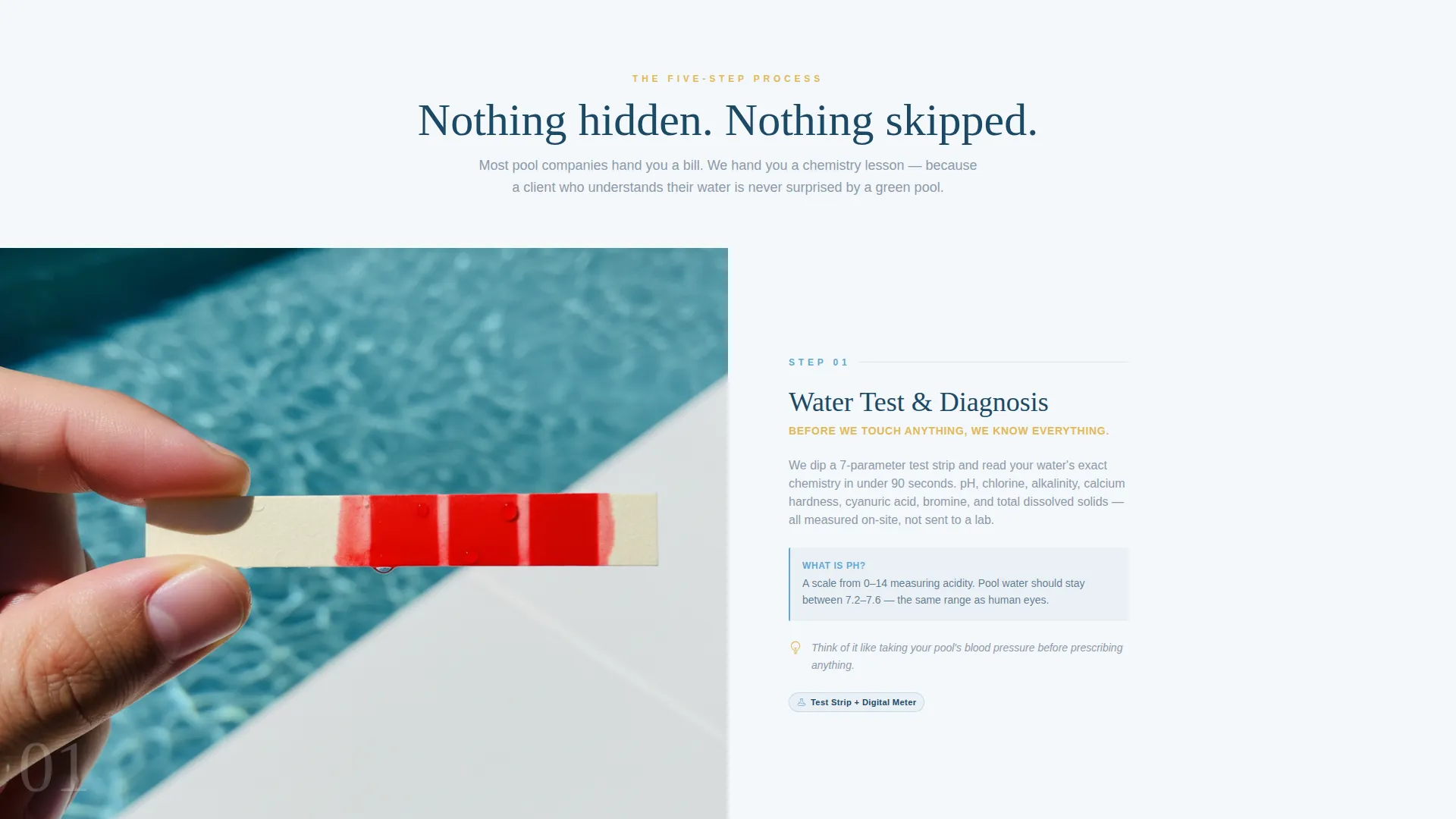
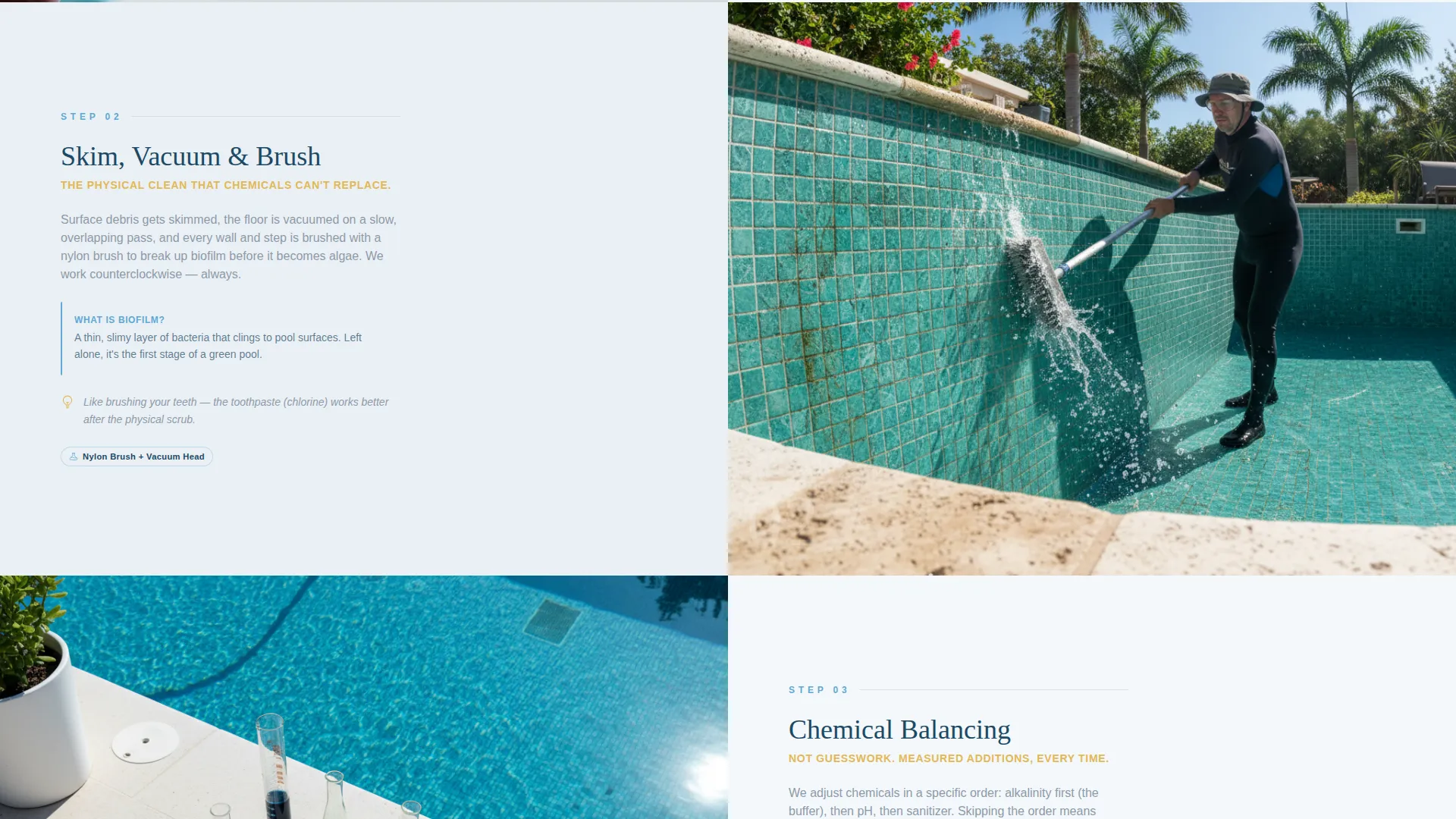
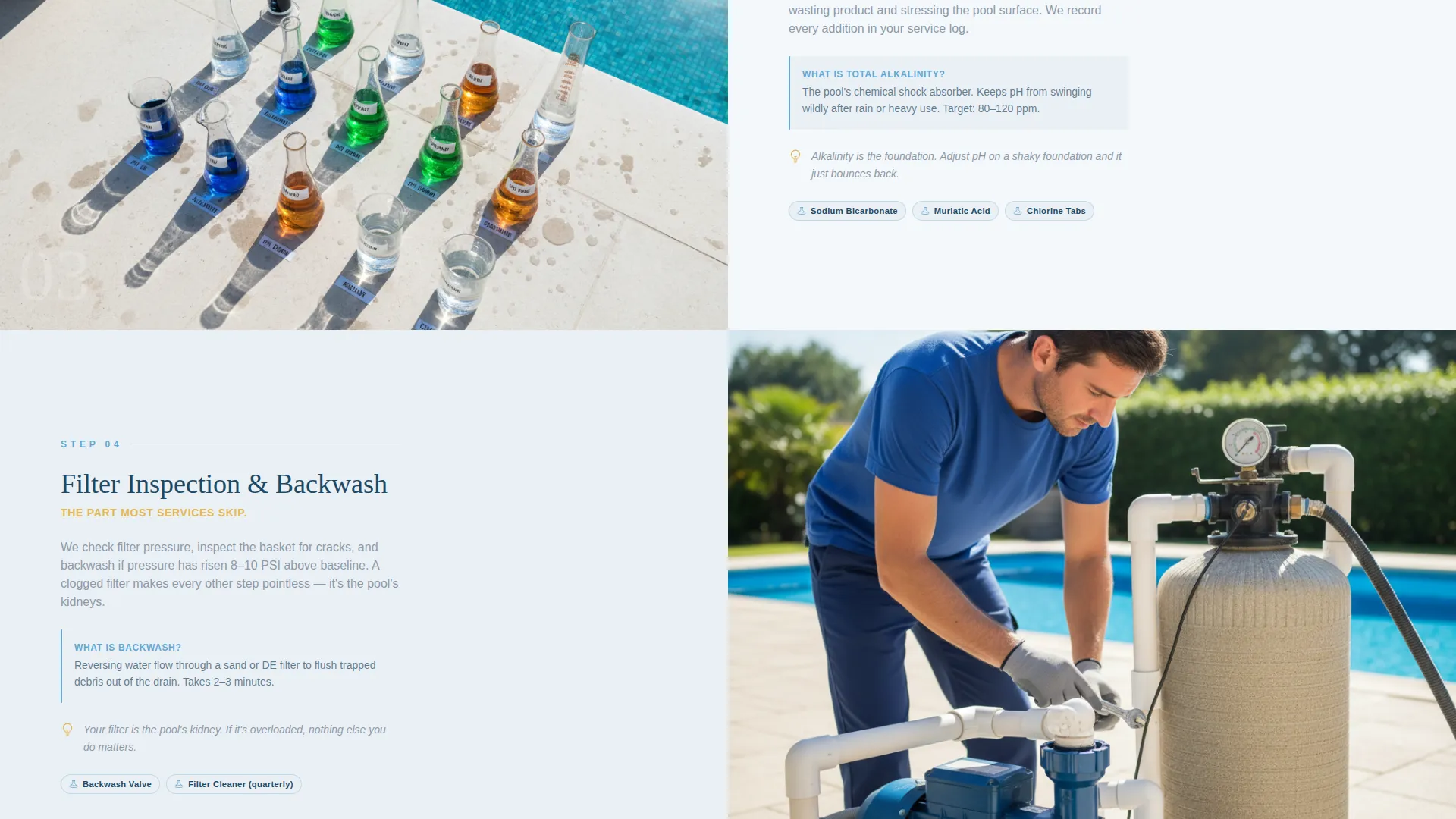
Each scroll section divides the screen evenly between a close-up service photo and a plain-language explanation. Technician actions like brushing walls, balancing pH, and inspecting filters are shown and described side by side. Chemical names appear with simple everyday analogies so nothing feels intimidating.
Half-Page Photo and Text Header
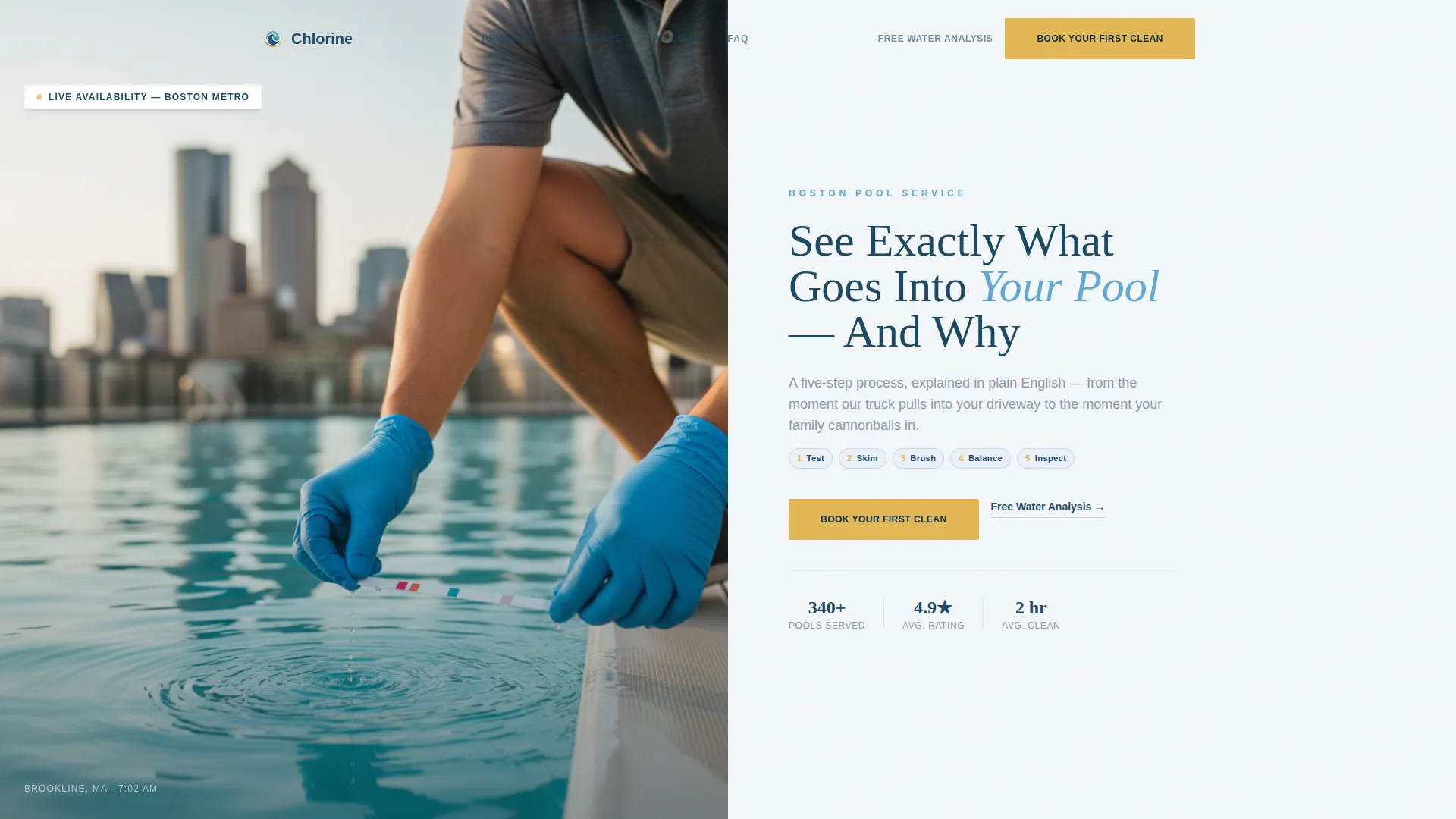
The header opens with an overhead photograph of a technician testing pool water, the Boston skyline soft in the background. The right side carries the headline "See Exactly What Goes Into Your Pool, And Why" alongside a gold call-to-action button. The composition sets a calm, professional tone immediately.
Three-Step Inline Booking Scheduler
Clicking the primary call-to-action opens a sequential inline form. Visitors enter their zip code to confirm Boston-metro coverage, select their pool type (in-ground, above-ground, or rooftop), and then choose from available calendar slots. The flow is compact and requires no page redirect.
Secondary Lead Capture Path
A secondary call-to-action labeled "Get a Free Water Analysis" requires only an address and email. This lower-commitment entry point converts hesitant visitors into qualified service leads. It runs alongside the primary booking flow without competing with it visually.
Neglect versus. Maintenance Side-by-Side
The page closes with a side-by-side visual comparison of a well-maintained pool and a neglected one. This section reframes booking as an obvious, rational decision rather than an upsell. It is the most persuasive section on the page precisely because it shows rather than tells.
Sticky Mobile Booking Bar
On mobile screens, the primary "Book Your First Clean" call-to-action persists as a sticky bottom bar throughout the entire scroll. Visitors never have to scroll back to the top to take action. This keeps the conversion path open at every point in the reading journey.
Page sections overview
| Section | Purpose |
|---|---|
| Header split screen | Introduce service and primary call-to-action |
| Step one brushing | Show wall-cleaning process with explanation |
| Step two pH balance | Explain chemical balancing in plain language |
| Step three filter check | Demonstrate filter inspection and its value |
| Neglect versus. maintained | Visual proof of why regular service matters |
| Inline booking scheduler | Capture ready visitors with a three-step form |
| Free water analysis | Convert hesitant visitors with low-commitment form |
| Sticky mobile bar | Keep booking action visible during full scroll |
Design & branding system
The Arctic White color system keeps the page feeling clean, calm, and trustworthy. Every color choice reinforces the idea of clear, well-maintained water rather than aggressive service-industry sales energy.
- Glacial white (#F4F7FA) backgrounds and deep pool-floor blue (#1B4965) for headlines create an airy, professional reading experience
- Soft chlorine teal (#5FA8D3) carries supporting text and visual accents throughout the process sections
- Sun-bleached deck gold (#E2B857) is reserved strictly for buttons and progress indicators, drawing the eye to every action point
Mobile & speed optimization
The template is structured to perform well on mobile devices, where most local service searches happen. The layout adapts cleanly to smaller screens without losing the split-screen visual logic.
- The 50/50 split sections stack vertically on mobile so photography and text remain readable at any screen width
- The sticky bottom booking bar ensures the primary call-to-action is always one tap away on a phone
- The inline three-step scheduler is compact enough to complete on a mobile screen without pinching or side-scrolling
How this template helps you convert
The Chlorine template is built around two proven ideas: education reduces hesitation, and reducing commitment friction lifts conversion. Every layout decision serves one of those two goals.
- The transparent process layout builds genuine trust before asking for anything. Visitors who understand the five-step service method are far more likely to book than those who see only a price and a phone number.
- Two separate conversion paths catch visitors at different stages of readiness. Ready buyers book directly through the three-step scheduler; hesitant visitors submit an address for a free water analysis, generating a qualified lead without pressure.
Other information about this template
The Chlorine template is part of a niche-specific landing page library designed for local professional services in defined metro markets. A few additional details worth knowing before you customize it.
- The Educational Guide theme makes this template equally useful for seasonal pool opening campaigns and year-round maintenance service pages
- The gold accent color is intentionally limited to one use case so it never loses its visual weight as a call-to-action signal
- The page narrative escalates deliberately from "what we do" through "what neglect costs" to booking, following a trust-first persuasion arc
- The template style is split-screen at 50/50, making high-quality photography a practical requirement for the best visual result
- This template is suited for use on platforms that support custom landing page builders with inline form components
Theme
Educational Guide
Creative direction
Transparent Process
Color system
Arctic White
Style
Split Screen (50/50)
Direction
Booking/Scheduling
Page Sections
Split-screen Process Layout
Half-page Header with Call to Action
Three-step Inline Scheduler
Secondary Free Analysis Form
Neglect Versus. Maintained Comparison
Sticky Mobile Booking Bar
Related questions
Do I need professional photography to use this template?
Can I use this template for a pool service outside of Boston?
What pool types does the booking scheduler support?
Is the free water analysis form separate from the main booking form?
How does the neglect versus maintained comparison section work?



