Deadbolt - Highsecurity Locksmith Landing Page Template
Deadbolt is a single-column landing page template built for mobile locksmith businesses in Toronto and the Greater Toronto Area. It uses a Stats-First editorial flow to move visitors from urgent concern to informed trust. The design is industrial and precise, with a gated security guide, an interactive lock-rating tool, and a content structure built to convert property managers, landlords, and business owners.
by Rocket studio
Quick summary
Deadbolt is a single-column landing page template designed for a Toronto-based mobile locksmith operation. It opens with a bold, data-led headline, builds visitor knowledge through statistics and short explainers, and closes with two conversion paths: a gated security guide and an interactive lock-rating tool. The layout feels as direct and deliberate as a deadbolt sliding home.
Who this template is for
This template suits service businesses that need to establish credibility fast and convert readers who are already under pressure. It is built specifically for the Toronto and Greater Toronto Area market.
- Mobile locksmiths offering emergency rekeying, lock changes, and high-security cylinder installation
- Property managers and landlords handling master key systems across multi-unit portfolios
- Real estate agents needing same-day lock changes between closings, and small business owners requiring urgent after-hours service
What problem this template solves
Most locksmith pages lead with a phone number and a price list. They do nothing to earn trust, explain product grades, or teach the visitor why their current lock is a liability. Deadbolt solves this by leading with education before the pitch.
- Visitors arrive anxious and leave informed, which builds the kind of trust that produces callbacks and referrals
- The page answers the questions property managers and business owners are already asking, so the locksmith stops competing on price alone
What you get with this template
You get a fully structured single-column landing page that guides visitors from a striking headline through statistics, explainers, and two distinct conversion paths. Every section has a defined job.
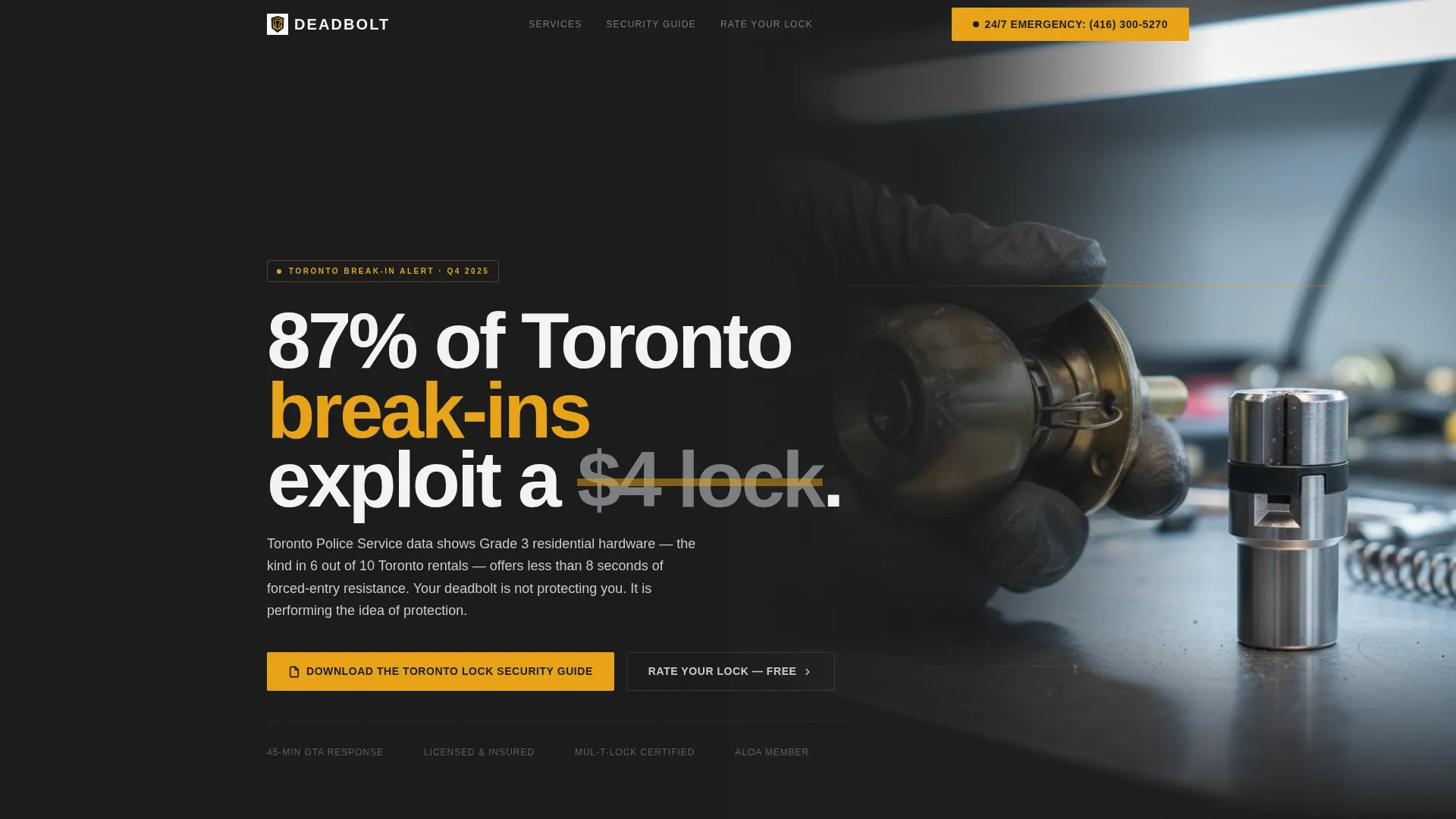
- A half-page header with a bold statistic headline and a product-comparison photograph built to stop the scroll
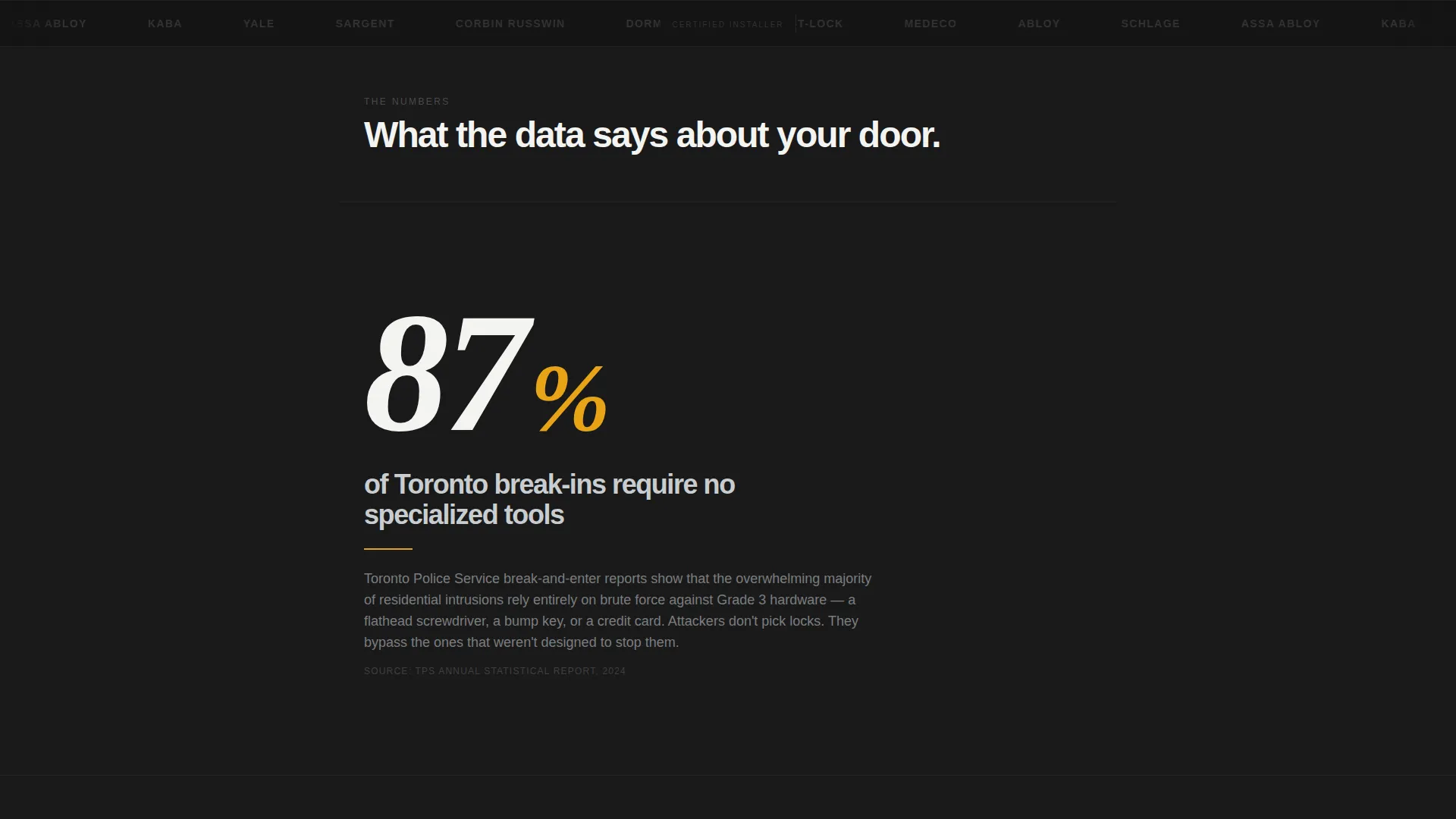
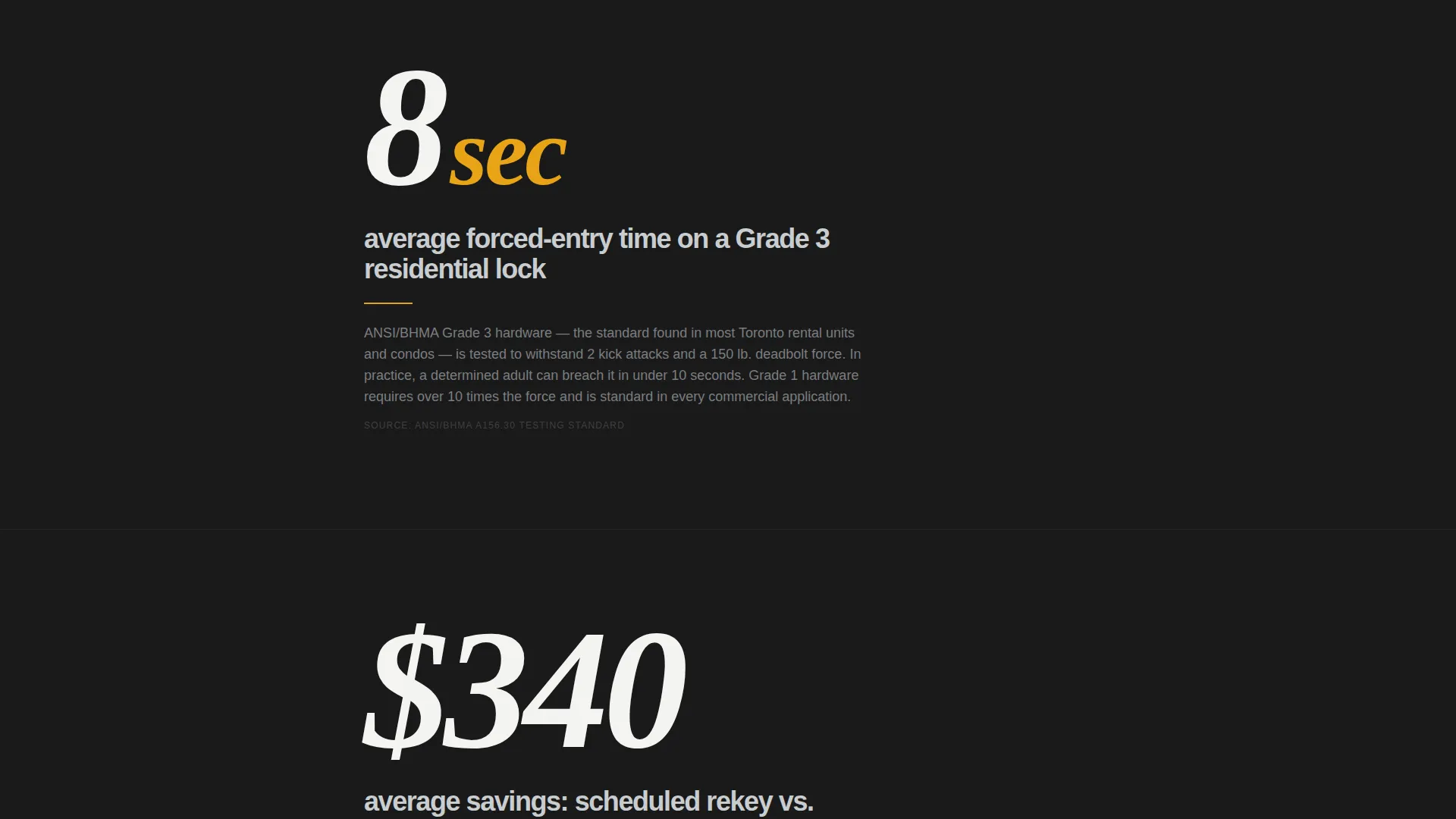
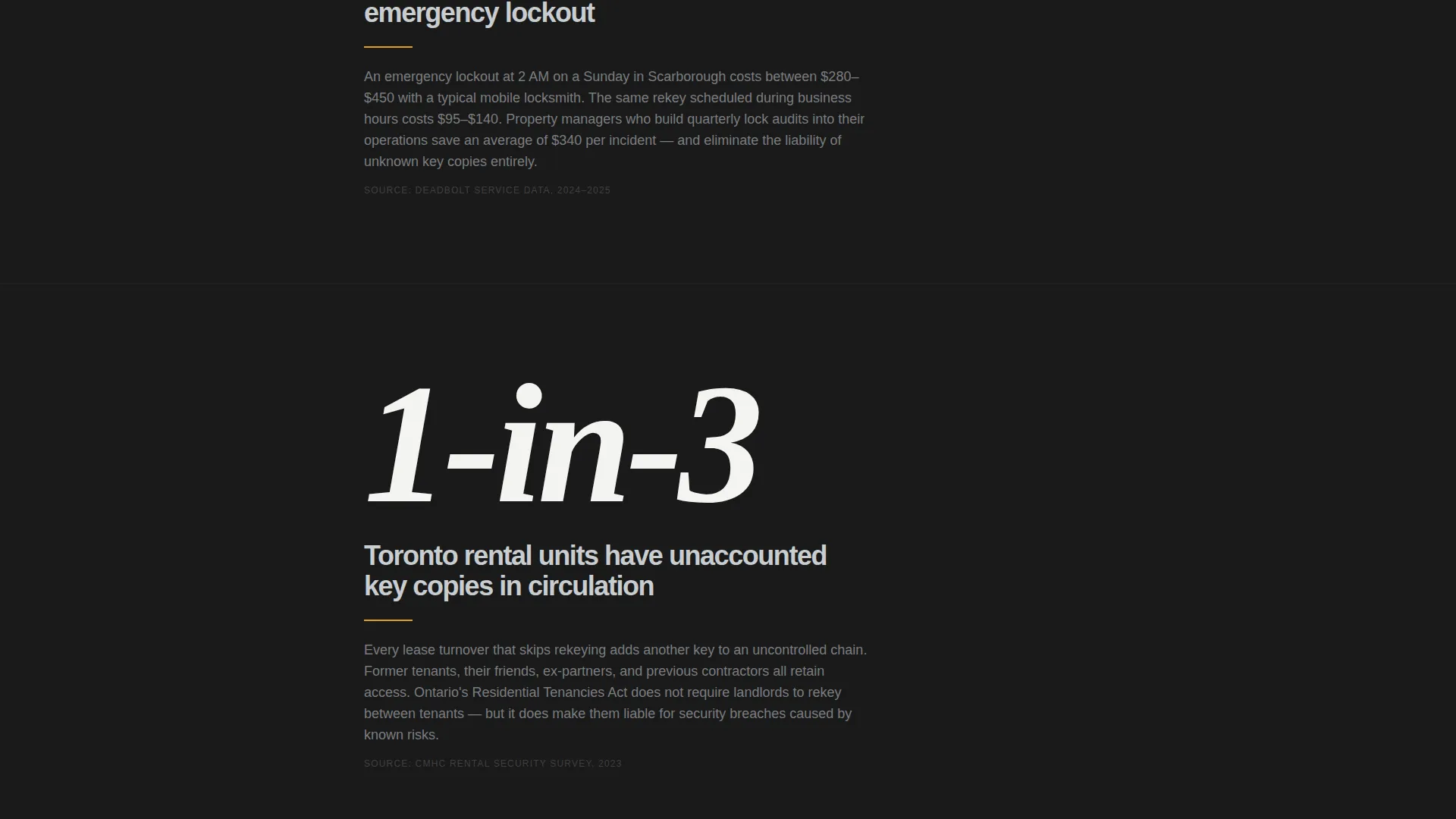
- A stats-driven mid-page flow where each data point occupies its own viewport and is followed by an educational paragraph
- A gated download section for the Toronto Lock Security Guide, with an email field and a neighbourhood dropdown, plus an ungated interactive lock-rating tool
Feature list
This template ships with six purpose-built components that work together to carry a visitor from first impression to conversion.
Stats-First Viewport Sections
Each key statistic is presented at large scale in its own full-width section. A short paragraph follows each number, explaining lock grades, bump key vulnerabilities, or master key architecture in plain language. The sequence builds genuine fluency before any ask is made.
Half-Page Header with Comparison Photography
The header splits into a left-aligned headline in oversized condensed type and a right-side photograph. The image shows a defeated standard cylinder beside a high-security alternative, using shallow depth of field to make the contrast unmistakable. Workshop fluorescent lighting keeps the tone grounded and real.
Gated Security Guide Download
A dedicated conversion section presents the Toronto Lock Security Guide behind a minimal form: one email field and a neighbourhood dropdown. The dropdown enables location-specific follow-up, and the guide is positioned as the natural reward for everything the visitor just learned on the page.
Interactive Lock-Rating Tool
An ungated secondary conversion path lets visitors select their lock brand and type to receive an instant security score. This tool reduces friction for visitors not yet ready to share their email, while still qualifying them by product familiarity and concern level.
Educational Explainer Paragraphs
After each statistic, a focused paragraph teaches the visitor one concrete idea, such as American National Standards Institute grading, cylinder pin counts, or the mechanics of a bump key attack. These blocks are short, confident, and written to be repeated in conversation.
Caution Amber Call-to-Action System
All primary calls to action and emergency indicators use a single accent colour reserved exclusively for that purpose. The restraint makes every amber element feel urgent without diluting the signal through overuse.
Page sections overview
| Section | Purpose |
|---|---|
| Header hero | Headline statistic with comparison photo |
| Break-in statistics | Toronto Police data in large viewport type |
| Lock grade explainer | Teaches ANSI grading after first stat |
| Response time data | Cost comparison: emergency versus. scheduled |
| Bump key section | Explains cylinder vulnerability plainly |
| Master key explainer | Addresses portfolio-scale security concerns |
| Lock-Rating tool | Ungated interactive score for lock type |
| Guide download call to action | Gated email form with neighbourhood dropdown |
| Secondary call to action strip | Reinforces emergency contact path |
Design & branding system
The template uses a Monochrome Steel palette with a single reserved accent. Every colour choice is functional, not decorative, and the overall impression is industrial, precise, and trustworthy.
- Core palette: forge black (#1A1A1A) for backgrounds, brushed nickel (#7A7D80) for secondary text, keyway silver (#C8CDD0) for dividers and labels, and locksmith-bench white (#F4F4F2) for body copy
- Caution amber (#E8A317) appears only on calls to action and emergency indicators, keeping its urgency signal clean and unambiguous
- Typography uses oversized condensed type for statistics and headlines, creating a clear visual hierarchy that guides the eye from number to explanation to action
Mobile & speed optimization
The single-column layout is inherently mobile-friendly. Each viewport section is designed to read clearly on a phone screen, which matters when a significant portion of visitors will arrive mid-emergency.
- Full-width statistic sections reflow cleanly on small screens without losing their visual weight
- The gated form and interactive tool are minimal by design, reducing load time and input friction on mobile devices
How this template helps you convert
Deadbolt is built around a content progression that earns conversion rather than demanding it. By the time visitors reach either call to action, the page has already done the selling.
- The Stats-First structure builds urgency through real data before presenting any service offer, so the visitor's concern is established on their own terms rather than through advertising language.
- Two conversion paths serve two readiness levels: the interactive lock-rating tool captures visitors in the research phase, while the gated guide captures those ready to commit an email address in exchange for expert knowledge.
- The neighbourhood dropdown on the guide form enables personalised follow-up, turning a one-time download into a qualified local lead.
Other information about this template
This template is designed for the Toronto and Greater Toronto Area market, though the layout and content structure adapt well to any urban mobile locksmith operation.
- The educational content framework references Toronto Police Service break-and-enter data, ANSI lock grade standards, and real service scenarios including after-hours rekeying and same-day lock replacement
- The template is part of the Professional Services category under Toronto Local Services and is built as a Content and Resource destination rather than a direct-response sales page
- The visual identity follows an Educational Guide theme, and the Stats-First creative direction gives the page a tone closer to investigative editorial than a typical service advertisement
Theme
Editorial Magazine
Creative direction
Stats-First Impact
Color system
Navy Authority
Style
Sidebar Companion
Direction
Content/Resource
Page Sections
Stats-first Viewport Sections
Half-page Hero with Comparison Photo
Gated Security Guide Download
Interactive Lock-rating Tool
Educational Explainer Paragraphs
Reserved Accent Call to Action System
Related questions
Who is this landing page template designed for?
Can I customise the neighbourhood dropdown in the guide form?
Do I need to create the security guide content myself?
What makes the lock-rating tool different from the guide download?



