Accessible Primary Care Landing Page Template
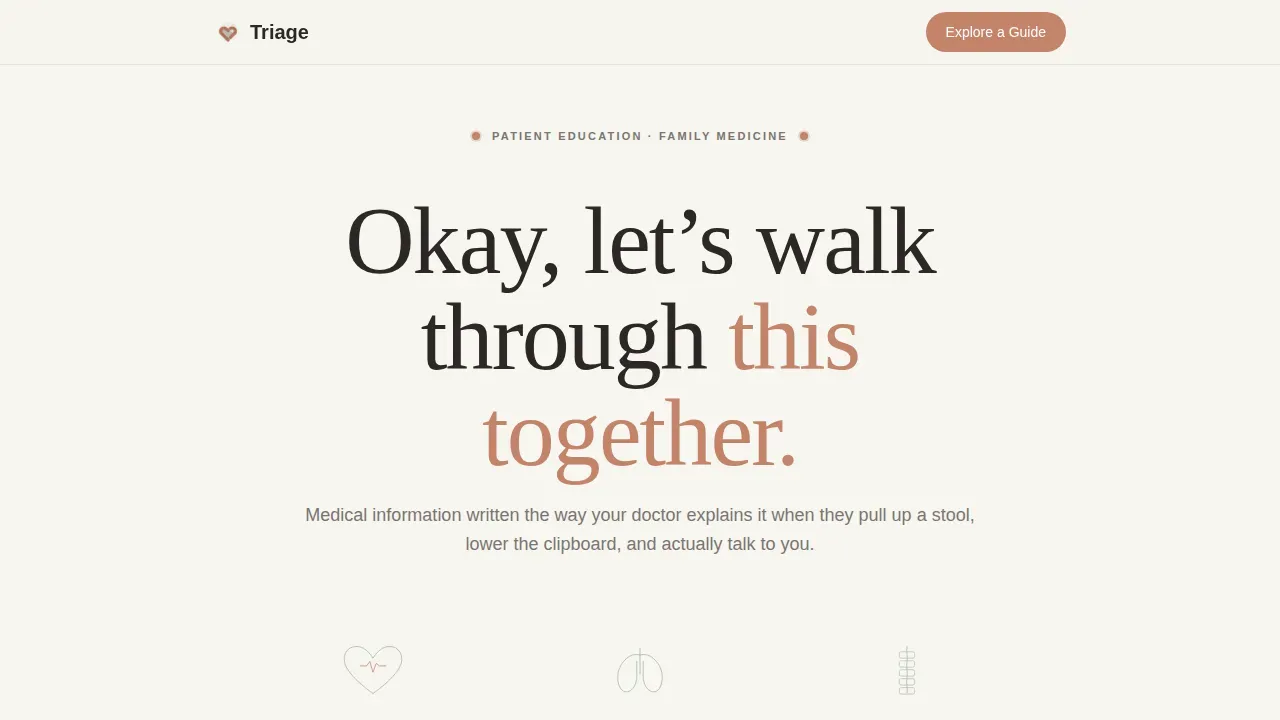
Triage is a single-column family medicine landing page template built for patient education platforms. It replaces anxious symptom searching with calm, plain-language guidance. The page uses warm Soft Mist colors, animated metric counters, a step-by-step scroll walkthrough, and a no-gate library entry point to earn visitor trust before asking for anything in return.
by Rocket studio
Quick summary
Triage is a family medicine landing page template designed to feel like a conversation with a trusted doctor, not a clinical brochure. It guides visitors through medical information step by step, using plain language, generous white space, and quiet animation. The design prioritizes calm over urgency, and access over friction.
Who this template is for
This landing page template is built for anyone running a patient education platform, a family medicine resource website, or a health information service. It works equally well for independent doctors who want to reach patients between appointments and for health organizations developing plain-language guides at scale.
- New parents searching for answers about infant symptoms at odd hours
- Retirees preparing for follow-up appointments who need clear health information
- Caregivers and adults with health literacy gaps who need plain-language medical resources
What problem this template solves
Most health websites overwhelm visitors with jargon, pop-ups, and required sign-up walls before they can access a single page of useful information. A medical landing page built this way loses trust immediately. This template solves that by giving the resource first and asking second.
- Replaces clinical language with plain-language explanations that anyone can understand
- Removes forced registration gates so visitors can freely visit and use the library
- Uses urgency sorting cues to help patients differentiate between routine and urgent concerns
What you get with this template
You get a fully structured, single-column landing page template with five distinct content sections. Each section is designed to download quickly in the visitor's attention span, moving from credibility to education to a gentle call to action.
- An animated metrics header with three scroll-triggered counters and hand-drawn anatomical SVG illustrations
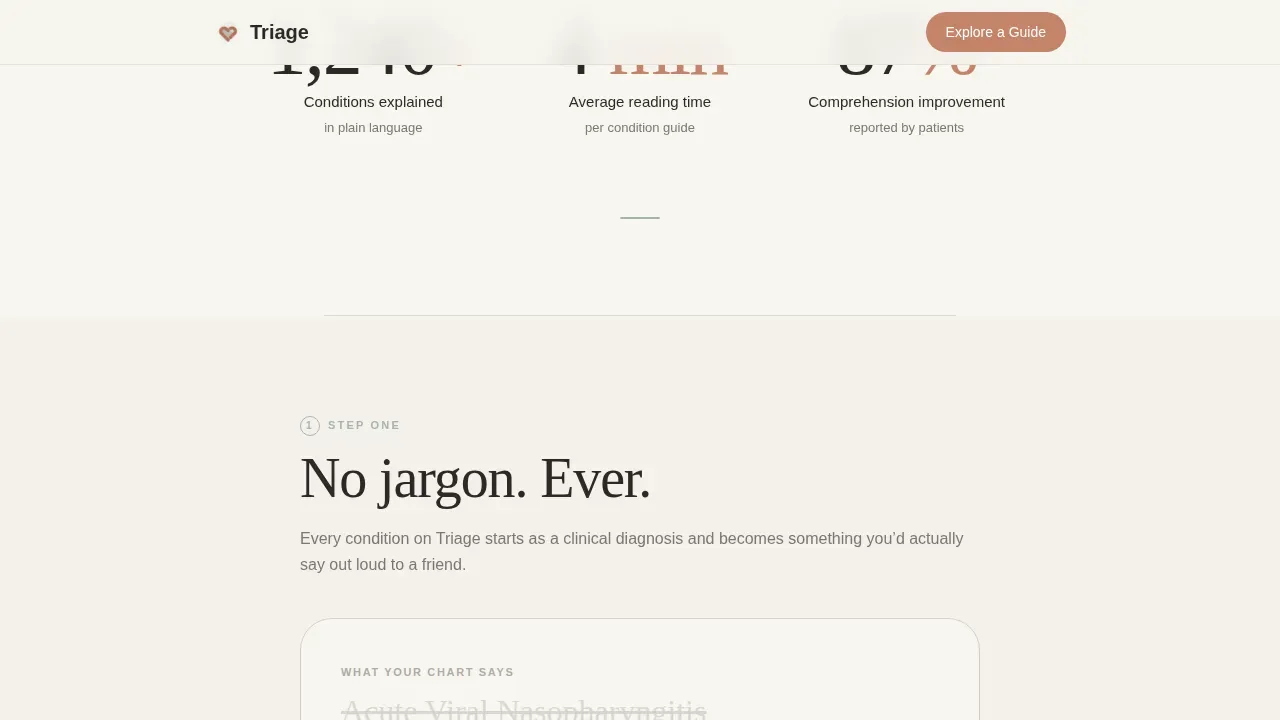
- A step-by-step walkthrough showing how clinical terms transform into plain-language explanations
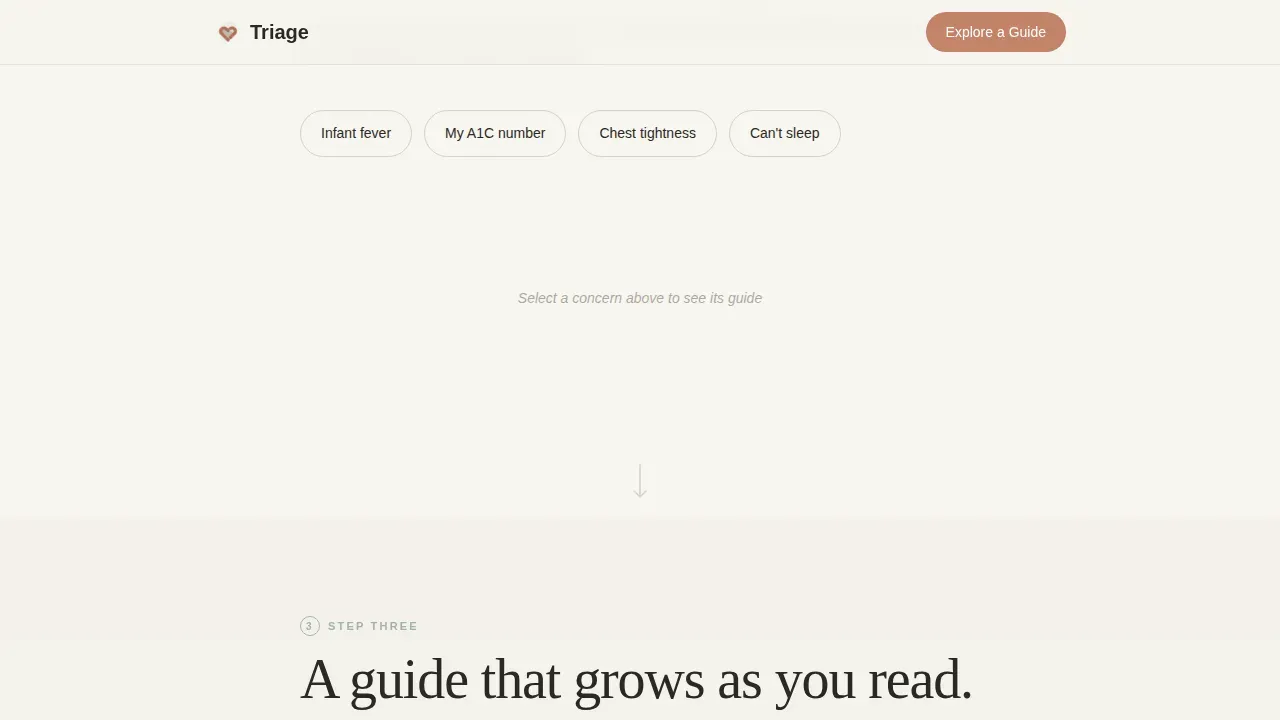
- An interactive symptom pathway demo, a sample condition guide reveal, and a soft email prompt section
Feature list
This landing page template ships with six purposeful features. Each one is designed to develop trust, reduce friction, and keep visitors engaged from the first scroll to the final call to action.
Animated Metrics Header
The header opens with three large, quietly animated counters: conditions explained, average reading time per guide, and patient comprehension improvement. Each counter rises into view alongside a hand-drawn anatomical line illustration that sketches itself as the number climbs. The data builds credibility without a single stock photo of smiling doctors.
Plain-Language Translation Section
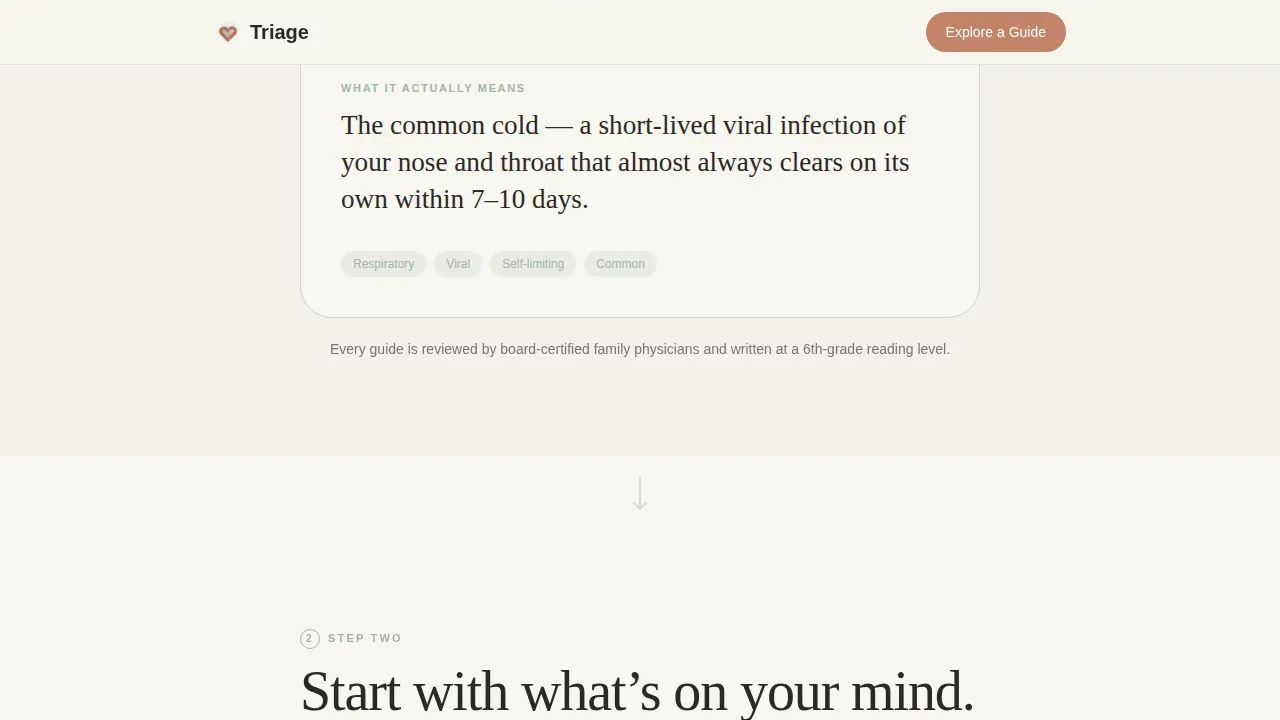
Section two shows a raw clinical term transforming into a clear, everyday explanation. This animation demonstrates the platform's core value in seconds. Visitors immediately understand what the service does and why it matters for their next appointment.
Interactive Symptom Pathway
The symptom pathway section lets visitors click a health concern to open a branching guide. This interactive element shows how the platform organizes care pathways. It helps patients quickly assess whether their concern is routine or needs more immediate attention.
Layered Condition Guide Reveal
Section four presents a sample condition page, anatomy illustration, causes, what doctors might order, and questions to bring to an appointment. Each layer reveals as the visitor scrolls deeper. This pacing gives visitors a clear preview of what every guide on the platform delivers.
No-Gate Library Entry Point
The primary call to action, "Explore Your First Guide," links directly into the resource library with no sign-up required. This design choice builds trust by putting the resource before the ask. An effective medical landing page earns the lead by giving value first.
Soft Email Prompt
After two full sections of scroll, a single email field appears with the line "Get new guides before your next appointment." Visitors can sign up without any pop-up interruption. This approach respects the visitor's attention and builds an email list organically.
Page sections overview
| Section | Purpose |
|---|---|
| Hero Metrics Header | Display animated credibility stats |
| The Translation | Show plain-language transformation |
| Your Symptom Path | Interactive branching care guide |
| Sample Guide Reveal | Layered condition page preview |
| Soft Email Prompt | Gentle post-scroll sign-up invite |
| Footer | Horizontal navigation and links |
Design & branding system
The template uses a Soft Mist color system built to feel warm and human. Every surface is chosen to calm the visitor, not alert them. The typography pairs Fraunces serif headings with DM Sans body text for a modern design that feels approachable.
- Linen white (#F7F5F0), exhale-gray (#D4CFC9), and calm sage (#A3B5A6) form the base palette
- Warm terracotta (#C4836A) is reserved for buttons and progress indicators to draw attention without alarm
- Visual aids including hand-drawn SVG anatomical sketches reinforce the plain-language identity throughout the page
Mobile & speed optimization
This landing page template is built mobile-first. The target audience reaches for a phone during midnight symptom searches, so the layout is clean, buttons are large and accessible, and each section stacks gracefully on small screens.
- GSAP scroll reveals and blur-plus-opacity stagger animations are handled by client components to keep static sections fast
- Server components power all non-animated sections for reliable page delivery
- Single-column flow means the page reads naturally on any screen without horizontal scrolling
How this template helps you convert
A medical landing page earns conversions by removing every reason to leave. This template is structured to develop trust at each scroll stage before presenting any ask.
- The animated metrics header establishes credibility immediately, giving visitors a reason to keep reading and explore the full resource library.
- The no-gate library entry point lets visitors reach real health information without a required sign-up, building the trust needed to later accept the soft email prompt.
Other information about this template
This template is ready to use as a free medical landing page starting point. Free medical landing page templates like this one help health organizations develop a professional website presence without a large design budget. You can download and use this template to build or expand your services quickly.
- Free medical landing page templates are perfect for private practices, telehealth services, and patient education platforms that need a great online presence fast
- Using a pre-designed medical landing page template saves time and resources so your team can focus on developing health content instead of building page layouts from scratch
- Platforms like Unicorn Platform provide free, professionally designed templates for medical landing pages, making it straightforward to choose a starting point and add your own branding
- This free medical landing page template is ideal for any healthcare-related website looking to reach new patients and convert first-time visitors into engaged, returning readers
Theme
Healing Space
Creative direction
Step-by-Step Guide
Color system
Soft Mist
Style
Single Column Flow
Direction
Content/Resource
Page Sections
Animated Metrics Header
Plain-language Translation Animation
Interactive Symptom Pathway Demo
Layered Condition Guide Reveal
No-gate Library Entry Point
Soft Post-scroll Email Prompt
Related questions
Can I use this template without any coding knowledge?
Does the template require visitors to sign up before accessing health guides?
Is this template suitable for a solo family medicine practice?
How does the interactive symptom pathway section work?
Can I download and customize the colors to match my own branding?



