Private Chef Service Area Landing Page Template
Dispatch is a split-screen landing page template built for private chef services. It leads with credential badges, hard stats, and a service-area map before asking anything of the visitor. The layout pairs location-specific proof on the left with resources and a zip-code confirmation tool on the right, giving potential clients exactly what they need to move forward.
by Rocket studio
Quick summary
Dispatch is a single-page, split-screen template designed for private chef and cook services. It opens with award badges and verified stats, then guides visitors through a service-area map, kitchen setup visuals, neighborhood guides, and downloadable resources. The primary call to action confirms zip-code availability instantly, making the path from curiosity to booking feel effortless.
Who this template is for
This template is built for private chef businesses that serve a defined metro area and need to communicate credibility and coverage fast. It works equally well for solo chefs and small culinary teams.
- Private chefs marketing to executive assistants, event planners, and busy families
- Chef services targeting specific zip codes or neighborhood clusters within a metro radius
- Culinary professionals who want to lead with proof before asking for contact details
What problem this template solves
Most chef service pages bury their strongest proof behind lifestyle photography and vague taglines. Clients booking high-value private dining experiences need facts first: where you operate, what your track record looks like, and whether you serve their area.
- Visitors leave without confirming service availability because no clear tool exists on the page
- Credibility signals like reviews, rebook rates, and competition awards are hidden or missing entirely
- Downloadable resources and neighborhood guides are never offered, leaving warm leads with no reason to stay
What you get with this template
Dispatch delivers a fully structured, split-screen landing page ready for a private chef or cook service. Every section is pre-arranged to move a visitor from first impression to confirmed interest.
- A horizontal award badge header displaying hard stats and credential shields
- A split-screen layout pairing a service-area map with location-specific stats and cycling content
- A zip-code confirmation tool as the primary call to action, plus a gated hosting guide download
Feature list
This template ships with six distinct structural components, each serving a specific function in the visitor journey.
Award Badge Header Bar
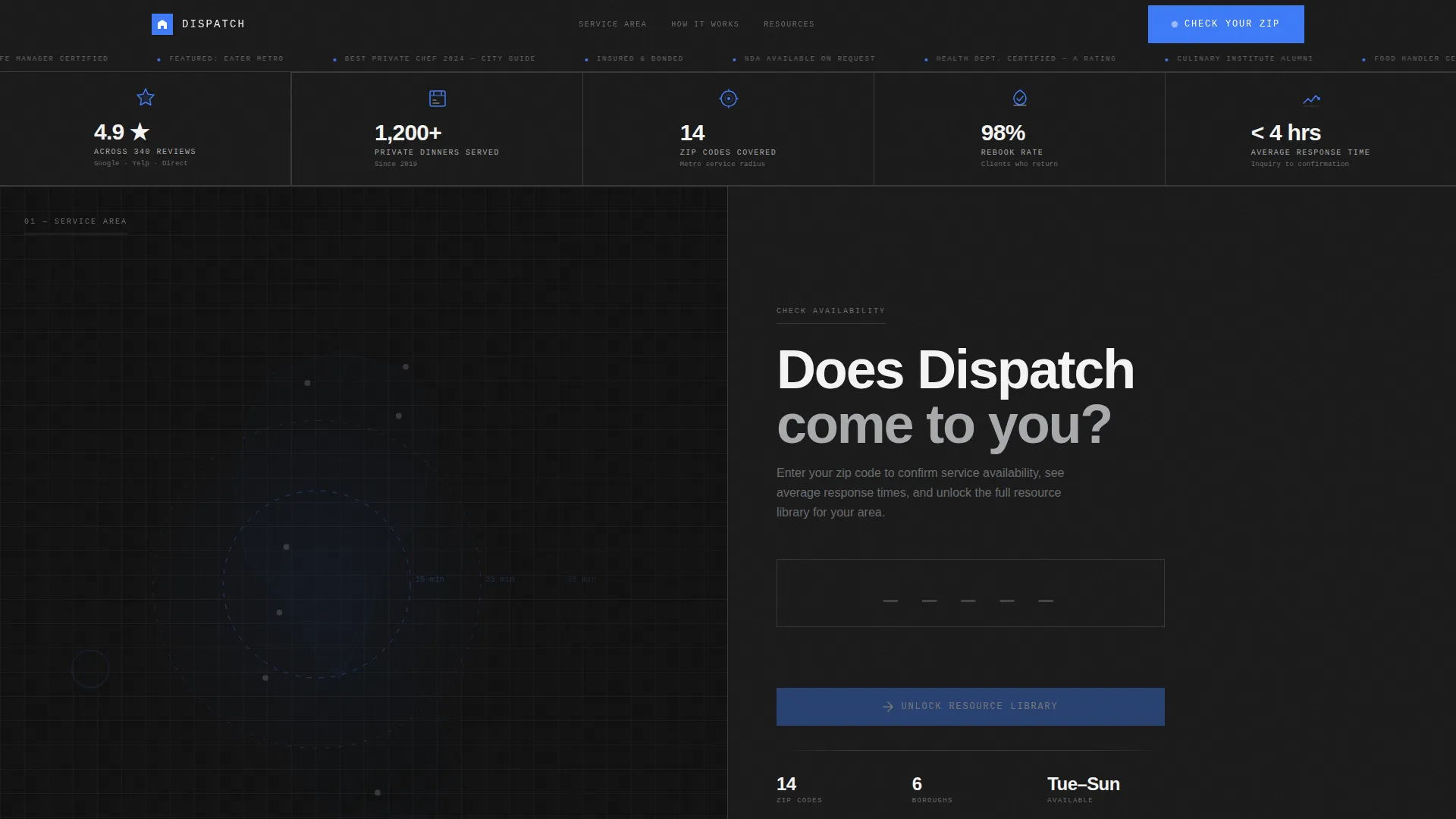
A horizontal band across the top of the page displays credential shields, health department ratings, culinary competition medallions, and publication features. Each badge is stamped with a concrete stat such as rebook rate, review score, dinners served, or zip codes covered. The section replaces a hero image entirely, leading with proof instead of atmosphere.
Split-Screen Service Area Map
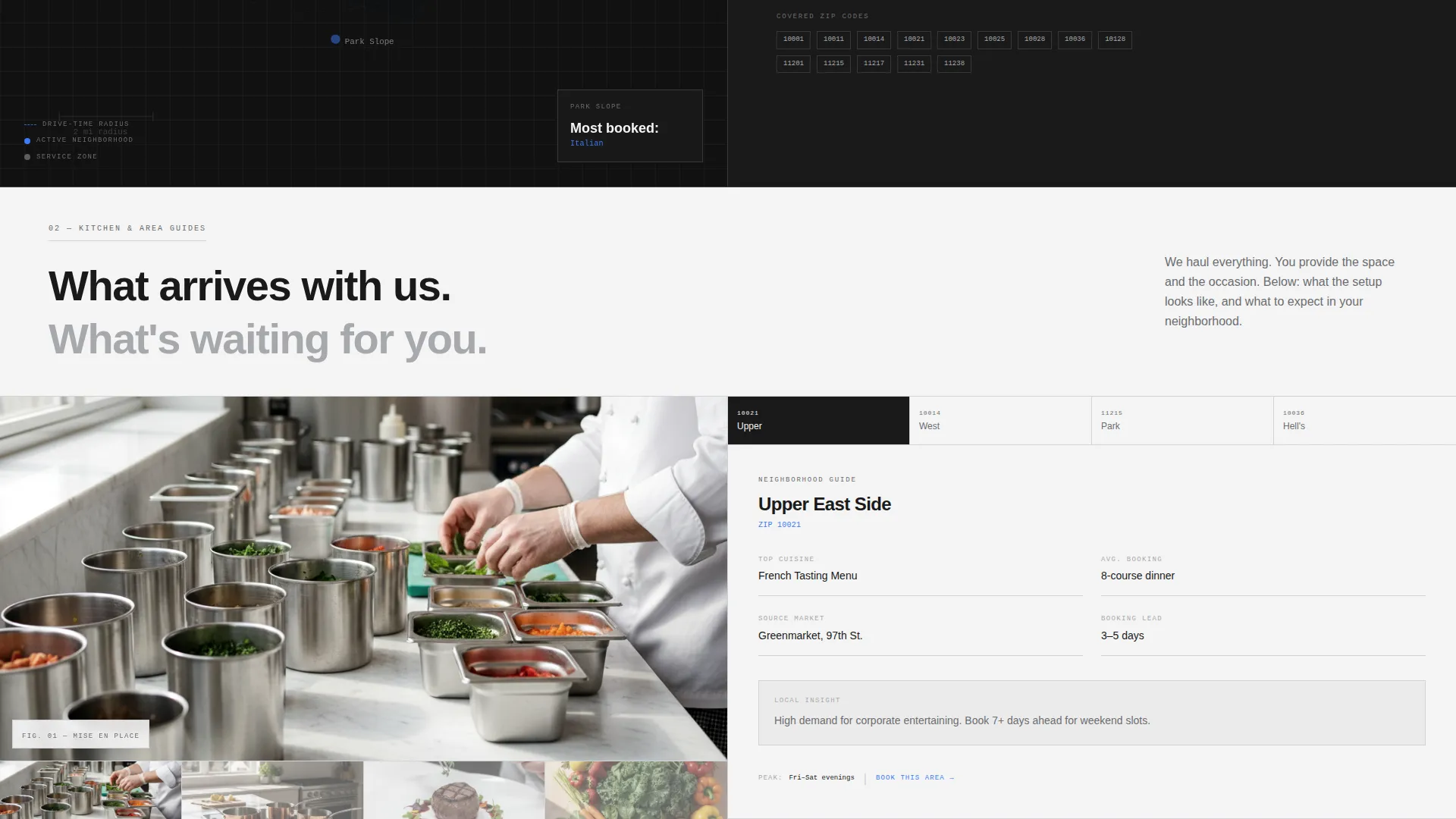
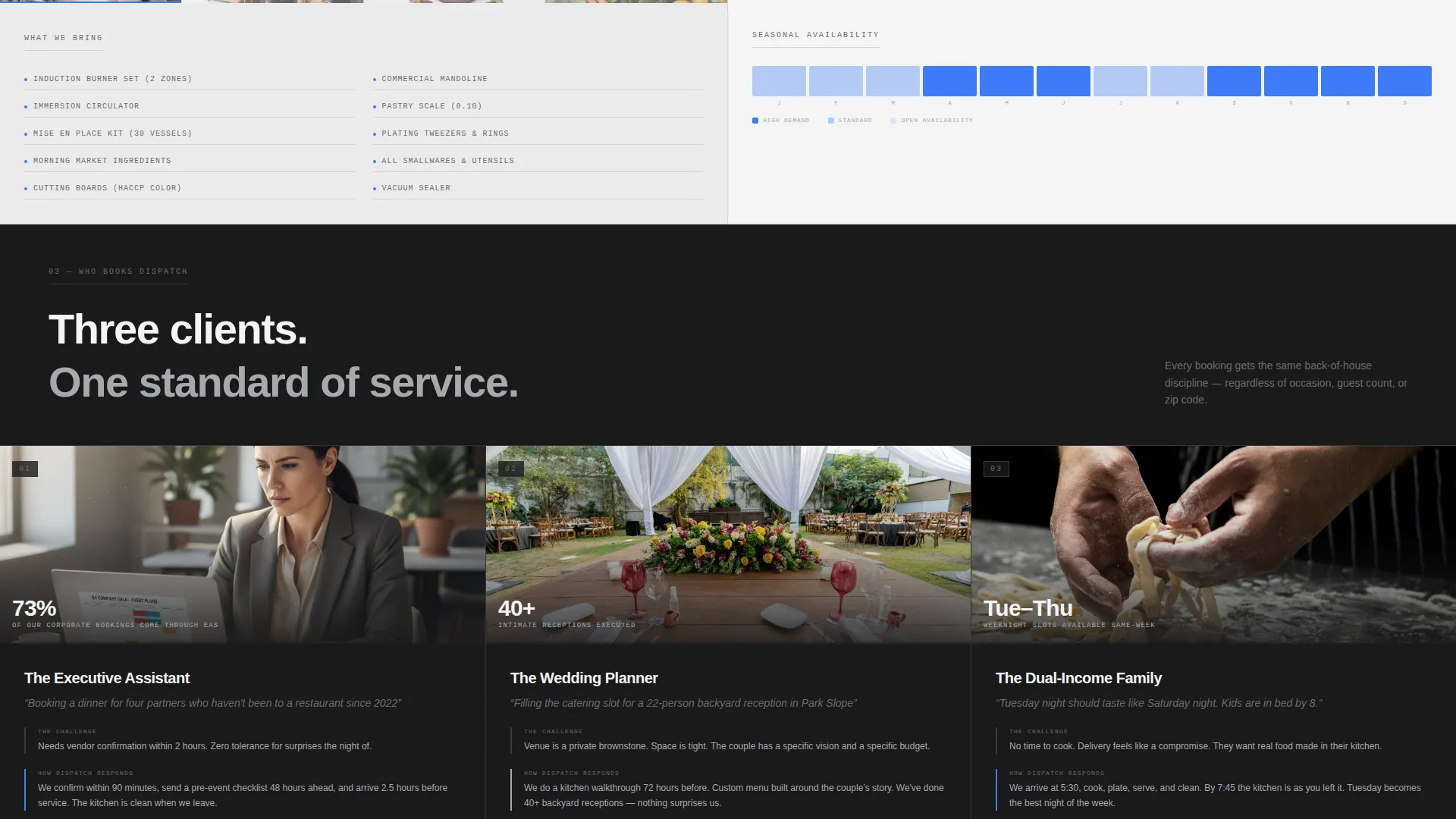
The left panel of the first scroll section holds a labeled map of the service area. Drive-time radii are drawn in the accent color, and neighborhoods are clearly identified. The right panel cycles through location-specific stats including average response time, most-booked cuisine by area, and seasonal availability.
Scrolling Content Split
As the visitor scrolls, the left side transitions to kitchen setup photography showing equipment on a client's counter and plating in progress. The right side delivers neighborhood guides, ingredient sourcing notes, and links to downloadable resources. The split format keeps visual and informational content balanced throughout the scroll.
Zip Code Confirmation Tool
The primary call to action is a single input field where visitors enter their zip code to instantly confirm service availability. Confirming availability also unlocks the resource library below. This approach earns the interaction by delivering utility before asking for any personal information.
Gated Hosting Guide Download
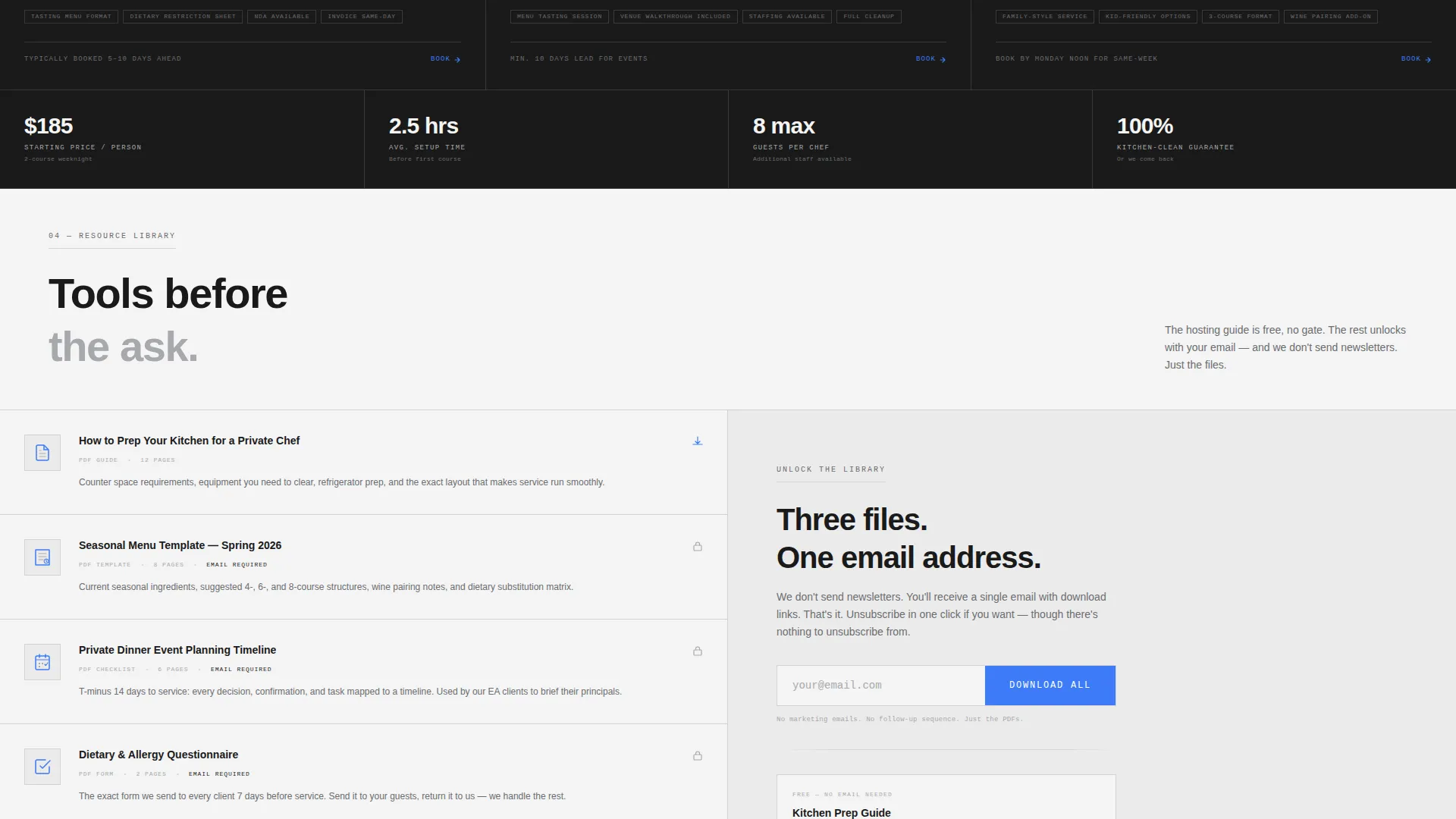
A secondary conversion path offers a downloadable hosting guide behind an email gate. The resource library includes a seasonal menu template, a kitchen preparation checklist, and an event-planning timeline. Visitors receive practical value in exchange for their contact details.
Monochrome Steel Visual System
The entire layout uses a four-color palette of forge black, brushed stainless, prep-surface white, and a single burner blue accent. Backgrounds alternate between forge black and prep-surface white as the page scrolls. The stainless gray carries all secondary text, borders, and dividers.
Page sections overview
| Section | Purpose |
|---|---|
| Award Badge Bar | Opens the page with hard stats and credential proof |
| Service Area Map | Shows covered neighborhoods and drive-time radii |
| Location Stats Panel | Cycles response time, cuisine data, and availability |
| Kitchen Setup Photos | Builds confidence with real equipment and plating visuals |
| Neighborhood Guides | Delivers area-specific context and sourcing notes |
| Resource Library | Houses downloadable PDFs unlocked by zip-code entry |
| Zip Code call to action | Confirms service coverage and opens resource access |
| Hosting Guide Gate | Captures email in exchange for a practical planning resource |
Design & branding system
The visual identity follows a Service Utility theme built entirely around the Monochrome Steel color system. Every color choice has a defined role, and nothing is decorative.
- Forge black (#1A1A1A) and prep-surface white (#F4F4F4) alternate as section backgrounds with text inverting accordingly
- Brushed stainless (#A8A9AD) handles secondary text, borders, and dividers throughout the layout
- Burner blue (#3D7BF7) appears only on links, active states, and call-to-action buttons, preserving its impact
Mobile & speed optimization
The split-screen layout is structured to reflow cleanly on smaller screens, stacking the two panels vertically without losing the content hierarchy. The lean, utility-driven design supports fast rendering by avoiding heavy decorative layers.
- The 50/50 split collapses to a single-column flow on mobile, keeping map, stats, and resource sections readable
- The badge bar and stat blocks are typographic and icon-based, reducing reliance on large image assets
- The zip-code input and email gate remain prominent and functional at any viewport width
How this template helps you convert
Dispatch is built around a stats-first conversion logic. Visitors encounter proof before they encounter any request for their information, which builds the trust needed to act.
- The award badge header and stat blocks establish credibility within the first viewport, before a visitor has scrolled at all
- The zip-code tool delivers immediate, useful confirmation of service availability, giving the visitor a reason to stay and explore the resource library
- The gated hosting guide creates a natural second step for visitors who are not yet ready to book but want to stay connected
Other information about this template
Dispatch is categorized under Professional Services with a Chef and Cook Online Presence subcategory, specifically aligned to a Chef and Cook Service Area and Location page niche. The template style is Split Screen (50/50), and the creative direction is Stats-First Impact.
- The header concept is Award Badges, which replaces a traditional hero section with verifiable credential and performance data
- The landing-page direction is Content and Resource, meaning the page earns engagement by front-loading tools and proof before any contact request
- The theme is Service Utility, reflecting a back-of-house aesthetic that prioritizes function and precision over lifestyle imagery
Theme
Service Utility
Creative direction
Stats-First Impact
Color system
Monochrome Steel
Style
Split Screen (50/50)
Direction
Content/Resource
Page Sections
Award Badge Header with Hard Stats
Split-screen Service Area Map
Zip Code Availability Tool
Gated Hosting Guide Download
Scrolling Content and Resource Split
Monochrome Steel Color System
Related questions
Can I update the service-area map to match my actual coverage zone?
What goes inside the resource library section?
Do I need a large portfolio of photos to use this template?
Is the zip-code confirmation tool connected to a live database?
Can I use this template if I serve only a few zip codes?



