Home Services Operations Consultant Landing Page
Dispatch is a single-column landing page template built for home services operations consultants. It speaks directly to owner-operators running plumbing, HVAC, and electrical businesses who are losing margin to scheduling gaps and unbilled work. The page uses an FAQ-driven scroll, a press mentions bar, and a single click-through call to action that leads visitors to a detailed case study.
by Rocket studio
Quick summary
Dispatch is a Corporate Precision landing page template for home services operations consultants. It targets owner-operators running fifteen to eighty trucks across plumbing, HVAC, and electrical trades. The design uses a Cloud Canvas color system, an FAQ-driven scroll flow, and a single click-through call to action. No forms, no clutter, just a clean diagnostic that earns the next click.
Who this template is for
This template is built for consultants who help trade contractors fix the back office. If your clients are owner-operators drowning in scheduling gaps, missed callbacks, and unbilled change orders, this page speaks their language directly.
- Home services operations consultants working with plumbing, HVAC, and electrical contractors
- Consultants whose value proposition centers on dispatching systems, technician routing, and job-costing dashboards
- Professionals targeting owner-operators running fleets of fifteen to eighty service trucks
What problem this template solves
Running a busy trade business does not guarantee a healthy margin. Owner-operators often find themselves busier than ever while profit quietly erodes. This template addresses that disconnect head-on, giving consultants a page that mirrors exactly what keeps their prospects up at night.
- Clipboard chaos, missed callbacks, and CSRs toggling between too many browser tabs signal a back-office problem, not a sales problem
- Scheduling gaps and unbilled change orders silently shrink margin even as truck count grows
- Most landing pages for consultants feel generic; this one reads like a diagnosis written specifically for trade-business owners
What you get with this template
You get a fully structured single-column landing page that unfolds as a guided conversation. Every section earns the reader's attention before asking them to take any action.
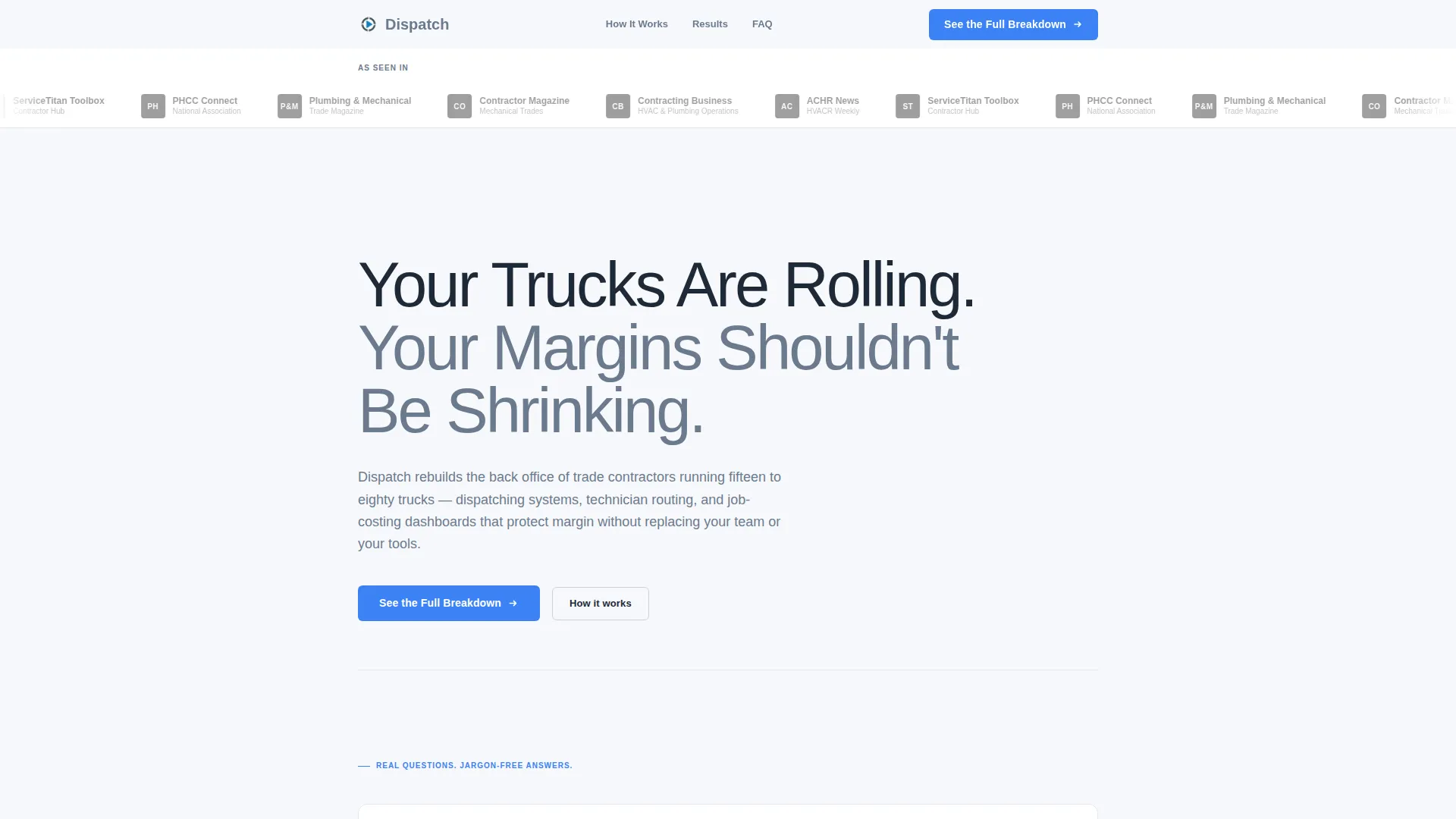
- A press mentions bar featuring trade publication logos in desaturated grayscale to establish authority immediately
- An FAQ-driven content scroll that moves through real owner-operator questions with jargon-free answers and supporting data points
- A click-through call to action placed strategically after the third FAQ block, at the page bottom, and as a persistent mobile bar
Feature list
This section describes the core built-in components and structural choices that make the Dispatch template work.
Press Mentions Authority Bar
A horizontal scrolling strip sits directly beneath the main headline. It displays trade publication logos in desaturated grayscale against the cloud-white background. The restraint of the grayscale treatment keeps the focus on the headline while the associations do their persuasion work quietly.
FAQ-Driven Diagnostic Scroll
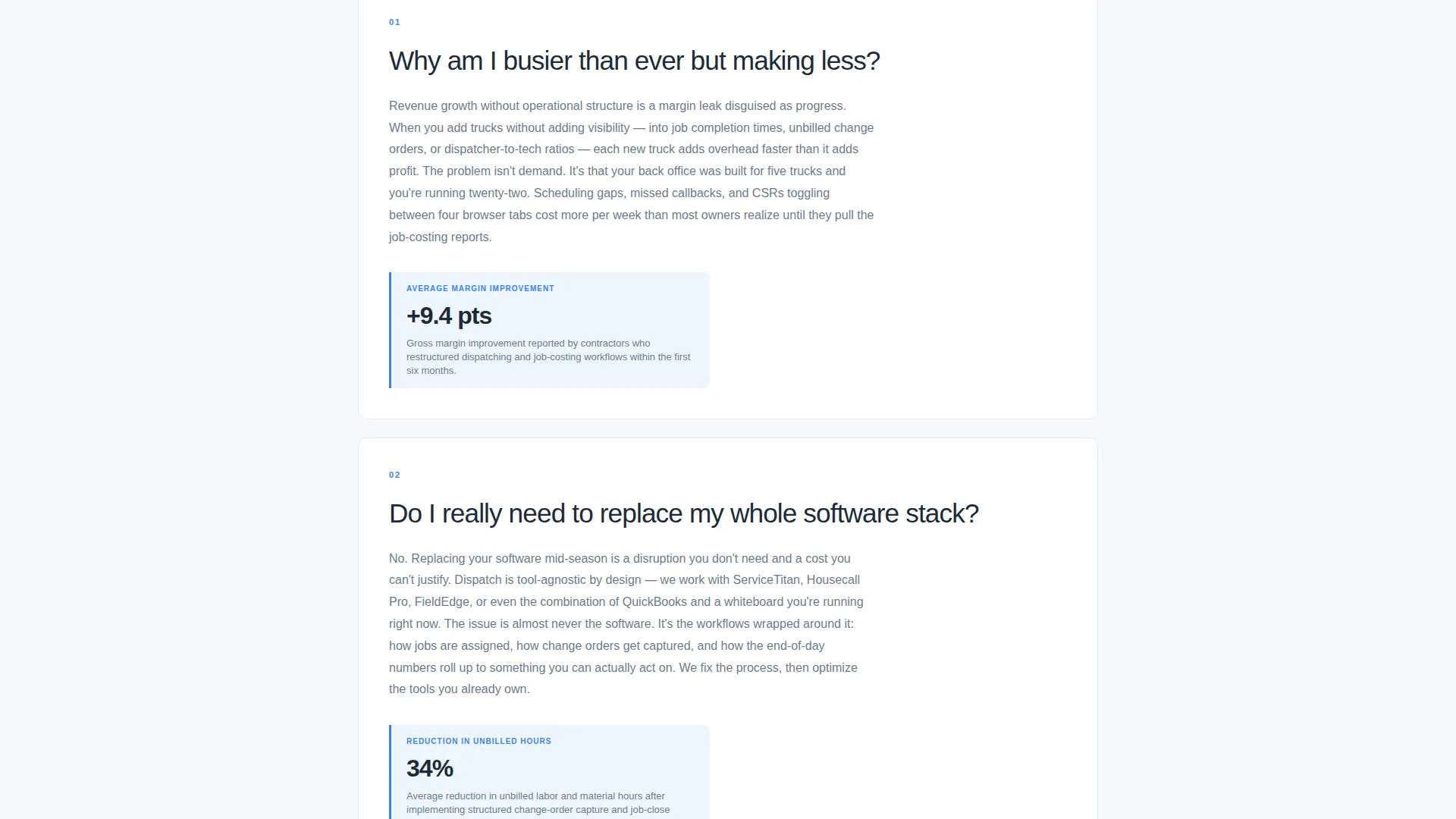
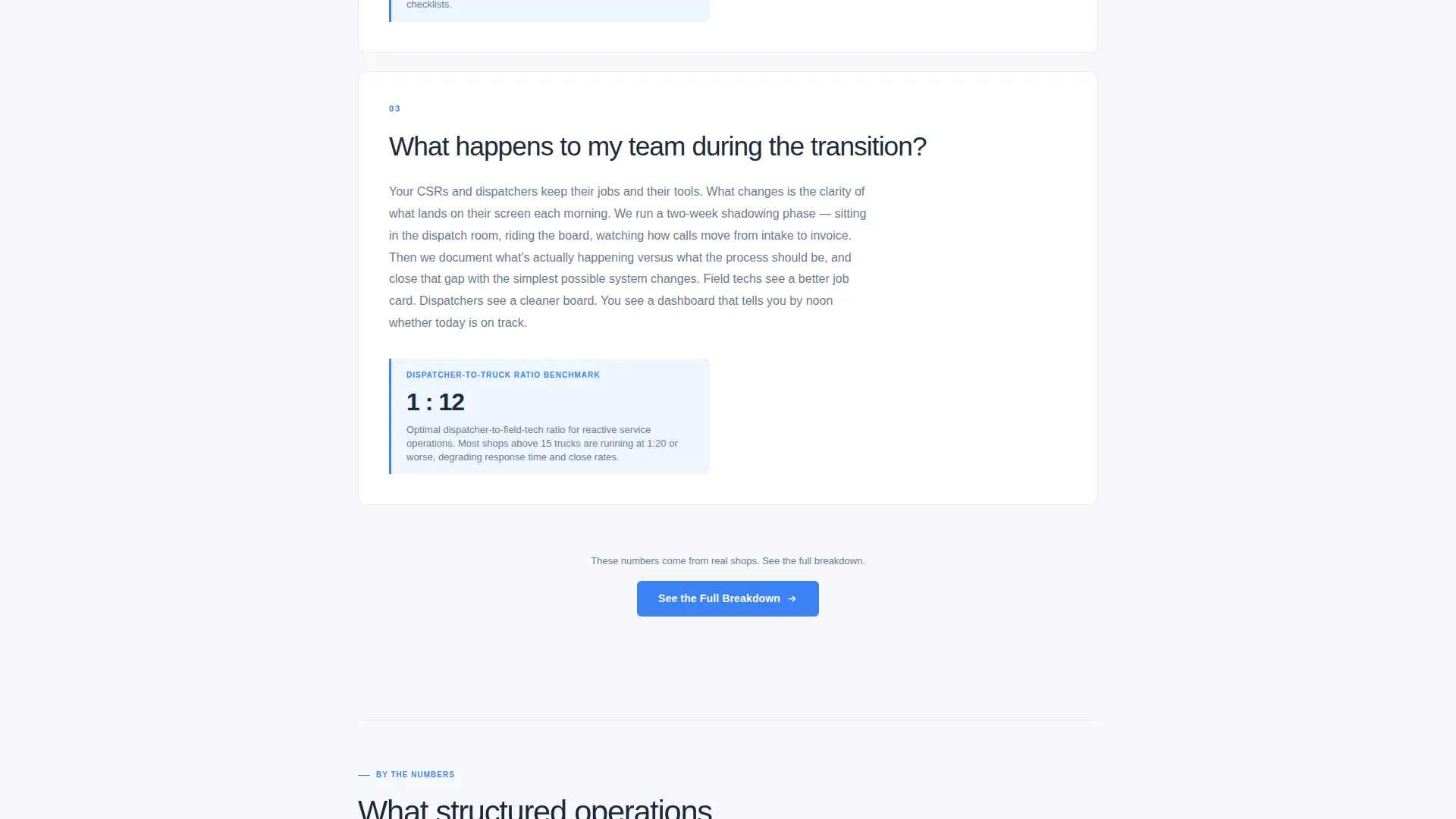
The page body is structured as a sequence of real questions owner-operators ask themselves after a long day. Each question is typeset large in deep slate, followed by a concise answer paragraph and a single supporting data point. The rhythm repeats: confession, then clarity, then proof.
Oversized Headline With No Hero Image
The header leads with one bold, medium-weight sans-serif headline: "Your Trucks Are Rolling. Your Margins Shouldn't Be Shrinking." There is no hero image. Authority is carried entirely by the press bar above and the precision of the copy below.
Strategic Click-Through Call to Action
The primary call to action reads "See the Full Breakdown" and appears in three positions: after the third FAQ block, at the page bottom, and as a persistent bottom bar on mobile. Each placement is timed to catch visitors at peak curiosity.
Single-Column Flow Layout
The layout is a clean single-column scroll with no sidebars, no grid noise, and no competing visual elements. Every section leads naturally into the next, keeping reading momentum high from the headline to the final call to action.
Mobile Persistent Bottom Bar
On mobile devices, a fixed bottom bar keeps the primary call to action visible at all times during scroll. Visitors never have to hunt for the next step, no matter how far they have read.
Page sections overview
| Section | Purpose |
|---|---|
| Press Mentions Bar | Establish authority via trade publication logos |
| Main Headline | Deliver the core value proposition immediately |
| Diagnostic FAQ Block 1 | Address the margin-versus-revenue disconnect |
| Diagnostic FAQ Block 2 | Explain tool-agnostic integration philosophy |
| Diagnostic FAQ Block 3 | Handle change management objections |
| Mid-Page call to action | Capture visitors at peak engagement |
| Additional FAQ Blocks | Exhaust remaining objections with proof points |
| Bottom call to action Section | Final conversion prompt before page end |
Design & branding system
The visual identity follows a Corporate Precision theme built around the Cloud Canvas color system. The palette is deliberately minimal, using restraint as a design signal in itself. Every color choice reinforces the feeling of a well-organized, professional operation.
- Soft cumulus white (#F7F8FC) as the primary background, mid-altitude gray (#6B7B8D) for body text, and deep slate (#1E2A38) for headlines and section anchors
- A single signal-blue accent (#3B82F6) reserved exclusively for calls to action and interactive elements, so every blue element reads as an action prompt
- Medium-weight oversized sans-serif typography for headlines; clean, airy spacing throughout to maintain a calm, conference-room clarity
Mobile & speed optimization
The Dispatch template is structured for a smooth mobile reading experience. The single-column layout naturally adapts to narrow screens without restructuring content or breaking visual hierarchy.
- The persistent bottom bar call to action keeps the primary action reachable at all times on mobile, regardless of scroll depth
- No hero image and a minimal asset load mean the page opens quickly and does not compete with slow network conditions in the field
- Single-column flow means no reflow complexity on small screens; the reading experience stays consistent from desktop to phone
How this template helps you convert
This template is engineered as a click-through page, not a form-capture page. Its job is to answer enough questions that the visitor decides, on their own, that they want to see proof.
- The FAQ scroll structure progressively resolves objections in the order owner-operators actually raise them, building confidence with each answered question before presenting any call to action.
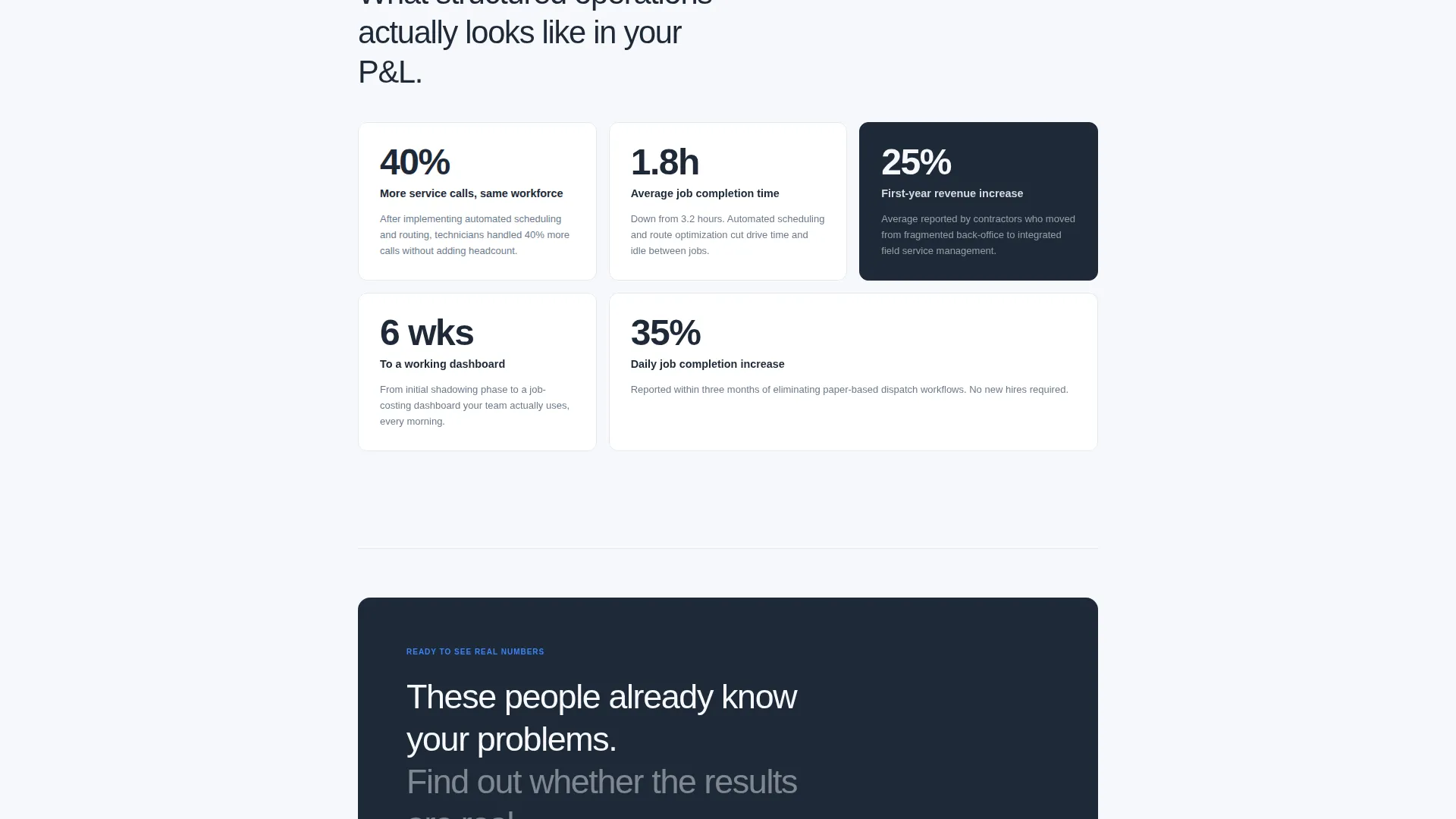
- Supporting data points attached to each FAQ answer give readers a concrete reason to believe the results are real, making the "See the Full Breakdown" click feel like a logical next step rather than a leap of faith.
- Three call-to-action placements, including the persistent mobile bar, ensure that whenever a visitor reaches their decision point during the scroll, the path forward is immediately visible.
Other information about this template
This template is part of a broader Professional Services collection designed for consultants in skilled trades and field service industries. A few additional details worth knowing before you build with it.
- The page is designed to lead visitors to a long-form case study page with an embedded Calendly scheduler, so plan your case study page before launching this template
- The tool-agnostic positioning built into the FAQ copy means the template works regardless of which dispatching or job-costing software your clients currently use
- Creative direction and copy rhythm are tightly integrated; the FAQ-driven structure relies on well-written question-and-answer pairs, so invest time in the copy as much as the layout
- The template style is classified as Single Column Flow under the Corporate Precision theme, making it straightforward to adapt the color tokens to match an existing consultant brand
Theme
Corporate Precision
Creative direction
FAQ-Driven
Color system
Cloud Canvas
Style
Single Column Flow
Direction
Click-Through
Page Sections
Faq-driven Diagnostic Scroll
Press Mentions Authority Bar
No-image Headline Header
Strategic Click-through Call to Action
Single-column Flow Layout
Mobile Persistent Bottom Bar
Related questions
Does this template include a contact form or booking widget?
Can I use this template if my consulting practice covers only one trade, such as HVAC?
What kind of data points should I include in the FAQ answer blocks?
Is the press mentions bar limited to specific publications?
What happens after a visitor clicks the call to action?



