Authoritative Asset Liquidation Landing Page Template
Liquidate is a B2B estate liquidation consulting landing page built for firms serving probate attorneys, trust officers, and elder law practices. The zigzag Expert Panel layout walks visitors through four specialist disciplines, stacks case-study evidence, and drives two conversion paths: a firm introduction call and a downloadable attorney checklist. The design carries authoritative legal-office weight.
by Rocket studio
Quick summary
Liquidate is a single-page template built for estate liquidation consulting firms that work alongside legal and fiduciary professionals. The Expert Panel layout introduces four specialist roles in a rhythmic alternating structure, building trust through credentials and resolved outcomes. Two conversion paths anchor the page: a firm introduction form and a gated PDF checklist for attorneys.
Who this template is for
This template is designed for estate liquidation consulting firms that market directly to legal and financial professionals rather than to general consumers. If your business depends on becoming a trusted outsource partner, this page structure fits.
- Probate attorneys managing large caseloads who need a reliable liquidation partner
- Fiduciary trust officers at regional banks fielding executor inquiries
- Elder law firms whose clients' families arrive overwhelmed by assets and obligations
What problem this template solves
Estate liquidation consulting is a high-trust, high-stakes service. A generic agency page fails to communicate the depth of specialist expertise that probate attorneys and trust officers need before they refer a client. This template solves that credibility gap.
- Professionals need to see specific disciplines, not a vague list of services
- The buyer journey moves from "could we use this?" to "how quickly can we onboard them?" only when evidence accumulates
- Two conversion paths capture partners at different stages of readiness
What you get with this template
You get a fully structured, single-page layout ready for a consulting firm that handles the complete financial and logistical process of estate settlement. Every section is purposeful and ordered to build authority progressively.
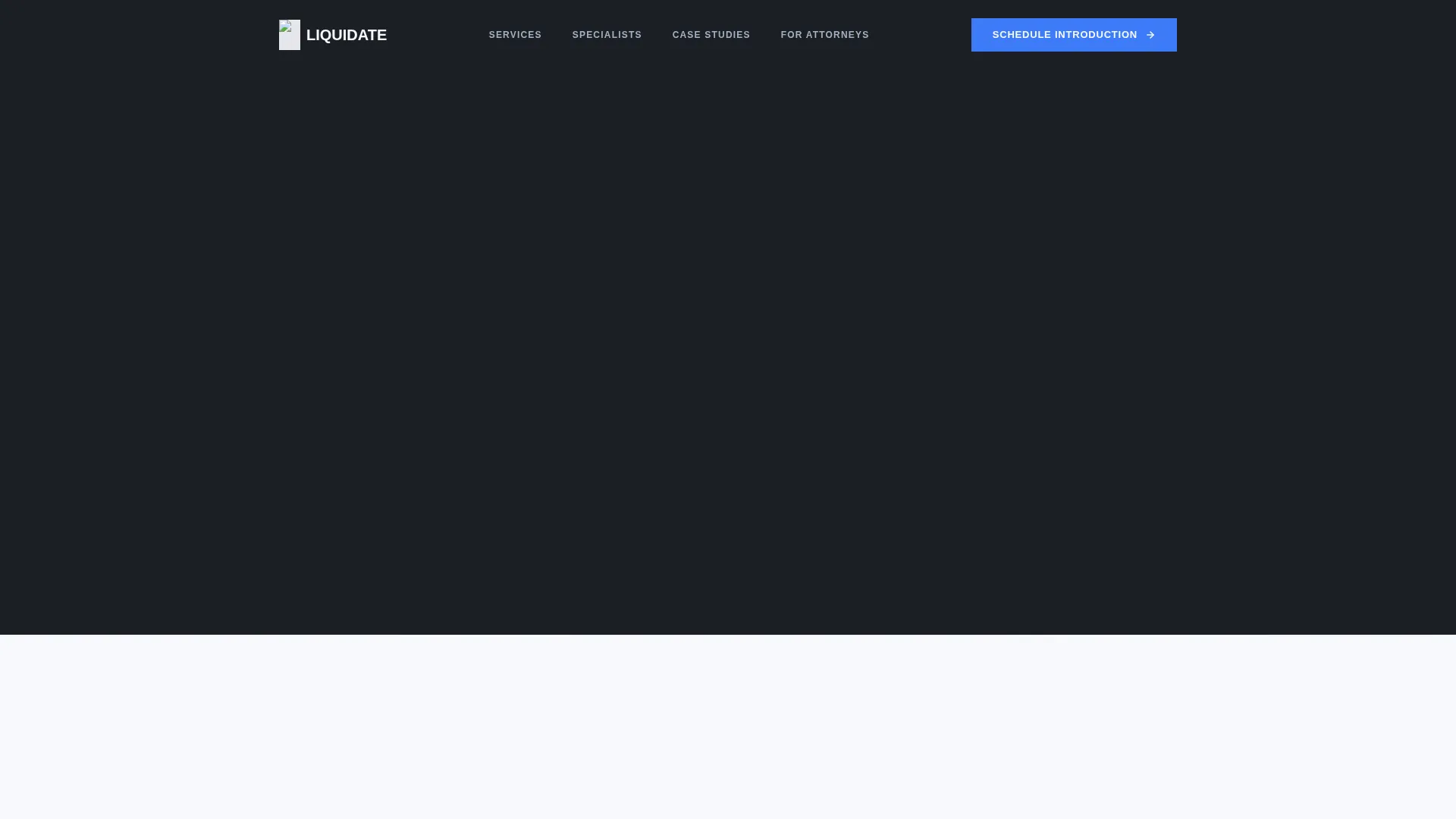
- A dark cinematic hero section with a headline, document visual, and glass call-to-action card
- Four zigzag specialist sections with portrait-and-case-study alternating layout
- A partnership conversion section with an inquiry form, practice area selector, and gated PDF download modal
Feature list
This template ships with a focused set of components designed specifically for professional services conversion in the estate liquidation consulting space.
Dark Full-Bleed Hero with Glow Document
The hero opens on a near-black viewport. A partial asset inventory sheet emerges from darkness with a soft protective blue rim glow, evoking a lightbox or courthouse document review. The headline and secondary audience line sit in glacier white and frozen steel typography.
Zigzag Expert Panel Layout
Four alternating sections each introduce one specialist discipline: certified appraiser, tax strategist, auction coordinator, and creditor negotiator. Each section pairs a portrait-style photograph with a case-study narrative on the opposite side. The rhythm builds progressive authority as stakes escalate from residential liquidations to IRS lien resolution.
Sticky Partnership Call-to-Action Bar
A persistent call-to-action bar activates from the midpoint of the page and remains visible during scroll. It anchors the primary conversion prompt without interrupting the reading flow.
Firm Introduction Inquiry Form
The partnership section includes a structured form collecting firm name, practice area (probate, trust administration, elder law, or other), average estate caseload per quarter, and a preferred meeting window. This qualifying form ensures the firm introduction is relevant before the first call.
Gated PDF Checklist Download
A secondary conversion path offers a co-branded attorney estate liquidation checklist. It is gated behind a modal that collects email and firm name only. This lighter ask allows prospective partners to enter the firm's workflow before committing to a call.
Scroll-Reveal Animation System
The template uses scroll-triggered reveal animations with blur and vertical translation effects. Credential badges and section borders use beam animations. Staggered reveals create a measured, confident presentation rhythm suited to a legal-authority visual identity.
Page sections overview
| Section | Purpose |
|---|---|
| Hero full-bleed | Establishes authority, names the audience, presents primary call to action |
| Zigzag 1: Appraiser | Introduces certified appraisal discipline via residential liquidation case study |
| Zigzag 2: Tax Strategist | Presents estate tax reduction case, anchors first call-to-action placement |
| Zigzag 3: Auction Coordinator | Demonstrates capability on multi-state contested estate scenarios |
| Zigzag 4: Creditor Negotiator | Addresses IRS lien resolution, escalates stakes to highest complexity |
| Partnership conversion | Hosts inquiry form, PDF checklist download, and sticky bar reinforcement |
| Linear footer | Delivers single-row footer with firm links and closing details |
Design & branding system
The visual identity follows a Legal Shield theme built on an Arctic White color system. The palette feels like a signed affidavit under fluorescent courthouse light: authoritative, clean, and impossible to question.
- Glacier white (#F7F9FC) fills open section backgrounds; case-file charcoal (#1B1F24) anchors text and alternating dark fills; frozen steel (#A3B1C6) handles secondary type and divider lines
- Protective blue (#3D7BF7) is reserved exclusively for calls to action, credential badges, and hover states
- Typography pairs DM Sans for body and interface copy with Fraunces serif display headlines for authority-driven section titles
Mobile & speed optimization
The template is built desktop-first, reflecting the reality that probate attorneys and trust officers typically review partner resources at a desk. A mobile fallback layout is included to maintain usability across all devices.
- Desktop-first layout with a responsive mobile fallback for all sections including the sticky bar and form
- Server Components handle static content to minimize client-side JavaScript overhead
- Animations use performant scroll-reveal techniques rather than heavy runtime rendering
How this template helps you convert
The page is designed as a progressive credibility engine. Each scroll step adds a new layer of evidence until the visitor's question shifts from hesitation to urgency.
- The Expert Panel structure introduces four distinct specialist disciplines in sequence, making the full service offering feel organized and deep rather than vague.
- The sticky call-to-action bar and two-path conversion system capture both ready buyers with the firm introduction form and early-stage prospects with the gated PDF checklist.
Other information about this template
This template is suited to consulting firms operating in the US legal and financial context, with copy and form logic written for English-language audiences working in USD-denominated estate matters.
- The template style is Zigzag/Alternating with an Expert Panel creative direction
- The header concept is Dark Full-Bleed with Glow, producing a cinematic document aesthetic distinct from standard professional services pages
- The landing page direction is Partnership and B2B, meaning every design decision prioritizes convincing a professional firm to begin a working relationship
- The Linear Single-Row footer pattern closes the page cleanly without adding distraction at the end of a high-intent scroll path



Theme
Legal Shield
Creative direction
Expert Panel
Color system
Arctic White
Style
Zigzag/Alternating
Direction
Partnership/B2B
Page Sections
Dark Full-bleed Hero with Glow Document
Zigzag Expert Panel Sections
Sticky Midpage Call-to-action Bar
Qualifying Firm Introduction Form
Gated Attorney Checklist Download
Scroll-reveal Animation System
Related questions
Who is this landing page template designed for?
How does the Expert Panel zigzag layout work?
What are the two conversion paths included in this template?
Can I customize the specialist disciplines in the zigzag sections?
What fonts and colors does this template use?



