Complete Law Firm & Attorney Professional Website Template
Docket is a zigzag landing page built for intellectual property law practices. It pairs educational explainers with attorney-quoted insights across four IP disciplines, patents, trademarks, licensing, and enforcement. The layout guides visitors from curiosity to commitment, offering a downloadable toolkit and a scheduled clarity call as two clear conversion paths.
by Rocket studio
Quick summary
Docket is a single-page template designed for intellectual property law firms. It uses an alternating section layout to teach visitors about patent strategy, trademark registration, licensing frameworks, and enforcement, then earns their trust through named attorney quotes and downloadable resource cards. Two conversion paths, a toolkit download and a scheduled call, close the journey naturally.
Who this template is for
This template suits legal professionals and practices that need to educate prospective clients before asking for a commitment. It works best when the audience arrives with real, urgent questions and needs to feel informed before reaching out.
- Intellectual property law firms serving startup founders, in-house counsel, and solo inventors
- Attorneys who want to position their practice as a trusted guide, not just a service provider
- Legal marketing teams looking for a content-led landing page that generates qualified leads
What problem this template solves
Most legal landing pages ask for a call before earning the right to ask. Visitors arrive with specific, anxious questions, about expiring provisional patents, design patent thickets, or trade secret exposure, and find nothing but a contact form. That gap kills trust before it can form.
- Visitors leave before converting because the page offers no real knowledge upfront
- Attorneys struggle to differentiate their practice from competitors using the same generic layouts
- Potential clients cannot self-qualify or understand which service they actually need
What you get with this template
The template delivers a fully structured, section-led landing page built around an Educational Guide theme. Every section is designed to carry a visitor from awareness through understanding to action, without rushing the process.
- A half-page photo and text header with a strong headline and three-pillar subhead
- Four zigzag content sections covering each IP discipline, each ending with a downloadable resource card
- Two conversion paths: a toolkit download form and a footer-level call scheduling prompt
Feature list
The template brings together several purpose-built components that make this landing page effective for an intellectual property law practice.
Half-Page Header with Editorial Photo
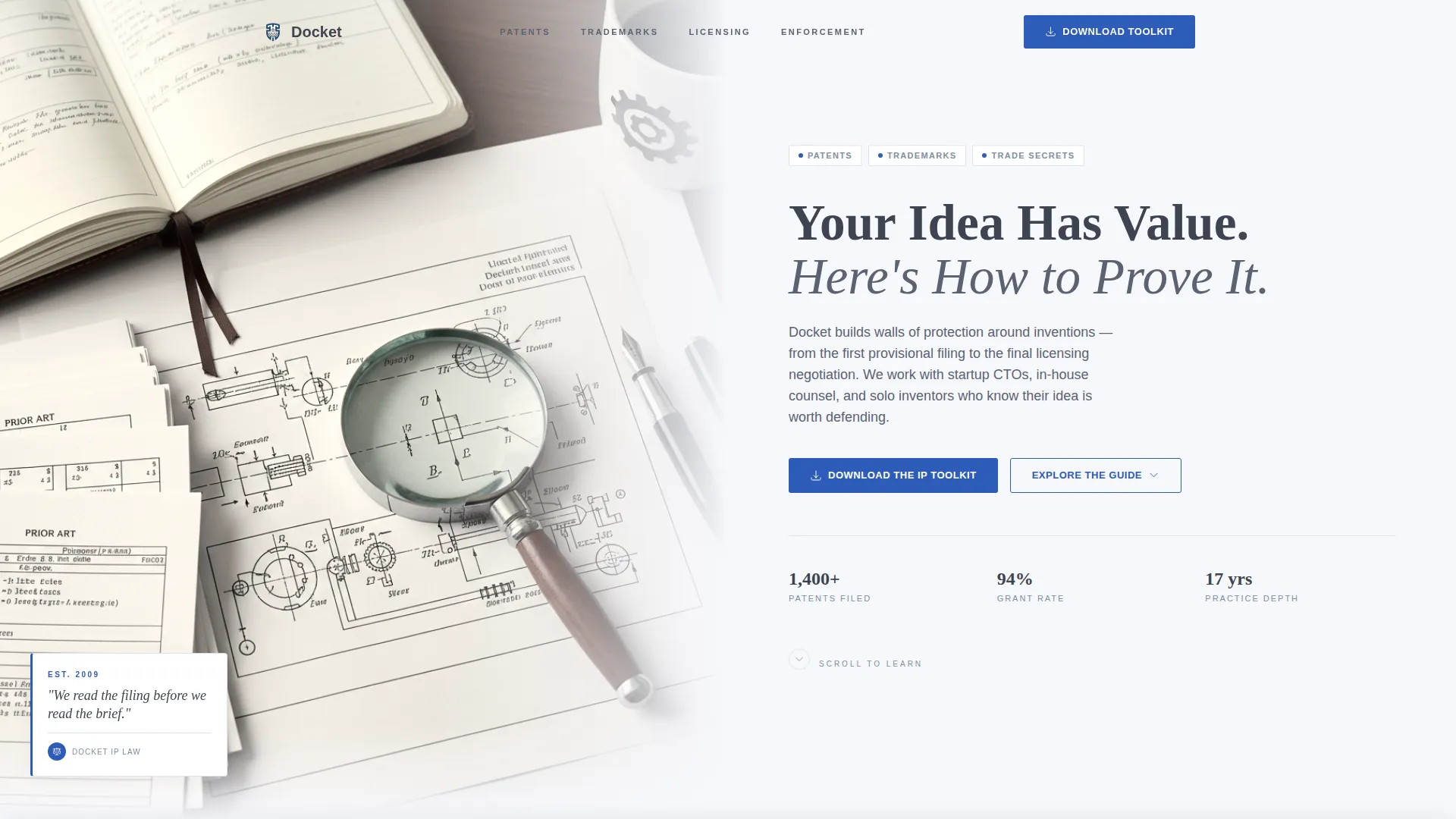
The header splits the screen between an editorially lit photograph of a patent examiner's desk and a confident headline set in a tall serif typeface. A single subhead names the three practice pillars, patents, trademarks, and trade secrets, and a soft downward arrow invites the scroll. The composition signals authority from the first glance.
Zigzag Alternating Section Layout
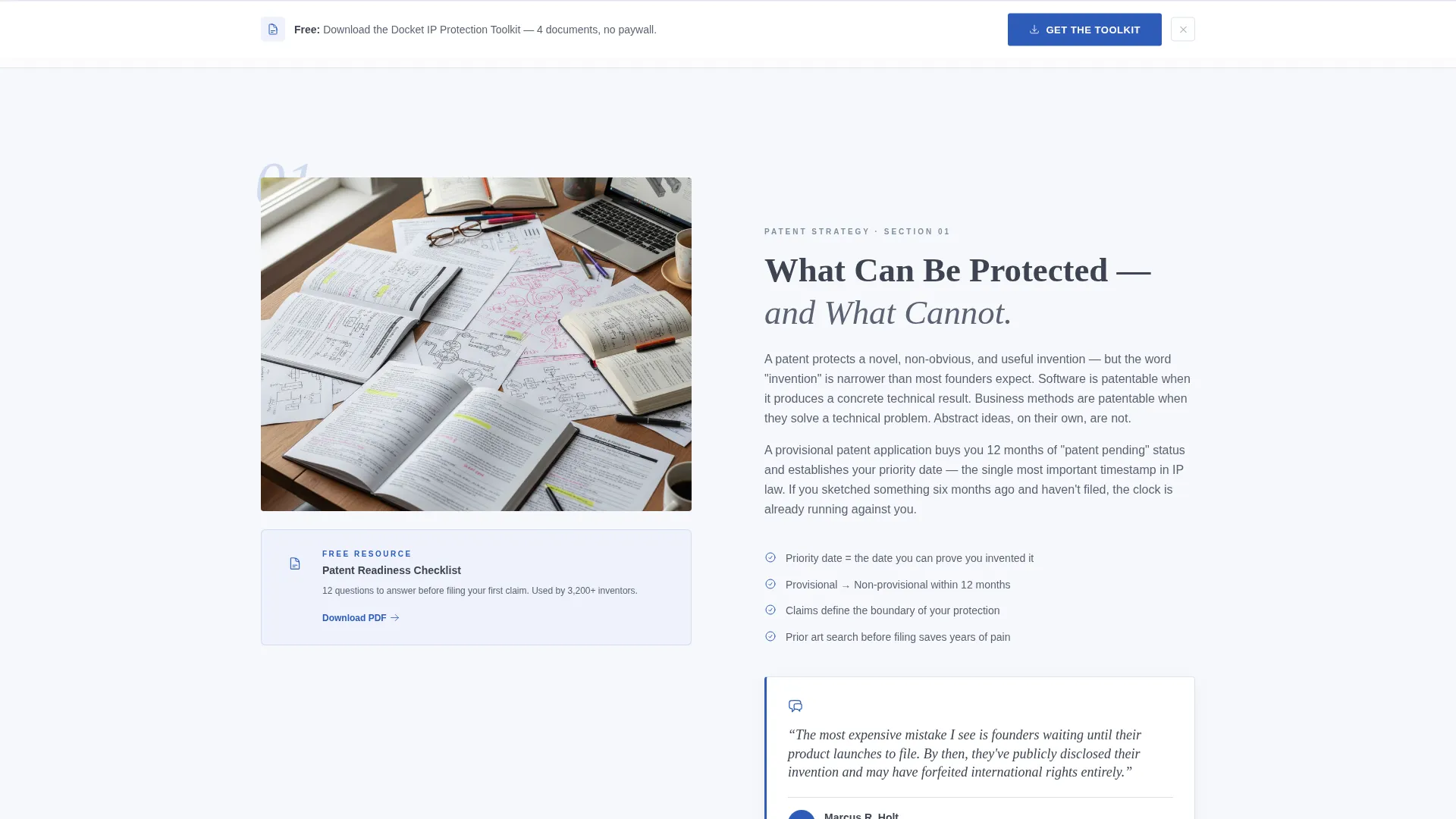
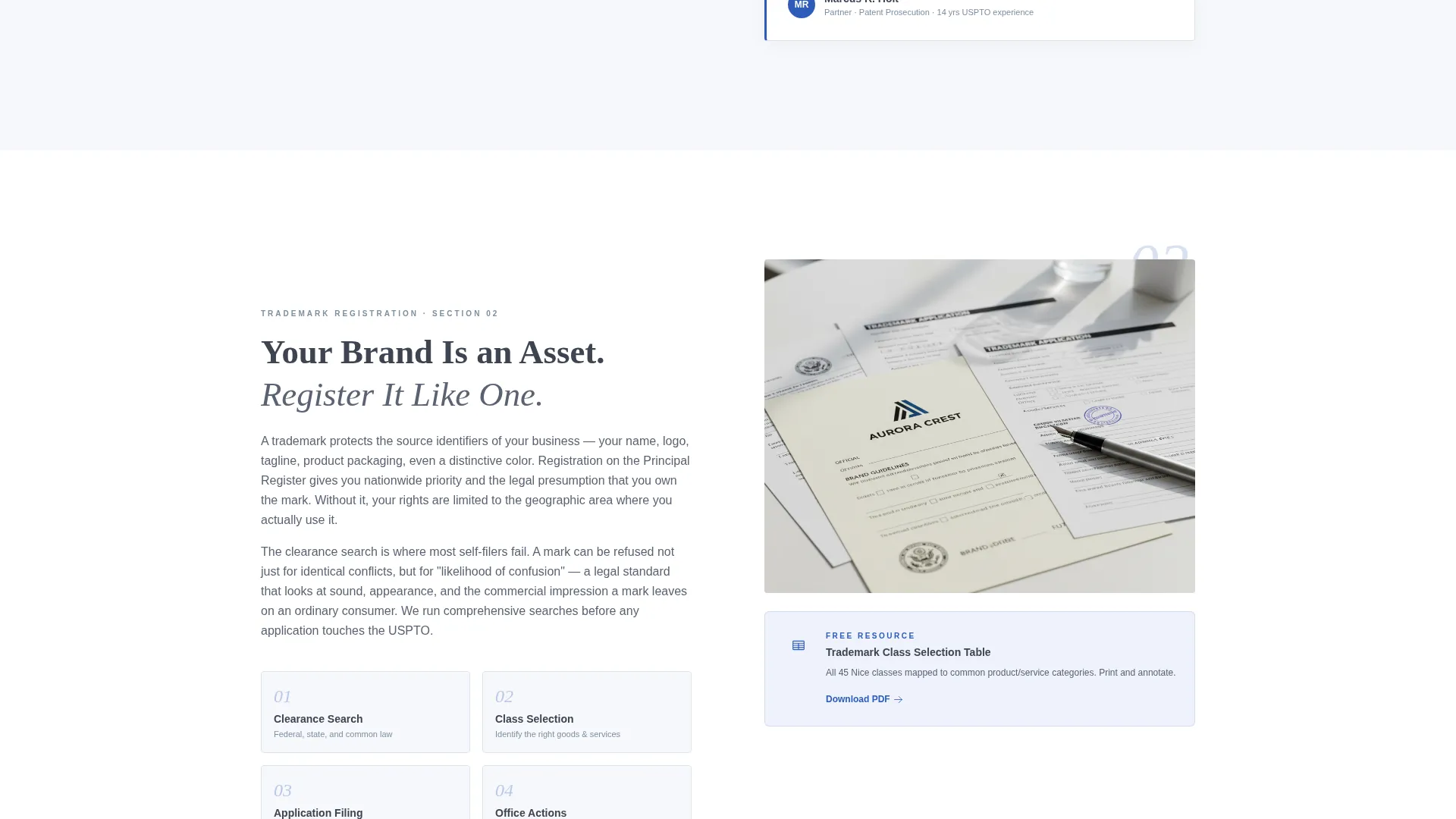
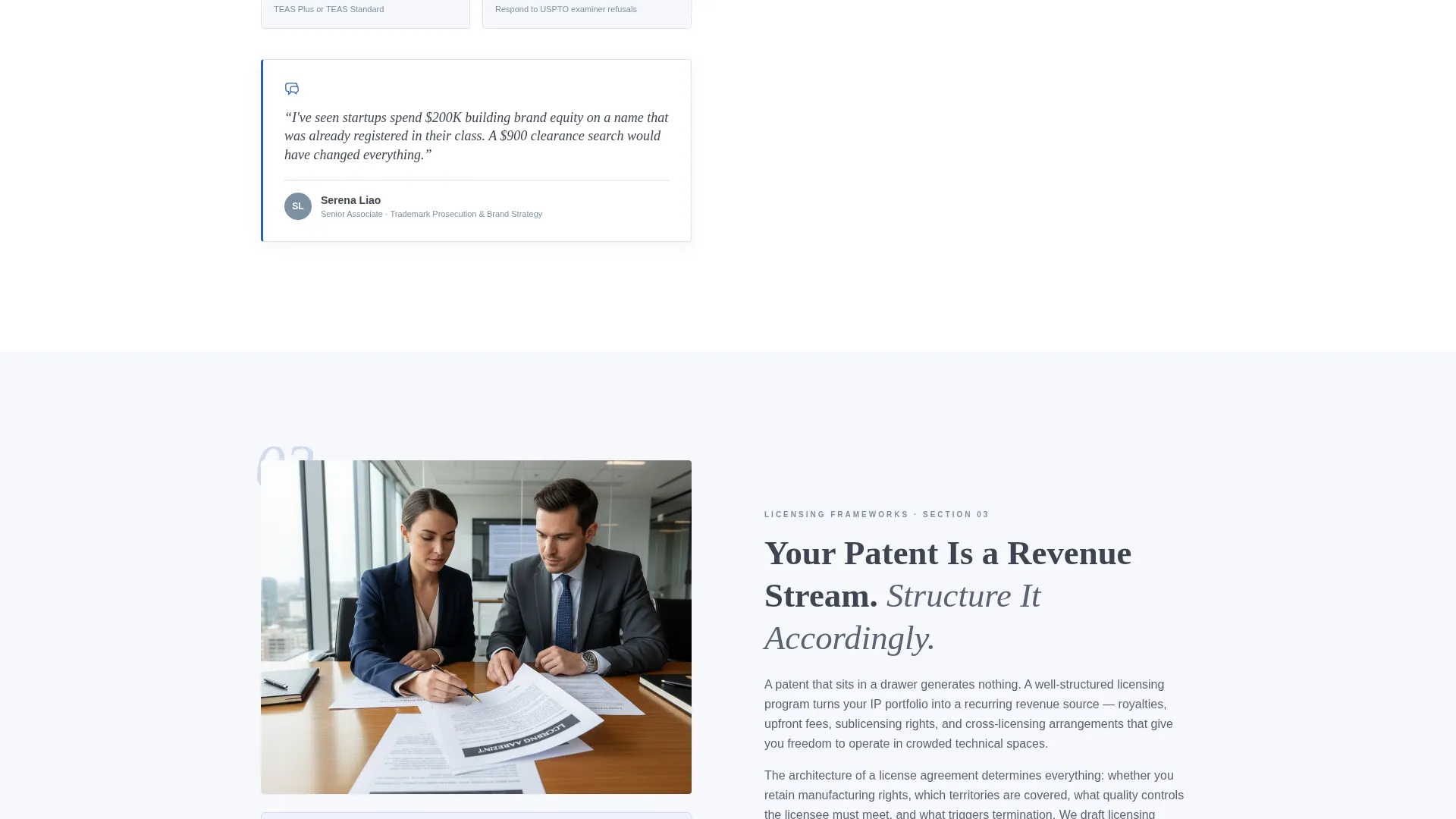
Each of the four content sections alternates its layout left to right. One side presents a concise educational explainer on an IP discipline. The other side shows a quoted insight from a named attorney, complete with a credential line and practice area. This rhythm of learning then trusting builds credibility across the full scroll.
Downloadable Resource Cards per Section
Every zigzag section ends with a resource card tied to that section's topic, a checklist, a flowchart, or a comparison table. These cards reward the visitor for reading further and make the primary toolkit download feel like a natural next step rather than a cold gate.
Persistent Toolkit Download Bar
After the visitor passes the second section, a sticky bottom bar appears prompting them to download the IP Protection Toolkit. The form captures first name, business email, and a single radio selection that helps the firm understand the visitor's immediate need before any conversation begins.
Footer Clarity Call Conversion Path
Visitors who read every section and want direct counsel find a secondary conversion prompt at the footer. The "Schedule a 20-Minute Clarity Call" option is positioned as the natural next step for someone who has already absorbed the full curriculum and is ready to speak with an attorney.
Cloud Canvas Color System
The layout uses a restrained four-color palette. Cobalt is reserved exclusively for links, buttons, and interactive elements, so every visual cue that asks for action stands out clearly against the soft white and graphite background.
Page sections overview
| Section | Purpose |
|---|---|
| Header photo block | Establishes authority and names the three IP practice pillars |
| Patent strategy section | Teaches patent filing basics and shares an attorney insight |
| Trademark registration section | Explains trademark value and pairs a practitioner quote |
| Licensing frameworks section | Covers licensing architecture with an expert perspective |
| Enforcement and litigation section | Raises stakes around infringement and next steps |
| Toolkit download form | Captures leads with a low-friction, high-value offer |
| Footer call prompt | Converts ready visitors to a scheduled clarity call |
Design & branding system
The visual identity follows an Educational Guide theme. The palette and typography choices echo a freshly printed legal treatise, authoritative without being cold, with every element breathing in generous whitespace.
- Cloud Canvas palette: soft cumulus white (#F7F8FC) background, muted graphite (#3D4451) for body text, quiet slate blue (#7B8FA1) for secondary headings and icon strokes, and decisive cobalt (#2E5BBA) reserved for links and buttons only
- A tall, confident serif typeface carries the headline weight, while structural lines and icons use graphite and slate blue to maintain a clean, readable hierarchy
- Generous whitespace separates each alternating section, keeping the page easy to scan and the content easy to absorb
Mobile & speed optimization
The zigzag layout is built to reflow cleanly at smaller screen widths. The alternating columns stack vertically on mobile without losing the learn-then-trust rhythm that defines the desktop experience.
- Each section stacks its explainer text above the attorney quote block for a logical reading order on narrow screens
- Resource cards and the persistent toolkit bar remain accessible at all viewport sizes
- The four-color palette and restrained use of photography keep the visual load manageable across devices
How this template helps you convert
The page earns its conversions by giving real, usable knowledge before asking for anything in return. The structure moves visitors through a deliberate journey.
- The header captures attention with a specific, stakes-driven headline and immediately names the three services, so the right visitor self-identifies within seconds of arriving.
- The alternating curriculum sections build credibility progressively, each section teaches something actionable, and the attorney quotes confirm that expertise is real and named, not anonymous.
- Two conversion paths, the downloadable toolkit for earlier-stage visitors and the scheduled call for fully informed ones, meet prospects at different levels of readiness without forcing either group into the wrong ask.
Other information about this template
This template is designed specifically for the intellectual property law niche within the broader professional services category. It is suited for practices that handle patent filings, trademark disputes, licensing architectures, and trade secret audits.
- The template style is Zigzag/Alternating, the header concept is Half-Page Photo+Text, and the creative direction is Expert Panel
- The landing page direction is Content/Resource, meaning the primary goal is delivering knowledge that earns a lead, not a hard sell on first contact
- The Educational Guide theme makes Docket a strong fit for firms whose clients, startup CTOs, in-house counsel at mid-market manufacturers, and solo inventors, need to understand their situation before they can trust a firm enough to hire one
Theme
Educational Guide
Creative direction
Expert Panel
Color system
Cloud Canvas
Style
Zigzag/Alternating
Direction
Content/Resource
Page Sections
Half-page Editorial Header
Zigzag Expert Panel Layout
Per-section Resource Cards
Persistent Toolkit Download Bar
Cloud Canvas Color System
Footer Clarity Call Prompt
Related questions
Who is this landing page template built for?
Can I customize the attorney quotes and resource cards?
How does the two-path conversion system work?
Does the template include the downloadable toolkit files?
Can a solo attorney or small IP practice use this template?



