Digital Government Services Professional Website Template
Docket is a split-screen landing page template built for digital court filing platforms. It pairs a bold manifesto header with hard-number stat sections, a jurisdiction lookup flow, and a persistent amber call-to-action bar. The template is designed to turn attorney curiosity into confirmed filings, fast, with zero courthouse trips required.
by Rocket studio
Quick summary
The Docket precision court filing landing page template is a single-page, split-screen layout built for legal technology platforms. It leads with a manifesto-style header, drives urgency through escalating data panels, and closes with a no-registration jurisdiction lookup. Every design decision serves one goal: move an attorney from scroll to click in under two minutes.
Who this template is for
This template is a strong fit for legal technology companies serving practitioners who file court documents regularly. The layout speaks directly to people who understand what a missed deadline costs.
- Solo practitioners managing municipal court deadlines from a home office
- Paralegal teams at mid-size firms filing dozens of motions each week
- County clerks who need clean, accurate submissions to reduce backlogs
What problem this template solves
Physical courthouse filing wastes hours that legal professionals cannot afford to lose. Rejection stamps, triplicate forms, and parking lot queues are not just inconvenient. They create real professional risk.
- Attorneys lose billable hours driving to file documents that took seconds to draft
- Paralegal teams manage every docket entry by hand, multiplying the chance of a clerical error
- Rejected filings from formatting mistakes delay cases and can trigger malpractice exposure
What you get with this template
This template gives you a complete, production-ready landing page that combines editorial precision with conversion-focused architecture. Every section is purposeful and easy to update.
- A full-viewport 50/50 split hero with manifesto copy and a lifestyle product image
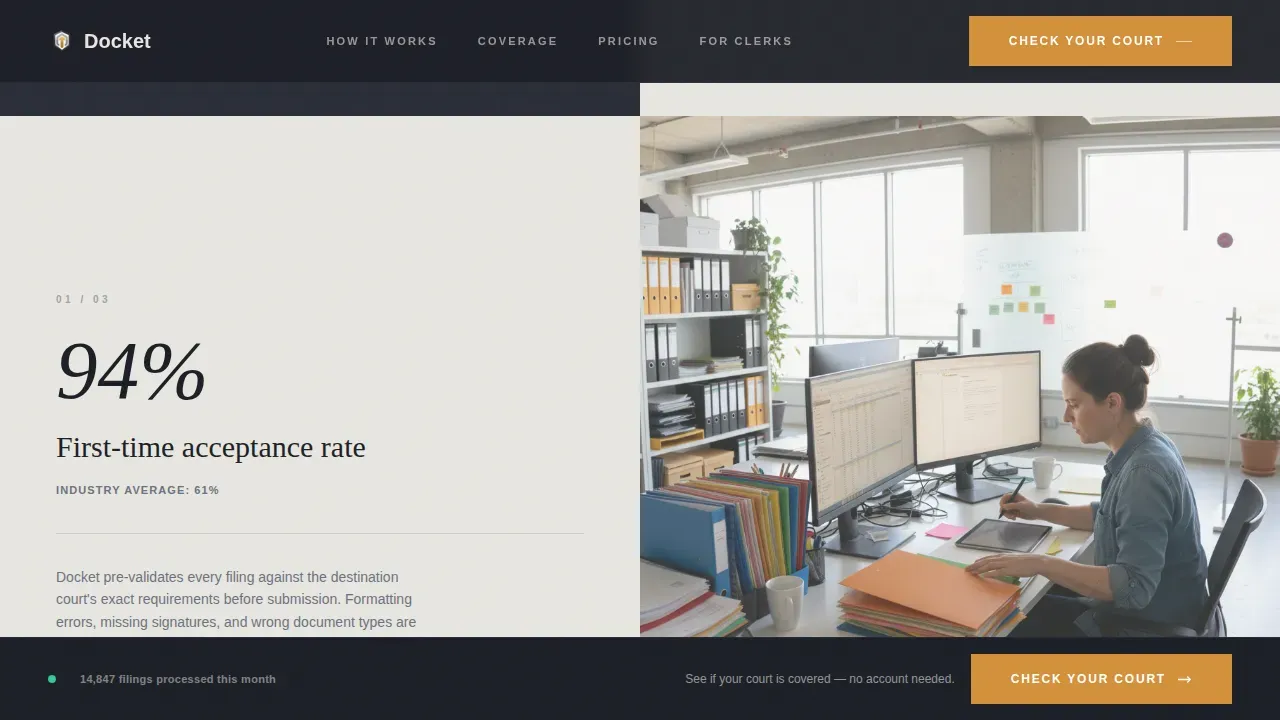
- Alternating stat-and-proof panels that escalate from convenience to professional stakes
- A single-field jurisdiction lookup interaction and a persistent amber call-to-action bar
Feature list
This template is built around a focused set of components. Each one serves the brief and nothing more.
Manifesto Hero with 50/50 Split
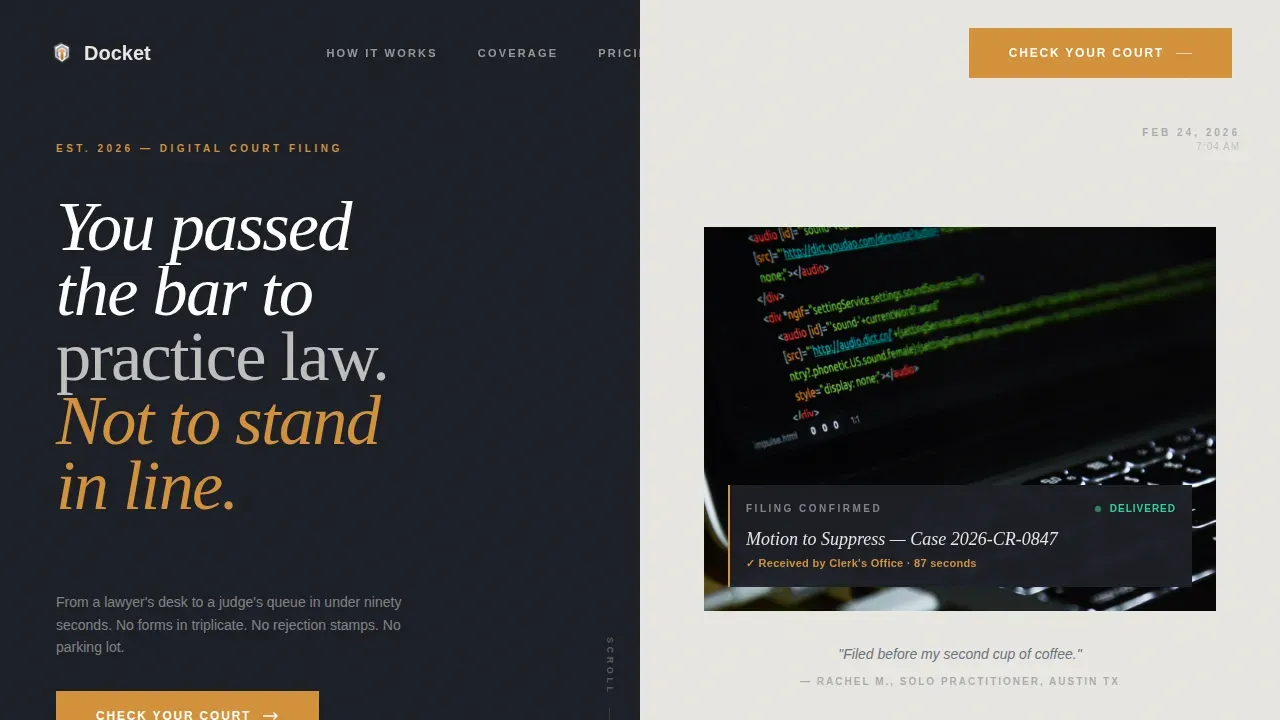
The header divides the viewport equally. The left side holds oversized serifed text on a deep graphite background. The right side displays a still lifestyle image of a filing confirmation on a laptop screen. The contrast between domestic setting and legal precision is intentional.
Stats-First Impact Panels
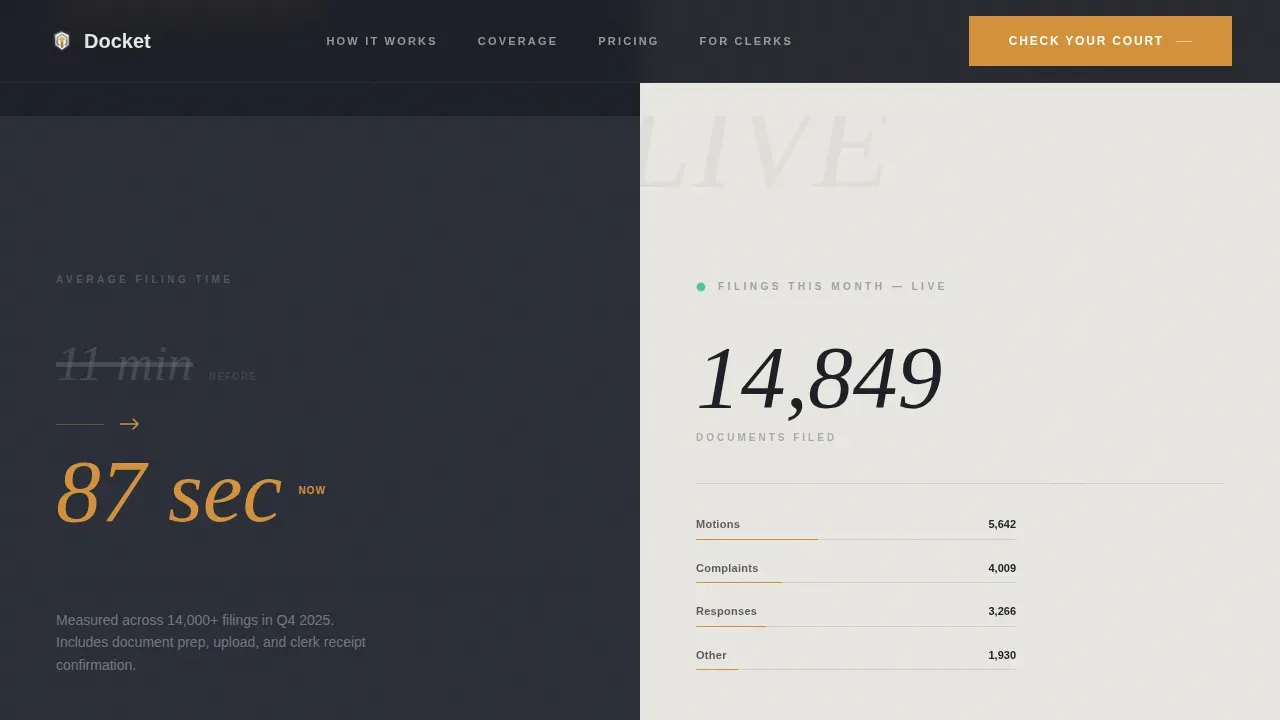
Scrolling past the hero, visitors find hard numbers immediately. A split panel shows filing time reduced from eleven minutes to 87 seconds on one side. The other side runs a live-updating counter of filings processed this month. Subsequent panels follow the same rhythm: a statistic on the left, a single proof sentence or micro-animation on the right.
Jurisdiction Lookup Interaction
The primary call to action routes visitors to a single-field page. Users enter their county or court name and instantly see whether electronic filing is supported, which document types are accepted, and a button to start their first filing. No registration is required before the lookup.
Persistent Bottom Call-to-Action Bar
After the second scroll section, an amber bar anchors to the bottom of the viewport. It stays visible as the visitor reads through the stakes sections. This ensures the primary action is always one click away without interrupting the content flow.
Escalating Stakes Section
The page shifts tone mid-scroll. Early panels focus on speed and convenience. Later panels address malpractice risk, missed deadlines, and statute of limitations failures. The data stops feeling like marketing and starts feeling like a professional obligation.
Page sections overview
| Section | Purpose |
|---|---|
| Manifesto Hero | Establish tone and primary call to action |
| Stats Impact Panel | Show filing time reduction with live counter |
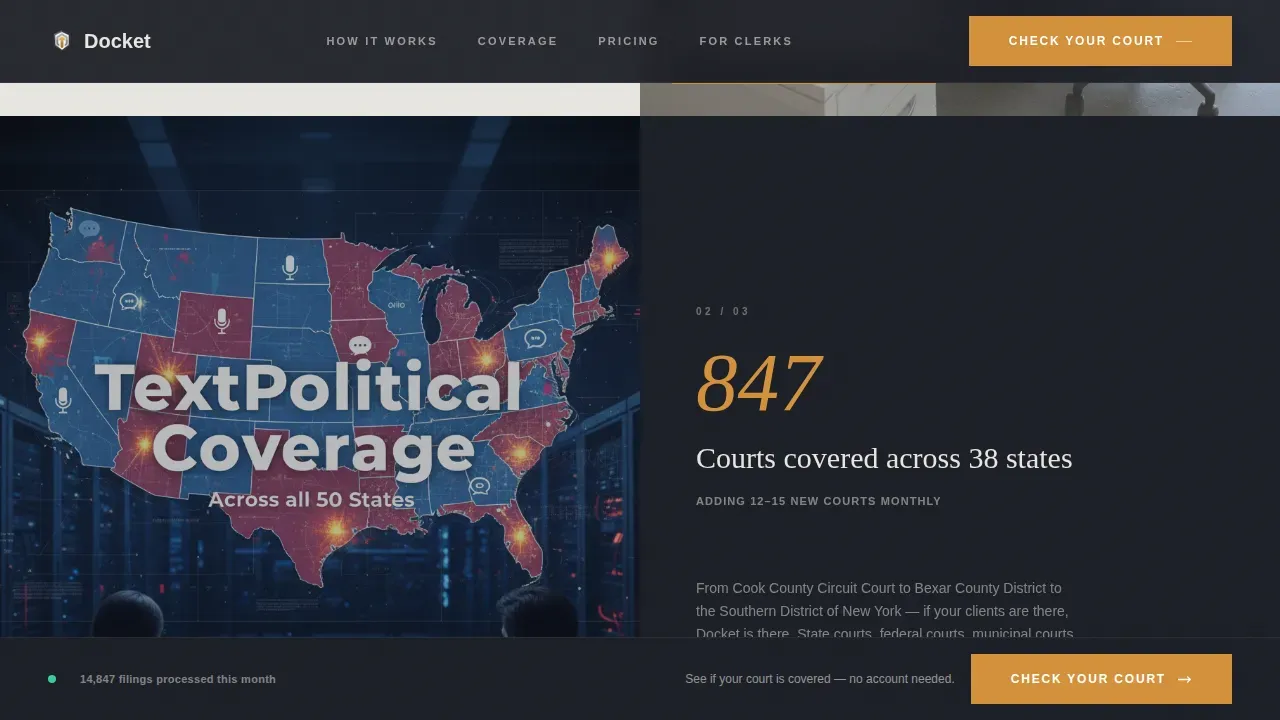
| Coverage and Precision | Alternate rejection rate and jurisdiction data |
| Stakes and Risk | Frame deadline failures as professional obligation |
| Jurisdiction Lookup | Single-field court search, no registration wall |
| Persistent call to action Bar | Keep primary action visible at all times |
| Footer | Linear single-row closing with minimal links |
Design & branding system
The visual identity follows a Community Hearth theme expressed through a Monochrome Steel color system. The palette feels like a well-lit clerk's office at 7 AM: steel filing cabinets, marble countertops, and one warm desk lamp.
- Deep graphite (#1C1F26) and courthouse marble (#E8E6E1) alternate as section backgrounds with high-contrast text pairs
- Mid-tone pewter (#6B7280) handles supporting text and secondary labels throughout the page
- Hearth amber (#D4913B) appears exclusively on calls to action and status confirmations, ensuring every amber instance means "act here"
Mobile & speed optimization
The template is designed desktop-first, matching how attorneys and paralegals work at their desks. Responsive behavior is built in for mobile access when practitioners need to check a docket on the go.
- Server Components handle all static sections to keep initial load lean
- Client Components run the live counter and jurisdiction lookup field only where interactivity is required
- GSAP ScrollTrigger manages reveal animations and count-up numbers without blocking the main thread
How this template helps you convert
The page earns the click before asking for commitment. Every section builds the case for action before the call to action appears.
- The manifesto hero qualifies visitors immediately, speaking to the specific frustration of an attorney who has filed in person, then places the amber "Check Your Court" button before the first scroll
- Escalating stat panels use hard numbers to move the emotional register from convenience to professional risk, so by the time visitors reach the jurisdiction lookup, inaction feels costly
- The no-registration lookup confirms court coverage instantly, turning curiosity into a confirmed first filing and removing the last reason to leave without starting
Other information about this template
The Docket template is built to suit legal technology platforms that want a professional image without a lengthy build cycle. Below are additional details worth noting before you start.
- The template supports content types that include jurisdiction-specific forms, motion templates, and brief drafting flows, consistent with how platforms like Westlaw Precision organize docket search by participant name, case number, attorney name, and filing date
- Standardized forms in the template prevent formatting errors and ensure all required information is captured, reducing the clerical mistakes that cause roughly 11% of filing rejections
- eFiling systems generally require documents to be saved in PDF format before submission; the template is designed to present this step clearly within the filing flow
- Users can download, print, or pass along completed forms in Word or PDF format depending on the state court requirements they need to meet
- The template layout can accommodate accuracy checkpoints, check boxes for required fields, and dedicated fields for case number and party names, all of which reduce manual entry errors for attorneys handling federal and state court filings across multiple courts
- Dedicated docket tracking displays can send automated notice whenever a new document is filed, helping firms and solo practitioners stay current without manually checking for updates
- All placeholder copy and section content is easy to update and follows a regularly updated design system that maintains visual consistency across future revisions
- The search interface is structured to accept specific search terms including party names, filing dates, and docket numbers, giving visitors a clear path to find the exact court record they need
- This template does not include a backend filing application, legal document library, or live court data connection; those are platform-level responsibilities outside the scope of a front-end template
Theme
Community Hearth
Creative direction
Stats-First Impact
Color system
Monochrome Steel
Style
Split Screen (50/50)
Direction
Click-Through
Page Sections
Manifesto Hero with Split Screen
Stats-first Impact Scroll Panels
Jurisdiction Lookup Interaction
Persistent Amber Call-to-action Bar
Escalating Stakes Section
Related questions
Who is this landing page template designed for?
Does the jurisdiction lookup work out of the box?
Can I update the statistics and filing counter numbers?
What file formats does the template support for document display?
Is this template suitable for both federal and state court filing platforms?



