Kids Basketball Specialist Professional Website Template
Dribble is an energetic kids basketball landing page template built for online coaching programs. It pairs a playful icon-grid hero, a community-style card gallery, coach trading cards, and an eight-week curriculum display with a five-step illustrated skill quiz that guides parents toward the right class tier before asking for a signup.
by Rocket studio
Quick summary
Dribble is a modular landing page template for kids basketball online classes. It opens with an animated icon-grid header, flows through community-style progress cards and coach bio cards, then closes with a five-question illustrated quiz that places each child in the Rookie, Rising, or Varsity tier and immediately offers a spot reservation form.
Who this template is for
This template is built for coaches and program organizers running online basketball skill sessions for kids aged 7 to 12. It speaks directly to suburban parents who want structured skill development without a long commute to a private trainer.
- Online basketball coaches offering live or recorded session programs for young players
- EdTech entrepreneurs launching structured sports skill curricula for the rec-league market
- Youth sports programs converting interested families into enrolled students through a guided quiz flow
What problem this template solves
Rec-league parents know their child needs more skill work, but generic class pages feel cold and overwhelming. A plain sign-up form does not help them understand which level is right for their kid or why this program is different from a random YouTube playlist.
- Parents leave without signing up because nothing on the page matches where their child actually is
- Programs lose trust when there is no visible coach credibility or community proof
- A confusing or one-size-fits-all enrollment flow makes parents feel unheard before they spend a dollar
What you get with this template
You get a fully designed, section-rich landing page that walks a parent from curiosity to confidence to commitment. Every section works together to build trust, show progress, and make enrollment feel like the obvious next step.
- An animated icon-grid hero section with a rounded display headline and micro-bounce icon entries
- A modular community gallery of progress cards, parent testimonials, and coach bio trading cards
- A five-step illustrated skill quiz with a tier-result screen and a linked reservation form
Feature list
This template ships with six purpose-built sections and a set of interactive components designed specifically for a kids sports coaching program.
Animated Icon Grid Header
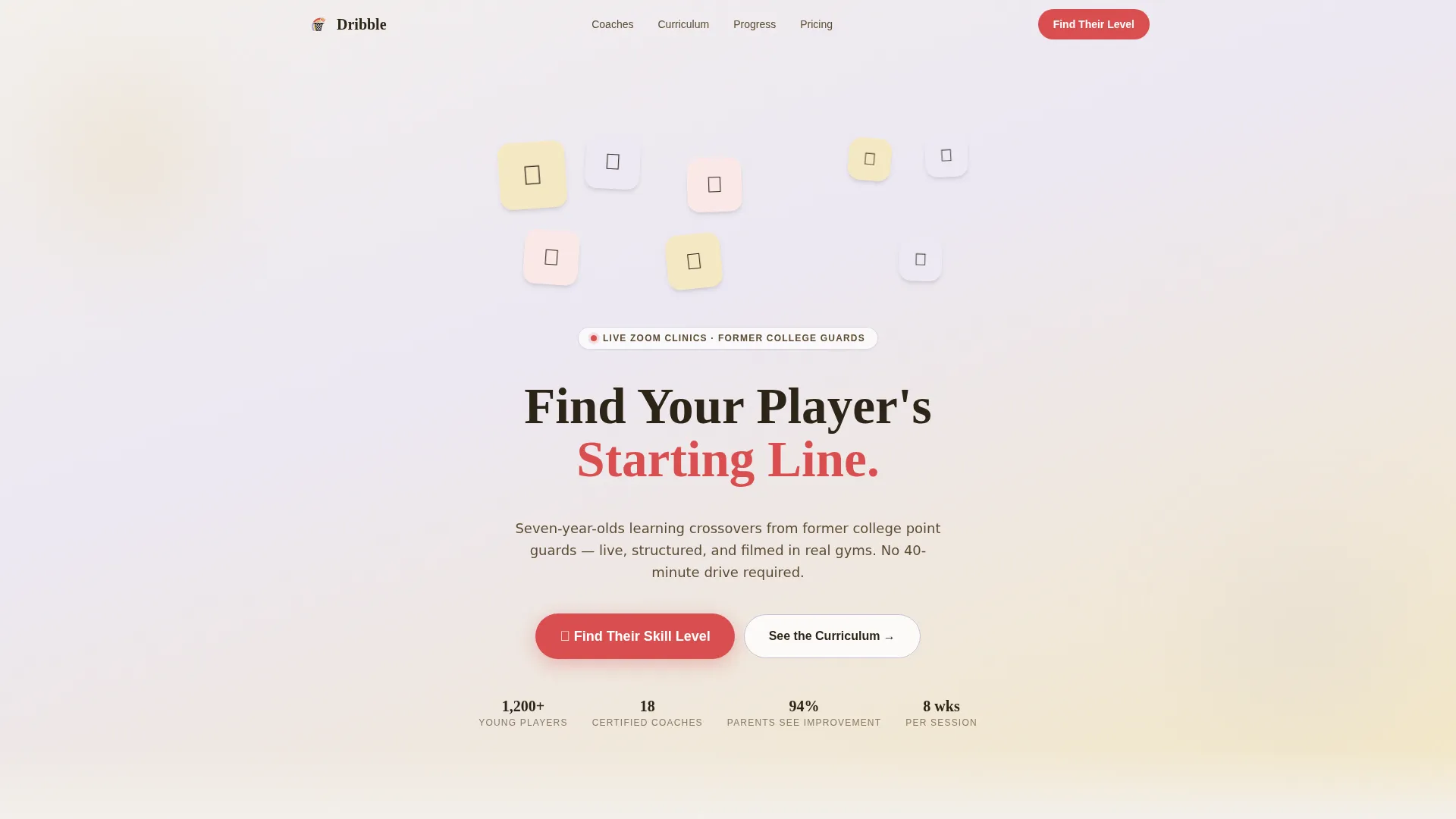
A mosaic of hand-drawn-style icons including a basketball, whistle, clipboard, sneaker, water bottle, stopwatch, high-five hand, and trophy fills the hero area. Each icon loads with a micro-bounce animation. The headline "Find Your Player's Starting Line" sits between the icons in a rounded, friendly display typeface, setting a warm and energetic tone immediately.
Modular Community Gallery
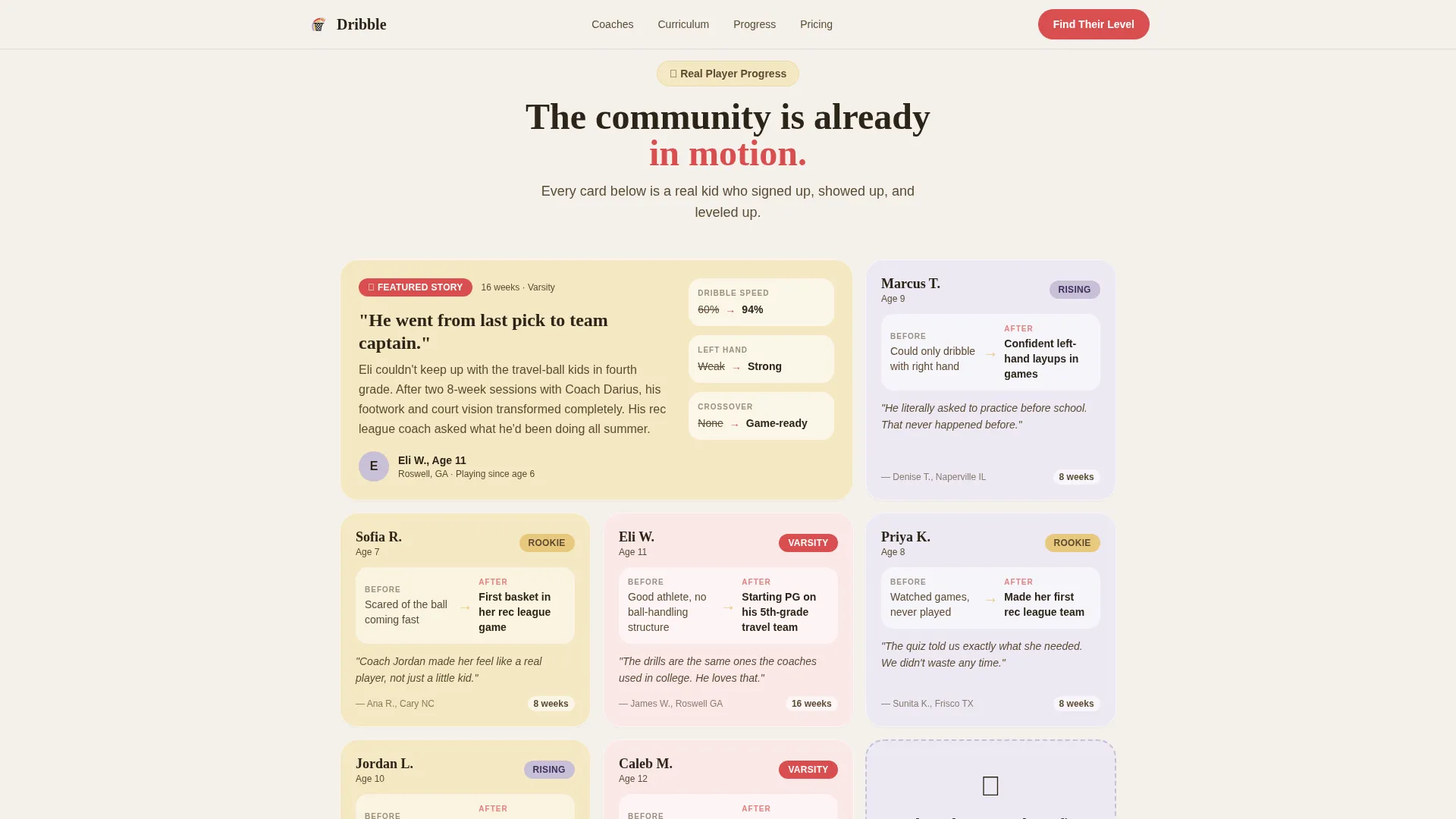
An asymmetric bento-style card grid fills the scroll area below the hero. Cards include short looping before-and-after ball-handling clips, parent testimonial snapshots with the child's age and skill tier, and skill badges. The gallery grows denser as users scroll, creating the feeling of joining an active community rather than an empty waiting list.
Coach Bio Trading Cards
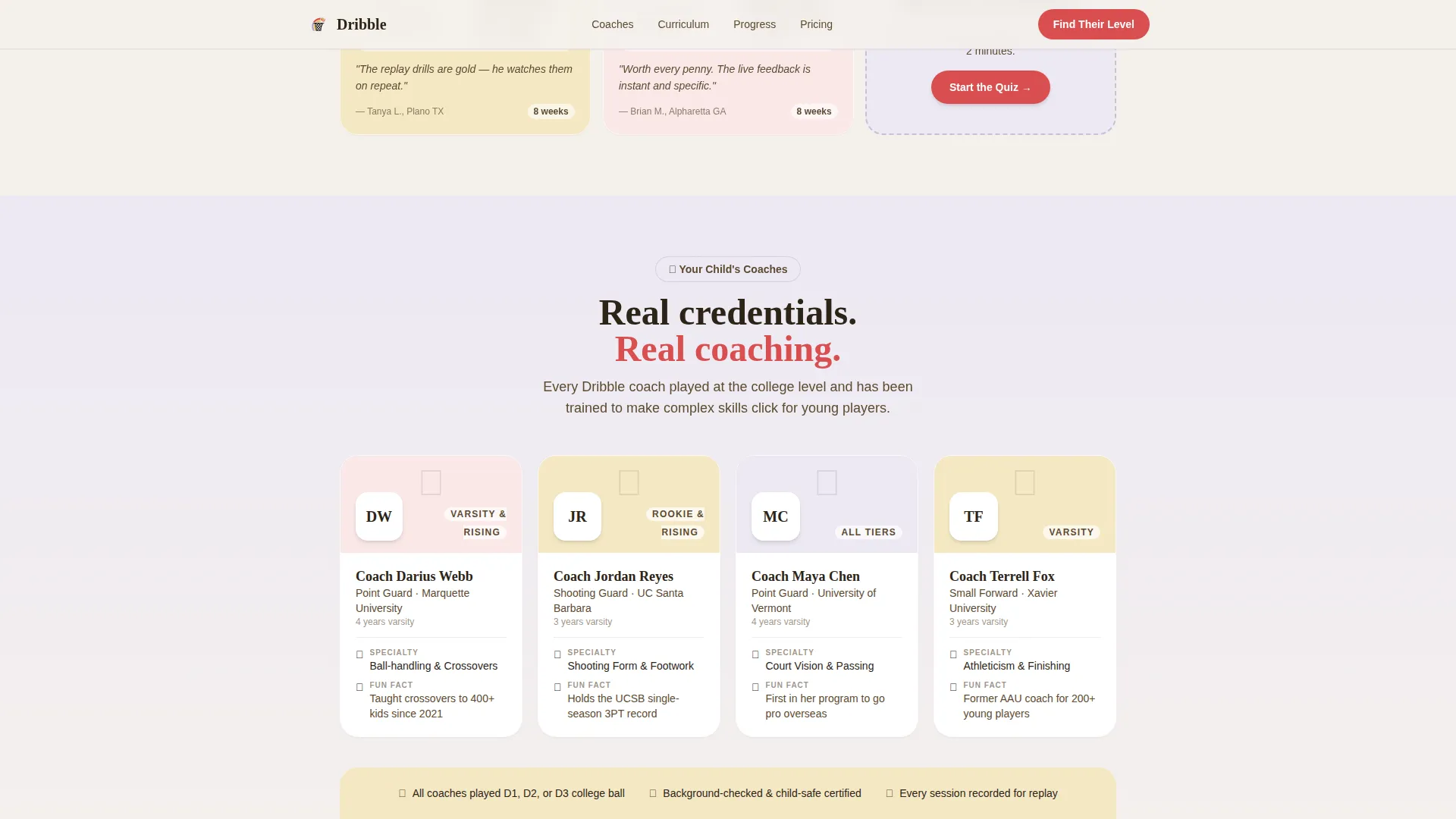
Each coach is presented on a trading-card-style card that shows their playing credentials. The format is compact, visually engaging, and instantly establishes the expertise behind the program without requiring long paragraphs of text.
Eight-Week Curriculum Cards
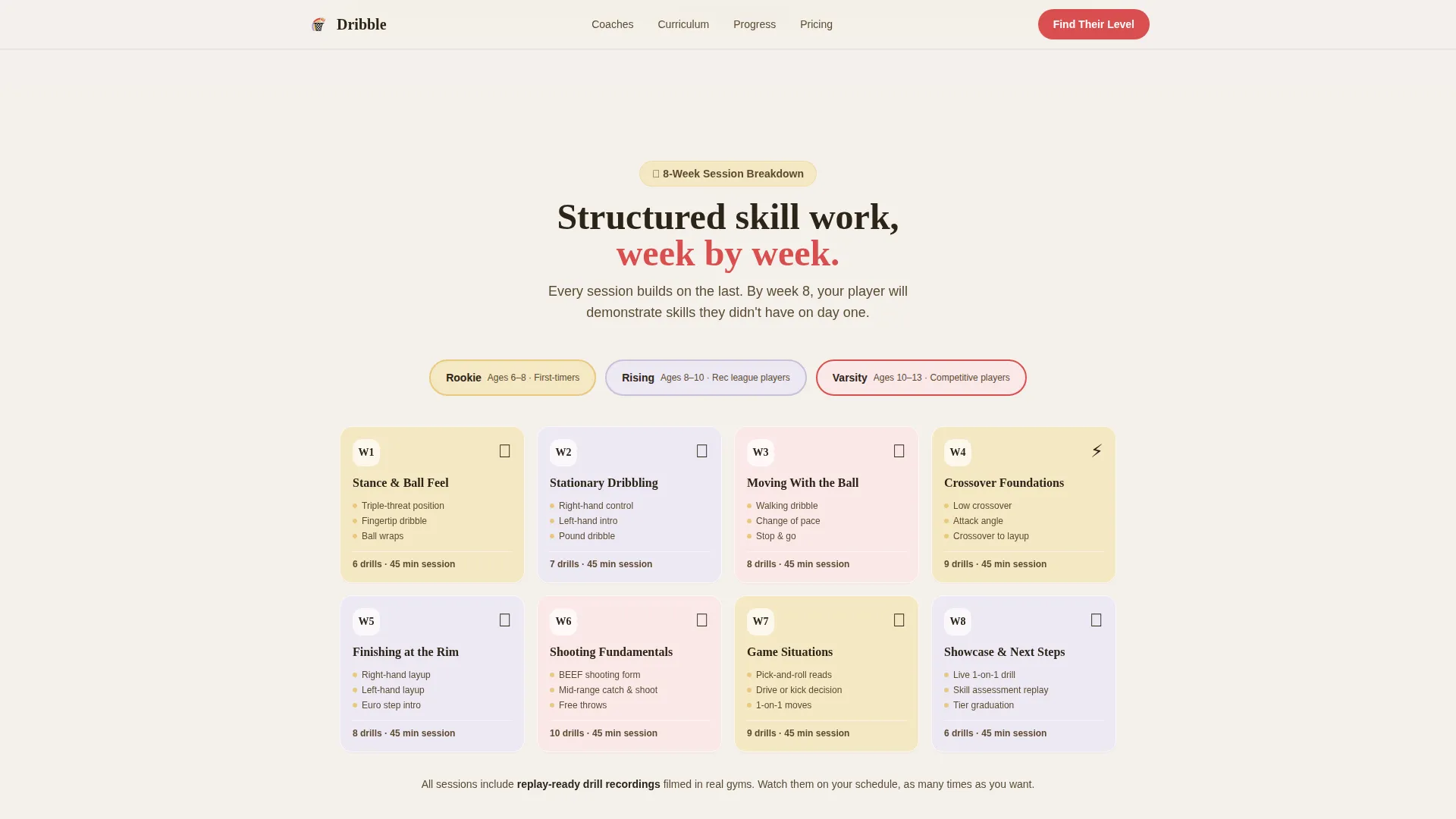
The curriculum section breaks the full session into weekly skill themes displayed as individual modular cards. Parents can see exactly what their child will learn each week, which reduces hesitation and builds confidence in the program structure.
Five-Step Illustrated Skill Quiz
The primary call-to-action leads to a five-question quiz covering the child's age, years playing, dribbling ability, team status, and biggest frustration. Each question is a single screen with tappable image-based answers. The result screen recommends a class tier and flows directly into a reservation form.
Tier-Based Reservation Form
After the quiz result screen, parents see a focused form with a name field, email field, and preferred session time selector. The form is tied to the recommended tier so the parent feels guided rather than sold to.
Page sections overview
| Section | Purpose |
|---|---|
| Icon Grid Hero | Sets energetic tone, introduces headline |
| Community Progress Gallery | Shows real student progress and social proof |
| Coach Roster Cards | Establishes coach credentials and trust |
| Curriculum Card Grid | Displays eight-week weekly skill themes |
| Skill Quiz Call-to-Action | Segments child into Rookie, Rising, or Varsity |
| Testimonials Stack | Reinforces enrollment decision with parent voices |
| Reservation Form | Captures name, email, and preferred session time |
| Footer | Provides horizontal navigation and program links |
Design & branding system
The visual identity follows an Educational Guide theme using the Soft Mist color system. The palette feels like morning light through frosted gymnasium windows: warm and structured, never harsh or intimidating. Typography pairs Fraunces for display headlines with DM Sans for body text.
- Cloud white (#F4F1EC) backgrounds, chalk-dust lavender (#C8BFD6) secondary surfaces, and gym-floor maple (#E8C87D) accent tones carry the warm gymnasium energy
- Whistle-red (#D94F4F) is reserved exclusively for buttons and progress indicators to keep calls-to-action visually distinct
- Hand-drawn-style icon illustrations and rounded typefaces reinforce a tone that feels made for kids and trusted by parents
Mobile & speed optimization
The template is designed mobile-first, recognizing that most parents browse during practice pickup on their phones. The card-grid layout stacks cleanly on small screens without losing visual structure.
- Lazy-loaded images keep the initial page load light so parents on mobile connections do not wait
- The illustrated quiz uses single-screen tappable image answers, making it easy for a parent and child to complete together on a phone
- Scroll-reveal card animations are timed to feel responsive rather than heavy on lower-powered devices
How this template helps you convert
Every design decision in this template is aimed at reducing friction and building trust before a parent commits. The quiz does the heavy lifting by making the offer feel personal.
- The skill quiz segments each child into a specific tier before asking for any personal information, so the reservation form feels like a natural next step rather than a cold form
- The community gallery and coach cards provide layered social proof that builds confidence as the parent scrolls, making the program feel established and credible
- The tier-result screen links directly to the reservation form with the recommended class pre-selected, cutting the number of decisions a parent needs to make at the moment of signup
Other information about this template
This template is built for the kids basketball online class market and is designed to work within United States English-language contexts. Pricing is structured for USD markets.
- The page is built as a single-page modular layout using a Card Grid structure, making it straightforward to reorder or remove sections
- Quiz state is managed in React useState, keeping the five-step flow smooth without requiring a page reload between questions
- No stock photography of children is used anywhere in the design, keeping the template consistent with COPPA-friendly presentation practices
- The template targets the rec-league family market, specifically parents whose children play on community teams but are not yet competing at a travel-ball level
- Animation intensity is high across icon entries, scroll-reveal card appearances, and quiz screen transitions, giving the page the lively gymnasium energy described in the design brief
Theme
Educational Guide
Creative direction
Community Gallery
Color system
Soft Mist
Style
Card Grid (Modular)
Direction
Quiz/Assessment
Page Sections
Animated Icon Grid Hero
Community Progress Card Gallery
Coach Bio Trading Cards
Eight-week Curriculum Cards
Five-step Illustrated Skill Quiz
Tier-based Reservation Form
Related questions
Who is this landing page template designed for?
What does the five-step skill quiz do?
Can I adjust the color scheme or rearrange the card sections?
Does the template include any photos of children?
How many sections does this template include?



