Rideshare & Taxi Driver Resource Landing Page Template
Drive is a single-column landing page template built for rideshare and taxi drivers who want real numbers, not fluff. It opens with a headline stat, escalates through earnings basics, tax strategy, and fleet scaling, and earns lead capture with a free driver earnings kit form. Everything is built around dispatch-ready clarity and momentum.
by Rocket studio
Quick summary
Drive is a stats-first, single-column landing page template designed for rideshare and taxi drivers at every stage. It leads with a headline earnings figure, walks visitors through key financial benchmarks, and builds trust before asking for anything. The primary goal is lead generation through a concise three-field form offering a free driver earnings kit.
Who this template is for
This template is built for people working in or entering the rideshare and taxi industry who need straightforward, numbers-backed guidance. It serves operators who are done with vague platform promises and want a resource page they can trust.
- New drivers sorting through platform fine print and startup costs
- Veteran drivers calculating real per-mile profit after gas and depreciation
- Fleet owners deciding whether to expand their vehicle count
What problem this template solves
Most driver-facing pages bury useful information under marketing language. The driver arrives looking for a specific number or a clear answer and instead finds generic advice. Drive solves the information gap by leading with real statistics and layering explanation underneath.
- Drivers cannot quickly find reliable earnings and expense benchmarks in one place
- Resource pages rarely escalate from basics to advanced topics like tax deductions and fleet scaling
- Lead capture forms on similar pages ask too much too soon, losing visitor trust before they convert
What you get with this template
You get a complete, ready-to-customize landing page layout that puts data first and earns attention before asking for it. Every section is structured to deliver value progressively, from earnings basics to tax strategy to fleet growth.
- A full single-column page flow with a giant headline, stat sections, collapsible FAQ accordion, and a lead capture form
- A sticky mobile bottom bar that repeats the primary call to action after scroll depth is reached
- A cohesive Navy Authority color system applied consistently across backgrounds, callouts, and buttons
Feature list
This template ships with purpose-built components that match the practical, no-nonsense tone of the rideshare and taxi driver audience.
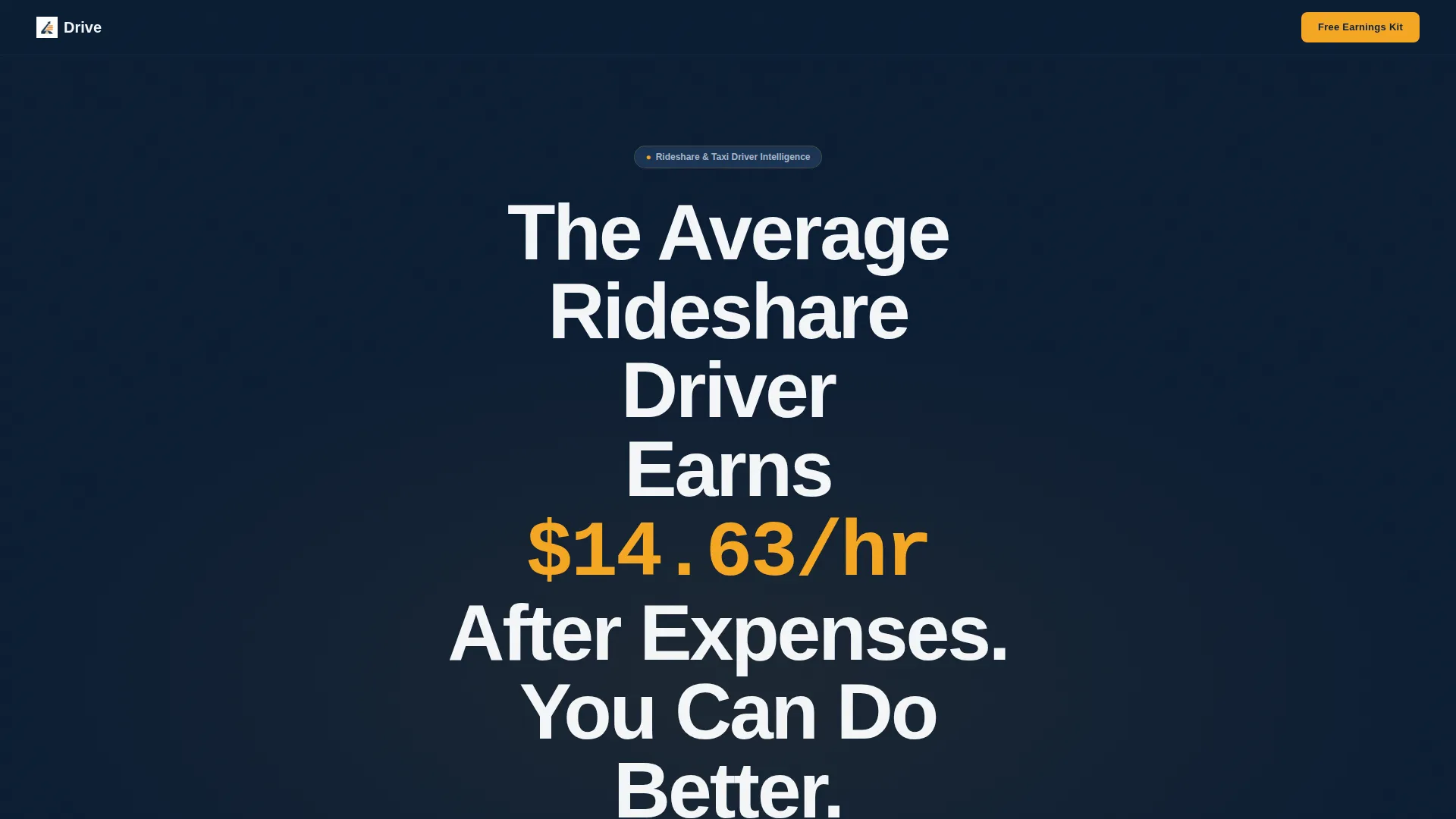
Giant Headline Hero Section
The header opens with stark white type on a full-bleed navy background. A bold earnings statistic anchors the headline, paired with a single subline and an amber scroll cue that pulses downward to draw visitors in immediately.
Stats-First Section Structure
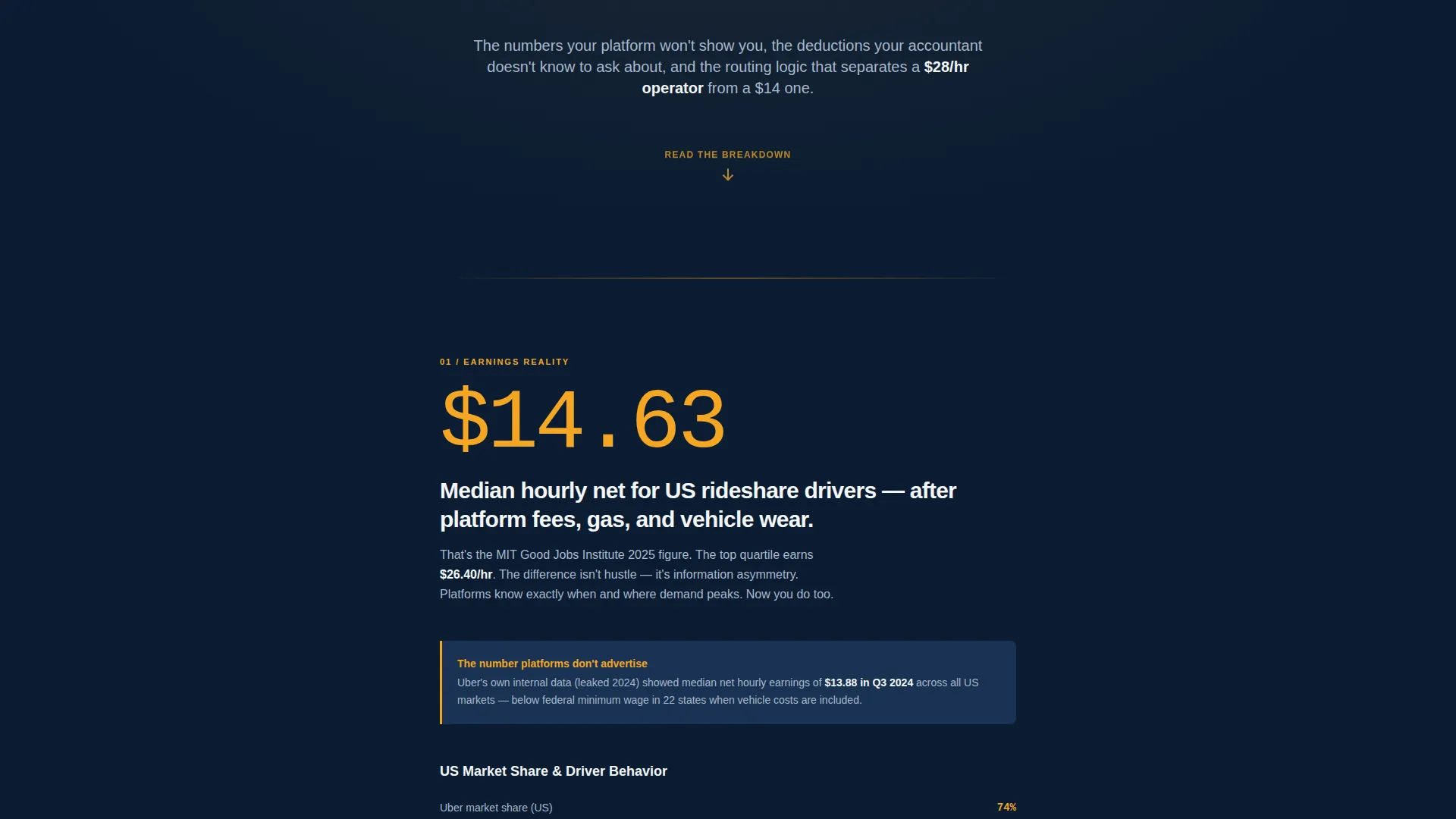
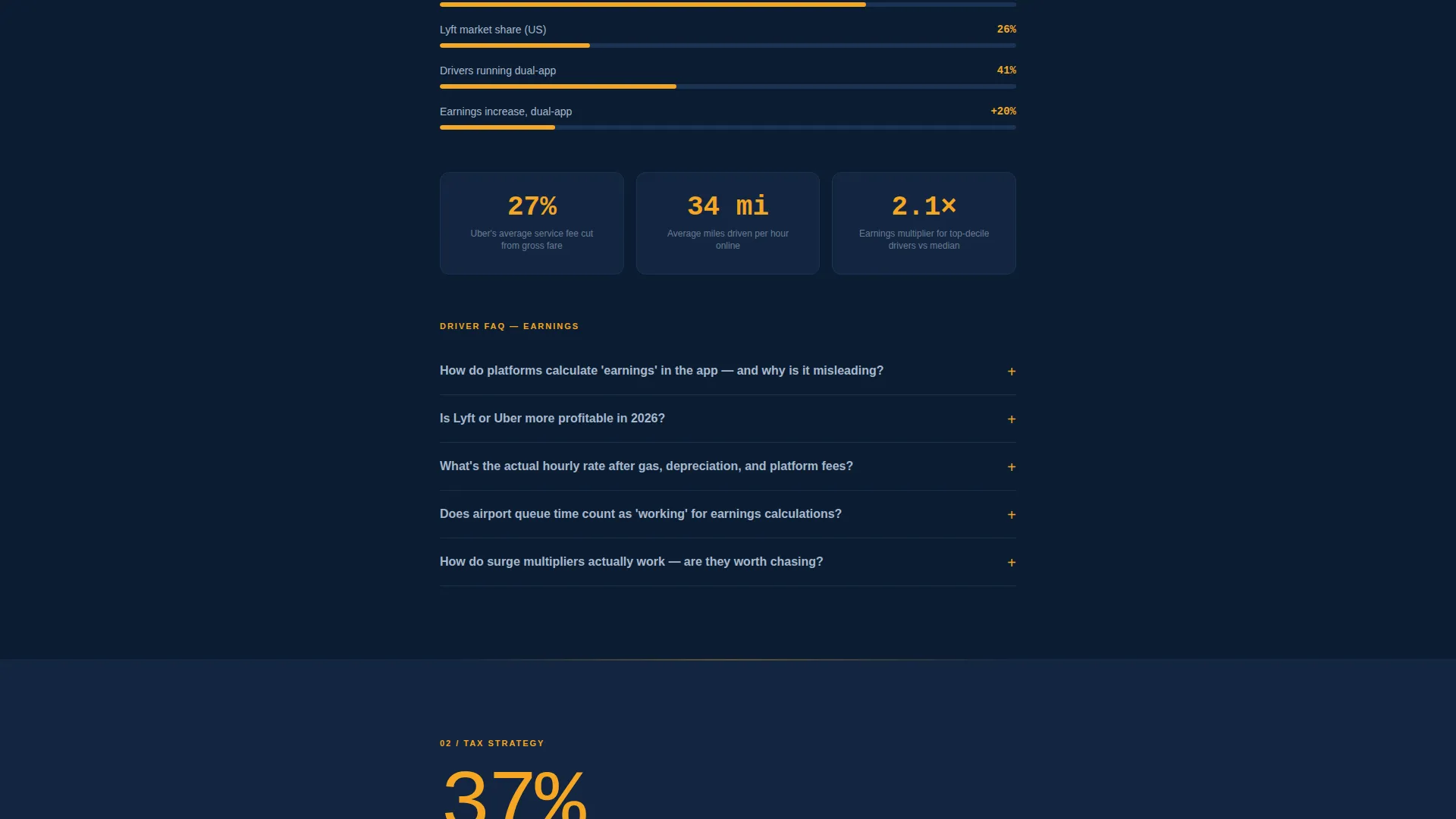
Each content section opens with a large, unmissable number before any explanatory copy appears. This pattern hooks readers on the data point first and rewards curiosity with the paragraph that follows, keeping scroll momentum strong throughout the page.
Collapsible FAQ Accordion
A built-in accordion component lets drivers dig into detailed questions without breaking the page flow. It sits beneath each stat block, so visitors can skim or go deep depending on how much time they have.
Three-Field Lead Capture Form
The primary call-to-action form collects first name, email address, and driver type. It appears after the third stat section, once the page has already delivered value. The form offers a free driver earnings kit as the incentive.
Sticky Mobile Bottom Bar
On mobile devices, a persistent bottom bar repeats the primary call to action after the visitor has scrolled past forty percent of the page. This keeps the conversion opportunity visible without interrupting the reading experience.
Progressive Content Escalation
The page is structured to move from earnings basics through expense tracking and tax deductions to fleet scaling topics. Visitors who keep scrolling receive increasingly specific and useful information, rewarding continued engagement.
Page sections overview
| Section | Purpose |
|---|---|
| Hero Headline | Anchors attention with a bold earnings stat and scroll cue |
| Earnings Basics | Introduces per-mile and per-hour income benchmarks |
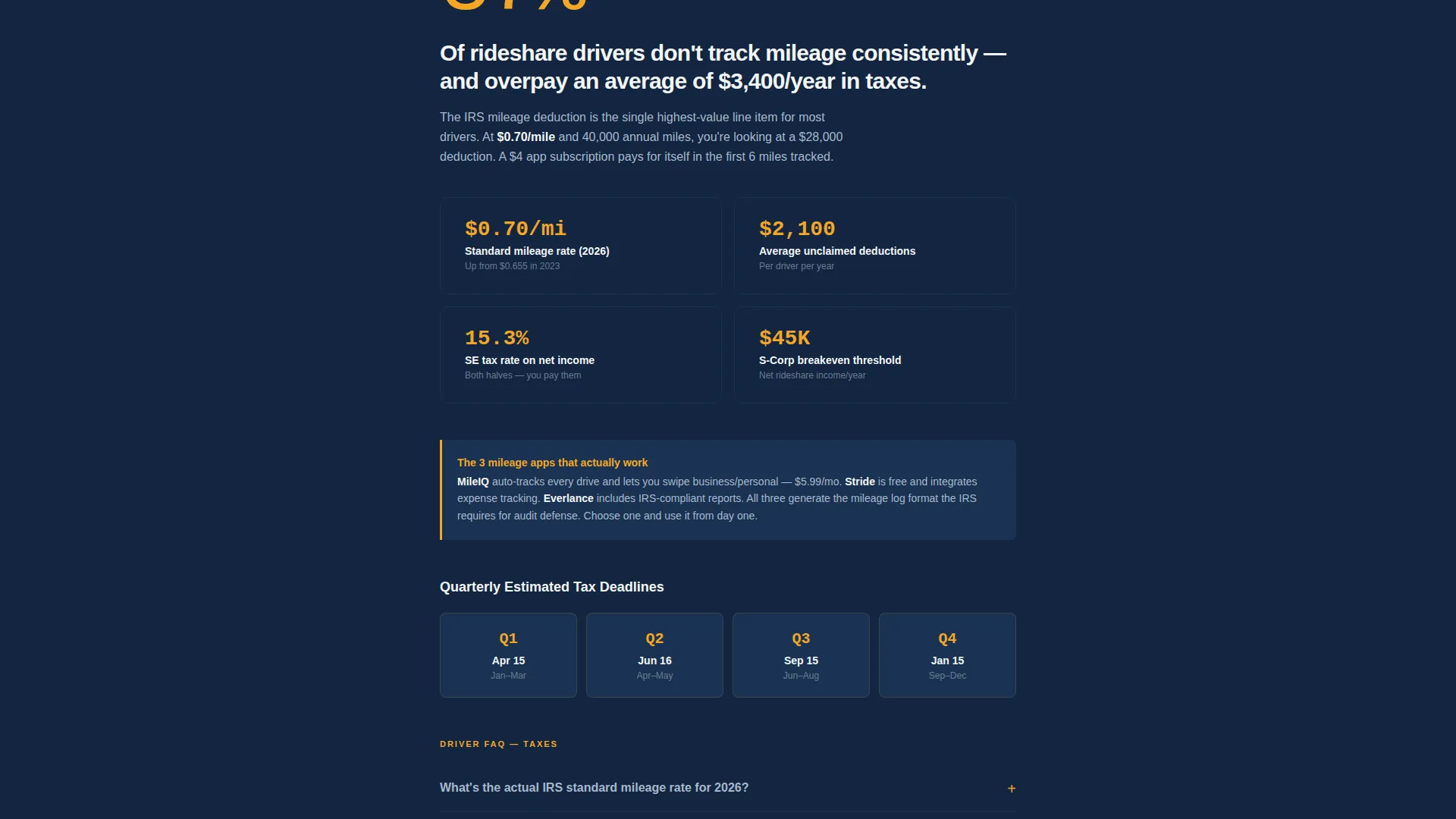
| Expense Tracking Stats | Highlights the cost of skipping mileage and expense logs |
| Tax Deduction Section | Covers the standard mileage deduction rate and related figures |
| Lead Capture Form | Offers the free driver earnings kit after value is established |
| Fleet Scaling Section | Addresses multi-vehicle operator decisions and thresholds |
| FAQ Accordion Blocks | Lets drivers expand answers to specific operational questions |
| Sticky call to action Bar | Repeats the conversion offer on mobile after scroll depth |
Design & branding system
The visual identity uses the Navy Authority color system, which feels like the glow of a phone mount on a dark dashboard. It is authoritative without being corporate, and functional the way a well-worn trip sheet is functional.
- Deep dispatch navy (#0B1D33) dominates backgrounds and section dividers, with dashboard white (#F4F6F8) holding body text in generous readable blocks
- Fare-meter amber (#F5A623) fires on statistics, callout numbers, and call-to-action buttons to create clear visual hierarchy
- Mileage-log gray (#6B7C93) handles secondary labels and fine print so the reading order never confuses
Mobile & speed optimization
The template is built with mobile-first driver behavior in mind. A significant share of the target audience will arrive on a phone between rides or while parked at a queue, so the layout needs to perform cleanly at small screen sizes.
- The single-column flow stacks naturally on all screen sizes without requiring layout adjustments
- The sticky bottom bar activates on mobile after forty percent scroll depth, keeping the call to action within reach without blocking content
How this template helps you convert
The conversion strategy is built on earning trust with data before presenting any offer. The page never asks for information before it has given something genuinely useful.
- The hero stat creates immediate relevance by naming a real earnings figure, so the right audience knows instantly this page is for them
- Three consecutive stat sections prove the depth of the resource before the lead capture form appears, so the free driver earnings kit feels like a natural next step rather than a cold ask
Other information about this template
Drive is a template for the Professional Services category, specifically matched to the taxi and rideshare driver online presence subcategory. It is built as a single-column educational guide landing page and is suited for operators across platform types.
- The template style follows a single-column flow rather than a zigzag or alternating layout, prioritizing reading momentum over visual variety
- The Educational Guide theme makes this layout appropriate for resource hubs, driver onboarding pages, and earnings transparency pages
- The template can support a range of driver contexts, from independent rideshare operators to small fleet owners reviewing vehicle lease options
- Page color tokens use descriptive names (dispatch navy, fare-meter amber, mileage-log gray) that make visual customization straightforward for non-designers
Theme
Executive Suite
Creative direction
Logo Wall Authority
Color system
Navy Authority
Style
Zigzag/Alternating
Direction
Booking/Scheduling
Page Sections
Stats-first Hero Headline
Progressive Stat Section Layout
Collapsible FAQ Accordion
Three-field Lead Capture Form
Sticky Mobile Bottom Bar
Navy Authority Color System
Related questions
Can I edit the statistics and figures shown throughout the page?
Is this template useful for both rideshare and taxi operators?
How many fields does the lead capture form ask for?
What triggers the sticky bottom bar on mobile?
What topic areas does the page content cover?



