Speed Camera & Traffic Enforcement Landing Page Template
Enforce is a split-screen landing page template built for speed camera and traffic enforcement technology providers. It pairs a synchronized Split-Video Compare header with a Stats-First Impact scroll rhythm, targeting municipal engineers, city officials, and state procurement officers. The Monochrome Steel palette and clinical data-forward layout build institutional credibility from the first frame.
by Rocket studio
Quick summary
Enforce is a single-page, 50/50 split-screen landing page template designed for traffic enforcement technology providers. It opens with a synchronized dual-video header, escalates through data callouts tied to real deployment outcomes, and closes qualified municipal buyers toward a capabilities PDF download or a live demo scheduling form.
Who this template is for
This template is built for companies selling speed camera and automated traffic enforcement systems to government buyers. If your sales cycle involves procurement reviews, grant justifications, or compliance documentation, this layout speaks that language from the first scroll.
- Municipal traffic engineers defending grant applications or justifying new enforcement infrastructure
- City council members and public safety officials under pressure to reduce pedestrian fatalities
- State Department of Transportation (DOT) procurement officers evaluating vendors against federal compliance benchmarks
What problem this template solves
Government buyers do not respond to typical product marketing. They need outcome data, compliance evidence, and a clear path to a qualified conversation. Most vendor pages bury the numbers and lead with feature lists that mean nothing to a procurement committee.
- Decision-makers arrive with skepticism and leave without contacting a vendor because the evidence arrives too late
- Research-phase visitors need a low-friction secondary path to stay engaged without committing to a demo
- The gap between raw camera footage and a defensible citation record is invisible on most vendor sites, leaving buyers uncertain about workflow
What you get with this template
You get a fully structured, conversion-optimized landing page layout that leads every section with a hard number before the explanation follows. The template is designed to build an evidence file, not a sales pitch, so the ask feels earned rather than forced.
- A synchronized Split-Video Compare header showing unmonitored chaos on the left and verified citation capture on the right
- Stats-First Impact scroll sections pairing large data callouts with deployment photography and network analytics visualizations
- A dual conversion path: a primary "Request Deployment Assessment" call to action and a secondary "Download Compliance Whitepaper" email capture
Feature list
This section describes the core capabilities built into the Enforce template layout.
Split-Video Compare Header
Two looping video panels play simultaneously with synced timecodes. The left panel shows unmonitored intersection conditions; the right shows the same corridor after system deployment, with bounding boxes, speed readouts, and citation data visible. A single centered stat fades in across the seam.
Stats-First Scroll Architecture
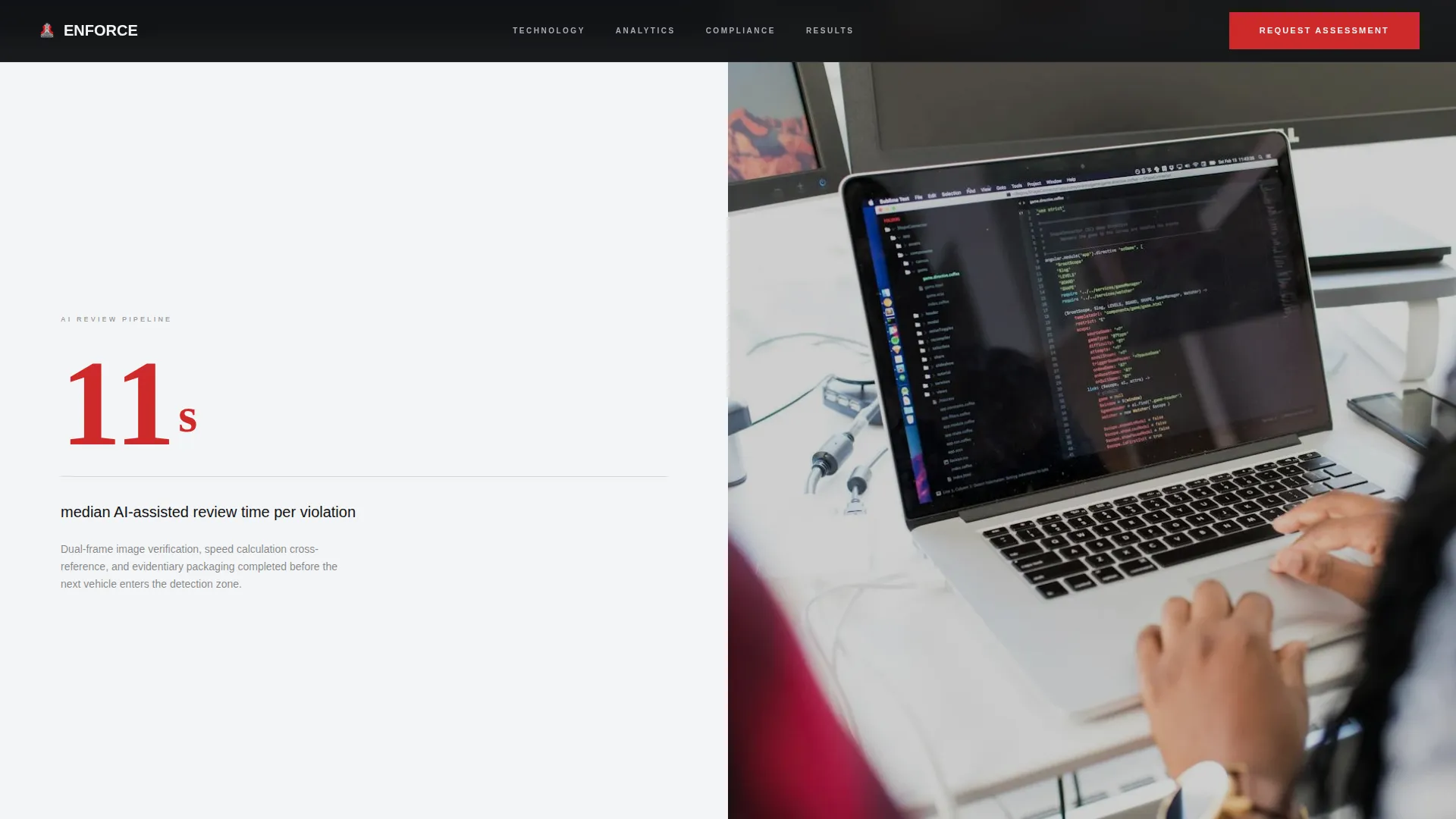
Every section transition leads with a prominent number before the supporting paragraph loads. Data callouts such as citation processing volume and median review time appear first, then the workflow context follows beneath. This rhythm builds credibility progressively without front-loading marketing language.
Dual Conversion Path Layout
The primary call to action, "Request Deployment Assessment," appears at the header seam, repeats after the network analytics section, and persists as a bottom bar on mobile. A secondary path, "Download Compliance Whitepaper," captures email addresses from visitors still in the research phase.
Qualifying Form Structure
Clicking the primary call to action surfaces a short qualifying form. Fields cover jurisdiction population range, current camera vendor if applicable, and funding mechanism, which may include federal grant, municipal budget, or public-private partnership. This keeps sales conversations focused from the first touchpoint.
Split-Screen Section Rhythm
Each content section divides the screen 50/50 between a data visualization panel and a real deployment photograph. The layout escalates from individual camera performance metrics to city-wide network analytics to federal compliance indicators, following a clinical number-then-proof structure throughout.
Enforcement Red Accent System
The enforcement red color (#CF2A2A) is applied sparingly and exclusively to data callouts and the primary call-to-action element. This mirrors the way a violation flash functions in a real system: rare, immediate, and impossible to ignore against the carbon black and signal white backgrounds.
Page sections overview
| Section | Purpose |
|---|---|
| Split-Video Header | Contrast unmonitored versus. monitored corridor footage with a centered outcome stat |
| Camera Performance Stats | Lead with citation volume and review-time callouts before explaining workflow |
| Network Analytics Section | Visualize city-wide enforcement data alongside a deployment photograph |
| Federal Compliance Metrics | Present compliance benchmarks as a scroll escalation from site-level to system-level |
| Assessment call to action Block | Repeat the primary call to action after the analytics section to capture ready buyers |
| Whitepaper Capture Strip | Offer the secondary compliance document download to research-phase visitors |
| Mobile Persistent Bar | Keep the primary call to action visible at all times on smaller screens |
Design & branding system
The Monochrome Steel color system is built to feel like the physical housing of the camera unit itself. Backgrounds alternate between carbon black (#111215) and signal white (#F4F5F6) to create hard visual breaks between sections. Brushed aluminum (#A8ADB3) carries body text and secondary interface elements, while enforcement red (#CF2A2A) is reserved for data callouts and the primary call to action only.
- Carbon black and signal white alternating backgrounds create clear jurisdictional divisions between page sections
- Brushed aluminum text maintains legibility without softening the clinical, institutional tone of the layout
- Enforcement red appears only on violation-level moments: critical statistics and the action button, never decorative use
Mobile & speed optimization
The template is structured for the persistent mobile conversion bar to remain visible as users scroll through dense data sections. The layout prioritizes fast visual parsing on smaller screens, where government buyers may be reviewing vendor options during field visits or council meetings.
- The primary "Request Deployment Assessment" call to action persists as a fixed bottom bar on mobile viewports
- Split-screen sections reflow cleanly for single-column reading without losing the number-first content hierarchy
- Video panels and data visualizations are positioned so core stat callouts remain the first visible element on any screen size
How this template helps you convert
The Enforce template earns the click before asking for it. Outcome data from named municipalities leads every section, making the case irrefutable before any contact information is requested. The dual-path structure captures buyers at two readiness levels inside the same page.
- The Stats-First scroll rhythm establishes proof before the ask, so buyers arrive at the call-to-action block already persuaded by the evidence presented above it.
- The qualifying form filters for jurisdiction size, existing vendor relationships, and funding mechanism, meaning every lead that reaches your team arrives with context attached.
Other information about this template
The Enforce template is part of a Corporate Precision theme family designed for infrastructure and public safety technology vendors. It is built specifically for the speed camera and traffic enforcement niche within the broader Automotive and Transport category.
- The template style is classified as Split Screen (50/50) with a Click-Through landing page direction
- The header concept is defined as Split-Video Compare, a specialized format suited to before-and-after deployment storytelling
- Creative direction follows Stats-First Impact, a structure proven effective for institutional buyers who evaluate vendors on measurable outcomes
- The color system carries a Monochrome Steel designation, referencing the physical materials of enforcement hardware rather than digital design conventions
- The template is categorized under Parking and Traffic within the Automotive and Transport vertical, with a niche focus on speed camera and enforcement technology providers



Theme
Corporate Precision
Creative direction
Stats-First Impact
Color system
Monochrome Steel
Style
Split Screen (50/50)
Direction
Click-Through
Page Sections
Split-video Compare Header
Stats-first Scroll Architecture
Dual Conversion Path Design
Short Qualifying Form Structure
Enforcement Red Accent System
Escalating Section Rhythm
Related questions
Who is the primary audience for this template?
How does the Split-Video Compare header work?
Does the template support two separate conversion goals?
Can the qualifying form fields be adapted?
Is this template suited for a single camera product or a full network solution?



