Authentic Korean Street Food Landing Page Template
Banchan is a warm artisan Korean street food landing page template built for stalls and vendors who sell directly to hungry customers. The single-column scroll design uses a Sunset Gradient palette, a scrapbook-style hero, sensation-led dish copy, and an inline visual order module to make visitors crave the food before they even think about checking out.
by Rocket studio
Quick summary
The Banchan warm artisan Korean street food landing page template is a single-column flow design for street food vendors who want to sell directly from their site. It pairs immersive scroll storytelling with a friction-free inline order module, moving visitors from craving to checkout without a single dropdown or wall of text.
Who this template is for
This template is built for Korean street food operators who want a restaurant website that sells as fast as pointing at a menu board. It suits vendors who rely on foot traffic, late-night regulars, and weekend market crowds.
- Korean street food stall owners who need a direct-to-consumer restaurant website
- Korean restaurant operators who want to showcase a curated menu of visual signature dishes
- Food vendors looking for design inspiration to bring their pojangmacha atmosphere online
What problem this template solves
Most restaurant website templates present a static menu and hope visitors convert. This template reverses that logic. It makes visitors feel the heat of the griddle first, then offers the order button as the obvious next move.
- Generic Korean food website designs bury the menu behind navigation and PDFs
- Visitors bounce before they find the order button or a reason to stay
- Korean street vendors need a design that communicates craft, warmth, and speed at once
What you get with this template
You get a fully structured landing page with every section mapped to a specific job. No placeholder filler. Every layout decision follows the brief from hero to footer.
- A collage-style scrapbook hero with hand-lettered headline and overlapping visual layers
- A sensation-led dish scroll section with overhead hero imagery and single-sentence copy
- A horizontal morning prep filmstrip, a visual photo-tile order module, a combo builder, and a sticky call-to-action button
Feature list
Collage Scrapbook Hero Section
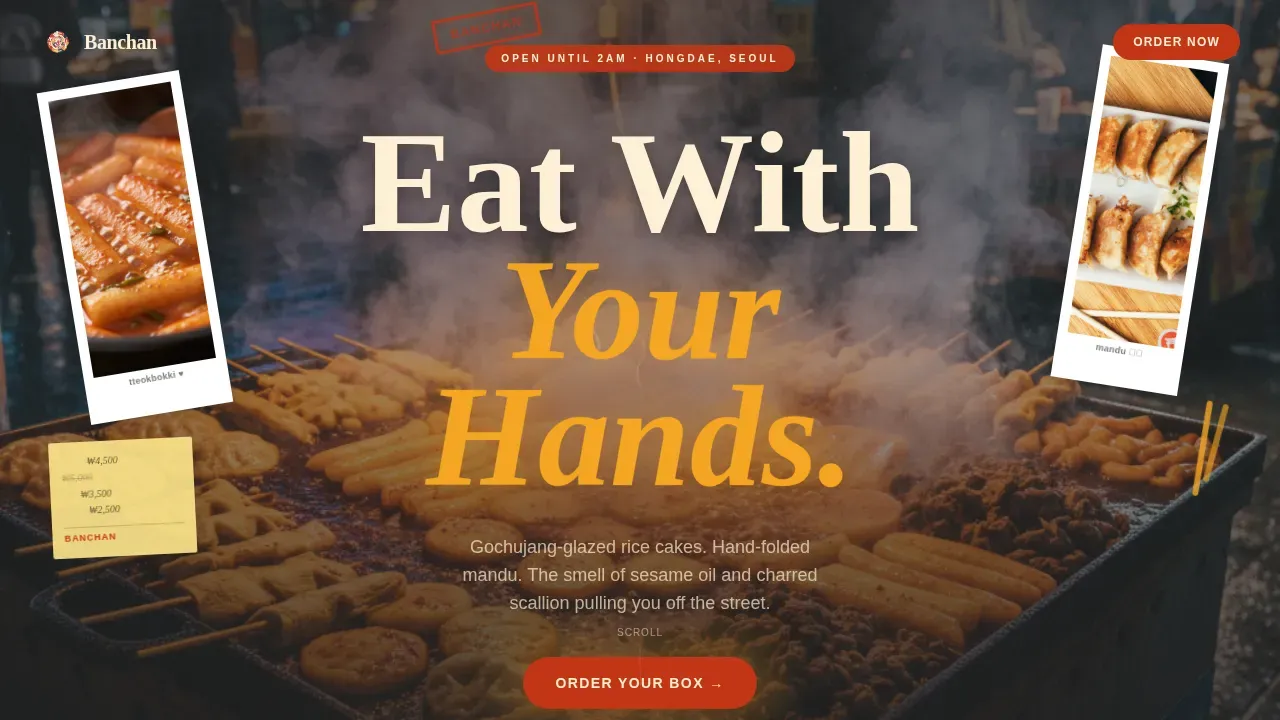
The hero opens like someone emptied their pockets after a great night in Seoul. Torn Polaroid-style images, a tilted stamped logo, a handwritten butcher-paper menu, and a brushstroke "Eat With Your Hands" headline stack in deliberate, overlapping chaos across a full-bleed cinematic frame.
Sensation-Led Dish Scroll
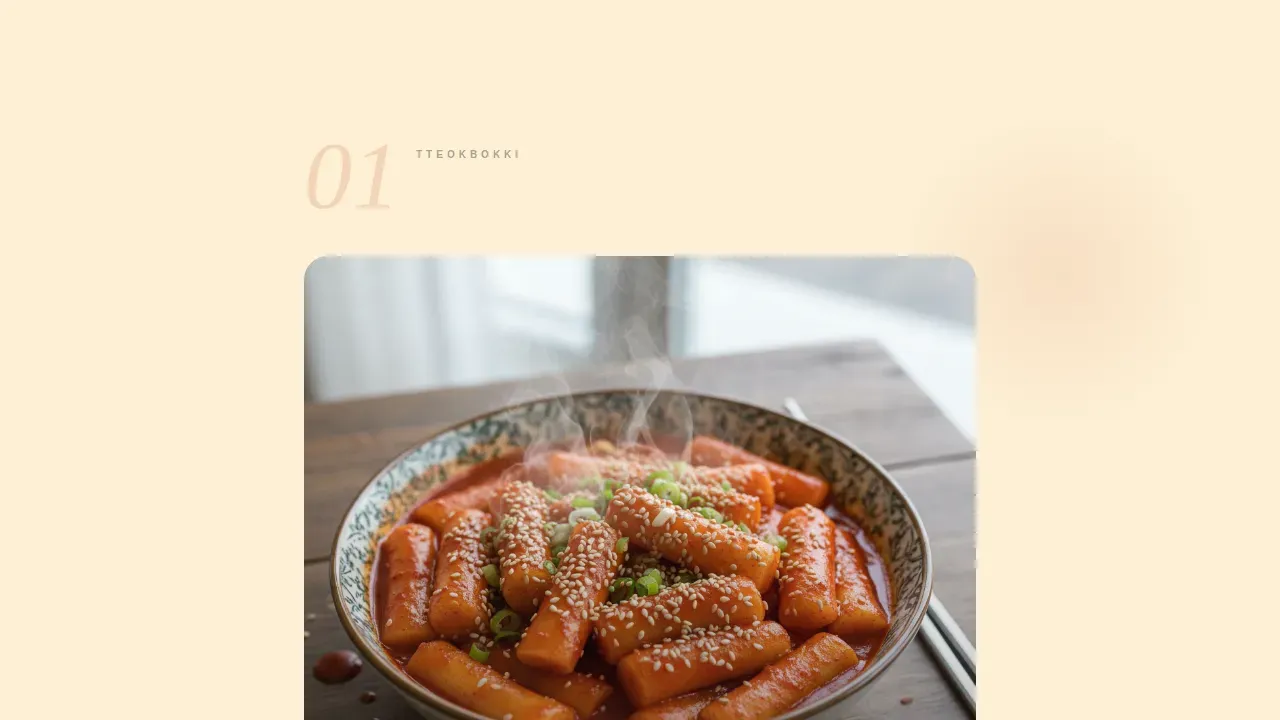
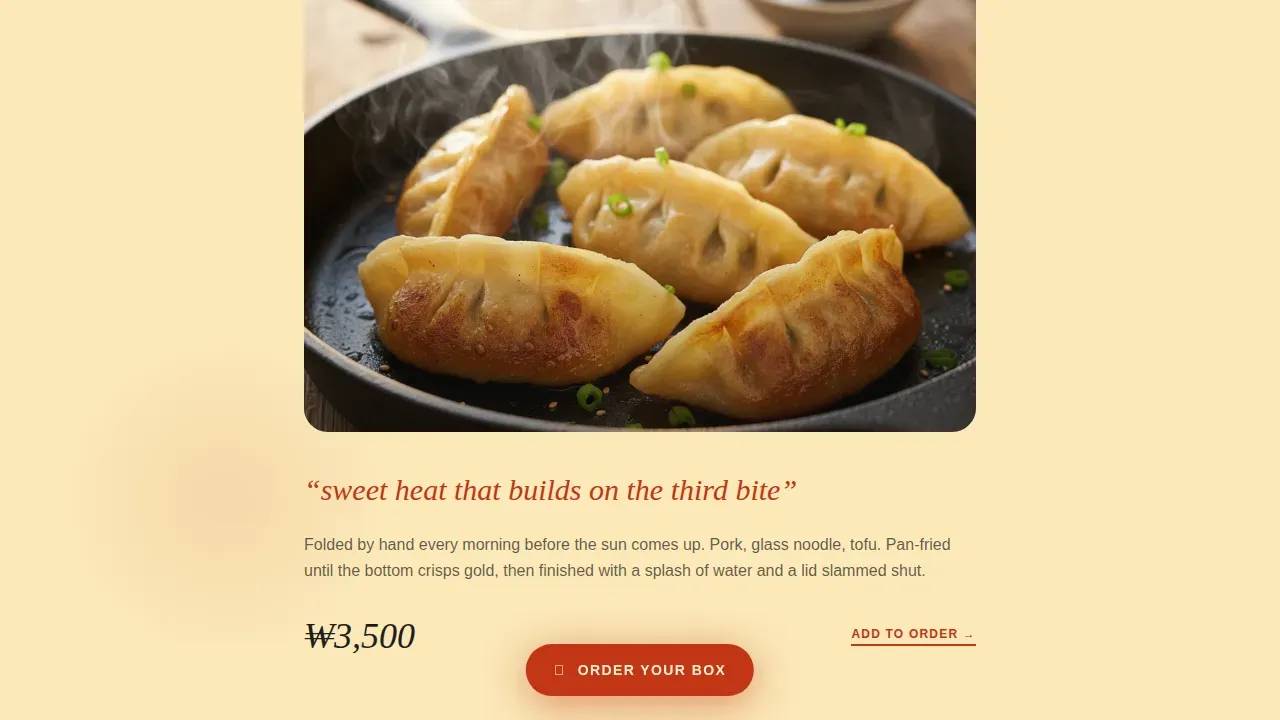
Each dish section leads with a tight overhead hero shot and one sentence naming the feeling, not the ingredient. The scroll palette warms from sesame cream through amber into chili red as visitors move deeper, mimicking a slow gochugaru burn.
Morning Prep Filmstrip
A horizontal filmstrip breaks the dish scroll midpage. It shows dough being kneaded, sauce stirring, scallions sliced at speed. This section earns trust through visible craft and reinforces the "made by hand before dawn" promise central to the restaurant's identity.
Visual Photo-Tile Order Module
The inline order module replaces dropdowns with photo tiles and quantity steppers. Each menu item is a tappable image card. No text walls, no extra pages. Visitors find and add items the way they would point at a real menu board.
Combo Builder with Upsell Nudge
At the base of the order module, a combo builder nudges the average order up. A casual, conversational prompt encourages adding hotteok or an extra item, framed as a gentle regret-avoidance suggestion rather than a hard sales push.
Sticky Order Call-to-Action Button
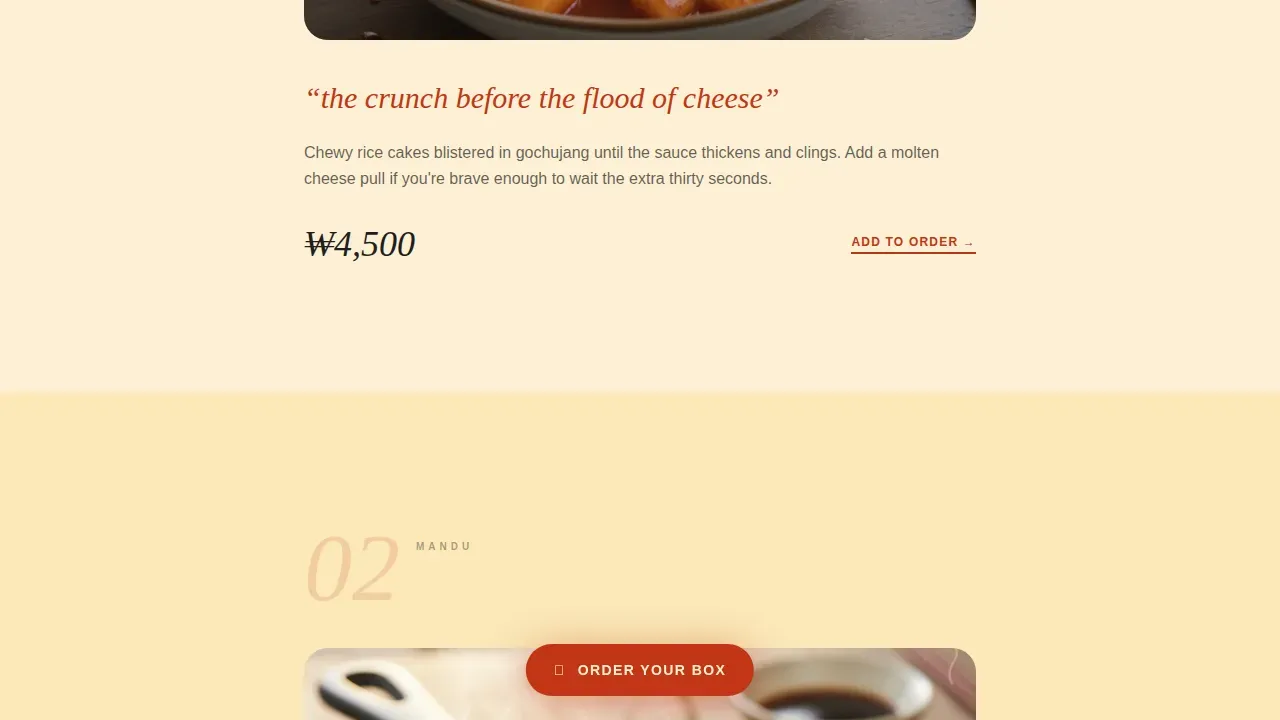
After the first dish section, a chili red "Order Your Box" button anchors to the bottom of the screen and stays visible as visitors scroll. It repeats at the closing section, following the best practice of placing prominent calls to action above the fold and again at the page end.
Page sections overview
| Section | Purpose |
|---|---|
| Hero Scrapbook | Sets atmosphere and draws visitors in immediately |
| Dish Scroll | Builds craving with overhead dish shots and sensation copy |
| Morning Prep Filmstrip | Builds trust through real craft and process imagery |
| Visual Order Module | Lets visitors browse and add menu items via photo tiles |
| Combo Builder | Increases average order with conversational upsell prompt |
| Closing Call to Action | Reinforces order intent with a chili red atmosphere close |
| Minimal Footer | Holds essential restaurant location and hours information |
Design & branding system
The design follows a Warm Artisan identity rooted in pojangmacha culture. The Sunset Gradient color system shifts across the page like the last thirty minutes of golden-hour light hitting a crowded street stall. Typography pairs Fraunces serif display with DM Sans body for a mix of artisan character and clean readability.
- Palette: chili oil red (#C23616), molten amber (#F5A623), sesame cream (#FDF0D5), and charcoal grill black (#1E1E1E)
- Bilingual Korean dish names display both Hangul and English, building authenticity for a Korean food audience
- Warm reds, oranges, and deep charcoal tones reflect the artisan brand identity and pojangmacha street aesthetic
Mobile & speed optimization
Around 70% of restaurant web traffic arrives from mobile devices, and this template is designed mobile-first to match how street food customers actually browse. Images are lazy-loaded, and interactive components like the order module use client-side rendering only where needed.
- Mobile-first single-column layout keeps the restaurant menu readable and tappable on small screens
- Text-based menu display avoids PDFs, keeping the Korean restaurant website fast and finger-friendly
- Scroll-linked palette animations and sticky button interactions are scoped to preserve the website's performance
How this template helps you convert
The template earns the click by making visitors hungry first. Every layout decision reduces friction between craving and checkout.
- The sticky "Order Your Box" button stays visible throughout the scroll, so visitors never have to hunt for the Korean restaurant's order entry point
- The photo-tile menu picker lets customers find and select dishes the way they would at a real street food stall, tapping a picture rather than reading a list
- The combo builder at the order module base increases average order value with a single conversational nudge, no hard sell needed
Other information about this template
This template is a strong source of design inspiration for any Korean restaurant or Korean street food vendor building an online presence. It fits naturally into no-code platforms where non-technical users can create functional websites and applications without extensive coding skills. AI-powered platforms can help users adapt production-ready templates from natural-language prompts, and subscription-based plans typically include free trials so you can explore before committing.
- The banchan warm artisan korean street food landing page template is built around a commitment to small-batch preparation and daily fresh-made items, including kimchi and house ferments, as part of the restaurant's core identity
- The design incorporates traditional Korean elements, Hangul branding, and warm colors including deep reds and cream white to enhance the authentic Korean food experience and encourage social interaction
- Cookies are used on the platform to support session handling within the interactive order module, helping the restaurant website remember cart state and deliver a smooth ordering experience
Theme
Warm Artisan
Creative direction
Taste & Aroma
Color system
Sunset Gradient
Direction
Direct Sales
Page Sections
Collage Scrapbook Hero
Sensation-led Dish Scroll
Morning Prep Filmstrip
Visual Photo-tile Order Module
Combo Builder Upsell
Sticky Chili Red Call to Action Button
Related questions
Can I update the menu items and pricing on this template?
Does this template support bilingual dish names?
Is this template suitable for a single food stall, not a full restaurant?
How does the order module work without a backend system?
Can I use this template as inspiration for a different type of Korean restaurant?