Car Rental & Leasing Booking Website Template
Fleet is a premium corporate car rental landing page template built for high-end rental businesses. It pairs a live vehicle configurator with a cinematic dark design to display each car class in stunning detail. An inline booking drawer guides users from selection to reservation in three clean steps, making it easy to convert serious renters fast.
by Rocket studio
Quick summary
Fleet is a single-page car rental landing page template designed for premium automotive businesses. It features a full-viewport vehicle configurator, cinematic scroll sections for each car class, and an inline booking drawer. The design is clean, dark, and corporate, ensuring every visitor feels the quality before they ever pick up the keys.
Who this template is for
This template is perfect for car rental businesses that serve high-value clients. It is built for teams creating a luxury car rental landing experience that converts on first impression.
- Corporate car rental operators serving business travelers and consulting teams
- Event and occasion rental services offering luxury car options like executive SUVs
- Developers and agencies creating a professional car rental website for premium clients
What problem this template solves
Most car rental website designs force visitors to hunt for details across cluttered pages. This landing page solves that by putting every key decision, car class, daily rate, and booking step, on one focused page.
- Visitors leave when the booking process feels slow or unclear
- Generic templates fail to display the fleet with the quality high-end clients expect
- Building a fully responsive, modern design from scratch takes weeks of development time
What you get with this template
This template is an all in one solution for launching a premium car rental landing page. It covers every stage of the user journey, from first look to final booking confirmation, with no section missing.
- Full-viewport hero configurator with a class selector rail and live car stats
- Cinematic per-class scroll sections with a three-column comparison layout
- Inline three-step booking drawer with a sticky "Reserve This Car" call to action
- Side-by-side "Compare All Classes" grid for deliberate buyers
- Trust and fleet stats section with social proof metrics and short testimonials
- Linear single-row footer
Feature list
This landing page template is built with a high number of interactive and visual features. Each one serves a clear purpose: to display the fleet with precision and make booking feel effortless.
Live Vehicle Class Configurator
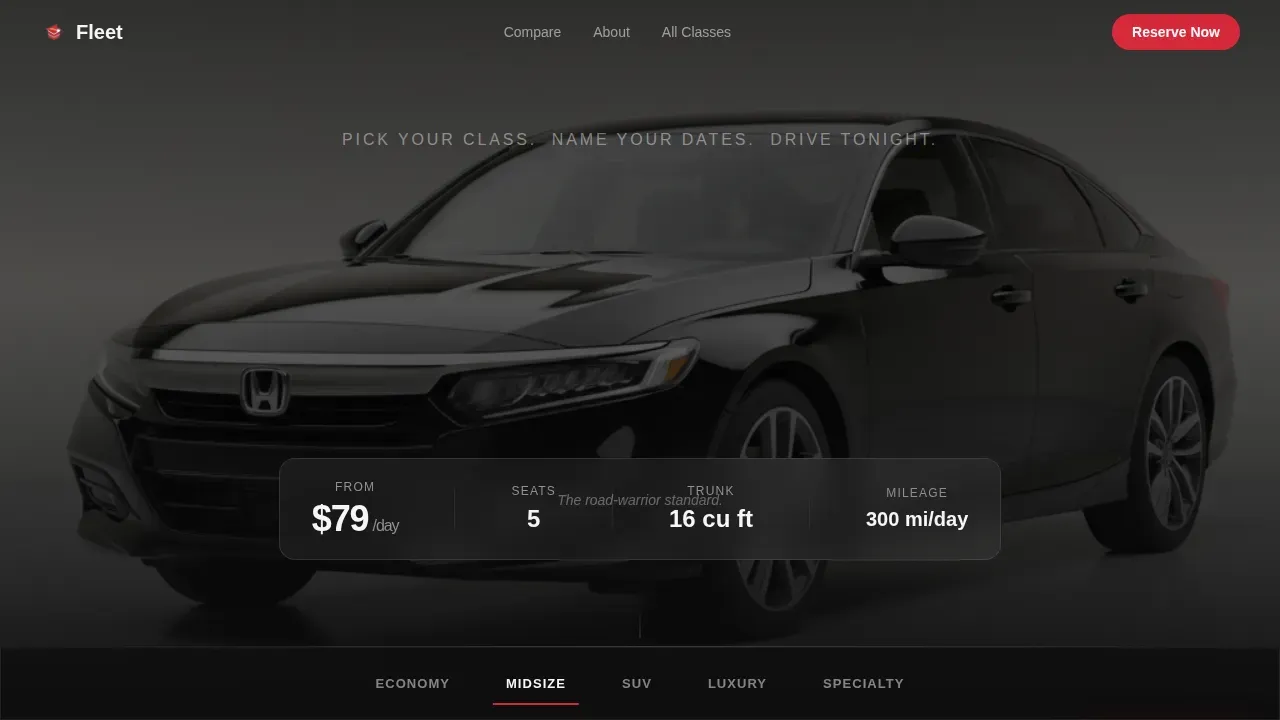
The hero section fills the full viewport with a rendered three-quarter car image on a dark seamless background. A selector rail lets users tap Economy, Midsize, SUV, Luxury, or Specialty, swapping the vehicle with a smooth crossfade and updating the daily rate, trunk capacity, and passenger count in real time.
Cinematic Comparison Journey
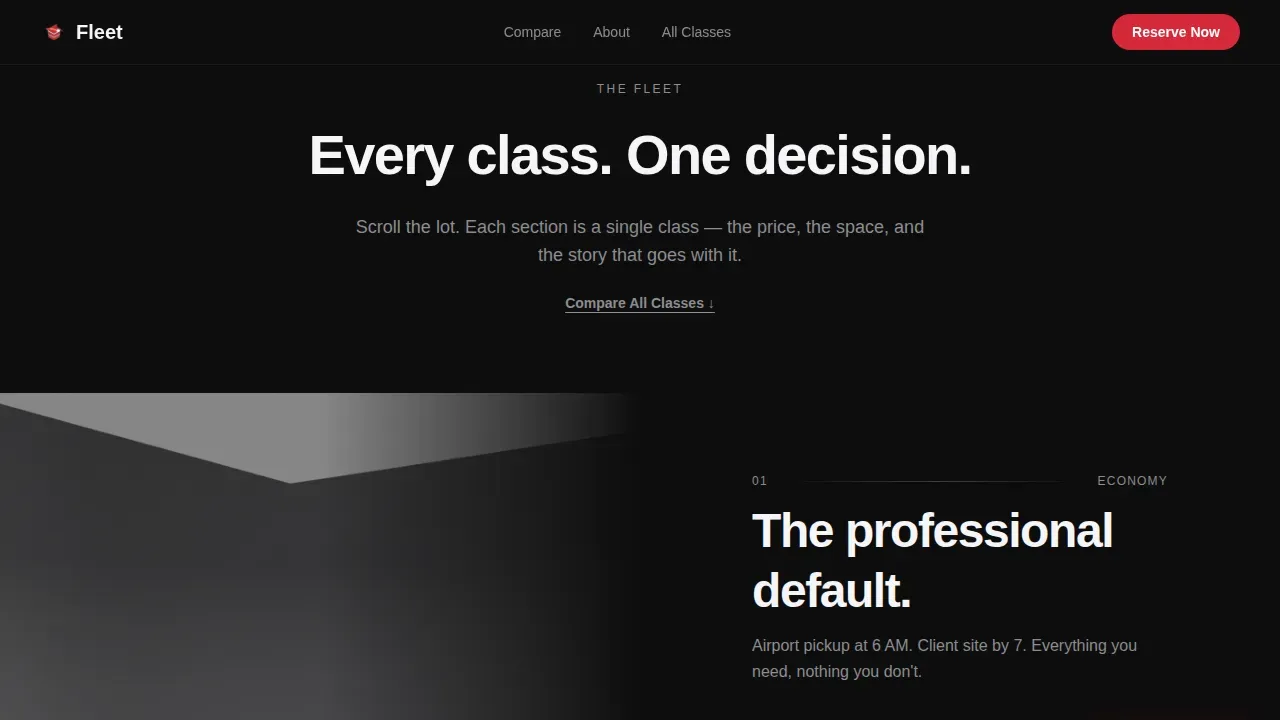
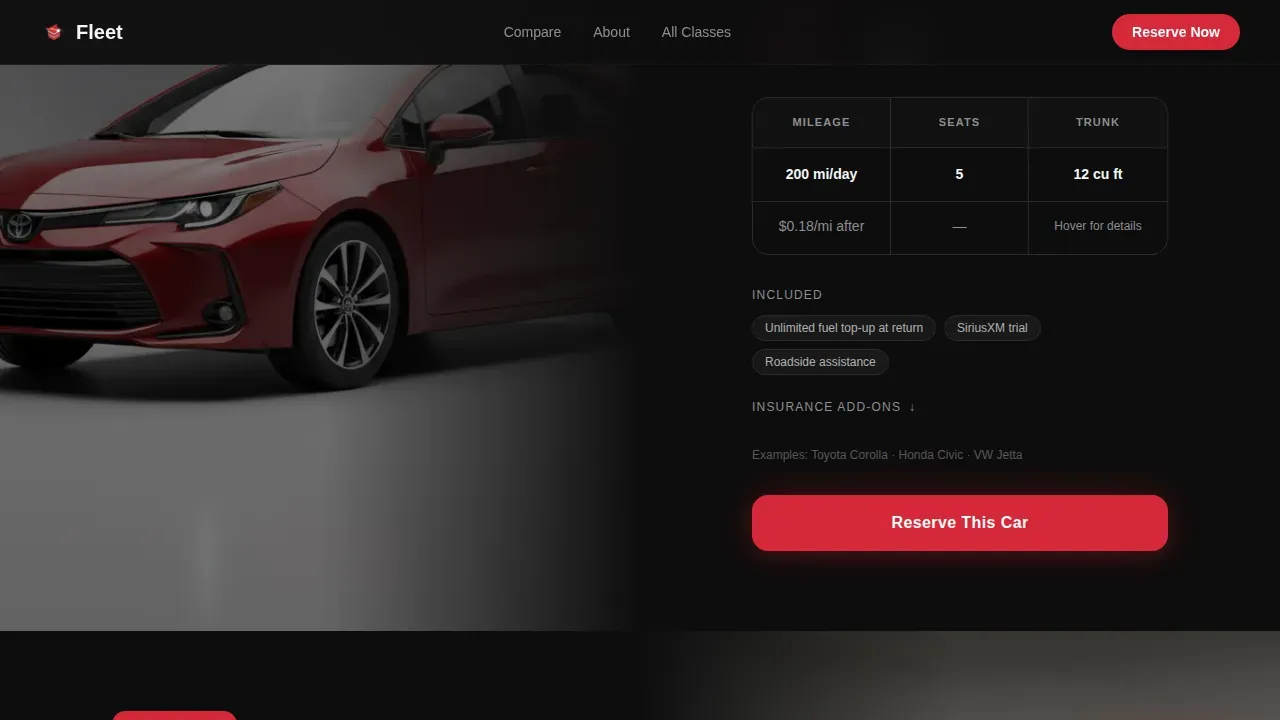
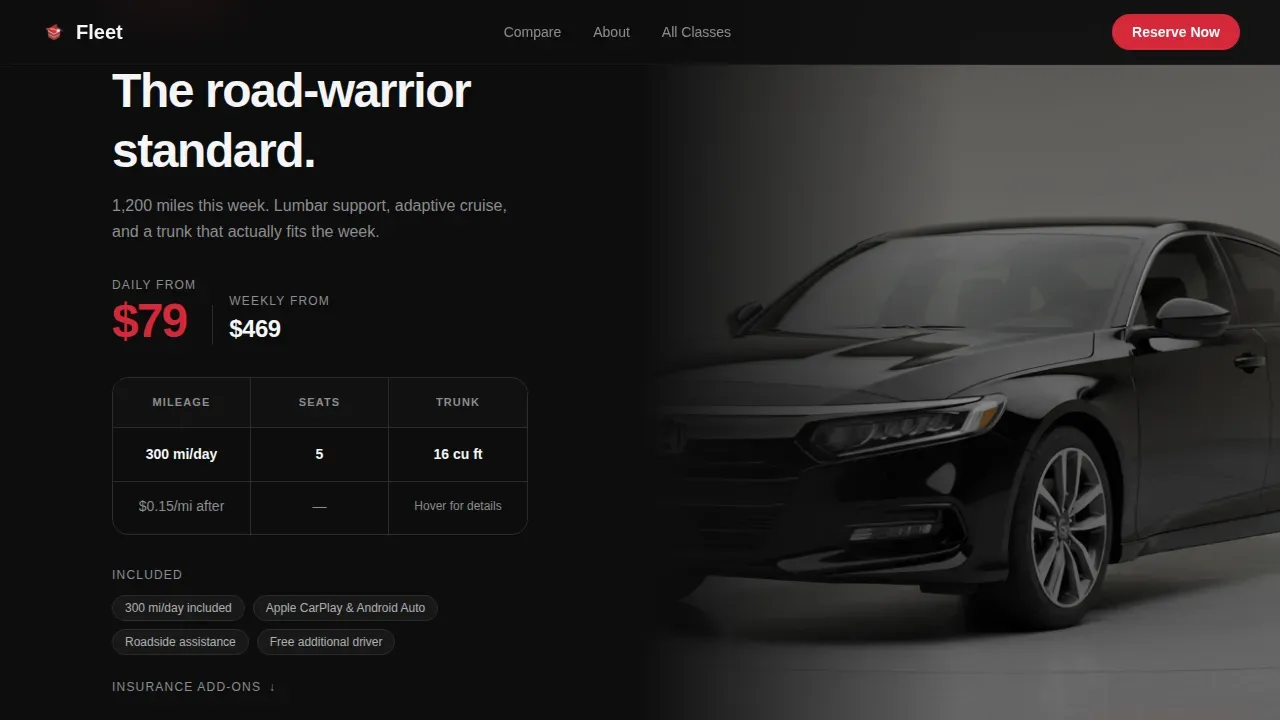
As the page scrolls, each car class gets its own full-page cinematic section with the driver-side door open and the interior lit. Three sharp columns compare price, mileage policy, and included extras against adjacent classes. Hover micro-interactions reveal trunk dimensions, and click interactions display insurance add-ons.
Inline Booking Drawer
The primary booking action pins a signal-red "Reserve This Car" button to the bottom of the viewport once a class is selected. Tapping it opens a clean three-step drawer asking for pickup location, dates, and driver age, then presents the total. This keeps the booking flow fast and focused.
Side-by-Side Comparison Grid
A secondary "Compare All Classes" anchor grid gives deliberate users a clean table view of the entire fleet in one place. This section helps users who want all details before committing to a car class.
Trust and Fleet Stats Section
This section surfaces social proof through fleet size metrics, city coverage numbers, total trips completed, and short client testimonials. Trust signals like these are essential for ensuring high-end clients feel confident before they rent.
Sticky Signal-Red call to action
The "Reserve This Car" button stays visible at the bottom of the page at all times once a vehicle class is active. This design pattern keeps the booking action within easy reach, ensuring users never lose their place in the flow.
Page sections overview
| Section | Purpose |
|---|---|
| Hero Configurator | Display vehicle classes with live stats and crossfade swap |
| Comparison Journey | Cinematic per-class scroll with three-column comparison |
| Compare All Classes | Side-by-side fleet grid for full class review |
| Trust and Fleet Stats | Social proof metrics and short client testimonials |
| Booking Drawer | Inline three-step reservation flow with sticky trigger |
| Footer | Single-row linear footer with key links |
Design & branding system
Fleet uses a Corporate Precision theme built on a Cinematic Dark color palette. Every design choice reinforces the premium feel of a high end car rental service.
- Colors: deep asphalt black (#0D0D0D) base, brushed gunmetal (#3A3A3C) surfaces, headlight-flare white (#F5F5F7) text, and signal red (#D62839) reserved for pricing callouts and call to action buttons
- Typography: DM Sans for large headlines and Manrope for body and user interface text
- Animations: crossfade vehicle swap on class selection, scroll-reveal transitions using IntersectionObserver, and hover micro-interactions for trunk dimensions
Mobile & speed optimization
This template is fully responsive, ensuring the landing page works cleanly across desktop, tablet, and mobile screens. Mobile-first design is essential for car rental services since a large number of corporate bookings happen on the go.
- CSS transitions handle all animations, keeping the page light and smooth on any device
- IntersectionObserver powers scroll reveals, ensuring sections load progressively as users scroll
- The configurator, booking drawer, and comparison grid all adapt cleanly to smaller viewports
How this template helps you convert
Fleet is designed around one goal: turning a car browser into a confirmed booking. Every section moves the user one step closer to selecting a car and completing a reservation.
- The hero configurator lets users build their ideal rental mentally before touching the form, ensuring they arrive at the booking drawer already decided.
- The inline booking drawer removes friction by keeping the reservation flow on the same page, with just three progressive steps between selection and total price.
- Trust signals, including fleet size, city numbers, and client feedback, protect confidence at the moment users are most likely to hesitate.
Other information about this template
This template is easy to customize for any car rental business that wants to launch quickly with a modern, clean, and professional landing page. It saves development time by providing a ready-built structure that covers all core landing page needs.
- Templates structured with proper heading hierarchies and metadata fields save teams significant setup time and support solid site performance
- The design is ideal for agencies creating luxury car rental landing pages for clients who prioritize high end presentation
- The page is built to display fleet details clearly, ensuring users get the car class information they need before they reach the booking step
- Feature-rich templates for car rental services include sections for fleet highlights, services packages, and customer testimonials, and this template covers all three
- Karzone, Bookingcar, and Carent are examples of other templates in the luxury car rental landing category, each offering different design approaches for rental businesses
Theme
Corporate Precision
Creative direction
Comparison Journey
Color system
Cinematic Dark
Style
Storybook/Full-Page
Direction
Direct Sales
Page Sections
Live Vehicle Class Configurator
Cinematic Comparison Journey
Inline Three-step Booking Drawer
Side-by-side Fleet Comparison Grid
Trust and Fleet Stats Section
Sticky Signal-red Call to Action
Related questions
Can I customize the car classes shown in the configurator?
Is this template fully responsive on mobile?
Does the booking drawer connect to a live reservation system?
Who is this landing page template best suited for?
Can I use this template to save time on a client project?



