Architectural Technology Professional Website Template
Floorcraft is a horizontal scroll landing page template built for an AI floor plan generator. It guides visitors through a curated gallery of text-prompted architectural plans, proves the tool's capability through sheer visual output, and converts through a pinned prompt input field and an email-gated PDF lookbook. Designed for interior designers, architecture students, and real estate developers.
by Rocket studio
Quick summary
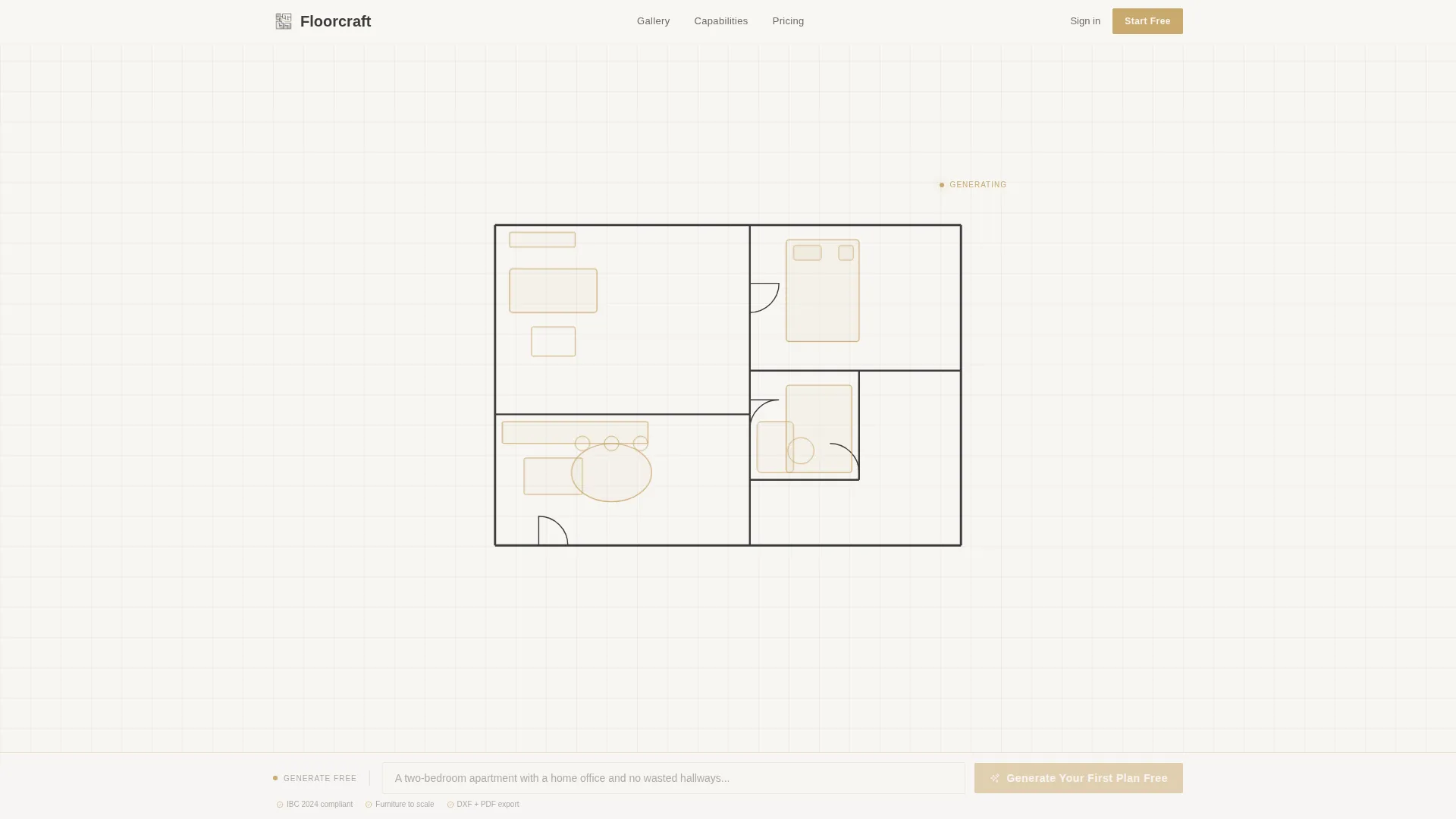
Floorcraft is a single-page, horizontal scroll landing page template for an AI-powered floor plan generator. Visitors watch a floor plan draw itself in real time, then walk through a gallery of seven generated plans before reaching a pinned prompt input field. The design is Luxe Minimal, built around a drafting-paper palette that earns trust before asking for a click.
Who this template is for
This template is designed for teams and individuals building or marketing an AI floor plan generation tool. The layout speaks directly to professional and creative audiences who value precision and speed.
- Interior designers who need to rough out client concepts quickly and credibly
- Architecture students iterating on thesis layouts under tight deadlines
- Real estate developers evaluating unit mixes across large, complex building programs
What problem this template solves
Showing that an AI tool produces professional-quality output is harder than saying it. Generic landing pages fail to convince skeptical professionals because they describe capability without demonstrating it. This template solves that by letting the output speak first.
- Visitors see generated floor plans before they read a single feature claim
- Interstitial panels teach specific capabilities as visitors admire the work
- A pinned prompt field lets visitors act the moment curiosity peaks
What you get with this template
This template gives you a fully structured, design-ready landing page built around the Floorcraft brief. Every section, interaction pattern, and visual layer is defined and ready to customize.
- An animated SVG hero that draws a floor plan line by line across a white viewport
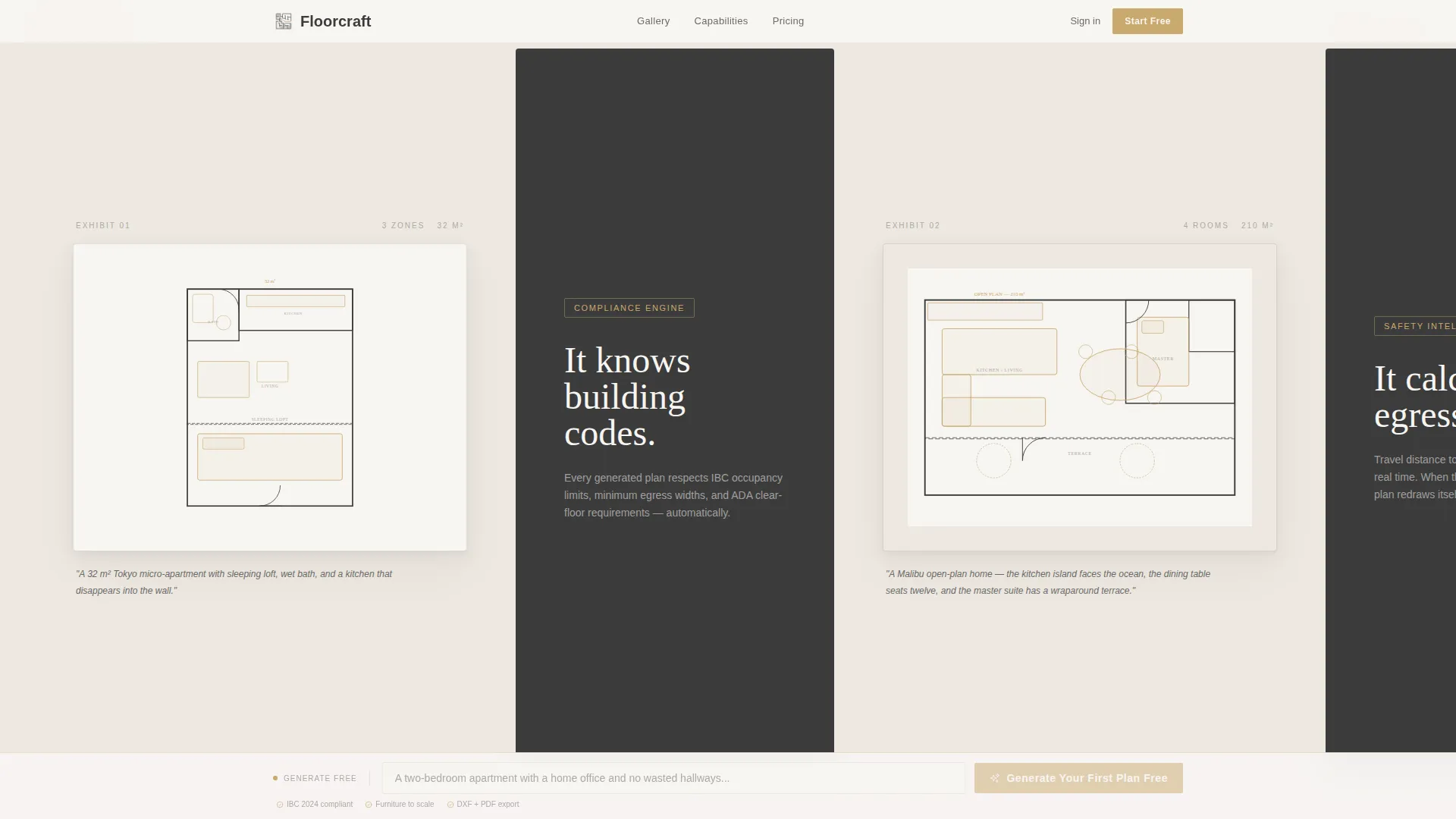
- A horizontal Gallery Walk section with seven framed plan exhibits and their source prompts
- A pinned prompt input field, capability interstitials, a social proof section, and an email-gate modal
Feature list
This template bundles a specific set of interactive and visual components, each chosen to demonstrate AI floor plan capability in the most credible way possible.
Animated SVG Floor Plan Hero
The header opens with a floor plan drawing itself in real time over twelve seconds. Walls extend with drafting precision, doors swing on their arc lines, furniture appears as soft gold outlines, and dimension annotations count up to their final numbers. A typewriter headline appears below the animation once it completes.
Horizontal Gallery Walk
Seven AI-generated floor plan exhibits scroll left to right like a curated exhibition. Each panel shows the finished plan, the exact text prompt that created it, and a generous amount of white space. Complexity escalates from a Tokyo micro-apartment to a hospital wing, building confidence with every step.
Typographic Capability Interstitials
Between gallery exhibits, brief typographic panels each communicate a single capability in a few words. Examples include statements about building code awareness, egress path calculation, and scaled furniture placement. Visitors absorb these facts through admiration rather than dedicated reading.
Pinned Prompt Input Field
A gold-accented prompt input field is pinned to the bottom of the viewport throughout the entire horizontal scroll. Visitors can type a room description at any point during their browsing experience. This keeps the primary conversion action always visible and always inviting.
Email-Gated PDF Lookbook
A modal slides up when visitors pause scrolling past the sixth exhibit. It offers a downloadable PDF lookbook of fifty AI-generated plans in exchange for an email address. The gate appears at the moment of highest engagement, after the gallery has already proven the tool's range.
Social Proof Section
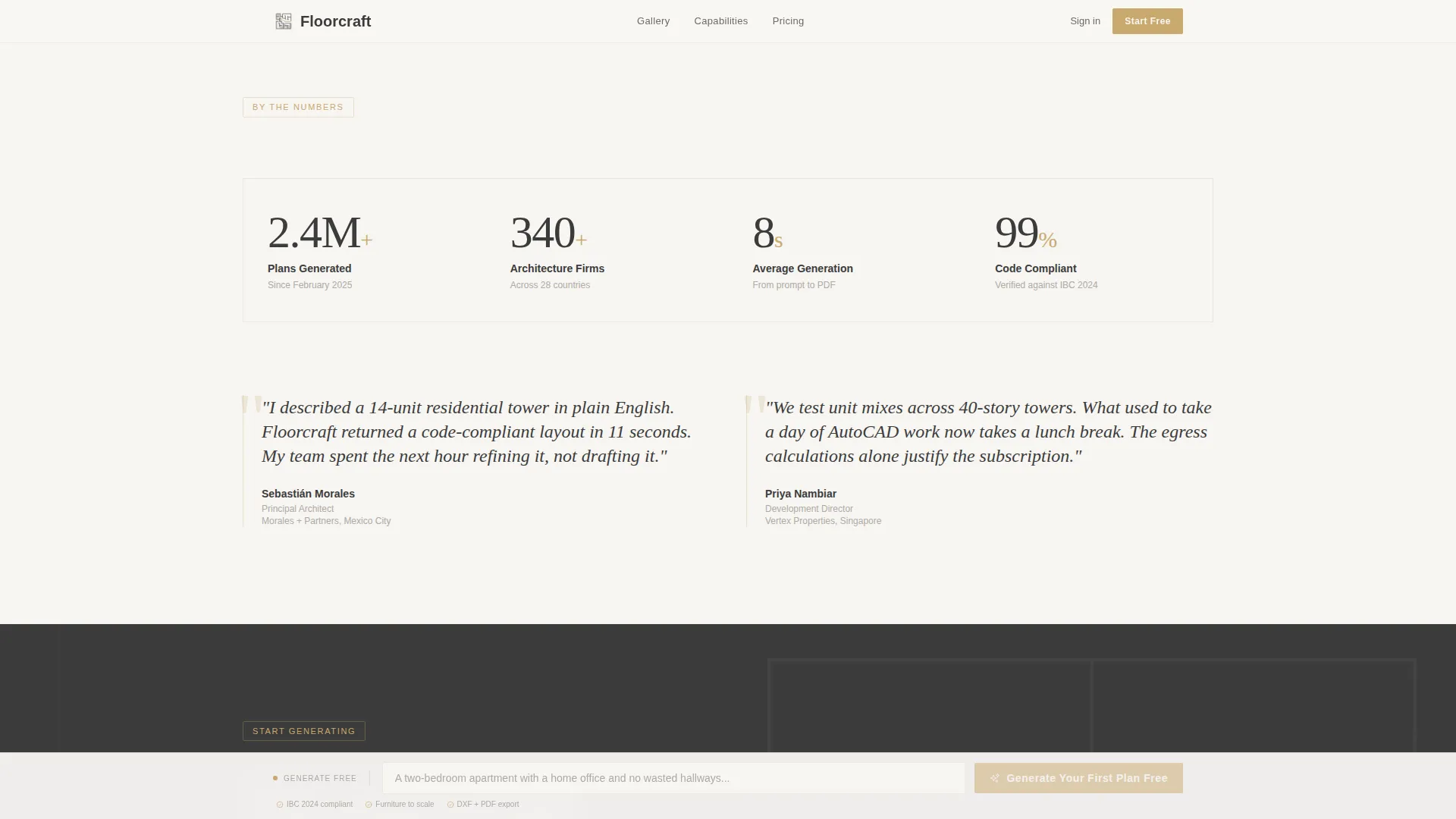
A dedicated section displays specific usage metrics alongside two named testimonial pull-quotes. Metrics include the number of plans generated and the number of firms using the tool. Named roles add professional credibility to the endorsements.
Page sections overview
| Section | Purpose |
|---|---|
| Animated Hero Panel | Draw a floor plan live and set the tool's creative tone |
| Gallery Walk Exhibition | Show seven generated plans with their source prompts |
| Capability Interstitial Cards | Teach one feature at a time between gallery exhibits |
| Social Proof Section | Reinforce trust with usage metrics and named testimonials |
| Email Gate Modal | Capture email addresses with a downloadable PDF lookbook offer |
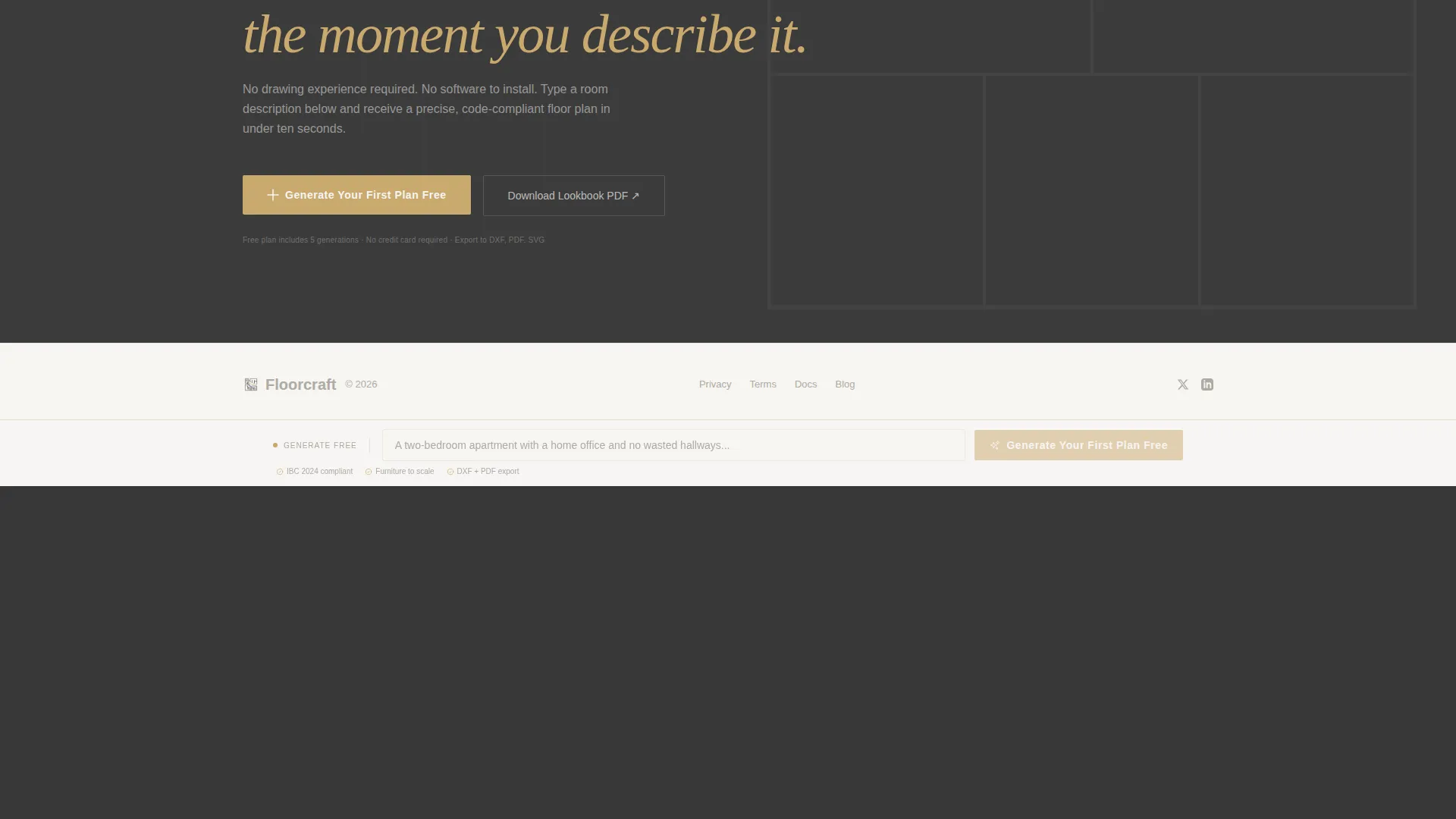
| Footer | Provide minimal navigation and closing brand anchor |
Design & branding system
The visual identity follows a Luxe Minimal theme built on a Cloud Canvas color system. Every color decision references the drafting-paper aesthetic: restrained, luminous, and deliberately expensive-feeling.
- Four-color palette: architectural white (#F7F5F2), warm cream (#EDE8E0), graphite (#3B3B3B) for all text, and brushed gold (#C9A96E) reserved for interactive elements and calls to action
- Typography pairing of DM Sans for interface copy and Fraunces as the display serif for headlines
- Backgrounds alternate between white and cream panels to create horizontal rhythm without visual noise
Mobile & speed optimization
This template is designed desktop-first to match the professional audience and the horizontal scroll experience. The animation and interaction layers are built to stay performant within that priority.
- CSS-first animations using SVG stroke techniques reduce reliance on heavy JavaScript
- Intersection Observer reveals control when elements enter the viewport, keeping idle sections lightweight
- Scroll-velocity detection supports the horizontal scroll behavior without overloading the render pipeline
How this template helps you convert
The page is structured as a content and resource destination, meaning it earns conversion by proving capability rather than asserting it. Every section moves the visitor one step closer to typing their first prompt.
- The animated hero creates an immediate emotional hook, giving visitors a reason to stay and watch before they scroll
- The gallery escalates from simple to complex plans, removing doubt about the tool's range and professional output quality
- The pinned prompt input field keeps the primary call to action visible at all times, so visitors can act the moment they feel ready
Other information about this template
This template covers a focused set of use cases and technical details that are worth noting before you build with it.
- The horizontal scroll structure is intentional and desktop-first; mobile adaptation would require layout reconfiguration
- The footer follows a minimal horizontal pattern similar to Vercel-style footers, keeping the close of the page clean and uncluttered
- The email gate is triggered by scroll behavior at the sixth exhibit panel, not by a timed delay
Theme
Luxe Minimal
Creative direction
Gallery Walk
Color system
Cloud Canvas
Style
Horizontal Scroll
Direction
Content/Resource
Page Sections
Animated SVG Floor Plan Hero
Horizontal Gallery Walk
Typographic Capability Interstitials
Pinned Prompt Input Field
Email-gated PDF Lookbook
Social Proof Section
Related questions
Who is this landing page template built for?
Is this template designed for desktop or mobile use?
What does the pinned prompt input field do?
How does the email gate work?
Can I customize the gallery plans and prompts shown in the template?