Sustainable Aquaponic Systems Landing Page Template
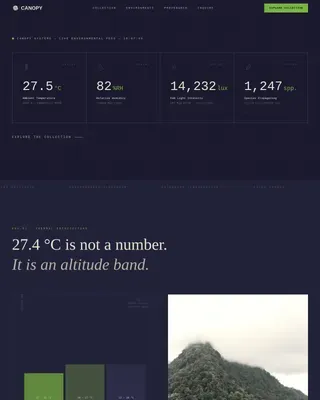
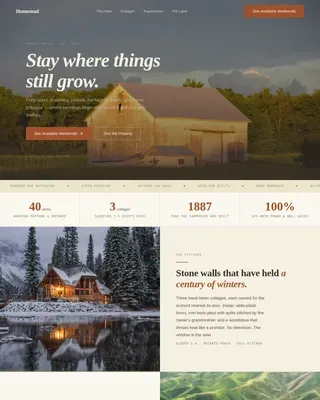
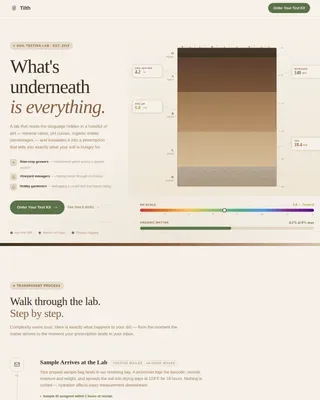
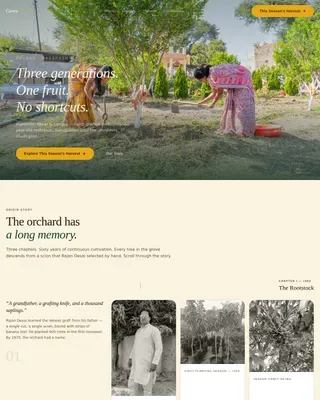
Cycle is a full-width immersive landing page template for a closed-loop aquaponic farm. It guides visitors through an animated symbiotic process diagram, an overhead crop shop, a seasonal harvest calendar, and a lab transparency panel. A persimmon-colored box builder and floating call-to-action bar drive direct sales to chefs, families, and specialty grocers.
by Rocket studio
Quick summary
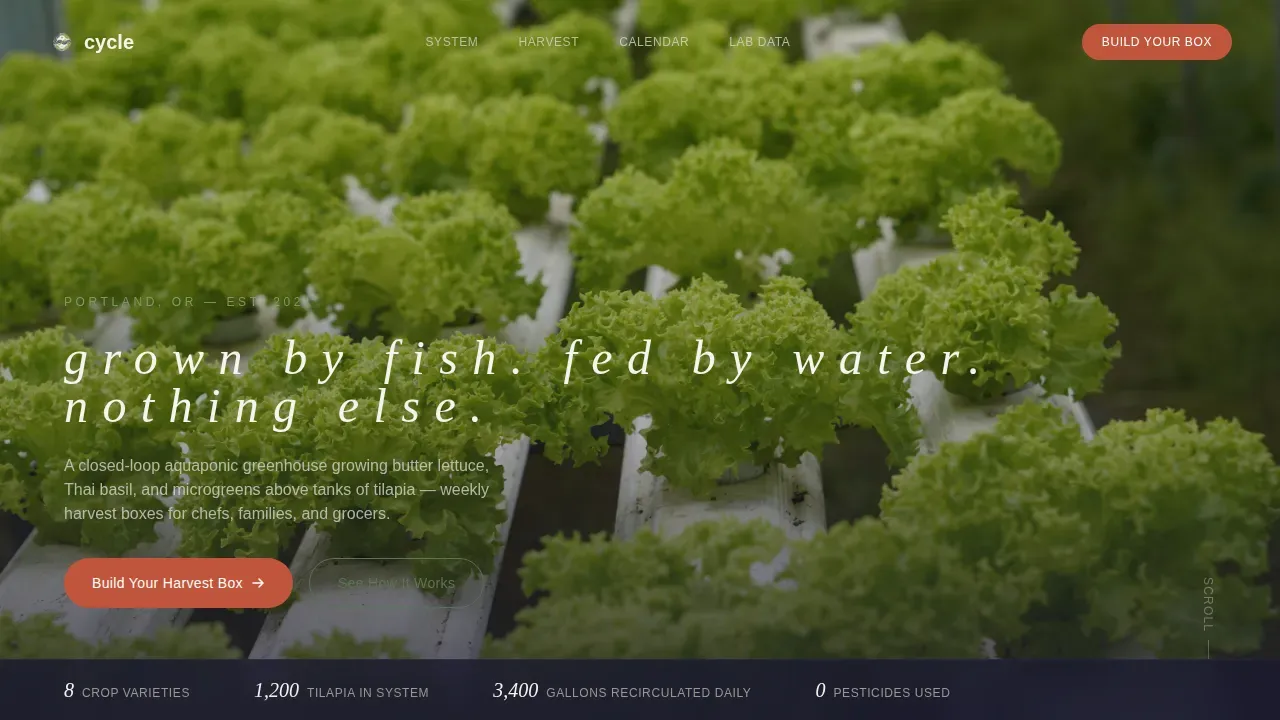
Cycle is a single-page aquaponic farm landing page template built for direct-to-consumer sales. It combines a cinematic overhead hero, a scroll-linked process diagram, and a live harvest box builder. The Japanese Zen color system keeps the experience restrained and credible, while each section adds one more layer of transparency to build buyer trust.
Who this template is for
This template is built for aquaponic and greenhouse farmers who sell directly to end buyers. It works especially well if your value proposition rests on traceability, clean growing practices, and fresh weekly supply.
- Farm-to-table restaurant chefs sourcing consistent weekly greens boxes
- Health-conscious families looking for a pesticide-free produce subscription
- Specialty grocers who need provenance and a shelf-ready story for their buyers
What problem this template solves
Most farm websites fail to explain how their growing system actually works. Buyers want to trust the source before they commit to a subscription, but generic product pages give them no reason to believe the claims.
- Visitors leave without understanding what makes aquaponic produce different or worth paying for
- There is no clear path from curiosity to purchase, so interested browsers never convert
- Chefs and grocers need data and specificity, not just marketing language and stock photography
What you get with this template
You get a complete, ready-to-customize landing page that moves visitors from first impression to box builder in one continuous scroll. Every section earns its place, and nothing is filler.
- A full-bleed overhead hero with a fade-in headline and scroll cue
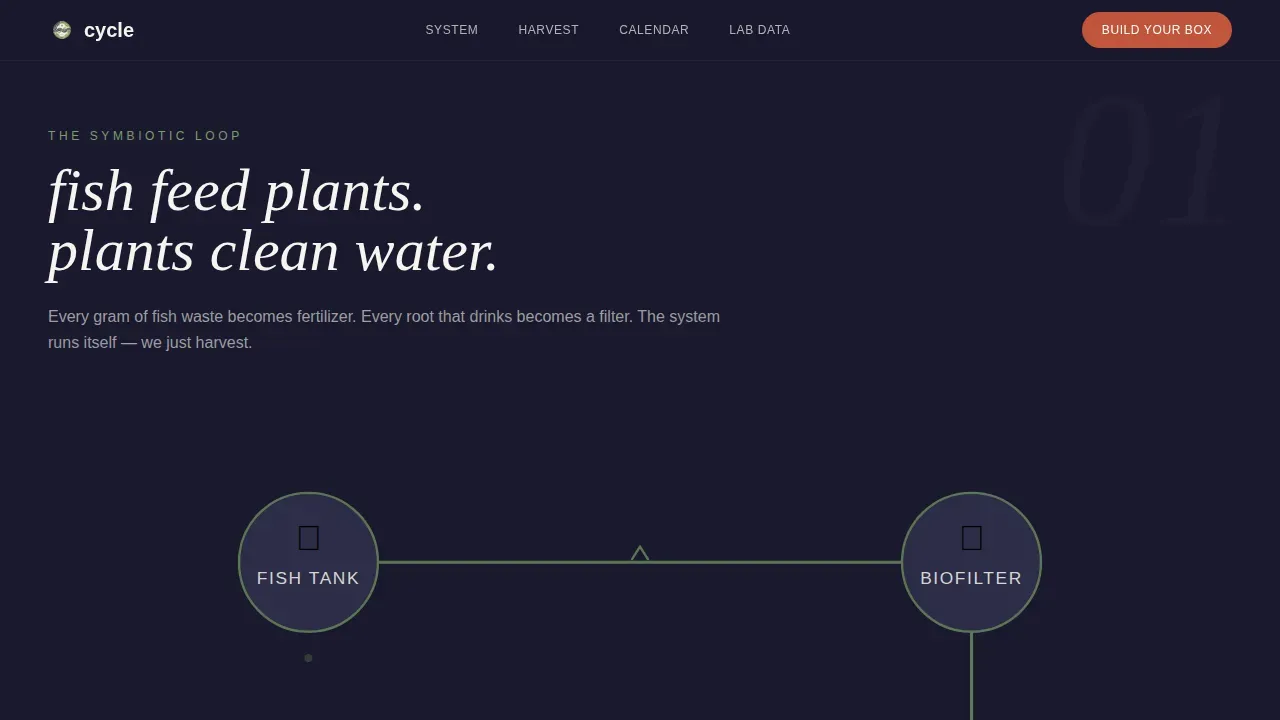
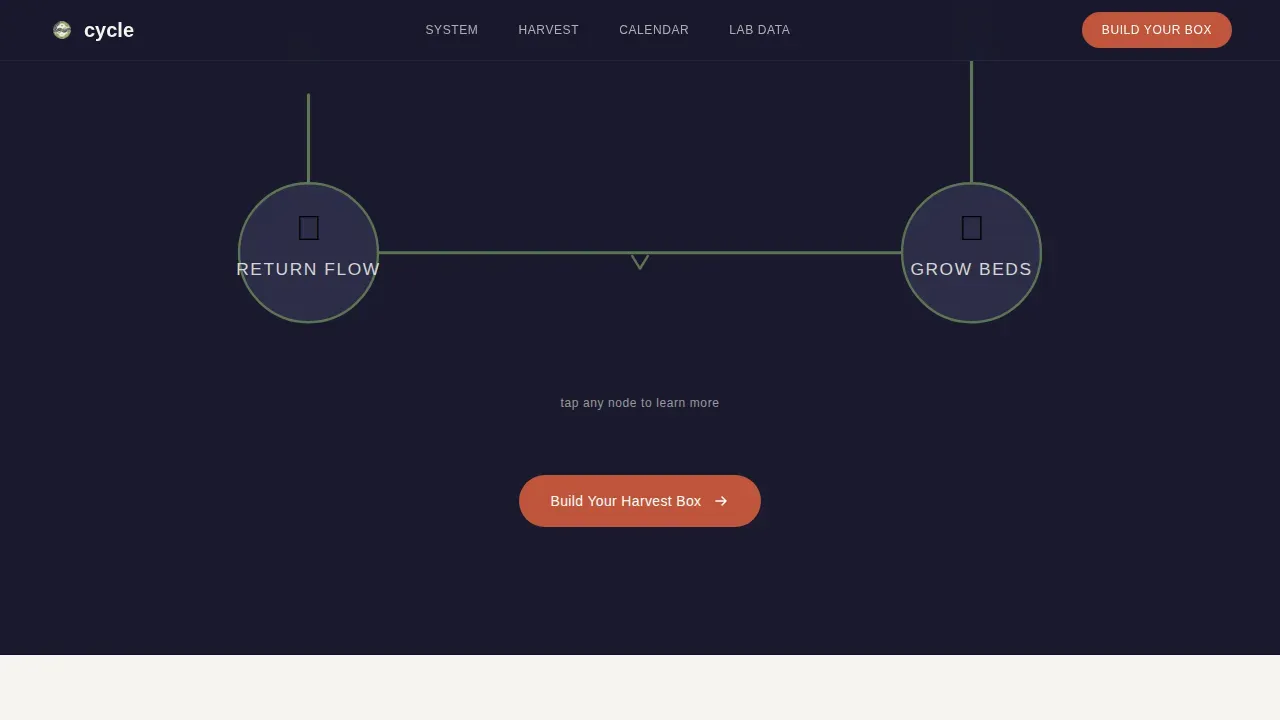
- A scroll-linked animated water-path diagram explaining the fish-to-plant cycle
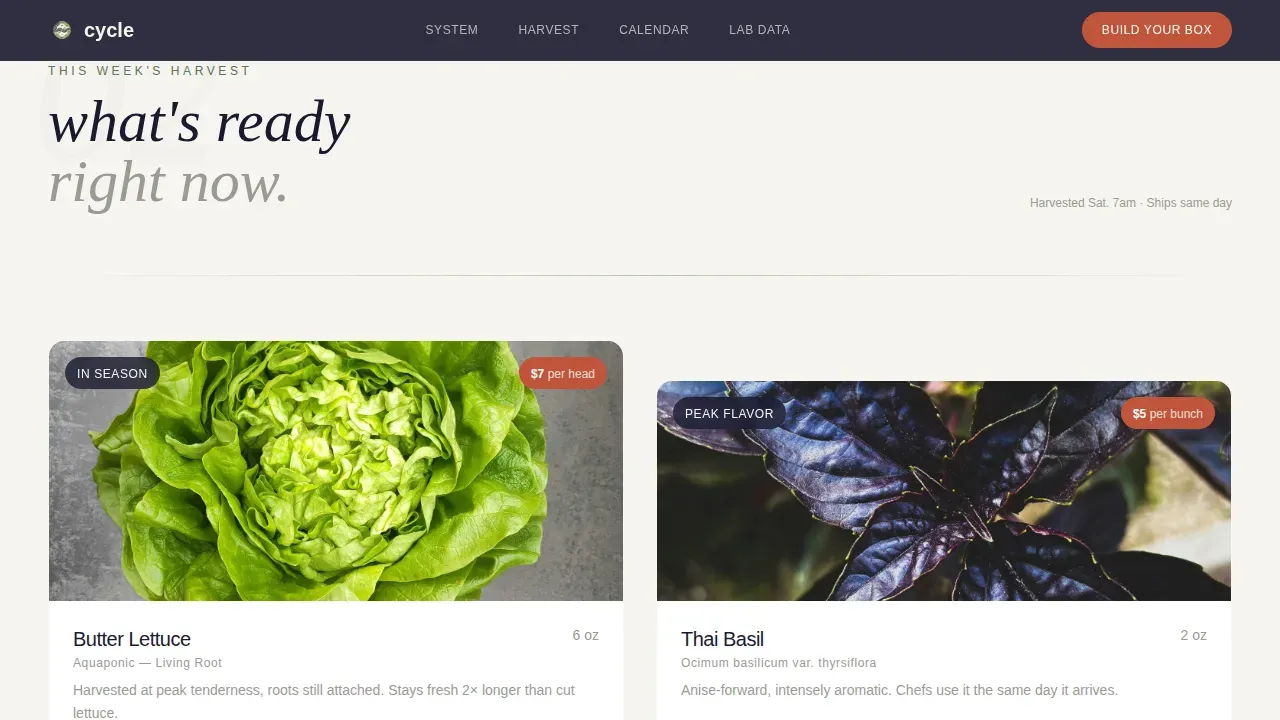
- An overhead crop shop, a seasonal harvest calendar grid, and a weekly-updated lab data panel
- A harvest box builder with crop selection, quantity in ounces, and delivery frequency options
- A floating call-to-action bar that appears after the visitor scrolls past the product grid
- A secondary greenhouse tour flow with a date picker capturing name, email, and party size
Feature list
This template ships with purpose-built interactive and visual components grounded in the aquaponic farm use case.
Scroll-Linked Process Diagram
An animated SVG water path traces the symbiotic loop from fish tank to biofilter to grow bed and back. The animation is tied to the visitor's scroll position, so the journey unfolds at a pace they control.
Harvest Box Builder
Visitors select crop type, quantity in ounces, and delivery frequency, weekly, biweekly, or one-time. A running total stays visible in the corner at all times, reducing friction before checkout.
Floating Call-to-Action Bar
A persimmon-colored "Build Your Harvest Box" bar pins itself to the viewport after the visitor scrolls past the product grid. It stays present without interrupting the reading experience.
Overhead Crop Photography Layout
Each crop card, butter lettuce, Thai basil, and microgreens, is displayed with the same still, overhead geometry as the hero. Weight, price, and an "Add to Box" button appear on each card.
Harvest Calendar Grid
A minimal seasonal grid shows what is growing now, what is coming next week, and what is currently resting. It signals a real, operating farm rather than a static showcase page.
Lab Transparency Panel
Water quality readings and nutrient data are displayed in a dedicated section, described as updated weekly. Numbers replace narrative and give chefs and grocers the specificity they need.
Page sections overview
| Section | Purpose |
|---|---|
| Hero grow-bed | Full-bleed overhead photo with fade-in headline and scroll cue |
| Symbiotic loop diagram | Animated water path showing fish, biofilter, and grow-bed cycle |
| Harvest crop shop | Overhead crop cards with weight, price, and box builder |
| Harvest calendar grid | Seasonal availability view: growing, coming next, and resting |
| Lab transparency panel | Weekly water quality and nutrient data for trust and specificity |
| Greenhouse tour flow | Date picker capturing name, email, and party size for farm visits |
| Footer split layout | Logo and tagline left, navigation links right |
Design & branding system
The visual identity follows a Japanese Zen utility approach. Every color and typographic choice is deliberate, and negative space does the heaviest lifting throughout the layout.
- Five-color palette: koi-pond black (#1A1A2E), washed stone gray (#D5D5D0), living moss green (#5B7553), persimmon (#C1553B for buttons, price tags, and quantity selectors), and rice-paper white (#F6F4EF)
- Typography pairs DM Sans for utility text with Fraunces as a serif accent for italic headline moments
- Backgrounds alternate between koi-pond black and rice-paper white; moss green traces water-path diagrams and section dividers as a living visual thread
Mobile & speed optimization
The template is designed desktop-first with a mobile-responsive fallback, recognizing that chefs and grocers frequently browse on larger screens. Interactive components are built as client-side elements while static sections use server components.
- Box builder, tour date picker, and harvest calendar grid are client-rendered for interactivity
- Hero, process diagram static frames, and lab panel are server-rendered for fast initial load
- Staggered crop card reveal animations keep the scroll experience smooth without blocking content
How this template helps you convert
Every design and content decision in Cycle is oriented toward moving a skeptical, high-value buyer from curiosity to commitment.
- The transparent process diagram answers the "how is this grown?" question before it is asked, removing the biggest barrier to trust for chefs and health-conscious shoppers.
- The harvest box builder with a visible running total reduces decision friction by letting buyers configure their own order before ever reaching a checkout page.
- The greenhouse tour date picker converts browsers who are not yet ready to subscribe by capturing their contact information through a low-commitment, high-curiosity offer.
Other information about this template
Cycle sits at the intersection of direct-to-consumer food commerce and environmental storytelling. It is designed for operators who want their growing process to be part of the brand, not just background information.
- The template style is Full-Width Immersive, prioritizing visual depth and section-to-section flow over sidebar navigation
- The creative direction is Transparent Process, meaning each scroll reveals one more layer of how the system works
- The landing page direction is Direct Sales, with the box builder as the primary revenue path and the tour flow as a secondary conversion funnel
- Localization defaults are set to English, USD pricing, and US date format
- The footer follows an Arc Browser Split pattern with the logo and tagline on the left and links on the right
Theme
Service Utility
Creative direction
Transparent Process
Color system
Japanese Zen
Style
Full-Width Immersive
Direction
Direct Sales
Page Sections
Scroll-linked Process Diagram
Harvest Box Builder
Floating Call-to-action Bar
Overhead Crop Card Layout
Harvest Calendar Grid
Lab Transparency Panel
Related questions
Who is this template designed for?
What crops and products does the template support?
How does the harvest box builder work?
Can visitors schedule a farm visit through this template?
Does the lab transparency section update automatically?