Product Designer Portfolio Careers Website Template
Folio is a cinematic product designer landing page built on an asymmetric 60/40 grid. It pairs a hand-drawn-to-user interface animation header with a scroll-driven project sequence, shutter-wipe transitions, and a Monochrome Steel palette. Each project scene closes with a direct case-study call to action, making it easy for creative directors and hiring leads to go deeper instantly.
by Rocket studio
Quick summary
Folio is a single-page portfolio landing page designed for senior product designers. It combines a hand-drawn animation header, a cinematic scroll sequence, and an asymmetric 60/40 grid to present work with dramatic visual pacing. The Monochrome Steel color system keeps every surface focused on the projects themselves.
Who this template is for
This template is built for product designers who need to stand out in a competitive hiring environment. It works best when your audience moves fast and forms opinions within seconds.
- Product designers targeting creative director roles, agency clients, or design lead positions at tech companies
- Freelance product designers pitching to startup founders who need to assess capability quickly
- Senior designers building a primary portfolio presence that showcases depth through individual case studies
What problem this template solves
Most portfolio pages feel static. Work gets listed, thumbnails get scanned, and the visitor moves on without a real impression of how the designer thinks or executes. Folio solves this by giving each project its own cinematic moment.
- Visitors lose interest before reaching the second project because there is no visual rhythm to guide them forward
- Generic grid layouts treat every project equally, removing any sense of pacing or priority
- Designers struggle to balance showing work visually while still communicating role, context, and outcome clearly
What you get with this template
Folio delivers a complete single-page landing page structure ready to carry a product designer's full project narrative. Every section is purposefully sequenced to build trust and direct attention.
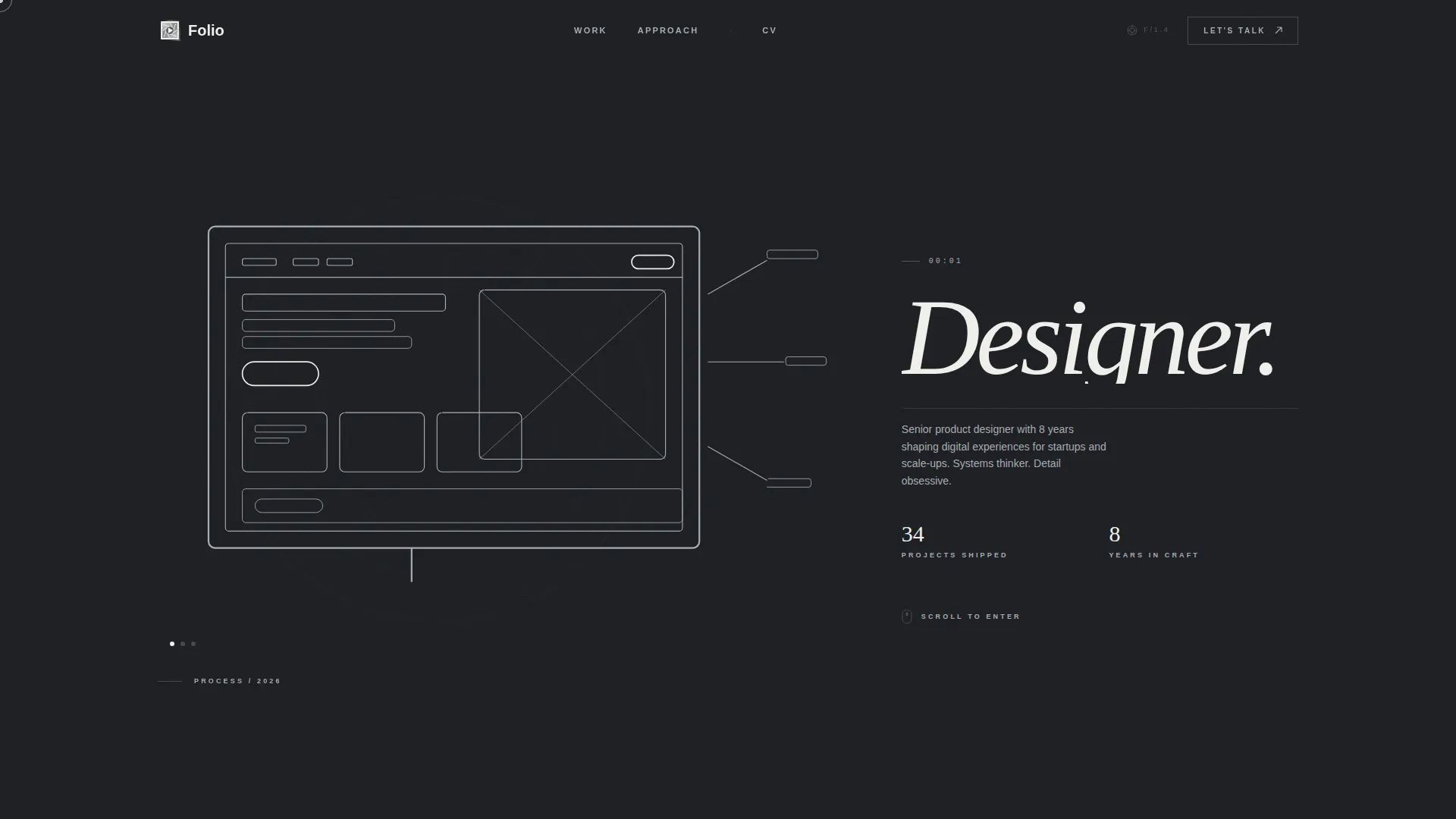
- An animated header that transitions from a hand-drawn product sketch to a finished user interface mockup through a seamless dissolve
- A full-viewport cinematic project sequence with parallax drift, shutter-wipe transitions, and escalating scroll pacing
- A persistent navigation link and per-project case-study call to action wired to guide visitors toward deeper engagement
Feature list
A focused set of built-in capabilities shapes the entire Folio experience. Each feature below reflects what the template delivers directly.
Animated Sketch-to-user interface Header
The left 60% of the viewport opens with a hand-drawn product sketch building itself line by line, as if drawn in real time with a Copic marker. Once complete, the sketch dissolves into a high-fidelity user interface mockup. The right 40% holds a single oversized word in projection-white type, completely still, letting the animation carry all the drama.
Cinematic Scroll Sequence
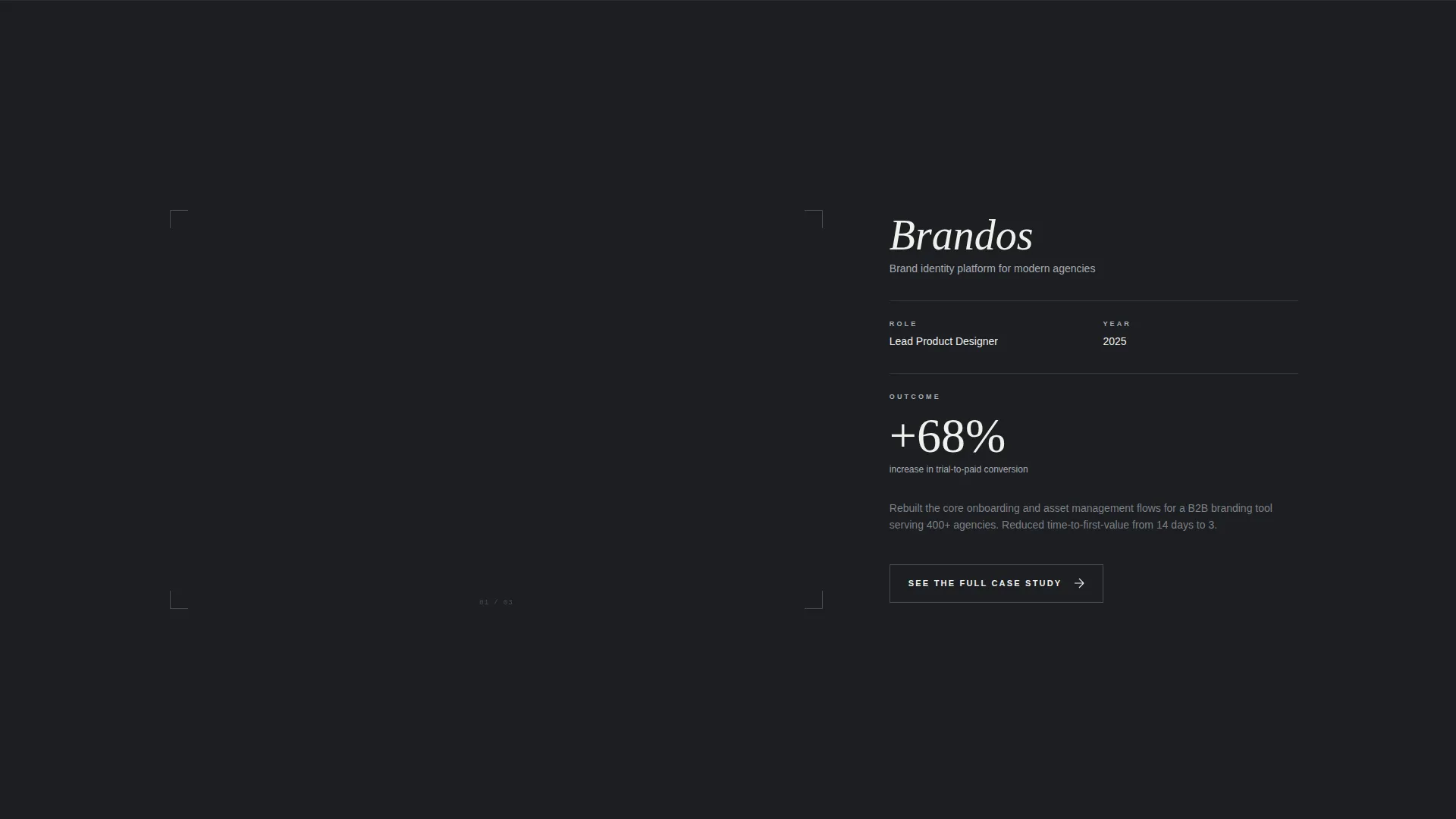
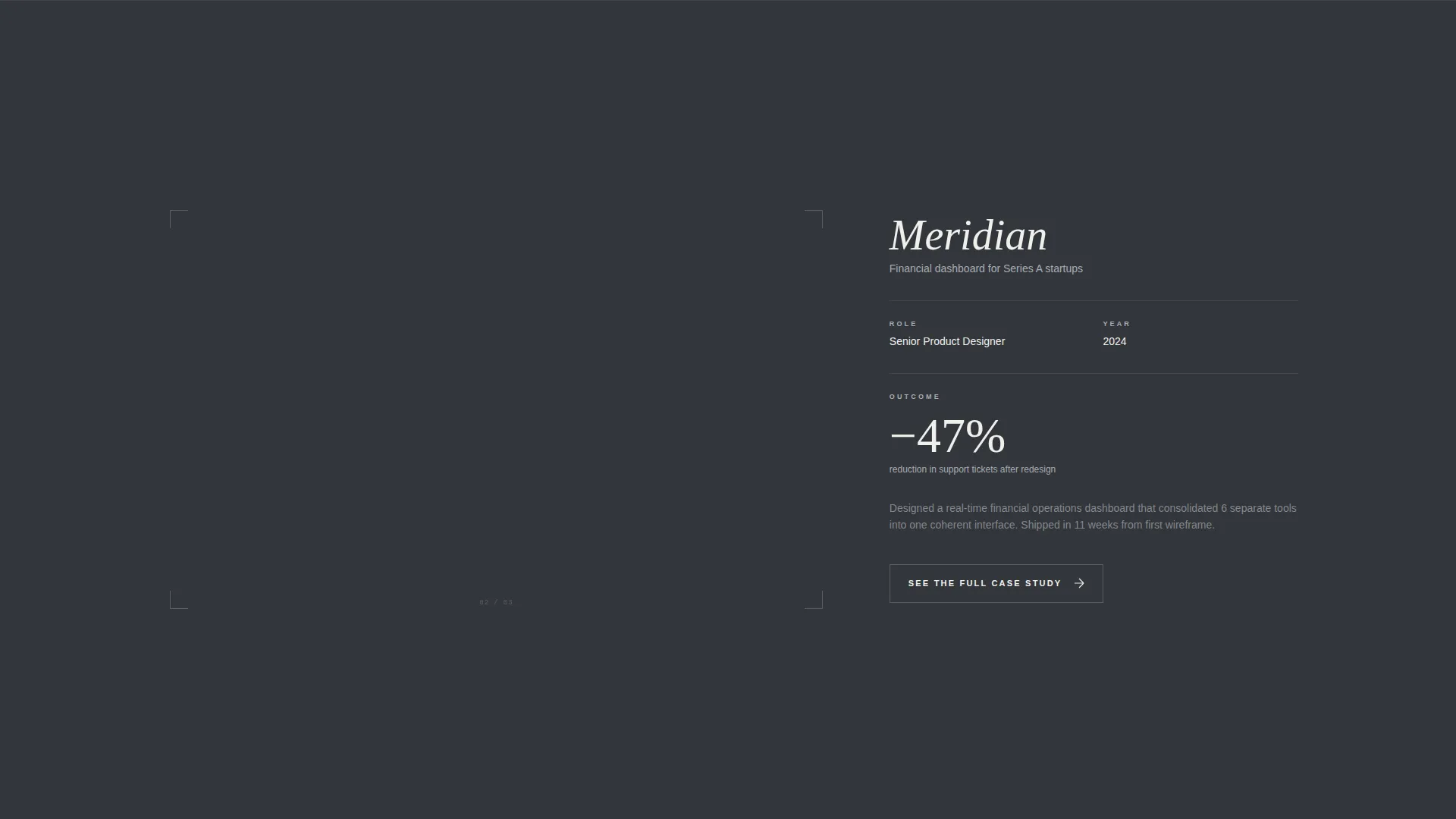
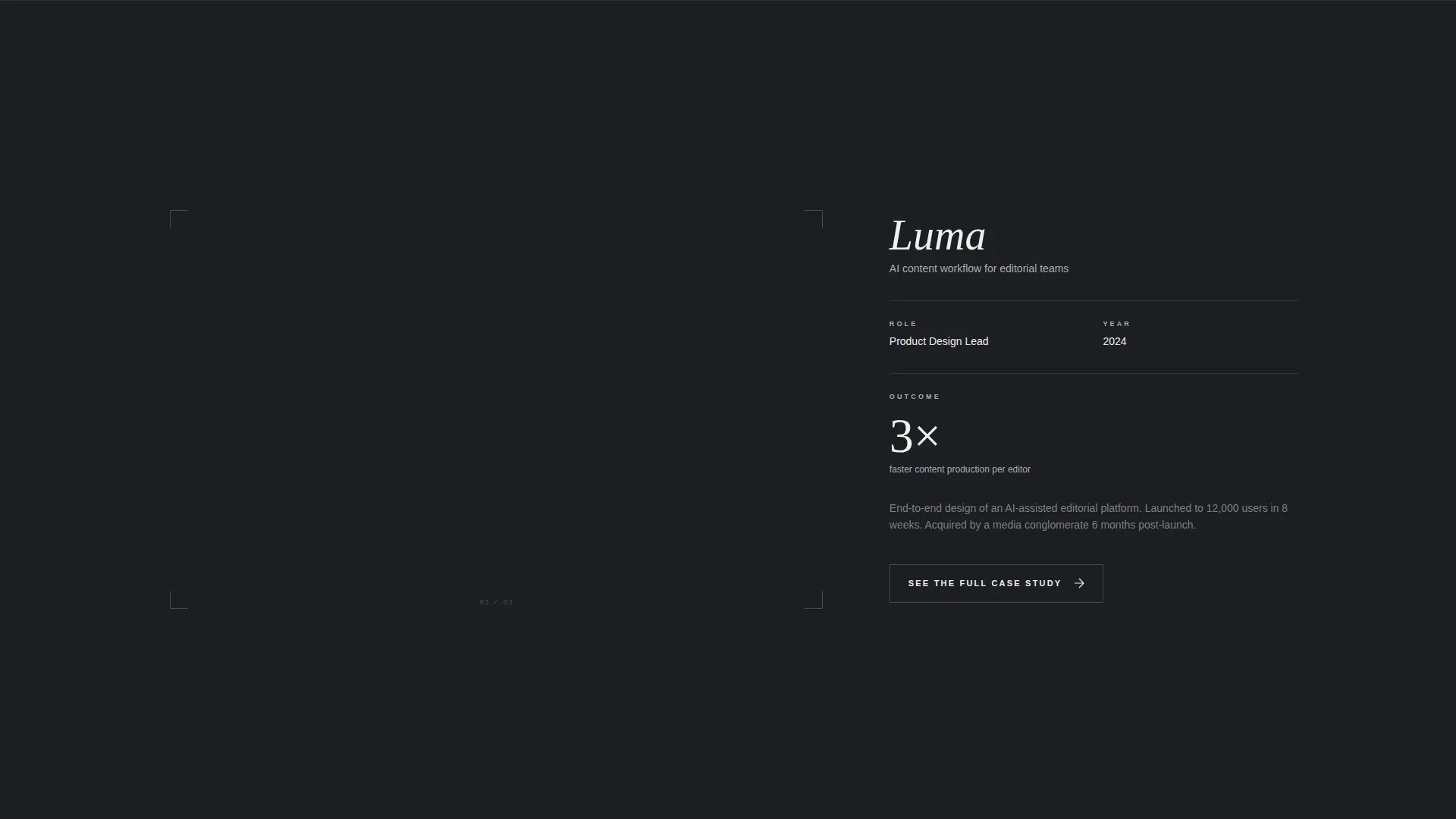
Each project occupies a full viewport and enters from the 60% column with a slow parallax drift. Metadata including role, year, and outcome stays anchored in the 40% column. Scroll pacing escalates deliberately: the first project lingers, the second moves faster, and the third arrives like a hard cut.
Shutter-Wipe Project Transitions
Projects do not simply fade or slide. Each transition uses a shutter-wipe effect that replaces one frame with the next using the mechanical rhythm of a film advance. This gives the scroll a physical quality that reinforces the Lens and Frame visual identity.
Inverted Grid Finale
In the final section, the layout flips. The 40% column expands to display a direct-to-camera design philosophy statement. The 60% column shrinks to a single looping animation of cursor interactions drawn from every featured project. The inversion signals a shift from showing work to showing thinking.
Per-Project Case Study call to action
At the close of each project scene, a "See the Full Case Study" call to action appears in projection-white text. Hovering triggers a shutter-open animation. Each click leads directly into a dedicated long-form case study, with no forms or fields standing between the visitor and the work.
Smart Navigation Contact Path
A persistent "Let's Talk" link lives quietly in the navigation. When clicked, it opens a pre-filled email with the subject line already set to the project the visitor viewed most recently. This removes friction from the outreach moment without interrupting the scroll experience.
Page sections overview
| Section | Purpose |
|---|---|
| Animated Header | Opens with sketch-to-user interface animation and oversized type |
| Project Scene One | First full-viewport project with slow parallax and metadata |
| Project Scene Two | Second project with faster scroll pacing and shutter transition |
| Project Scene Three | Third project arriving with a sharp cut-style transition |
| Inverted Grid Finale | Design philosophy statement with looping cursor animation |
| Navigation Bar | Persistent contact path via pre-filled email link |
Design & branding system
Folio uses a Monochrome Steel color system built around four carefully chosen tones. The palette is designed to recede so the work itself always reads as the focal point.
- Deep gunmetal (#1C1E22) and matte charcoal (#33363B) alternate as section backgrounds, separating each project act without introducing competing color
- Brushed aluminum (#A8ADB3) traces thin dividing lines and navigation elements, adding structure without weight
- Projection-white (#F0F0EC) is reserved strictly for typography and hover states, ensuring every word and interactive moment pops against the dark ground
Mobile & speed optimization
The Folio landing page is structured to translate its visual impact across device sizes without losing the cinematic quality of the scroll experience.
- The asymmetric 60/40 grid adapts to narrower viewports, maintaining the separation between visual and metadata columns
- Animations are scoped to their sections so each effect loads as the visitor reaches it rather than all at once on page entry
- The looping cursor animation in the finale section runs as a contained element, keeping the rest of the page responsive during playback
How this template helps you convert
Folio is built around a single conversion path: move the right visitor from first impression to case study as efficiently as possible.
- The animated header creates immediate engagement before the visitor consciously decides to scroll, reducing early exits from the page
- Per-project calls to action placed at the natural close of each cinematic scene catch visitors at peak interest, directing them into long-form case studies without interruption
- The persistent navigation contact link provides a low-commitment path for visitors who are ready to reach out but are not yet finished reviewing the work
Other information about this template
Folio sits within the Portfolio and Agency category, built specifically for the product designer interactive portfolio niche. A few additional details are worth noting before you start.
- The template follows a single-page landing page structure; individual case studies are separate destination pages linked from each project scene
- The Lens and Frame theme and Monochrome Steel color system are fully integrated into the layout, so swapping colors requires updating the defined palette variables rather than editing individual elements
- The "Let's Talk" email link uses a pre-filled subject line tied to the last-viewed project, which requires the email client on the visitor's device to support pre-filled mailto parameters
- This template is well suited for use with visual portfolio builders and no-code page editors that support custom animation and grid layout controls
Theme
Lens & Frame
Creative direction
Cinematic Sequence
Color system
Monochrome Steel
Style
Asymmetric Grid (60/40)
Direction
Click-Through
Page Sections
Animated Sketch-to-ui Header
Cinematic Scroll Sequence
Shutter-wipe Transitions
Inverted Grid Finale
Per-project Case Study Call to Action
Pre-filled Navigation Contact Link
Related questions
How many projects can I feature with this template?
Do I need to write my own case studies separately?
Can I use this template if my work includes color-heavy visuals?
Is there a contact form included in this template?
What type of designer is this template best suited for?



