Immersive Property Brochure Landing Page Template
Folio is a full-width immersive landing page for a property brochure design studio. It opens with a live pricing calculator, then leads visitors through full-bleed case studies that build trust through real project evidence. The Cloud Canvas color system, muted gold accents, and asymmetric grid layout give the page the weight and finish of a premium printed brochure.
by Rocket studio
Quick summary
Folio is a single-page template built for a property brochure design studio. It leads with a live cost estimator, moves through case studies that show real results, and closes with a conversion-focused brief form. The tone is restrained and premium. Every section earns the next scroll.
Who this template is for
This template is designed for creative studios and print specialists who serve the property sector. It speaks directly to clients who need to demonstrate craft, not just list services.
- Estate agents launching new residential or commercial developments
- Property developers marketing off-plan units or high-end penthouses
- Boutique print and design agencies replacing generic PDF proposals
What problem this template solves
Most design studio pages list capabilities without showing proof. Prospects arrive with a budget question and leave without an answer. Folio solves this by making the pricing tool the first thing visitors interact with, then building confidence through case study evidence.
- Visitors get a real cost estimate before they even scroll
- Case studies replace vague portfolio claims with measurable outcomes
- A short brief form captures leads without asking for too much too soon
What you get with this template
Folio includes every section needed to move a property-sector prospect from curious to committed. The layout is asymmetric and full-width, built to match the production quality the studio is selling.
- A full-viewport pricing calculator as the page header
- Full-bleed case study sections with project story structure
- A fixed bottom call-to-action bar and a linked brief intake form
Feature list
Folio is built around a set of interactive and visual components that work together as a single persuasive flow.
Live Brochure Pricing Calculator
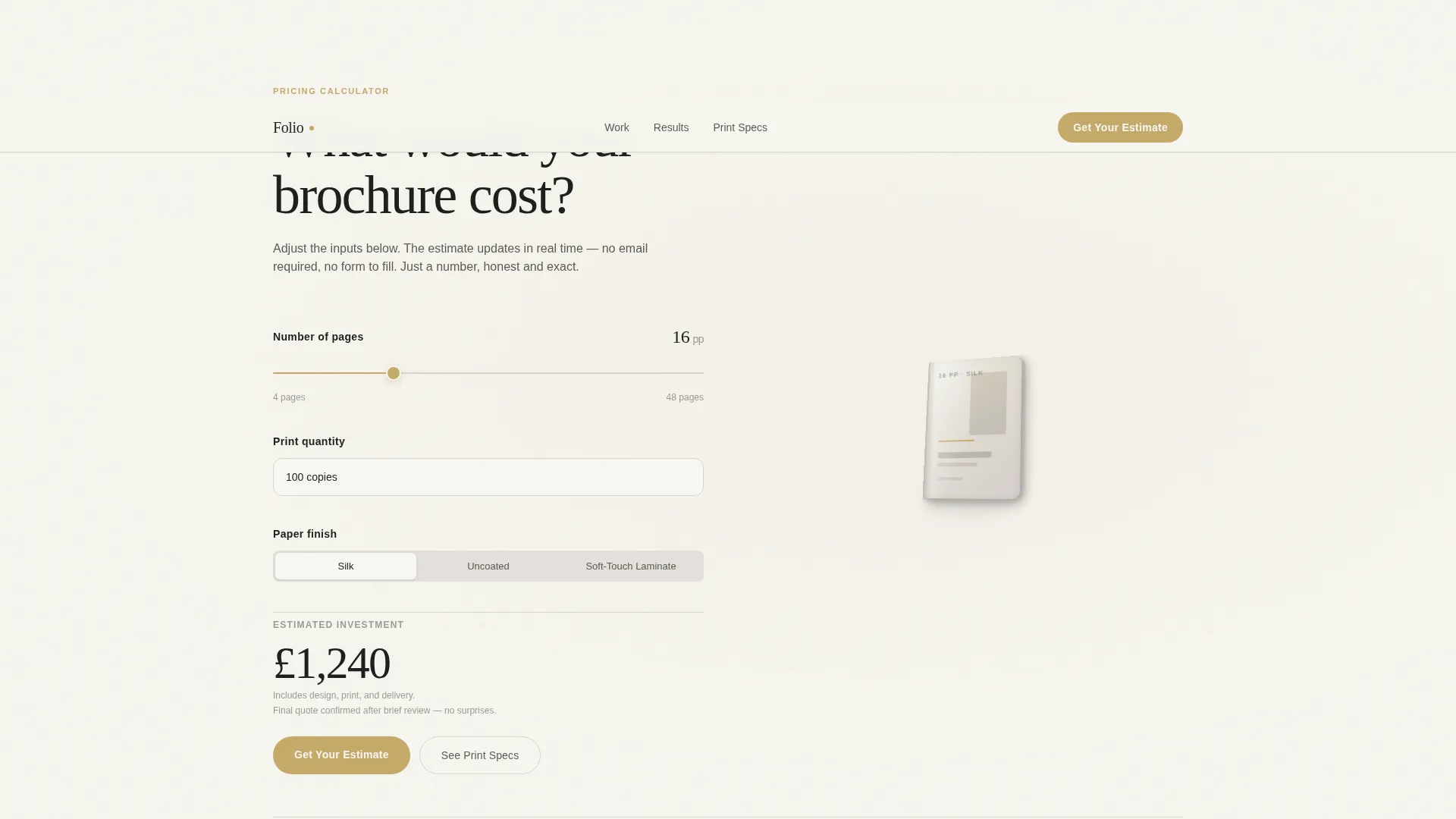
The header is a full-viewport estimator titled "What would your brochure cost?" Visitors set page count via a slider from 4 to 48, choose print quantity from a dropdown, and select a finish using a toggle. The price updates live in large charcoal type alongside a 3D brochure mockup that physically thickens or thins as the page count changes.
Full-Bleed Case Study Sections
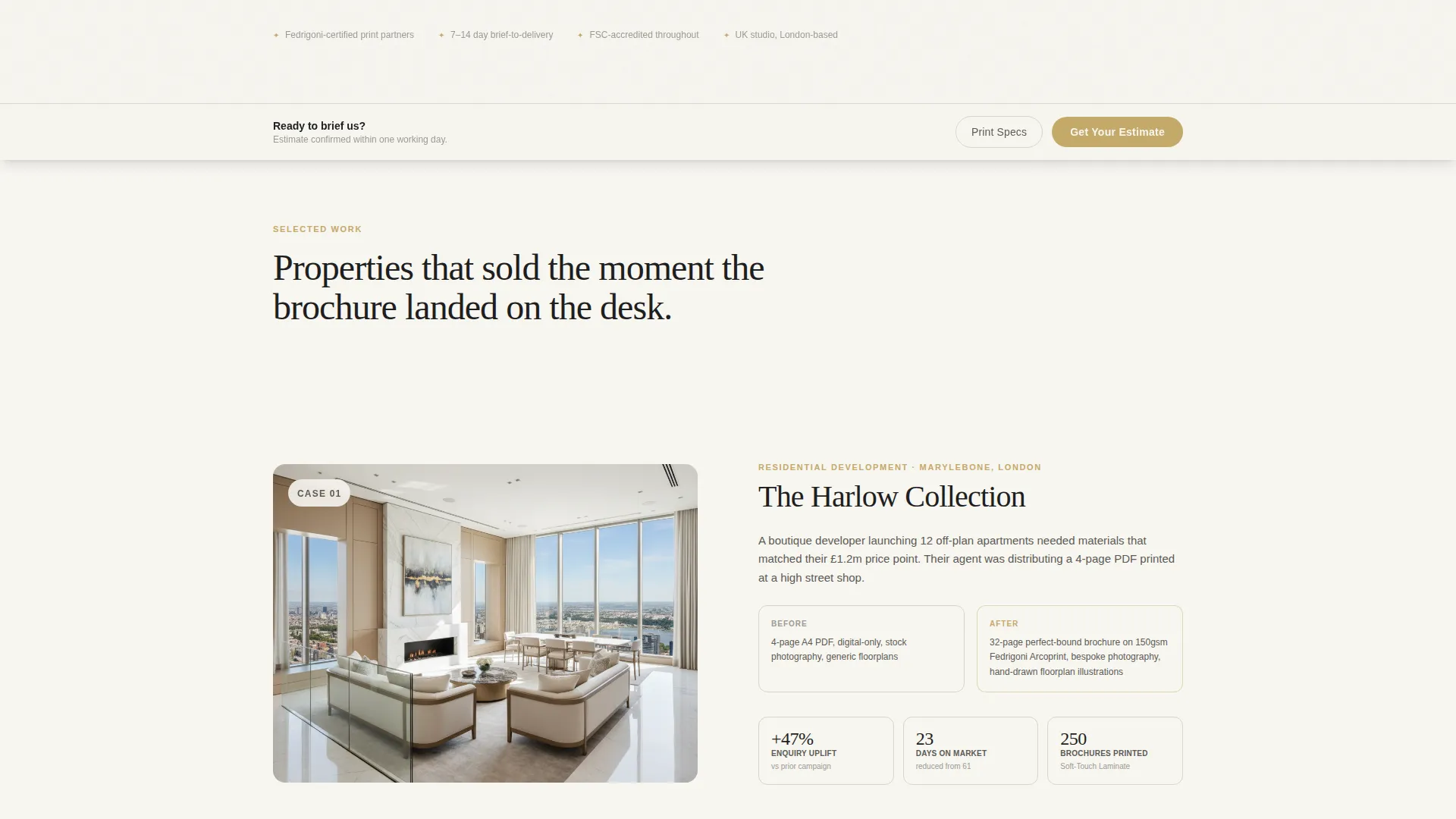
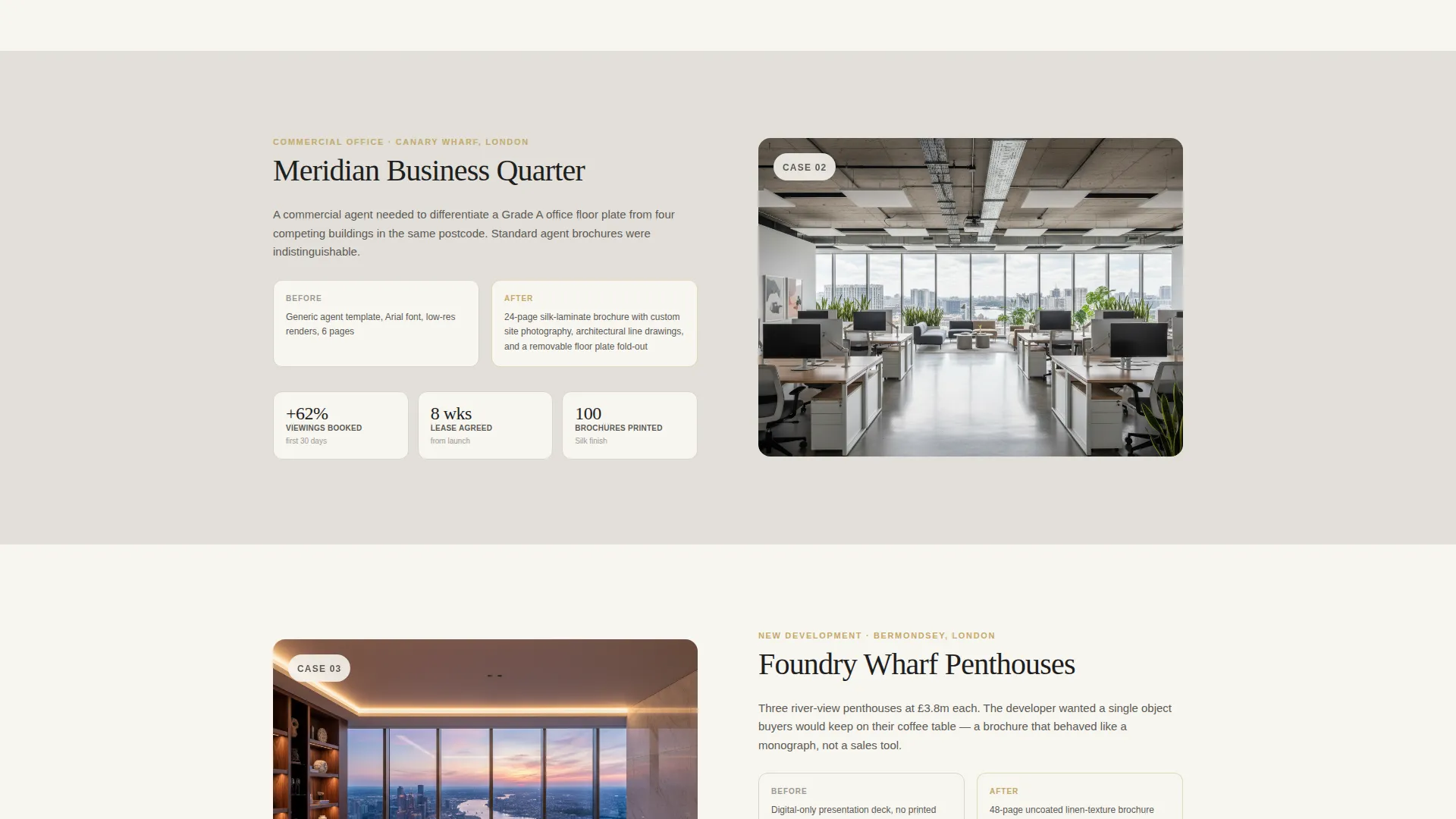
Each case study opens with a single brochure spread photographed at an angle, then expands into the project story. The brief, the materials the client was using before, and the result are all shown clearly. Metrics such as enquiry uplift and time-on-market reduction ground every case study in real evidence.
Fixed Conversion Bar
After the visitor scrolls past the second case study, a fixed bottom bar appears carrying the primary call to action. This keeps the next step visible without interrupting the reading experience at any earlier point in the page.
Pre-Filled Brief Intake Form
Clicking the primary call to action opens a short brief form. It asks for property type, accepts an estimated page count pre-filled from the calculator, and includes a file upload field for existing materials. The form is short by design to reduce friction at the moment of commitment.
Secondary Funnel Path
A "See the Print Specs" link provides a lower-commitment route for visitors still comparing studios. This secondary path keeps prospects inside the funnel without forcing a decision before they are ready.
Escalating Visual Pace
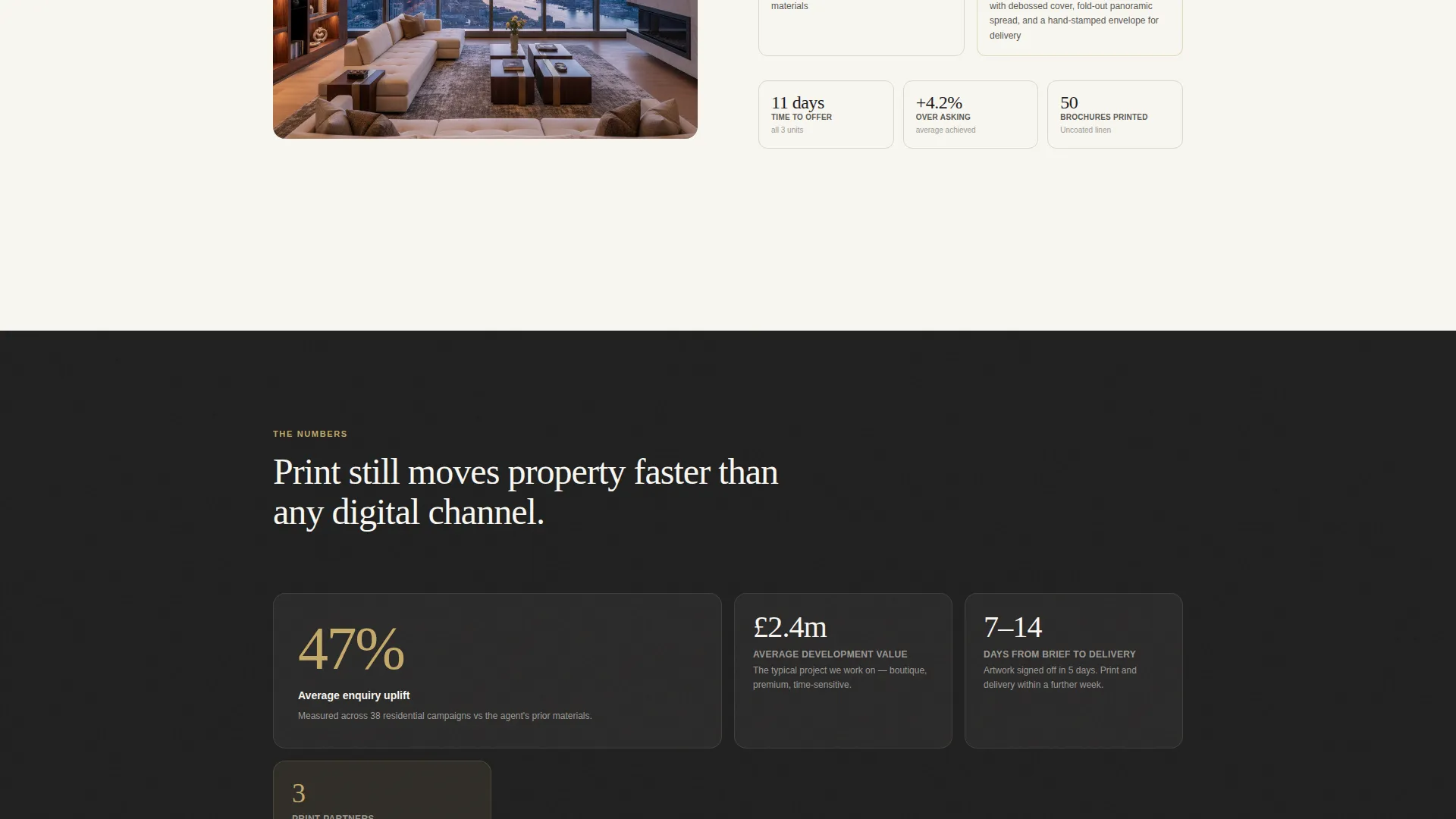
The case study sequence is designed to accelerate. Spreads get larger, photography gets closer, and paper textures become more prominent as the visitor moves down the page. The final case study fills the screen edge to edge, ending the scroll at peak production value.
Page sections overview
| Section | Purpose |
|---|---|
| Pricing Calculator Header | Opens with live cost estimate tool as the full-viewport hero |
| Live Mockup Display | Shows a 3D brochure that responds to page-count slider input |
| Case Study One | Introduces the first project with spread photography and results |
| Case Study Two | Deepens evidence with before-and-after context and outcome data |
| Case Study Three | Closes the sequence at full-screen scale for maximum visual impact |
| Fixed call to action Bar | Appears after second case study and persists through end of page |
| Brief Intake Form | Captures property type, page count, and existing file uploads |
| Print Specs Link | Secondary path for visitors comparing studios before committing |
Design & branding system
The visual identity follows a Luxe Minimal theme built on the Cloud Canvas color system. Every palette decision is intentional and restrained, referencing the feel of premium uncoated print stock held under diffused morning light.
- Soft warm white (#F7F5F0) and pale grey mist (#E2DFD9) carry all background surfaces
- Deep charcoal (#1E1E1E) anchors all body text and large display type
- Muted gold (#C4A96A) is reserved strictly for interactive elements, hover states, and the call-to-action button so every appearance feels earned
Mobile & speed optimization
The template is designed to maintain its immersive quality across screen sizes. The full-bleed sections and asymmetric grid reflow cleanly at smaller viewports without losing the visual weight of the desktop layout.
- The pricing calculator inputs are touch-friendly for mobile users
- Case study photography scales responsively to preserve composition at all breakpoints
- The fixed bottom conversion bar remains anchored and readable on mobile screens
How this template helps you convert
Every structural decision in Folio is oriented toward a single outcome: a completed brief form from a qualified property client.
- The live pricing calculator answers the most common arrival question immediately, giving visitors a reason to stay and a number to work with before committing to a conversation.
- The escalating case study sequence builds trust progressively, each section adding more evidence until the visitor reaches the final full-screen spread at the highest emotional peak of the page.
- The pre-filled brief form removes friction at the critical moment by carrying the page count from the calculator directly into the first form field, making the act of submitting feel like a natural continuation rather than a fresh start.
Other information about this template
Folio sits at the intersection of real estate marketing and high-end print production. It is built for studios that need a page as considered as the work they produce.
- The template style uses an asymmetric 60/40 grid to give layouts a dynamic, editorial feel
- The Corporate Precision theme keeps the layout structured and credible without feeling cold or generic
- The creative direction follows a Case Study Narrative model, meaning every scroll rewards the visitor with new evidence rather than repeated claims
- The header concept is built around a lead-generation tool rather than a passive image, which aligns with the template's overall lead generation direction
- This template works well for studios operating in the 3D floor plan service and real estate photography and marketing space, where differentiation through design quality is a key competitive factor
Theme
Corporate Precision
Creative direction
Case Study Narrative
Color system
Cloud Canvas
Style
Asymmetric Grid (60/40)
Direction
Lead Generation
Page Sections
Live Brochure Pricing Calculator
Full-bleed Case Study Sections
Escalating Visual Pace
Fixed Conversion Bar
Pre-filled Brief Intake Form
Secondary Funnel Path
Related questions
Can I change the brochure finish options in the calculator?
Does the page count slider affect the 3D mockup in real time?
What happens when a visitor clicks Get Your Estimate?
Is the See the Print Specs link a separate page?
Who is this template best suited for?



